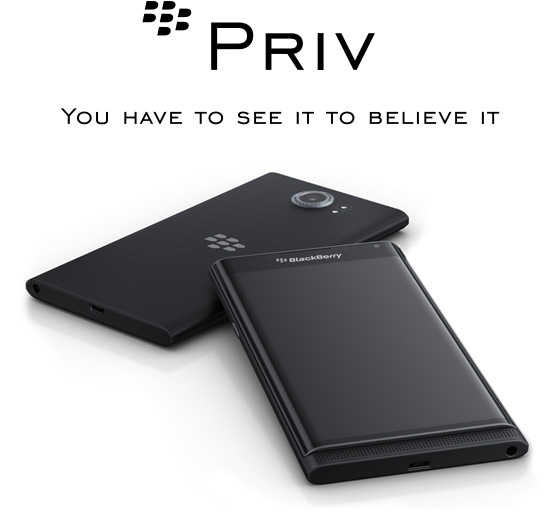
The BlackBerry Priv running android OS is about to on sale in a few days across the world. Information on the new phone is in short supply, but luckily AT & T have produced a great 4 min video covering.
So have fun and enjoy nearly 4 mins of BlackBerry Priv!
The reviews pages often get unnoticed, but this is where you will find my reviews on smartphones, tablets, laptops, wearables, internet of things, accessories, headphones, DAC’s and power amps. There are also historical reviews covering some popular classic smartphones. Whatever device you’re browsing on, just click menu, reviews, or if on a PC web browser, reviews and then choose the sub category.
If you are buying anything on Amazon, please use the link below. This will help support Gavin’s Gadgets with all the running costs and more and won’t be any different in cost. Without your support it will be difficult to continue. Thanks in advance.
If you are buying anything on Amazon, please use the link below. This will help support Gavin’s Gadgets with all the running costs and more and won’t be any different in cost. Thanks in advance.
If you have been busy over the last 10 days, don’t worry. Below are the reviews and special editorial pieces that have been published on Gavin’s Gadgets.
And stay tuned for more reviews over the next few weeks including HTC One M9, Samsung Galaxy S6 Edge 128gb, Official Samsung Galaxy Note 4 S Charger Kit, Oppo PM-2 Headphones, HTC Desire 820, Nokia Lumia 830 and the next episode of “Gav & Dave’s Tech Podcast”.
Not sure about which phone or brand takes the best photos, then have a look at this super sized collection of photos from all the best and latest smartphones and some budget phones as a comparison.
Today, I am going to look at the keyboard, notes and the settings. First up is the note taking app which does more that just take notes.
You can add photos, files, voice recordings and more, and also share with ease.
So how does the keyboard work entering text in this situation. I was going to attach some more screen shots and photos, but if you really want to see how crazy clever and complex the Passport keyboard is, look at this instructional video from BlackBerry. In fact, this should be mandatory to watch for all Passport owners.
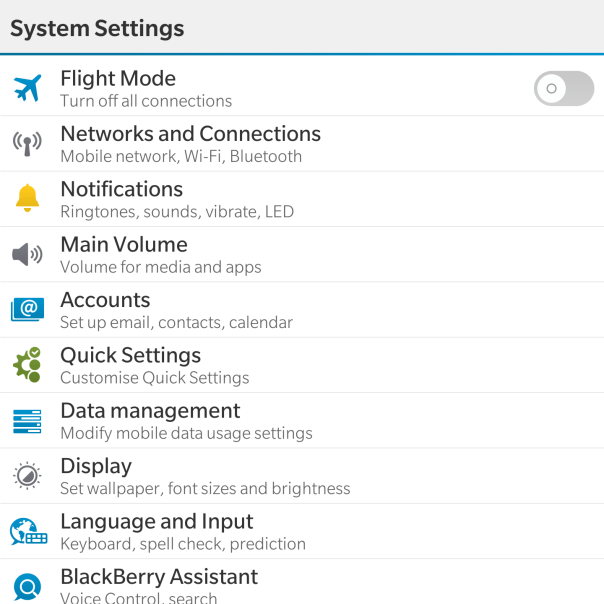
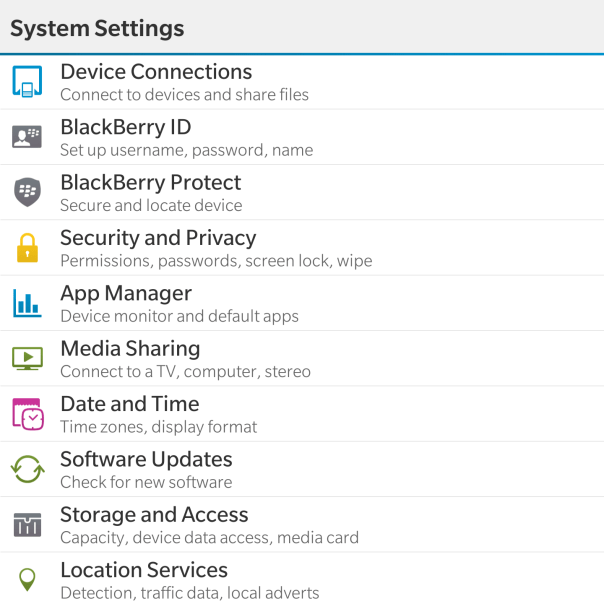
Moving on from the keyboard, lets have a close look at the settings app.
Now as the Passport features top of the range hardware it should come as no surprise that the settings menu is rather comprehensive.
With the Networks and Connections settings is options for Mobile Network (mode, data switch), WiFi, Bluetooth, VPN, NFC, Mobile Hotspot and Internet Tethering.
Within the Notifications, Main Volume, Accounts and Quick Settings there are no surprises really. Just your standard affair of options for controlling these parameters. Data Management displays data usage, setup for data limits, options to show a setting for email resizing and whether to download images automatically in emails. In fact most of the options are self explanatory and even provide text under the headings to assist you.
For my final thoughts so far, don’t forget to listen to the next episode due out on Sunday of “Gav & Dave’s Tech Podcast”.
So today I am going to cover off some of the other apps on the BlackBerry Passport. From a business point of view the Passport comes with Docs To Go, Contacts, Calendar, Adobe Reader, Evernote, Box, Dropbox sync, and Remember. And don’t forget BlackBerry Blend mentioned on Sunday’s post.
Docs To Go covers off Microsoft office docs and editing, from excel, word and powerpoint. It is worth remembering that BlackBerry has in terms of security a whole wealth of enterprise options and security. To be honest all the above apps mentioned to exactly what they say on the tin. The BlackBerry Passport really makes an excellent productivity tool.
So let’s have a look at some of the other included apps. The video app apart from play videos allows some basic editing from trimming, cropping, enhancing and adding filters. Quick sharing options are also available. Story Maker is another app that allows you to create new memories combining photos and videos with effects, music, titles and more. Below are some of the effects available shown at the top of the screen shot.
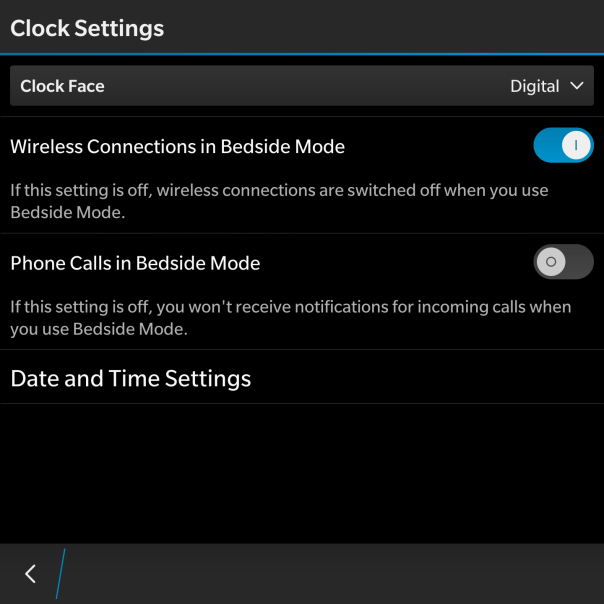
Some another app is the Clock app. This is a simple app with a few options to switch between digital or analogue, and some bedside options as shown below.
The clock app also allows for alarms, world clock, stopwatch and timer controls.To be honest there are no surprises here.
So finally for today, the file manager.
This does exactly what you would expect from a file manager, and links in with BlackBerry Blend. As you can see my iPad is now showing as part of the file manager. This is due to the BlackBerry Blend app.
All in all the Passport has a wealth of options. More tomorrow and in particular the keyboard.
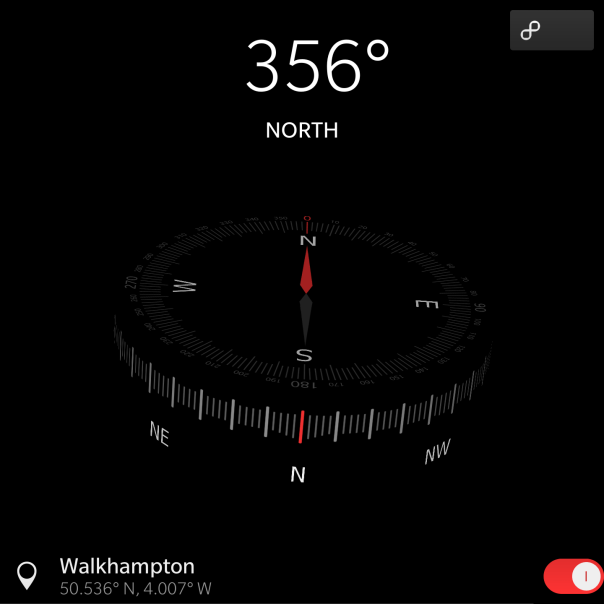
The BlackBerry Passport includes a wealth of software as standard. Today I am going to look at the compass , weather and maps apps.
First up is the Compass app. It is a simple app that displays a 3D compass that moves dependant on how you hold the Passport. It is rather cool to look at actually.
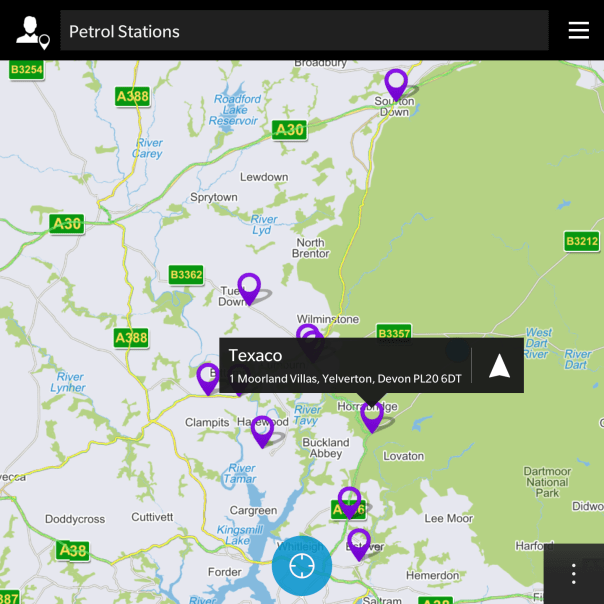
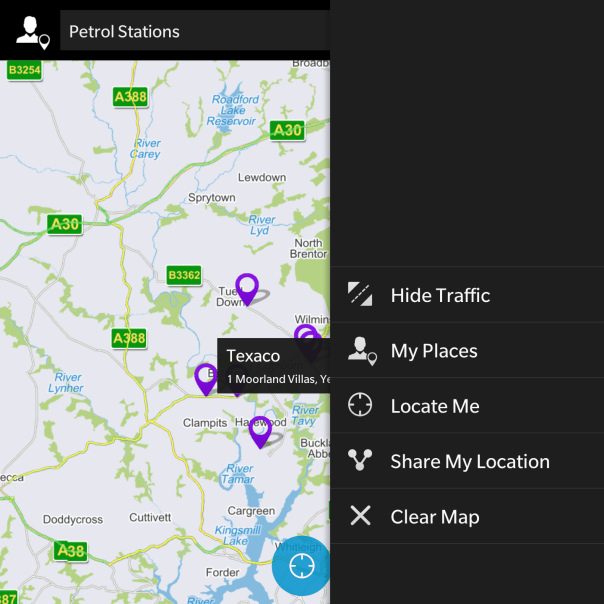
Next up is the BlackBerry Maps application. This provides a basic but reasonable solution if you need to find a place or type of place, or need turn by turn directions.
There is no street and terrain views like that found in Google Maps, but you can share your location with ease. Not shown in the screen shots, but the turn by turn directions are really clear and accurate in my testing so far. I gather the mapping data is provided by TomTom which explains why the turn by turn directions are quite good. Also live traffic information was overlaid. Overall, I was quite pleased with the mapping solution. I have used more advanced solutions but I would be happy using Blackberry’s own solution.
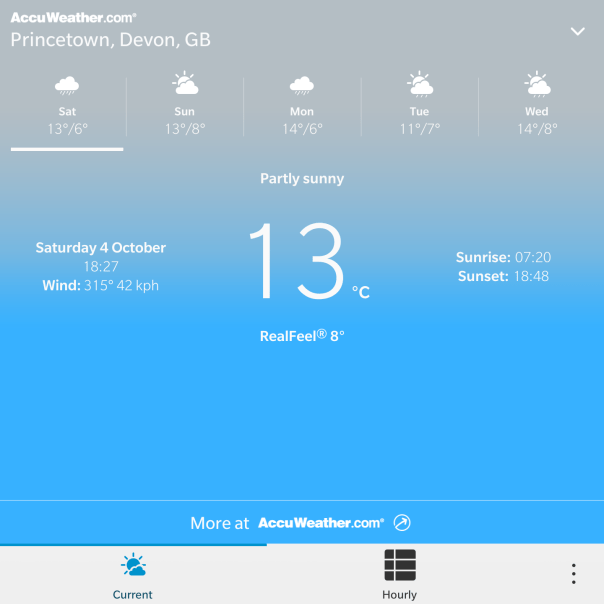
Finally, every phone needs a weather app and the BlackBerry Passport is no exception. Data is provided by Accuweather and you are shown the weather is a perfect 4.5 inch square 🙂
After updating the inbuilt apps using BlackBerry World, my Passport did receive a new app which provides analysis of the phone. Like a diagnostic app. This and all the over aspects of the software will be covered next week along with my views.
In the few days I have owned this phone it does get more impressive as time moves on. However, it does have its weaknesses but I feel at the moment the positives outweigh any negatives. More on that next week.






 Gavin's Gadgets & Photography