LG G5 Friends – My Reviews of all 6 Friends / Modules

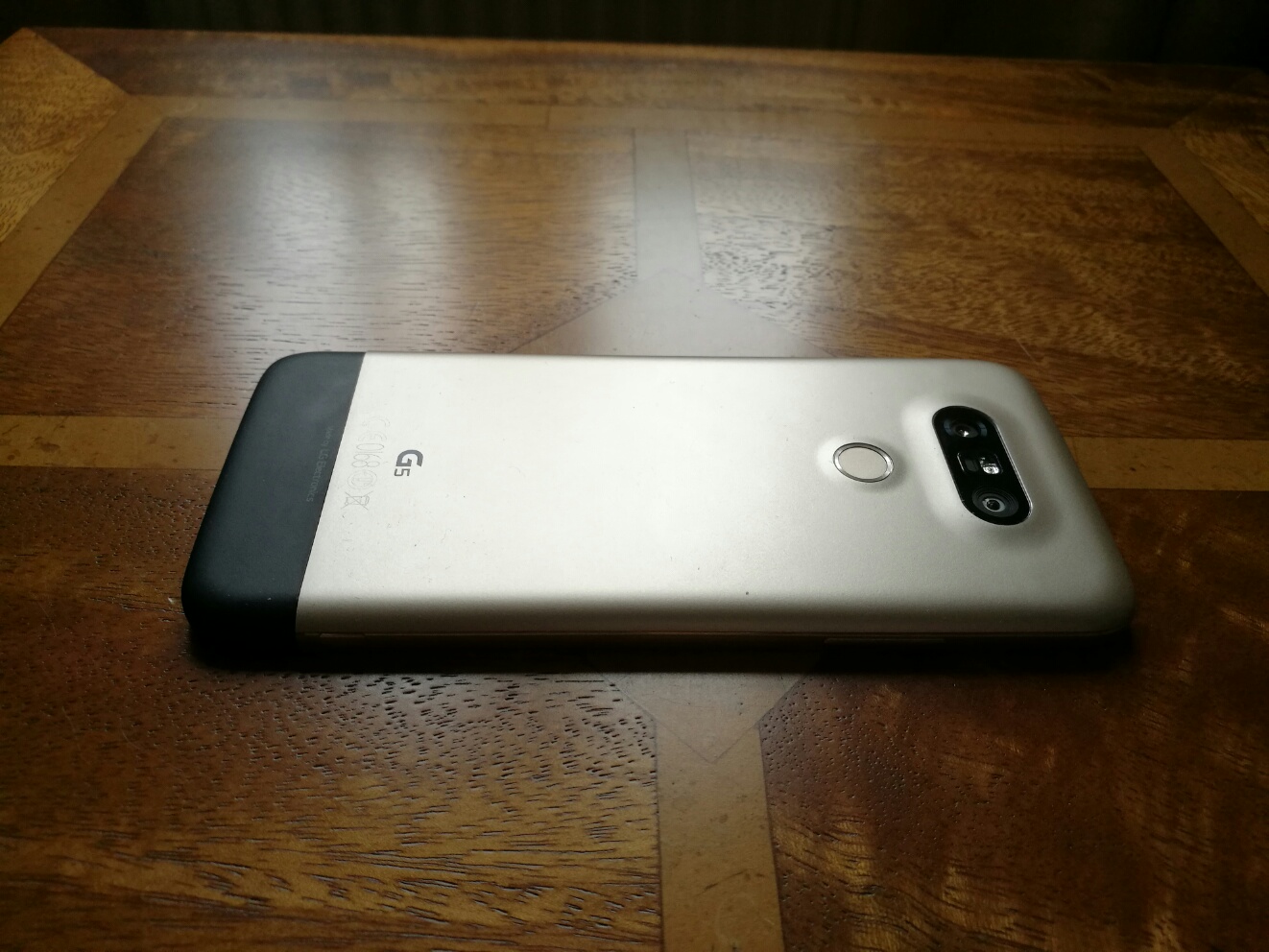
LG have released a combination of 6 Friends of the LG G5. The good news is that several of these can be used with other android and iOS devices. I have now reviewed all of the LG G5 Friends.

LG 360 Cam – Review

wp-1462255615689.jpg

wp-1462255606390.jpg

To read my detailed review of the LG 360 Cam – Click HERE

LG Cam Plus – Review

wp-1462170045267.jpg

To read my detailed review of the LG Cam Plus – Click HERE.

LG Tone Platinum HBS-1100 Stereo Bluetooth Headphone – Review

wp-1462346809225.jpg

To read my detailed review of the LG Tone Platinum Bluetooth headphones – Click HERE

LG HiFi Plus Module – Review

wp-1462691991747.jpg

To read my detailed review of the LG HiFi Plus DAC – Click HERE.

LG 360 VR – Review

wp-1462254941155.jpg

To read my detailed review of the LG 360 VR – Click HERE.

LG Rolling Bot – Review

1 bot

Review coming soon as Rolling Bot not released yet.

So there you have it, all the LG G5 Friends now reviewed. If you have any questions please ask away.

Huawei P9 – Blue & Monochrome Balls

An unusual piece of art in Bristol, so it was time to see what the Huawei P9 camera made of these blue balls.

To view the full size click on each photo. Great blue balls colours. Very true to life.

Blue Balls

It is always very tempting to shoot using the monochrome lens. So below is the shot. Love this type of shot.

Blue Balls

This time using the refocusing mode on the balls.

Blue Balls

The more I use the Huawei P9 camera the more I like its photo accuracy. The P9 camera has weaknesses which I will cover off in more depth, but it is not as rubbish as I had imagined.

LG G5 Friends – LG B&O HiFi Plus module review + reviewed with the Samsung Galaxy S7

image

Welcome to my review of the LG HiFi Plus with B&O Play. This is one of the LG G5 Friend modules. The LG HiFi plus costs £149 and is available from Clove Technology.

Key Specifications

– USB 2.0 Type-C
– Voltage 5 V ± 10%
– Current Consumption 220 mA (with earphone jack), 3 mA (without earphone jack)
– Headphone Jack 3.5mm
– Audio 32bit HiFi DAC(Digital to Audio Converter) and Amplifier
– Sound Pressure 1 m sound pressure 60 dB ↑ (100%) *based on a full charge
– Antenna GSM/CDMA, WCDMA, LTE™
– Operating Temperature -20 °C – 40 °C
– Dimensions/Weight 73.9 mm x 43.9 mm x 7.4 mm / 23.6 g
– Compatibility – other Android OS, iOS, Mac OS and Windows OS devices
– Model number – AFD-1200

In the Box

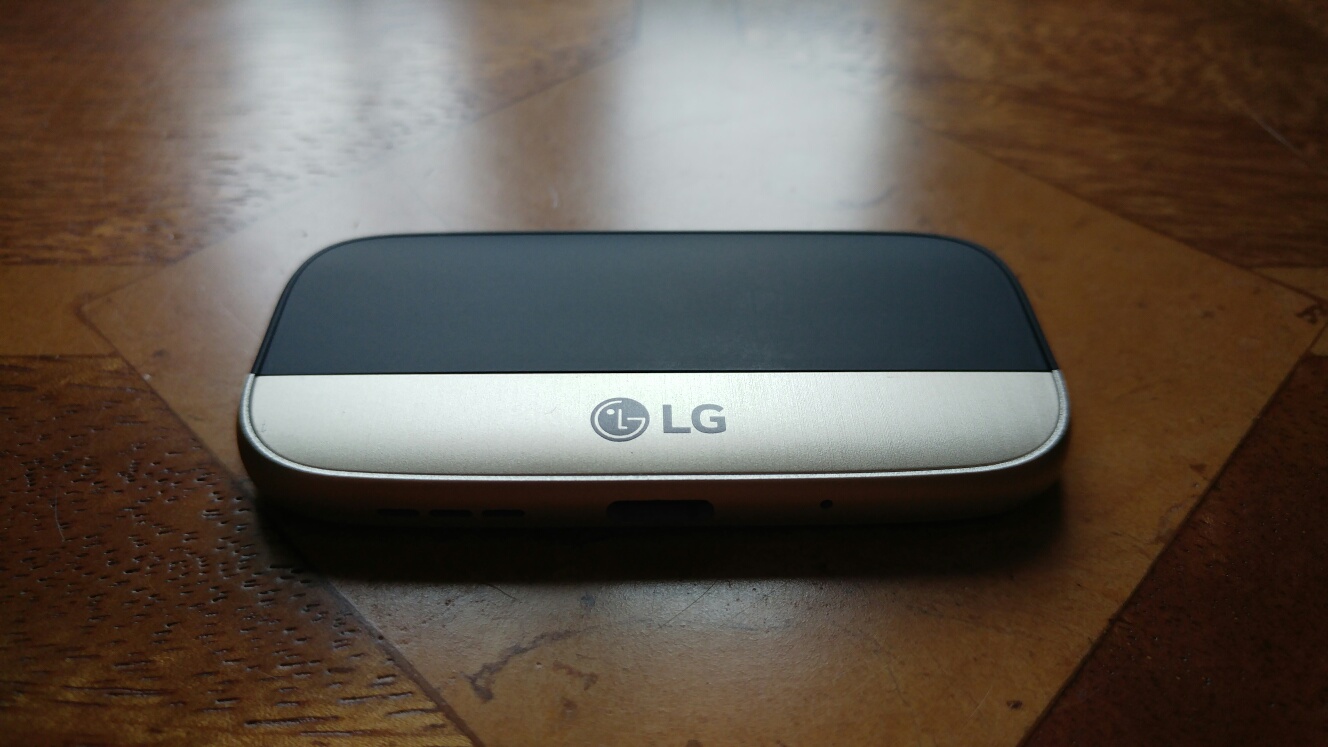
In the box you get the LG HiFi plus with a protective cover, shown below connected to the original bottom section of my LG G5. You also get a leather looking slip case and a short sized 10cm USB Type C cable to micro USB to allow you to connect it to various other phones, computers, iPhones and such like. That’s right it can be used in standalone mode with android, iOS, Mac Os and Windows devices.

image

The pictures above show the module connected to my LG G5 which is gold in colour. The module adds about double the length of the original bottom section. The other aspect worth noting is that with this module connected, none of your cases will fit. However, I have ordered a silicone case on eBay that is made to fit with this module. When it arrives I will update this post regarding its quality and fit.

First Set-up Procedure

First connect the HiFi module to your G5. Power on. Head over to the LG Friends Manager app. Download the extra software as shown. Now when you connect headphones to the HiFi module, a message pops up on screen saying “HiFi Dac Starting up”. This takes a second. And that is it.

image

Now head over to the sounds and notification and you will see an extra menu has appeared as shown below.

image

You also get a HiFi symbol in the status bar.

image

The neat part is the original bottom section of your G5 can be clipped into the cover of the HiFi Dac as shown below.

The module also contains all the cellular antennas and mic. I also noticed that the loudspeaker was louder too. So much so I wouldn’t bother with a Bluetooth speaker.

image

The Sound Quality

For this test I used the following headphones – Audio Technica m50x, Sennheiser HD598se, Dunu Titan 5, Sony XBA-1 and Oppo PM-3. A complete mix of headphones from open and closed back, planar magnetic, in ear dynamic and in ear balanced armature headphones.

I used a mixture of music genres from dance, pop, jazz, classical, opera and more. I streamed from Google Play Music and Amazon Prime Music. I listened to music on my micro SD card using USB Audio Player Pro app which instantly recognised the HiFi module as a USB DAC.

Quite simply, EVERY headphone played through the LG HiFi module sounded the BEST it ever had. Incredible and such a pleasure to re-experience all my music again.

I was asked how does the HiFi DAC compare to the APT-X HD codec with the other LG Friend, the LG Tone Platinum. Well the HiFI DAC sounds better although the LG Tone Platinum is still very good. To read my review of the LG Tone Platinum, click HERE.

But of course the HiFi DAC can be used standalone with anything practically and in my tests with my Macbook, iPad Air and other android phones it worked a treat too.

Using the LG HiFi DAC with the Samsung Galaxy S7

image

I downloaded the LG HiFi Manager app from the Google Play store. This app is only used to updated the firmware. You don’t need this app installed for the LG HiFi DAC to work. Anyway, connected to my Samsung Galaxy S7 the LG HiFi DAC sounded really good too. Streaming Google Play Music whilst the output volume was loud it was not as loud as that from the LG G5. Using USB Audio Player Pro app the output volume is considerably louder. Or as loud as you can manage! I also have the new Audioquest Dragonfly Red DAC. This suffers from really poor headphone volume when using apps like Google Play Music on the S7. USB Audio Player app works fine with the Red.

This does illustrate the LG have manufactured a great little DAC that works fantastically as a module for the LG G5 but also works just as well in its standalone mode.

Conclusion

This module makes the LG G5 an audio nirvana. It is staying permanently connected to my G5.Highly recommended. In stock and available from Clove Technology.

Huawei P9 – More Camera Shots from the Weekend

I was a little surprised at how slow the shutter speed was in burst mode. I need to have another look at the camera setting options as I am sure the burst speed can go faster.

Anyway, I have snapped a few more shots. As usual click on any of the photos to view the full size / original version.

All the shots below are in auto or monochrome mode.

Secret Entrance - shot using the monochrome lens on #HuaweiP9

The monochrome shot of the secret church entrance is fantastic.

And now in colour. Also really good quality shot. The contrast is very well balanced.

Secret entrance #HuaweiP9

Tavistock Viaduct in monochrome mode. Blow this shot up full size and more and the quality is cracking good!

Tavistock Viaduct - shot using the monochrome lens on #HuaweiP9

What happens to walking shoes after about 1,000 miles. In monochrome mode again.

After walking 1,000 miles - using the monochrome lens on #HuaweiP9

And now in colour.

After walking 1,000 miles #HuaweiP9

The definition and quality is incredible. I am impressed with these photos. All auto.

Samsung Galaxy S7 Wireless Back Pack review – The S7 with a 5,700 mAh battery!

image

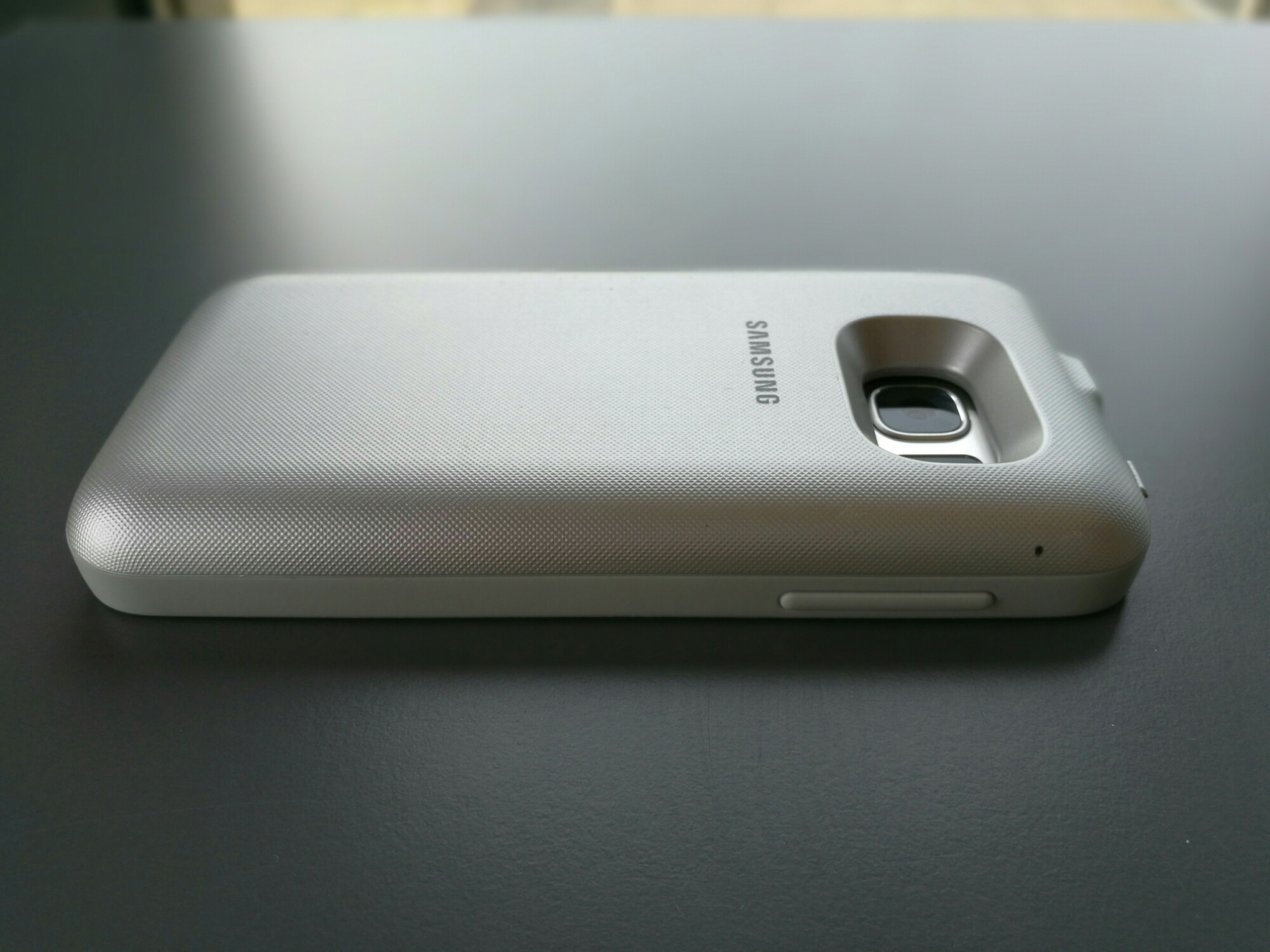
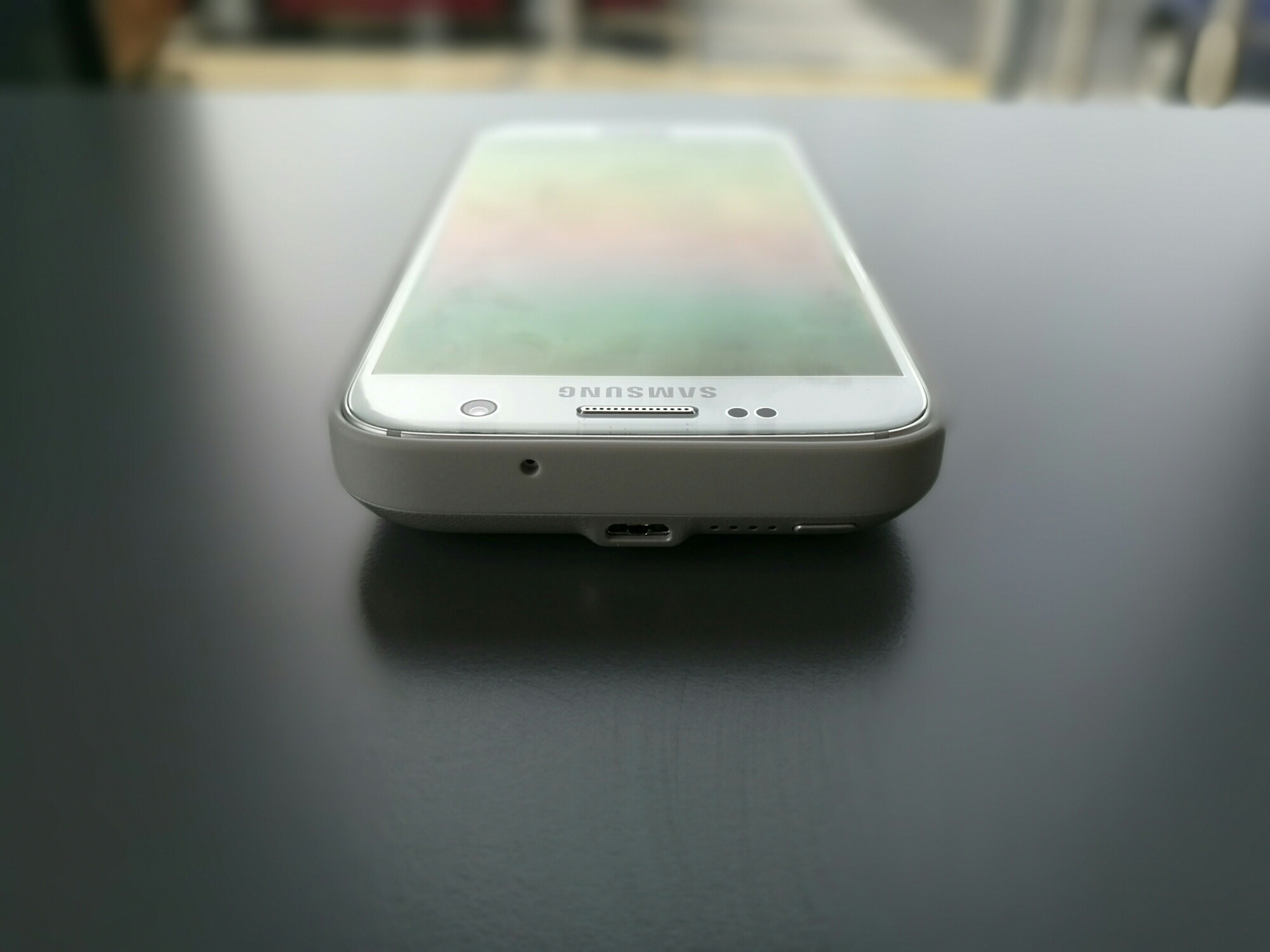
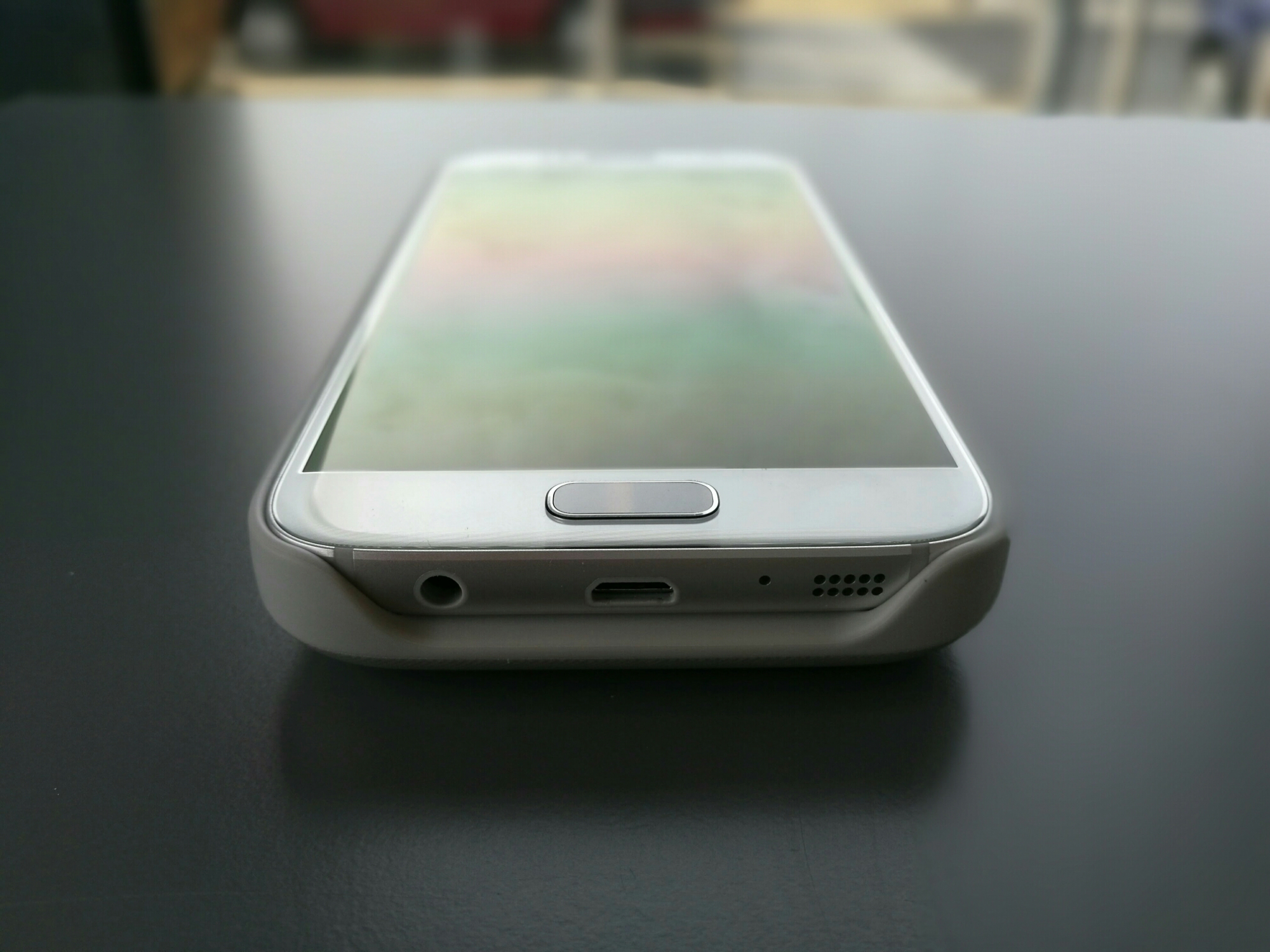
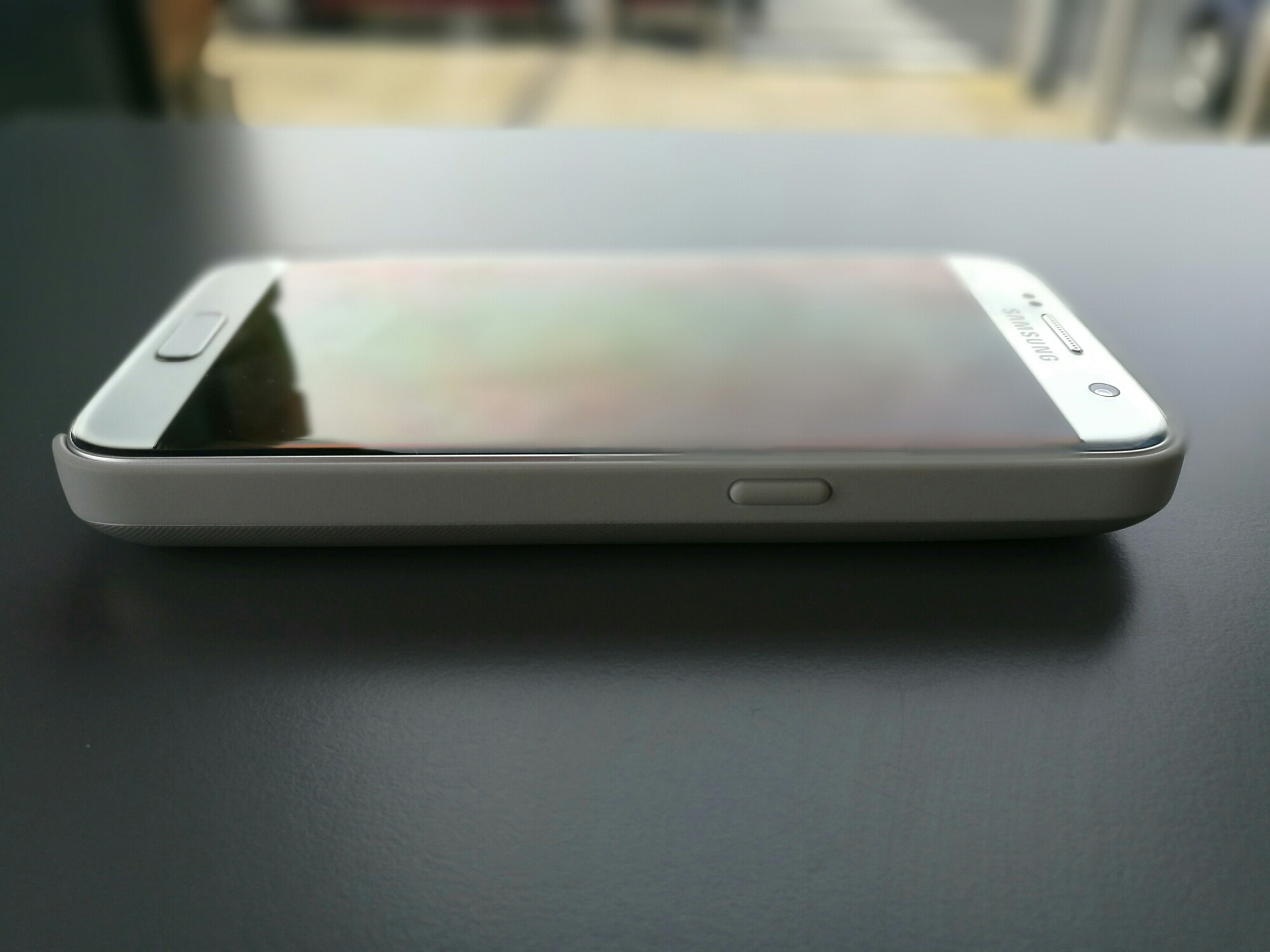
Welcome to my review of Samsung Galaxy S7 Wireless Pack. This battery pack provides another 2,700mAh with of juice to the S7. It is also available for the S7 Edge.

image

Viewing the photo above you can see the micro USB jack and button. The LEDs are not to the button.

Samsung state that this battery pack is “With considerably more battery life to maximise daily usage and an intuitive LED battery check indicator for easy monitoring, you will never be short on power again.Engineered for seamless connectivity and added protection while charging it blends in completely without the need for messy wiring or recharging. Featuring an easy access headphone jack for instant earphone connectivity, there is no audio sound interference so you enjoy sound as it was meant to be heard.”

On the bottom you still have access to all the ports.

image

The volume and power buttons all work with ease.

image

Operation

So how does it all work. Just slide your S7 or S7 Edge into the case. Worth noting that the edges of the case are level with the phone screen so there is no protection for the screen if you turn the phone’s screen face down on a table. Also NFC doesn’t work with the case fitted. However, as the battery case charges the S7 via Qi charging there are no cables and it is a breeze to remove the phone.

You can recharge both the battery pack and phone just using the battery back connection. You can also connect a micro USB lead to both the S7 and battery pack at the same time. The battery pack turns off wireless charging when you do this. The cool part of the pack is you don’t need wires ever. The battery pack can recharge wirelessly on your Qi wireless charger !

Turning on the battery pack, is a simple as press the on button on the case. Long pressing the button turns it off.

Conclusion

This is must have accessory if you want ease of use and that huge battery always available and charging your S7 using the wireless technology.

For more information and to purchase at Amazon click HERE.

Samsung Galaxy S7 Edge vs LG G5 – Mark explains why he picked one of the flagships over the other!

Mark Peters, @MarkDotPeters5 on Twitter, has written a superb article explaining why he choose either the Samsung Galaxy S7 Edge or LG G5 as his next phone.

Mark writes –

The Beginning

This should be easy. I mean, you’ve read the reviews. The G5 is a misguided mismatch of ‘friends’ and poor battery life, with an average screen, right? Well not so fast, you see I really think LG have done something wonderful here.

This is not a review article for the LG G5. Nor is it a review article for the Galaxy S7 Edge. This is a comparison between the two, there are certainly things other phones do better, and lots they don’t. These are my thoughts and findings about two Android flagships that (in my opinion at least) both deserve your cash.

First of all, let’s talk about the basics. Battery life, screens, call quality, speakers.. you know the stuff that makes a phone, a GOOD phone.

Display

No surprises that Samsung easily walk away with the best screen of the two, the S7 screen is beautiful, brilliant outdoors and just terrific. The LG panel isn’t as legible in sunlight, doesn’t ‘pop’ as much, and is generally poorer. I use it at 100% brightness, which I’ve never done on any handset, ever. It’s also smaller (which is a negative for me, but may not be for you) and loses real estate due to the ‘virtual’ buttons LG use instead of physical buttons below the screen on the S7. (Although credit to LG for allowing these buttons to be automatically ‘hidden’ per app if you want to maximise real estate. A simple ‘swipe up’ from the bottom of the screen re-enables them). It is, in fact, the poorest aspect of this otherwise terrific phone.

Battery life

The S7 has a longer lasting battery (it should, it’s bigger) but the G5 charges more quickly. The G5 also has the ability to use a spare battery, whereas the S7 does not. The G5 still lasted into the evening despite being in a very poor signal area all day and taking lots of photos. Either handset is a solid performer here.

Speakers / call quality

Both phones performed just fine handling calls (reception is great on either handset), but the loudspeaker on the G5 is head and shoulders above the S7. This is apparently the price one has to pay for water resistance in a phone.

Performance / miscellaneous

The LG G5 runs a Snapdragon 820 whilst the S7 Edge I used has the Exynos chip from Samsung. Whilst neither handset could ever be accused of being sluggish, the G5 takes the lead here in terms of responsiveness. Samsung have improved massively in this area since the S6, but still have some work to do.

The fingerprint reader on both phones perform well, although I had some misfires with both handsets. Neither seem as reliable as the iPhone fingerprint sensor, but both are fine. The reader is on the ‘home’ button on the S7 Edge, and on the rear on the G5. Whichever location you prefer is probably down to personal preference, both have their pros and cons. I happen to prefer the ‘home’ button approach, but can happily use the G5’s rear sensor too. That said, I wish LG hadn’t moved the volume rocker to the side of the phone, although it is useful for quick launching the camera.

The S7 is ‘water resistant’, and will survive a dunking. The G5? Not so much, and I doubt it’d fare as well as other phones too, given the ‘friends’ port at the bottom. Needless to say, I didn’t test it.
Double tap to wake is just brilliant, and should be a standard feature on every modern smartphone. Seriously Samsung, sort this out.

The always on display is more functional on the LG handset. All apps can show a notification icon, whereas the Samsung display is limited to only a subset of Samsung apps and the calendar. Not great.

Cameras

This is the part you really came for, right?

Anyone that knows me will know the camera is the main feature I look for in my smartphone. I have two young children, and creating memories is precious to me, and I want to get the best pictures I can. I find smartphones are incredibly versatile and give more than I could ever get from a ‘normal’ digital camera. So which is better, the LG or the Samsung? Well, somewhat predictably, it’s not that easy.. you see both have various strengths, and, depending on exactly what you’re shooting may dictate which phone is for you.

Rather than construct a massive paragraph, which, let’s face it, you probably won’t read, I’ll just cut to the chase and provide a list per phone, of which I think is better.

First up is the Samsung…

It is considerably faster at shooting in low light conditions, not just focusing, but the larger aperture allows photos with less ‘blur’ than the LG, even when using ‘pro’ mode to compensate adjusting the ISO and shutter speed.

The Samsung is also faster generally. Shot to shot times are much quicker, burst mode starts capturing instantly (there is a slight delay on the LG, so much so I started to ‘pre-empt’ my burst shots, by around half a second – with fast moving small people this can make all the difference! The Samsung also takes more pictures per second in burst mode, and because of the insanely fast focus, more of them are usable.

Slow motion on the S7 is much nicer. The LG produces lower resolution footage, with horribly tinny audio, although at least LG now allow you to adjust when the footage ‘enters’ and ‘exits’ slow motion, and at what speed. The S7 is a much better phone if you’re interested in producing slow motion footage.

Panorama shots have much better “stitching” on the S7. Samsung really nailed this, and have the only comparable panorama mode to the iPhone in my experience.

The Samsung has more video modes, 1080p@60fps is absent on the LG G5 for example. The Samsung has ‘motion photos’, which is basically a copy of Apple’s ‘live photos’. It’s a nice addition, although not really a deal breaker. It’s good at contextualising shots, and occasionally produces a nice moment you’d otherwise have missed. I like it, and kudos to Samsung for updating the S7 software with the ability to share the image or video in any app.

It occurred to me today, that to a certain extent it’s possible to emulate the wide angle lens camera by using the panorama function on the S7. Of course, this is only for stills, and only for stationary subjects.


image

image

The two panoramas shown above are from the S7 Edge. One was taken when the merry-go-round was stationary, the other whilst it was moving. You can see that didn’t turn out terribly well… so it’s only useful in certain scenarios.

Now, the revenge of LG ☺.

The G5 produces more detailed shots. There’s no escaping it, Samsung have a 12mp sensor, the G5 has a 16mp (main) sensor, and it works well. If you’re interested in cropping from your shots, the LG will perform better for you.

The G5 is much better at macro shots. I’ve no idea why, but the S7 isn’t good at macro shots, at all. Below photos from the G5 in standard and using the wide angle lens.

image

image

image

The G5 has a 16:9 sensor. Personal preference here, but personally, I prefer it. The wide angle lens is just brilliant. So brilliant, it really deserves two points here rather than just one. I’ve expanded on this below. More shots below from the G5.

image

image

The X-Factor.

No, not that dodgy TV warbling show, I mean the phrase before Simon ruined it. The LG has it, in the form of the second lens. It really is terrific and genuinely useful in loads of circumstances.. allow me to explain.

You’re in the garden, the kids are kicking a ball to each other. For once, they’re not kicking seven shades out of each other, so you think ‘this is nice, I’ll record this’. You take out your phone, and hit record, you move the phone backward and forward as they kick the ball to each other. With the LG, you can just record the video with the wide angle lens, and get them both in the frame, no panning. Brilliant.
I’ve included various shots with this article, a good example of the wide angle lens is the ‘Merry-Go-Round’. I wasn’t able to ‘zoom with my feet’, i.e. walk backwards to get a better shot, but one tap and the wide angle lens produced a cracking shot.

In short, the second lens gets ‘the shot’ where no other smartphone could. Sure it’s not every other shot, or even every day, but when you need it, it’s fantastic, and you wonder why it’s not on every phone.

It’s also worth mentioning you can start recording a video, and switch between lenses without interrupting the recording. Very cool.

So.. crunch time. Which would I keep? I’m going with the Samsung, but I don’t expect this to be the best choice for everyone.

If you’re primarily interested in still shot quality, not fussed about video or slow motion and your subjects are generally less fidgety than your average 5 year old boy, get the LG. The camera is fantastic, albeit without the ‘bells and whistles’ the Samsung offers.

If you (like me) use your phone to capture pictures of your kids more than anything else, get the Samsung. Honestly, it’s lightning fast autofocus will mean you never miss a shot. Take 45 pictures in seconds with your kid on a swing? They’ll ALL be in focus. Only the Samsung can do that.
So that swings it for me, but one thing’s for sure.. I’ll sure miss that wide angle lens.

Thanks to Mark for sending this article in. A really great read.

Huawei P9 – Camera action shots

They say a picture says a thousand words.

In this instance it really does show the weakness of the Huawei P9 camera.

This was burst mode. The resolution drops from 12mp to 8mp.

The below 2 photos are the best from the burst. As a comparison if this had been the S7 there would have been 70 perfect shots. The G5 would have produced about 23 perfect shots. The P9 could not produce a single one.

image

image

Whilst this is disappointing in other areas the camera is excellent.

Huawei P9 – Taking the Camera to the next level

Yesterday I provided a few shots from the Huawei P9 camera. Today I have included a few more, this time using some of the more specialised modes from the P9 camera. For each photo, to view full size, click on it and select original or full size.

Below is a shot of my local church. This is taken as a base mark to compare the quality with all the other phones I have tested, as each phone always has to capture this landmark.

Church of St Michael & All Angels #HuaweiP9

And now the same church but just using the monochrome lens.

Church of St Michael & All Angels #monochromelens #HuaweiP9

The standout points from the church photos is the realistic translation of colours. Monochrome looks superb too. The level of detail is excellent. However, the monochrome version is too dark for my liking.

Shot of an exposed roots from a tree. Colour accuracy was excellent.

Ancient Roots #HuaweiP9

Below another example of colour versus using the monochrome lens.

Future Shed #HuaweiP9

Future Logs #monochromelens #huaweiP9

In this example I don’t think the monochrome lens adds anything special to the shot.

Special mode – Silky water. Stunning ability to create silky water. I used a 1 min exposure for this one. But this was snapped using the special silky water mode, so no skill is required. Mount on a tripod and wait.

Forest Waterfall #silkywater #HuaweiP9

The P9 also allows you to refocus after the shot and below is an example.

Tree Logging #HuaweiP9

And another refocus shot. Just look at the bokeh.

Tree Life #HuaweiP9

But I bet you’re wondering how the Huawei P9 compares to the LG G5 and Samsung Galaxy S7. Well that will be my next article amongst many others coming soon, along with new device reviews. So stay tuned.

But before we go, I could really do with your help. So should you need to buy anything on Amazon, head over by using the respective links below. This helps by contributing towards the running costs of Gavin’s Gadgets.

The best part is that it also costs you nothing extra!

Amazon UK – CLICK HERE

Amazon US – CLICK HERE

Have a good weekend.

Huawei P9 – My First Impressions on the camera with samples 


So I have the Huawei P9 in the house and have started to test the camera. What I have seen so far is impressive whilst snapping photos. 

The colour accuracy is excellent and the monochrome lens take some cracking photos. I will push the boundaries of this dual lens Leica branded setup and have some more posts. The church shot came out really well. This was plain auto mode. 


Inside Domino’s Pizza and they have stools to sit  while you wait for your food. This is taken using the monochrome lens. 

image
cof

Above is the pizza menu to illustrate the colours snapped by the Huawei P9. 

More soon. 

Apple iPhone SE – It’s killing the competition 

Having held the iPhone SE when it first came out, I initially thought it was a fake phone. I didn’t think the screen looked real and it felt so small. Ten minutes later and still playing around with the Apple Store demo I began to relive the joys of a small powerful phone that fits in every pocket and is a breeze to use one handed. 

However, at the moment my phone of passion is torn between the LG G5, Samsung Galaxy S7 and the HTC 10. The Huawei P9 has some love but not at the same level. 

Consequently as I like phones I also tend to know all the people in my location and surroundings that sell them.  News on the front line is Apple’s affordable iPhone SE is killing it sales wise. Rose gold has up to a 20 days wait. So why is it so popular. Well it’s one of the cheapest iPhones available. And that does make a difference. It is also the only non big screen decent phone available. Sony has the Z5 Compact but it’s not an iPhone. 

This explains why Apple has been caught by surprise with sales of the iPhone SE. People prefer usability and a lower price over a larger cumbersome sized phone. I myself got rid of my S7 Edge for a smaller S7. Life is so much easier with a smaller physical phone.