Category Archives: Wearables

My LG Watch Urbane just got more interesting with Android Wear update – details

image

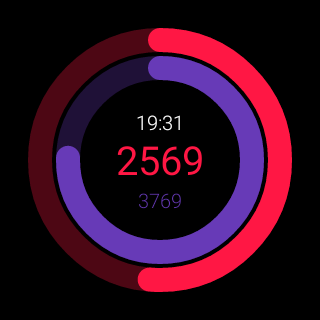
A few days ago I received an update to android wear update bringing it to version 1.3. There was no change log but it transpires it was actually a big update. All the screen shots are from my LG Watch Urbane. Above is Google Fit progress clock face. Looks similar to one of the Apple Watch faces.

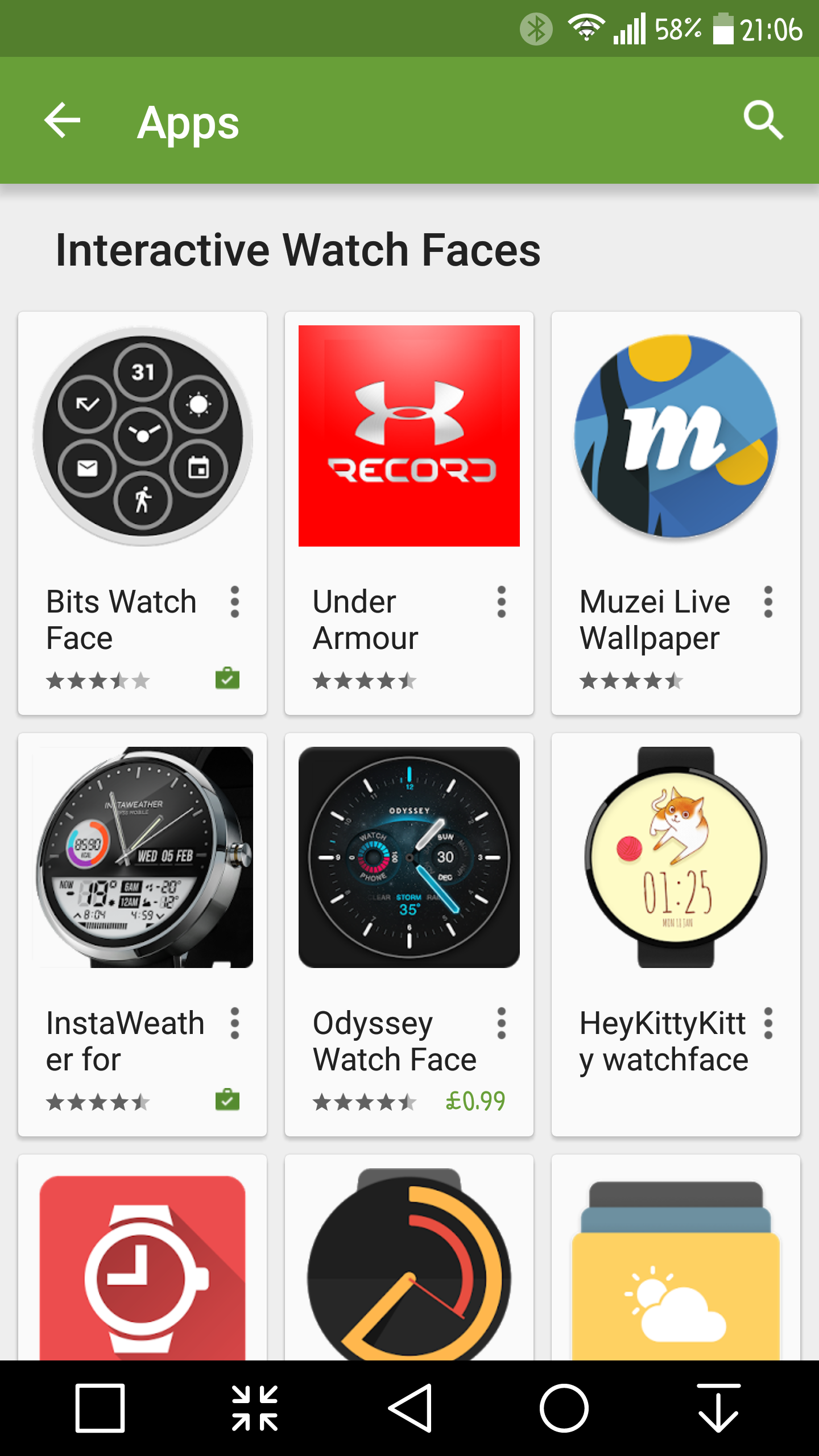
Android Wear v1.3 brings support with a proper API for interactive watch faces. I’ve installed a few of these new interactive watch faces. Now it is up to developers to hone their creativitiy. The extra functionality is endless.
image

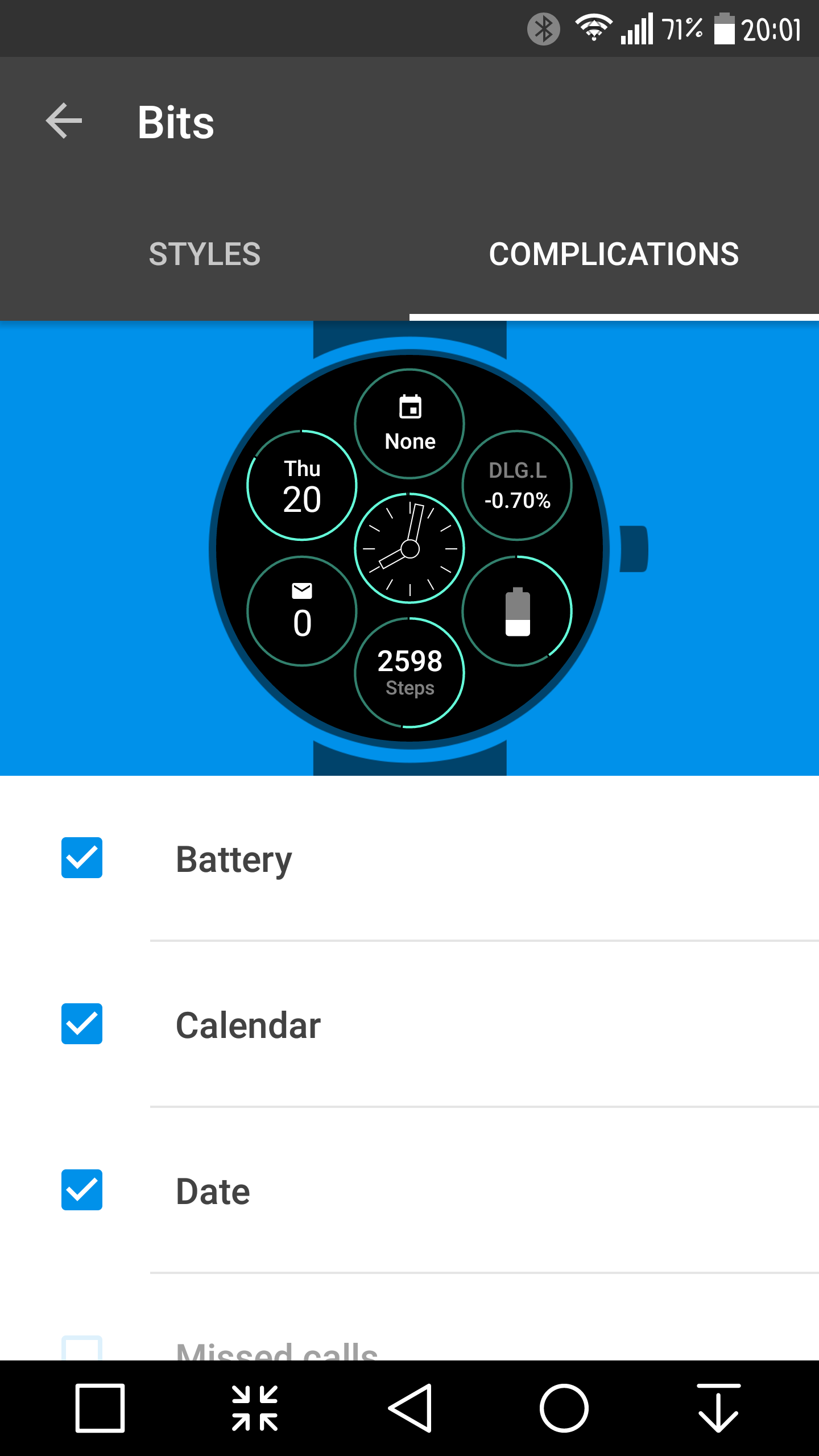
I can’t wait to see what other designs are created shortly. Below is the Bits watch face. With this watch face you can select a background style and then choose which complications to select.
image

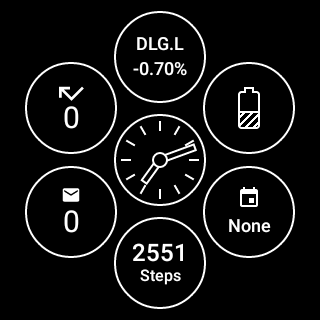
Below is the screen saver mode of my Bits face. This always on screen is handy. Now if it comes out of screen saver mode, the edge of the circle lights up, and becomes an active circle.
image

Another addition to the Android Wear functionality comes via Google Translate app. Using your watch, you can now hold a 2 way conversation in over 44 languages, and all by both people using the watch.

Android Wear v1.3 also allowed the LG G Watch R to have the WiFi antenna activated.

I am sure we will see more hidden features of this update revealed over the coming weeks.
The Samsung Gear S2 – Copy or Original

Samsung has released a video highlighting some information about its new smartwatch, the Gear S2.

Is it me, or does it look similar to another brand of smartwatch? Regardless, the app/eco support along with linkage with Google Now cards will determine the success of this device. At the moment, Android Wear is not good enough to be used as a fitness device like the FitBit Charge HR. For example, FitBit and MyFitnessPal link together really well.

But maybe, Samsung and Google have some surprises on the software front too next month.

Android Wear 1.3 update – details – the good and the bad

I just received an update to Android Wear app, taking it to version 1.3. This is part of the next phase of improving the Android Wear smartwatches. Once the firmwares arrive for the respective smartwatches the following features will work –

-Interactive watch faces that respond to your touch
-Together watch face to keep you connected to a friend
-Weather app to see the forecast for the next 4 days
-Translate app that lets you tilt your wrist to share a translation

However, it would be helpful if LG updated their own apps eg LG Health to sync fitness data properly from the Watch Urbane. This app has still not been updated properly as no heart rate data gets saved from a workout. Shame on you LG! It wouldn’t be so bad if the Google Fit app provided this functionality, but it doesn’t either. So before we get new features, it would be great to fix the original ones!

Source of new feature list – androidpolice.com

The Top 10 Reviews ranked by You in 2015

So what are the 10 most popular reviews on Gavin’s Gadgets?

Ranked with the most popular first. A few surprises too. Notice none of the Samsung phones featured in the top 10!

1 – Oppo HA -2 Portable Amplifier and DAC review

2 – Sony SBH80 Bluetooth headphones review

3 – LG G4 – Full Review plus all 26 additional posts

4 – LG G3 review – 31 Part Review

5 – FitBit Charge HR review

6 – Oppo PM-3 Headphone review

7 – HTC One M9 review

8 – Honor 6+ – My Review

9 – Honor 6 – 12 Part Review

10 – Xiaomi Mi Note Pro -review

So have a look at the 100 or so reviews here – https://gavinsgadgets.com/review-links/ and let me know which one you preferred and why?

FitBit Charge HR – Just got a new firmware update with cool new features – details

wpid-20150214_130921.jpg

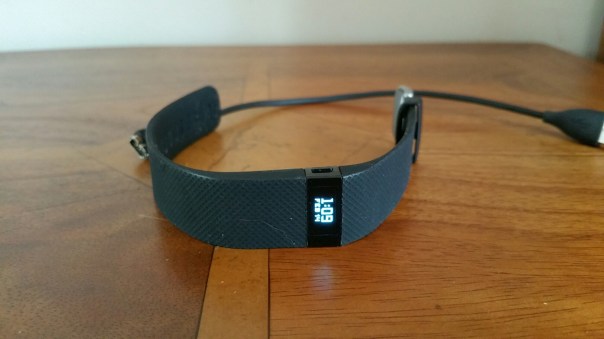
FitBit has just released a new firmware update to v18.84 for its Charge HR. So I updated my Charge HR yesterday and it has a new cool feature called Quick View.

With Quick View, you don’t need a free hand to check the time on your Charge HR. Instead of pressing the button, just turn your wrist towards you and the time will appear for a few seconds. You can enable Quick View under Settings.

Devices on your Fitbit.com dash.Immediately get summary data about your workouts instead of waiting to sync your tracker. Now when you turn exercise mode off, your workout’s elapsed time scrolls across the tracker’s screen for about four seconds. After the elapsed time, the following summary stats appear in turn:

– Average heart rate
– Calories burned
– Steps taken
– Distance covered
– Floors climbed

If you miss the summary, you can always check your web (Fitbit.com) or mobile dashboard after syncing to see all your historical data.

You can now tap your screen once to advance to the next screen.

When charging your tracker, you’ll now see the current battery level.

You no longer need to press the button to see your goal celebration. When you reach your fitness goal, your tracker will celebrate immediately.

This release resolves the following issues:-

– High floor counts have been fixed. Some customers reported artificially inflated floor counts.
– All exercise records now appear on the Activities page. Some customers reported being unable to find historical activities.
– Trackers no longer restart unexpectedly. Some customers reported trackers restarting during setup or while enabling call notifications.

I really like the raise to show time and or date. Makes it more like a watch now.

It is just a shame FitBit still have no plans to sync to Apple Health Kit or Google Sync.

Source – http://www.fitbit.com

Xiaomi Mi Band – First 10 days review

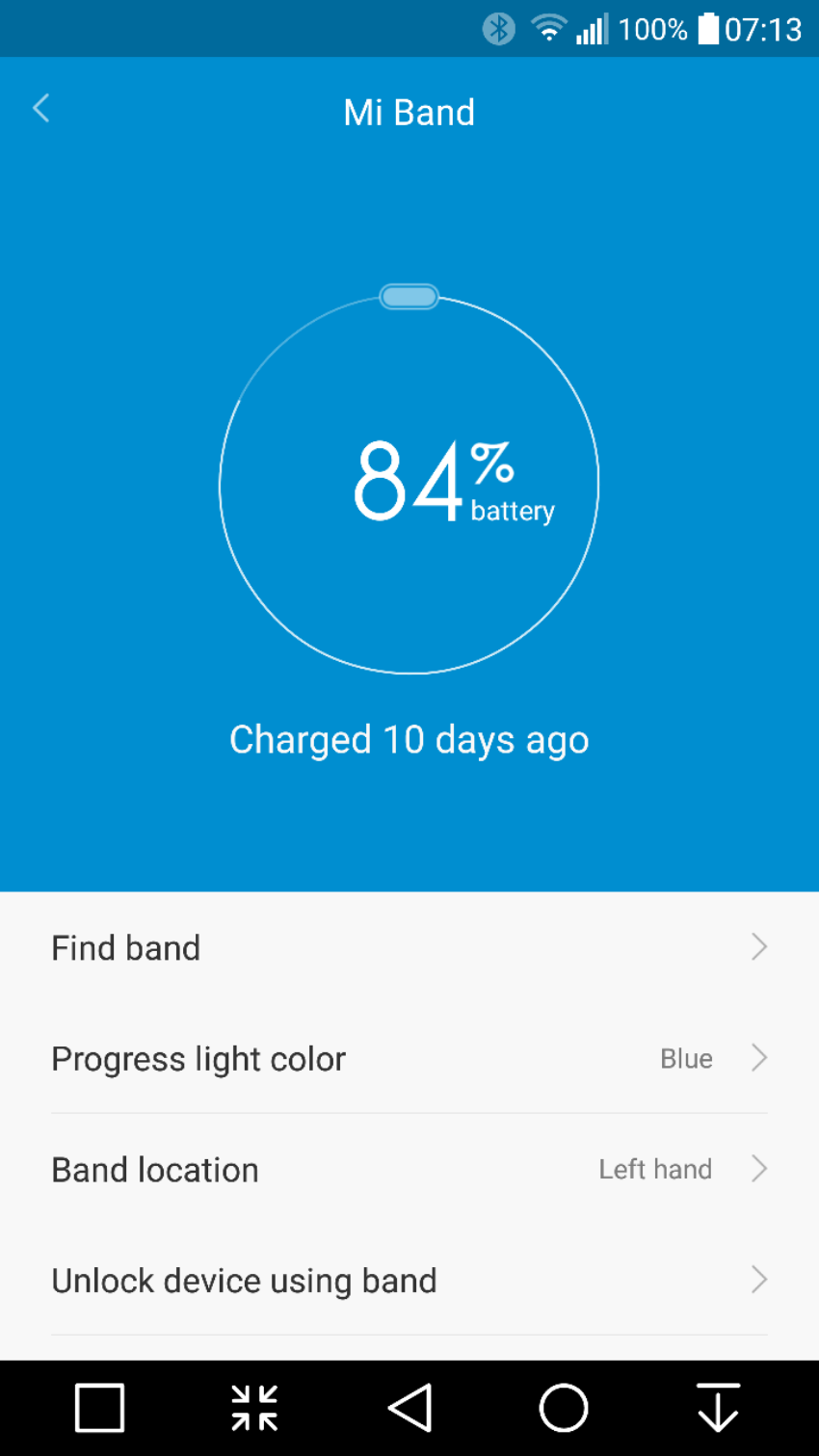
So it’s now been 10 days using the Mi Band. The standout feature has to be the battery life. It is still on its first charge and it’s only lost 17% after 10 days. At this rate it will last nearly 60 days on a single and its first charge.  This in turn means that I will only ever have to recharge it 6 or 7 times in a year.

image

Now it is possible to have a more frequent battery recharging if you start using all the notifications, sleep alarms and other third party apps that can integrate notifications and use the LEDs. This reduces apparently the battery life to a mere 30 days. 30 days at worst case scenario. Wow. 

If there is one reason alone to get this, it is its stand out battery feature. My Fitbit Charge HR needs charging every 2-3 days. My LG Watch Urbane gets charge daily. 

The Mi Band syncs with Google Fit if required and also WeChat. It doesn’t integrate with anything else. It tracks steps and sleep automatically. It has graphs showing you what steps you walked each day. And not much else. However, there are 2 versions of apps/firmware. If you use the Chinese app you will get a lot more functionality but no syncing to Google Fit. The Google Fit sync version gets updated regularly so hopefully in time the two apps will has less difference in features. 

Price. Cheap. £20 maximum. Depends on currency and where you buy. Value. Bargain. 

Negatives so far. On my first day wearing it, I was walking on Dartmoor and my rucksack straps caught the tracker module without me realising when I took my rucksack off and pulled it out of the band. I realised it was missing and spent 10 minutes trying to find it on Dartmoor. I did find it but I was lucky. I have had the band itself come off my wrist as well. So my advice is to be aware that it might de clasp itself or you could lose the module. 

There is an optional leather band which is far securer as it uses 4 screws to lock the module in. 

Overall, it’s ability to not need a recharge every few days is fantastic and it does what is says on the tin. 

image

LG Watch Urbane – Posh Edition

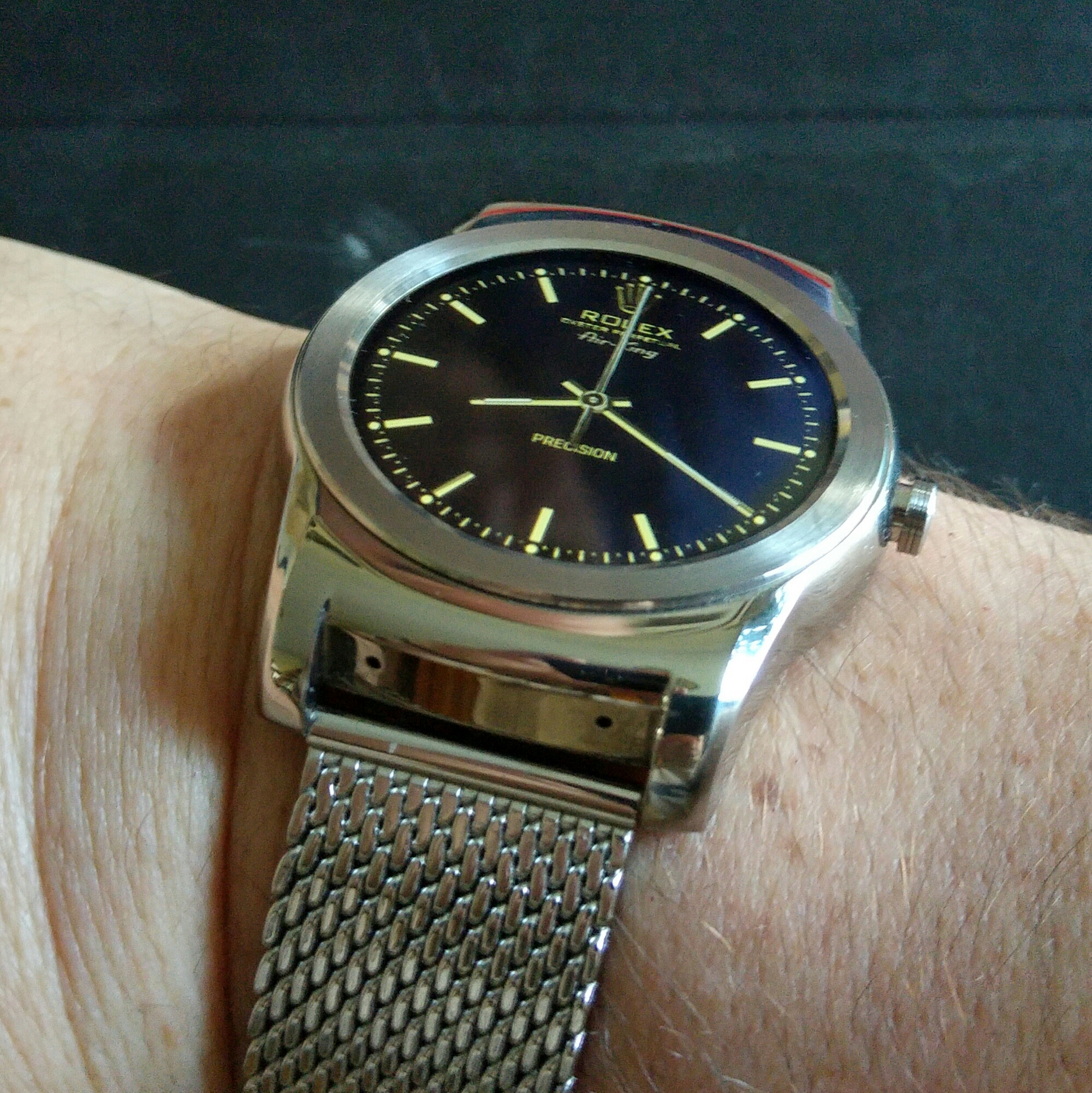
image

Change the strap and the watch face and you have a new watch.

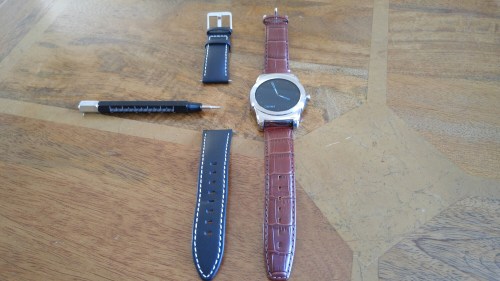
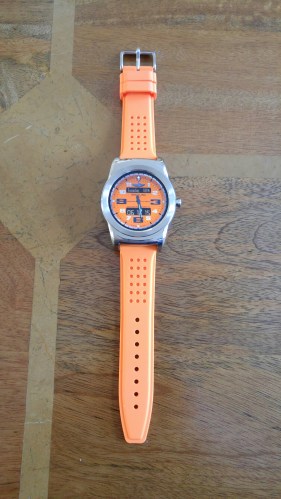
The milanese metal strap arrived yesterday. It was so easy to swap over. I now have the black strap that came with the Urbane, a lovely brown crocodile leather and a sports orange strap.

Below are the other straps in my possession.

wpid-wp-1433948349065.jpg

wpid-wp-1434472288945.jpg

Without a doubt the metal milanese strap is my favourite! What is crazy is that the cost of all 3 additional watch straps cost less than one of the cheapest straps sold by Apple for their Watch.

The Press say “Apple Watch is a Doomed” or “A Flop”

If you head over to macrumors.com or dailymail.co.uk the Apple Watch is heading for a disaster. Back in April 2015, 200,000 Apple Watches were being sold per day. Now that number in the US has possibly plummeted to as low as 2,000 watches.

What planet is everyone on?

I may wear a LG Watch Urbane currently, but I bet LG has not even sold 2,000 of these in the last 3 months. Apple have entered the smart watch space and taken it by storm, and now are the number one selling smart watch brand, and by some crazy huge margin.

I have looked at all the features of the Apple Watch and wish some of those were on my LG Watch Urbane. LG still haven’t sorted out their Health app and syncing the heart rate from the Urbane. Google updated Google Fit and broke the heart rate monitoring on the Urbane. Meanwhile, Apple sells thousands of watches every day. Seems Apple has the upper hand.

Some perspective. The Apple Watch is a non essential item, a luxury item, yet it sells really well. It will continue to sell over a longer period of time, as all jewellery does.

For now, Apple is in a good position. If the numbers completely dwindle, well then a new strategy will be needed.