
This is my final part of the S7 Edge camera review. In this part I will cover off using the Pro Mode and RAW images.
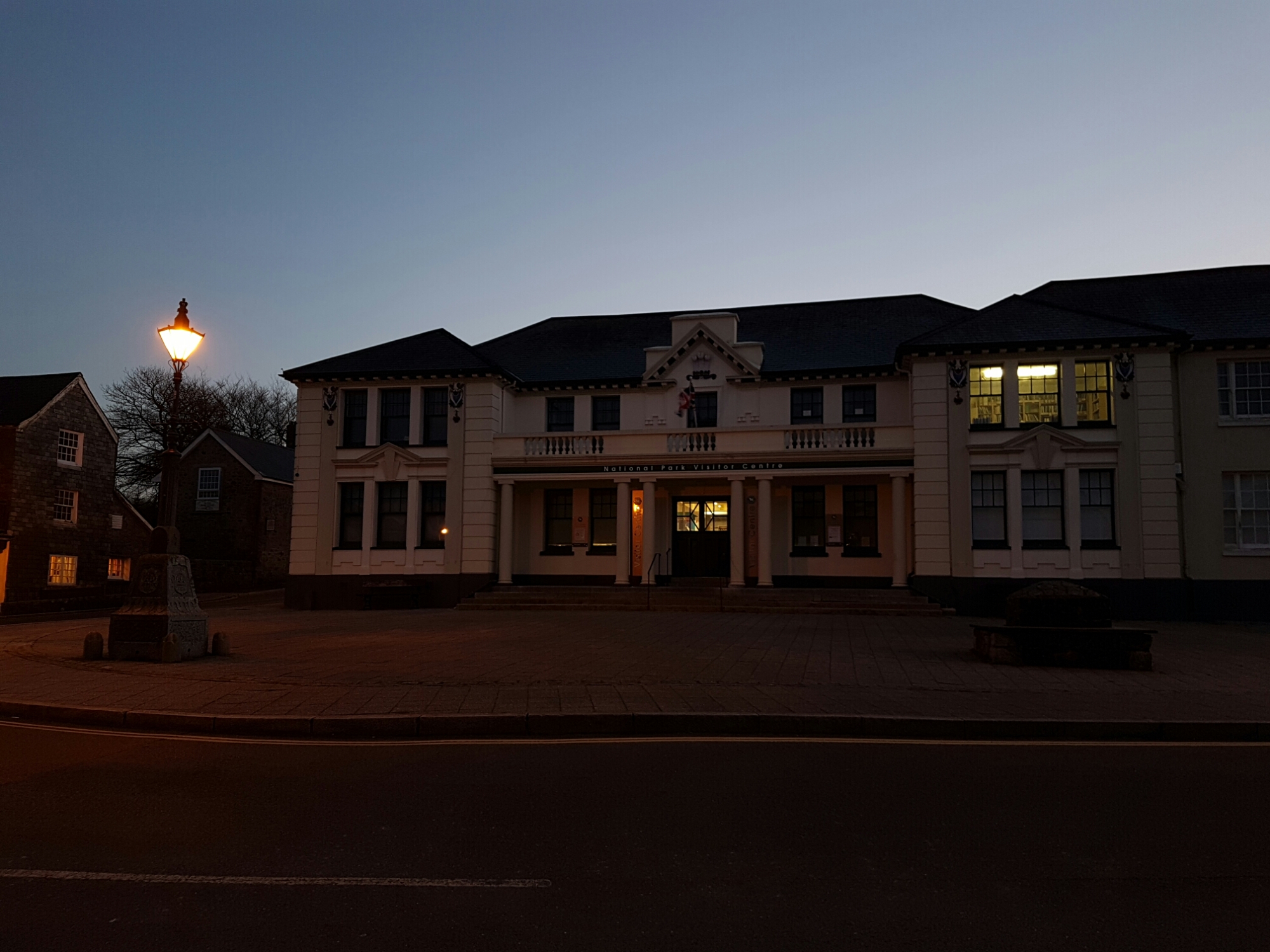
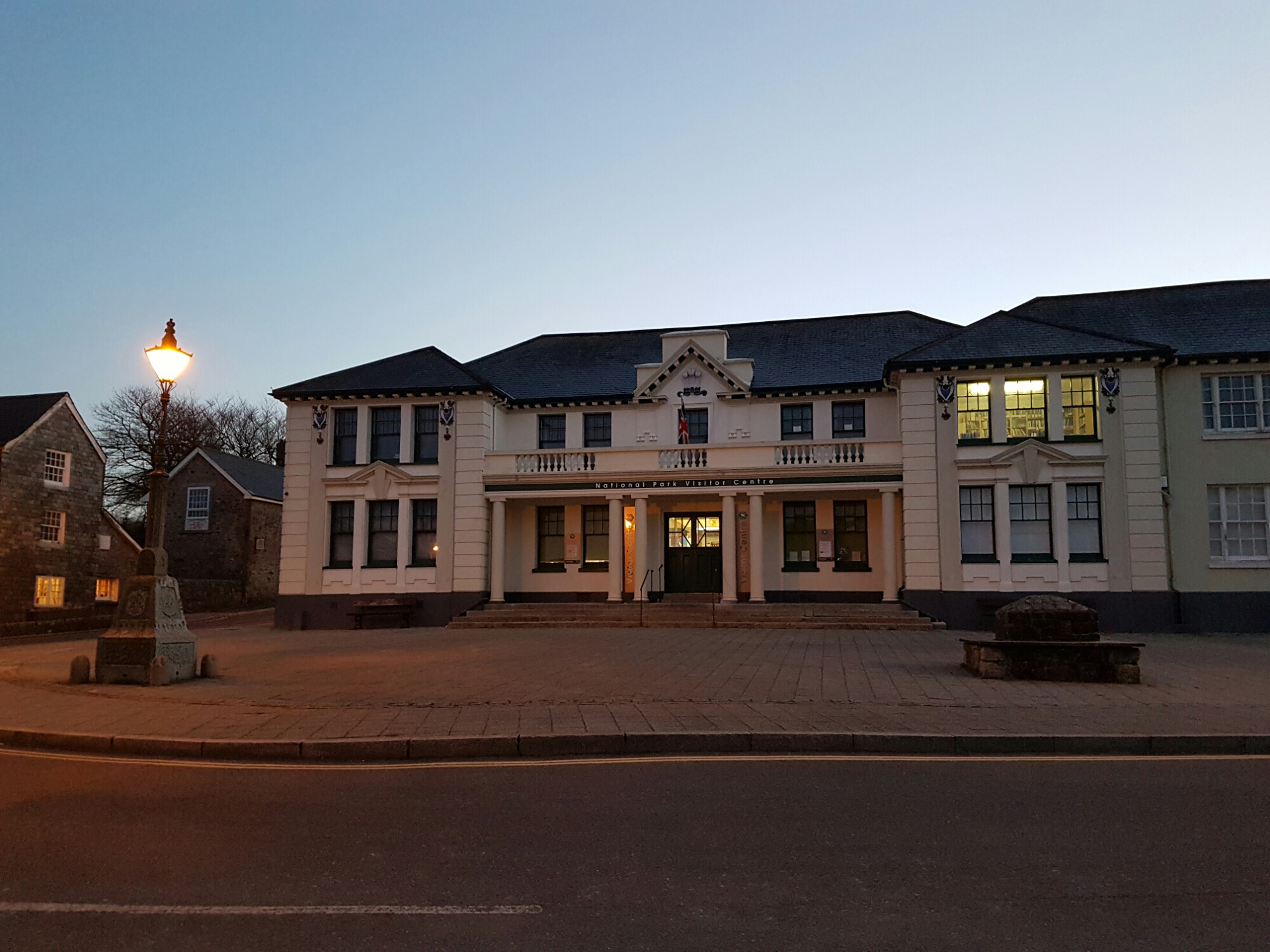
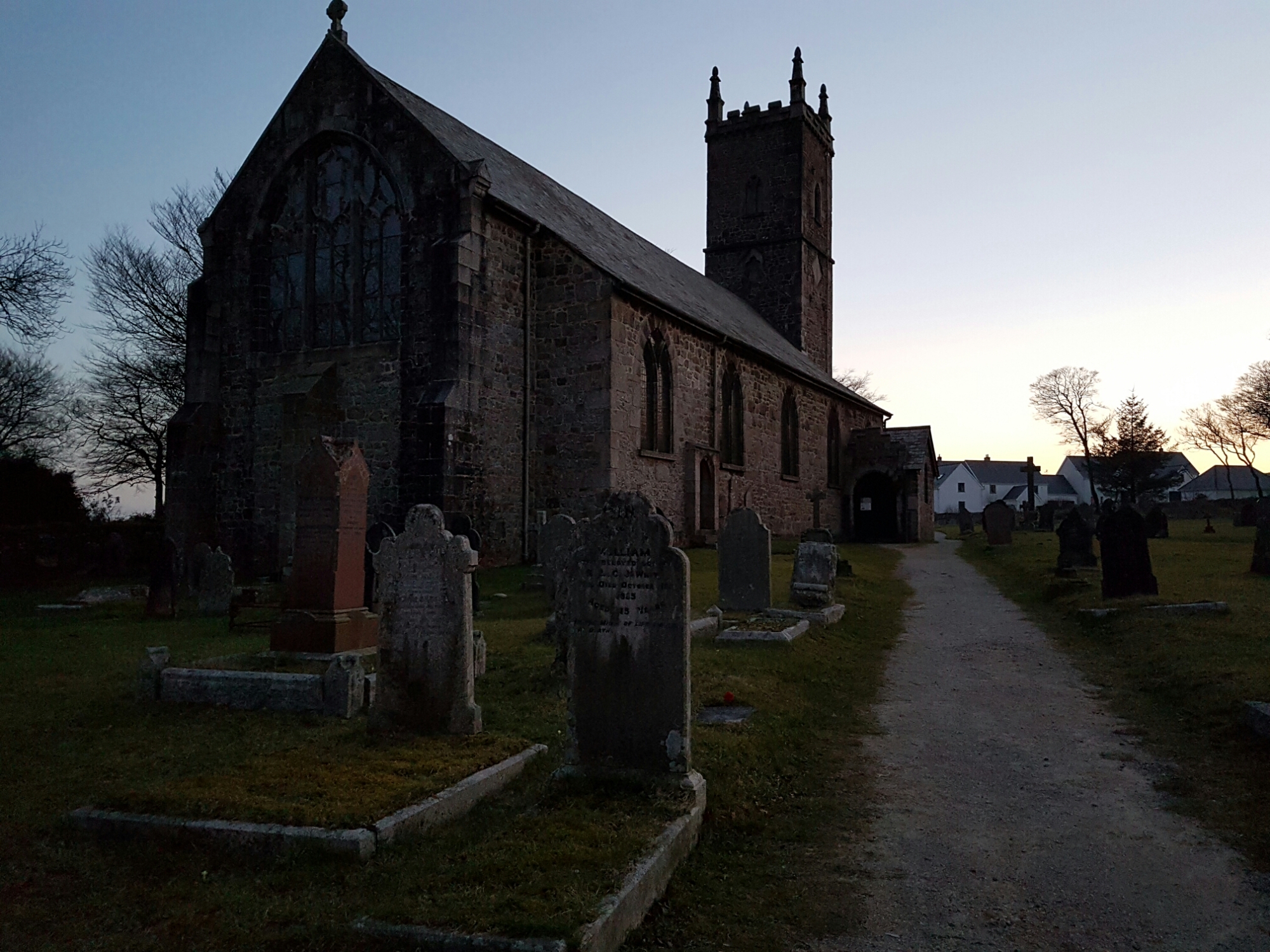
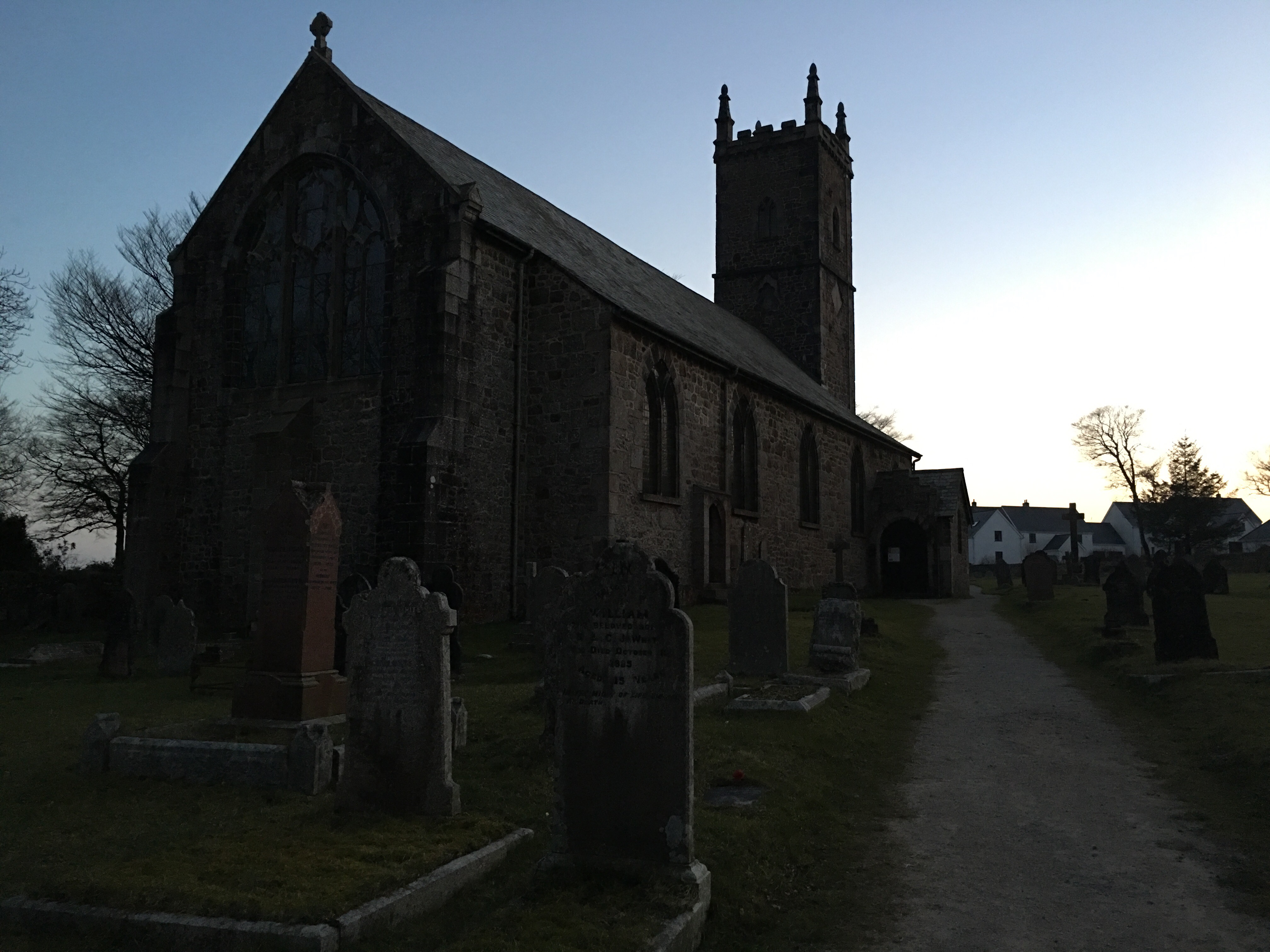
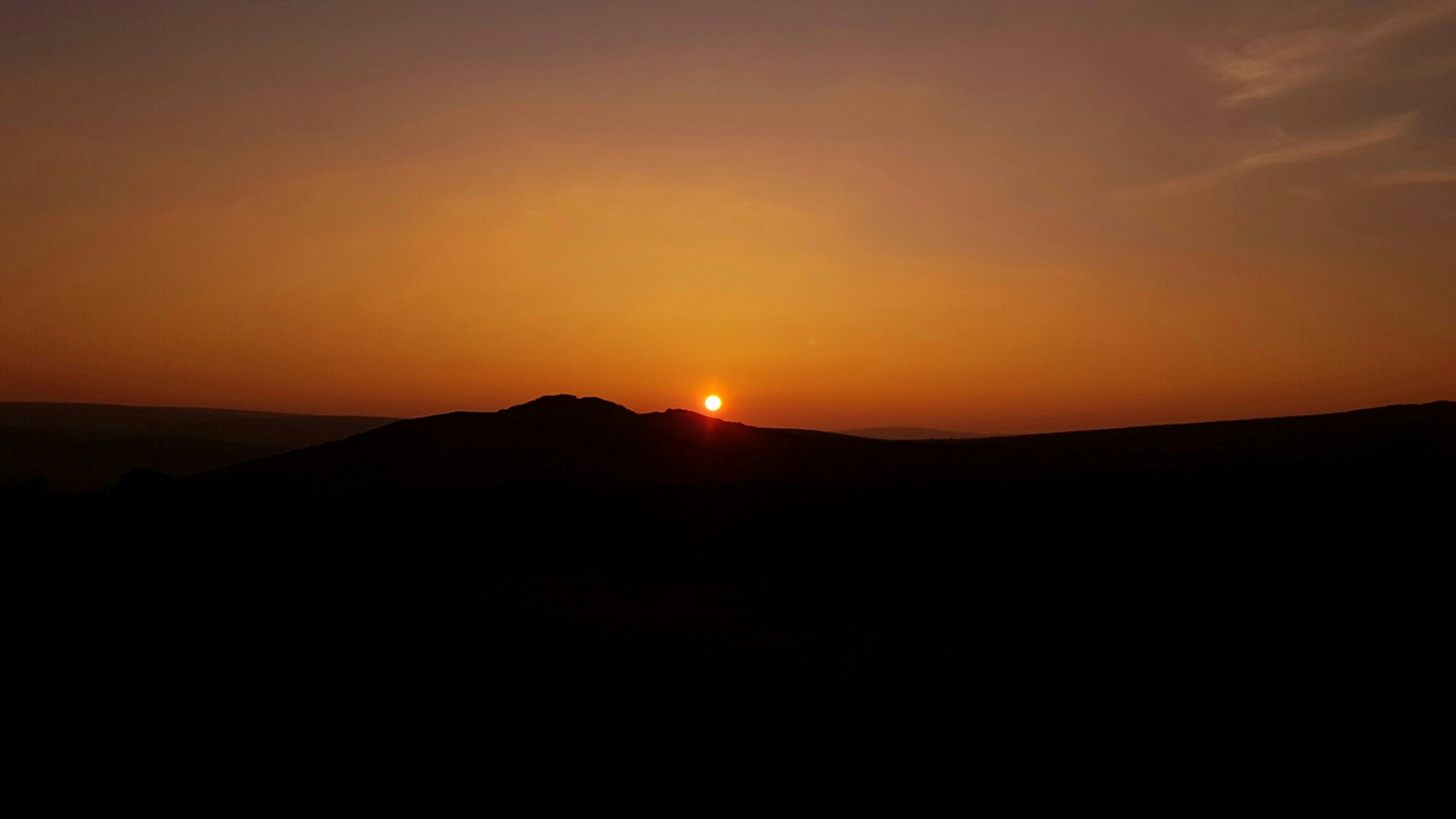
The above shot is full auto with HDR activated. I then took the same shot in the Pro mode and extracted the RAW image into Adobe Lightroom on my Mac to see whether the RAW image could be improved. After a few quick edits and conversion to a jpeg I achieved the shot below.

Is this better than full auto. Not sure to be honest. What do you think?
I then tried using 3 raw images with 3 different EV exposures. -2, 0 and +2. The aim to combine them in Lightroom using the HDR option. Sadly, Lightroom would not perform this merge as it produced an error message data not available in images to perform HDR merge.
My next option was using another Mac app, Photomatix 5 HDR. For this I combined 3 raw images with different exposures. This was a non runner as the boat name running along the edge was not aligned. This was despite the S7 Edge being on a tripod. This was very disappointing as this app produces amazing images.
So was the effort of shooting in raw worth it? No in my opinion. Just use a normal jpeg and edit in snapseed or similar and create this shot below.

So at the moment I cannot see any benefit in using RAW with this Phone.
On Monday, my full review of the S7 Edge will be live. This will include by audio findings and my view of the S7 Edge “experience”.






 Gavin's Gadgets & Photography