The Xiaomi Mi-5 got announced at MWC 2016. It is a crazy packed specification beast of a phone costing nearly half the price of the Samsung Galaxy S7. But is it as good? Gizmochina takes a 10 minute look at the new Mi 5.
Category Archives: Android
Samsung Galaxy S7 Camera – Testing the dual pixel focus system at 70mph
Samsung claim the dual pixel focus system is super fast. In my tests this is certainly the case. So how does it do at 70mph.
The below shots are shot behind a windscreen too.

The new multi million pedestrian and cyclist bridge built over the M5 that cost far too much money and a bridge that isn’t used that often.

The road sign is in relative focus. So a few shots at very high speed that seem to work well. I did take several more of the same sections and they all were similar in focus.

The final shot was a typical sunny day. This is where the 12mp shows its weakness. A 16mp sensor from the Note 5 or similar would reveal more detail when cropped.
Just as an update in case you missed the fix from yesterday, but predominately my S7 Edge camera was failed yesterday and wouldn’t take any photos until I discovered the solution. If you get this error message it should be because you have Smart Stay optioned enabled. This can be found in the main settings app, under Display, Smart Stay. Toggle this off for the time being until Samsung releases a fix for the conflict. If you turned Smart Stay off, and are still getting problems can you please get in touch.
Samsung Galaxy S7 Edge – Camera Shootout – All 7 Parts Plus My Final Verdict on the S7 Camera
Below are links to all 8 parts of my Samsung Galaxy S7 Edge camera review, comparison and shootout with the Apple iPhone 6S Plus.
Part 1 – Samsung S7 Edge vs Apple iPhone 6S Plus
Part 2 – Burst, Macro and Auto Mode Shots
Part 3 – Handling the Sun, Panoramic, Macro and Selective Focus
Part 4 – Random Camera Shots to Admire
Part 6 – More Random Shots from the S7 Edge Camera
Part 7 – Shooting and Fast Focusing at 70mph
Part 7a – Handheld Night Shots
Next week will be a post on RAW quality along with my ultimate review including the audio quality. Due to the issues with the camera failing, my final views will be postponed until next week. This will allow me time to examine raw quality too.
Update – Shooting in RAW
Instagram – The Order of Your Feed is Changing
What is the matter with social networks. Facebook, twitter and now Instagram are changing the order in which you feed will be displayed.
The order of photos and videos in your feed will be based on the likelihood you’ll be interested in the content, your relationship with the person posting and the timeliness of the post. As we begin, we’re focusing on optimizing the order — all the posts will still be there, just in a different order.
Personally, I just wish there was an option to change the sorting so “me” the “user” can decide which way to view the feed.
Warning if you buy the Samsung Galaxy S7 Edge – Camera Fails – updated with fix
Above is my tweet from a few minutes ago. I got this problem when I first powered up the Samsung Galaxy S7 Edge. The only cure was a hard reset.
I had thought the problem was my 200gb Sandisk Micro SD card. So I reformatted the card in the S7 Edge, and the camera failed after again after the hard reset. So I then decided to use a smaller 64gb Sandisk micro SD card and all seemed ok. Then a day later I used swapped my 64gb for the 200gb card, and it worked.
Since having these problems I have contacted Samsung who are “very” aware of this problem and have had loads of people with the same problem. They have asked me to return the phone for exchange. Reports on the internet vary from it being software related but more worrying that if you had the camera failed message it is possible the camera sensor hardware has been damaged.
My take was this must be software related, so I did not return the phone for an exchange. But now it seems I am left with no other route to go. The camera just failed this morning for no apparent reason.
Samsung really need to get their act together and release either a software fix or inform people to get exchanges.
This issue is not an isolated issue to myself!
Update – turning off smart stay in the main settings app. This can be found in the display menu options, smart stay. Next soft reset phone and this seems to fix the problem. I don’t know if this will work forever but it has worked for me and others.
Apple iPhone 6S Plus vs Samsung Galaxy S7 Edge – Sound Quality Comparison
This should be a simple test but actually it could be if I made it simple but I’m not going to do that.
I have some early impressions of the Samsung Galaxy S7 Edge audio quality using the speaker, headphone jack, bluetooth and USB Audio. However, before I give it my opinion I also want to test third Party apps being like Poweramp and USB Audio Player Pro as well as the default music apps on the phone.
For the Apple iPhone 6S Plus I will be using Onkyo HF Player, Audio Gate Player and Neutron Music Player apps. I will also be testing the sound quality via the loudspeaker, bluetooth and USB Audio.
Equipment. Headphones will include a selection of in ear, bluetooth and wired over the ears. In my review I will list all the headphones used. I will also be using a number of portable DACS, Oppo HA-2, Fiio Q1 and iBasso D-Zero MK2.
If there is anything you would like to know, let me know and I will try and answer it in my sound quality review between the two phones.
Samsung Galaxy S7 Edge – Handheld Night Shots
After yesterday’s night shots, I got asked for some examples of the camera at night without the use of a tripod. So here we go.
I had to use the Pro mode to reproduce the actual level of darkness. See below.
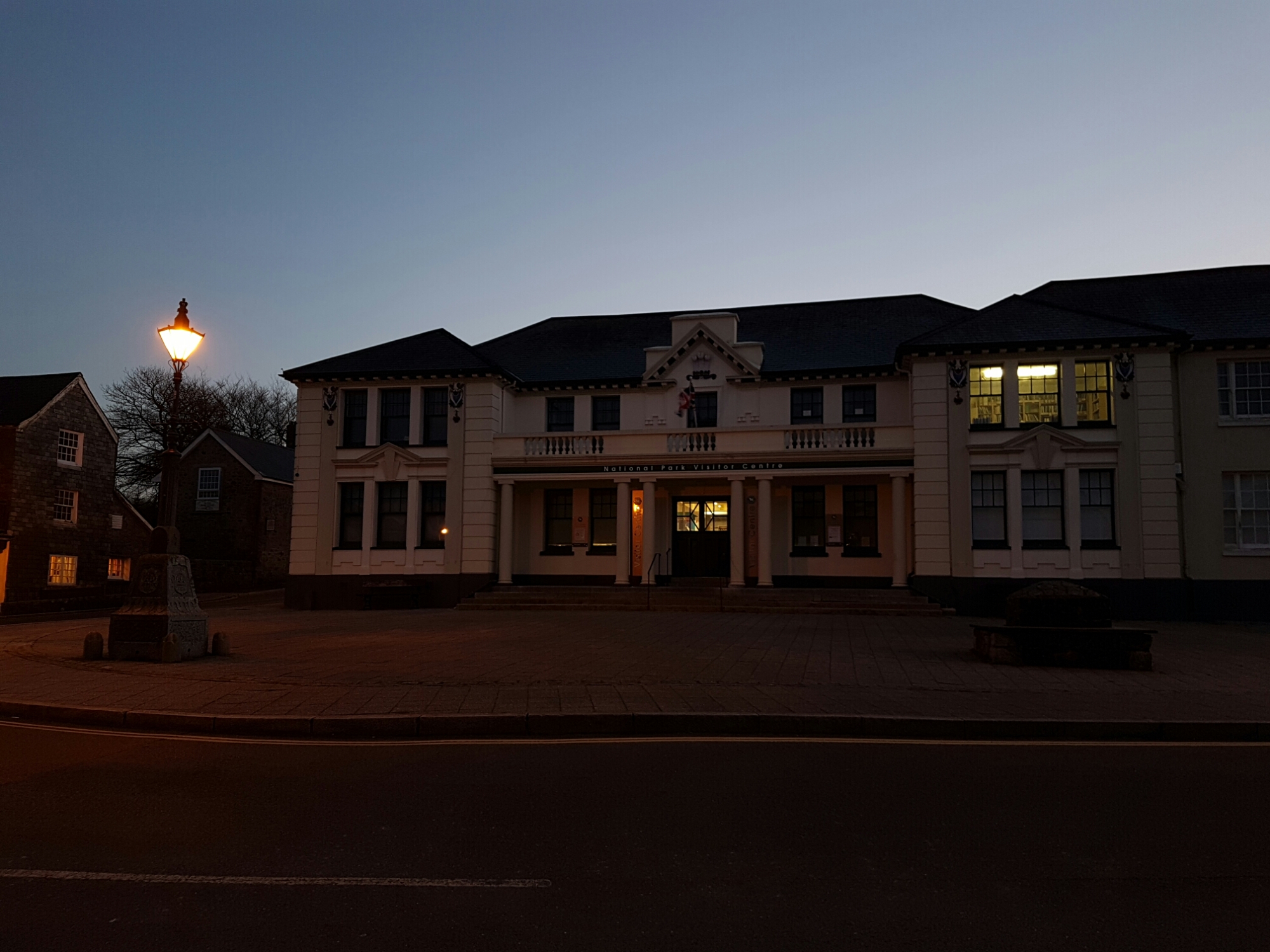
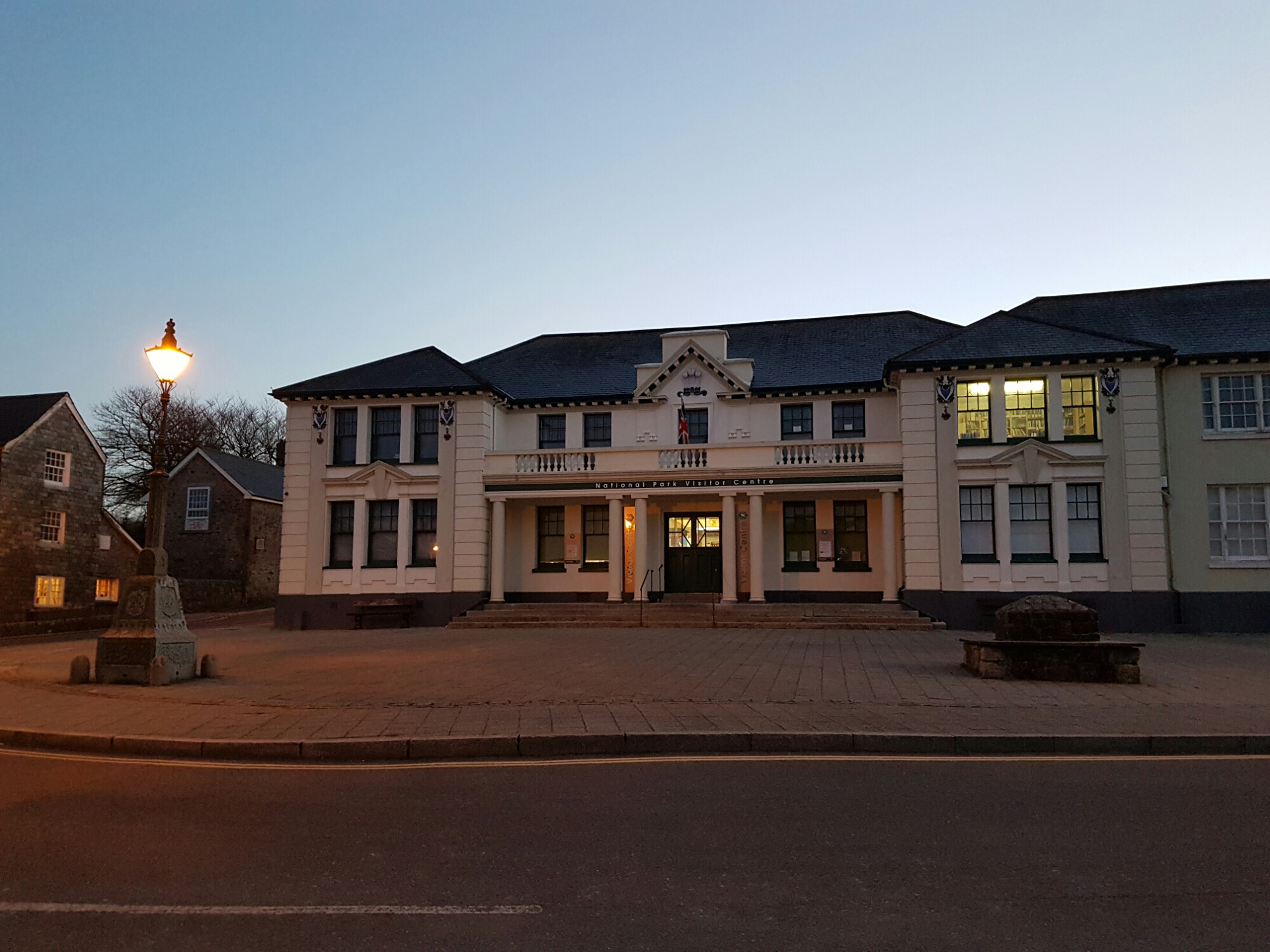
So that’s how dark it really is. Now for auto mode. Makes the shot much lighter. See below.
And finally a hand held shot of the church to compare with yesterday’s post. This was shot in auto.
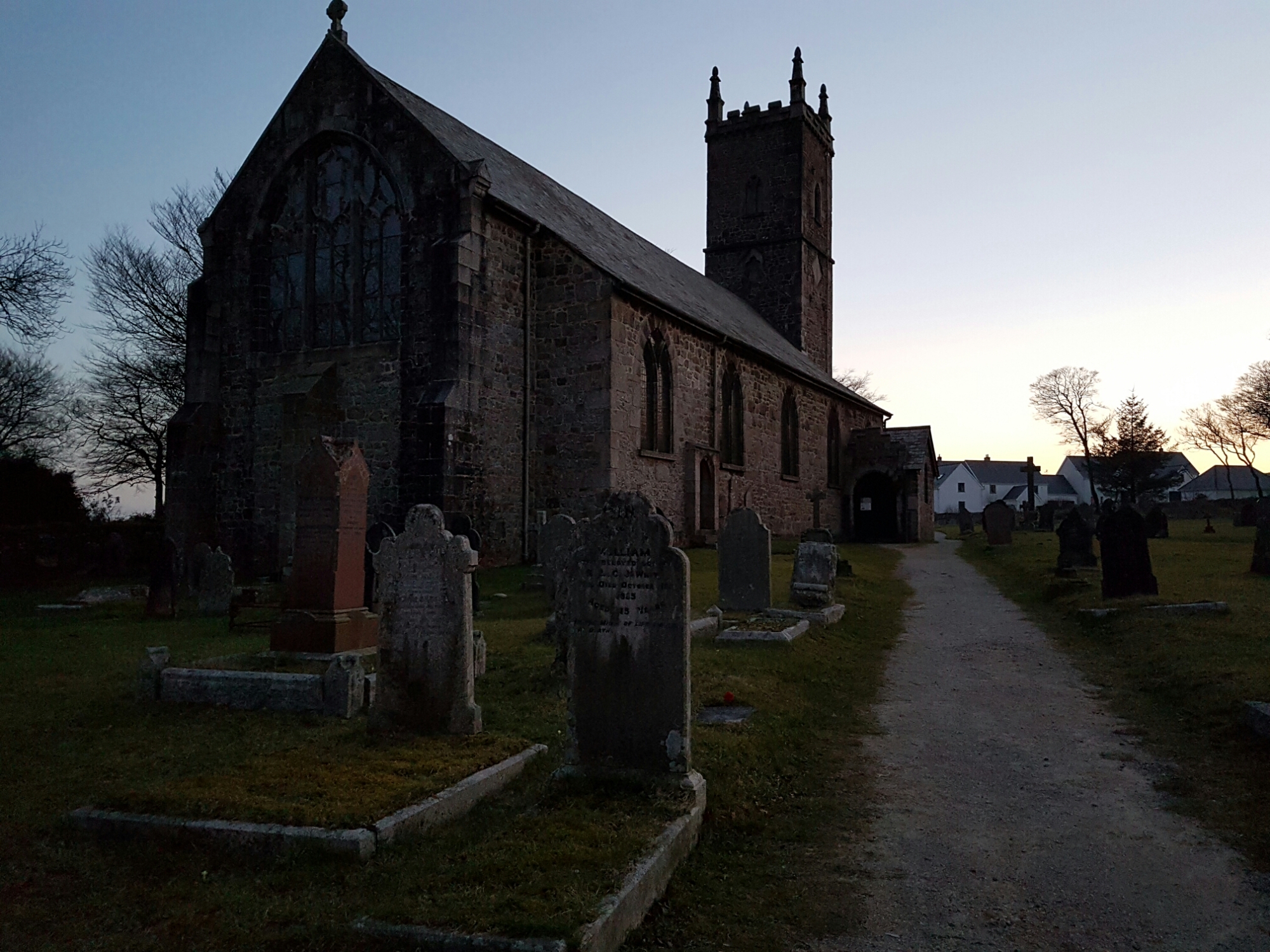
Again it was really much darker.
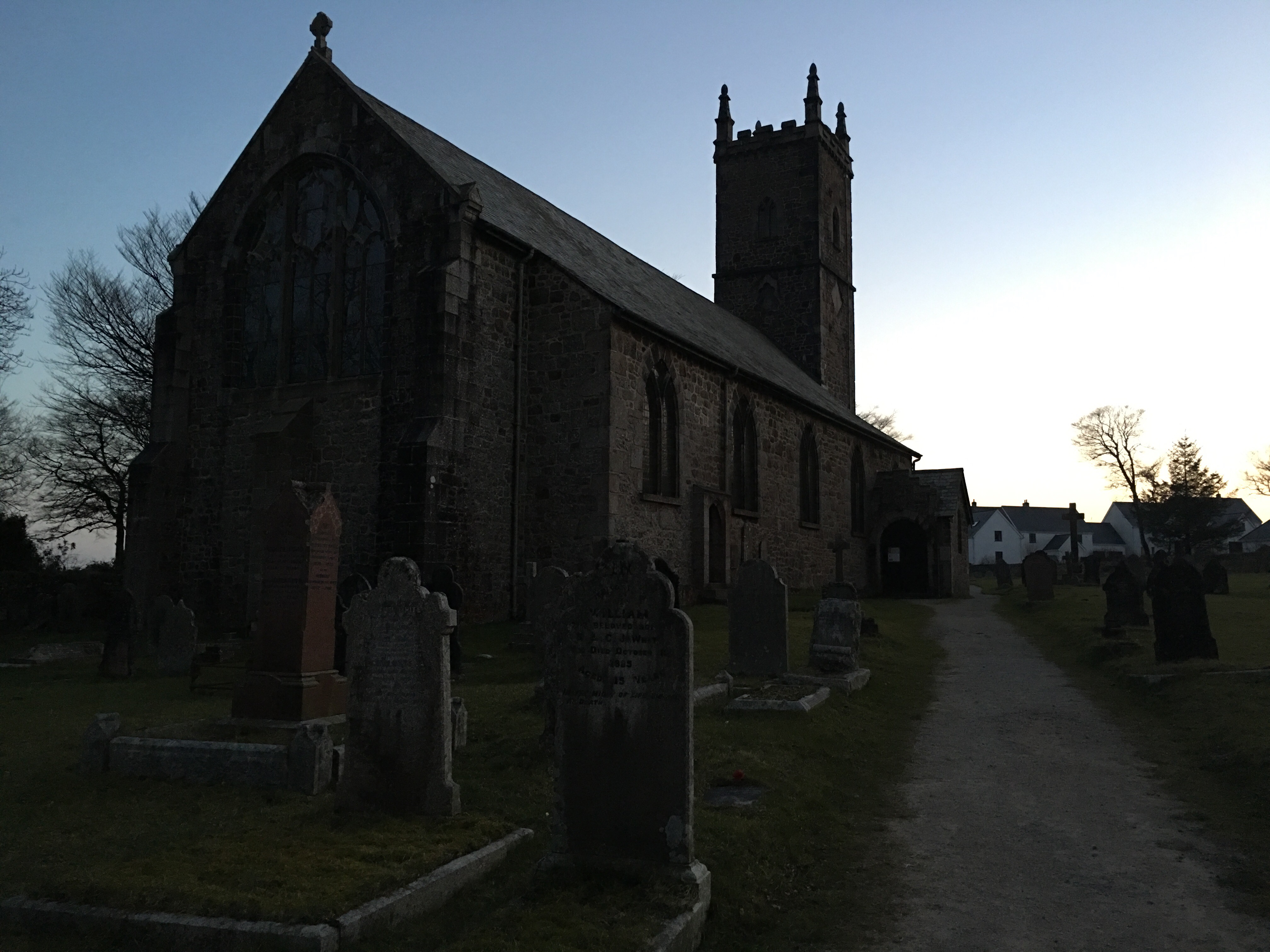
As a comparison below is handheld shot from default camera app on the iPhone 6S Plus.
Using pro mode here’s an arty shot of the sunset over dartmoor.
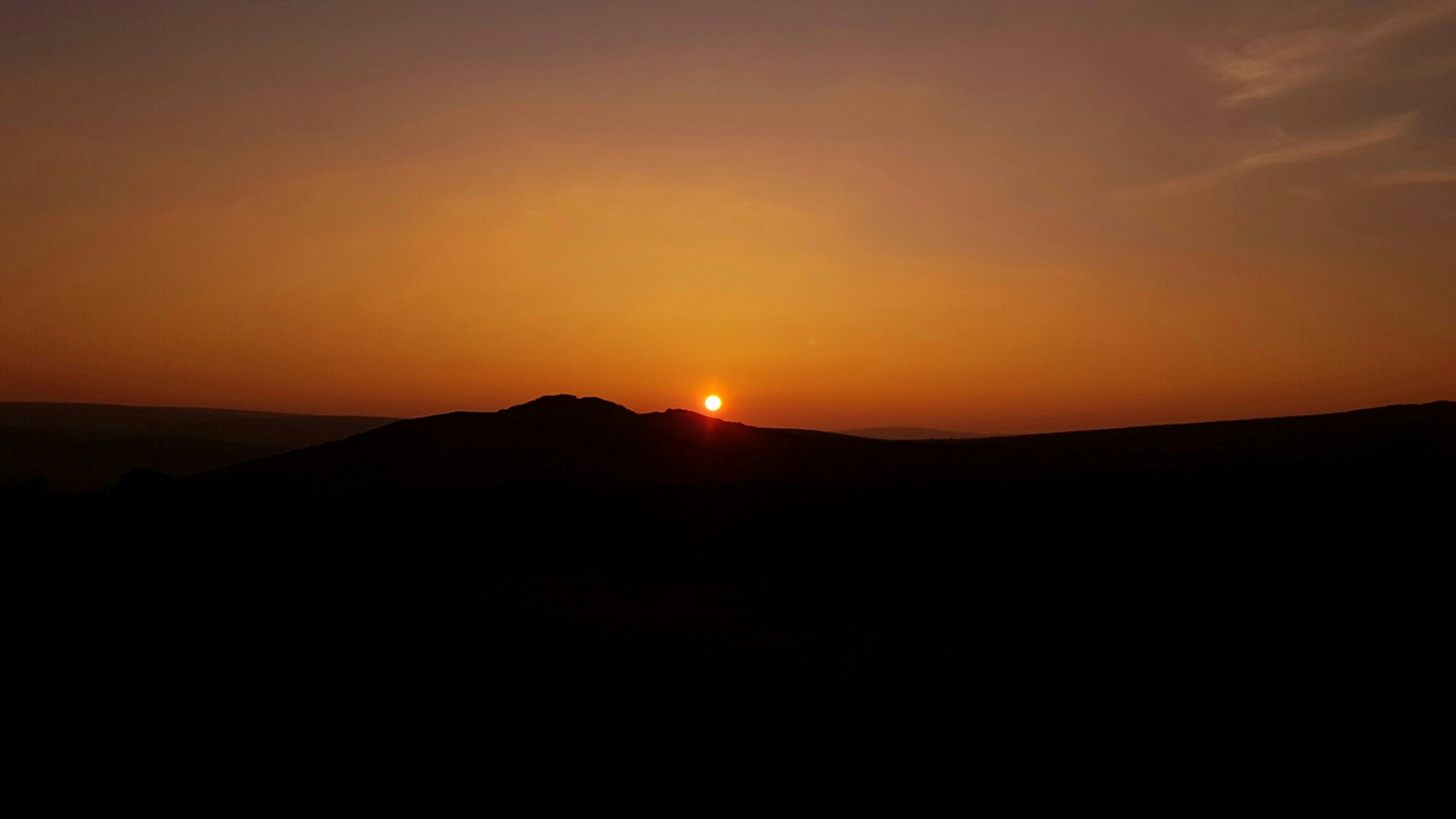
So do the handheld shots from the S7 change your view on its camera quality ?
Apple iPhone 6S Plus vs Samsung Galaxy S7 Edge – Low Light & Night Camera Shootout – Be Surprised
This is my final part of my camera shootout / comparisons with the Samsung Galaxy S7 Edge camera. This is the part that surprised me the most. The photos were taken just before light disappeared and then at night. All shots were on a tripod.
For these tests I used the best apps on iOS to help the Apple iPhone 6S. Sadly not a single third party app on android works yet with the new Samsung Galaxy S7 Edge camera.
iPhone 6S – ISO 200 1/4s – Default Camera App

Same shot but using LowLightMode+ on ProCamera+ for iOS which combines upto 64 exposures into 1.

ProCamera+ makes a huge difference, so now it’s time to try Nightcap Pro for iOS. See below. Nightcap Pro does a great job too.

Ok so now over to the Samsung Galaxy S7. First shot below is in auto. It chooses an ISO 1250 and a shutter of 1/10s. However, I imagine it’s done multiple exposures as the noise level seems low.

So now to using the Pro mode in the S7 Edge. Shot below is ISO 100 and a 2s exposure.

So same ISO 100 but now 4s in Pro Mode for the Samsung S7 Edge.

So let’s go back to the iPhone 6S Plus. It’s a lot darker now.
The default iPhone camera app picks ISO 160 and 1/4s exposure for the shot below. It’s really dark now and the default camera app shows it that way.

So next I tried ProCamera+ for the same shot. See below. And it does a much better job.

So it’s only fair to now try Nightcap Pro for iOS for the same shot again. This was a 22s exposure.

Ok so that was the iPhone. Now let’s switch back to the Samsung Galaxy S7 Edge. Below is auto mode. Now remember it was getting darker all the time so the S7 always had the short straw. In full auto it was too dark so I just used Pro Mode. Shots are in order of exposures at 100 ISO. First 1s, then 2s and finally 4s.

And now 2s. See below.

And finally 4s. See below.

Ok let’s try some light trails. First up iPhone 6S Plus using Nightcap Pro. Light trails cannot be done using the iOS default camera app.

And now let’s try with the Samsung Galaxy S7 using Pro Mode. See below.

Right let’s try a night shot with strew lamps. First up the iPhone 6S Plus. Using the default camera app, ISO 1,600 and a 1/4s exposure is selected. Shot below.

Let’s try ProCamera+. Shot below. As you can see it does a better job in its lowlight+ mode.

And finally on the iPhone I used Nightcap Pro. Shot below.

So let’s switch back to the S7 Edge. In auto mode it choose ISO 1,600 and 1/7s. Shot below.

I didn’t use Pro Mode as it started to rain so I had to abort. But I don’t like the yellow effect from the S7 auto shot. Also when zooming in the details were not as good as those from the iPhone.
So which phone is your winner and why?
Samsung Galaxy S7 Edge – Fresh Photos just off the Camera Today – Updated with more shots
The photos below were just snapped with the S7 Edge a short while ago.
It really is a lovely day on Dartmoor today.
George and Fury zig zagging. Or something. Not sure really but they were both charging around.


And here is George with his tongue. Fury and Tiggy are playing in the background.

A lovely shot of Fury. She looks wet and muddy 🙂

This is the view at the moment. Stunning.

And lastly here’s Tiggy, also wet and muddy 🙂

And now for some macro shots just taken a few minutes ago.


Samsung Galaxy S7 Edge – Camera Shootout – Part 5 – Action Dog Shots – Plus Editorial
It had to be done. Could I obtain some shots of my 3 labradors in action as I have done so already with all my previous smartphones?
If you are need to refresh your memory of these action dogs shots, have a look again at the reviews for the Samsung Galaxy S6, LG G4 (especially) and LG V10 (also especially). Click HERE.
So off I went with 3 dogs on a day that was slightly overcast and a fair amount of glare. Not perfect lighting for shooting dogs. I shot all the photos in 4:3 12mp on the S7 Edge. All in Auto mode and using the burst, which is simply press and hold the shutter. Then on my iPad I viewed all 500 shots are selected the best. The annoying part was all 500 were in focus!!!!! So it took ages to decide as so many were great. I also was curious as to how fast the burst mode was on the S7 vs iPhone 6S Plus. The S7 reaches a max of 100 burst shots at a file size of 2.37mb, while the iPhone has only reached 40 burst shots at a file size of 2.07mb. On my iPad i used the iOS Photos app and cropped the photos to 16:9.
What is truly amazing the the S7 camera is its speed and speed to focus. Often the dogs would appear charging/running back to me. Each time I was able to double press the home button and hit the shutter and fire off another burst of photos, that were all in focus. Amazing.
Panoramic with Tiggy and View of Princetown, Dartmoor
I really like this shot a lot and its a smashing panoramic.

Burst Shots
This was Tiggy all lovely and clean.

And Tiggy again with her ears looking triangular somehow.

And Tiggy now soaked in water and covered in mud. You can’t see the mud as her colouring disguises it, but believe me she had tons on her!

Another shot of Tiggy, She was running around 20mph.

George on the left, Fury on the right. Check out those happy faces. Both dogs were running super fast.

Fury at full speed.

And finally George and Fury. George was running like a rocket, Fury was too.

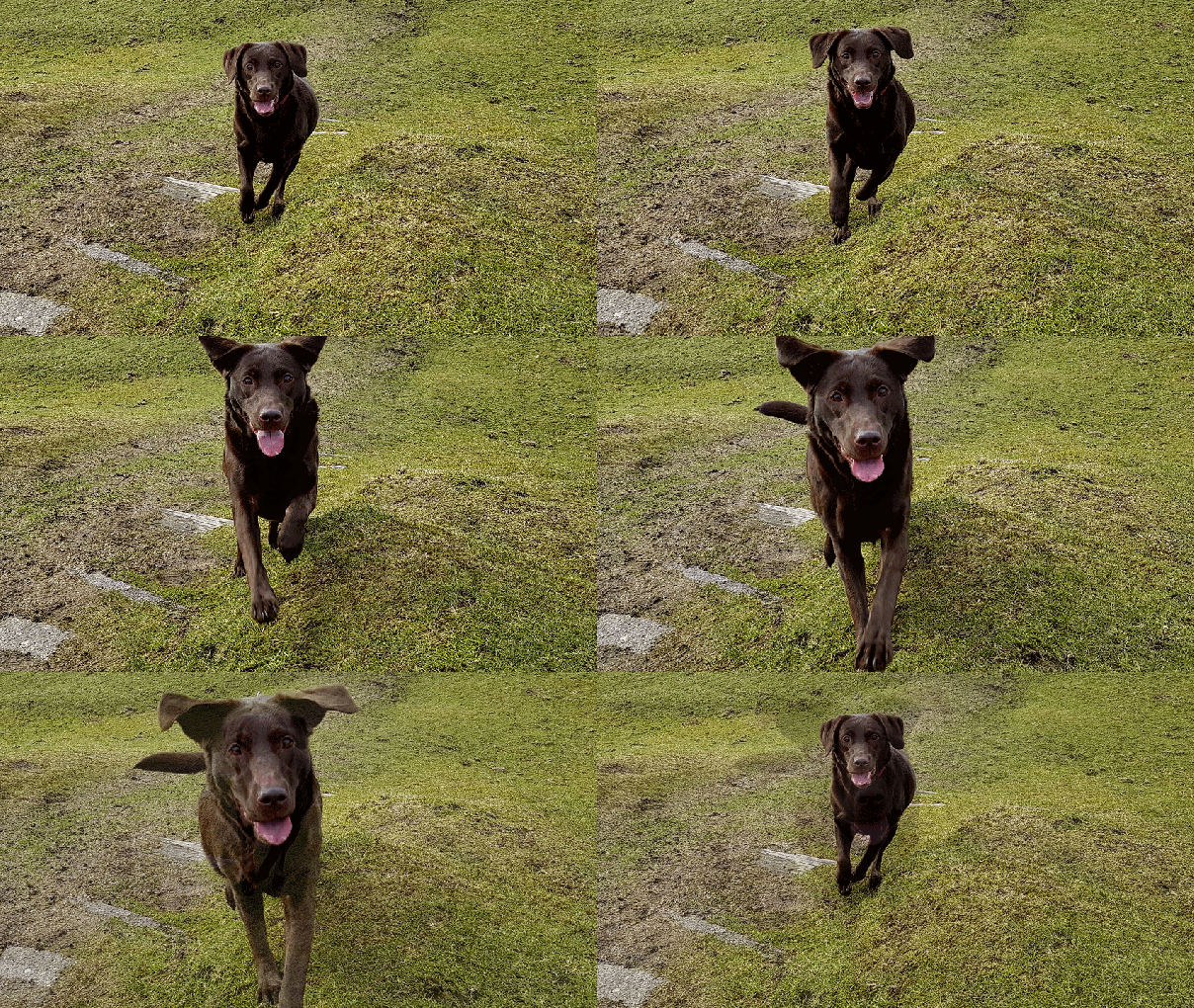
Now I saved over 30 action shots for my personal photo library. Google Photos took some of the bursts saved photos and made a GIF. See below. This also shows you how well the S7 maintained focus despite Tiggy’s running speed and distance. Very very impressive.
 Gavin's Gadgets & Photography