Tag Archives: LG G4

LG G4 – Working with RAW images and ND Filter Kit

Despite all my photos snapped over the years, I have never used RAW. Sure I tried it once or twice over the last 5 years, but just failed to see the logic when working with JPEGs seem so much easier and meant handling smaller file sizes.

Well, the G4 allows photos to be snapped in RAW. Also one of my favourite apps Camera FV-5 just received an update to support the LG G4. In addition, I have kept my eye on 2 pieces of desktop software. Adobe Lightroom 5 (I would like to use Adobe Lightroom 6, but my MacBook is too old and doesn’t have the necessary grunt) and Photomatix by HDRSoft.

Last night, I took 3 bracketed shots using Camera FV-5 with an exposure variation of -2, 0 and +2. This created 6 files. 3 jpegs and 3 raw DNG files. I copied the files across to my MacBook. I examined all 3 jpeg’s and then I imported the raw files into Photomatix and created a new HDR jpeg. The difference is unbelievable. Off the charts better. I would love to share the photo I captured, but it was just inside my living room and not very exciting. So what I will promise to do, is capture some more interesting photos and share with you the difference of RAW vs JPEG.

The next piece of the puzzle is exploring taking photos using a ND Filter kit. I bought a low cost set comprising of full and graduated colour/ND filter kit along with a pack of rubber bands. The rubber bands are going to be used to hold the filters more securely to the G4. Thanks to Paul Garner for the rubber band tip.

I am also going to have to invest is some desktop software and will be exploring the trials versions of these over the next few weeks or so. The G4 really does open up the photography options and I for one am looking for to the journey.

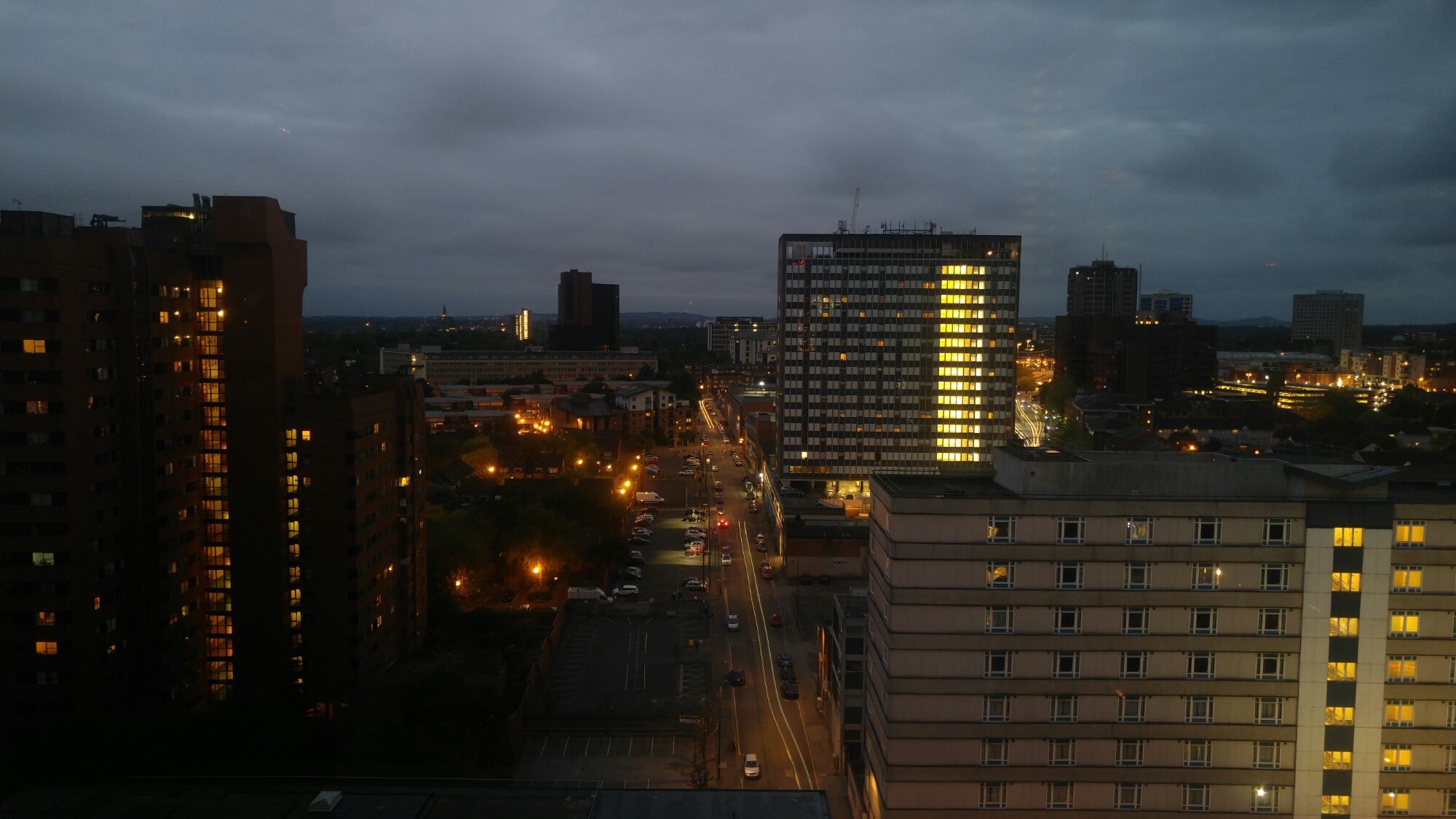
LG G4 – 30 second photo exposure

image

The above and below photos were taken with my LG G4. To manage a 30 second shutter time at ISO 50, I used a ND filter which I had adjusted in strength. Without the filter only 8 seconds would be possible without making the shot too bright.

image

I just need to establish a secure method of attaching the ND filter to the G4. For information the G4 was up against double glazed windows. The ND filter was one used for a DSLR and was a variable ND filter.

If you tap on photo to enlarge you will see the light trails more clearly.

LG G4 – My screen protection

orzly

Ever since I received my black leather LG G4, I had kept the original screen protective plastic on the screen.

I had been looking at buying a tempered glass screen protector and in the end settled for the Orzly Premium Tempered Glass Protector. It is normally £24.99 but Amazon were selling it for £9.99. To be honest the price was irrelevant as I was more concerned at fitting it without bubbles and wanting the best quality protection.

Well yesterday, I removed the original piece of plastic covering my LG G4, used the included alcohol wipe and cloth to clean my G4 screen, and placed the Orzly Premium Tempered Glass on the G4, followed the instructions by pressing my finger from the centre first and voila. No bubbles, no dust, just beautifully fitted.

The Orzly Premium Tempered Glass Protector is 0.24mm thin and has an oleophobic coating to help prevent fingerprints. This coating also makes it easier to clean the screen. It also fits the curved screen of the G4 really well and looks so clear and fingerprint free. The Glass Protector is so much better than the plastic before which was full of smudges and more. The screen looks so much clearer, the difference is night and day. I wish I had fitted this earlier!

Orzly also have an offer found inside the packaging to be able to claim a free case and stand, £5 voucher, even a second case , in car holder and either a free powerbank or bluetooth headset. The amount of free stuff is based on facebook likes (40, 80, 160 or 320 likes) which is part of making the brand more visible using social media. I don’t use FaceBook myself, but if you do for 40 likes you could get a free case and stand worth £7.99.

I bought my Orzly Premium Tempered Glass Protector at Amazon. Click link below if you want to learn more.

Orzly® – LG G4 Premium Tempered Glass 0.24mm Protective Screen Guard – Oleophopbic Screen Protector For LG G4 SmartPhone (2015 Model)

Photo Filters – Part 2 – LG G4 vs Samsung Galaxy S6 Edge

Yesterday I posted an article challenging does the quality matter if you use a photo filter. I was asked to show the 2 photos and how both phones photos looked after applying the same filter with each.

First up from the LG G4, processed in Photoshop Express using the Autumn filter.

image

And next scene processed with same filter but using the S6 Edge.

Foggintor Quarry and nearby areas #Dartmoor #S6Edge

Ok, lets use Snapseed, HDRscape filter on both. LG G4 first.

Inside Foggintor Tor #LGG4 #Dartmoor

Below shot from Samsung Galaxy S6 Edge with Snapseed.

image

So which do you prefer, and does it matter?

LG G4 – The Review – All 26 Parts

20150517_071347

20150517_071457

Since my review of the LG G4, I have included several other posts. All the links are noted below. I have also included a link to the special LG G4 Flickr album set.

Below are all the links to all the posts. The gallery action shots are a must view post. Using burst mode I was able to snap some amazing motion shots. Also worth noting is the burst mode shots were 7.9mb in file size over 3 times the size of a burst shot from the Samsung Galaxy S6 Edge.

LG G4 – The Review – updated – https://gavinsgadgets.com/2015/05/17/lg-g4-the-review/

FIGHT – LG G4 vs Samsung Galaxy S6 Edge – Real life differences – https://gavinsgadgets.com/2015/06/01/fight-samsung-galaxy-s6-edge-vs-lg-g4-its-war-so-read-on/

LG G4 – First Impressions on UK retail version – https://gavinsgadgets.com/2015/05/29/lg-g4-first-impressions-of-the-official-uk-version/ (note – my review was written with a Korean version. The first impressions pick up on the differences between the Korean and UK retail versions)

LG G4 – Photos from Today – https://gavinsgadgets.com/2015/05/25/lg-g4-some-photos-from-today/

Shooting in difficult conditions – https://gavinsgadgets.com/2015/05/24/lg-g4-shooting-in-difficult-conditions/

More Thoughts on the G4’s F/1.8 Camera – https://gavinsgadgets.com/2015/05/21/lg-g4-more-thoughts-on-that-f1-8-camera/

Photo Filters – Do they make a difference – LG G4 vs Samsung Galaxy S6 Edge – https://gavinsgadgets.com/2015/06/04/photo-filters-do-they-make-a-difference/

LG G4 – First Failure with update from LG – https://gavinsgadgets.com/2015/06/03/lg-g4-first-failure-update-from-lg/

LG G4 – Gallery of 18 Action Shots (must see this) – https://gavinsgadgets.com/2015/06/03/lg-g4-incredible-fast-action-shots-from-the-g4-camers/

LG G4 – See what a 102mp shot from the G4 looks like – https://gavinsgadgets.com/2015/06/03/lg-g4-see-what-a-102mp-shot-looks-like-taken-by-the-lg-g4-how-it-busts-google-photos/

LG G4 – Charging Behaviour and Quick Charging 2 – https://gavinsgadgets.com/2015/06/02/lg-g4-charging-behaviour-and-quick-charging-2/

LG G4 – Leather back guidelines for safe usage – https://gavinsgadgets.com/2015/05/31/lg-g4-leather-back-guidelines-for-safe-usage/

LG G4 – Camera shots from today. Just wow – https://gavinsgadgets.com/2015/05/30/lg-g4-its-camera-is-so-good-shots-just-taken-today/

LG G4 – Black leather – whats in the UK retail box? – https://gavinsgadgets.com/2015/05/28/lg-g4-black-leather-unboxed-whats-in-retail-box/

LG G4 – Selection of 50 photos – https://gavinsgadgets.com/2015/05/28/lg-g4-a-selection-of-50-photos/

LG G4 – Shoot like a Pro – Some tips and examples – https://gavinsgadgets.com/2015/05/26/lg-g4-shoot-like-a-pro-in-manual-mode-some-tips-and-examples/

LG G4 – More Camera Samples – https://gavinsgadgets.com/2015/05/21/lg-g4-more-camera-samples/

LG G4 – Incredible action shots – https://gavinsgadgets.com/2015/05/19/lg-g4-camera-action-shots-wow/

Happy Families – Life on Dartmoor – View the photo featured by Flickr in Explore – https://gavinsgadgets.com/2015/05/17/taken-by-the-lg-g4-happy-families-life-on-dartmoor-and-now-featured-by-flickr/

LG G4 – Colour Spectrum Shots – https://gavinsgadgets.com/2015/05/16/lg-g4-colour-spectrum-sensor-camera-shots/

LG G4 – More camera shots – https://gavinsgadgets.com/2015/05/16/lg-g4-more-camera-shots-2/

LG G4 – Manual Mode at Night – https://gavinsgadgets.com/2015/05/15/lg-g4-manual-mode-camera-shots-at-night/

LG G4 – First looks at the camera – https://gavinsgadgets.com/2015/05/15/lg-g4-first-looks-at-the-camera/

LG G4 – The arrival – https://gavinsgadgets.com/2015/05/15/lg-g4-its-arrived/

LG G4 – Launch Report with First Impressions and Specific Testing – Video and Photos too – https://gavinsgadgets.com/2015/04/28/my-hands-on-with-the-lg-g4-plus-first-impressions/

Link to my LG G4 Flickr Album set with around 70 photos from the LG G4 – https://www.flickr.com/photos/gavinfabl100/sets/72157652876197995

Photo filters – Do they make a difference? LG G4 vs Samsung Galaxy S6 Edge

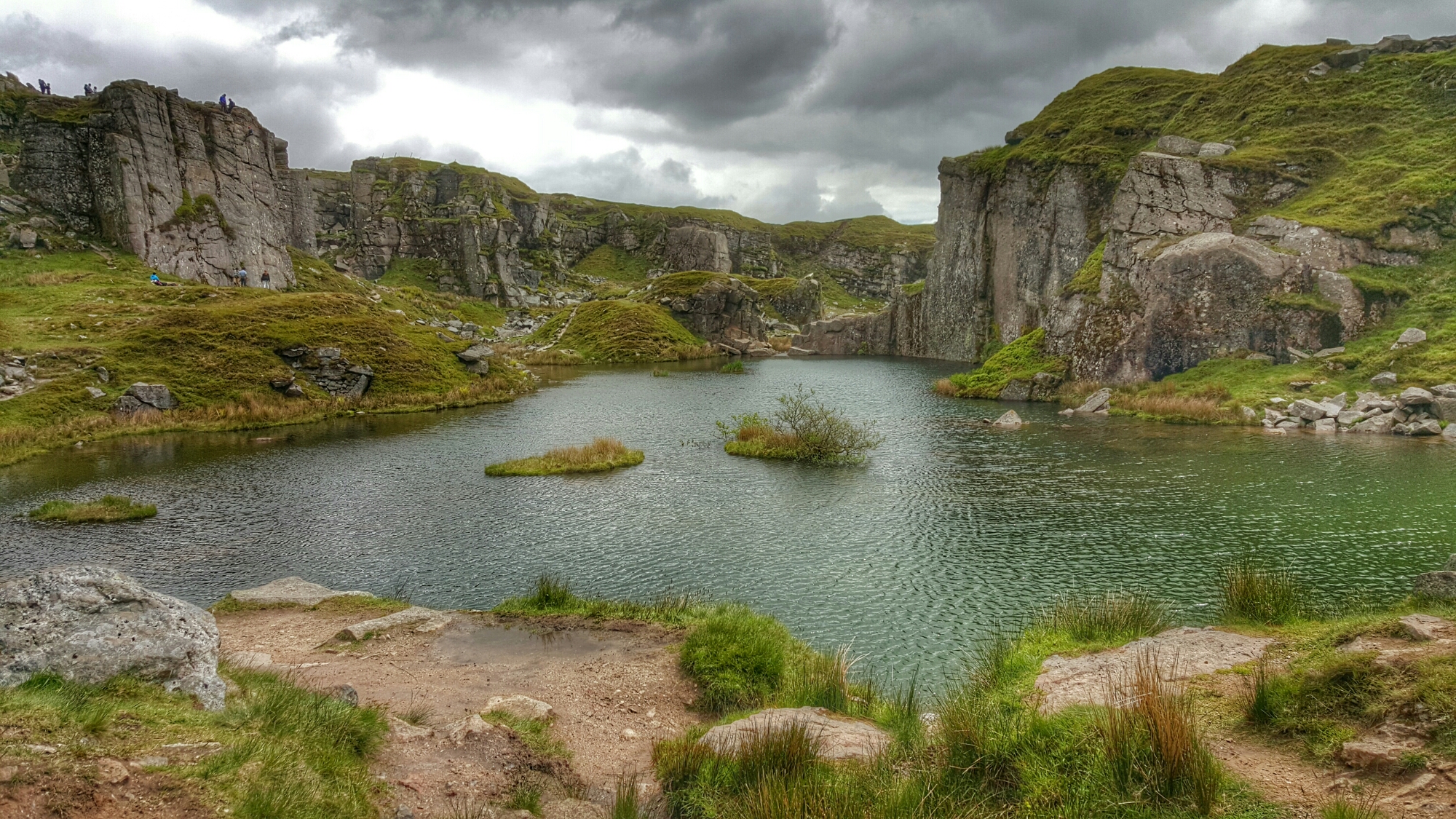
Below are 2 photos of the same scene, taken with 2 different phones. First shot is taken with the LG G4.

Inside Foggintor Tor #LGG4 #Dartmoor

The same scene but taken using the Samsung Galaxy S6 Edge.

Foggintor Quarry and nearby areas #Dartmoor #S6Edge

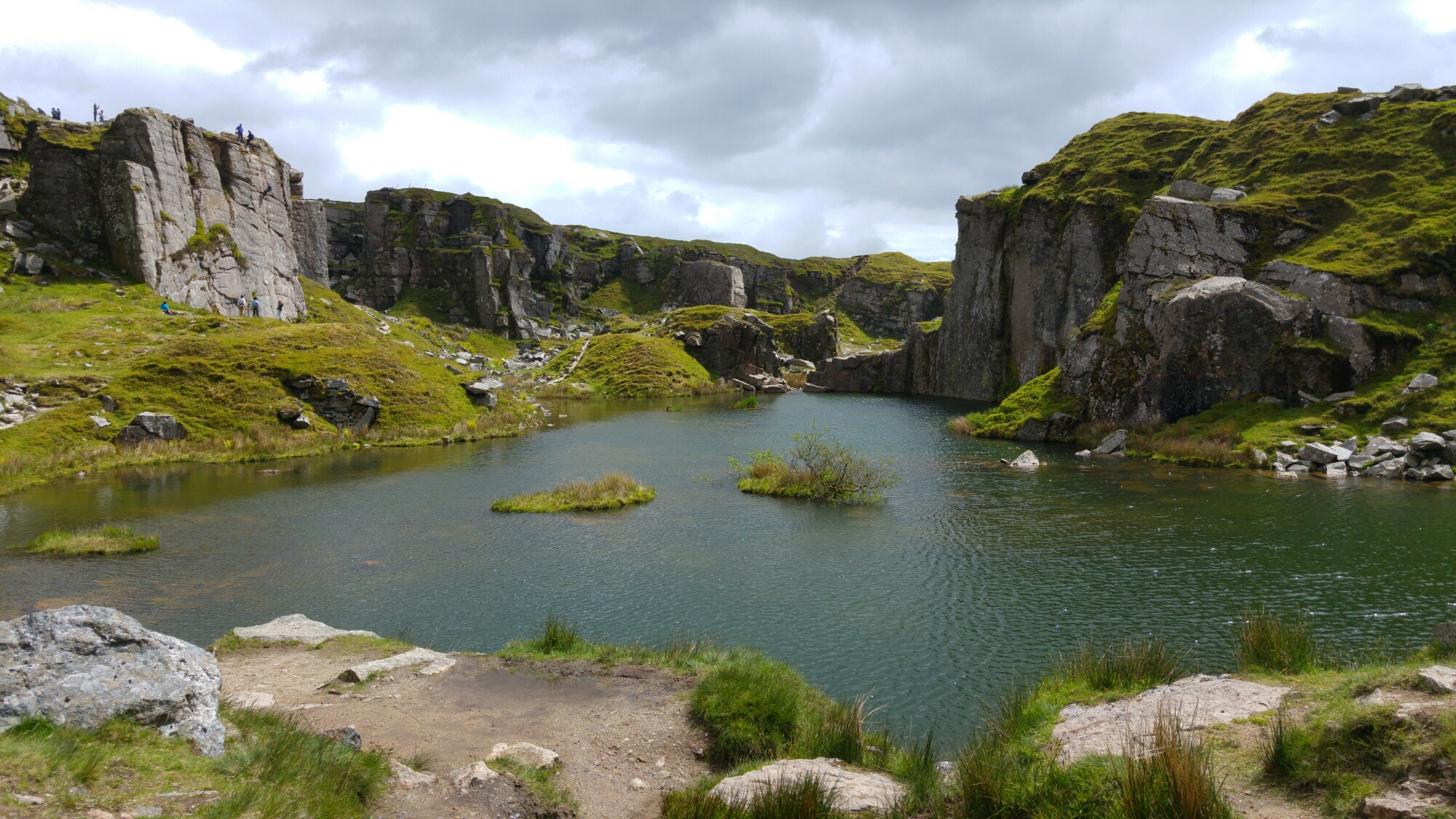
Now the original shots from each show were superb. I’ll be honest, the G4 snapped a better shot, however the difference was so marginal with this particular scene. If you owned either phone you would have been really happy with your photo.

But does the quality matter if you apply a filter. For this test I have used 2 different photo apps to make the comparison deliberately harder. The first shot taken with the G4 was edited in Snapseed using the HDRscape filter. The second shot taken with the S6 Edge was edited in Adobe Photoshop Express using the Autumn filter.

So which shot do you prefer? And does the quality really matter now?

Below is the original from the G4.

image

And now the original from the S6 Edge.

image

Has your preference changed?

LG G4 – First Failure – update from LG

The other day I wrote about the first failure on the LG G4 with their QuickRemote app. See here https://gavinsgadgets.com/2015/06/02/first-failure-on-the-lg-g4/

Well I decided to drop LG Customer support a quick email just notifying them of the issue, and within 24 hours I received the following email –

“Good morning Gavin,

Thank you for your query regarding your G4.

I hope this email gets to you safely and you have had a fantastic morning so far.

I am sorry to hear that you are experiencing this issue with your app.

I have had a look into this for you and I can confirm that this is not a bug with the G4, it is infact due to the application not being optimized yet for the G4 causing undesired issues like you have been experiencing.

There will be an update released soon for the app Gavin to get this resolved for you”

So that’s good news. Also, I was quite impressed how honest LG were about the situation.

LG G4 – Gallery of 18 Amazing Action shots from the LG G4

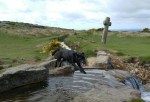
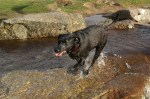
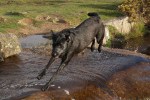
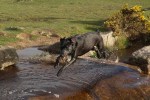
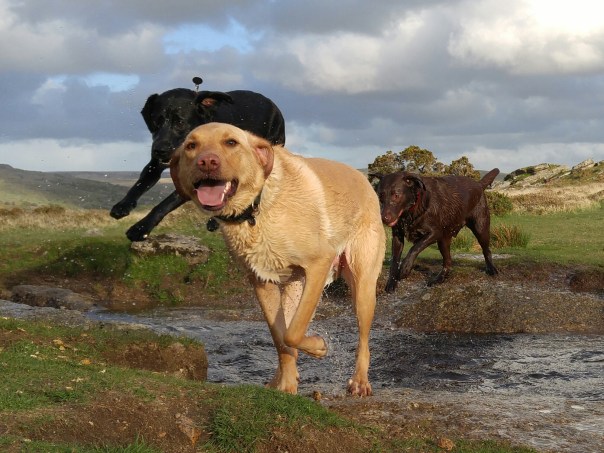
I have now been using the LG G4 for a good few weeks and get constantly amazed by the camera. This is 16 of my favourite action shots taken with the LG G4 of my 3 labradors, George (light), Fury (black) and Tiggy (choc). The scenery is Dartmoor, Devon, UK. Enjoy the gallery. Click a photo to start viewing the photos in gallery mode.

And here is a copy enlarged.

Bionic Tiggy
Bionic Tiggy
One more smile
One more smile

LG G4 – See what a 102mp shot looks like taken by the LG G4 & how it busts Google Photos

This is a panoramic shot taken by the LG G4. It is a 102 mega pixel shot! To see the full size and the level of detail, click on the photo to jump into my Flickr. Then select original size.

Exeter Cathedral Yard Panoramic shot #LGG4 #40mb

I am now using the new Google Photos app to upload my photos. I have decided to keep to full resolution and skip the free offer. Compressing all photos by 30% approximately is too much for me to accept.

What I have since discovered, is a large photo, and the above panoramic is a good example, prevents the photo from being displayed in the app, on the a web browser or on any device. You can download it and see the shot that way, but there isn’t even a thumbnail present, just a white rectangular space with an exclamation mark in the middle. I hope Google fixes this or finds a workaround.

Have you found any Google Photo bugs yet?