Category Archives: Apple

Apple iPhone 6S and Siri – My Favourite and Most Useful Commands for Siri

Today, I thought I would share one of my favourite voice commands that I use all the time with Siri. If you have the iPhone 6S or 6S Plus you can have “Hey Siri” set to be always on (listening) for your voice. This is my preferred choice.

Your hands are wet as you’ve just had a shower. So say “Hey Siri”, then ask Siri, what time is it. Siri will respond dutifully with the time.

Next you’re cooking and need to set a timer. Just say “Hey Siri”, “Set timer 10 mins” or once “Timer 10 mins”.

But my all time favourite which I use a lot when in the car driving is “Hey Siri” , “Notifications” . I use to have to say “Any notifications”, but now Siri understands me to say just “Notifications”. After this command, Siri will read off all the notifications from all your different apps that you have showing in the notification centre, plus the short line of text revealed by each notification.

So these are my top 3, what are yours?

Apple iOS 9.3 – All the new features and benefits

Next month Apple will release iOS 9.3 which apart from the mandatory bug fixes will incorporate a host of new features, all of which are worthy additions.

These new features will bring benefits to all your iPhone, iPads and iPod Touches. Many apps will have minor improvements but the main ones are as listed below along with their benefits –

Night Shift – Night Shift uses your iOS device’s clock and geolocation to determine when it’s sunset in your location. Then it automatically shifts the colors in your display to the warmer end of the spectrum, making it easier on your eyes. In the morning, it returns the display to its regular settings. This places less strain on your eyes and helps you sleep better at night.

Notes app – Notes is one of those apps you use all the time for all kinds of things. Now you can secure the notes that contain your most personal data — such as financial details, medical info, or website logins — with a password or fingerprint. You can also sort notes by date created, date modified, or alphabetically.

News app – The articles in For You are now better tailored to your particular interests. And to help you discover new Favorites, For You suggests trending topics and Editors’ Picks. When a story contains video, you can play it right from your feed. On your iPhone, you can view everything in landscape. And when you check for updates, the latest stories appear much faster — so you can catch up on the day’s events quickly and easily. I really like using the News app and the more you use it the better it becomes!

Health app – It’s simpler than ever to find third-party apps to track your health and wellness. Categories such as Weight, Workouts, and Sleep have a new slider menu that reveals great apps you can easily add to your Health dashboard.2 The Health app also now displays your move, exercise, and stand data, as well as your goals, from Apple Watch. So you can see all your health metrics in one place and easily share your data with third‑party apps.

CarPlay – CarPlay adds more features from Apple Music. And the Nearby feature in Maps lets you find gas, parking, restaurants, coffee, and more with a tap. So you’ll know the best places to stop, whether you’re on your daily commute or an epic road trip. Just need my car computer to be updated to work with CarPlay!

Education – iOS 9.3 releases loads of new tools for education, enabling sharing iPads with various students with ease, a new Classroom app for the teacher, School Manager app for the administrators, and Managed Apple ID’s – new kind of ID for education, Managed Apple IDs are created and assigned by the school.

What you will also find is all of Apple’s own apps now have 3D Touch menu options enabled on the app itself e.g. weather, settings. So as you can see there is lots of new features to enjoy very soon.

Source – Apple
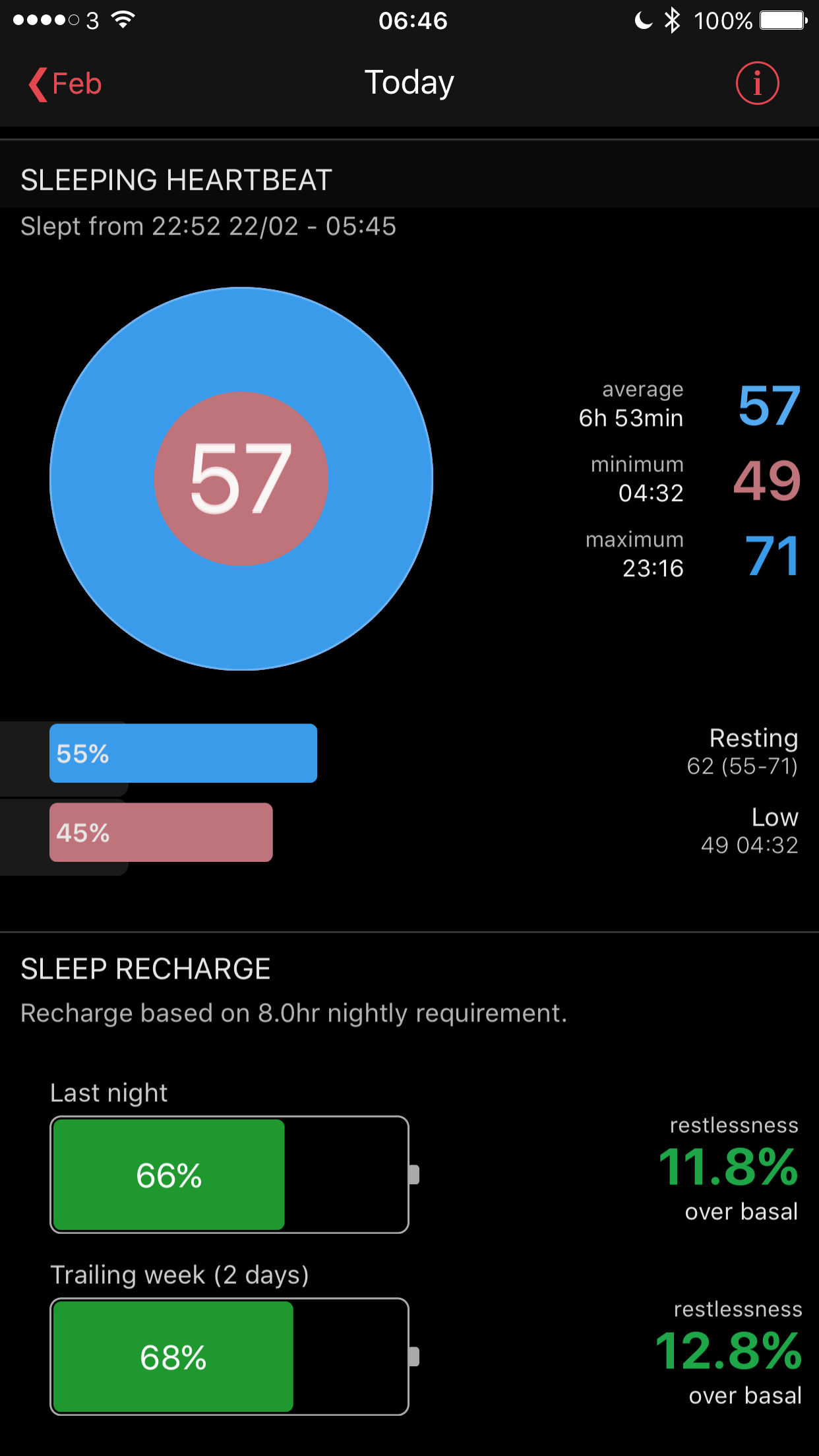
Apple Watch – Using your Apple Watch to monitor your sleep data


Heartwatch 2 for iOS has many functions for monitoring your heart rate using your Apple Watch. But it also can record and analyse your sleep data. 
Now one concern may be battery drain if using this function. Actually there is nothing to get concerned about. For a start my Apple Watch manages 2-3 days on a single charge with ease. At night, I turn off wake screen with motion. Then activate sleep mode on the Heartwatch 2 app. Turning off wake screen is done using the settings app on your Apple Watch. Then open Heartwatch 2 app on your Apple Watch. Force Touch down on the screen to reveal sleep mode and press start. 

Now once the screen goes off it won’t come on again while you sleep and disturb you or a partner unless you press the Digital Crown. Nor does battery life reduce that much either. 

And when you wake up the data get synced across to the Heartwatch 2 app on your iPhone and you get to see how you sleep presented beautifully too. 

Fight – LG G5 vs Samsung Galaxy S7 Edge vs Apple iPhone 6S Plus

So last night Samsung and LG announced their new flagship phones. So firstly, which is best out of the phones and then how do they compare to the iPhone 6S Plus.

Well the decision is not clear cut and really depends on your personal priorities. However, these are my thoughts on each phone.

Samsung Galaxy S7 Edge – This is the most attractive phone out of the bunch. The super amoled screen is gorgeous and using this tech for the always on screen is really good. For gaming, the Vulkan API is a great step forward, once developers support the API in their games. Quick wireless charging is good too as well as having larger batteries than last year’s model. Whilst the micro SD card has returned, the maximum storage is 32gb. Unfortunately, the S7 Edge does not support adoptable storage, nor does it support the latest USB-C standard. But it does have Gorilla Glass 5. Samsung has gone to town with its 12mp rear camera which has large pixels. Virtual Reality is also being heavily pushed. However, my experience of a Samsung VR headset involved feeling very sick. The accessories for the S7 Edge are decent too, from official cases and a case that has add on camera lenses. What is unknown is how good the loudspeaker is, and how good is the sound via headphones? Is there a HiFi DAC included? Personally, if I already had the S6 Edge, I wouldn’t upgrade to this phone. Samsung Pay is coming to the UK this year, but no firm date has been provided yet. However, when it does arrive, it will work with all terminals and not just contactless ones.

LG G5 – The design or look is just average. I need to see it in person, but from all the media footage it doesn’t inspire me. However from a specification point of view, the G5 appears to trounce the S7 Edge. Stunning IPS display capable of 850 nits. Really amazing camera with wide angle shots and some pretty funky options in the camera app. APT-X High Definition, infra red blaster, extra plug-in modules, and the kitchen sink. However, it doesn’t have any payment options unless Android Pay arrives soon. The Friends accessories are geeky too. So on paper it is likely the G5 will take high resolution photos and sound much better with headphones. The loudspeaker sound is unknown. What is also unknown is how the 16mp camera really compares versus the 12mp camera of the S7. Hard evidence is needed before being conclusive. Of course, it could depend on what type of environment you take photos in, which ends up dictating which phone camera suits you better. You may find having the option to shoot wide angle photos more useful than low light. With the G5 you won’t need to use an add on lens for wide angle shots that you will need with the S7.

Apple iPhone 6S Plus – So on paper it looks like the above phones will take better still photos, and in lower light this is quite likely. However, iOS is fortunate enough to have amazing apps, and therefore with the right apps, incredible low noise, low light photos are possible. There are no alternatives on android for these type of apps. iOS also has better apps, 3D Touch, a more advanced app eco system making use of 3D Touch and Apple Pay in full force. There are a number of aspects of both the LG G5 and Samsung Galaxy S7 Edge that wipe the floor of the iPhone from a hardware point of view, but iOS is supported by good software services , like iMessage and FaceTime. The iPhone is also 6 months old now, and 18 months into its product change cycle. The iPhone 7 could streak ahead of the Samsung and LG, or just level the field from a specs point of view. For example, whilst Samsung has introduced Vulkan API, Apple has been using metal for ages. However, Samsung clearly has the lead on VR, along with a decent number of VR apps already. But like everything, iOS offers some fabulous extras.

To pick a winner is a difficult choice. But I will in due course. Will the iPhone 6S Plus be history?? 🙂

Why Apple Pay is so much safer than a Contactless Bank Card?

This tweet was doing the rounds on twitter yesterday.

https://twitter.com/tweetyaca/status/699713171767083009

What’s special about this tweet is the person is in possession of a point of sale card reader, that means with this POS reader, it could authorise payments of £30 from your contactless card without you knowing. The reader could process payment of a bank card even if it was in a wallet or purse.

Apple Pay is so much safer as you need to authenticate the payment with your fingerprint, secondly nobody gets to see or read your actual credit card data, each transactions creates a random card number to protect your actual card number and lastly the data is secured into the secure element/chip inside your iPhone.

Contactless cards are quick and easy but as you can see above, if you’re unlucky you could get scammed quite easily.

Apple Pay is a securer option.

Shot on an iPhone – 57.8 second long exposure photo

Views of Paignton Beach #iphone6splus #NightcapPro #LongExposureMode #60seconds

Well yesterday was a 45 second exposure shot, so today is nearly a minute. Actually, this was meant to be a 15 second exposure, but then a person walking their dog appeared into the shot, so I kept the shutter rolling for longer, and voila the final version did not have them in the shot. If you look very closely you will see a slight ghosting. The above shot was with a tripod again, and using a Shoulderpod S1 smartphone all in one mount. The app used was Nightcap Pro for this shot and the one below in long exposure mode.

Now just as a second bonus, I noticed their was this odd piece of wood lying on the beach. So using a Joby GorillaPod SLR-Zoom Tripod along with a smartphone mount, I took the long exposure shot below. The Joby tripod is about a foot tall and is built like a tank. Highly flexible and sturdy, and wraps around posts, poles and branches really well. So roughly my iPhone was about 1 foot high from the beach sand. The shot below was a long exposure of 20.31 seconds.

Views of Paignton Beach #iphone6splus #NightcapPro #LongExposureMode

If you want to see how clever Nightcap Pro app is, the developer has a wonderful gallery showing shots taken in daylight, night and a section of astronomy photos. Click HERE to view the gallery.

Weather permitting I will be attempting some astronomy photos which will involve a minimum exposure time of 15 minutes.

Shot on an iPhone – a 45.29 second long exposure photo

Postbridge Bridge #LongExposureMode #NightcapPro #raw

Sometimes software really impresses me. I have talked a lot about ProCamera+, but there is another photography app that seems to perform miracles and that is Nightcappro. There is a free version Nightcap that allows you to get a taste of what the app can achieve.

For the above shot (click on photo to be taken to the original), I changed the settings in Nightcappro to long exposure mode, placed my iPhone 6S Plus on my tripod. My iPhone is attached to the tripod using a Shoulderpod S1. I then increased the photo quality to raw (TIFF).I then pressed the shutter button and watched the time increase and the photo start to create the silky water effect. 45.29 seconds later I stopped the shutter and voila. A perfect shot!

To see more of what Nightcap app can produce, have a look at the developers gallery.

How to Fix the iPhone 1970 Date Bug – Details plus Video

If you have been reading the news recently, you will have read that changing the date on your iPhone to the 1st January 1970 will brick your phone. DO NOT TRY THIS.

Luckily the solution is simple and involves disconnecting the iPhone battery. To do this you will need a special pentalobe screwdriver and to follow the instructions from JerryRigEverything.

His video shows how to resolve this little issue in his 90 seconds video. Of course the easiest solution is not to be an idiot and try and change the date to the 1st January 1970 in the first place.

Apple will be releasing a software update to prevent this happening in due course.

In pursuit of the perfect photo – Editorial

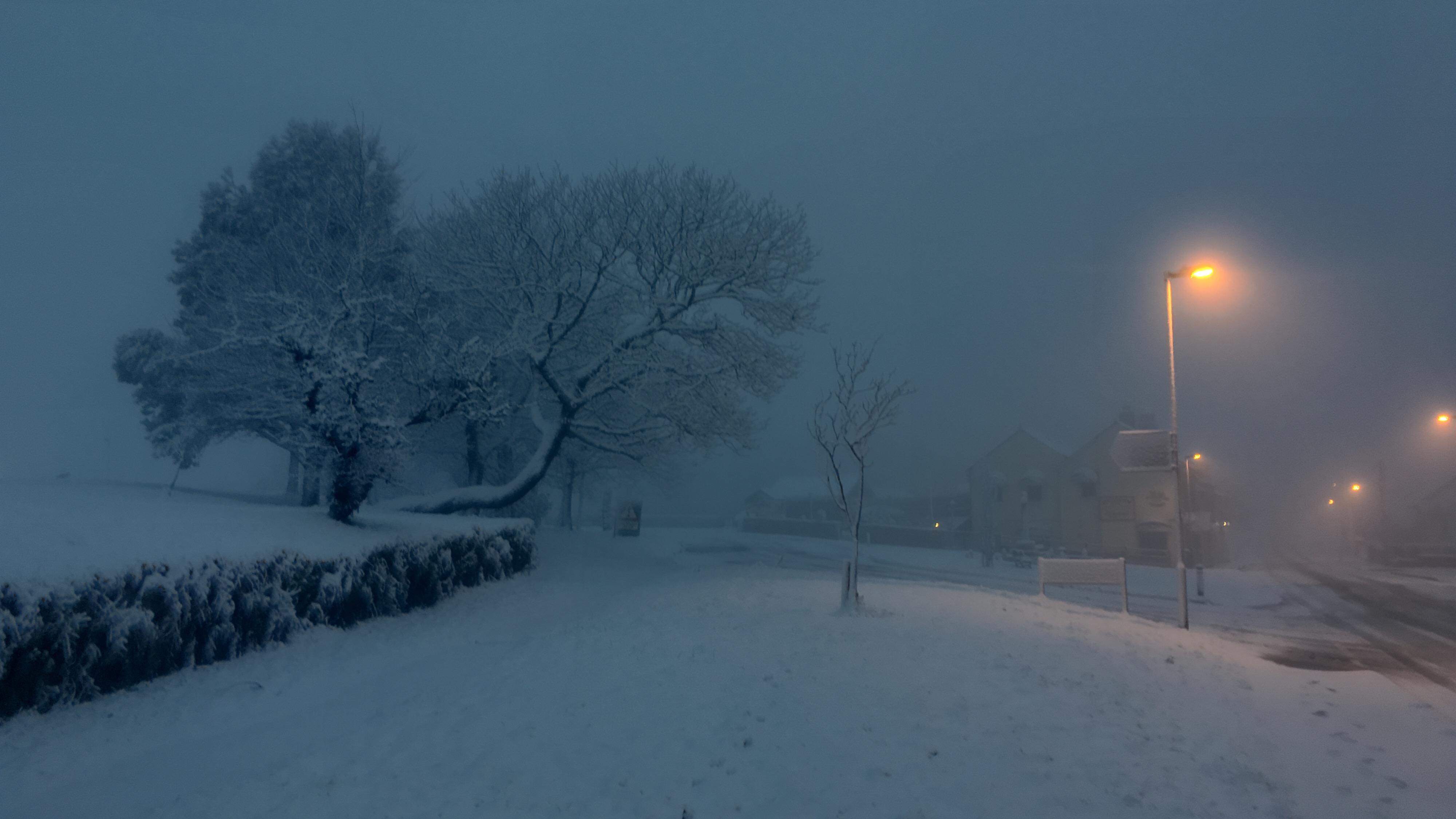
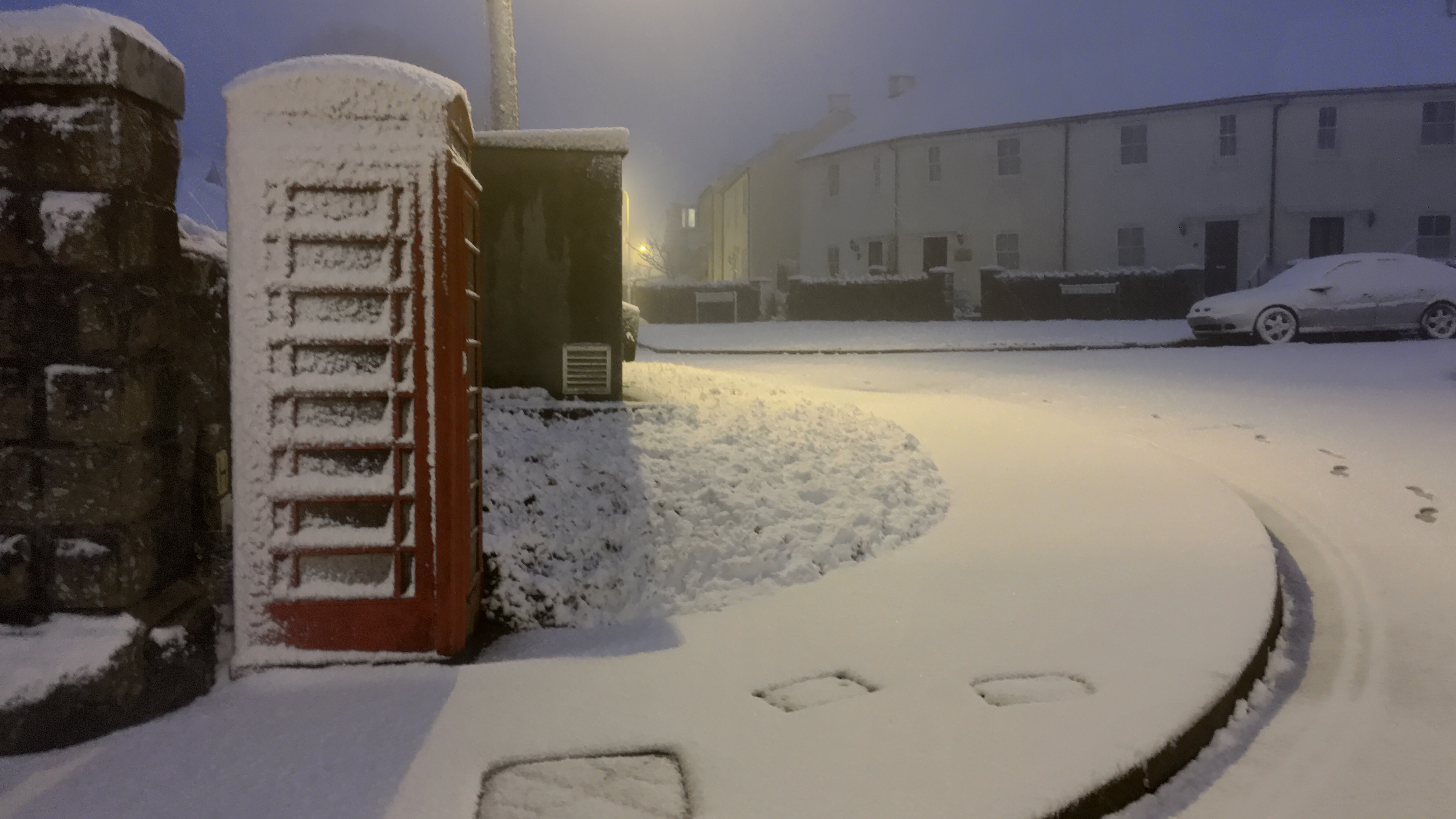
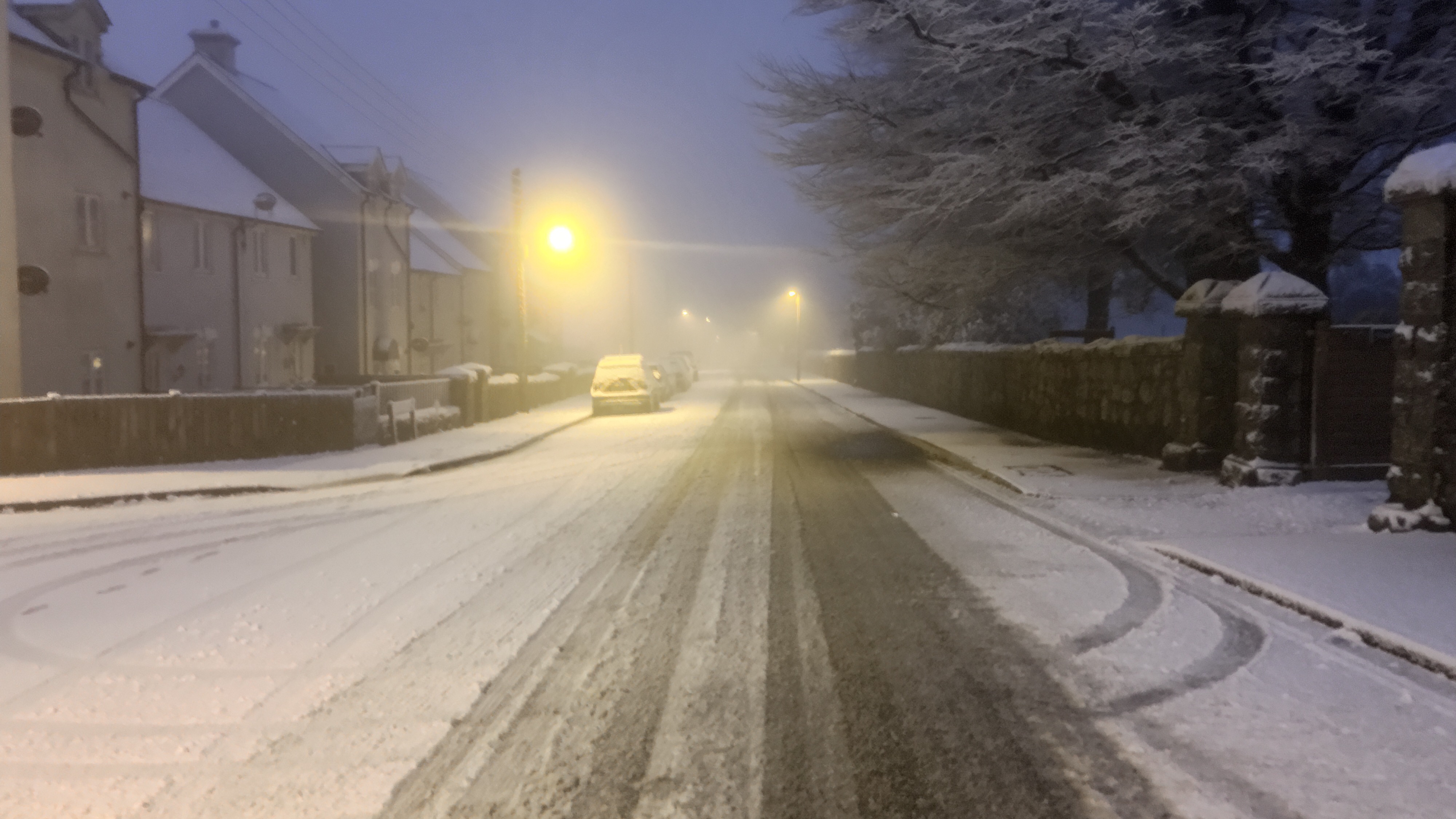
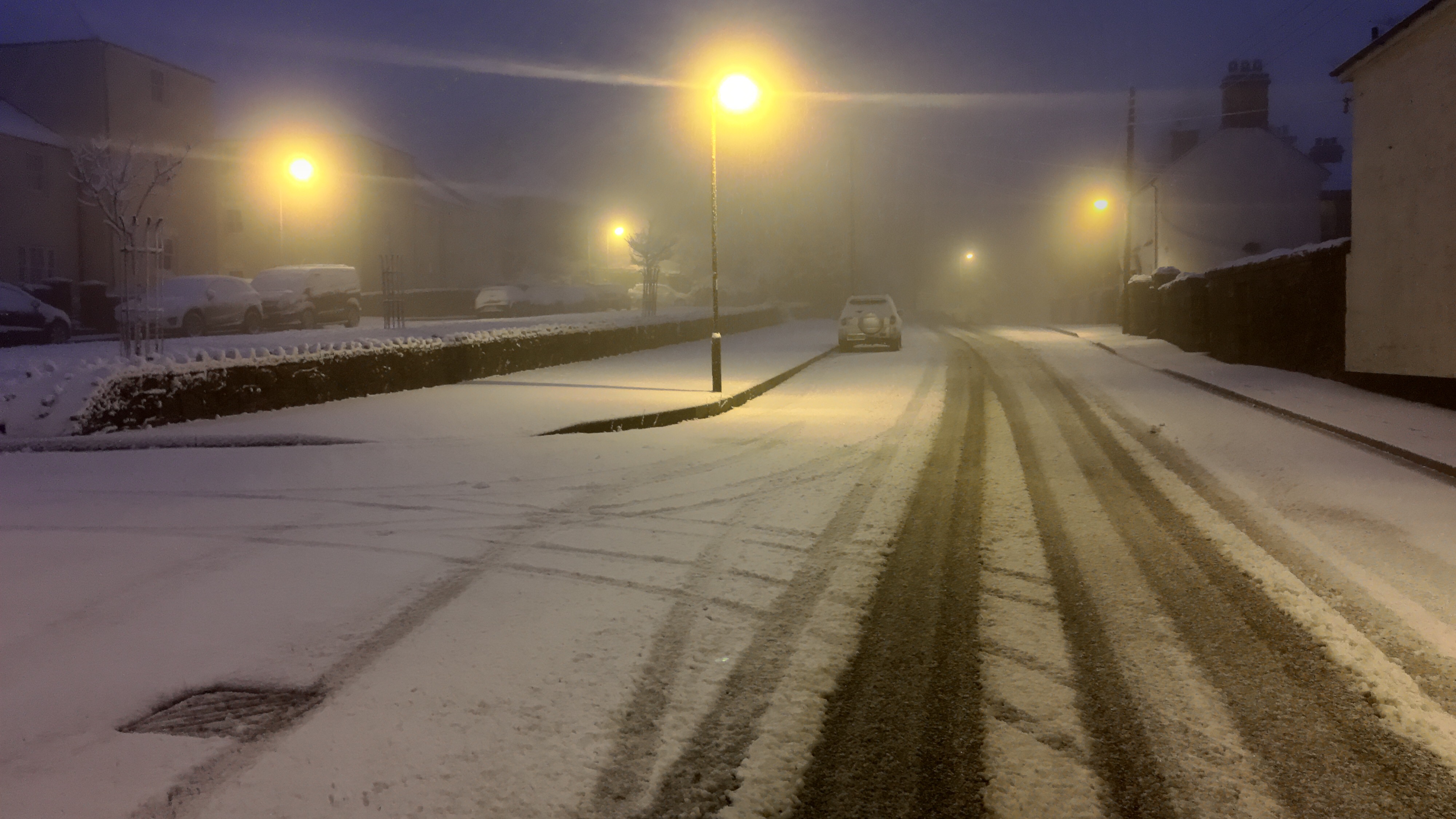
Snowy scenes from Princetown on Valentine's Day #iphone6splus #procamera+ #lowlighthdrmode

It snowed yesterday in my village, Princetown. Armed with just my Apple iPhone 6S Plus and Sony RX100, I went out in the snow blizzard to take a selection of photos to capture the scene. If you scroll back a few articles you will see all 17 photos snapped.

I decided that the RX100 was not going to get covered in the snowfall, so I used my iPhone 6S Plus. As it was still slightly dark, I knew the low light capability of the iPhone 6S Plus would not be fantastic. Fortunately, I have been using ProCamera+ for iOS and decided to use its low light HDR mode which combines 5 shots in to one. I used this app to ensure I got the perfect photo. And I succeeded nearly. I took 20 photos and discarded 3 which were repeats. It was tricky to see the screen sometimes due to snow but apart from 3 of the shots which weren’t in focus enough, I actually was happy with the results. The default iPhone camera app would not have achieved anything near as good in my opinion.

To capture that perfect photo, the iPhone will nail it in most scenarios accept where the lighting is lower or with moving things e.g. dogs or children. Low light moving targets is near impossible without blur. And that is where the LG V10 came up trumps. Any light, any conditions and it seemed to nail that perfect shot.

But I do wonder, is it worth changing a phone just for the camera, and all in pursuit of the perfect photo.

Look at Tim Cook at the Super Bowl. He uploaded a blurred photo shot on his iPhone. He was actually really happy with the photo and being honest, the moment was recorded and in some ways that is more important than the pursuit of the perfect photo.

I do suspect that following Tim Cook’s blurred photo, the next iPhone will take much better low light shots!