Yesterday I was a guest on the Coolsmartphone podcast.
Click here to have a listen and even subscribe if you enjoyed it.
If was a fun podcast and well worth a listen.
Yesterday I was a guest on the Coolsmartphone podcast.
Click here to have a listen and even subscribe if you enjoyed it.
If was a fun podcast and well worth a listen.

I have already reviewed the LG G4, but this was a unit from Korea. I now have the official UK release so will start to document any differences.
Cellular reception on Dartmoor is flaky especially indoors in the kitchen. The G4 UK model had really strong signal, more than the Korean model.
Black leather is much nicer than metallic grey plastic. A gold metallic plastic back is also included in the box.
LG Backup is an app provided by LG. It provides a full backup of your phone up to 5gb in the cloud. But you can also use it to restore from another device. I installed it on my S6 Edge, and used the LG Backup app to effortlessly transfer the SMS and Call Logs from the S6 Edge to the LG G4.
Quick charging 2 has not been implemented yet and the slowness of the G4’s recharging is noticeable when you have had the S6 Edge previously. If it has been implemented, it still feels slow.
Interruptions – when activated the G4 notification light will still flash when any notifications arrives. The S6 Edge turns off the light.
A lot got discussed during the opening presentation of Google I/O. To make life a bit easier, here are the key points –
– Android Pay – Google’s mobile payment system to take on Apple Pay.
– Android M – Next version of android available as a developer preview. Features like Doze for deep sleep battery saving make sense, app permissions simplified and work just like iOS ie you agree to each as the app needs for example to location services or microphone. Native fingerprint support. App to App linking and the web view replaced with Chrome.
– Nvidia Shield Android TV got mentioned – this is one product I can’t wait to test for its gaming options.
– Expeditions and Family Star – focus on kid ranking for apps/games. Expeditions for teaching kids with virtual reality.
– New developer tools. Not that exciting unless you’re a developer.
– A new OS for the internet of things called Project Brillo
– Google Now got expanded to include Google Now on Tap – so Google Now can views all your digital footprint and then uses that to apply contextual information inside of the app you are currently using. This was cool.
– Google Photos – Google announced a new standalone photos app. Free storage of all your photos up to 16mp and 1080p for videos. The service also automatically manages and organises your photos. The photos are slightly compressed too. Editing options include collages, making movies and more.
So what was your favourite part?
Google started its developer conference yesterday and many new things got announced. Android Pay was one of those, to take on Apple Pay.
Google has produced a video below to show how its works in 4 simple ways. So what do you think?
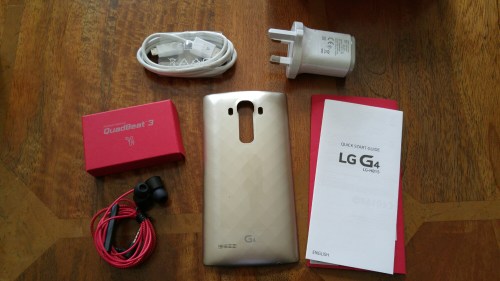
Finally the LG G4 went on sale. And this is what you get in box.
Opening the lid.
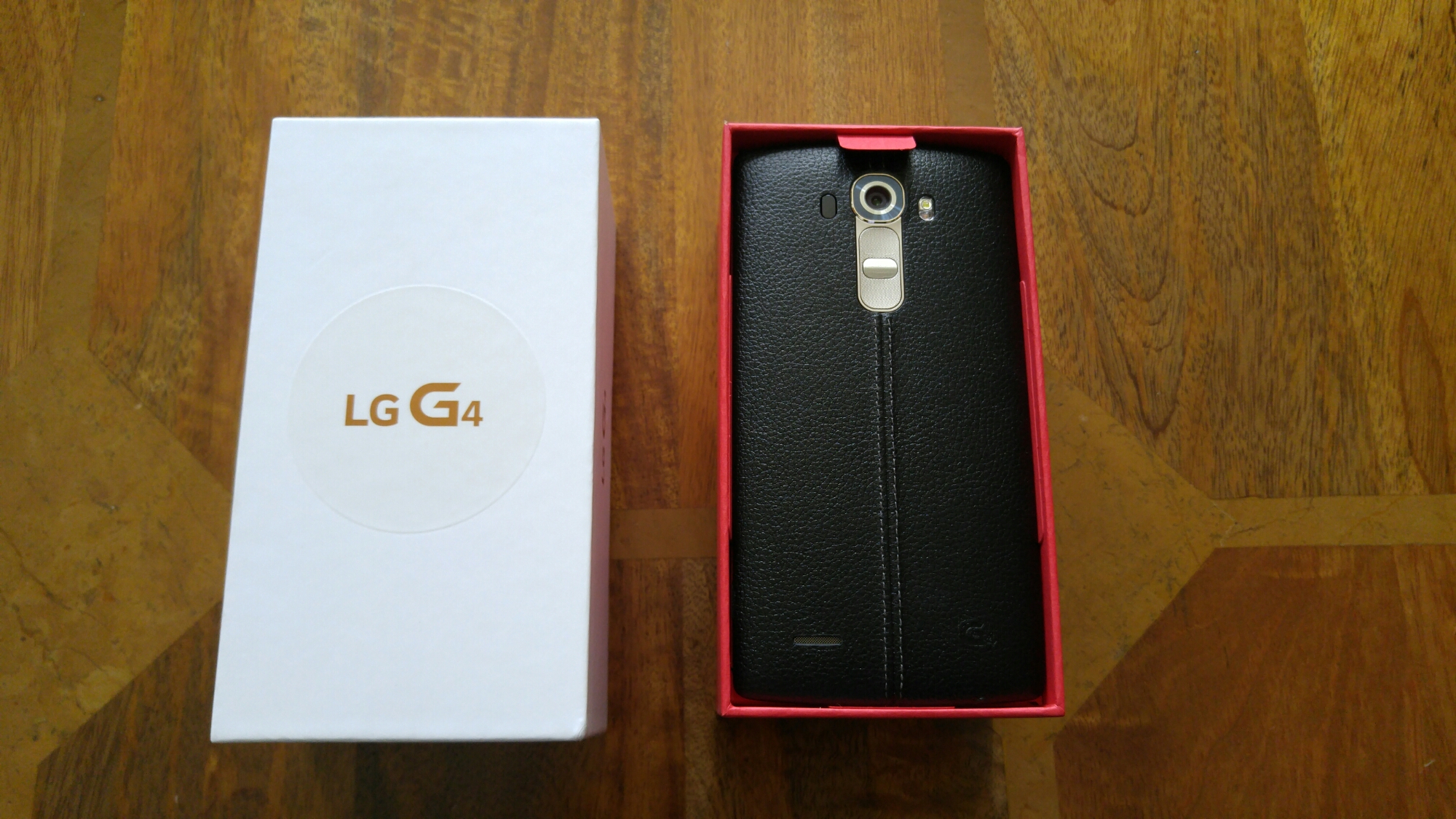
The leather back faces you instead of the screen.
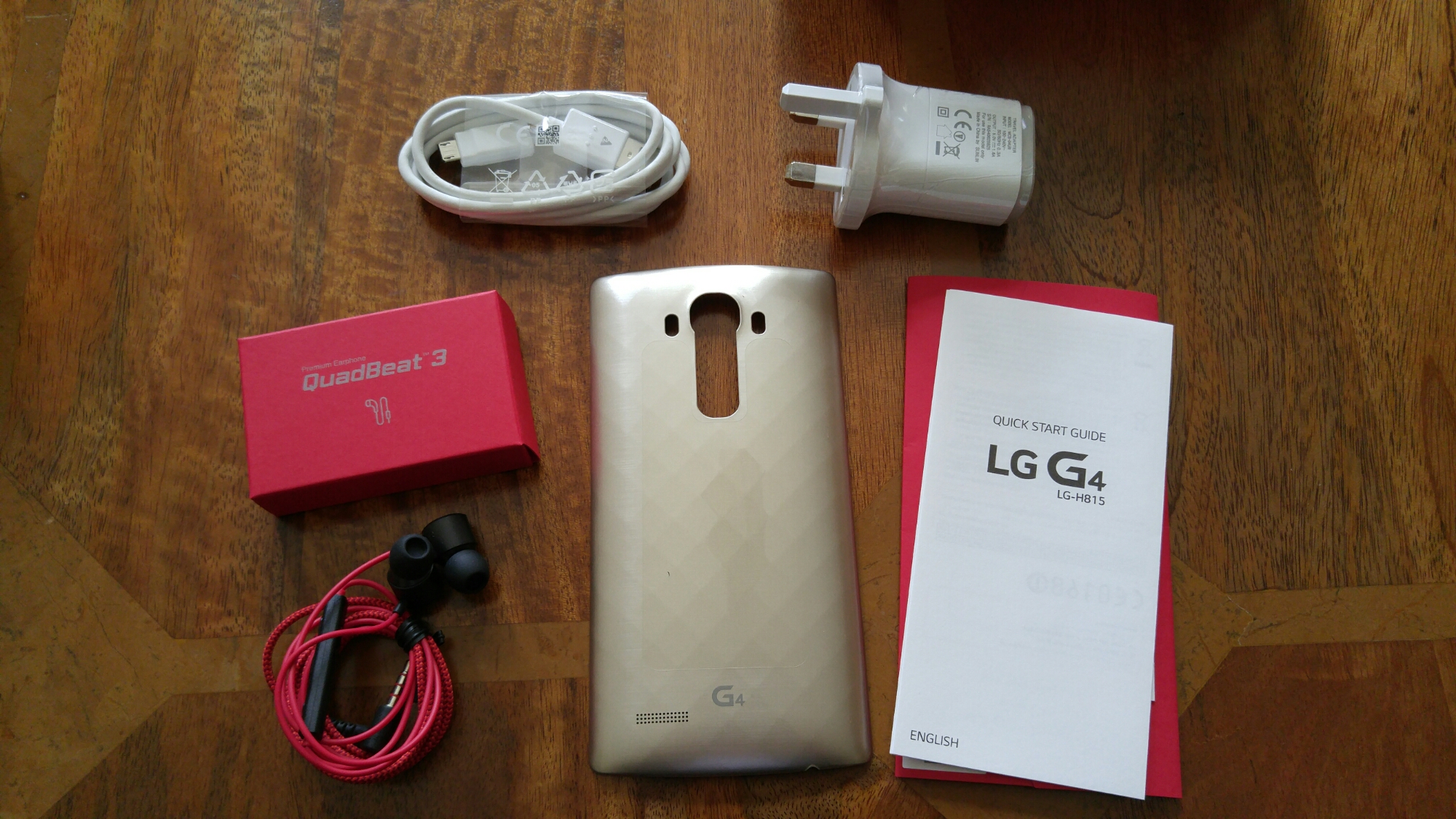
Opening the box reveals a battery, Quadbeat 3 headset, UK adapter, micro sd cable, quick start guide and a gold extra back.
And here is one more look at that lovely back leather.
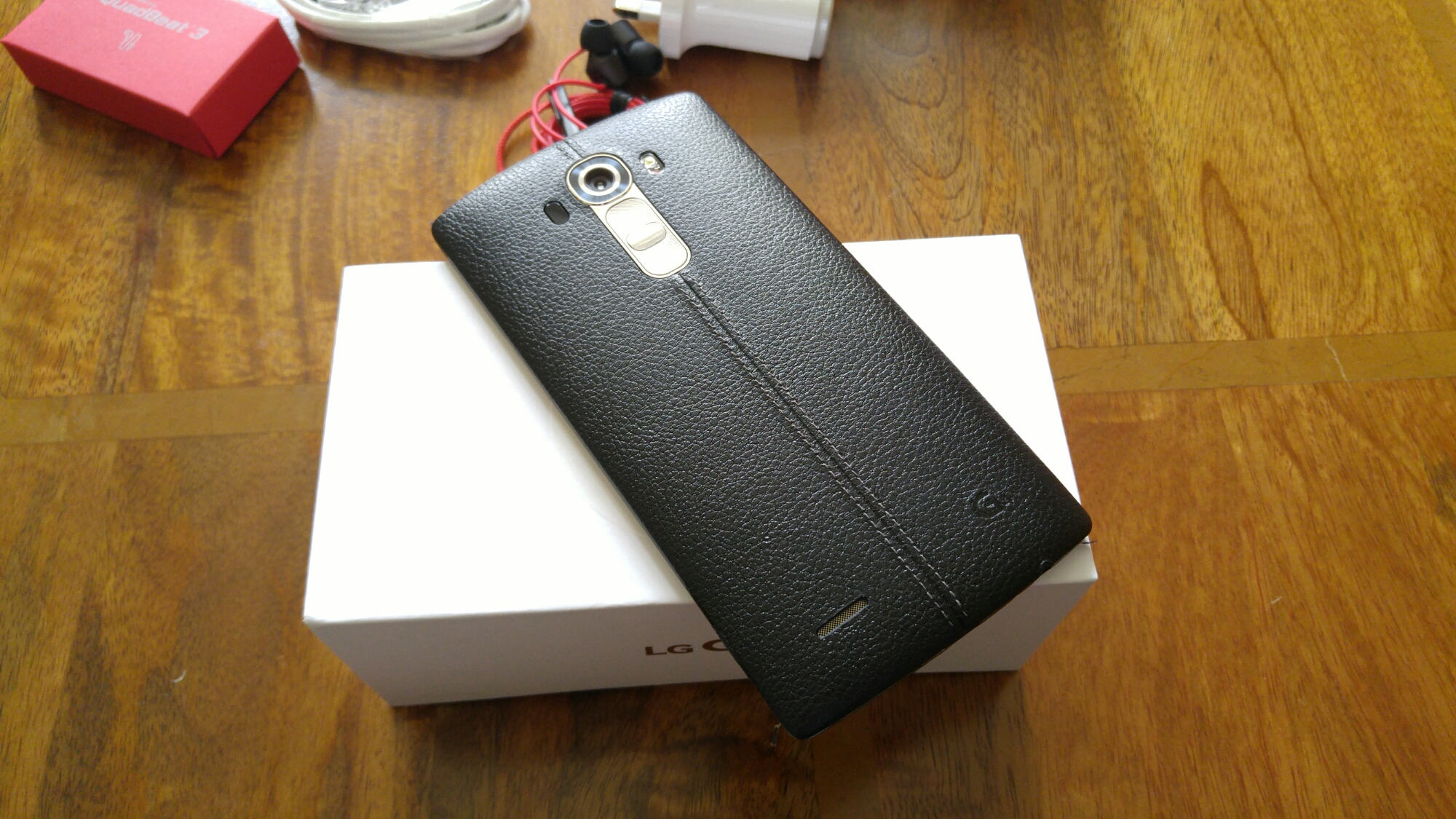
Looks great, doesn’t it 🙂
When something goes wrong and the S6 Edge starts radiating heat, the battery just free falls. Screen on time is 14 mins.
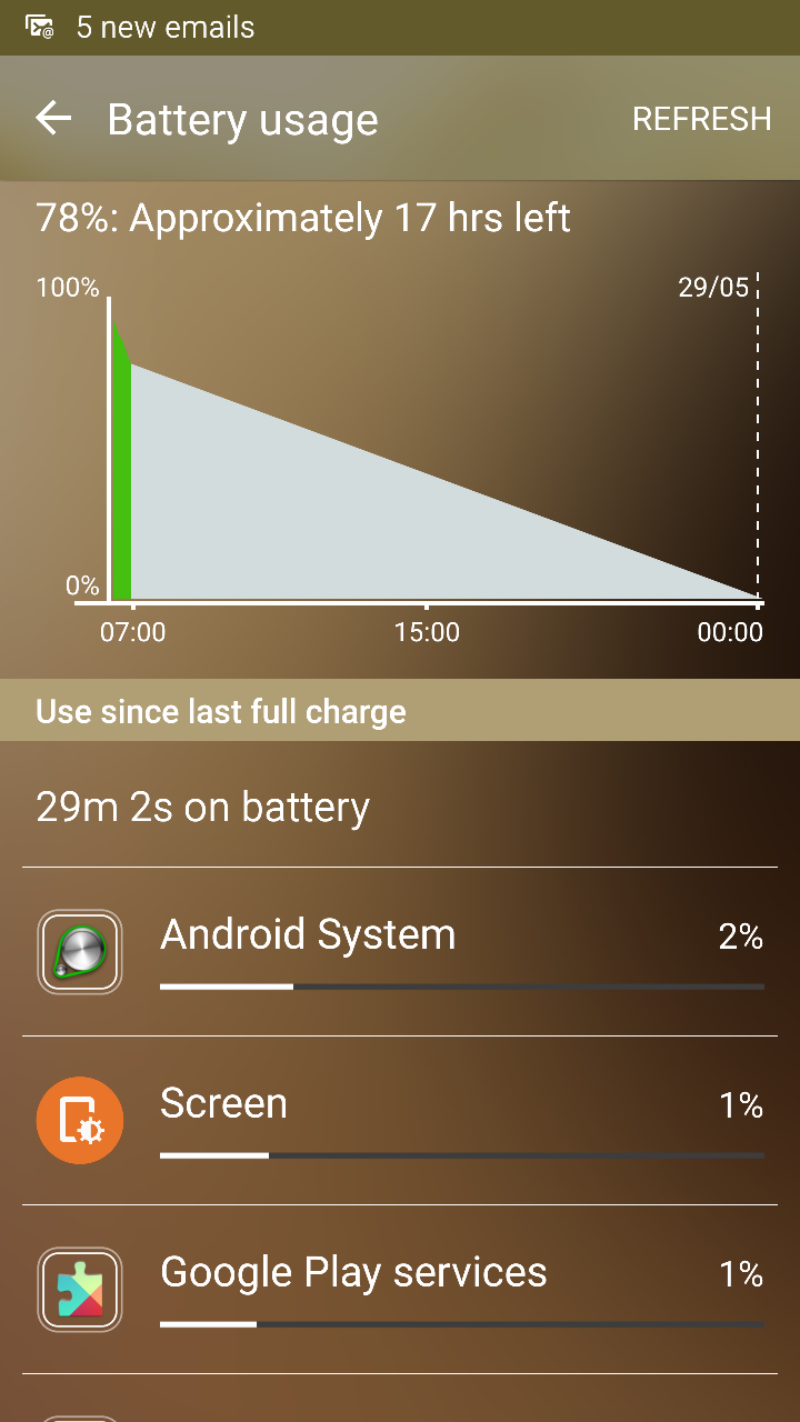
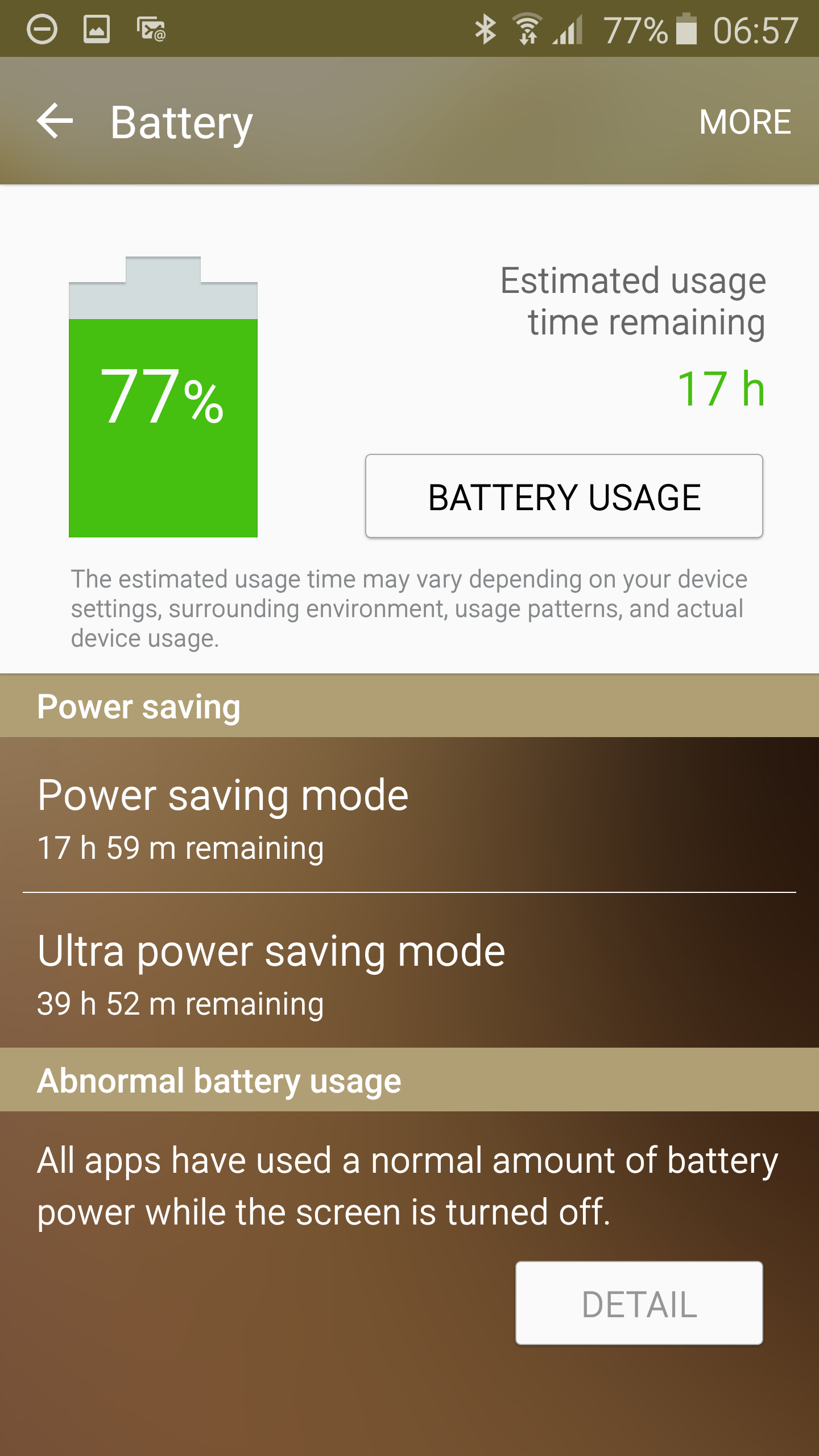
Somehow, 17 hours usage remaining is far too optimistic.
The only cure is to reboot the phone to stop the rogue app or process. When it does get this warm and the battery plummets you will notice performance lags a lot.
All this happened after I got an error message saying Google Play Services had stopped.
The software update to fix these memory bugs can’t come soon enough.
I have now finished uploading my G4 photos to my flickr account. There are now 50 photos to examine.
So click here – https://www.flickr.com/photos/gavinfabl100/sets/72157652876197995
Some sample shots from the album –
Happy Families on Dartmoor – This shot is very popular with nearly 13,000 views

Doggies in action x 2 – Without a doubt the next 2 photos are my favourite shots of my dogs


Summer in my village

Red Telephone Box – A Colour Pop shot

Water Droplets

Burrator Reservoir Waterfall – Long Exposure

Burrator Reservoir – Look at the stunning colour

21st Century Transport

Flower Macro – using HDR too

Postbridge Bridge, Dartmoor

Clapper Bridge, Postbridge

Macro shot – This is not a crop

Exeter Cathedral Yard – Panoramic shot at 41mb. Created just to see how pano shots performed


Welcome to my review of the Honor 4X. Before you start reading my review, just take note of the price of this handset. It is on sale at Amazon for £144.99. For that, you get an awful lot of bang for your buck.

The build is a plastic type fit and finish with a removable back. The white rear back cover is slightly patterned to aide with grip.
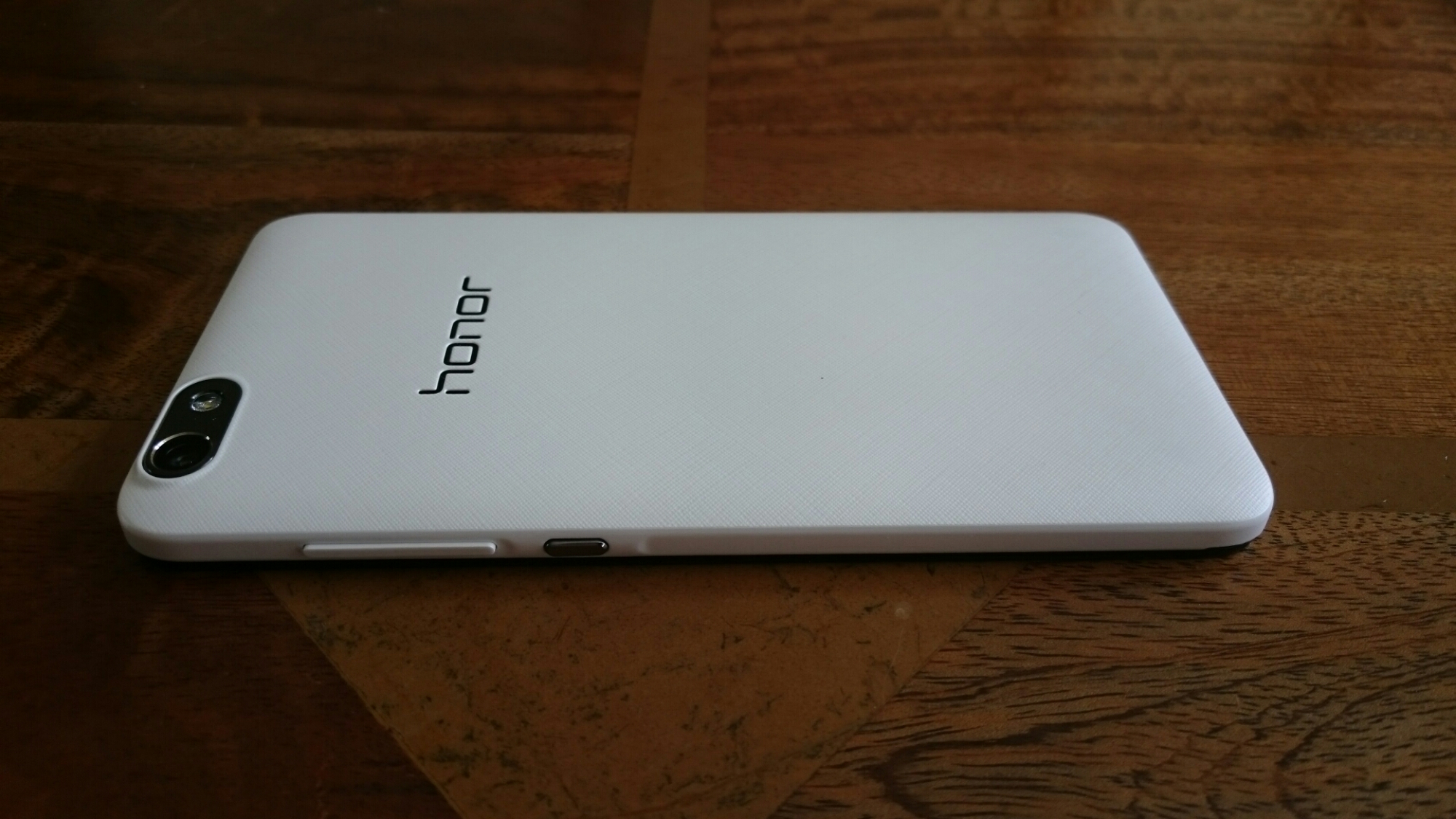
On the back you can also see the 13mp rear camera with flash. The front camera is 5mp. Sony sensors too.
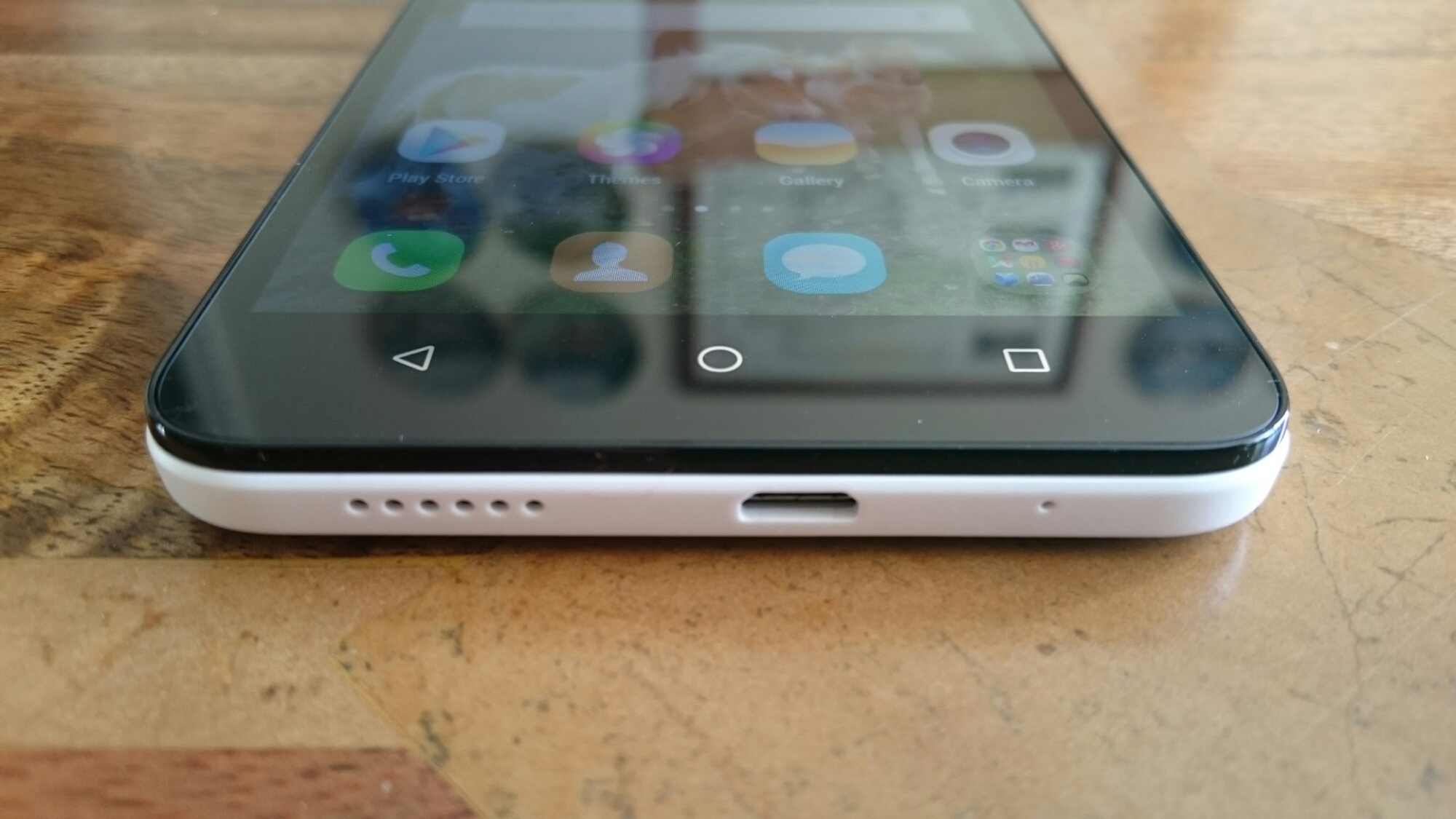
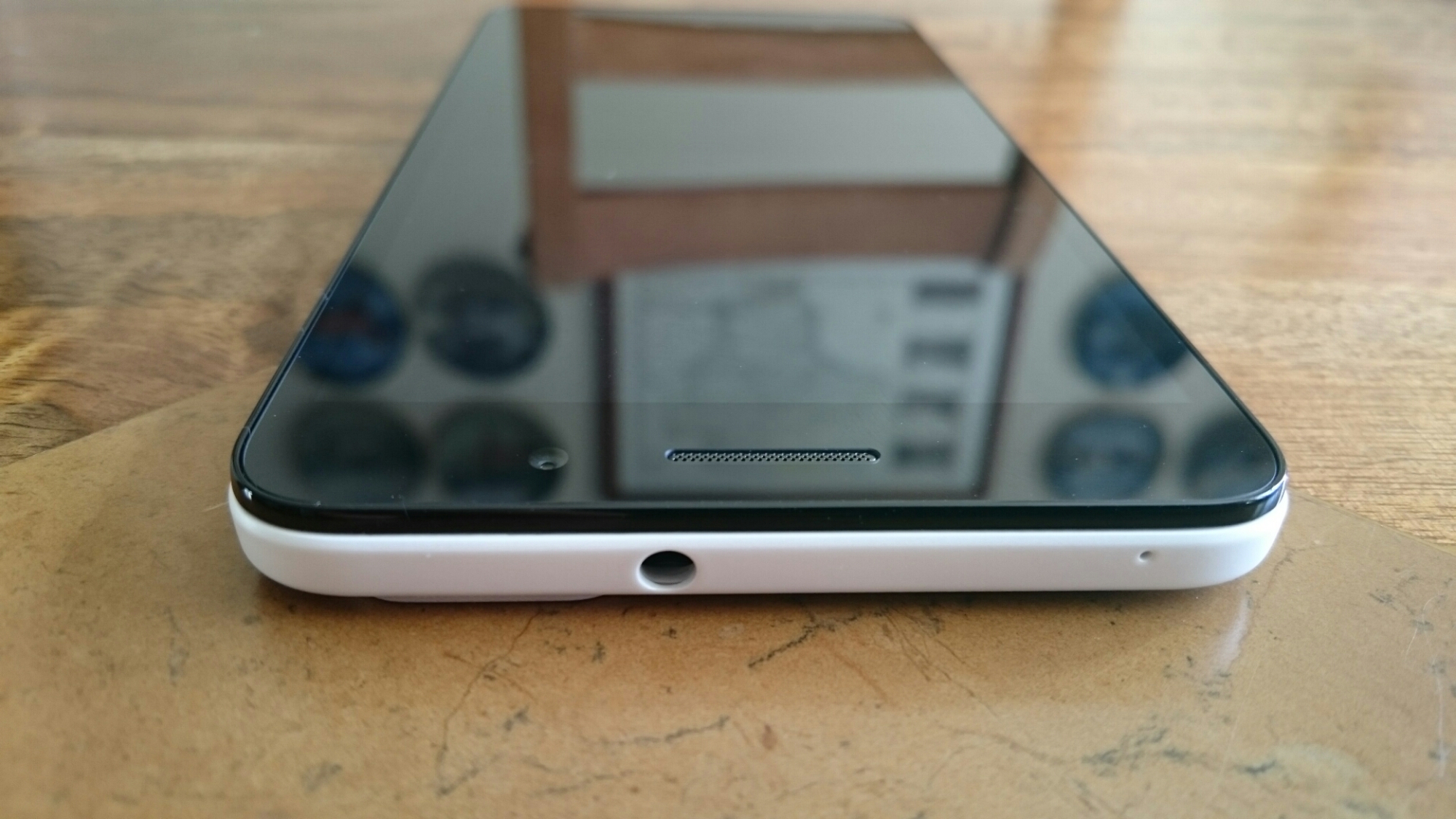
The bottom edge reveals the mic, micro usb port and loudspeaker grill.
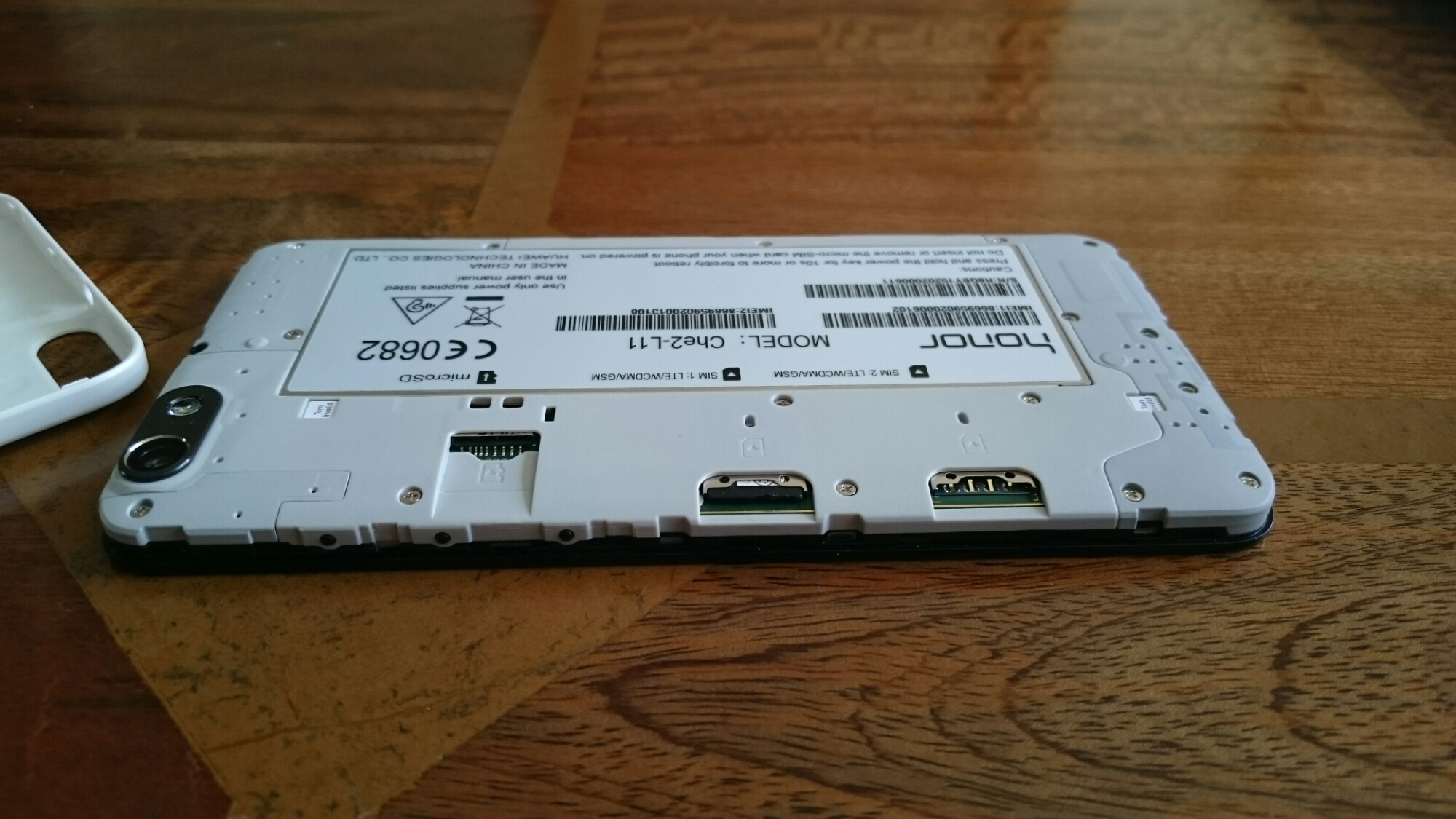
And now with the back cover off. This is where the hardware differs from other dual sim phones, even from Honor’s other offerings. With the cover off, you can see it has dual LTE sims and another slot for a micro SD card. This card only works up to 32gb. I tried one of my 64gb cards and it didn’t work. The phone wanted to format card, and as I had loads of photos and music stored on it, I decided to remove it.
All in all, its a well built piece of hardware despite being made of plastic.
Home Screen and Emotion UI
If you have seen the Honor 6 or Honor 6+, then the Emotion UI will be a familiar face.
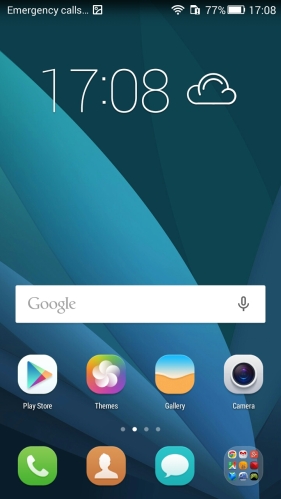
The Honor 4X has a slightly lighter version, probably due to its internal storage at 8gb.
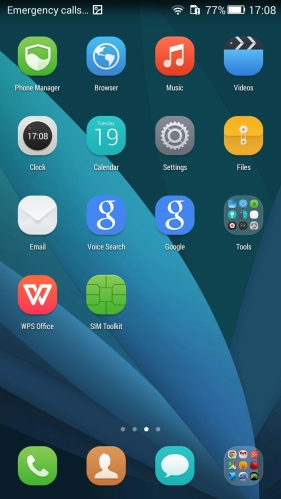
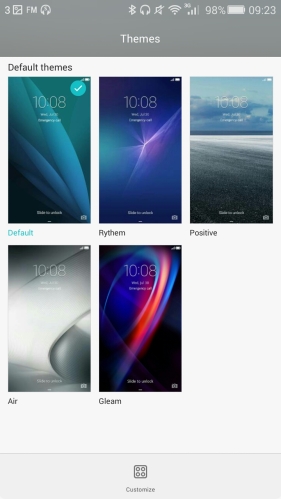
You also get the choice of a few themes, but none of these are that exciting. If you search on the web, there are plenty other themes available.
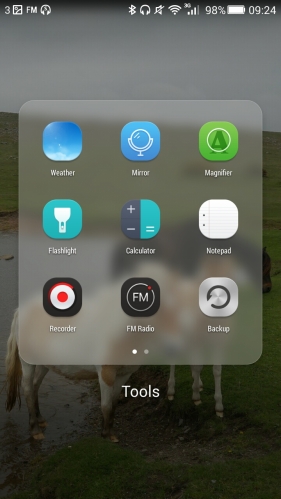
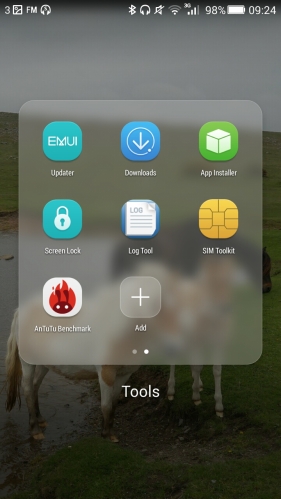
However, add your own wallpaper, and the icons do look a little more appealing.
The screen is a real standout part of this package. It is a large 5.5 inch IPS display with a 75% screen to body ratio. And the display is good. A 720p panel never looked so lovely. Just shows how far technology has moved forward.
Phone Essentials
First let us take a look at the specifications –
– Screen – 5.5 inch, 1280 x 720, IPS, 75% screen to body ratio, 5mm frame
– Price – £144.99 on Amazon UK
– Android v4.4.2 with planned lollipop update, with Emotion v3
– Processor – Kirin 620 Octa Core 1.2ghz 64bit A53 Processor
– LTE – 4G LTE-FDD, Bands 3, 7, 8 and 20
– Camera – Sony BSI CMOS rear 13mp, front facing 5mp
– Battery – 3,000maH, 72 hours standby, 48 hours talk time
– Memory – 2gb ram plus 8gb rom, micro sd cards up to 32gb
– Dual LTE sims
– Size – 152.9mm x 77.2mm x 8.65mm, Weight 170g
– Colours – White or Black
– Box contents – phone and charger
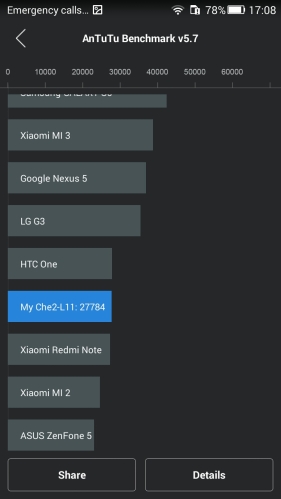
In terms of performance the AnTuTu score kicked in at 27,700 yet in day to day usage it never felt slow. Due to the 8gb of storage this will never be a hardcore gaming device, although I did install a few of my favourite games. This does have a 64 bit processor which might be the reason it is fairly smooth in day to day operation.
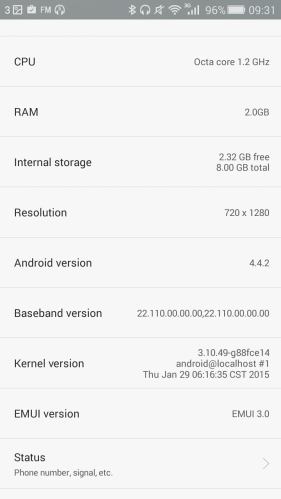
The one weakness and probably the only weakness of this phone is the 8gb storage. Once Google apps have updated, and you have added a few apps of your own, as you can see, I only had 2.32gb free. If you get this phone, you will probably need to invest in a 32gb micro sd card.
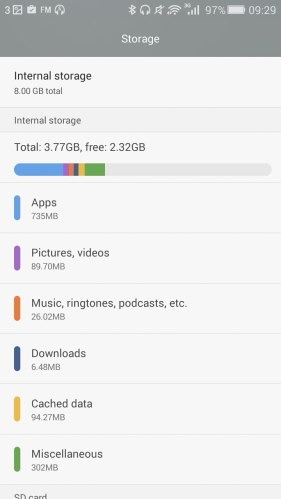
As a phone, once again Honor provides a handset with good radios, cellular, wifi and bluetooth. Like the Honor 6+ I recently reviewed, the signal strength of the Honor 4X was above that of many of my other handsets.
I have been testing the battery life on this phone and it is relatively simple to knock out 2 days. With a 720p screen and a 3,000mAH battery this is not a surprise really.
Camera
The Honor 4X is fitted with a 13mp rear and 5mp front camera.
The interface is a familiar Honor camera app affair minus with many options. If you owned this phone, you would not need to buy another camera app.
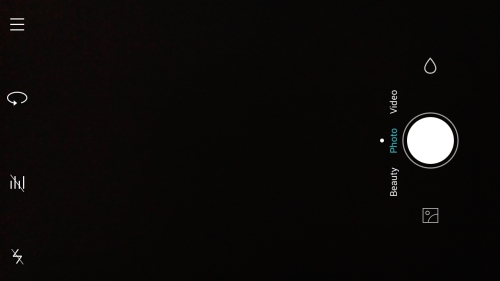
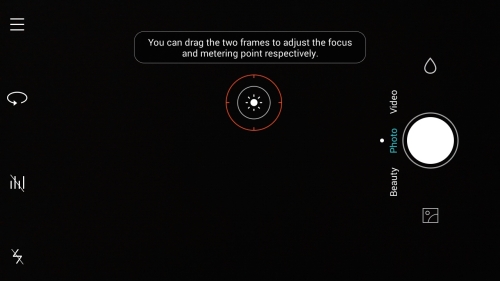
Options include voice activation to take a photo, and even the ability to adjust the focus and metering points independently. I did not expect that!
There are a number of additional photo modes, from HDR and panorama. Burst takes a max of 10 photos in a sequence.
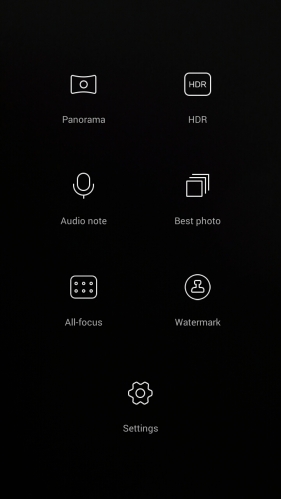
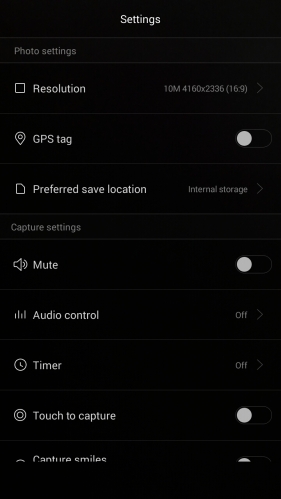
As you can see above, the camera app includes a wealth of options to fine tune your images.
Gallery App
After you have snapped some photos, they all appear in the Gallery app.
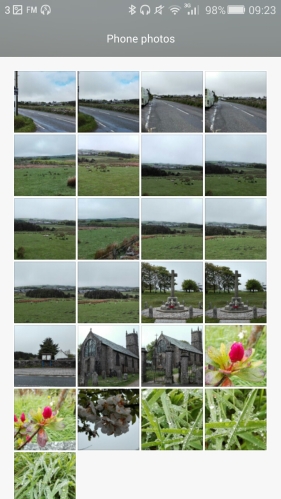
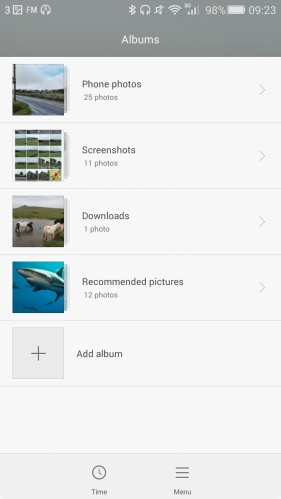
You also have a list view which reveals the other folders with photos.
Sample shots
So what is the verdict on the camera quality. Have a view of some photos I took with the camera below.

I was trying to get a macro or close up shot, on the photo above and below and as you can see it is slightly over exposed. In normal bright light the camera photos were much better.

It seemed to slightly over expose the church and war memorial too.


As you can see the lighting conditions were far from ideal, being overcast but with a white glare as the sun was trying to emerge, but didn’t.

My view on the photo quality is that it takes average to slightly better photos when lighting improves. For a budget phone it comes with a comprehensive camera app and produces shots that are above average for its price point. As a reference point, the Honor 6+ which is twice the cost of the Honor 4X takes superior photos. However, if all these photos end up being shared on social media, nobody would know any different and I have proved this point several times over the last week or so.
Sound Quality and FM Radio
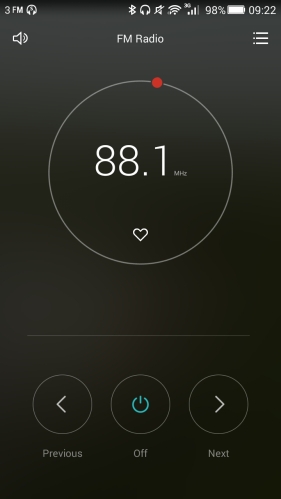
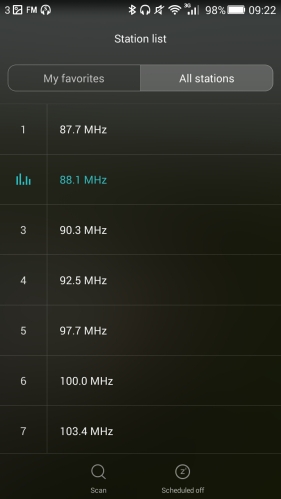
A FM radio is included and the Honor 4X locks station really fast. RDS is not included. USB Audio is not included. Music playback via the loudspeaker pumps out a loud sound at around 87db. It is also handy that it is positioned on the bottom edge. Music playback via headphones is just average. DTS is included and I would recommend keeping this on.
Settings
This being a Honor phone, Emotion UI v3 is installed and the wealth of settings and options is impressive.
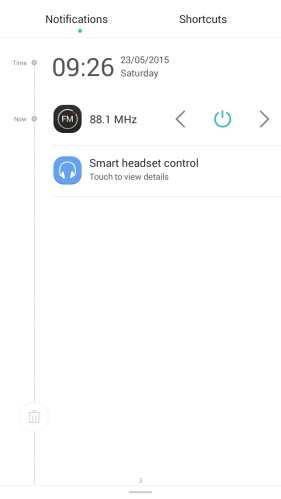
Plenty of options in the notifications panel, but the settings icon to jump to the main settings app is missing.
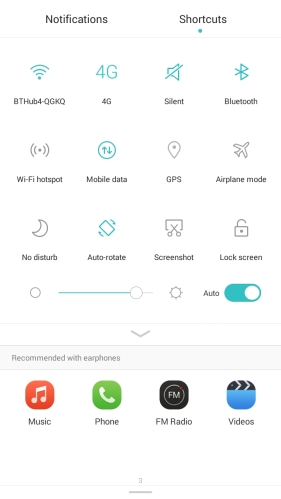
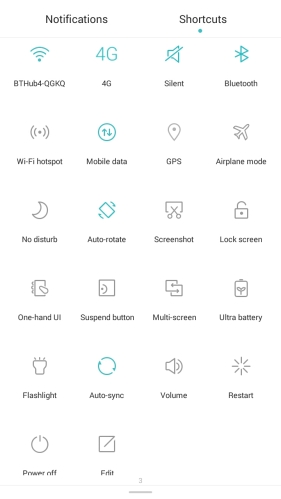
As this is a dual LTE sim, sim management is provided for your 2 sims.
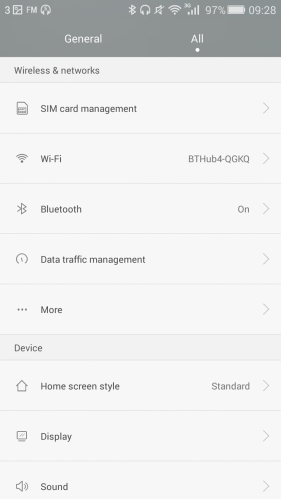
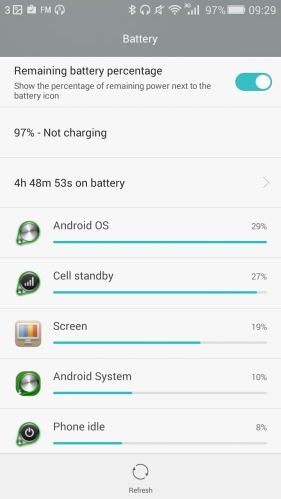
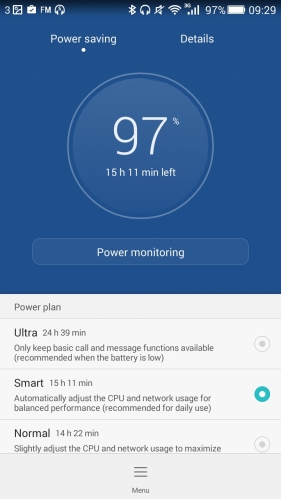
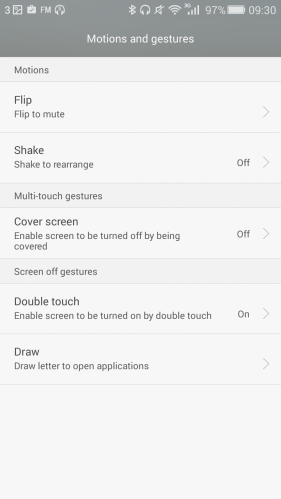
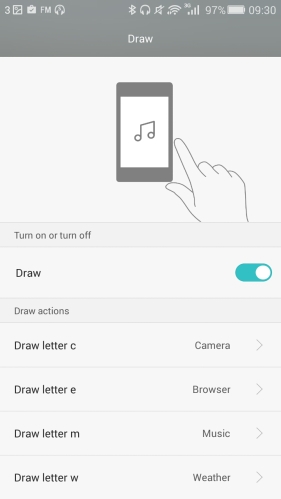
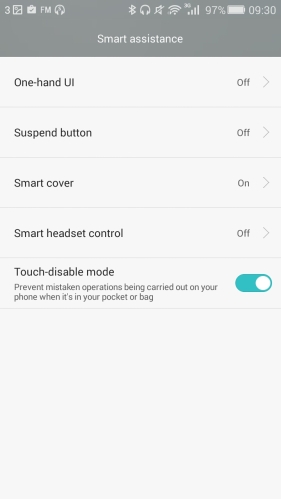
And below are a few screen shots from the settings menu, before I get to my final thoughts.
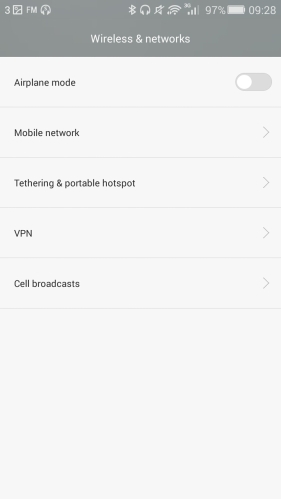
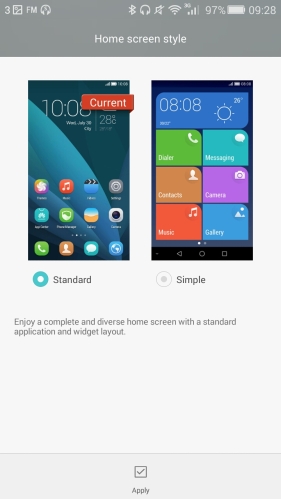
You will notice gesture support and motions is provided with this phone.
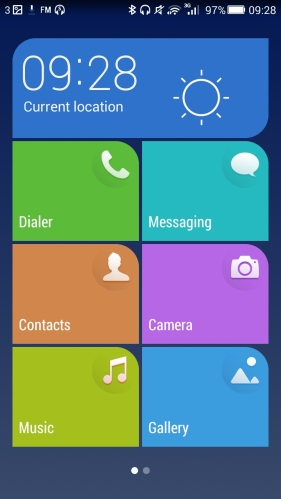
Final Thoughts
Honor have produced a very reasonably priced budget dual LTE sim smartphone. The screen is lovely. The cellular radios are excellent. 8gb of storage is a bit low and in my opinion something to be aware. I would recommend installing a 32 gb micro SD card.
To find out more on the Honor 4X click here – Honor 4X deal and info at Amazon UK
Above shot Burrator Reservoir, auto mode on the LG G4.
But what about taking a pic of the waterfall at Burrator Reservoir? Well, using the LG G4 manual mode and a longer exposure, you can get these types of shots.

This was shot with a shutter speed of 1/8s.
And let’s crop in a bit further.
Again, shutter speed at 1/8s.
Now the only difficulty with these photos was the time of day I took these and the fact it was a very sunny bright day. To capture these shots with the sun in full swing, you need to trick the G4 camera and cover the lens with a ND filter. You will also need a tripod and something to attach the G4 to the tripod. I use the ShoulderPod S1 – All In One Smartphone Photography Grip & Stand
If you click on the Shoulderpod S1 text it takes you to Amazon so you can read more about this phone mount. It is the best smartphone mount I have used for my iphone, Note 4, G4 and all other phones. I mentioned you will need a Neutral Density Filter (ND). These are not readily available for smartphones, so one has to be a little creative. I used the filter that I had for my DSLR and carefully covered it across the back of the rear camera. In an ideal world, this should be secured properly.
And now with the above items, you will be able to take shots like a pro!


