Aukey Bluetooth Wireless Headphones – £25 budget – My Review

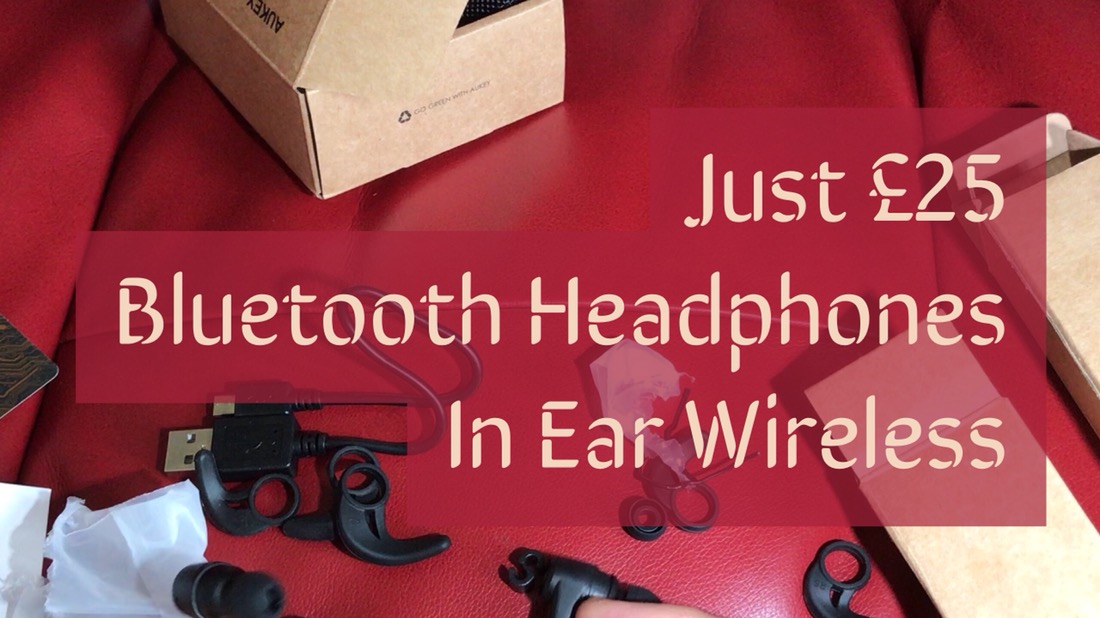
Aukey Bluetooth Wireless Headphones review. Just under £25 and a pair of wireless headphones. So just how good are these. Well let’s take a look at the key features.

Key Features 

– Comfortable, noise-isolating in-ear headphones with APT-X technology. 3 EQ sound settings. – Magnetically clip together for convenient and secure carry around your neck.
– Bluetooth 4.1, two devices simultaneous connections
– Built in remote for managing audio playback & calls, volume controls, multi-function button, and built-in 6th generation cVc noise-cancelling microphone
– Comfortable ear-tips (in three sizes) provide a smooth seal for your ears, isolating you from external noise
– Package Contents: AUKEY EP-B40 Magnetic Wireless Earbuds, Micro-USB Cable, Three Pairs of Ear-Tips, Three Pairs of In-Ear Ear-hooks, Carrying Pouch, User Manual, 24-Month Warranty Card
– BT 4.1, A2DP, AVRCP, HSP, HFP, aptX
– Charging Time: 1.5 hours
– Up to 8 hours playback
– Battery Type: Li-Polymer (2 x 60mAh)
– Operating Range: Up to 10m / 33ft
– Weight: 13g

Video Review 

Main Review 

£25, yes £25 for these headphones. Surely they won’t sound good. Well actually they punch above their price easily and have a reasonable bass punch, with clear mids and vocals. With the included ear clips these also become ideal for using while moving around. Personally, I was happy wearing them without ear clips.  These are really enjoyable to use. They are not the ultimate in audio quality but definitely as good as many headphones costing twice as much.

They also feature an EQ Switch gives you a choice of three sound signatures- treble, bass, and vocals. So if you want to listen to a podcast the vocal mode is ideal.

As these are bluetooth Headphones you don’t need to worry about a headphone jack. So whether you have an Echo Dot, iPhone, iPad, Apple Watch, Android Phone or Tablet, a Samsung S8, HTC U11, LG G6  or if you’re really unlucky a Windows Phone, these will work just fine.
For iOS users, these also have a Siri Wakeup option.  All you have to do is short press both volume buttons + & – while the earphone is in the standby mode, and siri is activated when a prompt tone is heard. Cool.

Conclusion 

One of the best budget Bluetooth headphones available.

Useful Links
Aukey Bluetooth headphones latest pricing on Amazon

Aukey Quick Charge 3 – 16,000mAh Portable Battery charger review – Holiday Power for iPhone, Samsung & More


Aukey offer a large range of portable battery chargers. I am going to look at the QC3 16,000 mAh charger. 

Key Features 

– Charge compatible devices up to 4 times faster with Qualcomm Quick Charge 3.0 technology
– Quick Charge 3.0 Port + AiPower Adaptive Charging USB-A port with dedicated 2.4A output
– Compatible with all USB powered devices including Quick Charge 2.0 & Apple phones & tablets
– Built-in safeguards protect your devices against excessive current, overheating, and overcharging
– In the box – AUKEY PB-T9 16000mAh Power Bank, Micro USB Cable (20cm), User Manual and 24 Month Warranty Card
– Capacity: 16000mAh
– Micro-USB Input: 5V 2A
– Output 1 (AiPower): 5V 2.4A
– Output 2 (Quick Charge 3.0): 3.6V-6.5V 3A, 6.5V-9V 2A, 9V-12V 1.5A
– Dimensions: 6.5” × 2.87” × 0.74”
– Weight: 12.6 oz
– Built in Torch

Video Review 

Conclusion 

For less than £20, the Aukey power bank is ideal for taken on holidays or a long weekend. It’s a decent power bank with a few neat touches. There’s not much more that can be said 🙂

Useful Links 

Aukey QC3 Power Bank 16,000 mAh latest pricing on Amazon

Aukey Clip on Wide Angle & Macro Lens for iPhone, Samsung & More – My Review

Aukey Clip on Wide Angle & Macro Lens review. This is a slick Clip On lens attachment from Aukey that cost £18.99. It’s provides a 140° Wide Angle and 10 x Macro lens. 

Key Features 

– Macro lens gets you 10 x closer to your subject for extreme close-ups. Wide Angle Lens opens up your field of view for breathtaking landscape photos or selfies. 
– Pair with 58mm CPL filters for beautiful effects.
– Made with aluminum alloy and multi-element coated glass to minimize ghosting, reflections, lens flare, and other artifacts
– Detachable soft rubber clip is easy to adjust and that won’t leave any scratches or marks on your mobile device
– In the box – AUKEY PL-WD07 Ora 2-in-1 140° Wide Angle + 10x Macro Lens Kit, Lens Clip, Carrying Pouch, Cleaning Cloth, 24 Month Warranty

Video Review

Main Review

I have owned many Clip On lenses, some cheap and nasty that I threw in the bin, some lenses from well known companies that are a bespoke fit for your current smartphone. Change your phone, and that bespoke clip on lens is now redundant. This is why I really like the Aukey solution. I tried it with my iPhone 7 Plus and Samsung A5 and it worked just fine. 


The above shot was taken using the iPhone 7 Plus without the attachment. This was a good as a macro shot I could achieve, and this is a crop too to try and make it look as good as possible. Now the same flower, but using the Aukey macro lens. 


The detail and bokeh is so much better. A winning result here. 


Now for the wide angle lens. So here is a normal shot taken on the iPhone 7 Plus. Unfortunately, the Aukey wide angle shot I took at the same time had my lovely fingerprint over it, so an hour later, slightly darker I took the same view using the Aukey wide angle lens. The shot that had my fingerprints on did look identical in brightness to the shot taken without the lens added. 


As you can see there is some softening on the edges and a bit of artifcating, but overall it’s a reasonable result and if you need to capture that extra amount this is one way to do it. 

I like the fact the lens can be protected when not in use and that you get a little pouch and micro fibre cloth. You will need the cloth. Fingerprints are easily added to the lens. 

Update – Here’s another macro I took. 


Conclusion 

A cheap but polished clip on lens that should not become redundant when you change your phone. Recommended. 

Useful Links

Aukey Clip on Lens latest pricing on Amazon

Tech Addicts Podcast – The Next Episode is LIVE – OnePlus 5. Honor 9, Vodafone Smart V8 and a new voice

da83e8ef-b29c-4384-8790-8515accc1900

Tech Addicts Podcast is back again with a new episode starring –

– Gareth Myles – Twitter / YouTube / Tech Addicts UK
– Jay Garrett – Twitter 1 ; Twitter 2 / YouTube / Gadgetynews
– Leila Gregory – Twitter 1 ; Twitter 2 / YouTube / Swanny
– Brendan Arndt – Twitter / YouTube
– Ricky West – Twitter / YouTube
– Myself – Twitter / YouTube / Instagram

To listen to the latest episode subscribe by searching “Tech Addicts” within your favourite podcast app, iTunes, Google Play Music Podcasts or use the URL “mobiletechaddicts.libsyn.com/rss” to add directly.

To listen now, hit the play button below –

4K Pro Video Editing on the iPad Pro 10.5 vs iPad Air vs MacBook Pro Core i7

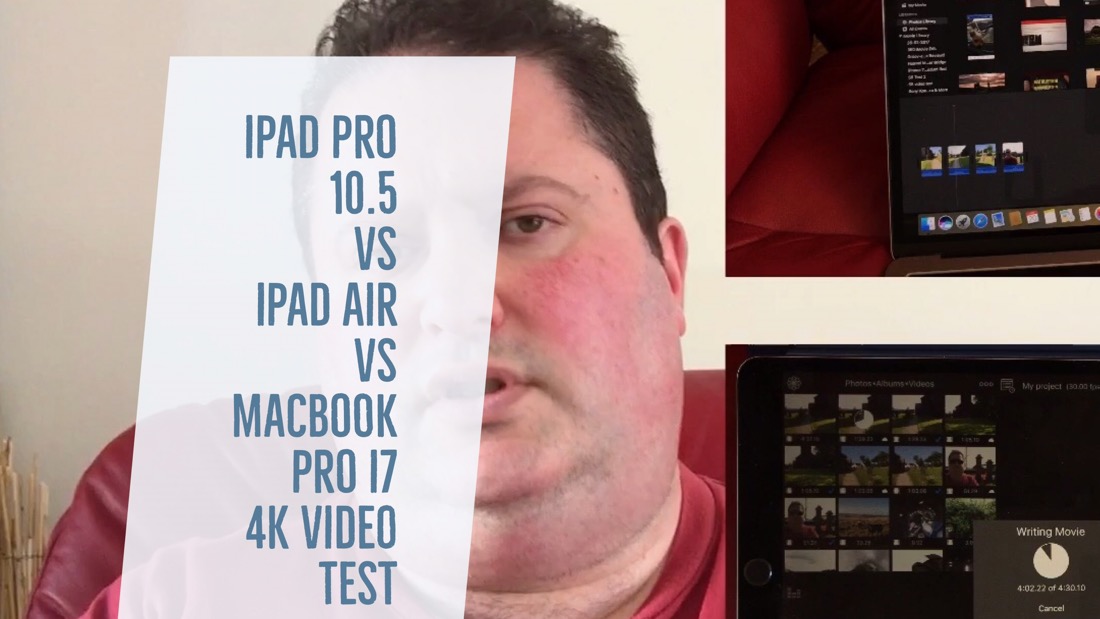
The new iPad Pro 10.5 is a powerful beast. But can it act as a pro video editing machine? How much more powerful is it than the iPad Air at 4K video rendering. Can the new MacBook Pro with Touch Bar with top graphics and a Core i7 beat the iPad Pro 10.5 rendering a 4K video. What are the differences in 4K video rendering? 

In addition, my iPad Pro 10.5 is going to be used to create a pro movie with many cool features, including video in video, flashy titles and more. Instead of using iMovie, a powerful video app called Luma Fusion was used. Luma Fusion works beautifully on the iPhone 7 Plus too. Finally, iMovie is compared with Luma Fusion. 

The 4K video footage was filmed using my iPhone 7 Plus. I could also have used the iPad Pro 10.5 as the cameras are the same as the iPhone 7!

The 4K Pro Video Test – Created on the iPad Pro 10.5


Useful Links

Luma Fusion for iPad & iPhone App Store link

Amazon’s iPhone Store & Shop on Amazon UK

Tavistock, Devon – A walk along the high street in 360 video

A short video walking along the high street in the historic market town of Tavistock, Devon, UK. Tavistock has some really ancient buildings.  Make sure you change the YouTube video quality to the maximum 3K.

For this 360 degree video the titles, music and all the editing was done on my iPhone 7 Plus using Luma Fusion app which supports 360 degree footage. 

iOS 11 Public Beta – My Experience & Should you install it? 

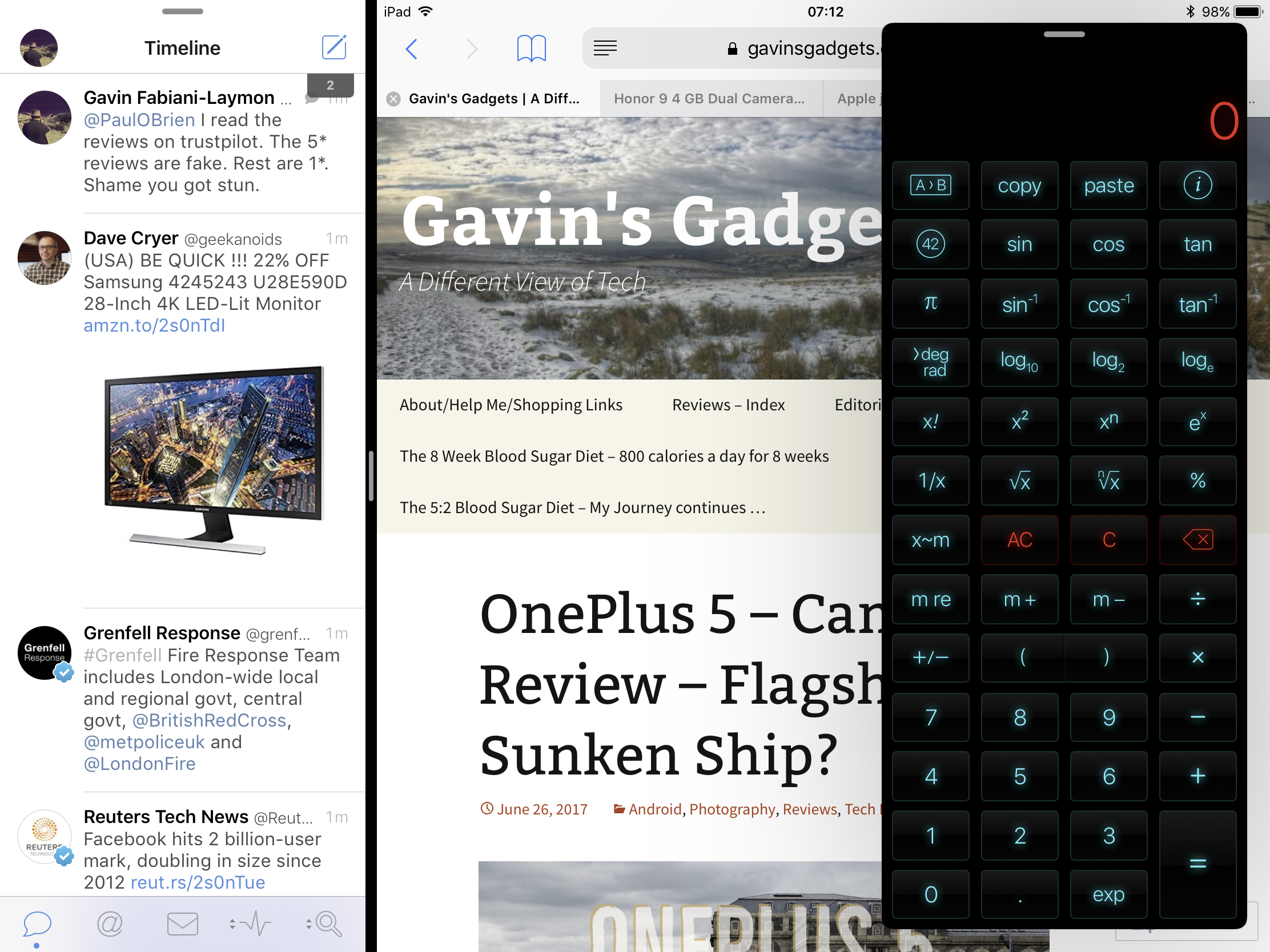
iOS 11 Public Beta 1, my experiences so far using my iPad 10.5 and iPhone 7 Plus. 

So yesterday I backed up on my MacBook and iPhone 7 Plus to iTunes on my Mac, and then archived the backup. Then it was full steam ahead and installed the 2 iOS 11betas, one on my iPad 10.5 and the other on my iPhone 7 Plus. 

So what is iOS 11 like? In one word, awesome. The extra functionality and features, the new visuals and faster speed is incredible. The iPad is a new machine. The iPhone has improved features in the camera. Live Photos take on a new purpose with loop, bounce and long exposure effects. These are such good fun to use. 

It’s so easy to make the water silky now using the Live Photo long exposure mode. Too easy really.  The control centre takes some getting used to, but at least it’s customisable. However, there are some things I don’t like but it’s early days and it’s the first Public Beta. 

So should you install iOS Public Beta. My advice is no. Any 32 bit apps and games you have won’t open now unless the developer updates them. In reality many won’t get updated or the developer may offer a new version that you might have to purchase. In my case I lost about 20 games across both devices. 

Next several installed apps don’t work properly. Insta360 has issues with exporting the video. WordPress has suddenly stopped working full screen. It only works on a split screen. Very weird. There are random oddities. Apple’s own apps have bugs too. 

However, I’m ok with running the Beta due to the wealth of new features. There are so many new features!

OnePlus 5 – Camera Review – Flagship or Sunken Ship?

OnePlus 5 camera review. Clearer Photos. Working with DxOmark. These were the buzz words OnePlus 5 used at the launch. So if you say your phone has an epic camera it better deliver. So does the OnePlus 5 deliver?

Well after some extensive testing using the latest firmware 4.5.2 it does and at times it doesn’t. It is consistent and does pull off some masterstrokes. So lets delve deeper.

Auto Mode

Press the shutter button and you will get a good shot. Focus is good. Overall exposure is good.

2 x Lossless Zoom

In my testing this works very well as shown in the video review below.

Low Light

Struggles a bit producing grain and noise but from firmware 4.5.1 to 4.5.2 , low light has improved. Also using the Google Camera app improved all photo results, so I would imagine more firmwares will improve low light. However, as there is a high pixel count, you can crop more on all modes. I love this ability to be able to crop and still have pixels to spare.

RAW

If you have the time, the 31mb RAW files hold a lot more data and you can really improve a shot. Helpful in low light scenarios.

Front Camera

Photos are surprising ok. The front screen selfie flash works well. Front video is fairly good too and has auto focus tracking so long as there is a face to track.

Panoramic

Use a different camera app. The default app is awful.Really awful!

Rear Video

4K and 1080p at 60fps is wobbly as hell if holding handheld. 1080p at 30fps uses EIS and looks good.

Burst

Phone takes 20 shots in about 1-2 seconds. It is very fast and has great results. The phone had no issues taking in focus shots of my 3 dogs running. I took over 200 burst shots of my 3 dogs. All were in focus. See video review samples.

Motion

In reasonable light, the camera in auto takes and locks focus fast.

Portrait

Excellent results with this mode.

Camera Review

Conclusion

Overall, the OnePlus 5 can take some great photos and video. I was impressed by the results with the modes that worked well. Those that didn’t aren’t worth using until the software is updated or you use a different camera app to achieve the result.

Useful Links

Buying on Amazon UK, shop & help support Gavin’s Gadgets

OnePlus 5 – How to activate USB Audio, Dual Bluetooth, Audio Tuner and APT-X HD?

OnePlus 5. So how do you activate the advanced audio options including USB Audio, APT-X HD and the Audio Tuner?

Audio Tuner

To activate the audio tuner go to the settings app. Scroll down to sound and vibration. Go to the last option Audio Tuner, turn on and tweak to your hearts content. This doesn’t work on Bluetooth audio. 

USB Audio

To enable USB Audio so you can plug in an external DAC, go to the settings app, advanced. Half way down toggle the OTG Storage setting to on. 

APT-X HD

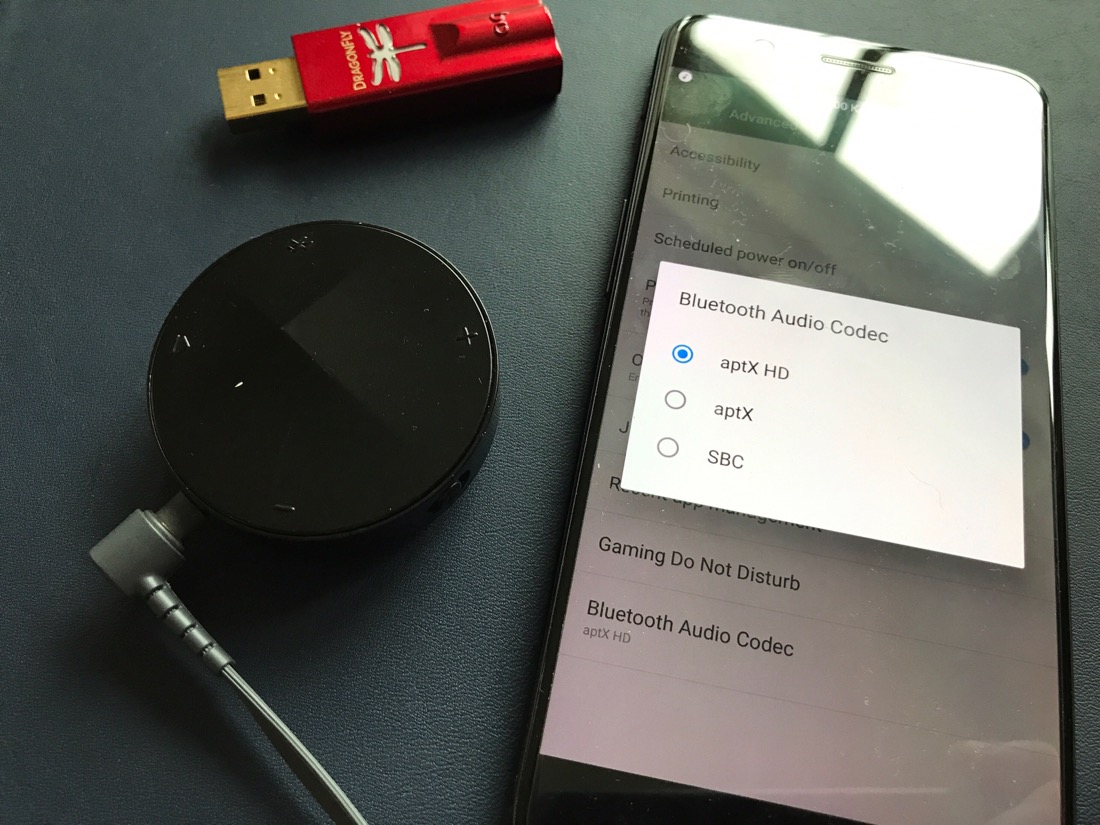
To enable the hi res APT-X HD, go to the settings app, advanced, and right at the bottom is an option for Bluetooth Audio Codec. Tap on this and choose between APT-X, APT-X HD and SBC. SBC is the default. The photo above shows the Astell & Kern XB10 Bluetooth Adapter that outputs the APT-X HD. You can read my review of the Astell & Kern XB10 by clicking HERE.

Dual Bluetooth 

So how do you connect to two Bluetooth devices at the same time on the Oneplus 5. You have to wait for Android O update to arrive on the Oneplus 5. It is not possible yet. 

If you have any questions on the Oneplus 5 don’t hesitate to ask. 

If you are shopping on Amazon UK and would like to help Gavin’s Gadgets towards the running costs, by clicking the Amazon link, it takes you to the Amazon store and you can shop away and purchase whatever you need, but without any additional cost to yourself. 

Amazon UK Shopping