Since iOS 10 opened up native RAW support, the iPhone just became far more flexible. Shot on the iPhone 7 Plus in raw, using the Adobe Lightroom Mobile app, and edited with the app too.
Cracking Colours at Sunset
The sun was near perfect at sunset on Dartmoor. The natural colours were wonderful.
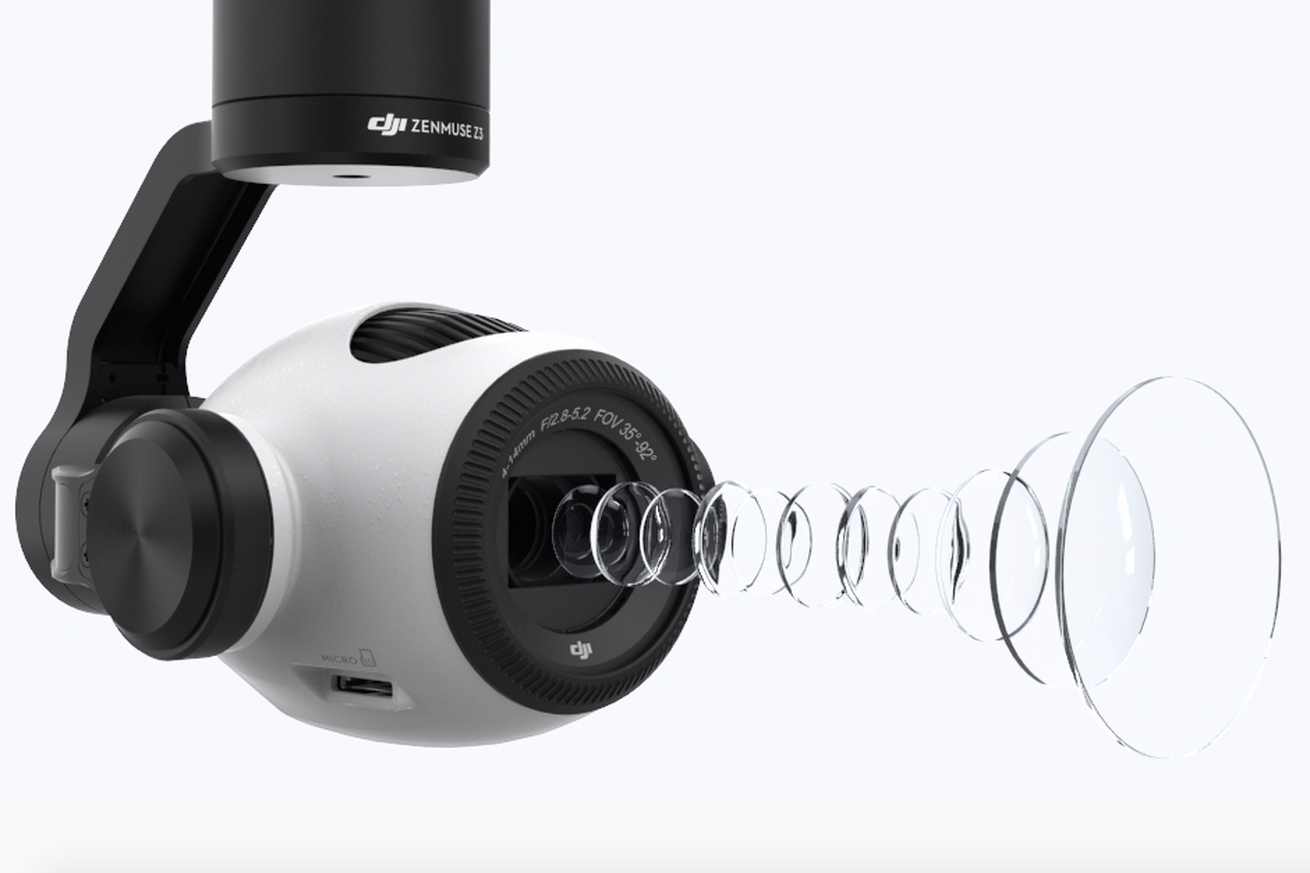
“DJI launches new Zenmuse Z3 drone camera with built-in optical zoom.
Drone maker DJI has launched a new aerial camera for its range of UAVs — the first from the company to offer a built-in optical zoom. The Zenmuse Z3 costs $899, weighs 262 grams, and has the same Sony-built 1/2.3-inch camera sensor found in DJI’s Inspire 1 and Phantom 4. It can shoot video at 4K at up to 30 frames per second and captures images at a resolution of 12-megapixels. And, of course, there’s that zoom. The Z3 has up to 7x zoom, combining a 3.5x optical zoom and a 2x digital zoom. DJI is positioning the Z3 primarily as a tool for “industrial applications.” If you use a drone for surveillance or surveying, then normally the only way to get a closer look is to physically fly closer.”
This new drone from DJI looks fantastic. And with optical zoom recorded footage will look even better ! More at the Verge
A few weeks ago I posted an article on how I took footage upside down on my Samsung Gear 360. Click HERE to recap.
A lot of you have written in asking how I achieved this.
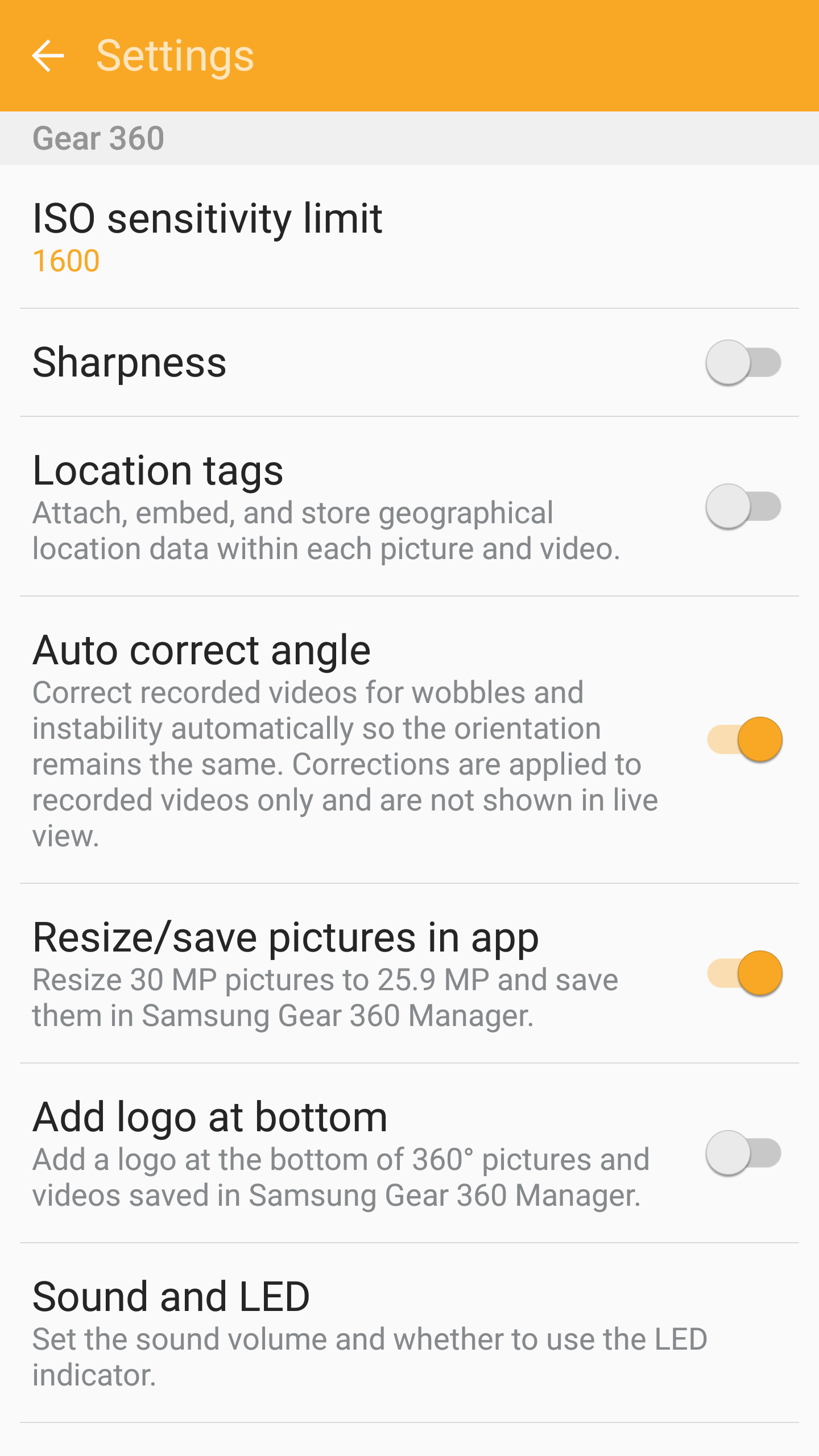
First of all, connect the Gear 360 to your Samsung phone. Check using the Gear 360 app on your Samsung phone for any firmware updates. Update if required.
Next with the Gear 360 powered on, connected to the phone, make sure your settings look like mine below.
Take some footage. Save it to your phone. And share it from the Samsung Gallery app to YouTube or wherever required.
Now for something in Virtual Reality , 360 degrees. So you have 2 options with the photo below snapped in 360 degrees.
For both options you will need to click on the photo, and view it via a web browser in desktop mode. You cannot view this via the Flickr app.
To view via your Virtual Reality headset, you probably will need to download it on your device first.
To view without a headset, once you have clicked on the photo, Flickr recognises it as a 360 degree photo and it will start rotating around automatically.
Below is a 360 degree view of the famous church that is used in all my phone reviews. It is the Church of St Michael & All Angels, Princetown, Dartmoor. It is a historic church built in the 1800’s by the French Prisoners of War.
I have been using the Samsung Gear 360 a fair bit. Unfortunately, not outdoors due to the terrible weather. The indoor footage is private so cannot be shared, but needless to say I now have a 360 degree video of a special occasion that truly is superb to have as a memory.
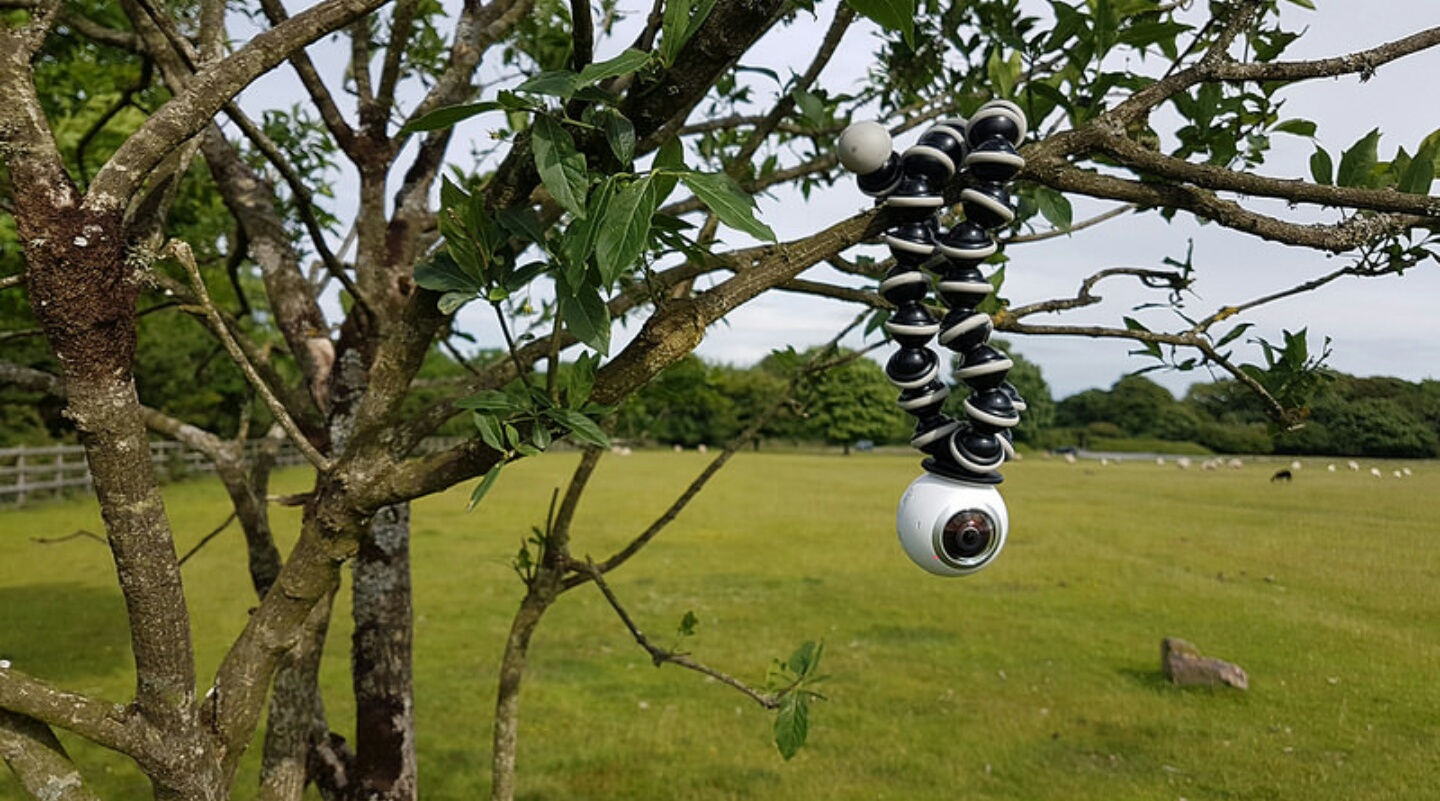
Anyway, I wondered how the Gear 360 would work upside down.
So here it is, attached upside down and gently swaying in the wind.
Below is a 360 degree photo. To get this into 360 degree mode, you will need to click on the photo and ensure you view the Flickr upload via a web browser and NOT the flickr app. Once viewing via a web browser it should load in 360 mode. If it doesn’t go to desktop mode on your phone, select full size. It should work.
Below is a shot just using one of the lenses in 180 degrees, and shooting into the sun.
And now the 360 degree video filmed in 4K. Hopefully these are all showing the correct way up!.
Another aspect I really like about the 360 is being able to control it without a phone. The physical buttons and little screen work perfectly.
So having used the LG 360 Cam and being slightly disappointed by the photo and video quality I had no intention of even looking at the Samsung Gear 360.
But then I started to see some footage and read some early reviews and noticed that the video footage looked a lot better than that I took from the LG 360 cam.
Primarily the Samsung Gear 360 has higher quality optics and better software stitching – well that is the claims I have seen so far.
I will say because the LG 360 cam’s profile is more rectangular / flat in shape it’s far easier to stick in your pocket.
Anyway back to the Samsung Gear 360. First impressions of the hardware and test photos and videos have been pleasing. I will be sharing some of these soon.
I mentioned there was a lanyard strap in the video below. I have since discovered that this connects to the black tripod. This becomes apparent when you watch the video as you will see the lanyard attachment holes .




 Gavin's Gadgets & Photography