Category Archives: Android

Sony Xperia Z5 Compact – Camera shots from the 23mp sensor

Everybody seems obsessed nowadays with the camera quality from a smartphone. With the Sony Z5 Compact this is even more the case as DxOmark gave it the number 1 rating out of every smartphone. So is the camera really that good?

Well, these are some random shots I have taken over the weekend. These were just quick snaps. Some low light shots as well at the end. If you want to see full size, click on the photo. So are these amazing quality photos?

Finally just a quick thanks to Clove Technology who sent the phone. Currently comes with a free pair of headphones.

DSC_0022

The above shot is at night of the visitors centre in Princetown.

DSC_0019

Even more challenging is the local church as their is no lights to help focus.

My Bone #Tiggy #HappyDog #SonyZ5Compact

Above a portrait of one of my dogs Tiggy.

Below are 3 of the photos using Timeshift Burst.

Timeshift Burst examples from #SonyZ5Compact

Timeshift Burst examples from #SonyZ5Compact

Timeshift Burst examples from #SonyZ5Compact

Greenery Macro #SonyZ5Compact

Above just some random close up of a plant.

Below are random shots of my local church.

Scenes around the Church of St Michaels and All Angels, Princetown #SonyZ5Compact

Scenes around the Church of St Michaels and All Angels, Princetown #SonyZ5Compact

Scenes around the Church of St Michaels and All Angels, Princetown #SonyZ5Compact

Scenes around the Church of St Michaels and All Angels, Princetown #SonyZ5Compact

So what do you think? For some extra background behinds these photos, these are the very first shots I took from the camera so I have not even looked at the manual options yet.

Below are shots from my second attempt at using the camera.

Doggies charging around on Dartmoor #SonyZ5Compact #TimeshiftBurstMode

Beautiful views around Staple Tor, Dartmoor #SonyZ5Compact

Beautiful views around Staple Tor, Dartmoor #SonyZ5Compact

If you want to see all 25 shots taken with the Sony Xperia Z5 Compact, click HERE.

My thanks again to Clove Technology.

Tips on how to get the best shots on your Sony Z3 smartphone

Reader Rockstar2005 posted yesterday some great tips and how he gets the most from his Sony Z3 phone’s camera.

So instead of being lost in the comments, I thought it would be useful to create a separate post.

“I only use Manual Mode b/c Superior Auto Mode (on my Z3) just can’t compete with it. You just have to know which adjustments to make (i.e. White Balance, EV, flash or no flash, etc), and the picture will always come out sharper.

These are the Z3 camera settings I use. You can change the resolution from 15.5 MPs to whatever is the SECOND highest place resolution (21?) on the Z5.

Sony Xperia Z3 (Manual Mode) Camera Settings

Resolution: 15.5 MP (or 20.7 for 4:3)

Focus mode: Face detection

ISO: Auto

Metering: Face

Nighttime Flash: Red Eye (Tell people before you take the shot that it will flash twice. DON’T say anything else besides “TWO flashes” while showing your 2 front fingers as you say it. Or “It’ll flash twice.” Anything else will lose their attention. lol) Or, if Red Eye still produces pics with “red eye”, switch to Auto immediately. (IF flash just isn’t working, day or night, just turn it off.)

Daytime Flash: Whether people are involved or not, enable “Fill Flash”. It’s a lighter version of Flash. (Why Fill Flash? Compare these 2 pics….. 1) Without Fill: http://cdn3.howtogeek.com/wp-content/uploads/2011/08/2704399359_9b254843a9_z.jpg 2) With Fill: http://cdn3.howtogeek.com/wp-content/uploads/2011/08/2704398815_e1f6a9d3b0_z.jpg

EV (Exposure Value): -1 (you can adjust b/t 0 and -2 if you’d like) Higher makes the surrounding lighting brighter, lower makes the surrounding light darker.

WB (White Balance): Auto (except under natural ((day)) light, then use sunny or cloudy option/icon depending on current conditions)

Important Note: You can make Manual Mode (MM) your default setting by simply ALWAYS using the stock camera app to start the camera up, NOT the dedicated camera button on the side of phone. The dedicated camera button will always bring up Auto Mode, which you don’t want. Just make sure you use the camera app to first go into Manual Mode, apply my settings above (which will save them for next time), then exit out. The next time you tap on the camera app, it will take you to where you left off………… in Manual Mode.

More non-people pics: For nighttime outdoor pics with little to no light: Switch to 8 MPs in MM, and select “High (ISO) Sensitivity” under Scenes, no flash. (Night Scene mode for light trails: Be warned it uses a very slow shutter so you’ll need to hold steady by resting your shoulders against your body or supporting the camera against something. It uses low ISO and slow shutter to produce very high quality photos with an artistic flair. Try it out on a busy street at night.)”

Thanks again to Rockstar2005 for such great tips.

Sony Xperia Z5 Compact – First lmpressions + Low Light Shots


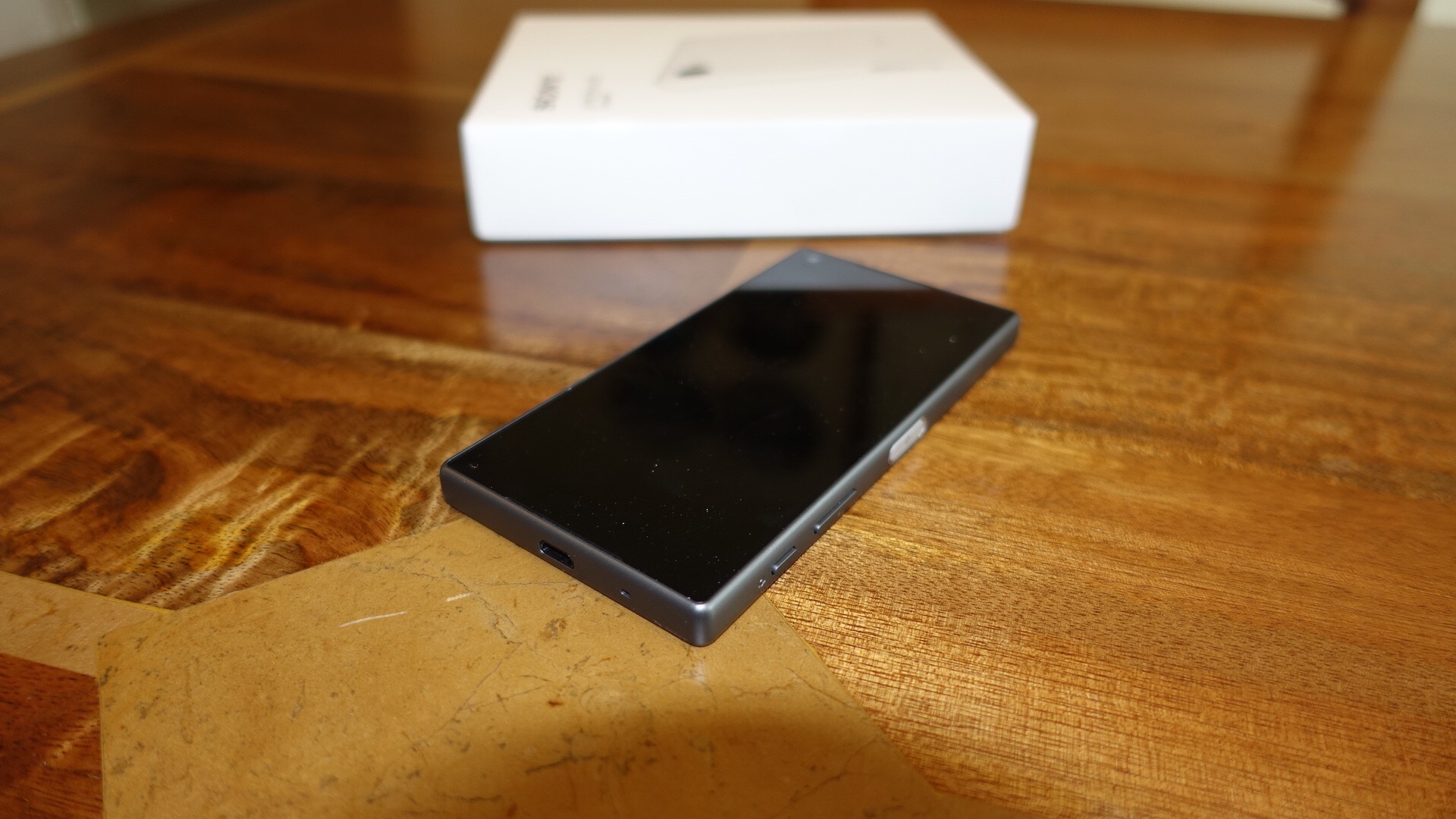
I couldn’t resist getting the new Sony Xperia Z5 Compact, as I had spent an hour or so with the Z5 Compact at IFA and was left somewhat impressed. Clove Technology currently have the Z5 Compact on offer with a free pair of Sony headphones so it was a win win situation.
  
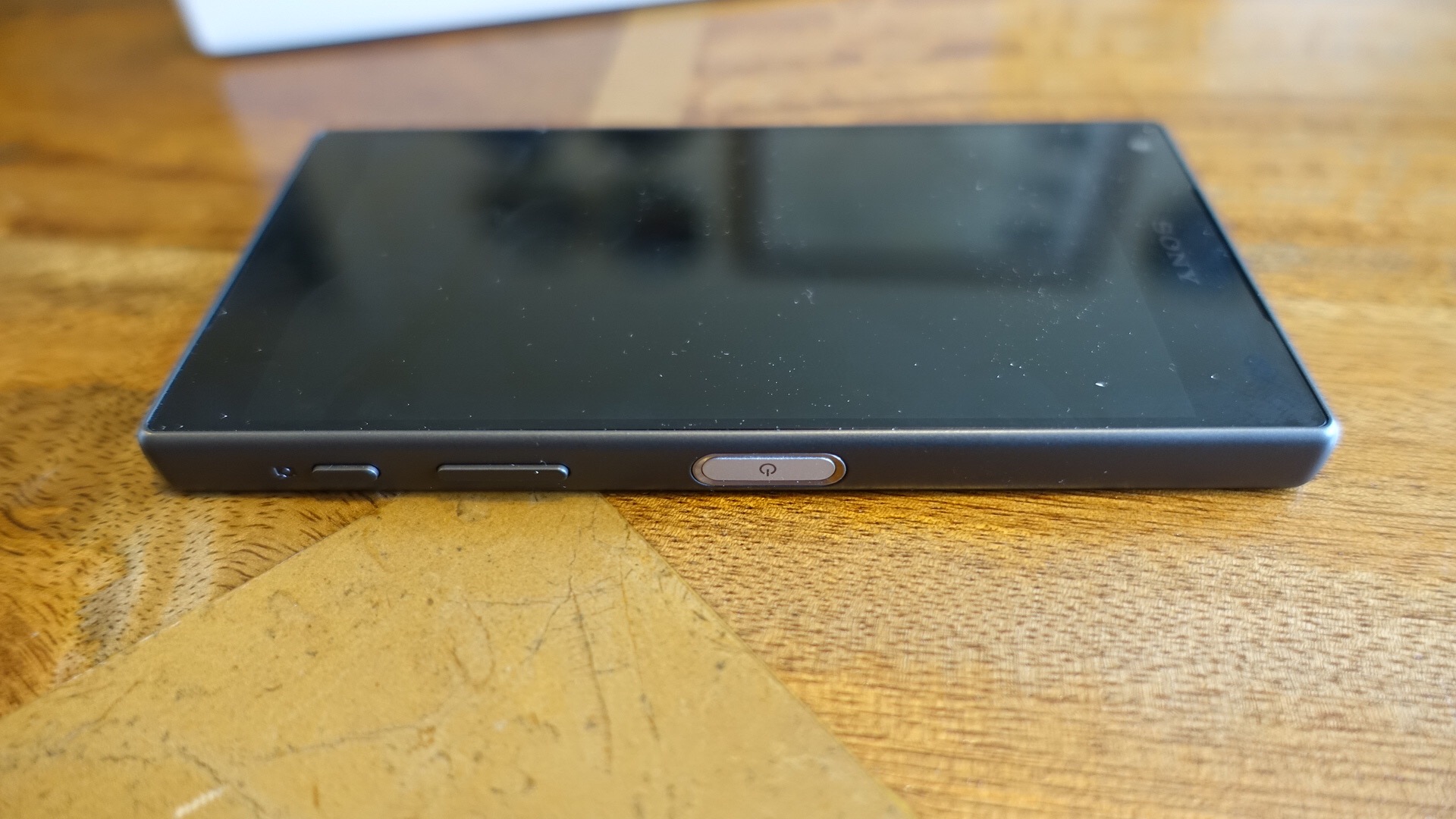
I have the Sony Z5 Compact in black and it looks and feels gorgeous. I already have published a post covering the Sony Z5 Camera with some sample shots – click here . This was with the help from reader Whitehartmart.

  
And back on the 3rd September I took some shots with the Z5, details here.


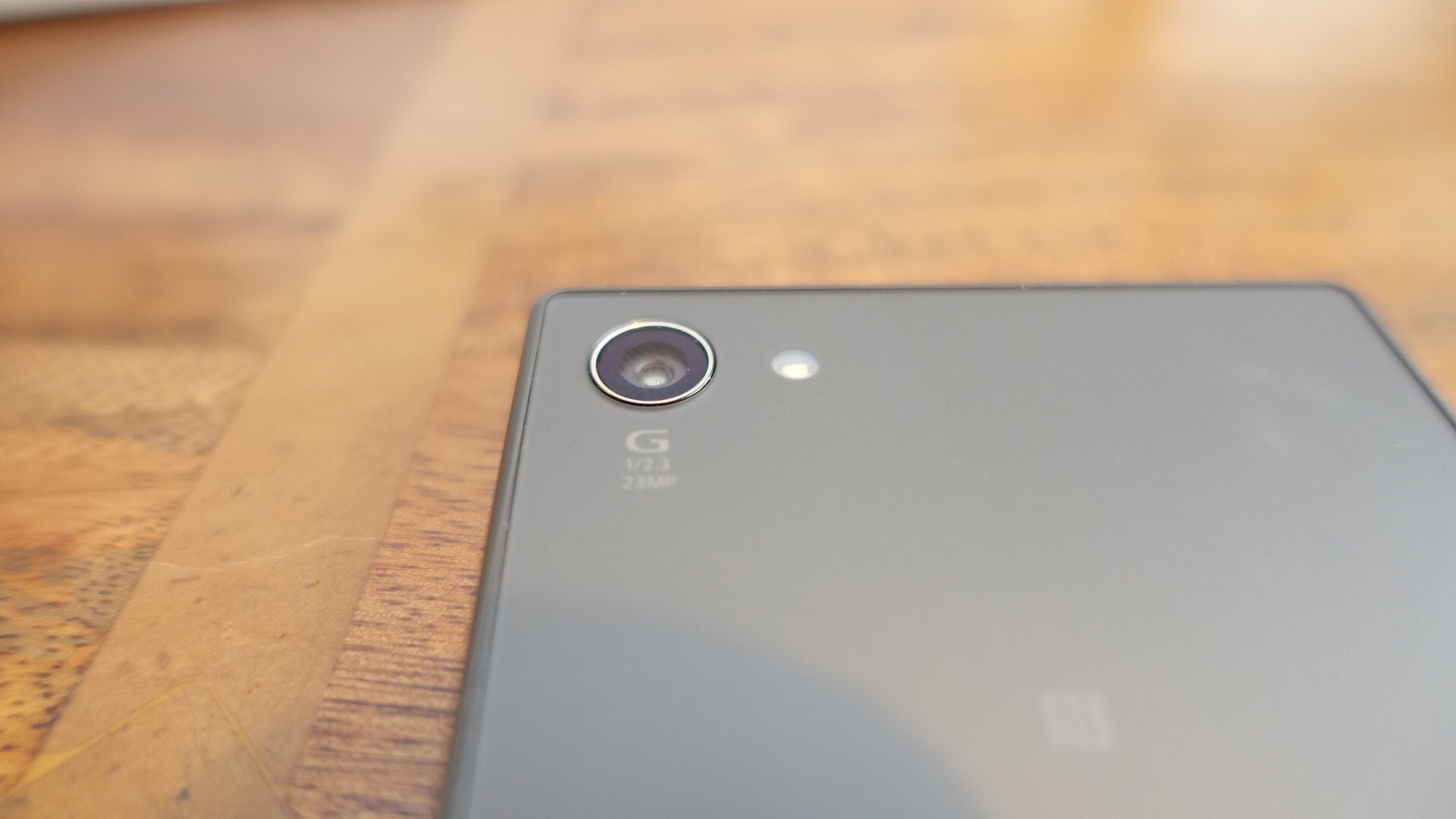
The Sony Z5 Compact improves upon previous versions with an upgraded camera sensor to 23mp. This currently holds the top spot by DxOmark over all smartphones. The power button has a fingerprint sensor too. The other key specs are –

– Android 5.1.1 (Lollipop) OS
– All new 23 MP Sony camera sensor
– Lossless 5x Clear Zoom and <0.1 second autofocus
– 4.6” HD resolution IPS LCD Screen
– 64 bit octa-core processor – Qualcomm Snapdragon 810 & 2GB RAM
– 32 GB storage & micro SD support up to 200 GB

The key aspect is its size versus top end specs. This really is a proper one handed use phone and I intend to check out its performance, camera, audio and other aspects and give you some honest feedback.

My thanks again to Clove Technology for sending the phone. It was here in a flash, such good service!

Update – As the rain had stopped, I went out last night and pushed the Z5 Compact camera to the max in some very low light conditions. What I found was in extreme low light the ISO was so high, the shots became too noisy to zoom in on but were okay to view on the screen and web.

DSC_0019

The above shot is in superior auto mode at 8mp. ISO is this shot was really low at ISO 80 and with a 1/2 second shutter speed. Not a bad shot really. The last shot was taken slightly later, and now it was really dark.

DSC_0022

In this shot the ISO is 800 with a 1/16 shutter speed. Again superior auto. Manual mode was worse in low light conditions as was increasing the camera to picture size to the full 23mp.

I will cover off more on the camera in my full review. Any questions, please ask.

Amazon plays dirty – removes Chromecast and Apple TV – my opinion

Amazon made a promise that it would remove from its website Google Chromecasts and Apple TVs. And true to its word, if you search on any of these you get Amazon Fire TV or Now TV as the top results.

But should Amazon be allowed to do this?

Amazon has grown to become a massive force in shopping, wiping out high street and online stores in the process. It now has a near monopoly on shopping. Amazon has achieved this by not paying tax at the same levels as its competitors and by offering fast class customer service. There are also stories about how it treats staff but that is a post for another day.

I always thought once Amazon had removed the competition it could raise its prices and nobody could stop them. In addition, it could start to decide what it was going to sell. But with such a monopoly and in some cases potentially being the only place to purchase a particular item, should any one company have the power to remove competitor’s products overnight? I think not.

Now it is clear there is more to this than meets the eye and I reckon behind the scenes there is some business fallout between the companies, but even so Amazon has a privileged position, a near monopoly and therefore should not be allowed to remove major products from other companies! I also think the timing is very deliberate to try and damage Apple’s release of their new Apple TV.

But do you agree?

Motorola Moto X Force – Its a Smash Hit – Details

Just when you think you know which Motorola phone to buy, along comes the Motorola X Force. This is similar to the Moto X Style, click here for the review.

The difference over the X Style is the bigger battery and shatter proof screen. How shatter proof? See video and what an iPhone and Samsung get smashed, whereas the X Force screen has no damage whatsoever.

The Moto X Force is a phone I would personally love to own!

Samsung Galaxy View 18.4 inch tablet – First Thoughts

Samsung just announced the Samsung Galaxy View, a 18.4 inch tablet. @Nirave from Android Authority goes hands on, video below.

From this brief video, it is clear the tablet is ridiculously large, too large, and seems to have issues with lag. It also does not fold flat as the rear cover part either pivots to allow to carry it or pivots the other way to act as a stand or typing position.

This will really be a niche product. The missing jigsaw piece is the price. If this is low cost then maybe this will have some traction

But I won’t be buying this.

Snapseed gets one huge update – details

The free photo editing app, just got seriously a lot better again.

Today is a big day for Snapseed users! Snapseed 2.1 brings RAW photo editing to your Android device.

Traditionally, shooting and editing RAW photos has been the domain of DSLR cameras and desktop software. But with the RAW capabilities that were added to Android 5 last year, RAW is now becoming important for mobile photography, too.

Snapseed now allows you to edit those RAW photos in the DNG file format right on your mobile device. You can also edit DNGs that were shot on cameras or converted from other RAW formats.

A photo in RAW format preserves all of the original data that was captured by the camera. This allows you to perform edits – such as recovering blown-out highlights – that are impossible with the more commonly used JPEG format. Check out the photos for an example of the details that RAW editing with Snapseed 2.1 can bring out in an image.

In addition to RAW editing, we have made some slight polishes throughout the app to make it easier to navigate, so give it a try!

This is a great update and hopefully arrives soon on other platforms.

Source – +Anton Daubert G+

Google Play Music extends to include Podcasts – Details and Opinion

Via Google –

“Today we’re launching a portal for podcasters to start uploading their shows to Google Play Music before we open up the service to listeners. Along with direct searches and browsing for podcasts, the service will connect new listeners with podcasts based on what they’re doing, how they’re feeling, or what they’re interested in. Similar to our contextual playlists for music, this will give podcast fans and new listeners a way of finding and listening to content that’s unique to Google Play Music. Podcasters in the US can start uploading shows now at g.co/podcastportal.”

Finally, this makes Google Play Music a complete offering by including podcasts. With the popularity of the podcast Serial, more and more people are listening to this format. I just wonder if some of Google’s new functionality will eventually be behind a pay wall or subscription!

Source – Official Android Blogspot

Motorola Droid Turbo 2 – A phone with a Shatterproof screen – opinion and full specs

Last night Verizon and Motorola held an event to launch new Droid phones. The Droid Turbo 2 was more of interest to me with its extensive specifications, but more importantly a useful new feature – a shatterproof screen.

Before we talk about the screen, these are the key specs –

– Operating system – Android 5.1 Lollipop
-Processor – Qualcomm Snapdragon 810, Adreno 430 GPU, Natural Language Processor, Contextual Computing Processor
– Rear camera 21MP, f/2.0 aperture, phase-detect autofocus, duel LED flash, 4K video @ 30fps
– Front camera 5MP, f/2.0 aperture, wide-angle lens, 1.4um pixel
– Display 5.4-inch POLED Quad HD (1440×2560) 540 ppi
– Battery 3760 mAh, with Qi and PowerMat wireless charging
– Networks CDMA (850/1900); GSM/GPRS/EDGE (850/900/1800/1900); UMTS/HSPA+(850/900/1900/2100); LTE (B2/3/4/5/7/13)
– SIM Nano-SIM
– Wifi 802.11ac with MIMO
– Bluetooth 4.1 LE
– Other NFC, Infrared sensors
– Storage 32GB/64GB with microSD
– RAM 3GB
– Dimensions 149.8 x 78 x 7.6-9.2 mm
– Weight 169 grams

So the Motorola X Style has been beefed up with a bigger battery, extra sensors and Qi/Powermat Wireless charging. And then there is the shatter proof display. Quite a big claim from Motorola, but in tests carried out on YouTube, the screen does not shatter when dropped. Now all phones need this tech but I doubt manufacturers would want to add this as nobody would need to buy a new phone if they broke their old one when the screen cracked!

However, the Verizon logo printed on the front of the phone is awful.