Category Archives: Reviews

Samsung Galaxy S5 – updated views

I have had the S5 for about a week now, and it has grown on me. The hardware is not as sexy as the HTC One M8, but it is easier to manage as it fits nicely in my hand. I do wish it was marginally slimmer, like the HTC One M8, but you cannot take away the fact it is comfy in the hand.

Unlocking by the fingerprint scanner is a pain in the a*se. So I have now switched it off. Even holding the S5 with 2 hands it was never consistent enough and often took several attempts. Apple really have nailed this particular process.

The complexity of the options actually make it a very good phone with all the settings and options you could wish for. Once you have set up what you want and how you want it to perform, you then can just go about your way enjoying the S5.

It does frustrate me though. The camera is like marmite. You either get blown away with the photos or left disappointed. Talking of camera, somehow the settings got changed from shooting at 16mp to 6mp, and I don’t recall changing them myself.

2014-04-16 10.07.20

The lockscreen has coloured dots for my pattern unlock, TV remote controls and camera shortcut. Rather nice homescreen.

Bluetooth Audio – I connected the S5 to my Sony SBH80 stereo headset. Great music clarity and bass. Good voice etc… no issues here.

Clearly the S5 is meant to appeal to everyone and in that regard it succeeds, but if you want something special there are plenty of other options and choices out there.

The 2 Hottest Phones – Samsung S5 or HTC One M8 – Camera Fight

Quite simply on the internet there is a huge bust up between the Samsung S5 16mp ISOCELL and HTC One M8 ULTRAPIXEL cameras.

One way to decide is with photographic evidence. So head over to a large selection of photos from each, and then let everyone know your verdict.

HTC One M8 Photos – https://www.flickr.com/photos/gavinfabl100/sets/72157643265004874/

Samsung Galaxy S5 Photos – https://www.flickr.com/photos/gavinfabl100/sets/72157643875623354/

And lets get really serious. A huge fight between the HTC One M8 4mp Ultrapixel vs Nokia Lumia 41mp Pureview.

https://gavinsgadgets.wordpress.com/2014/04/09/fight-htc-one-m8-vs-nokia-lumia-1020/

So what’s my view on which has the better camera out of the S5 or M8.

M8 – the fastest gun slayer in the west. Not afraid of the dark. Ideal for capturing something quick. Or photographing any moment. Clever tricks with the duo lens, loads of fancy editing tricks too. Automatic editable video highlight produced for each event. Small file sizes makes for quick sharing on social networks. Photos printable up to a max of 9 X 7 before quality drops due to lack of pixels. For many people this camera is perfect. You will take many good shots of your loved ones, friends, kids and pets as well as superb scenic shots. Both the front and rear cameras have a huge field of view (wide angle). And then it has all the manual control including a 4 second shutter speed.

S5 – Less tricks than the M8 but much higher quality results if the lighting is good. Some macros are as large as 8mb. Suffers in low light. Slightly slower than M8. Good quality camera with some incredible outputs. File sizes average 4-6mb so your data plan will get consumed fast if you share a lot when out and about. At first I was very disappointed as it kept blurring photos of my dogs that the M8 had no trouble with. But now I’m bowled over by its delivery.

In reality, 2 different cameras both class acts in their unique design but for me the HTC One M8 is my favourite.

Feedback and Questions for Gav & Dave’s Tech Podcast

As you know, I co-host a weekly podcast with David from UKMobileTech called Gav & Dave’s Tech Podcast. It is a light hearted tech podcast broadcast bi-weekly. To subscribe click here for iTunes or copy and paste this link into your favourite podcast app.

Episode 12 is a great listen, but I would like to know if you have any questions for our next episode. Both Dave and I have experiences from HTC One M8 and Samsung Galaxy S5 so maybe you have a question around these phones. So drop a question below in the comments or via twitter @gavinfabiani or @davidmarkrich

If you get a moment and have enjoyed the podcast, please leave some feedback in iTunes. Thanks.

Samsung Galaxy S5 – Day 4

2014-04-13 14.24.12

So how has another 24 hours faired with the S5. Rather well actually. Above is a screenshot of my current setup using the default Touchwiz launcher.

I know many of you will rush when getting a new phone to put your favourite third party launcher eg Nova, Google Launcher and even replace the default keyboard with your favourite. We all do this to quickly get back to a comfort level and create a familiar arrangement on our phone. If you get the S5, one word, don’t change anything. Allocated a week, and breakdown over each day some time to play and learn each part of the phone. I tried to tackle everything in one day and it overwhelmed me with me cursing the bloatware and even cursing the camera. Nothing felt as easy as the HTC One M8, and it isn’t. And that is because it has the kitchen sink, which is not a bad thing if you take some time to explore what is available. My opinion of the S5 has changed enormously. I am beginning to like it a lot.

So lets talk about Touchwiz. It really has moved on since its last version. Now the icons are flatter, the settings have round icons and much more. If you look at the screenshot, you will see you can now colour the folders. This makes it faster to recognise the different folders. Also looks good too. Swiping from the main home screen on the left side edge to the right will reveal the My Magazine page. If you don’t like this you can switch it off in settings. The settings are HUGE. You will need a few hours to plough through them to start to appreciate what this S5 can do. I tried installing a different launcher but I removed it as I lost some of the Samsung widgets which are excellent like the monthly S Calendar widget. Also Touchwizz supports the hot word “ok google” to launch the Google Voice search hands free. The diversity of what the S5 can achieve is enough to give you a heart attack, but it is also incredible on the flip side.

Anyway, it was a hot sunny day last night. So I took a few more photos. Shot and More mode was used on the last two. Click on photos to enlarge.

2014-04-14 13.13.30

20140414_130733

Drama_20140414_134945

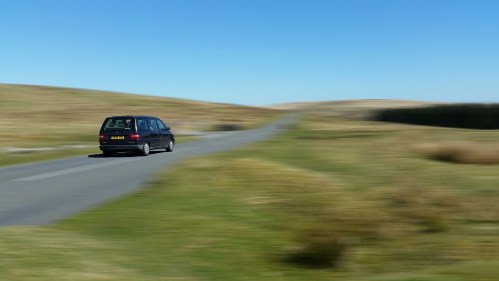
Panningshot_20140414_135841

Samsung Galaxy S5 – Day 3

So here I am on day 3 of the S5. It will be last post reviewing the S5. Overall, I just don’t like it enough. Sometimes, you can forgive a few things, but my S5 journey is over. Or is it. (Spoiler. See end of article).

Let’s start with the positives –

– Grip and feel in the hand, finish. It’s not metal but it does not matter. It feels solid and durable, and fantastic to hold. It is IP67 so feels durable outdoors in the elements. The flap for charging was well designed. It pulls open with ease and rests along the charging cable to prevent damage. Also, you get the pop up message when you pull the micro usb cable out to warn you to shut the flap properly.

– audio quality via headphones. Very powerful and high quality. Really good actually. I tested it with a number of decent Sony and Sennheiser headphones.

– Loudspeaker – better than you think at a sound output of 83-84db. Also clear for podcasts. But with music it lacks bass and vibrates at full blast so you will need to lower volume a tad.

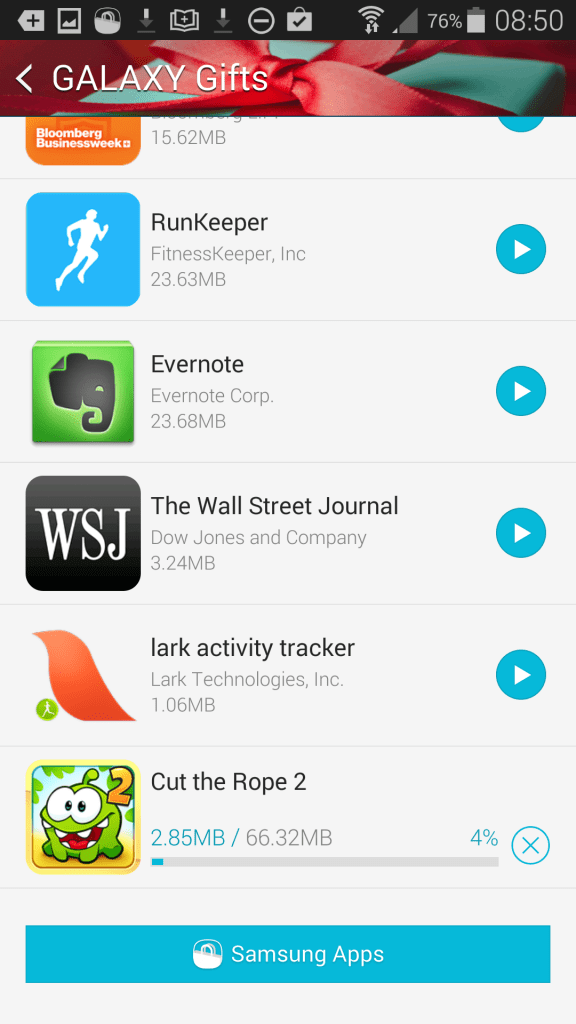
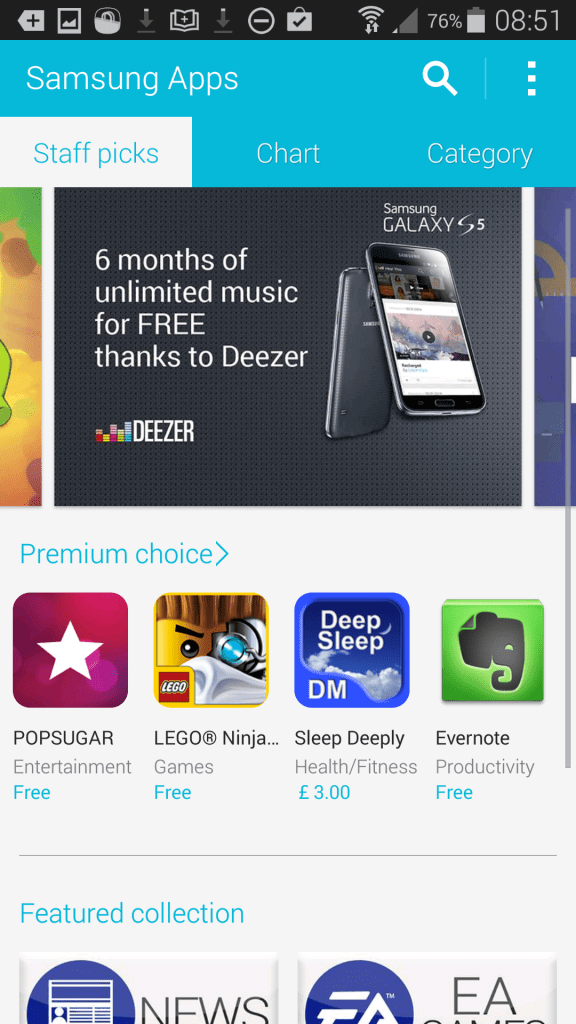
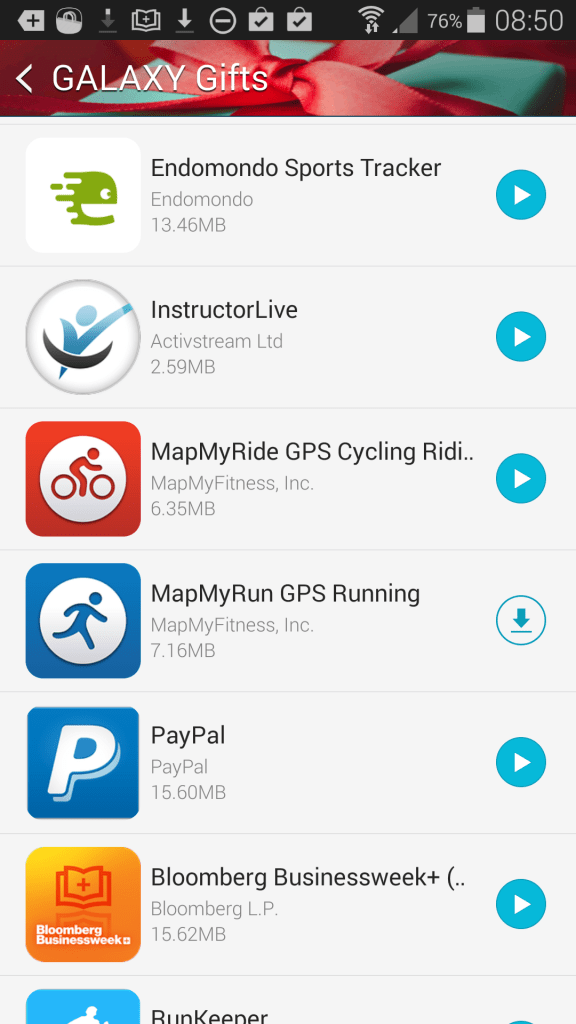
– software – you get offers for Businessweek, Wall Street Journal, loads of health and fitness apps, in app purchases for free with Cut the Rope 2 and lots more.
2014-04-13 07.50.24

2014-04-13 07.50.34

2014-04-13 07.51.09

The problem is they are only limited time durations offers or apps of the same kind. I mean how many health and fitness apps do we need that do the same functions, and why do we need them at all when Samsung have their own on board offering? But for some this will be ideal and the choice welcomed

– screen – brilliant, and good in all conditions.

– hardware extras – fingerprint scanner (with ability to pay via paypal, samsung app store and unlock phone), infra red blaster, usb3 connector, pedometer, gyro, barometer and heart rate monitor.

To be honest there is not much missing. So what don’t I like –

1) Laggy sometimes and some memory redraws

2) Camera is nowhere need how Samsung have promoted it. I struggled to get decent shots in good light. Pixels were smudged. Pets were a nightmare to capture. Lower light was hit and miss. Auto focus did not always work. Camera app was confusing.

3) Touchwiz felt cluttered, as did all the apps and repetition of apps that did the same task.

4) To have screen at a reasonable brightness hammered the battery. Also, I had times where I had the official Samsung charger plugged in but the battery was dropping faster than the phone could be charged. And Samsung did not include a USB3 lead for the connector. How to piss people off in one easy move! Using a USB2 lead now takes a lot more skill to make sure you have lined it up properly on the right hand side of the USB3 connector.

5) Polish – the overall package just felt lacking consistency and finesse.

6) Fingerprint scanner – what a complicated mess. Great for secure payments. But not natural for unlocking the phone, like the Apple Touch ID implementation.

So there you have it. Many will crave this phone and its new improvements over their S3 or S4’s. Others won’t. I shall be going back to the HTC One M8.

I wrote the above yesterday over lunch. And then I thought I would give the camera one last chance. It was a beautiful sunny day and I took several shots including these below.


13820628883_afcab4cba7_o2014-04-13 13.26.29

And so I spent the rest of the day until nearly 11pm giving the S5 a second chance….. to be continued….

Samsung Galaxy S5 – Day 2

It is amazing what a second day can bring to using a new device. You begin to feel what it is like to really use it in real life as opposed to gawking at the spec sheet.

So, yesterday morning I headed up on to my backyard of Dartmoor with my wife and 3 labradors. My aim was to take as many shots of the landscapes in the daylight and of my dogs in action. I took 100 photos in total and lost 10% battery in doing so.

Dartmoor has its own weather system due to being over 1,800 ft above sea level. That means glorious sunshine can become a heavy rain storm within 10 minutes. Well, for the very first time, I wasn’t worried about getting my phone wet from any potential rain. Normally, I carry a small waterproof bag to put my phone in to should it start raining. So the S5’s IP67 waterproof and dustproofing is definitely a worthy feature.

So I have started examining the photos and currently remain unimpressed. I have uploaded about 40 shots to my flickr https://www.flickr.com/photos/gavinfabl100/ . The S5 photos start from the newest which are scenic shots all the way down to the 8mp crops of the dogs. Last night I discovered I have left the camera lens film protector on! But removing it revealed it had a hole in the middle, so I am not sure what impact it will have. But I will try shooting some more photos and compare. In the meantime, let me know what you think.

So what else have I noticed. If you shake the phone, you will hear it rattle (thanks Dave goes to for discovering that) and that really all these camera marketing spiel is a nonsense. If you want decent photos by a proper camera!

App drawer – it appears folders can be created, but cannot be on the same page as apps, so you have to have 2 app drawer pages, one for apps and another for your folders. Weird and wrong surely.

I’ve used the Download Booster and it works really well. Nice touch.

Battery – hard to tell but it does seem to drain quicker than the M8 but it is early days. I noticed 100 photos drained the battery by 10%.

Samsung Keyboard – hop in the settings and add your own shortcuts texts to the number keys. So a long press on a number key enters the text. I really like this time saver.

More tomorrow.

Update – The S5 photos are now in a flickr set for ease https://www.flickr.com/photos/gavinfabl100/sets/72157643875623354/

Samsung Galaxy S5 – First Impressions

So, I have had nearly 24 hours with the Samsung Galaxy S5, so what do I think so far.

I choose white over black, being the only 2 colours available at launch, as I felt the white looked better with the fake silver metal trim. The phone is very comfy in the hand, light and well balanced.

The micro usb3 port is covered with a flap. I have found it not so cumbersome, and the flap is simple to open and close as it pulls downwards with ease. But my S5 did not come with a micro usb3 lead, simply the older version. That cannot be correct, so I will have to investigate.

Camera – I have not really had much time to use it but in bright light the shots I took were amazing, better than the HTC One M8. They were so good, I had to do a double take. Inside in lower light, this is where it all goes wrong. People’s faces became oil paintings, so unnatural. Hey, I might win an award for the best painted picture. The low light shots were noisy too. The S5 camera is fast in good light to focus, but often I had to press screen to help it focus first before taking the photo. Also, the camera modes and settings within the app are a mess. Samsung, what have you done to the camera app! They should have kept the pre installed modes that are available in the S4, Note 3 and Samsung Cameras. Comparing the S5 to the M8, the M8 has a faster time to first photo, and a quicker shot to shot time. The M8 camera is vastly more flexible in most conditions. I need to spend more time with the S5 camera, but at the moment, I may end up swapping the S5 for the M8 as the M8 and its 4mp ultrapixel camera is far more creative, flexible and works in all lighting conditions.

Audio – using my Sony XBA-H1 in ear canals headphones there was massive volume available and really good sound quality. The loudspeaker created vibrations are full volume due to the waterproofing and was clear and loud enough on spoken voice. The HTC One M8 with its Boomsound speakers wipes the floor on the S5.

GPS – I used Google Maps navigation on the S5. Worked flawlessly.

Screen – what a cracking screen that looked great in the conditions I have used it so far. I also like the fact I can reduce the brightness so it is dim at night for reading. The M8 even with brightness off was very bright in a dark room.

Free – we all like free. There was a page of free software to download. I have downloaded it but not yet looked at any of it. But I did notice 6 months free of Deezer music streaming, and other free offers.

The S5 includes an awful lot which I am still to dscover. I have not been able to set it up properly either, which should be completed this weekend.. So there will be a lot to report back on.

One thing I did do was burn through 1.24gb of mobile internet data yesterday!

So did you get the S5? If so share your views.

Update – so it appears Samsung decided not to include the usb3 lead. What cheap scates!

Also some of the good lighting photos have been now viewed on my computer screen. They are mixed in quality. Even more disappointed with the camera.