I have taken a few more shots using the LG G4 in RAW mode using both the default camera app and Camera FV-5. Camera FV-5 is used as it does bracketing automatically.
Typically using FV-5, I am shooting 3 shots with EV differences of +2, 0, and -2. Each sequence creates 6 shots, 3 jpegs and 3 raw DNGs, requiring around 120mb in total. 9 bracketed sequences taken, and that’s 1GB!
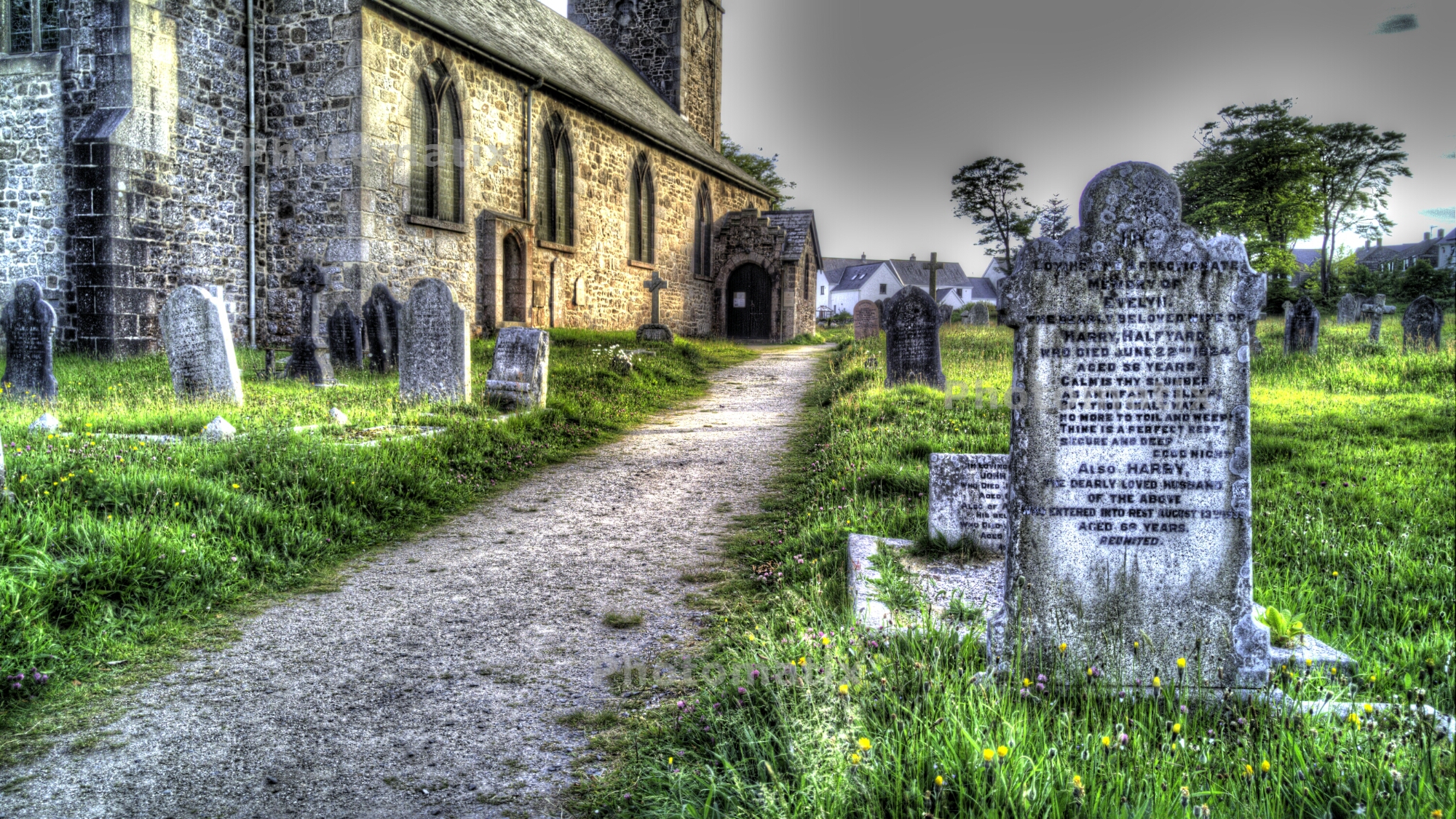
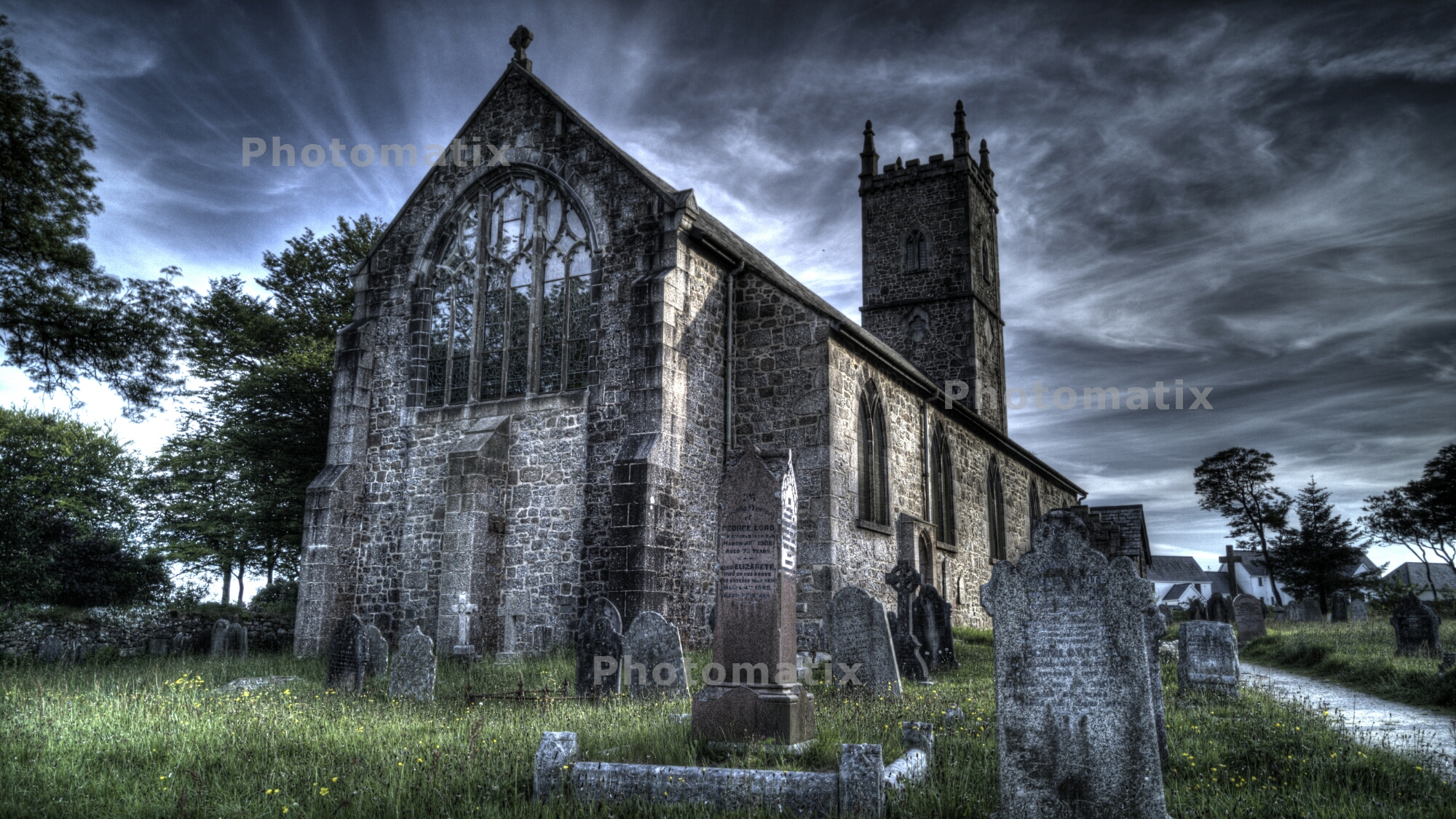
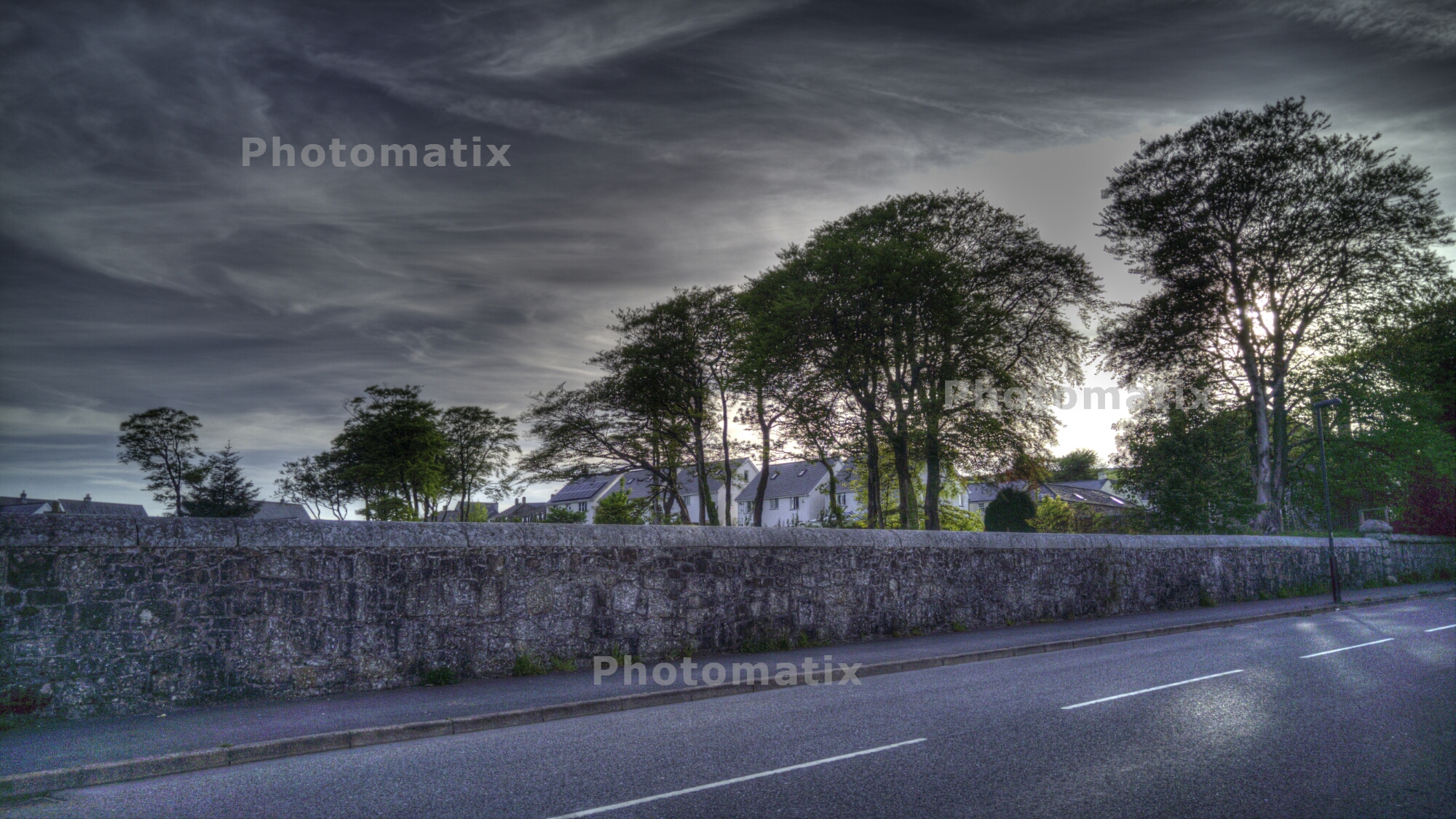
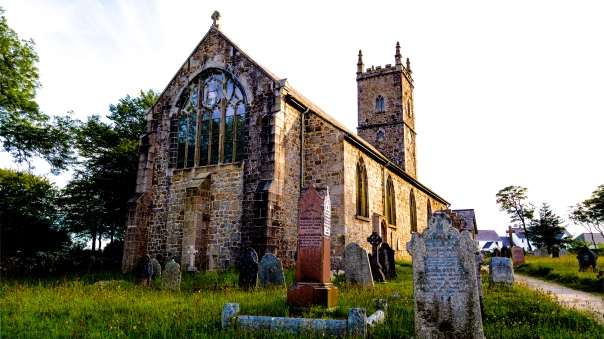
So the photo below was captured with 3 raw shots, and I merged them and created a HDR jpeg. Click on shot to see full resolution over at my flickr account.

The next shot is a single raw photo, which I then post processed in Lightroom 6. I must admit, I need a lot more time to understand Lightroom 6.

Back to 3 raw shots taken in a bracketed sequence, then merged to create a lovely Black & White moody shot.

Same again, except this was a hand held shot, using the bracketed mode on Camera FV-5.

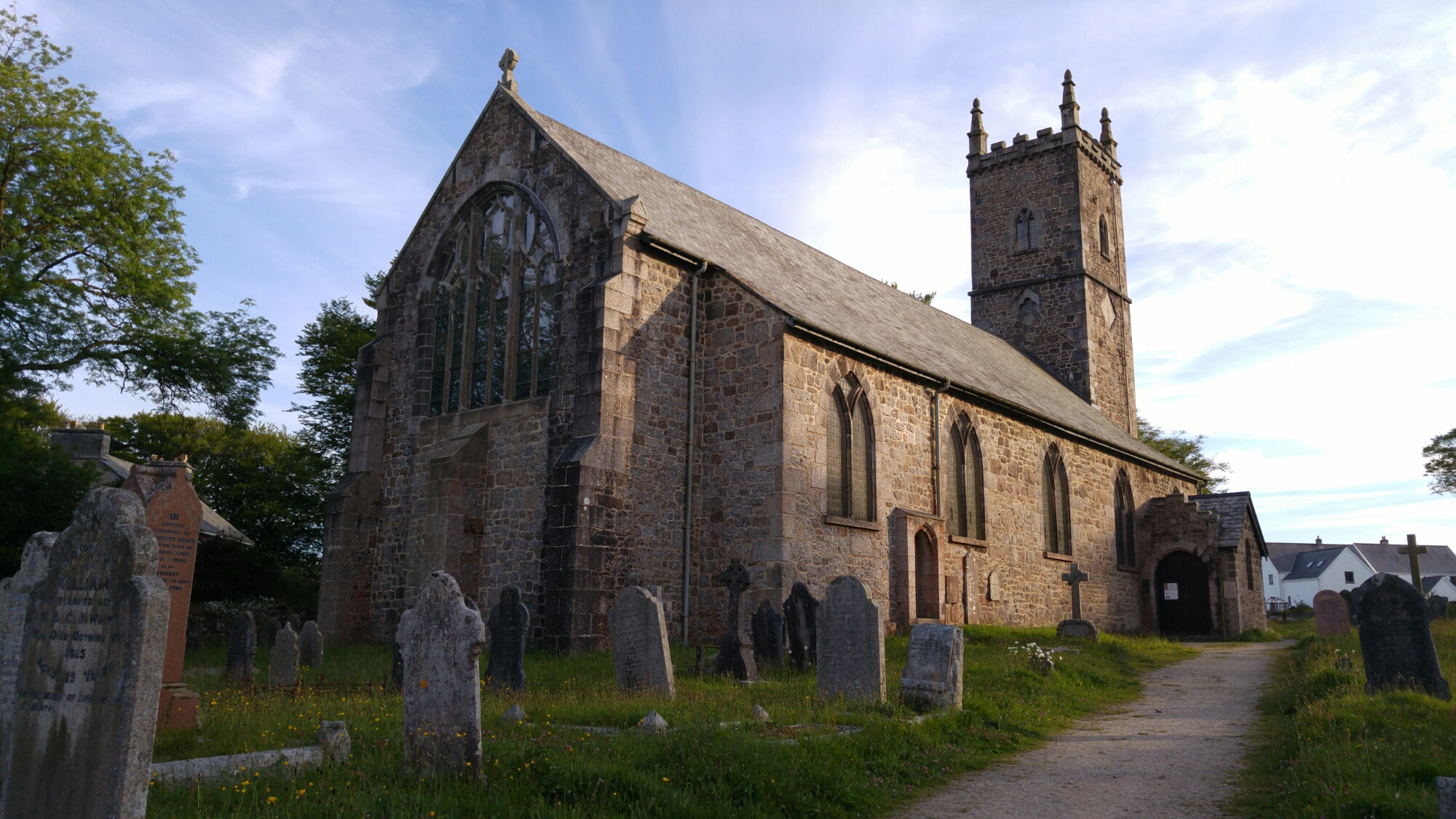
But is shooting in RAW worth the effort, extra space and time? Below is a shot taken normally in auto mode, using the default LG G4 camera app, and post processed on the phone using snapseed.

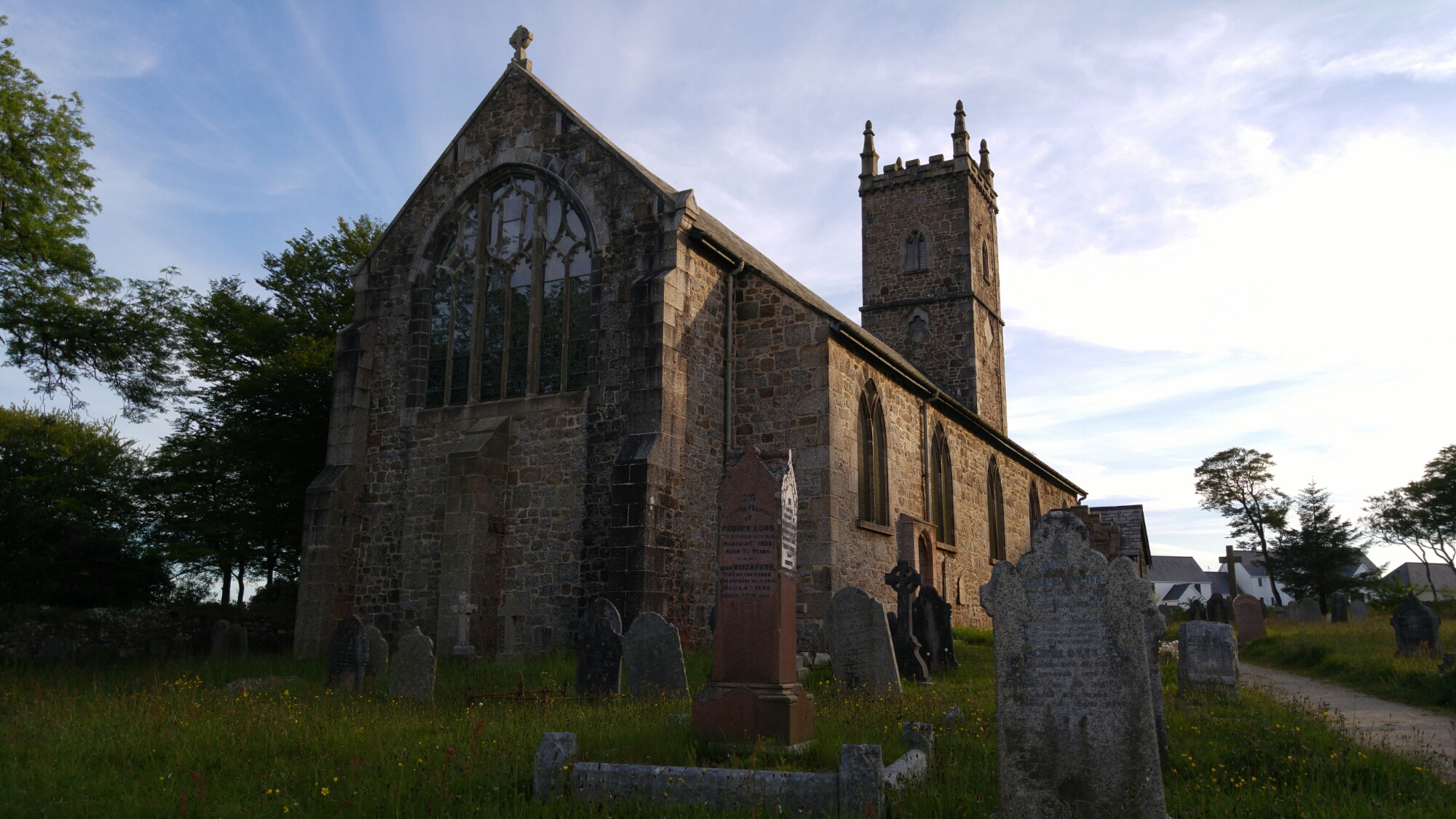
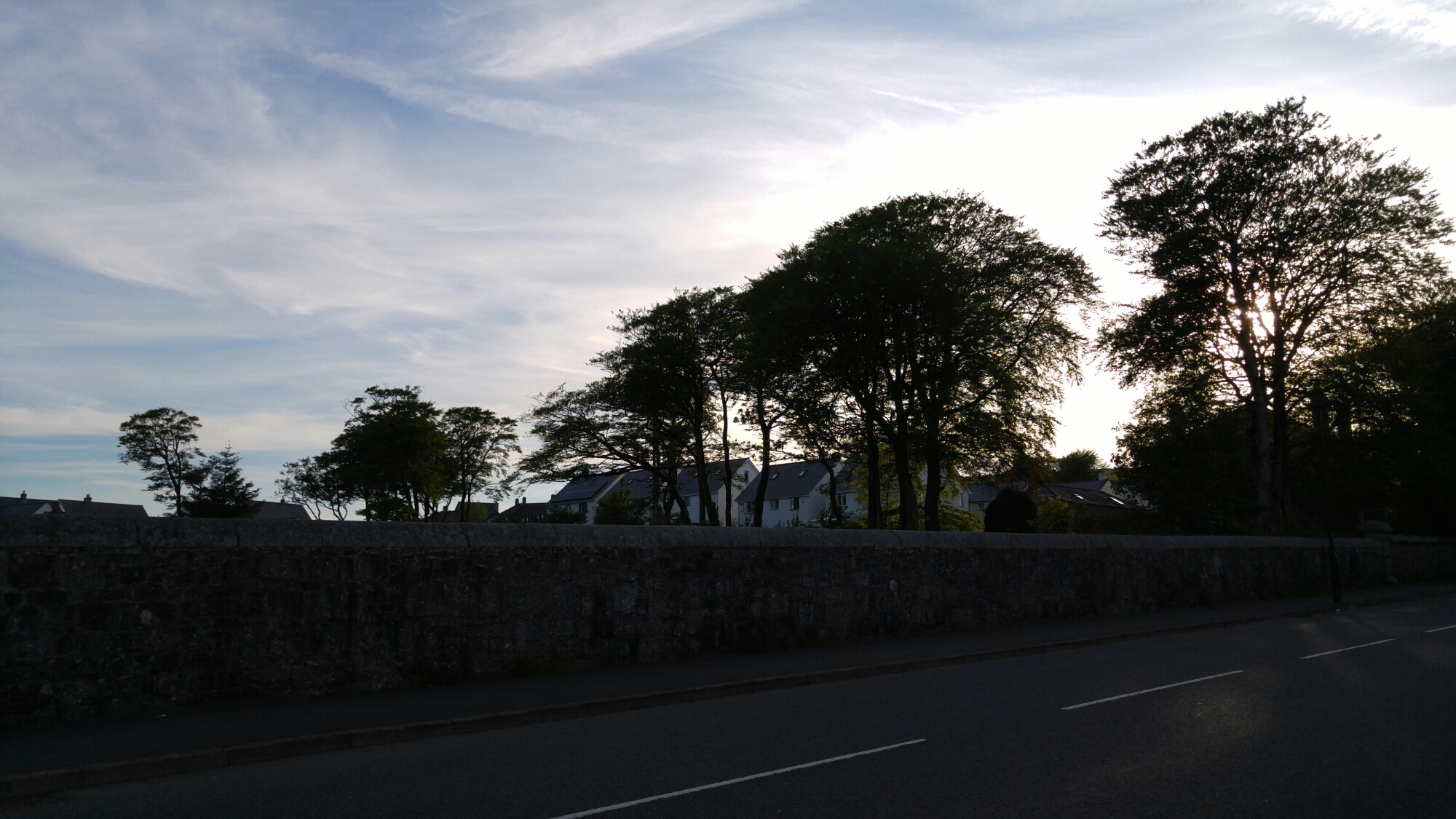
Next 2 shots, all shot on, but no post processing applied. These are jpegs not raw files.


From my initial findings, raw shots do allow for better shots once post processed and stunning HDR shots. But RAW isn’t necessary either, but I would rather I had a phone that provided this feature than not. The options with RAW seem to improve the more I understand Lightroom 6. And that is the key. If I can grasp Lightroom 6 I will be able to create spotless photos!




 Gavin's Gadgets & Photography