Welcome back to part 5 of my LG G3 review.
My G3 is now running the latest firmware v10e. This improved power and heat management, fixed several bugs and updated many apps. Chromecast bugs were fixed as well. But something was changed by LG on the quiet. The colour saturation was turned down reducing ghosting and artefacts that were being reported by some people.
My boss got to see the G3 on Wednesday for the first time. He picked it up. Looked at the screen. And then said. “It’s a beast. This is a real beast” . I cannot disagree either. It’s an amazing phone.

One of the hardware functions of the LG G3 is an Infra Red blaster. This may sound like a useless specification but it does come in handy. When you are watching TV or a DVD, you never have the right remote control, but you always have your phone nearby! The G3 comes with a software package that is quick and easy to setup. It then enables an option to show the basic functions in the notification centre as shown above. I was really pleased that the DVD software options included an eject button. This eject button is omitted on the DVD remote itself and many other software IR programs. As my DVD eject button no longer functions properly this is a godsend.
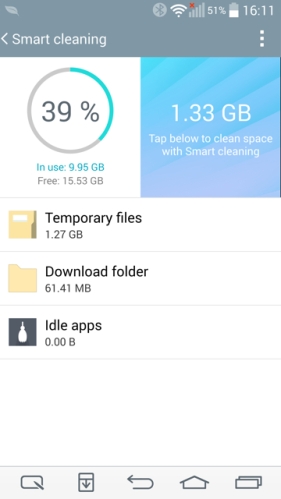
Another feature of the G3 is smart cleaning. Simply, it makes management and removal of waste a simple affair.
The G3 also has a quiet mode option which you can schedule or leave on permanently. It is able to block the notification LED, alarms and incoming calls. You can select or deselect as required, and on the calls you can set up an auto reply message on blocked calls, allow repeated calls and set up an approved list of callers that can bypass quiet mode.

The G3 comes with smart screen, which will keep the screen on for longer if it detects your face looking at the screen. In terms of customisation, there is even an option for the type of screen off effect. Retro Tv is my favourite. Other options include black hole and fade out.
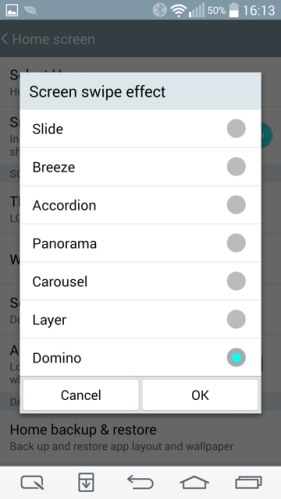
Other customisation options even include the swipe effect, as shown above. But the single best customisation feature is the on screen button controls. Before you select your button options, you can decide to have them transparent or not. Then you can go into the “hide buttons” option and select which apps to remove them completely. Ideal for many games or apps that display the on screen menu options. With the setting enabled they disappear after 3 seconds are are re enabled just by swiping up. So simple an idea and a superb solution too.
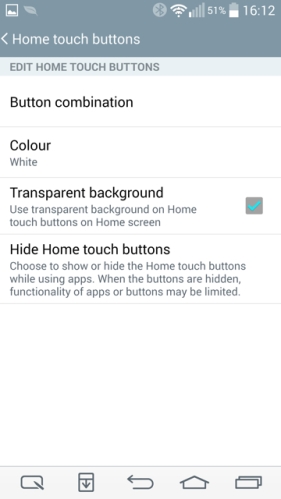
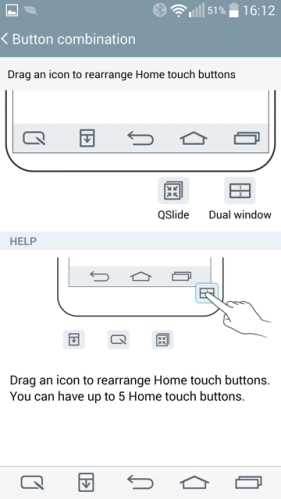
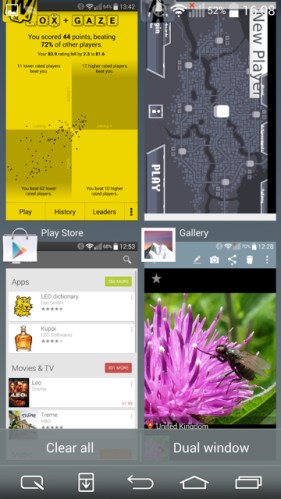
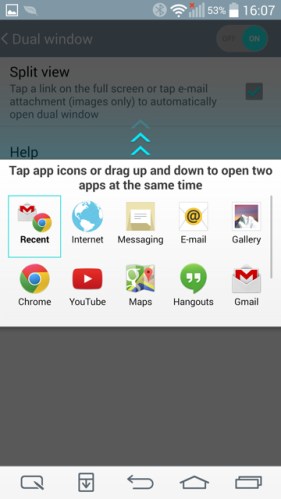
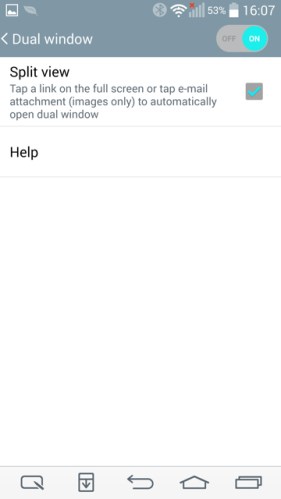
But lets look at the on screen menu options. Typically an android phone has 3 options. Running apps, go back, and home. With the G3 you can change the order of these 3 to suit your preference, and add up to another 2 options. The options are – QuickMemo, Notification Centre, QSlide and Dual Window. I love this option and wish all android phones included this.
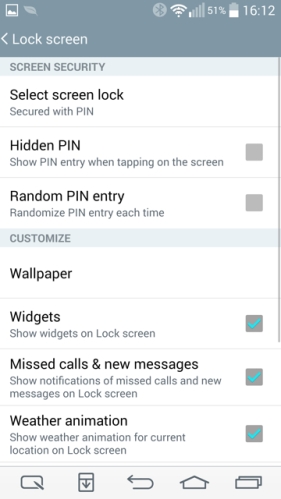
LG have not forgotten about the lock screen. As you can see below there are plenty of options again.
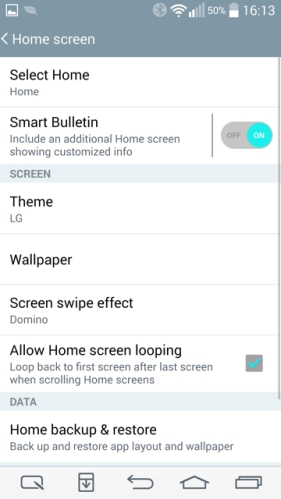
And even the home screen has its fair share of options. Additional themes can be downloaded and installed from LG World. Icons can be changed individually too.
All in all, LG have really offered a very comprehensive package of software, software customisations and a fabulous piece of hardware.
On Monday, I will continue my review of the LG G3. Any questions, please ask.






 Gavin's Gadgets & Photography