Yes I know, the iPad Pro is crazy huge to use for taking photos. But sometimes, the best camera is the one in your pocket.
Now before you imagine me having tardis like pockets, which I do of course (joking) I was watching TV when Tiggy got ultra comfortable and I wanted to try and capture the moment. The only device with a camera within arms reach was my iPad Pro. So I thought, let’s give it a go.
My lounge lighting was lowered so I knew this would be a tough challenge. I quietly detached the smart cover from the iPad so I wasn’t blocking the camera, held over Tiggy and took a shot. As the iPad Pro is so large and heavy, keeping the iPad still was really important but noticeably took a bit more effort to hold it steady.
Anyway, this is the shot from the iPad Pro.
Tiggy certainly looks cute in this sleepy position. What you can’t see, one of my other labradors, Fury, is sleeping butted up to me on my left. George was snoozing next to my wife. Labradors are so human like at times!
The Nexus 5X arrived yesterday, so this is simply first impressions.
In this post I am not going to cover off the official specs, just give you my first thoughts.
I have the carbon black 32gb version and its a great size. 24.89gb is available so I would completely avoid the 16gb as you could run out of storage at some point in the future.
The screen is fabulous as is the overall profile. Easy to hold and fairly comfortable. In fact, size wise it is the perfect size. The fingerprint sensor works flawlessly and fast. You can use it to turn on the phone too. No need to press the power button.
I took the camera for a quick spin and the results are good. I need more time with the camera, but it will take shots to be proud of. Whether its the best camera on the market at the moment is under review. Look back to the previous post to see camera samples.
To turn the camera on, just double press the power button. This is really fast and works a treat. The phone is really fast and fluid too with excellent viewing angles.
So far so good. Except, rant coming. I had nothing to charge it with in the car. It comes with a USB C to USB C cable and a mains adapter. Grrrr. Luckily the battery has been excellent and I have managed to survive a whole day with ease from a 80% start. In fact I only used 30% which is superb. If you buy the Nexus 6P you get an additional cable with a traditional USB end and USB C at the other.
I thought the phone didn’t have a notification LED, but it does. It is turned off by default in the settings. It is located in the bottom speaker grill and is fairly prominent.
That’s all for now.
If you have any questions, please let me know in the usual manner. If you want to see camera samples from the Nexus 5X look back one article. I also have the Nexus 6P for review too.
I now have been using the Huawei Mate S camera for several days.
I have posted several photos but also now uploaded the original shots plus a whole load more to a dedicated Flickr album. Click here https://flic.kr/s/aHskj289sE
None of the photos have been post processed.
Here a few posted before and some new ones. Don’t forget to click on the Flickr link to see all the photos.
Supernightmode is a treat to use. As is the light painting modes eg silky water. These special modes on the camera app make taking fancy shots a breeze. The quality is equally good too.
The time lapse mode is fantastic too. The below video took 20 mins.
The above photo was taken by the LG G4. The lighting was difficult, tons of glare, so HDR mode was selected. A bird photo bombed the shot at high speed, yet is captured in the scene. The top of Exeter Cathedral is visible on the right, with Dartmoor in the distance. Not the prettiest shot, but impressive for what got captured!
Really love the shot below. The Army were flying helicopters over Dartmoor.
And zooming in on the LG G4, so much detail is possible.
Whilst you have seen mostly my dogs in photos, I do have a cat. Sadly, one cat died recently. But here is Sassy.
From the other day, just look at the detail on this macro shot.
These photos make the LG G4 such a good phone if you like taking quality photos.
Taken tonight, National Park Visitor Centre, Dartmoor, Princetown, Devon.
Snapped by the LG G4 and spruced up by Google Photos automatically. Just realised you probably can’t see the white border 🙂 So click on photo to see it properly in Flickr.
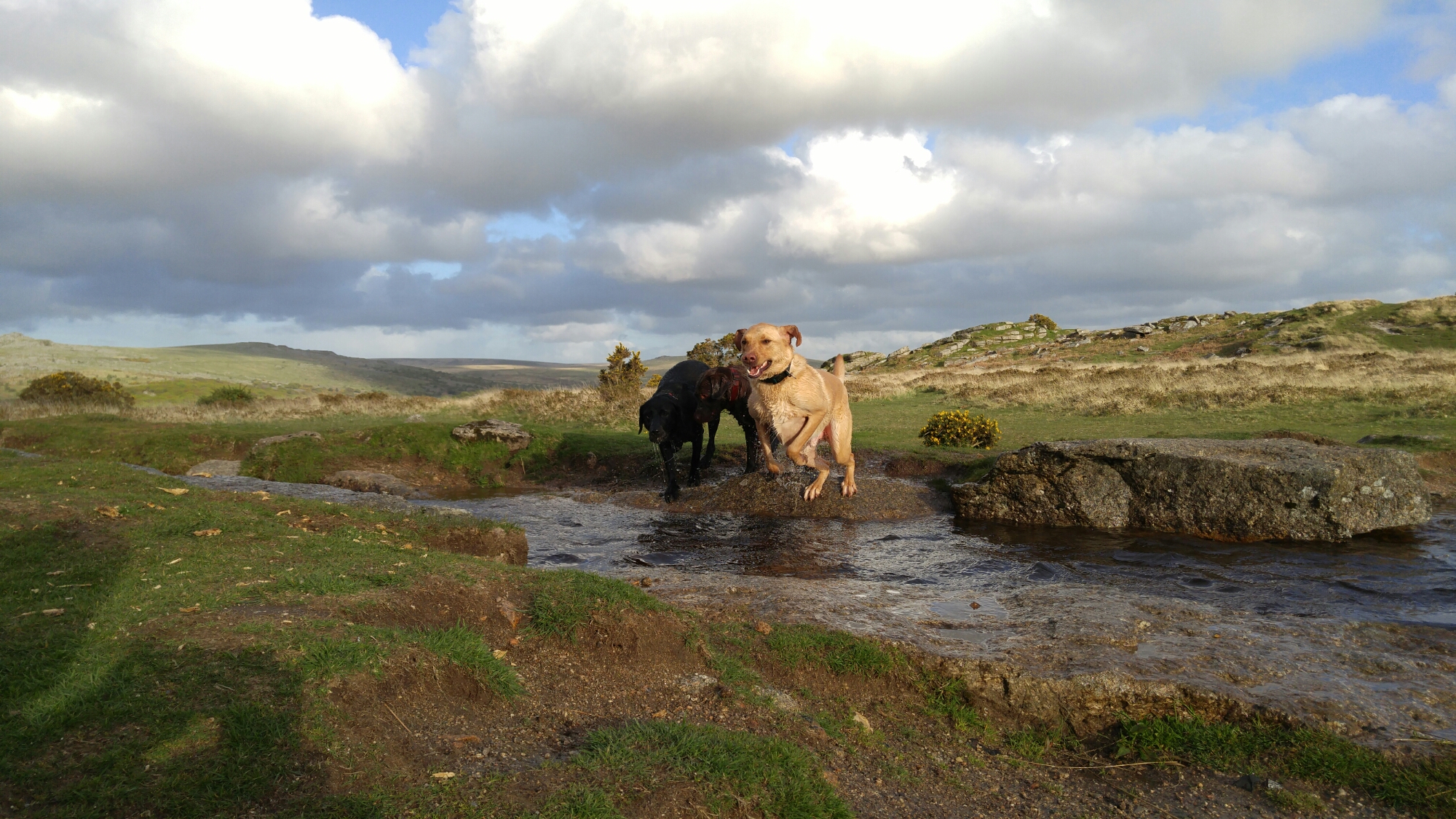
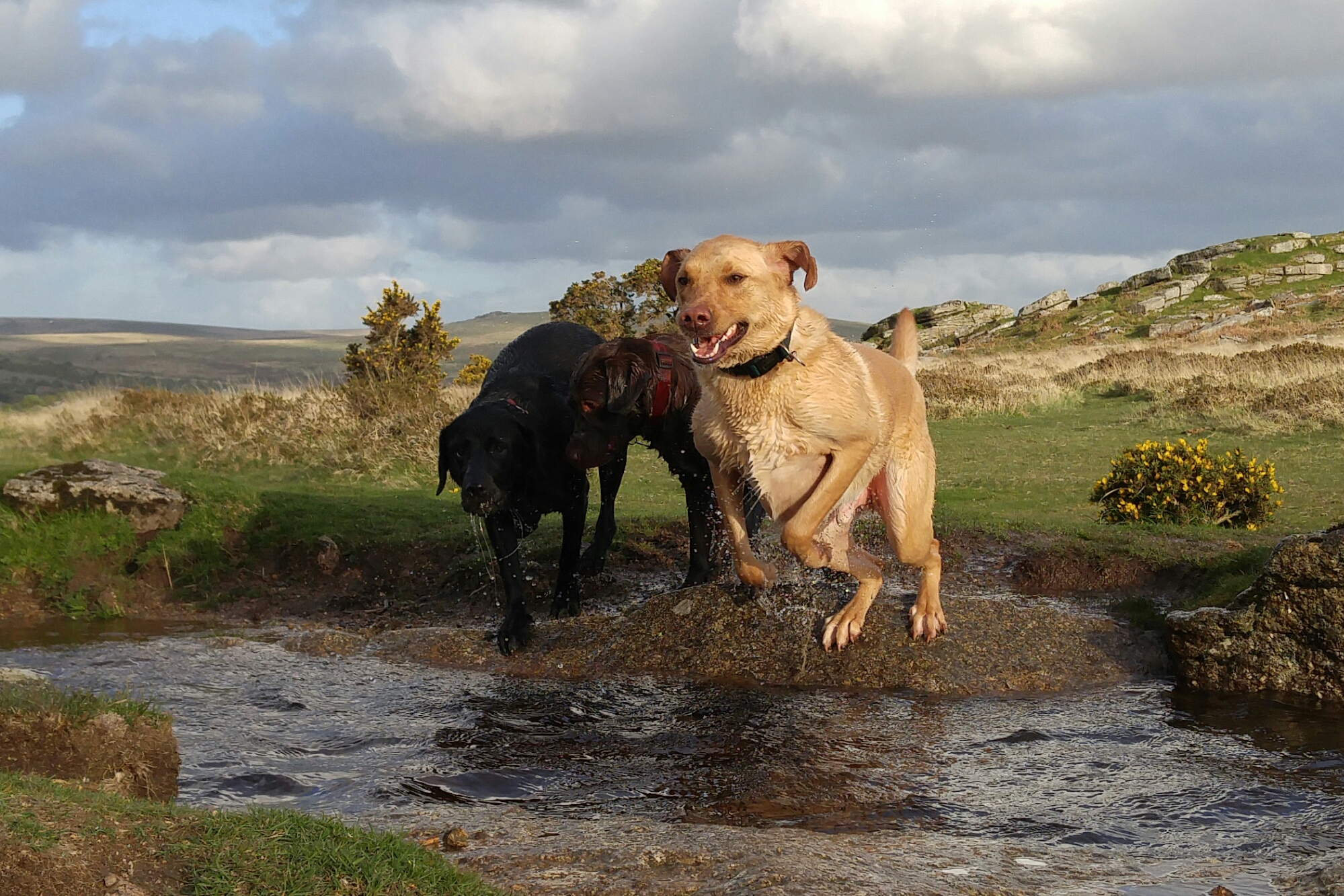
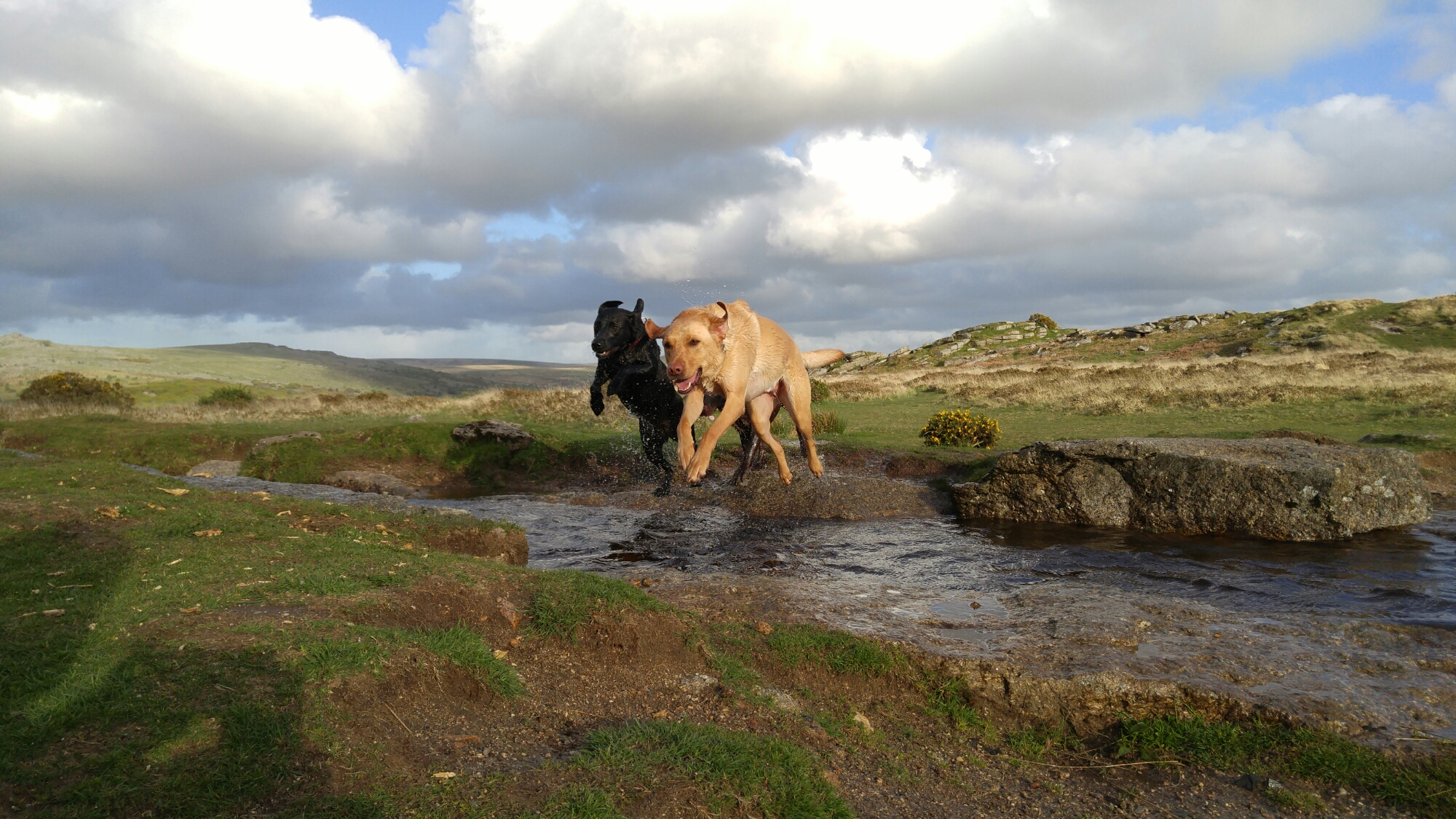
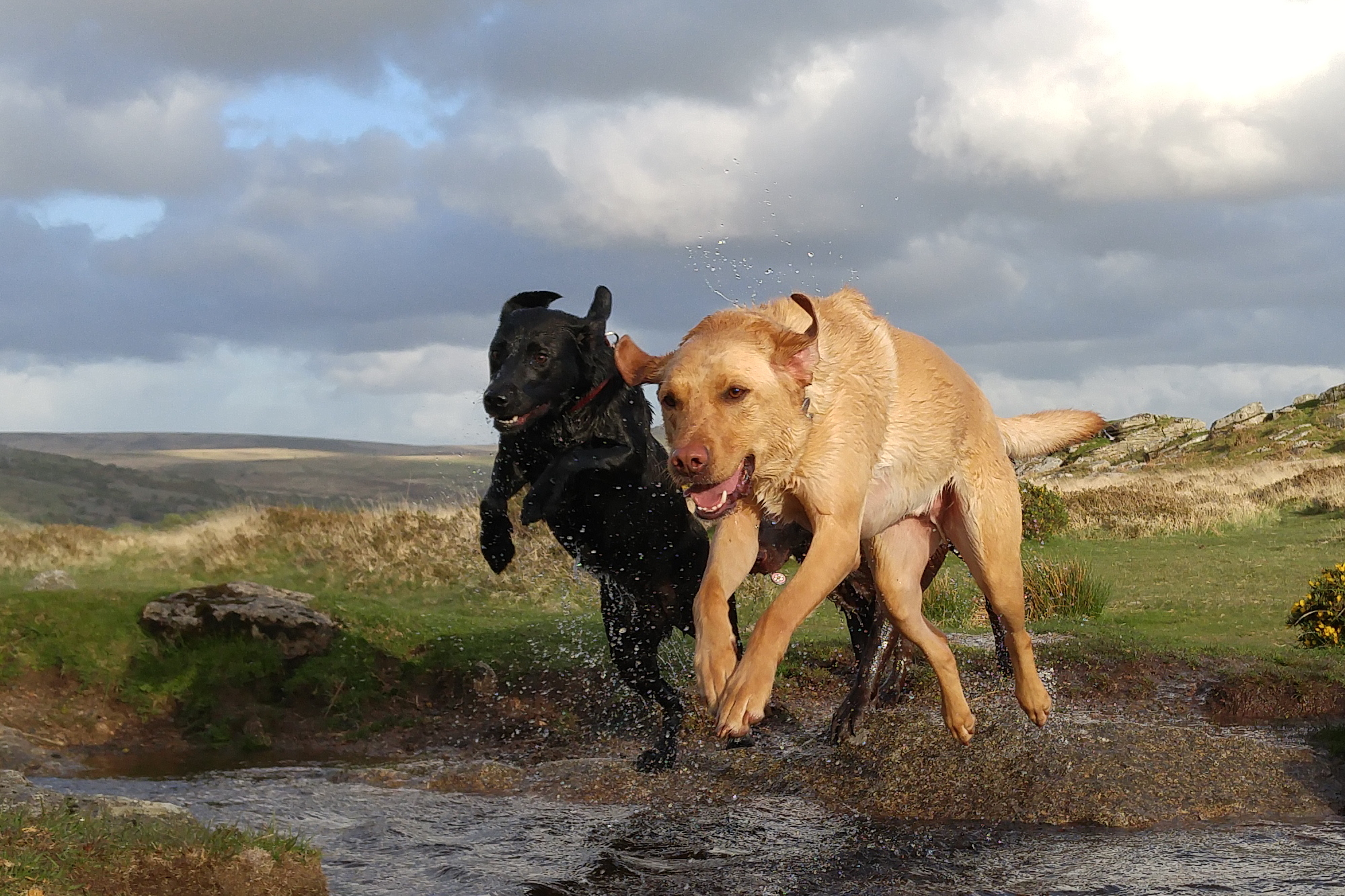
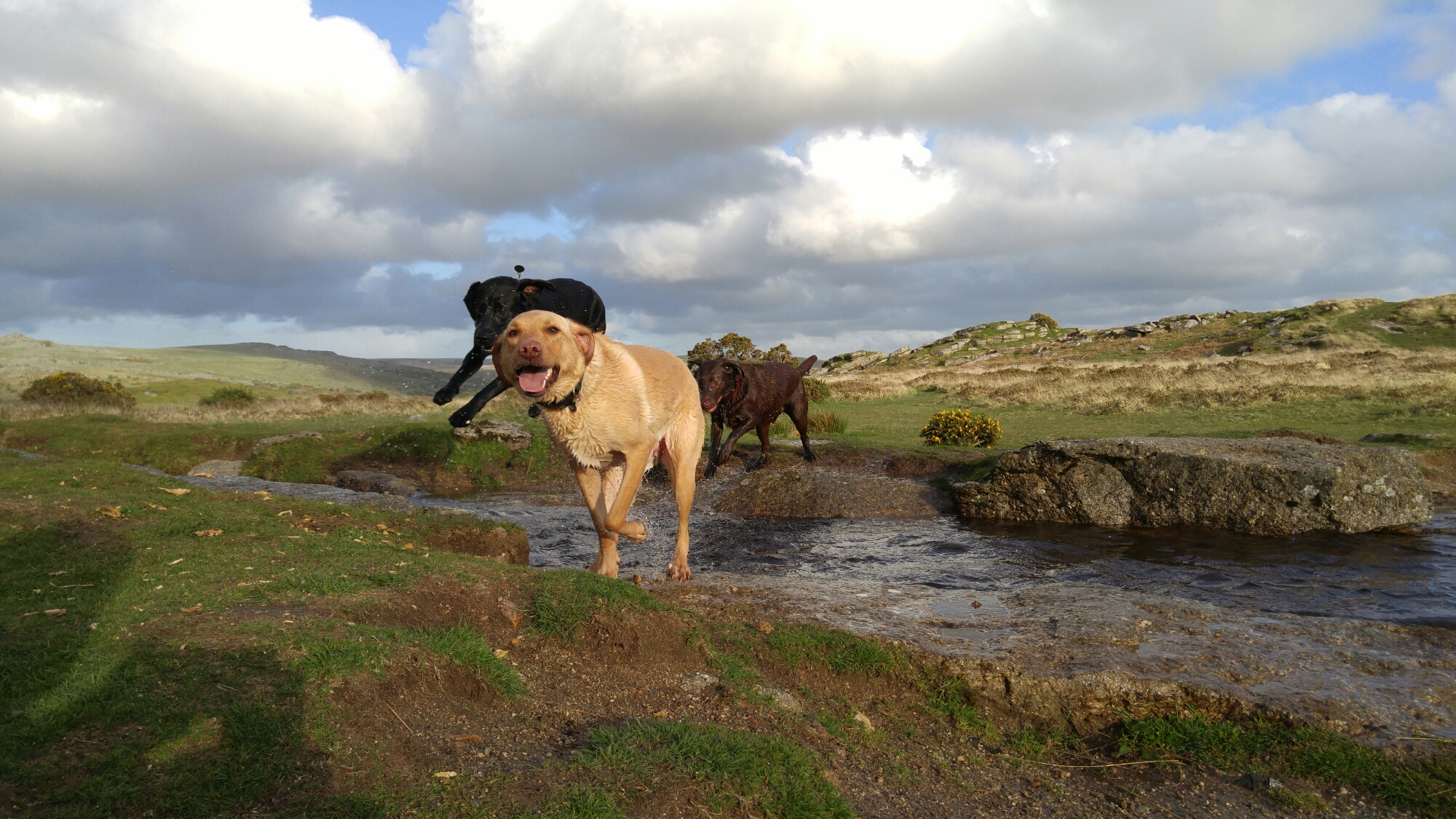
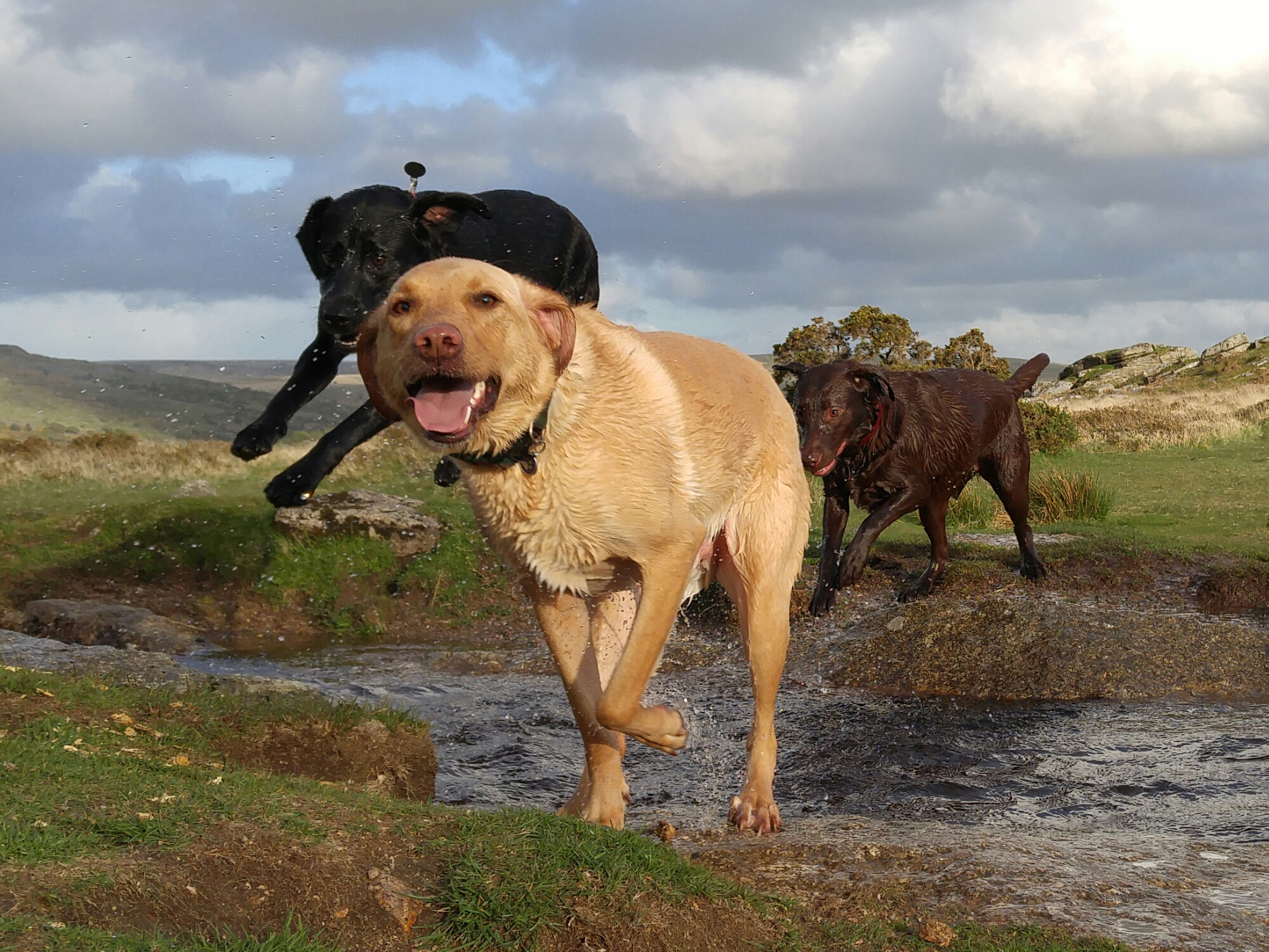
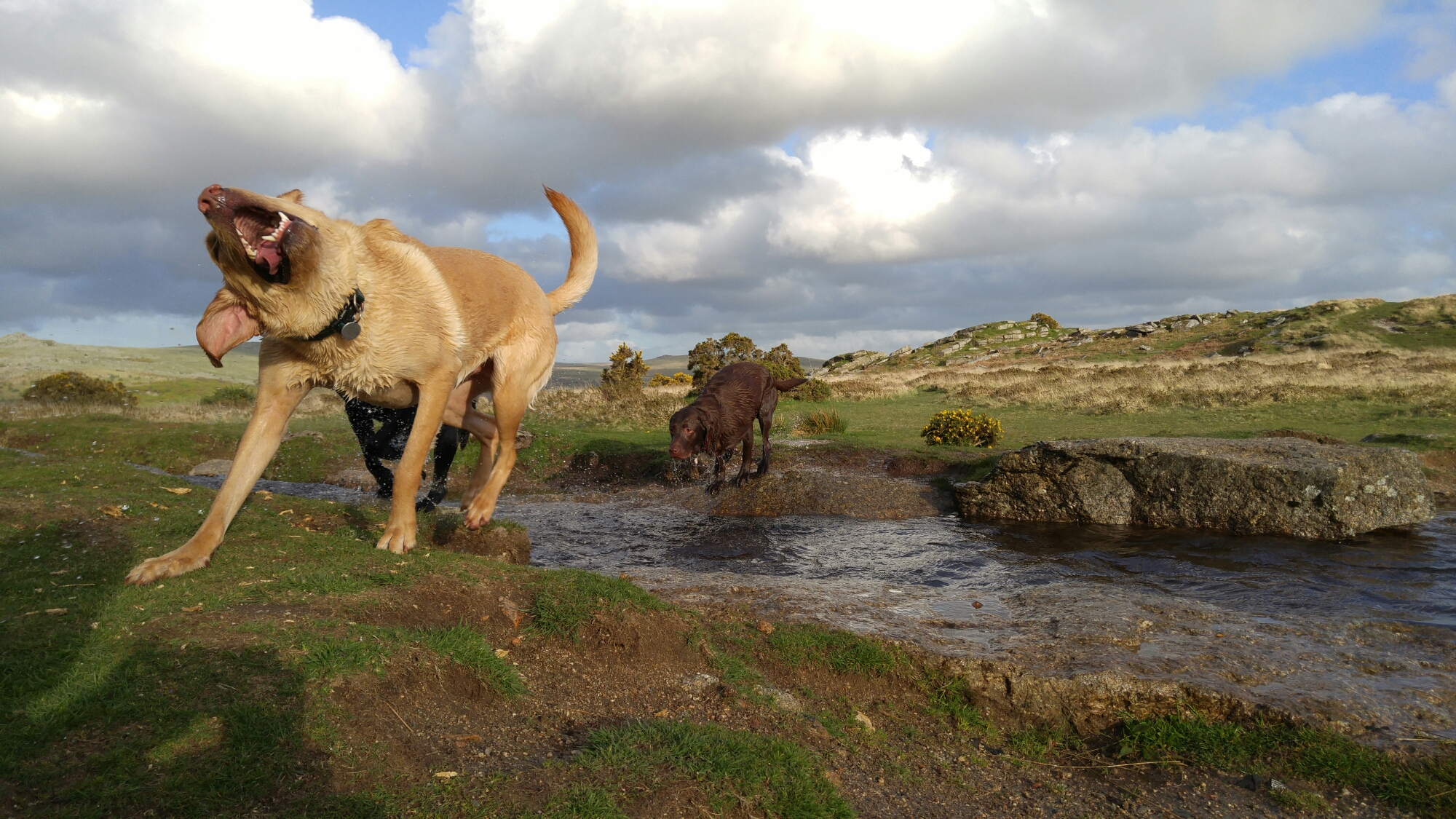
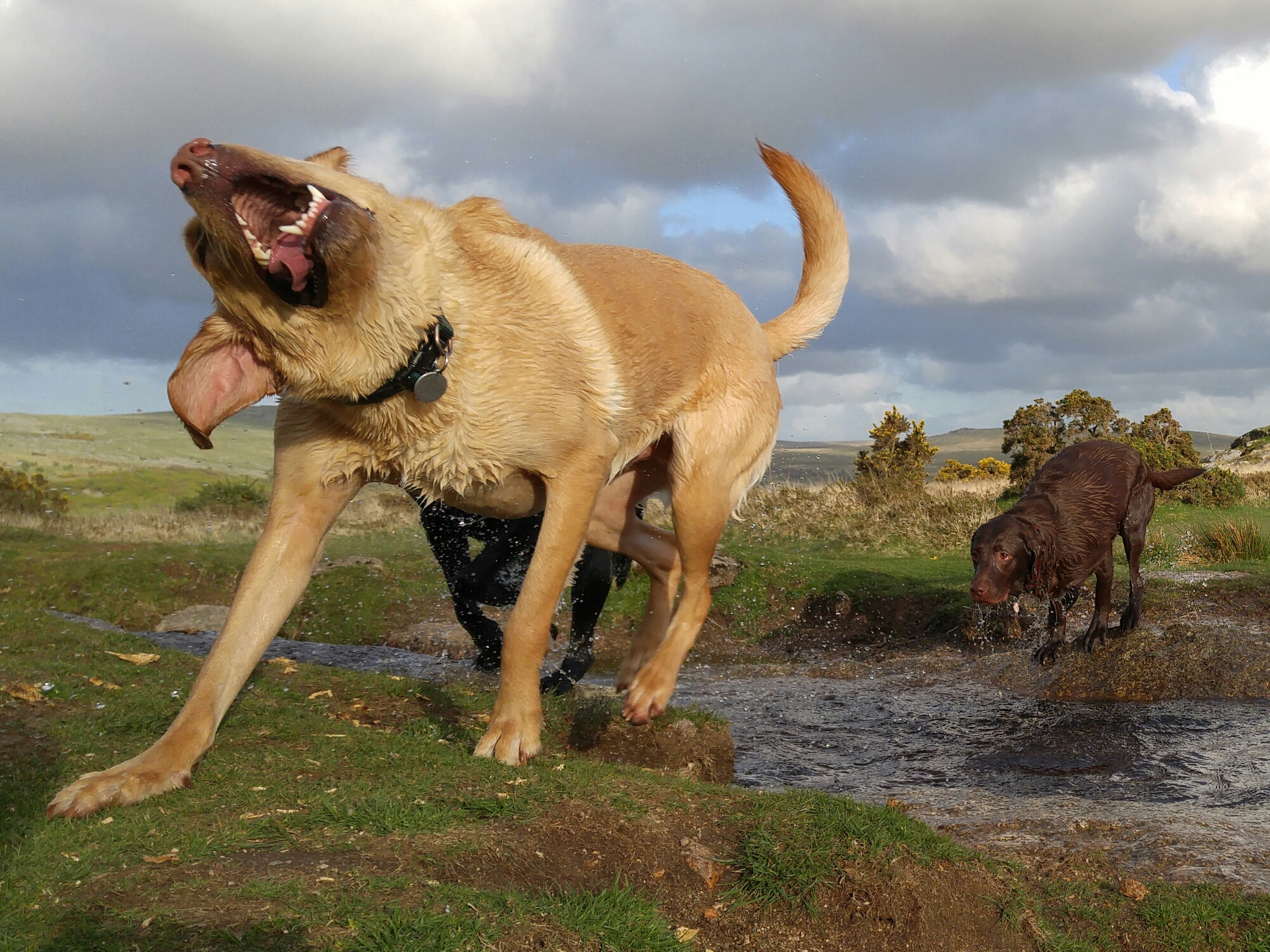
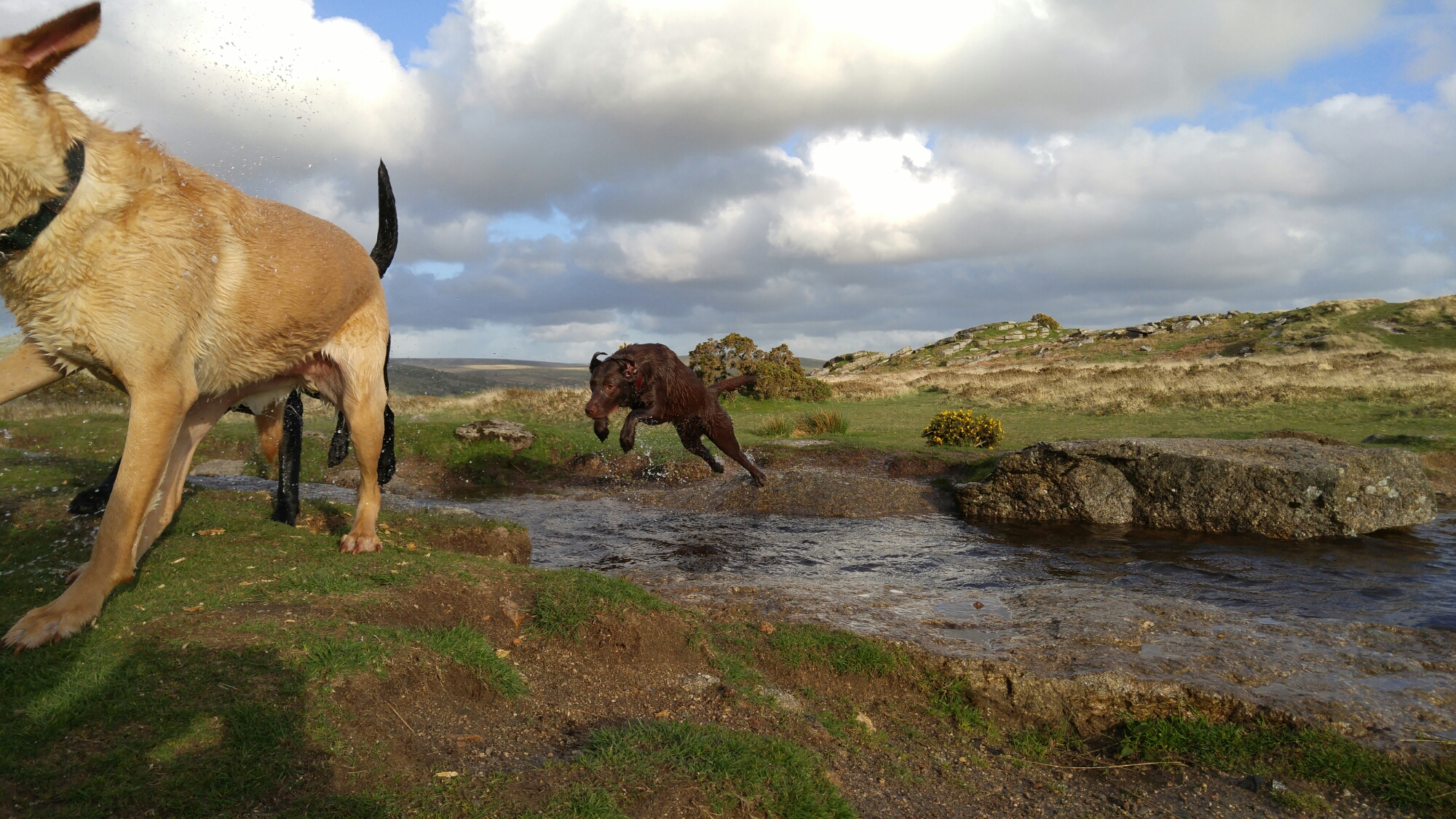
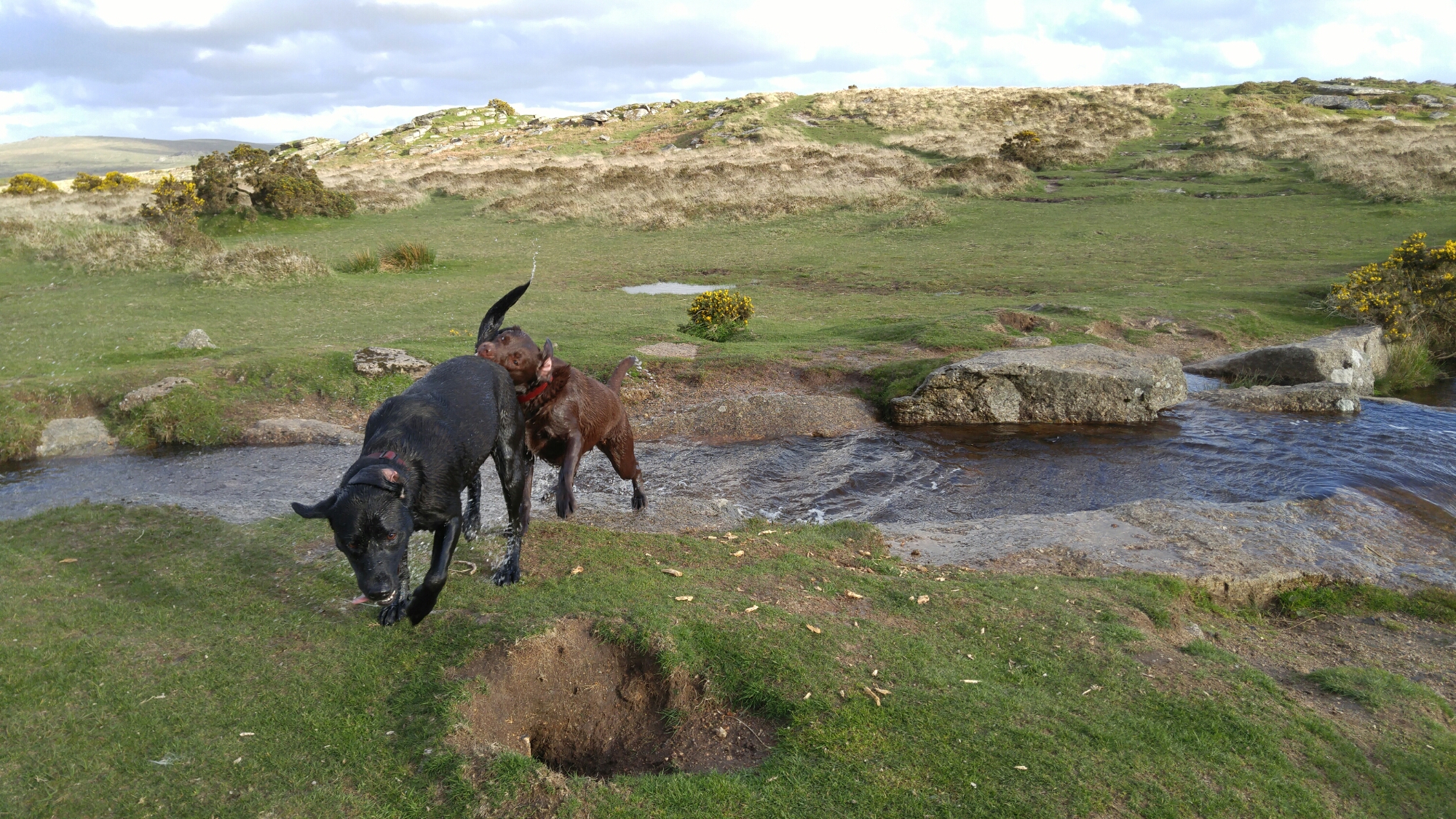
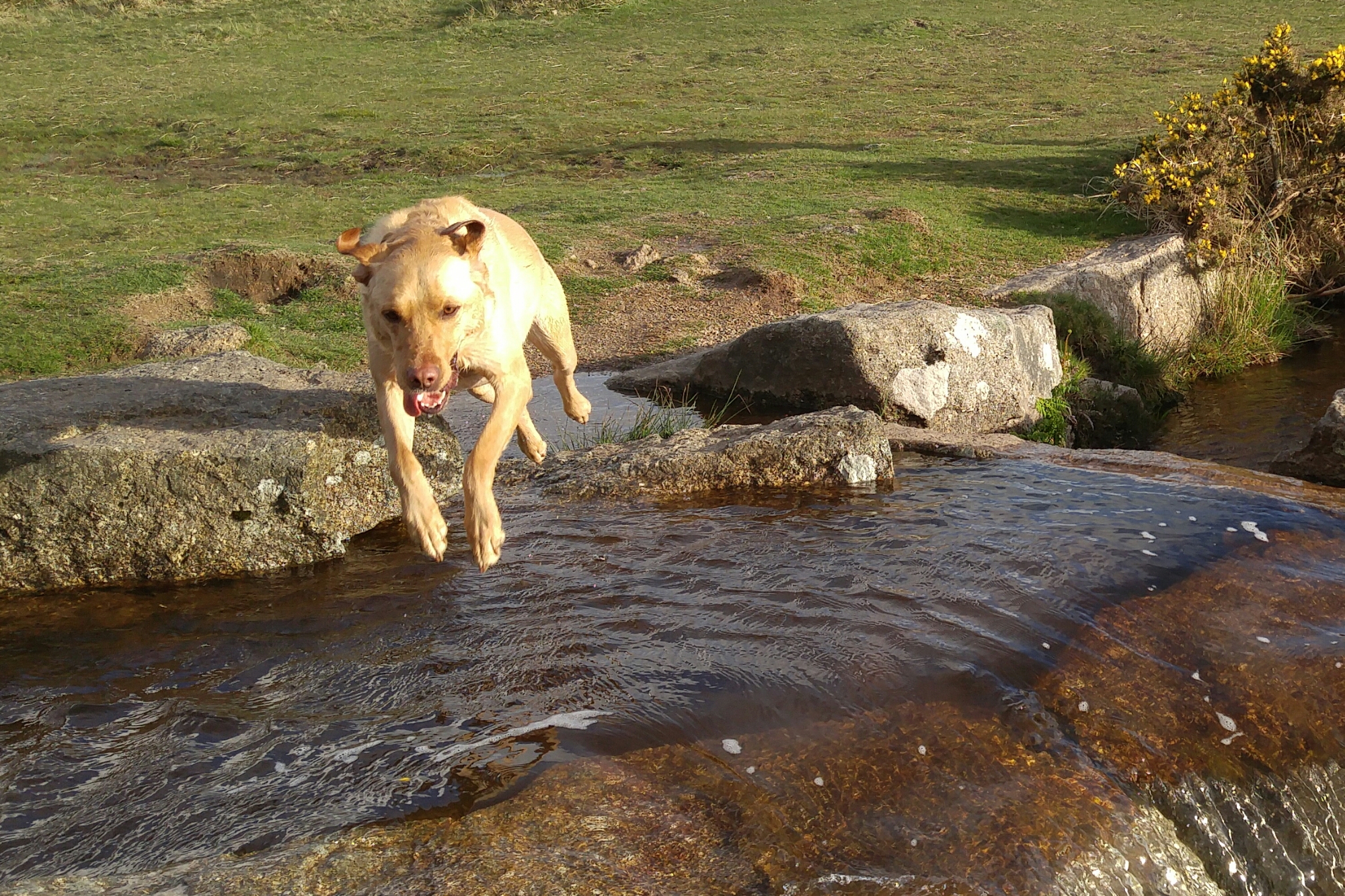
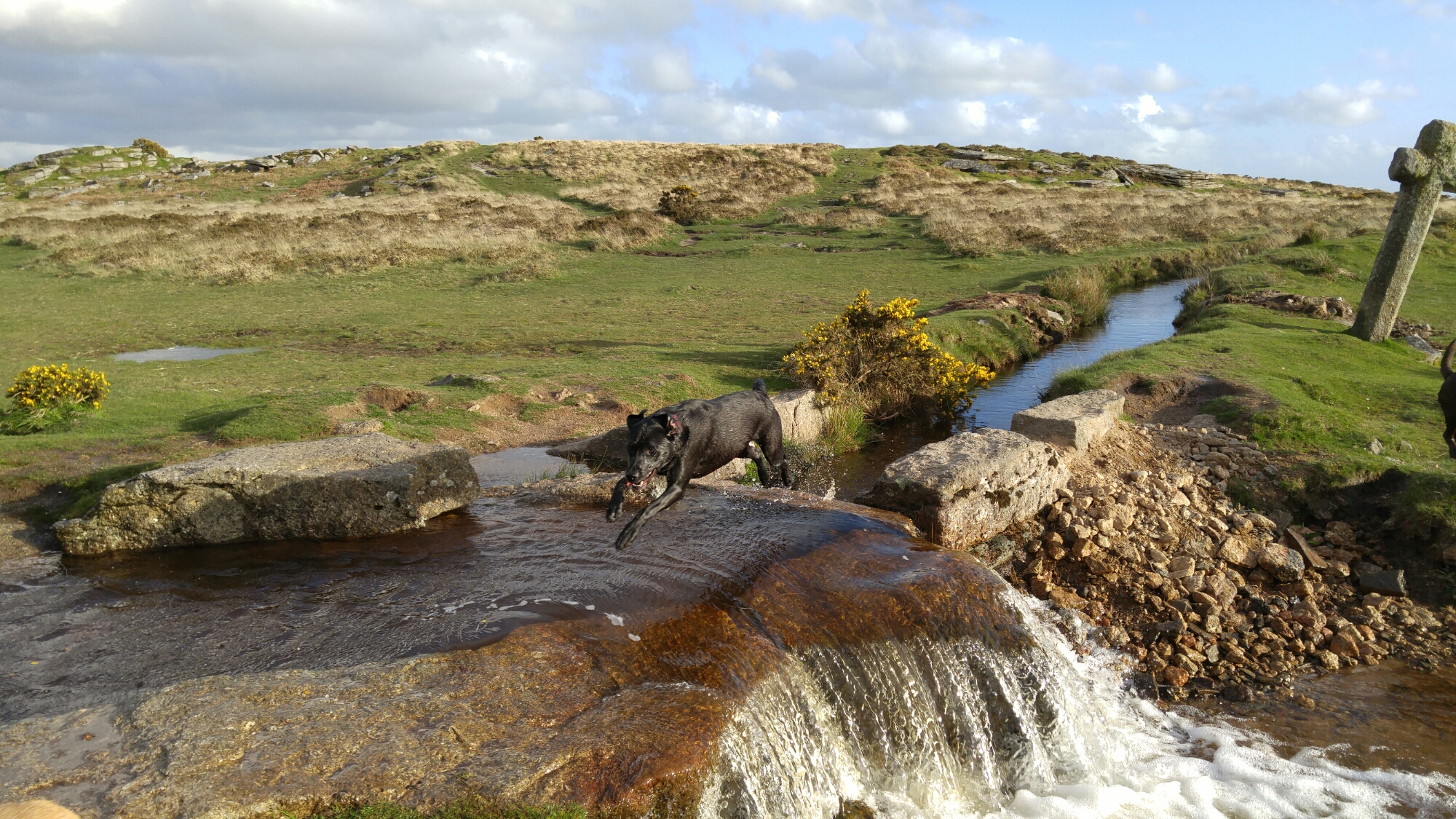
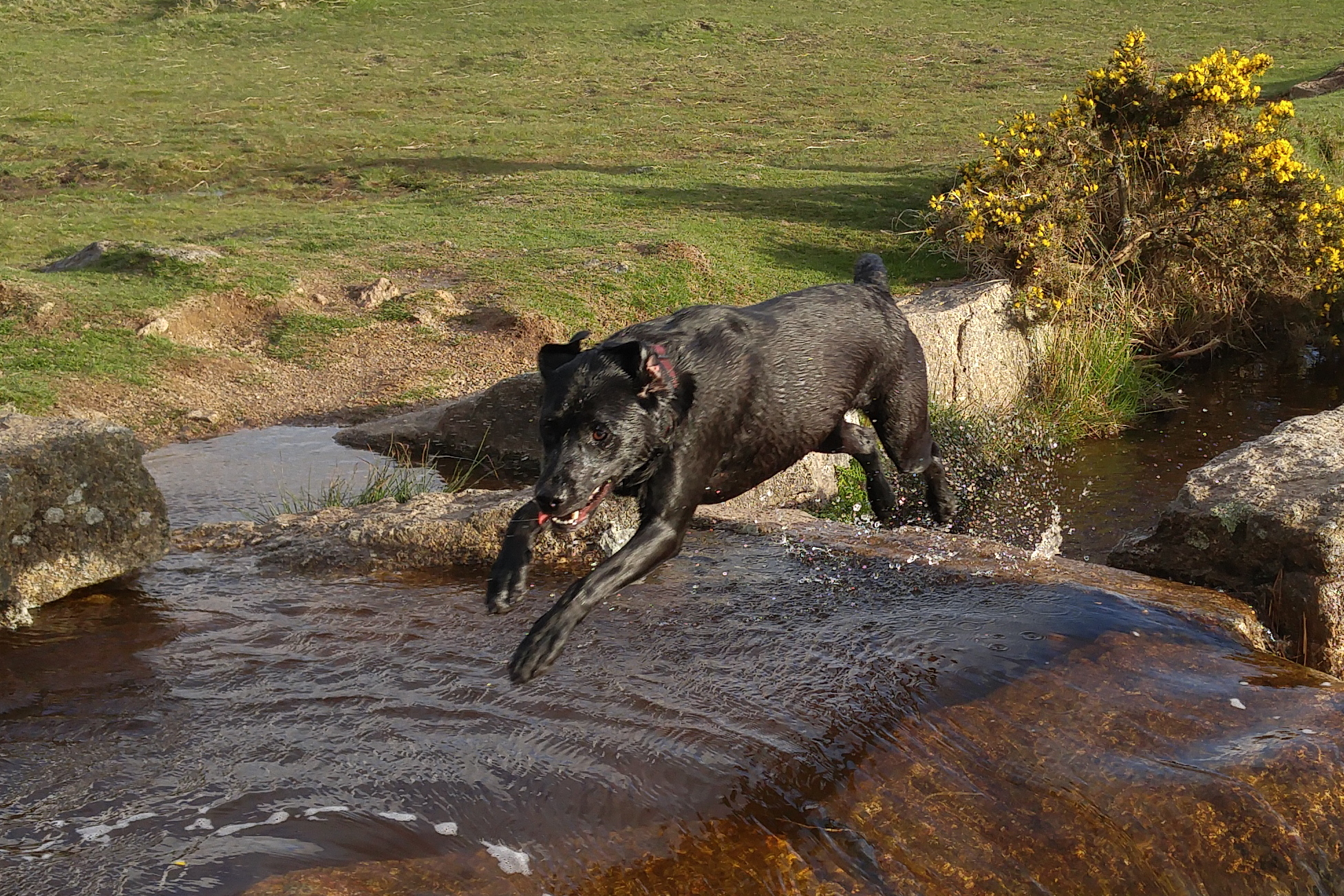
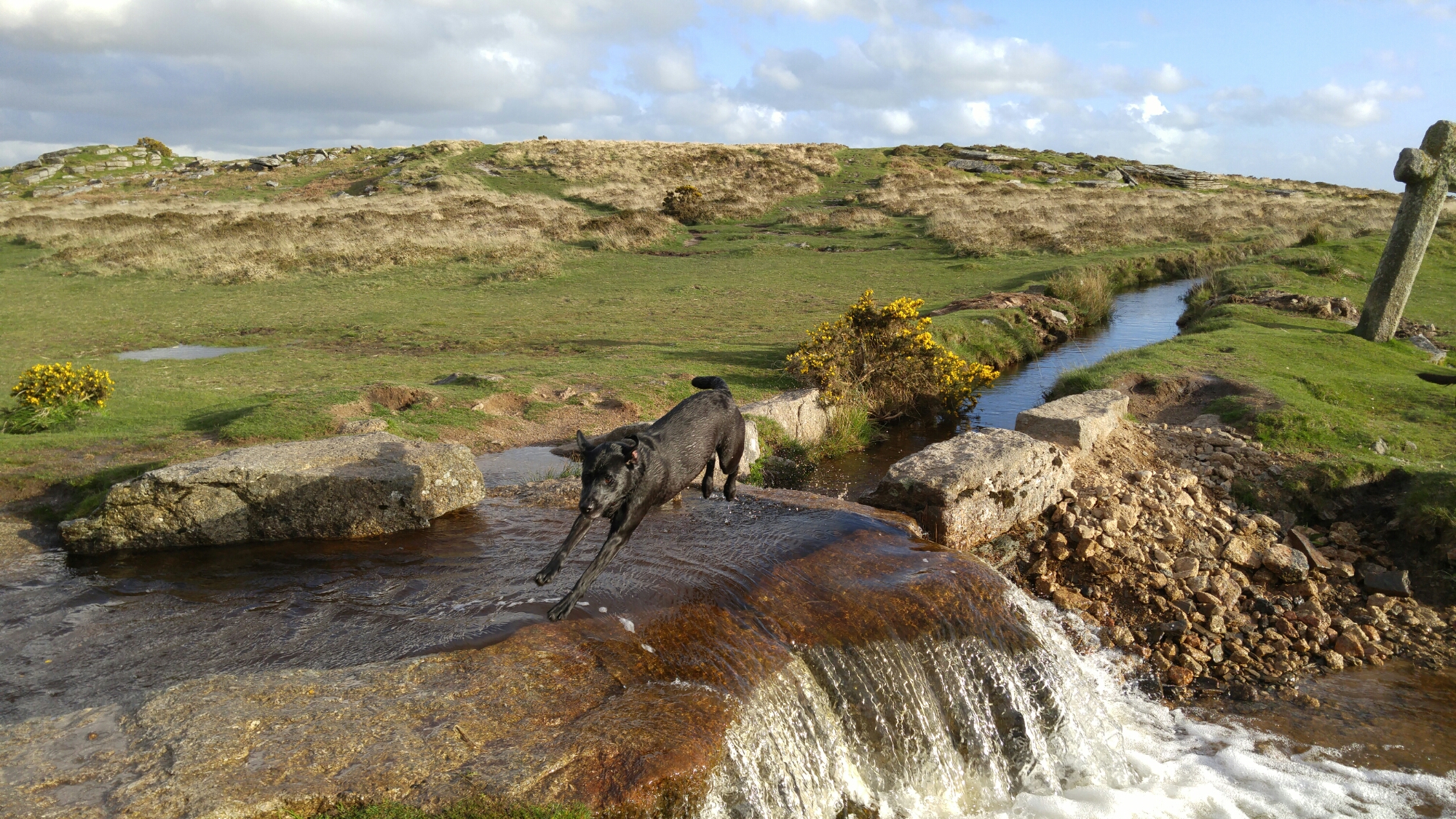
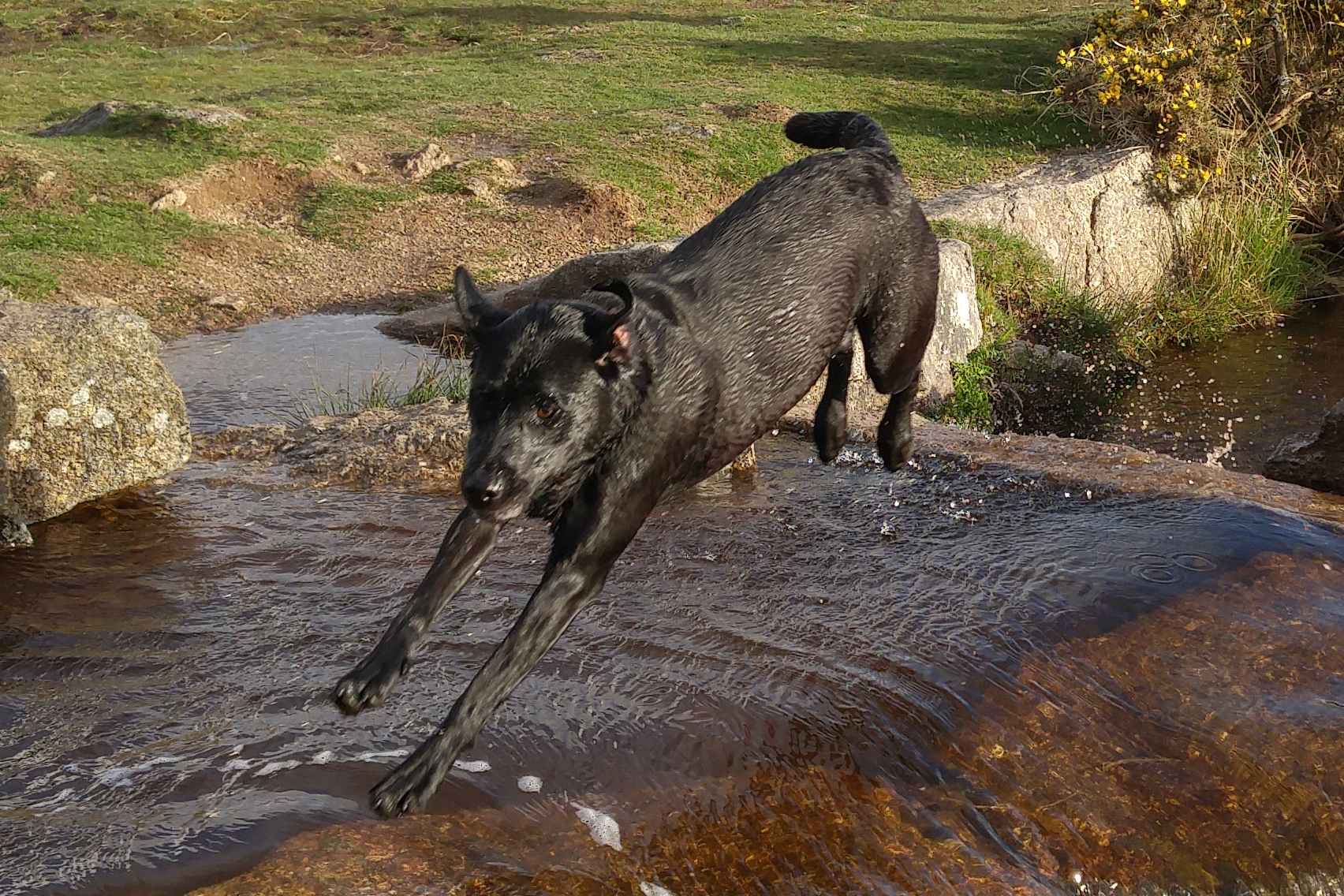
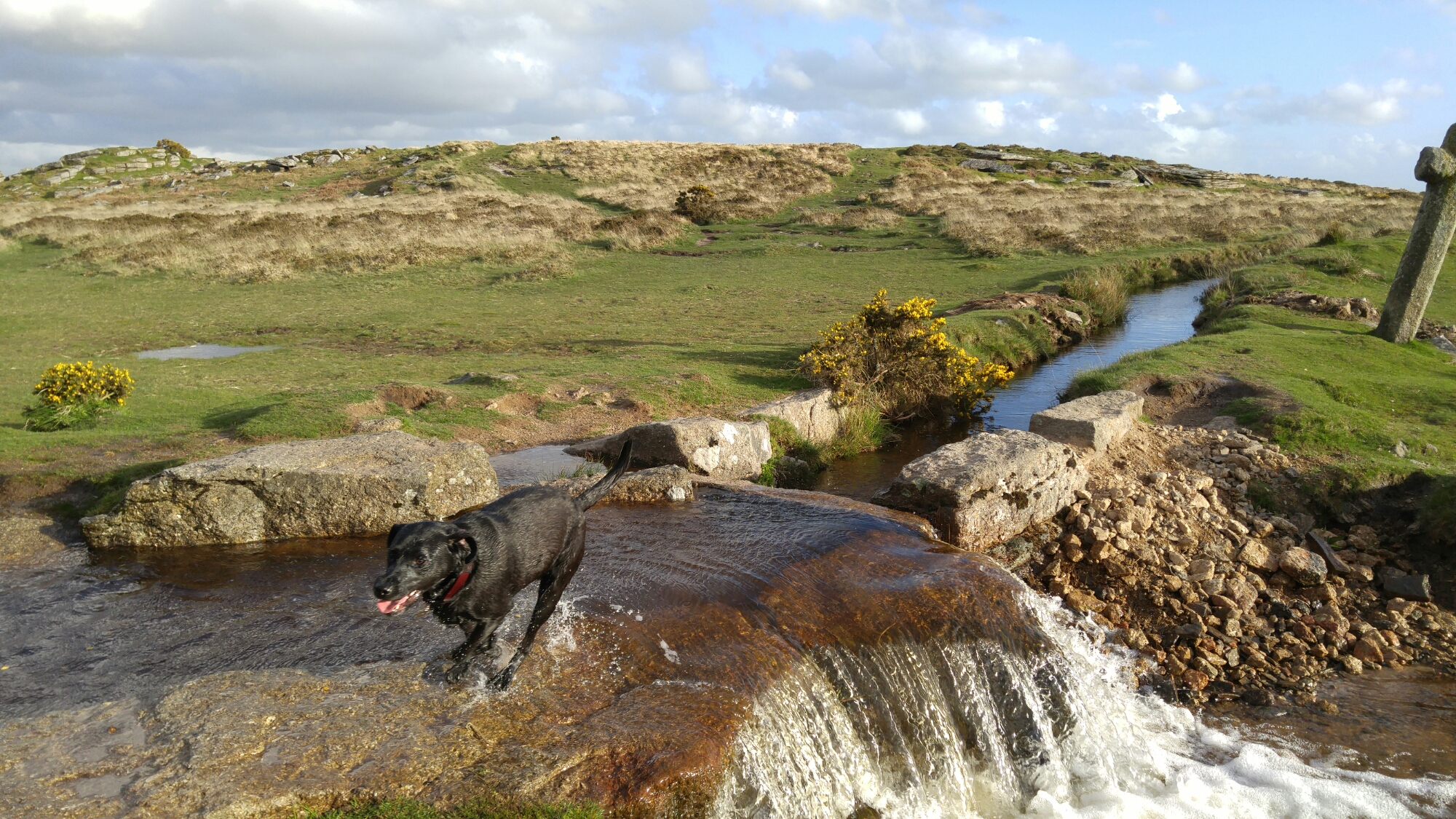
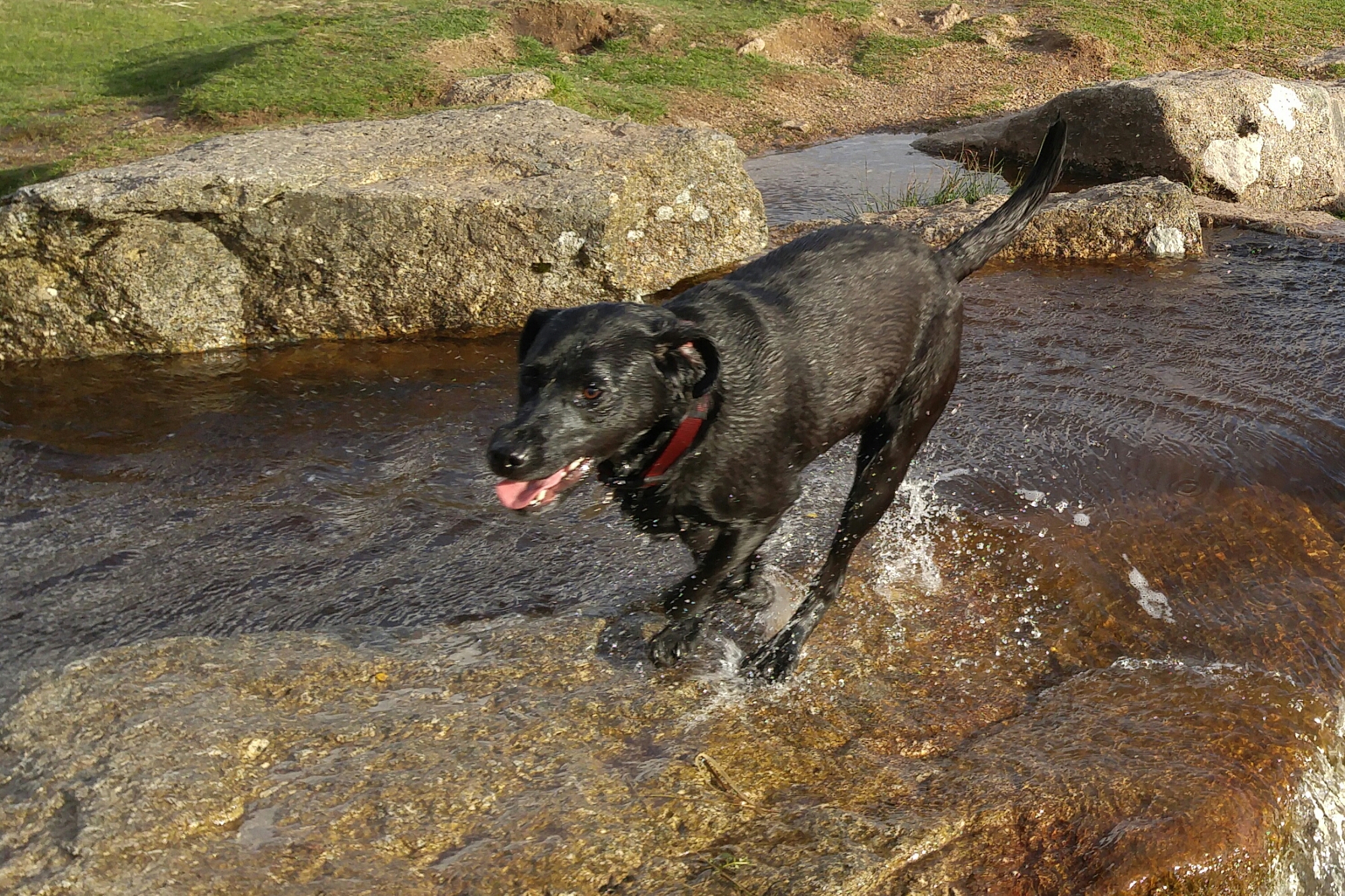
One of the hardest types of shot for any phone to snap are action shots of people, pets and similar things. Well last night just before sunset I took the following photos. These are superb and my 3 dogs are in focus in all of these shots. These were taken in auto mode, using the burst option. I also snapped a few single shots of the scenery as it’s so beautiful. This back garden of mine is called Windy Post, Dartmoor.
I took loads more photos and they were all in focus! And in my opinion the best shots I have ever taken on a smartphone. It was so difficult choosing which shots to use for this post.
First up a short video taken in 4K.
And now enjoy the photos from yesterday evening.
I love the accuracy of the colour reproduction from the LG G4.
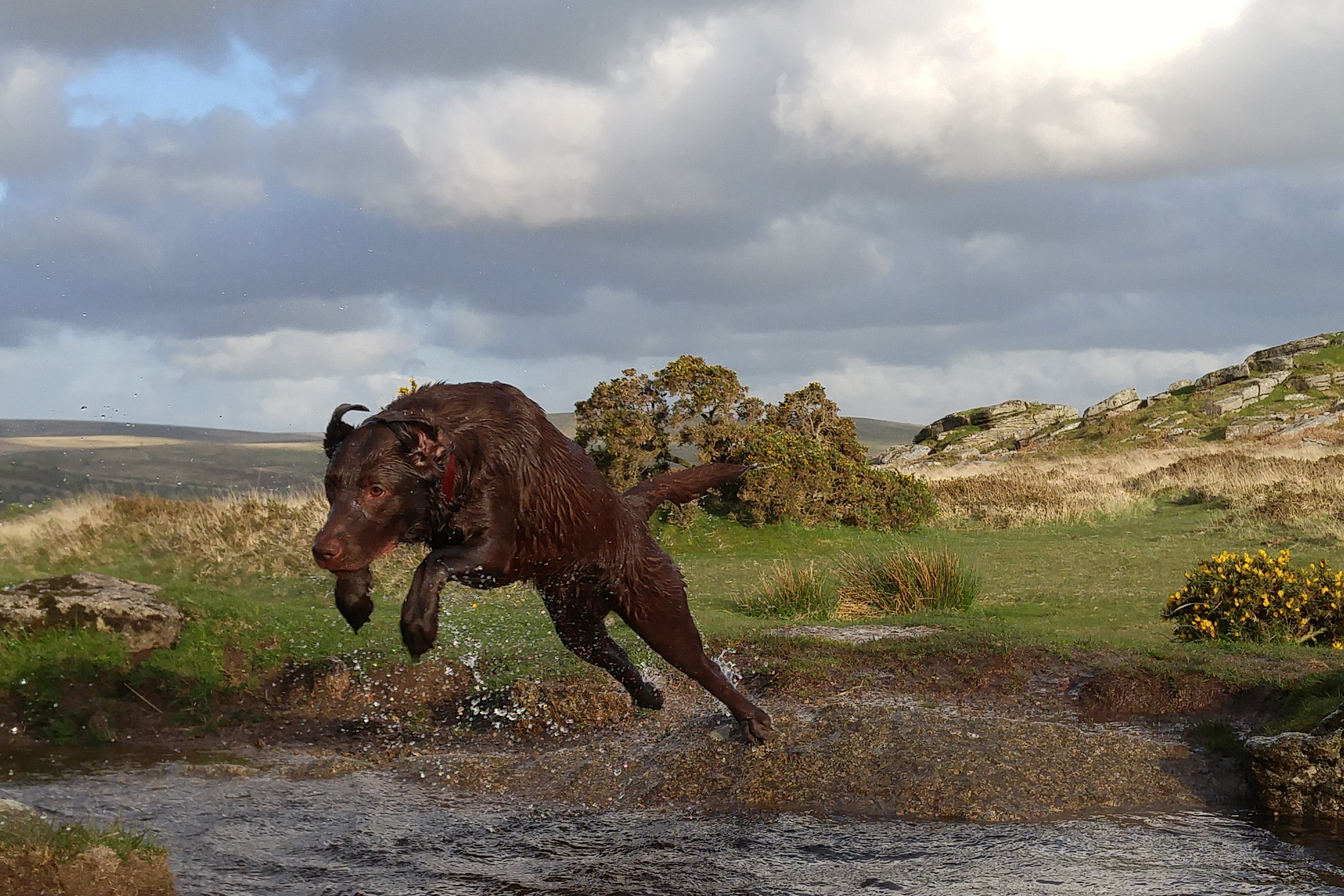
And here we go. George in the lead about to jump across. It is possible to crop in and see how amazing the detail is from this shot.
Now a crop from the above shot.
And now a bit further into the jump across the leat. The G4 is taking this in burst mode.
And here is a crop from the shot above.
George looks over at me to say, “look I am in the lead” 🙂
And here is a crop of the shot above to reveal the detail.
Even shaking his head, George is still in focus.
Cropped shot below.
Little Tiggy is coming up in the rear, and about to jump across.
Now the crop.
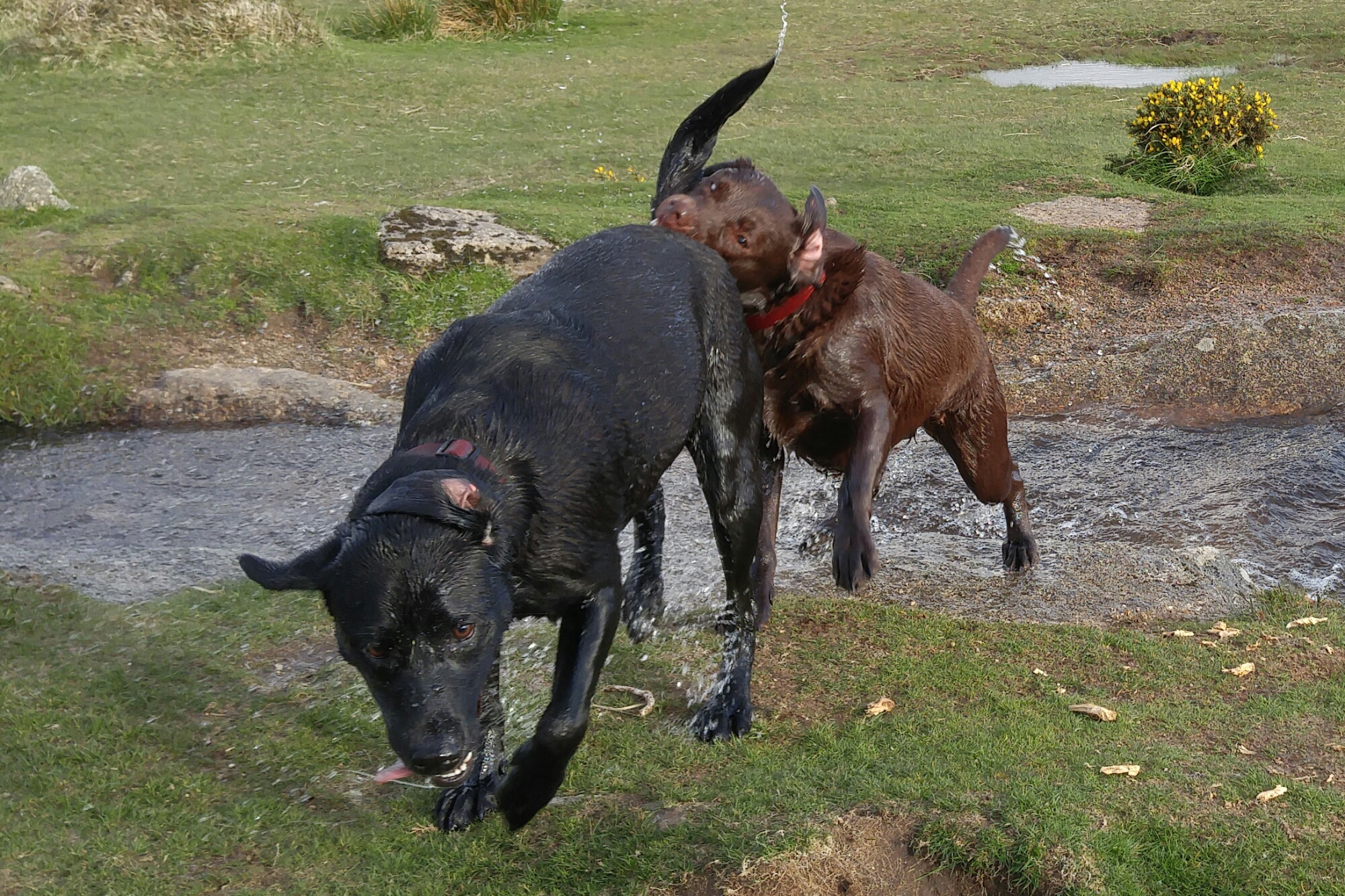
I bet that hurt! Tiggy bites Fury’s tail. And below the crop again.
George mid air. And below the crop.
And the crop shot.
Crop below.
And the last crop.
All in auto mode, using the burst option. With a small crop applied to each photo to focus in on the action, the detail is unbelievable and the best I have been able to take on a smartphone.
So here you have the LG G4 in the black leather finish. The G4 still has a removable back cover and micro SD card slot as you can see below.
And below some other leather finishes. In my mind the wine and brown leathers feel nicer than the black and blue. LG uses genuine leather so over the months and years of ownership the stains and marks will be yours to admire forever. Of course, if the back gets too dirty just change the cover !
Above is the metallic and ceramic white finishes. The ceramic felt good in the hand despite being a ceramic finish. In fact the G4 is great to hold from a comfort and ergonomic point of view due to the slightly curved back and materials used.
So the million dollar question. How good is the camera. Well, below is a shot from the G4.
Now from the Samsung Galaxy S6 Edge.
Personally I felt the S6 Edge took a better shot. I also tried other shots which I haven’t being able to share, and again in all of them I felt the S6 Edge took the better shot. However, check out my video below of all the settings in the camera.
The manual control options are extensive and shooting in raw is also possible. The G4 will be able to take more advanced type shots than the S6 Edge like light trails for example.
I copied across some music to the G4 and connected my bluetooth Plantronics BackBeat Pro headphones. The G4 produced a powerful sound and clearly apt-X was present. Obviously I will need more time to evaluate properly. The loudspeaker was on the rear and was reasonable but nothing special. Qi Wireless charging is supported to.
The screen. The new QHD Quantum panel looked brighter than that found on the G3. It also is meant to work much better in sunlight with better contrast levels. I compared it to the S6 Edge and without auto brightness on, it had similar levels.
I have left you a selection of shots from the UI v4. To be honest it doesn’t look anything special and unlike the S6 Edge and HTC One M9 there are no theming options.
In conclusion, the LG G4 is an upgrade to the G3. I am not convinced yet based on my limited time that it is the best smartphone out there, so I’m hoping with a proper test of the G4 I can decide where to rank it. The leather and slight curve finish looked good. Some people will love the camera and removable battery and micro SD.
So for now have a look at the UI photos.
Specifications –
Screen – 5.5in Quad HD (2560 x 1440) IPS Quantum Display, screen is also visible in bright light
Dimensions – 75.3 x 149.1 x 8.9 mm
Battery – 3,000mAH removable battery
Storage – 32gb expandable with micro SD card
RAM – 3gb
Rear Camera – 16 Mp sensor f/1.8.3 shooting modes: Normal, Simple and Manual. Settings for ISO, exposure, white balance, shutter speed, slow synch flash and shooting in RAW. Dual Flash and LED Focus
Front Camera – 8mp
OS – Android Lollipop 5.1 with LG UX v4
Power – Wireless and Faster Charging supported (wireless via folio cases) (faster charging not quick charging 2)
Processor – Snapdragon 808
The above shot is one of several shots taken randomly. There was no effort involved in taking this shot. The Galaxy S6 just delivered. The S6 was in Auto HDR mode too. These are unedited shots. If you want to see the full resolution just click on the photo or jump to my Samsung Galaxy S6 Flickr album – https://www.flickr.com/photos/gavinfabl100/sets/72157651896189926/
Now the above shot was taken using the Auto Tracking option. I have tried it several times and it seems to work well when the objects are well defined and not too far away. Below is another shot taken using the Auto Tracking option. Just to set the scenes my dogs were sprinting at crazy speeds, so I was impressed that the S6 kept up and in focus.
So what have I observed so far? Well the S6 camera is designed to be used in auto mode. It is taking the error made by humans out of the equation. The Pro Mode lacks shutter control and I could not see the touch to focus option. I need to spend some more time with camera so I will update this post over the next few days. I did use the Pro Mode but so far the Auto mode is stunning.
If for any reason you have problems with the photos not all displaying, then just head over to my Flickr S6 Album. And do check back for updates on this post over the next week or so.
Just as a last point, I have used the HTC One M9 and I know some of you will ask me which is better. If you always shoot in Auto, then the S6 is King. However, due to the extensive manual controls provided by HTC for the One M9, it is possible to obtain the odd shot that the S6 would not be able to achieve. However, this is a rarity, and in my mind the Galaxy S6 kills the M9 in sheer quality.





 Gavin's Gadgets & Photography