Below are a few camera shots from the iPhone 6 Plus. I have only used the default photos app to make any adjustments if at all.


Below are a few camera shots from the iPhone 6 Plus. I have only used the default photos app to make any adjustments if at all.
Today I am going to have a look at the camera and also show you some samples. The rear camera is 13mp which also have optical image stabilisation, allowing for decent shots. The camera has a number of options as shown below. The rear camera has a f/2.0 for faster shots. The front camera is 2mp and can record video at 720p.
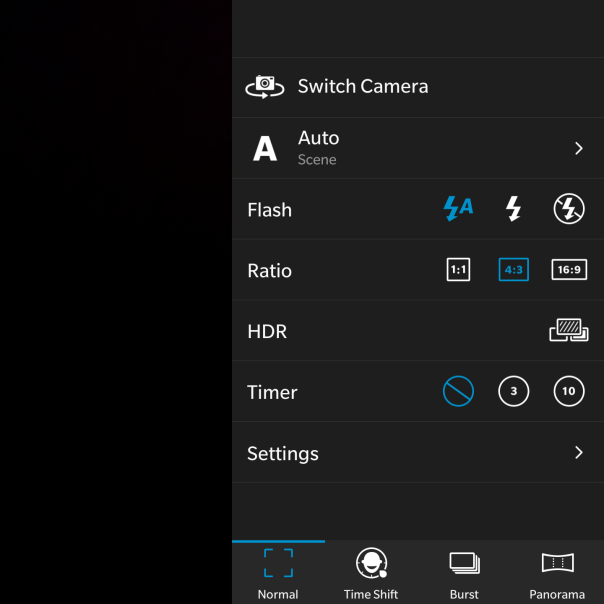
There are a wide range of options to cover most options.

Not shown is the GeoTag option, which is yes or no.
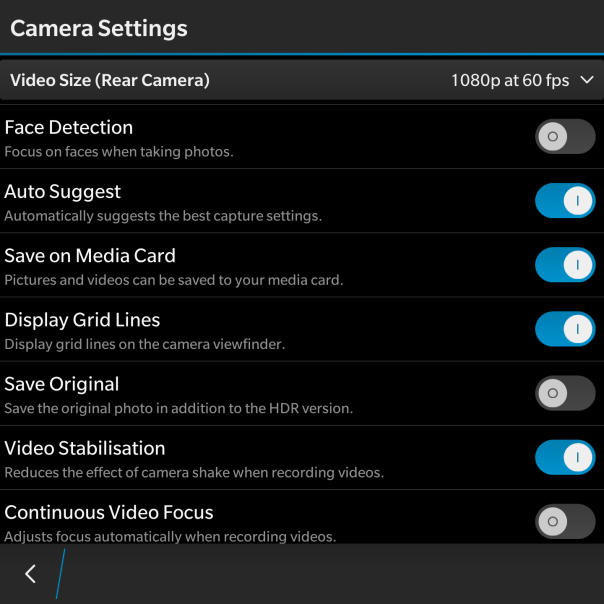
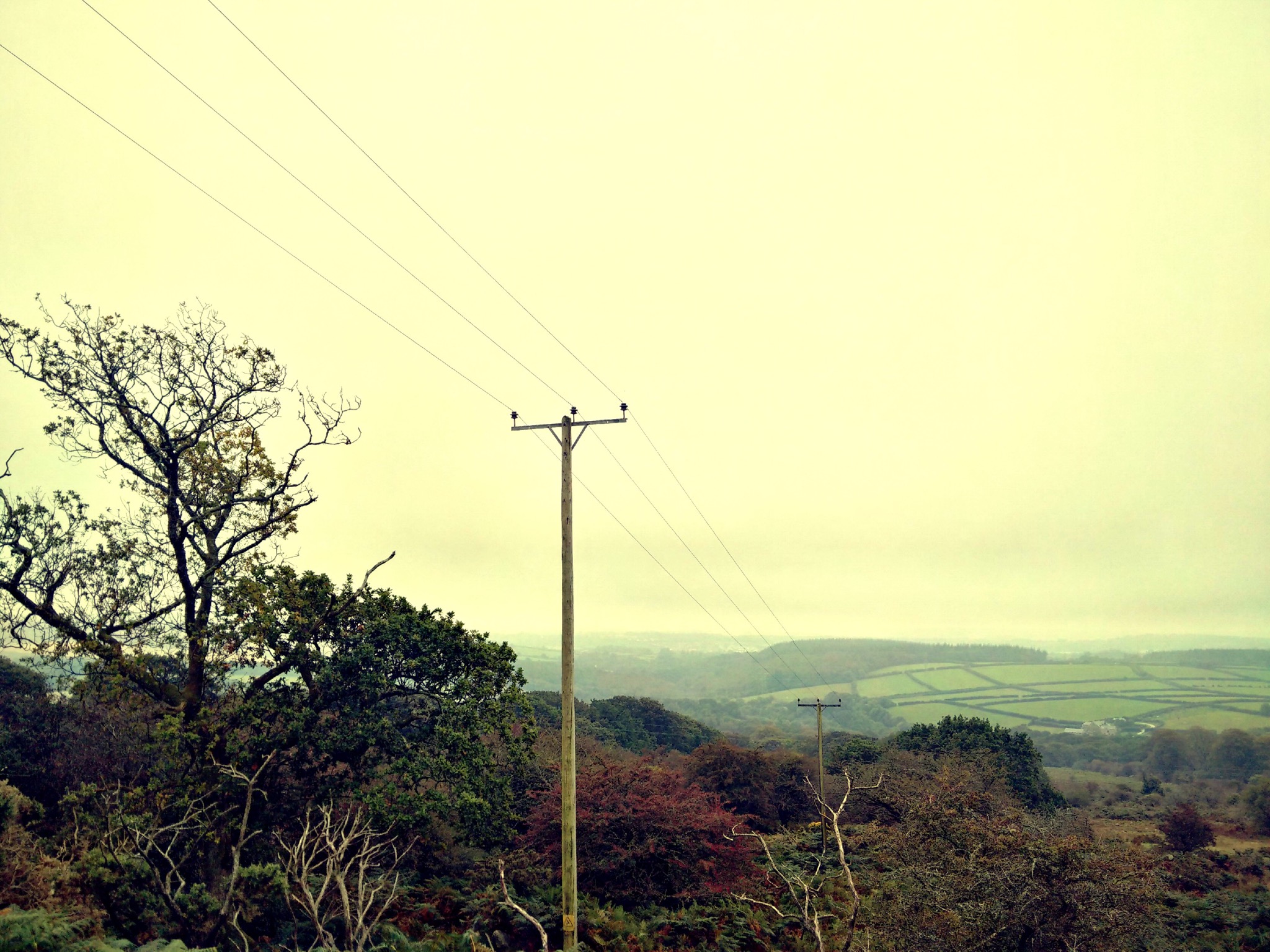
So that is all the settings, lets look at some shots from the BlackBerry camera. The first shot edited using the in built photo editor filters.
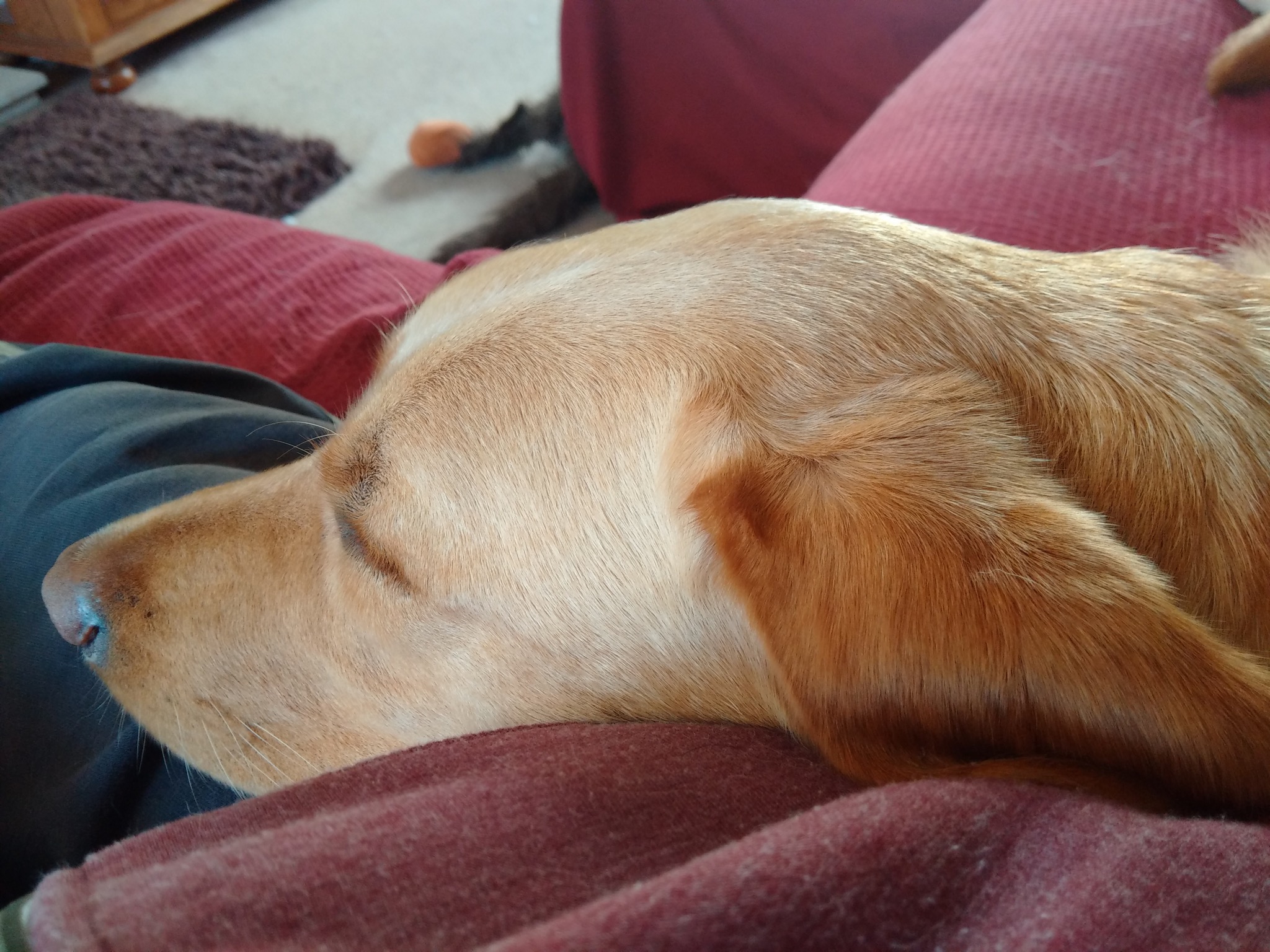
And the shot below was one of the first photos I took from the camera.
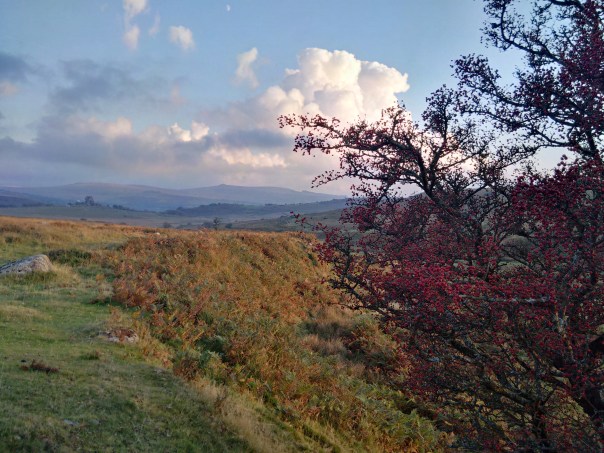
And now some other shots.

Square mode for those that like instagram.
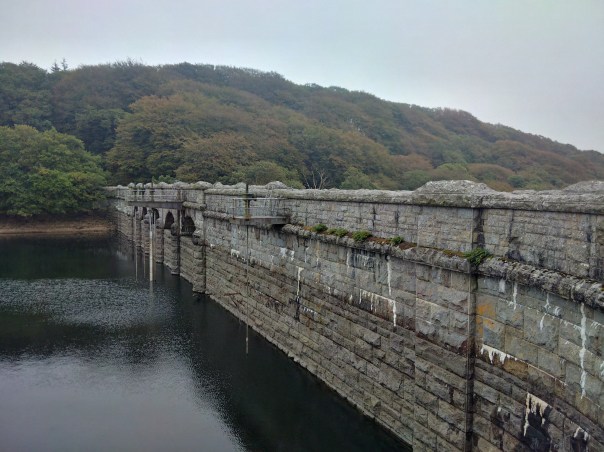
Some really difficult overcast lighting conditions, managed reasonably well by the Passport.
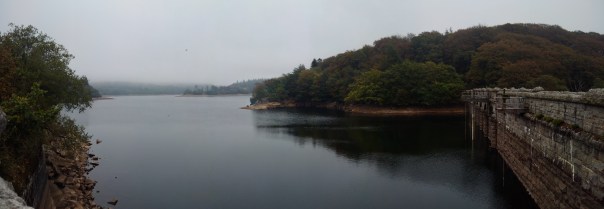
Panoramic shots were good too.
So what is the camera like to use. For a start as the phone is square, you do not need to rotate it horizontally. Weirdly, I enjoyed not having to rotate. I generally shoot is 4:3 ratio, so I had the on screen camera shutter button visible under my shot. The 4.5 inch screen was actually a benefit. With auto suggest left on in the camera settings, a screen banner appears at the top when it detects if you should switch HDR on or off. Tapping the banner changes the setting, but there is a second or so delay switching HDR on or off. Shooting in HDR is not instant. It takes a couple of seconds to complete each shot. So not ideal for anything moving. I also found it was vital to switch the HDR on or off based on the camera suggestions as otherwise the photo was not as good as it could have been. In addition, it takes about 1-2 seconds to start the camera initially, 1 second thereafter. Apart from that I always ended up with a good photo that I could use. And if you are the sort of person that like filters and other editing features the built in photo editor has a multitude of options. All the different shooting modes work well. The panoramic shot was rather good too. When shooting video, you can take a photo too. Now, I do have an iPhone 6 Plus and I know some of you will want to know how the Passport compares. Well firstly the 6 Plus is faster to take all the shots and process them and the 6 Plus took better shots every single time. However, the Passport photos are still good photos!

And finally, you can view all your photos in the Gallery app. As you can see I have quite a large number of photos on my micro sd card, but these are displayed in their respective folders as below.

I did found that when I inserted my micro sd card slot which had 15gb of music and 1,000s of photos it took a few minutes for the Passport to scan and prepare the memory card. This was a once only affair.
So overall, a decent camera app and photos with good editing options are present on the BlackBerry Passport.
My BlackBerry Passport has arrived. Lets cut to the chase but before I do have a look at the hardware photos below –
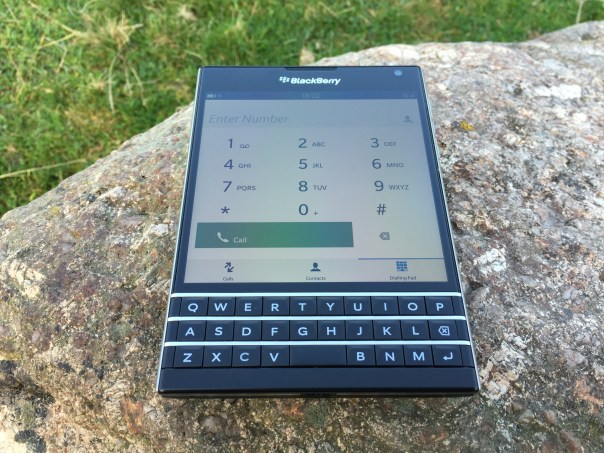


So as you can see the hardware is gorgeous. Every person who has been shown the BlackBerry Passport has been intrigued and been very praise worthy of quality and look of the hardware. This ranged from tech geeks all the way through to my wife. Clearly, there is still a lot of love for the BlackBerry brand. Also if you look at the first photo, sunlight visibility is not an issue whatsoever. In fact the Passport is a whole 100+ nits brighter than an iPhone 6. From my point of view the hardware looks like a £600 smartphone. It looks and feels substantial, yet fits in all my pockets including front shirt pockets with ease.
The Passport is fitted out with some excellent hardware specifications from a Snapdragon 801 processor, 13mp camera with optical image stabilisation, 32gb storage plus 128gb micro SD card slot and so much more. If you need to know about the top flight specifications head over to BlackBerry here http://uk.blackberry.com/smartphones/blackberry-passport.html.
To give you some idea of my first two shots from the camera, see below –

And another of a random street .

I have not had much time with the BlackBerry Passport but I wanted to give you a quick heads up. The BlackBerry OS is brand new to myself so I am also learning as I go along. The 4.5 inch screen is ideal for viewing emails and web sites and other office or business documents. The Passport also does a whole lot more too of which I have to explore.
I will leave you with this one thought. Whatever your preconceptions of this phone until you have held it and used it, that is the only time you will be able to pass judgment or comment.
My next step will be to explore the software in more detail over the weekend, so expect part 2 next week. Once again, keep the questions flowing.
So another day has passed and to be honest it has all been rather hassle free.
I have created an album now on my Flickr account for my favourite iPhone 6 Plus photos. Click here to view https://www.flickr.com/photos/gavinfabl100/sets/72157647679181549/
I have been using Apple Maps again and it has on the whole been stellar. The spoken turn by turn directions are so clear that you really don’t need to see the screen. However, it suddenly stopped speaking the directions, instead opting to make a weird doorbell like sound. Sounds like a bug.
Below are two photos I’ve had taken with many phones. I just can’t get over the clarity, true to life colours and detail achieved by the iPhone 6 Plus.
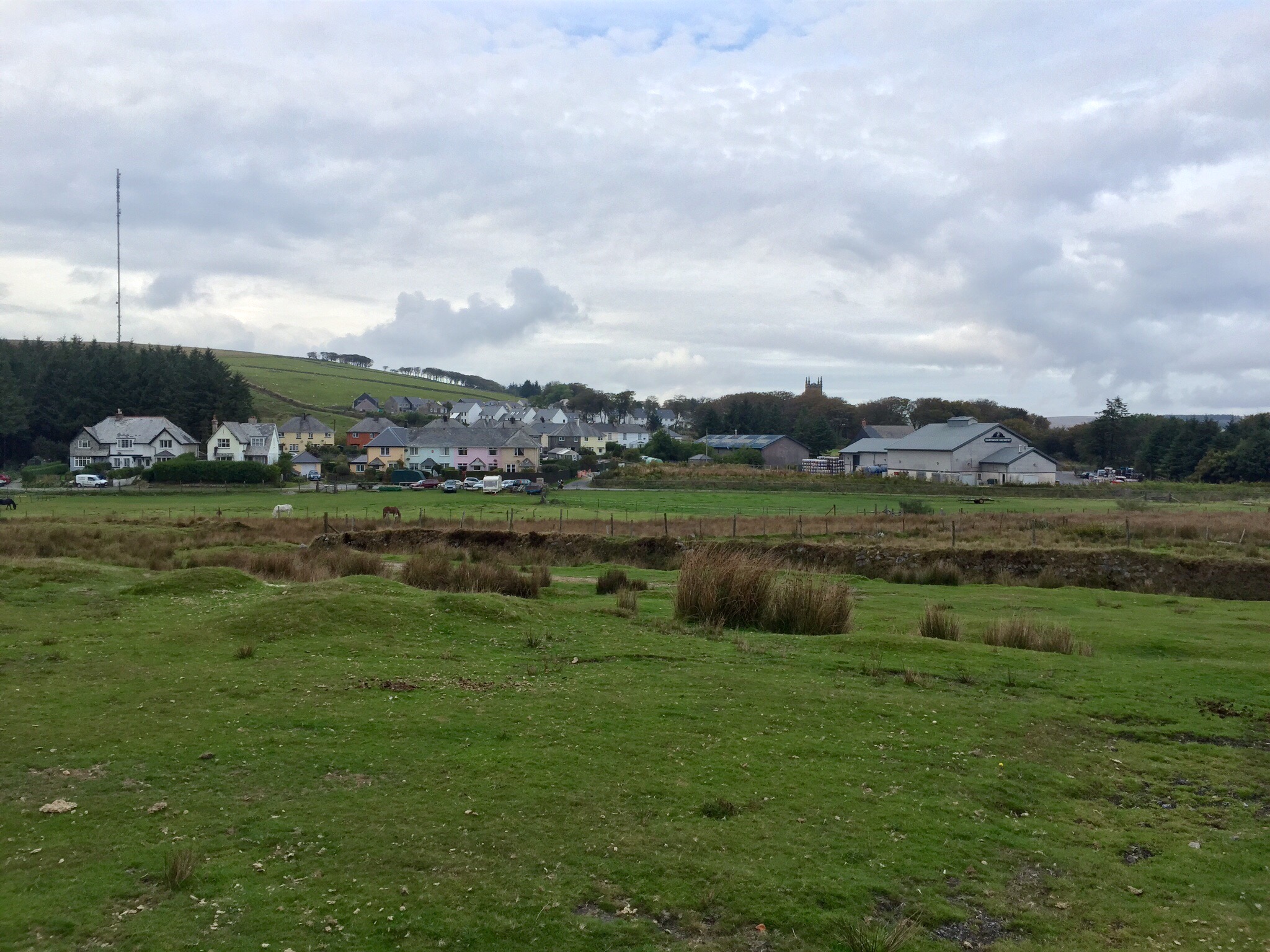

Daylight was disappearing at the time so rather good to be honest. I also took some random burst mode shots of cars travelling at speed. The results were excellent but boring to show. When I get some more exciting photos using burst mode I will upload these.
Overall the 6 Plus is my favourite smartphone of all time. I am very happy with the larger display and size and in no way would I want a smaller 4.7 inch iPhone 6. The extra benefits in battery and camera and screen are well worth it !
So a real test of any camera is action shots. For this I was out on Dartmoor early Saturday morning walking my dogs.
It may not be obvious but George, Fury and Tiggy were absolutely pelting along at some speed. The G3 was still in auto mode. I had brought back the options on the shutter button, so that I could push and hold for the burst mode.


Below are some sample photos from the LG G3. Please allow a bit of time for the photos to load if on a slow connection.


For more shots from the LG G3 camera be sure to keep checking my flickr album, which will grow over the coming weeks and months. https://www.flickr.com/photos/gavinfabl100/sets/72157645618979801/ Currently there are 19 shots.
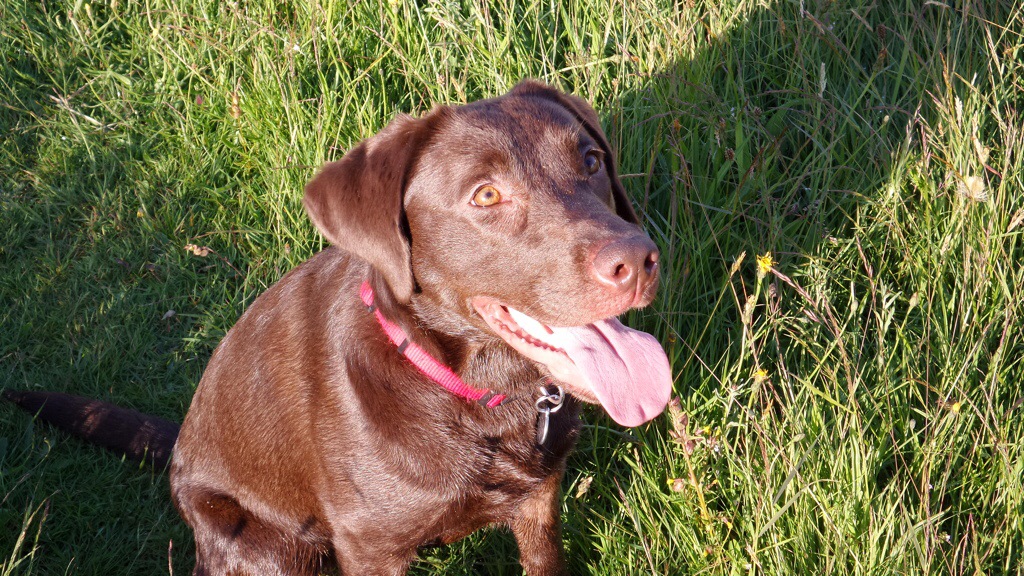
Just a few shots from yesterday. One is a macro, the others of my labradors, Fury and Tiggy, both girls. I have 3 in total, but George was resting from his earlier walk.

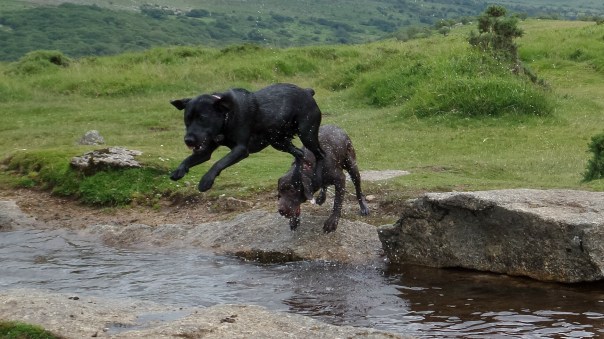
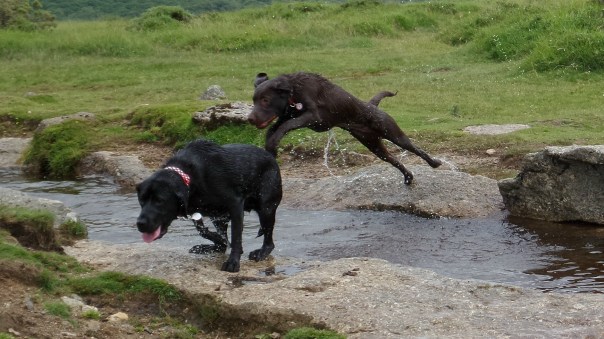
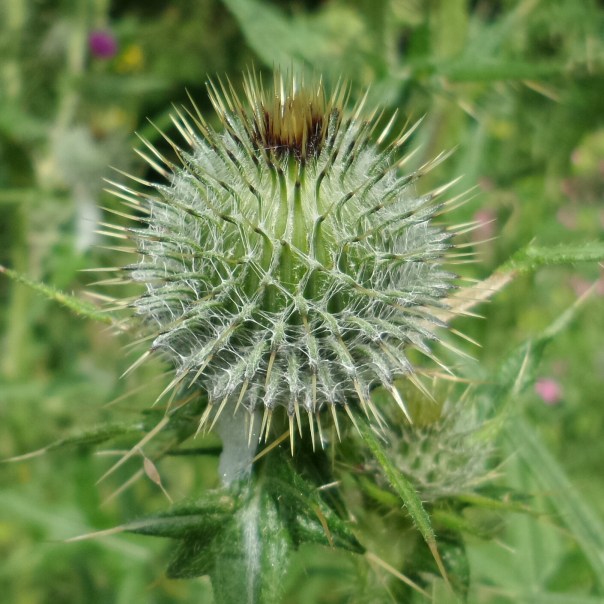
If you want to see the full resolution of these shots and more photos from yesterday, head over to my flickr account , http://www.flickr.com/photos/gavinfabl100
Just a few shots all snapped yesterday. All using different modes, from action shots, continuous mode, macro and HDR.
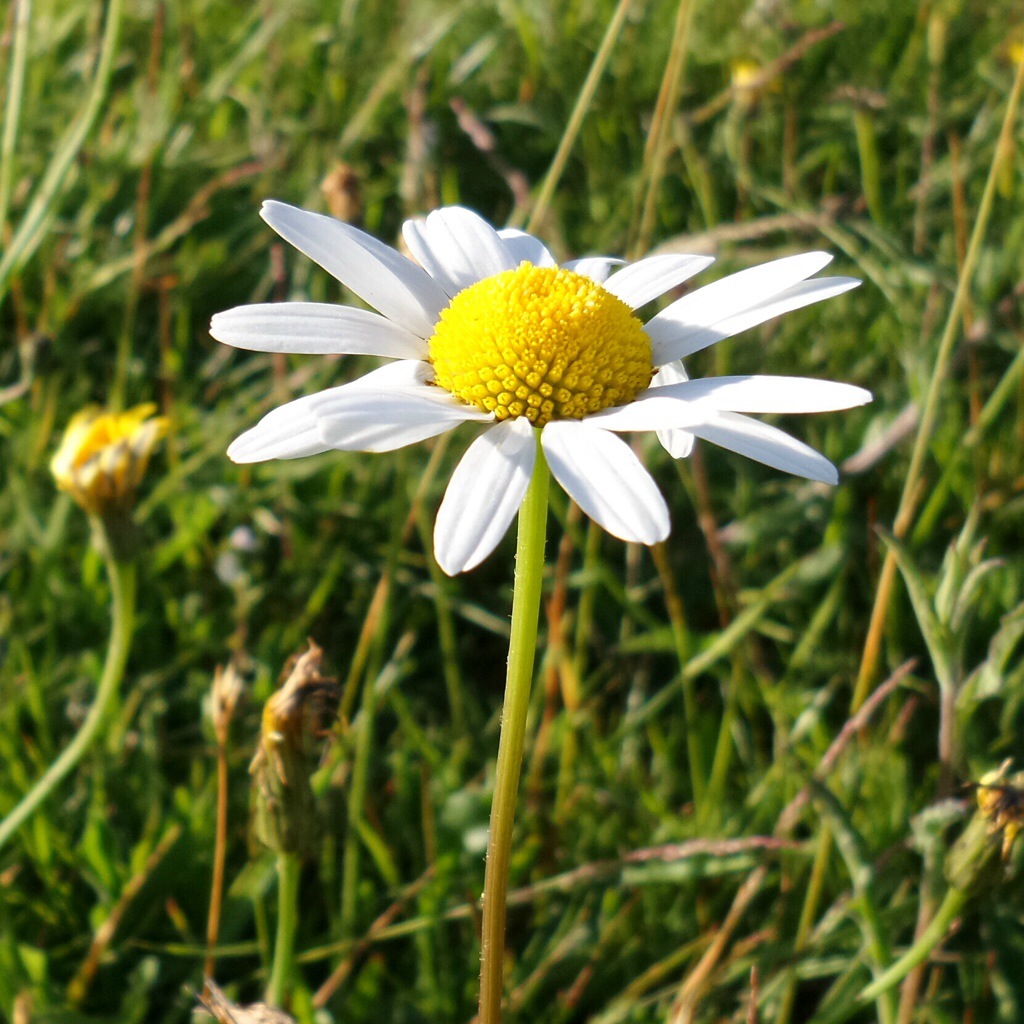

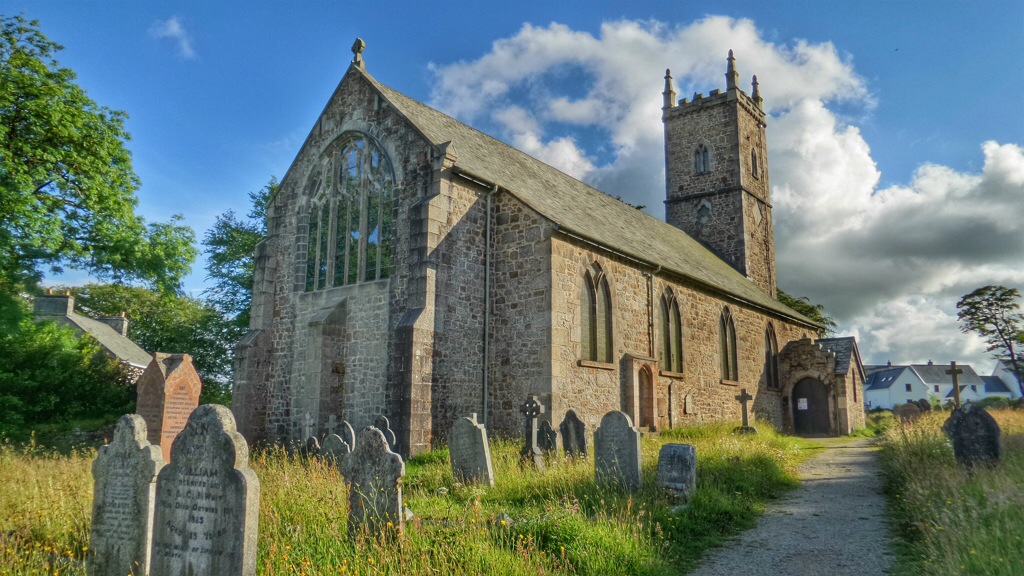
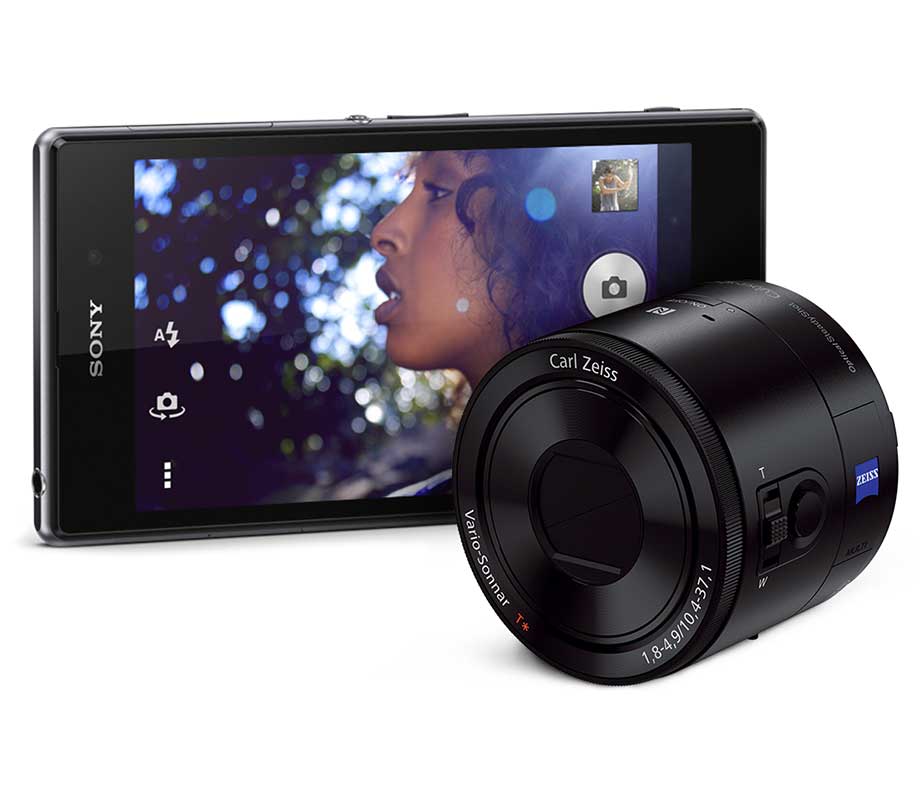
Yesterday, I had 10 minutes with the new Sony Xperia Z1. My first impressions were very pleasing. First it was comfortable to hold in my hand. The original Xperia Z was uncomfortable to hold. The Z1 has rounded edges and felt easy to grip. I compared its size to my LG Nexus 4. It was the same width and a cm shorter in height approximately. But with the power button half way down the right hand edge, using the Z1 was a breeze. The phone was super snappy. Everything just opened effortlessly and very quickly. I had a play with the camera and the full resolution shots are attached below. They might take a little while to appear as a result. If you use Superior Auto it shoots in 8mp. Manual allows the full 20.7mp. I also used the AR Camera mode and had fun with the dinosaurs. Strangely, the sweep panorama mode photos ended up being only 400kb in file size.
The next 3 photos are shot in Superior Auto mode at 8mp.


And now at full 20.7mp resolution. So let me know what you think about the quality of the photos. No flash was used in any of the shots. Personally, I wasn’t convinced by the quality of these photos, despite being taken in tricky lighting conditions.
 Gavin's Gadgets & Photography