Samsung has released its second “Apple” like video on the Samsung Galaxy S6 Edge using its Jonny Ive sound alike.
The first video was even more Apple like –
Samsung has released its second “Apple” like video on the Samsung Galaxy S6 Edge using its Jonny Ive sound alike.
The first video was even more Apple like –
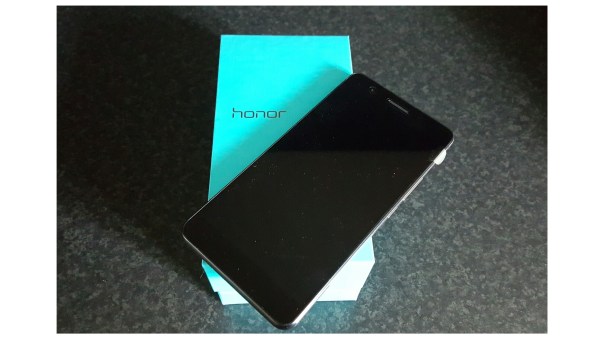
So far I have had the Honor 6+ for 5 days. Below are my thoughts on the phone so far.
The Honor 6+ comes with its own launcher called EMUI v3. The extra options and settings provided by this launcher are excellent, but the icons/themes available are not finished cosmetically as well as they could be. Green halos exist around some of the icons and the themes look too a bit naff. If a fresh looking theme was developed and finished properly then EMUI would be stunning. The other noticeable difference is the lack of an app drawer, which doesn’t bother me at all. Very iPhone like!
The other surprise was that the firmware was based on android 4.4.2, although EMUI v3 is skinned to look like lollipop in places. I do have it on good authority that lollipop is arriving in July 2015. To be honest, with lollipop’s current memory bug, waiting a few more weeks in no hardship to ensure we continue to get a stable phone.
So that is the negatives out of the way. Now to the more appealing aspects of the phone. Battery – with its 3,600maH battery on board you will easily get one days heavy use from the Honor 6+. I have never been able to kill the battery yet in a single day. I don’t even bother to connect the car charger when using Google Maps turn by turn navigation which is used for about 3 hours a day. It is just that good. With all the radios switched on, location services on high, full brightness and GPS running, if I do try and charge it in the car with the car charger it only adds 5% to the battery in an hour. Without GPS running and the screen on full, the charging is slightly faster but not by much. There appears to be no quick charging present. I simply recharge it overnight.
With regards to the radios the Honor 6+ is nothing short of a miracle. I have had the Samsung Galaxy S6 Edge side by side and connected to the same network as the 6+. The Honor 6+ signal strength is permanently stronger by a significant margin, even in very weak signal areas. As an example, yesterday, the 6+ had 4 bars of 4G, whereas the S6 Edge is still on H+. Also, the Honor 6+ has the option of dual sims or using the second sim slot for a micro SD card. WiFi, bluetooth and GPS radios are equally as strong.
The loudspeaker is positioned on the rear and knocks out around 87db of sound. Loud enough for podcasts.
The screen is readable in sunlight but not the best screen I have used in sunlight. The 1080p IPS 5.5 inch screen is really good. The camera is proving to take some decent shots in all lighting conditions. The IR blaster is a handy feature. Double knock to turn on works just fine. Drawing gestures to open apps is present too eg screen is off, draw a C, camera opens. The one handed mode pushes the keyboard either over to the the left or right, the on screen buttons get squashed over again to the left or right, and the same for the phone dialler.
Overall the Honor 6+ experience is a positive one. With its dual rear 8mp cameras and the trickery that can produce along with the supernight mode, this is one phone that I have decided to keep for years and years (Gavin Years).
If you have any questions, please ask me in the usual way.
If you are interested in learning more about the Honor 6+, it is available from Amazon UK, click here – Honor 6 Plus 4G Dual Sim in Black or White £299
Welcome to my 38 photo camera shootout with the Honor 6+. This post is to give you an idea of the Honor 6+ camera quality using the Samsung Galaxy S6 Edge and Xperia Z3 Compact as benchmarks. I have provided examples of some of the different shooting modes available on the Honor 6+ including normal, HDR, panorama, wide aperture and supernight. These photos were particularly tricky to take as the wind was gusting and in a few cases nearly blew my tripod over!
If you want to view the full size version, just click on each photo and it will take you to the shot on my Flickr page. Then select “view original” size. None of these shots have been altered either. If you want to view all 38 shots taken, which includes some not shown in this post, then head over to my Flickr album – https://www.flickr.com/photos/gavinfabl100/sets/72157650078106663/
Church Shot 1
First shot taken with the Samsung Galaxy S6 Edge –

Now with the Honor 6+, with HDR off.

Again with the Honor 6 + with HDR on.

And now with the Sony Xperia Z3 Compact.

And the Z3 Compact again with HDR.

Okay, now lets look at another angle of with church.
Church Shot 2 – Panorama
First up the Samsung Galaxy S6 Edge. This is around 11mb is file size.

Next from the Honor 6+, again around 11mb in file size.

And lastly from the Sony Xperia Z3, which is a disaster as its only manages to output a file of 600kb. But can you tell just from looking at your computer screen?

So which phone do you prefer so far? Remember the price points. The Samsung Galaxy S6 Edge is a £600+ flagship, the Sony Xperia Z3 Compact around £300 now but was on sale originally circa £500. And the Honor 6+ costs £299.
Ok, lets move on with some more shots.
Honor 6+ Wide Aperture Mode
These next 4 shots are all using the Wide Aperture Mode on the 6+. Take a shot, adjust the F stop from F/0.9 to about F/16. After the shot, you can readjust the F stop and change the focus point. This is due to the dual 8mp cameras on the rear of this phone. Using this mode carefully, allows for some creative pictures. This is what can be achieved.
The tree on the right is in focus.

All in focus now.

Just the cross in focus.

More background visible now ie less blurred.

All the above 4 shots were created from just one wide aperture mode photo.
The Mechanism Shot
First up the photo from the Samsung Galaxy S6 Edge.

Next from the Honor 6+ but shot using the wide aperture mode, so below are 3 versions. First up, all in focus.

Front cog in focus from the Honor 6+

Now the rear of the photo is in focus.

Remember, these 3 photos are created from just one shot.
Next up let’s see how the Sony Xperia Z3 performed.

Close Up
Next I am just going to use Samsung Galaxy S6 Edge and Honor 6+. The Sony Xperia Z3 is not consistent with its shots and ends up with a mix of good and poor shots. In comparison the S6 Edge gets it right first time every time and so does the Honor 6+.
First up, the Samsung Galaxy S6 Edge. 2 shots below. Notice how the bokeh effect is created automatically by the S6 Edge.

And now even closer with the S6 Edge.

So let’s move on to the Honor 6+.

And again Honor 6+.

And using the wide aperture mode to create a bokeh of the grass behind the latch.

Classic Dartmoor Bridge Shot
First up the shot from the Samsung Galaxy S6 Edge. The S6 Edge was always in auto HDR mode.

Next let’s see what the Honor 6+ can snap.

Clapper Bridge Shot
And the final shot of this post is of a Clapper Bridge. First shot again is from the Samsung Galaxy S6 Edge.

And now the Honor 6+, first normal and then in HDR mode.


The Honor 6+ really brings up the lighting and colours in HDR mode.
Supernight Mode Shot
The Honor 6+ has a mode called “supernight”. It really is fantastic. To illustrate its prowess, below is a shot of my local church at night using the Samsung Galaxy S6 Edge. The S6 Edge was on a tripod, and this was shot using its Pro Mode.

And now for the Honor 6+, using its “supernight” mode. The 6+ was on a tripod for both of these shots. Same church, same time, same level of darkness.
First Honor 6+ shot is using a 32 second exposure and an ISO of only 200!

Same exposure of 32 seconds, but this time using an ISO of just 100.

Currently, the S6 Edge can only manage 1/7s versus the Honor 6+ at 32s. A vast difference. In supernight mode on the Honor 6+ you can use it in Auto or adjust the ISO and length yourself. In practice, I would have used a 10 second shutter exposure on the Honor 6+, but before I had a chance to do this, the wind picked up (gale force) and heavy rain started.
So don’t forget, to check out the full album of 38 photos – https://www.flickr.com/photos/gavinfabl100/sets/72157650078106663/
One last thing, the Honor 6+ has a 8mp front camera, and whilst I haven’t shared any selfies, it does take some really good shots from its front camera.
So what is your verdict on these photos? My full review of the Honor 6+ will be available next week.
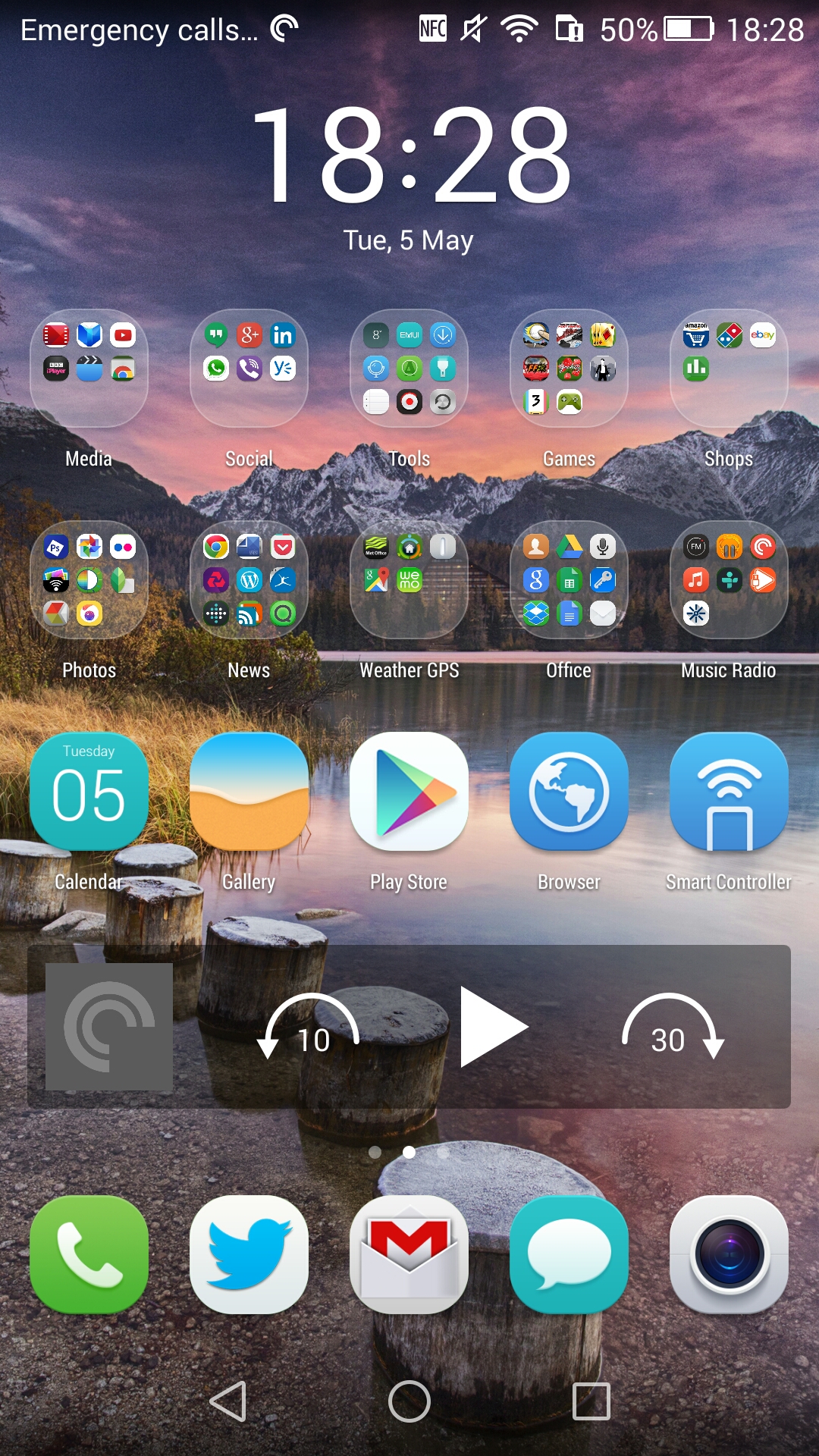
I’ve been experimenting with the Honor 6+ and it’s launcher. It’s different as it doesn’t use an app drawer and to be honest there is no reason to have one. All you need to do is have a home screen on one side for apps in folders if required.
So far the above is my created look. Below are my other screens. I have found the icons a little large for my liking but there are plenty of themes to choose from. A solution to the look and feel would be to use Nova or Google launcher but for the time being I want to experience the Honor setup.


The one aspect that did annoy me was the folder as free trials. See below.
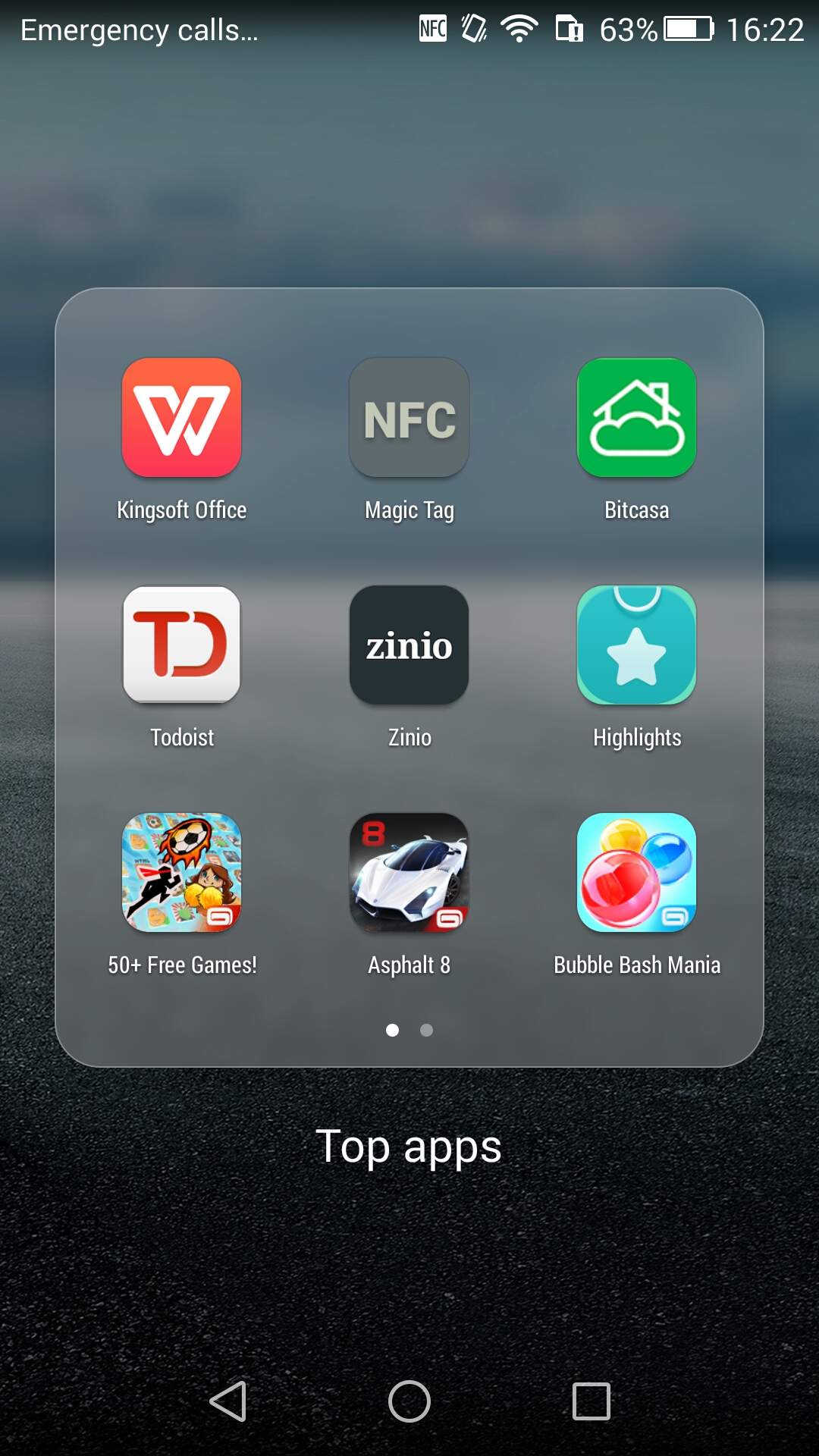
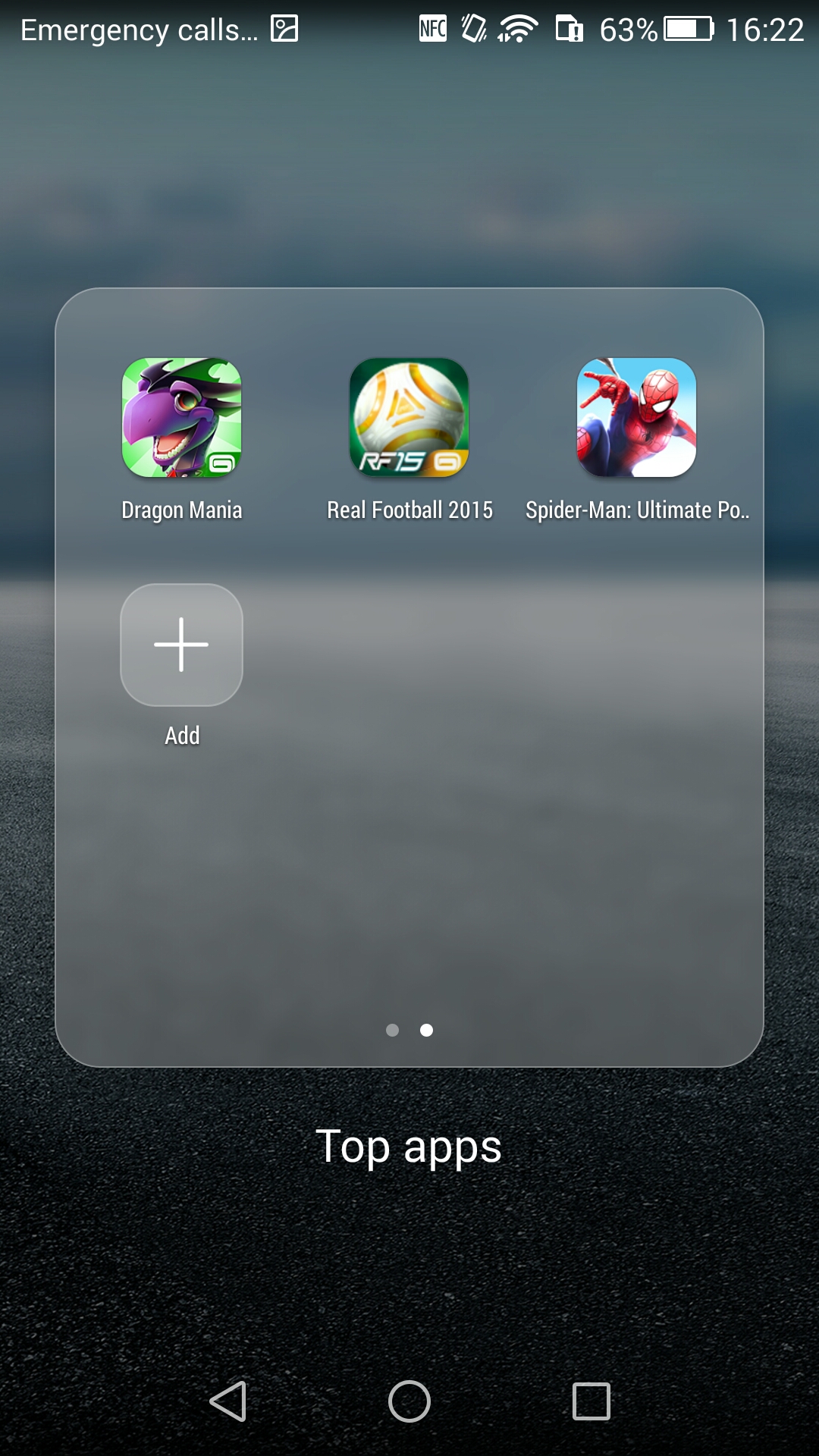
That’s 12 apps/games. I’ve removed all but the NFC app. Fortunately you can completely uninstall them. That’s the negative.
In terms of positives there are so many little software tweaks which I will try and cover off in my main review.
Since I’ve started adding my apps and more I am now going to insert 2 sims. A 3 UK and a Vodafone sim to see how the dual sim management works.
So far this is a superb piece of kit.
Tablets/Laptops/Chromebooks
Nexus 9 – First Impressions
Nexus 9 Tablet review
Samsung Galaxy Tab S 10.5 Tablet review
Samsung Galaxy NotePro 12.2 – 9 Part Review
Sony Xperia Z Tablet – 12 Part Review
Nvidia Shield Tablet – 7 Part review
Acer V15 Nitro Windows 8.1 laptop review
Acer C720 Chromebook review
Acer Aspire Switch 11 review
Acer Iconia 8 Android Tablet review
Amazon Devices
Amazon Fire Phone – 2 Part review
Apple Phones
Apple iPhone 6 Plus – 24 Part Review
BlackBerry Phones
BlackBerry Passport 10 Part Mammoth review
Android Phones
Samsung Galaxy S6 and S6 Edge review
Samsung Galaxy S6 and S6 Edge – Hands On
Samsung Galaxy A5 review
Samsung Note Edge – 14 Part Review
Samsung Note 4 – lollipop review
Samsung Note 4 – 17 Part Review
Samsung Galaxy Alpha – 2 Part review
Samsung Galaxy K Zoom – 26 Part Review
Samsung Galaxy S5 – 17 Part Review
Samsung Note 3 – 16 Part review
Samsung Galaxy S4 Zoom – 18 Part Review
Samsung Note 2 – 8 Part review
LG G4 full review coming soon
LG G4 – Hands on and First Impressions
LG G3 review – 31 Part Review
LG G Flex – 3 Part Review
HTC One M9 review
HTC Desire 820 review
HTC Desire Eye – 13 Part Review
HTC One M8 – 11 Part review
HTC One M7 – 20 Part Review
Acer S55 review – 6 Part Review
Honor 6+ review coming soon
Honor Holly – 4 Part review
Honor 6 – 12 Part Review
Huawei Ascend P6 Review
Sony Xperia Z3 review coming soon
Sony Xperia Z1 Compact review
Sony Z Ultra views and Camera Samples
Sony Xperia Z1 – 10 Part Review
Motorola Moto X – 4 Part review
Motorola Moto G – 8 Part review
Windows Phone
Nokia Lumia 830 vs Samsung Note 4 camera
Nokia Lumia 830 – First Impressions / What App Shortages?
Microsoft Lumia 535 review
Nokia Lumia 1520 – 6 Part review
Nokia Lumia 820 – 5 Part review
Nokia Lumia 1020 – 10 Part review
Nokia Lumia 925 – 9 Part review
Nokia Lumia 620 – 7 Part review
Other
If you are buying anything on Amazon, please use the link below. This will help support Gavin’s Gadgets with all the running costs and more and won’t be any different in cost. Thanks in advance.
Just a quick camera comparison.
Same shot. 3 phones. Cropped in on mug.
First shot from the Honor 6+.

Next from the Sony Xperia Z3 Compact.

And lastly Samsung Galaxy S6 Edge.

So which one is best. Personally, I prefer the Honor 6+. But what about you?
A more detailed camera comparison will follow shortly between all of the phones too.

So look what magically appeared today. The Honor 6+.
I’m currently setting it up and also experimenting with the camera. In my very early testing of the camera the photos look good. I’ve done some early testing against the Samsung Galaxy S6 camera and will also test it against the Sony Xperia Z3 Compact. The results vs the S6 Edge are interesting. That’s all I can say at the moment ☺
I’ve also run AnTuTu benchmarking, and the Honor 6+ scored 44,224 which is a little faster than my Note 4.
I’ll be a good week away from any review but will be interested if you have any questions in the meantime.

The above shot is a small button on one of my (saw dust covered) remote controls. The trick to get this level of detail is to first use auto mode to focus in, and then use around 4 times digital zoom to finish the job.

Welcome to my review of the Oneplus One.
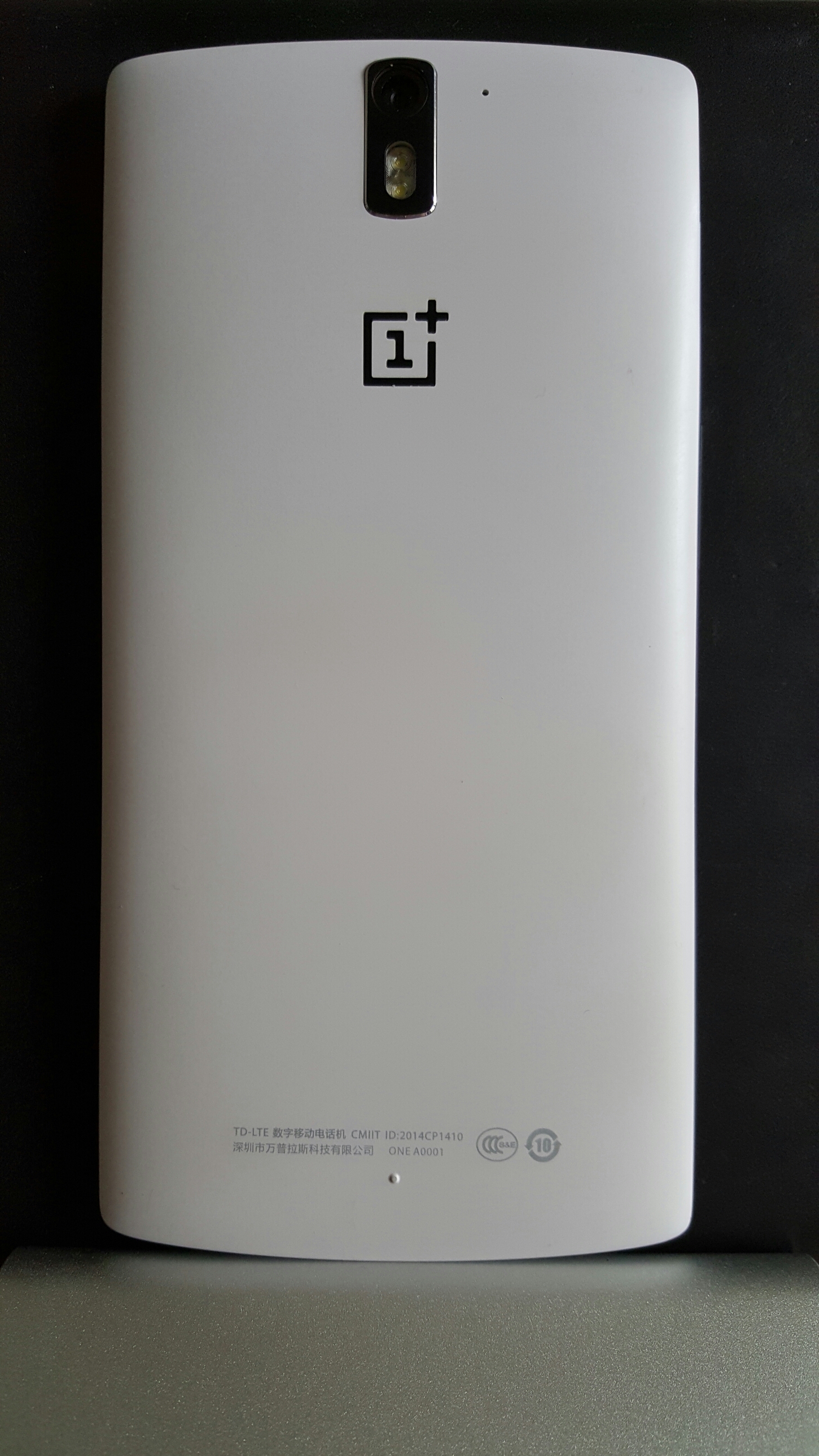
In my review, I am going to cover off all the different sections of the phone but first let’s take a look at the official specs.
– Dimensions – 152.9 x 75.9 x 8.9 mm
– Weight – 162 g
– SIM Micro-SIM
– DISPLAY LTPS LCD capacitive touchscreen, 16M colors
– Size – 5.5 inches (71.9% screen-to-body ratio)
– Resolution – 1080 x 1920 pixels (401 ppi pixel density)
-Multitouch – Yes, up to 10 fingers
– Protection -Corning Gorilla Glass 3
– CyanogenMod 12 (after SW update)
– Snapdragon 801, CPU Quad-core 2.5 GHz Krait 400,GPU Adreno 330
– MEMORY Card slot – No
– Internal – 16/64 GB, 3 GB RAM
– CAMERA – Primary 13 MP, 4128 x 3096 pixels, autofocus, dual-LED flash, check quality
– Features – Geo-tagging, touch focus, face detection, panorama, HDR + more after update
– Video -2160p@30fps, 2160p(DCI)@24fps, 1080p@60fps, 720p@120fps, HDR, stereo sound rec, 4K after update
– Secondary -5 MP, 1080p@30fps
– SOUND – Alert types Vibration; MP3, WAV ringtones
– Loudspeaker -Yes, dual mono speakers
– 3.5mm jack – Yes
– COMMS WLAN -Wi-Fi 802.11 a/b/g/n/ac, Wi-Fi Direct, DLNA, hotspot
– Bluetooth v4.1, A2DP
– GPS with A-GPS, GLONASS
– NFC – Yes
– USB – microUSB v2.0, USB Host
– Sensors -Accelerometer, gyro, proximity, compass
– Messaging -SMS (threaded view), MMS, Email, IM, Push Email
– Browser – HTML5
– ANT+ support
– Active noise cancellation with dedicated mic
– MP4/H.264/WMV player
– MP3/eAAC+/WMA/WAV/FLAC player
– Document viewer
– Photo viewer/editor
– Voice memo/dial/commands
– BATTERY – Non-removable Li-Po 3100 mAh battery
– Colours – Silk White, Sandstone Black
First Impressions


As you can see a lot of attention went to the quality of the contents and it does look really superb. If you have a nano sim it even comes with a nano sim to micro sim adapter.
The phone either comes in 16gb or 64gb storage with no micro SD card slot. I have the 16gb white and am managing just fine. Despite being a 5.5 inch screen phone it is comfortable to hold due to it’s curved back. So once I opened the box it was time to charge the phone and then I updated Cyanogen from CM11 to CM12. CM12 is a lollipop rom and it improves performance according to many threads on several forums. In fact if you head over to XDA Developers or Oneplus’s own forums there are thriving threads offering so many different tweaking options. This may sound like a complex thing to do, but the Oneplus One is a tweakers dream and many options are simple and as quick as taking a few minutes. Of course, get it wrong and you could brick your phone.
I mentioned in my first impressions that the firmware options seem to take 3 paths. Cyanogen which in my mid offers an incredible firmware, Color OS and Oneplus’s new firmware offering Oxygen OS. If you stick with Cyanogen you will have one of the best roms, just take a look at the screen shots at the end of this article.
Audio
The Oneplus One has dual mono speakers located on the bottom edge producing a healthy 87db. Excellent for podcasts. The headphone sound is nothing short of a miracle. It includes MaxxAudio as its EQ option. With this on, a flat EQ but just tweaking the bass and treble controls if you need too, the output is powerful and superb to listen too. The most powerful headphone amp I have heard on a phone which was able to power my AKG K702 effortlessly. In terms of audio quality it is very good, just slightly behind that of the Samsung Galaxy S6. And that is impressive!
Camera
So what is the camera like. Well below are camera samples from the default camera app.


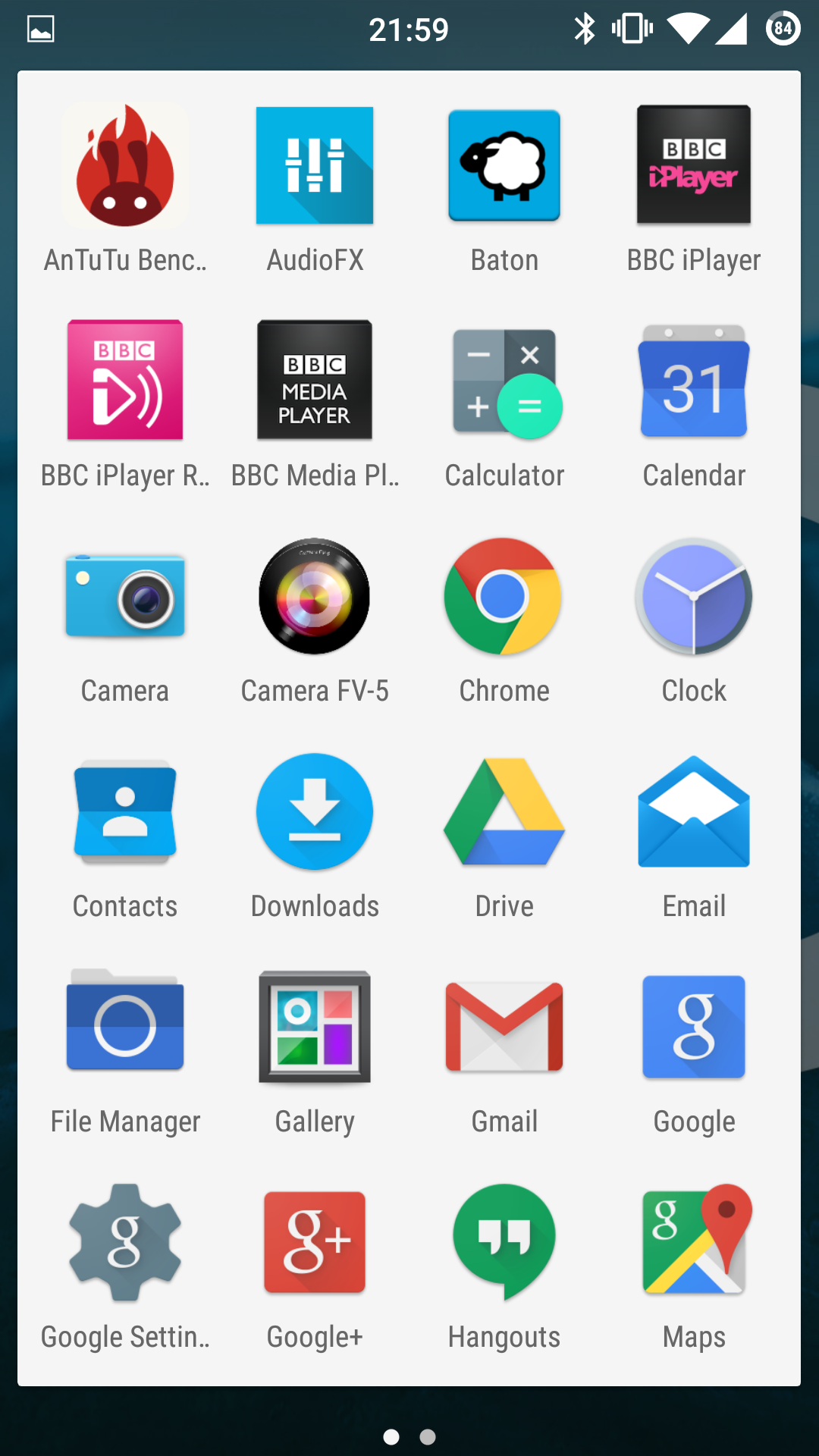
The photos look just ok but remember this is in poorish lighting conditions being somewhat overcast. In good lighting the camera performs slightly better. However, it’s weakness is lower lighting or indoors. Shutter speeds drop and so does the quality and noticeably too.This is the real weakness of the whole phone. Indoor shots are poor. Also on the odd occasion I had a couple of issue with anti banding when filming up against florescent lights. It didnt happen all the time, just twice in 5 hours of using the camera. To counter it’s sub par photo quality, it does have endless options from shutter control up to 8 seconds. Installing Camera FV-5 will give you shutter control up to 60 seconds, so light trails and more are possible with this phone. So while low light can be a weakness, it is possible to take long night exposures and get a result just not top notch quality. The Samsung Galaxy S6, HTC One M9 or LG G4 will totally outclass the Oneplus’s camera quality.
However this being a developers dream phone there are many apps available that offer a better camera performance including the camera app from Color OS and the Oppo Find 7. Just look at the camera options available from the Oppo camera app.
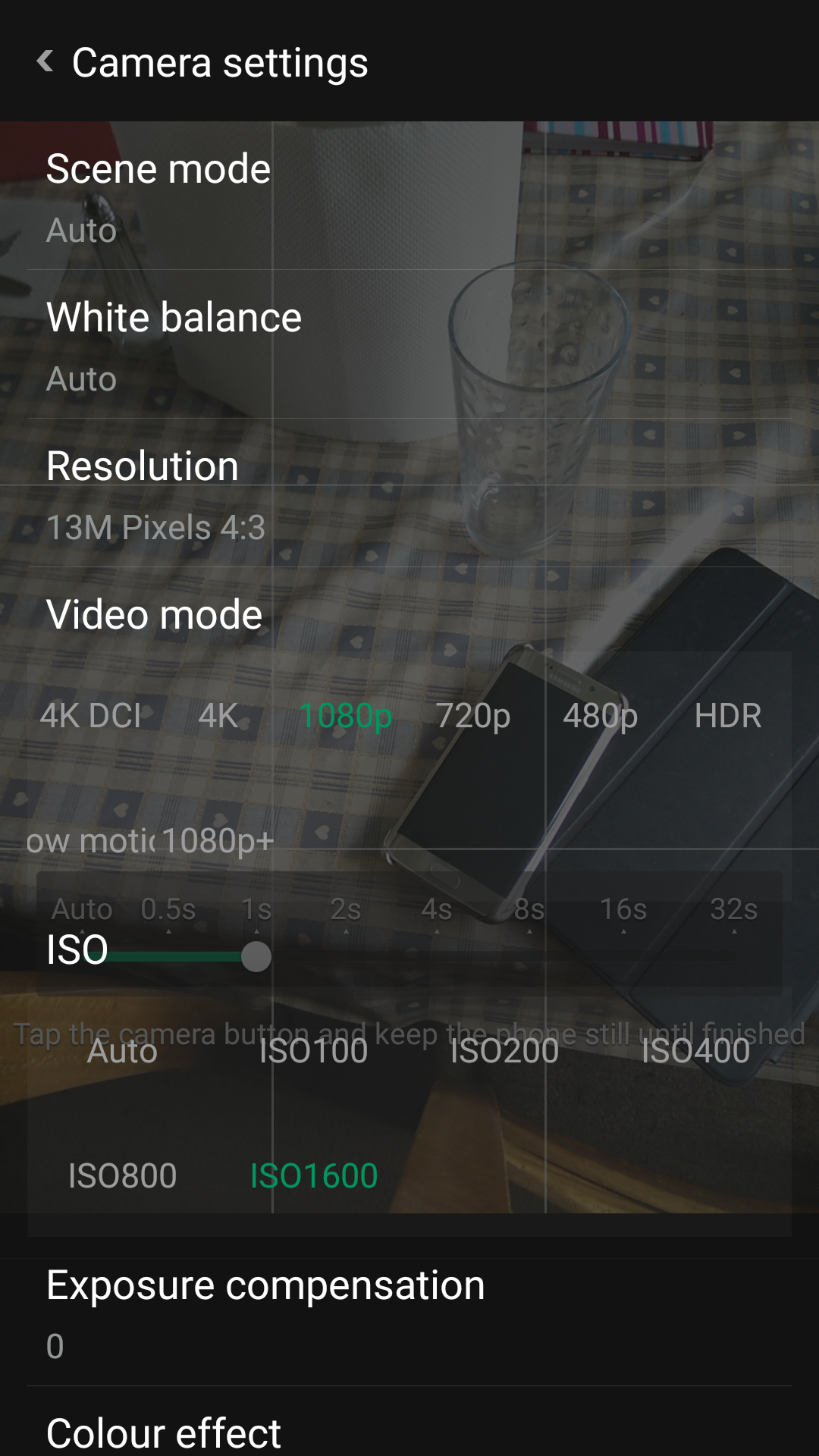
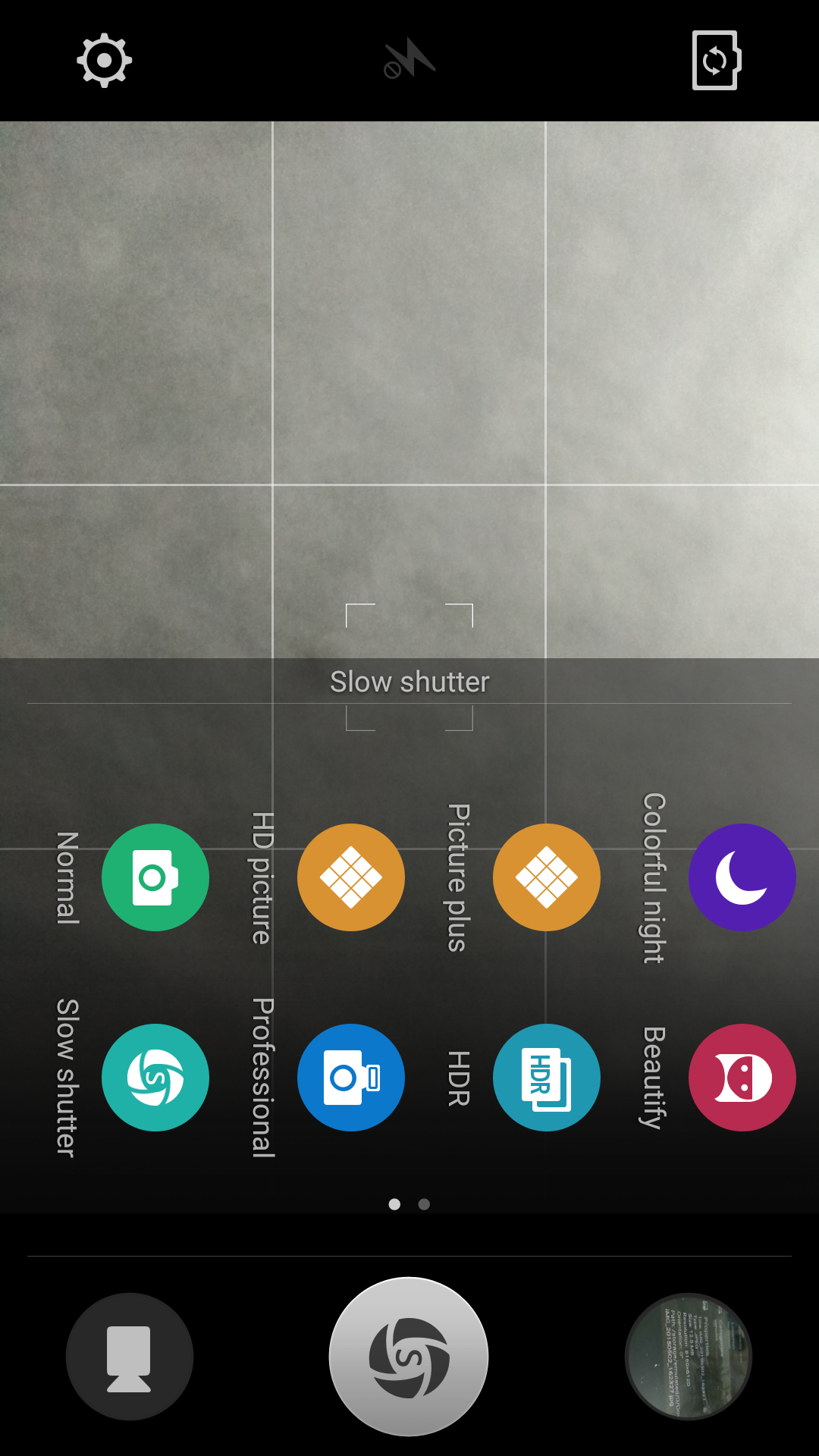
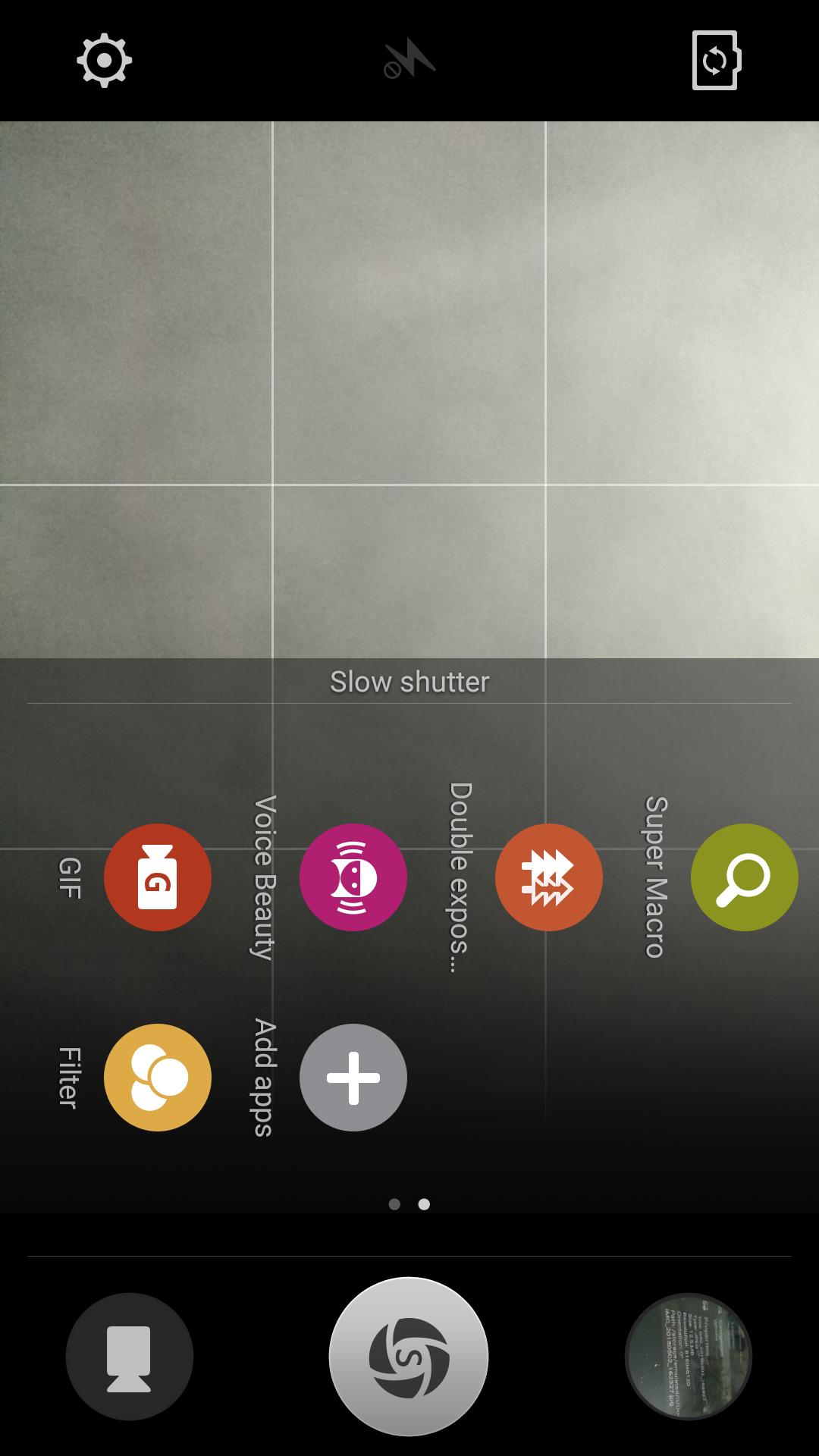
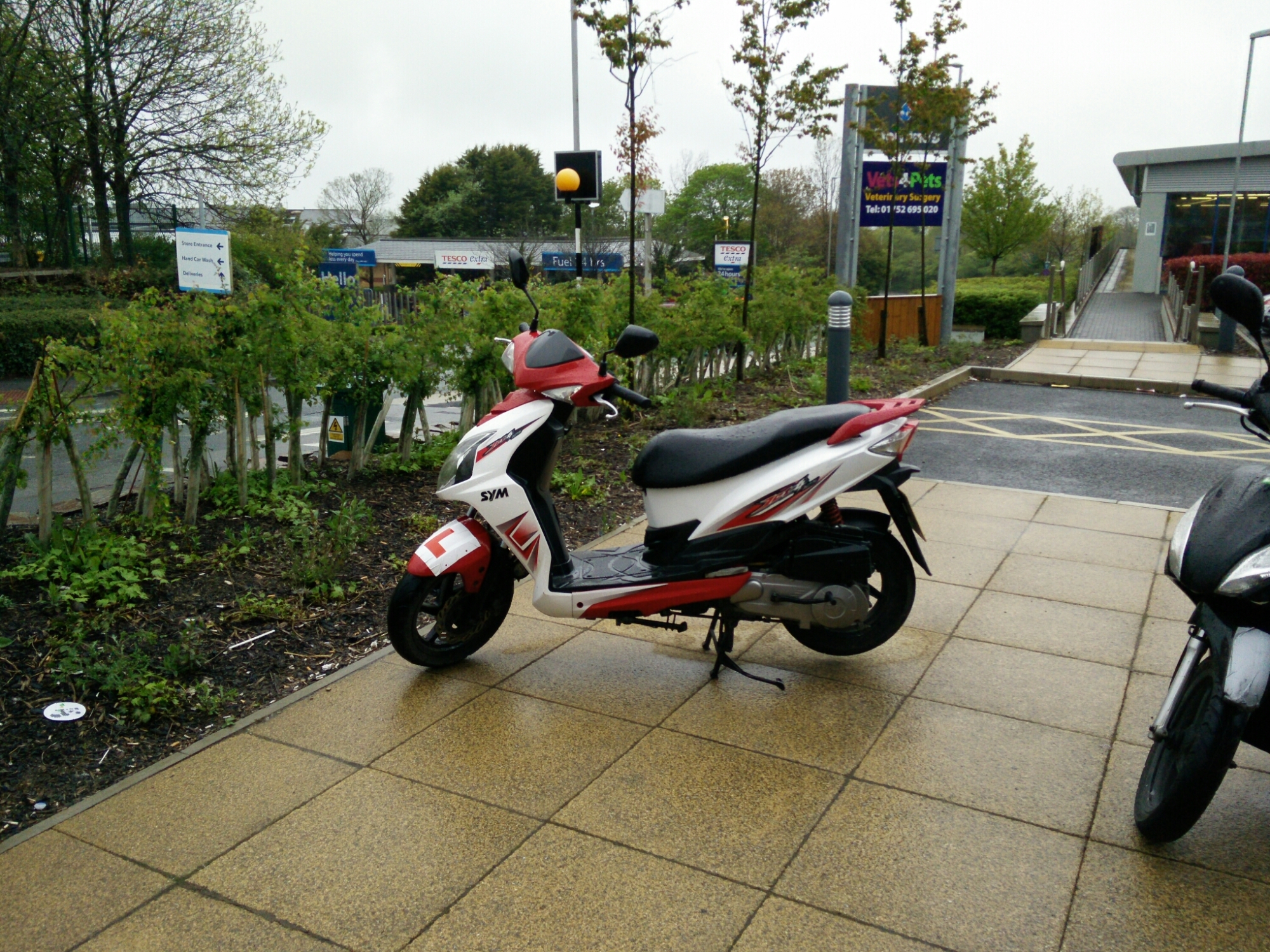
Below is a HQ shot at 13mp in file size instead of the 4mp. However, I cant see the extra quality with the HQ shot.The super macro mode is insane and combines digital zoom to take some close up shots. But I’ll repeat my point above. In anything but good lighting the quality does drop compared to the top end flagships and even mid range phones. Software does compensate a little (but is no cure) and in other ways offers some artistic creations.
Performance
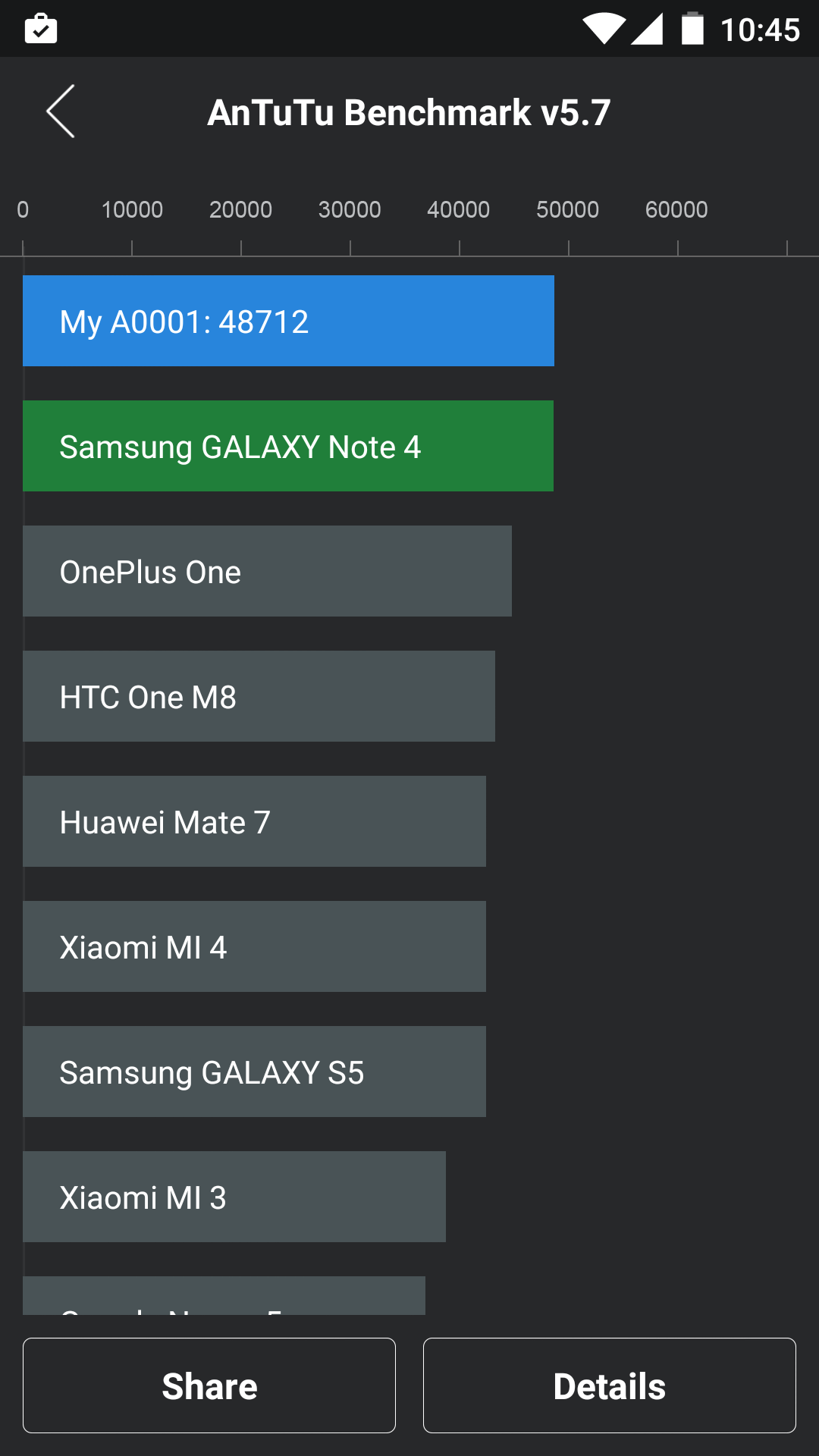
Whilst I don’t care for benchmarks, the Oneplus One really does fly around the apps and the operating system and this is backed up by the AnTuTu score. The phone comes with a 3,100maH battery which seems to last forever versus my Samsung Galaxy S6 Edge. The S6 Edge manages a screen on time of 3 hours, while the Oneplus One clocked in at nearly 6 hours screen on time.
Basics
Phone calls and cellular reception were good on the Oneplus One. WiFi and Bluetooth worked fine too. At the end of the day, it is a phone too!
All the Rest
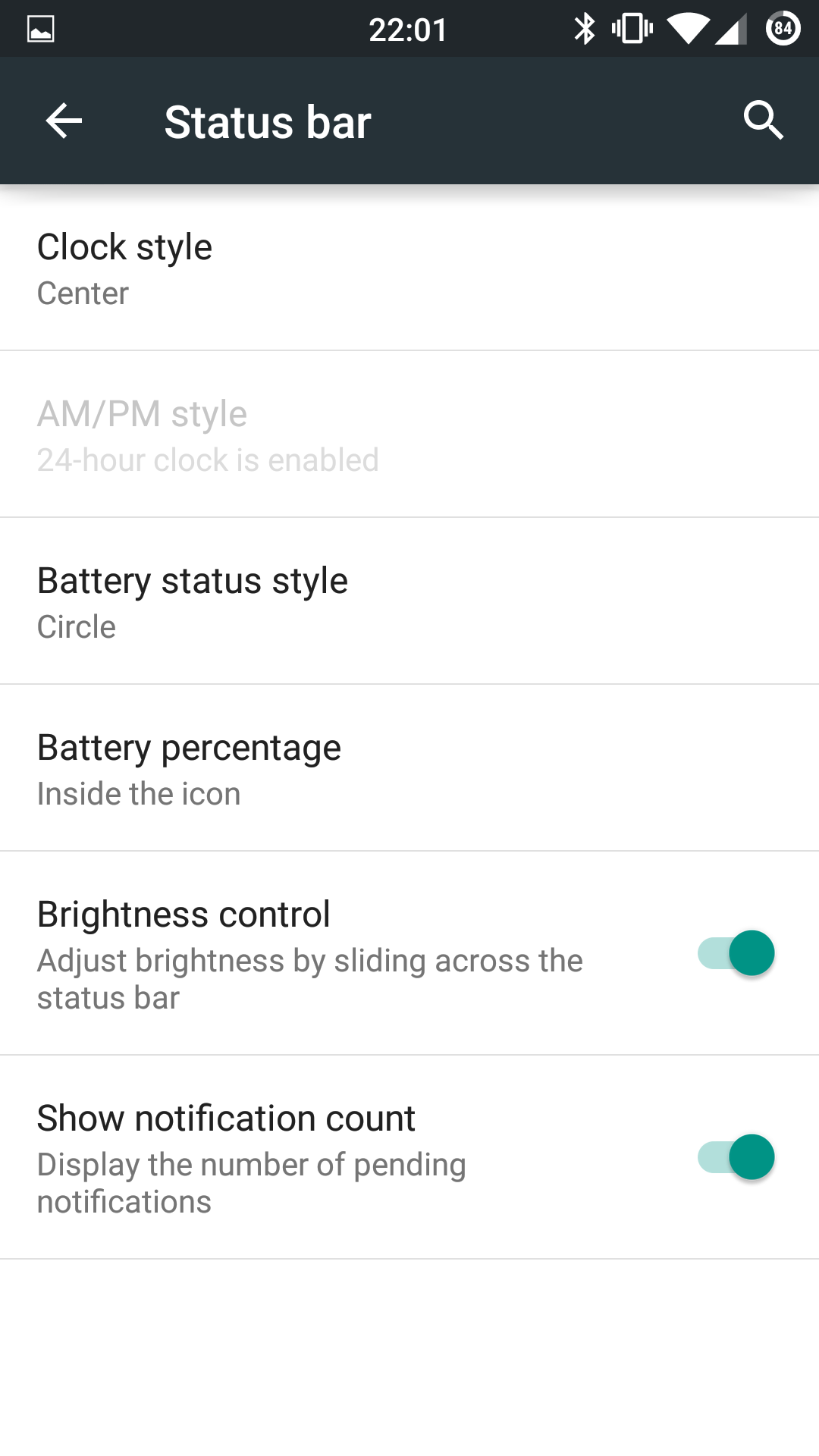
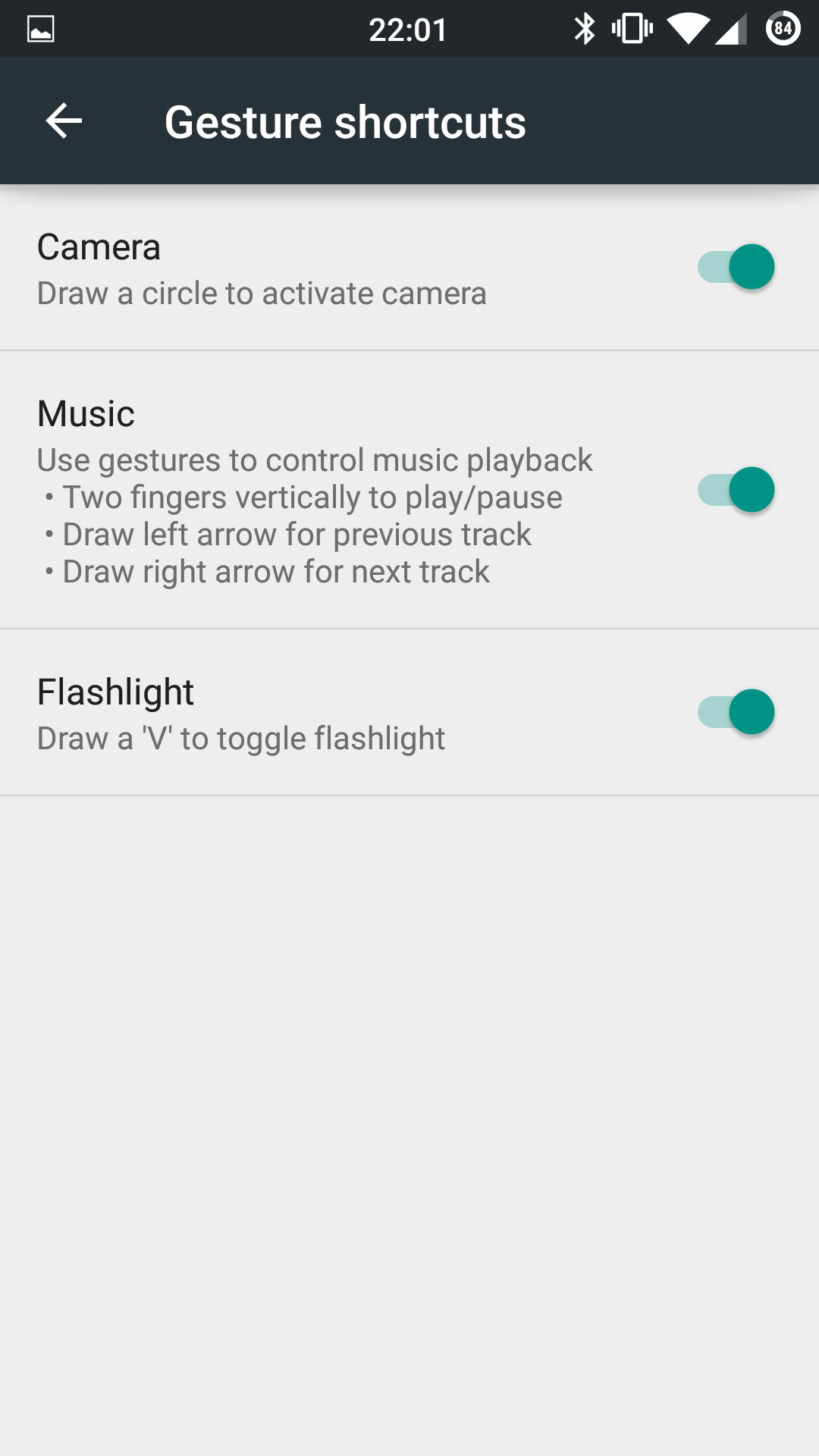
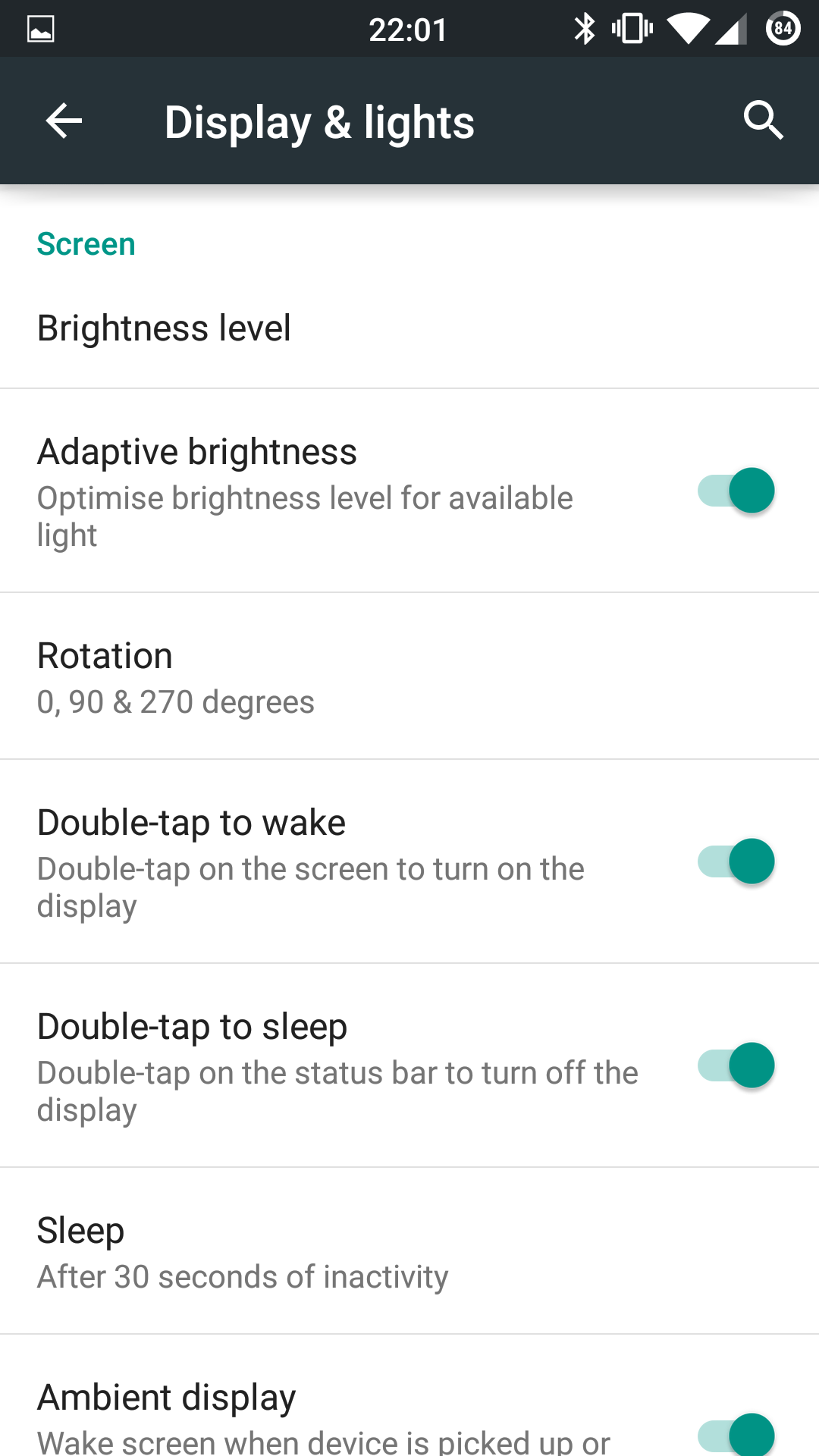
The display is a 1080p affair and with CM12 offers adaptive display, screen colour calibration from hue, saturation, contrast and intensity, sunlight increased visibility mode, adaptive backlight and more. Tap to turn the phone on is present and tapping the status bar will turn it off. The status bar is configurable in the settings, as is pretty much everything on this phone. Cyanogen and Oneplus did a cracking job with this handset. If you like themes Cyanogen has you covered. Gestures are also included although I didn’t find them that useful other than drawing a V when the phone is off to enable the torch.
Conclusion
Just ask me again how much this phone doesn’t cost! It offers so much as such a small premium. Great sound, excellent headphone audio with only the camera offering a weaker performance than the top flagships that costs £600 upwards. Not bad for a £250 phone!
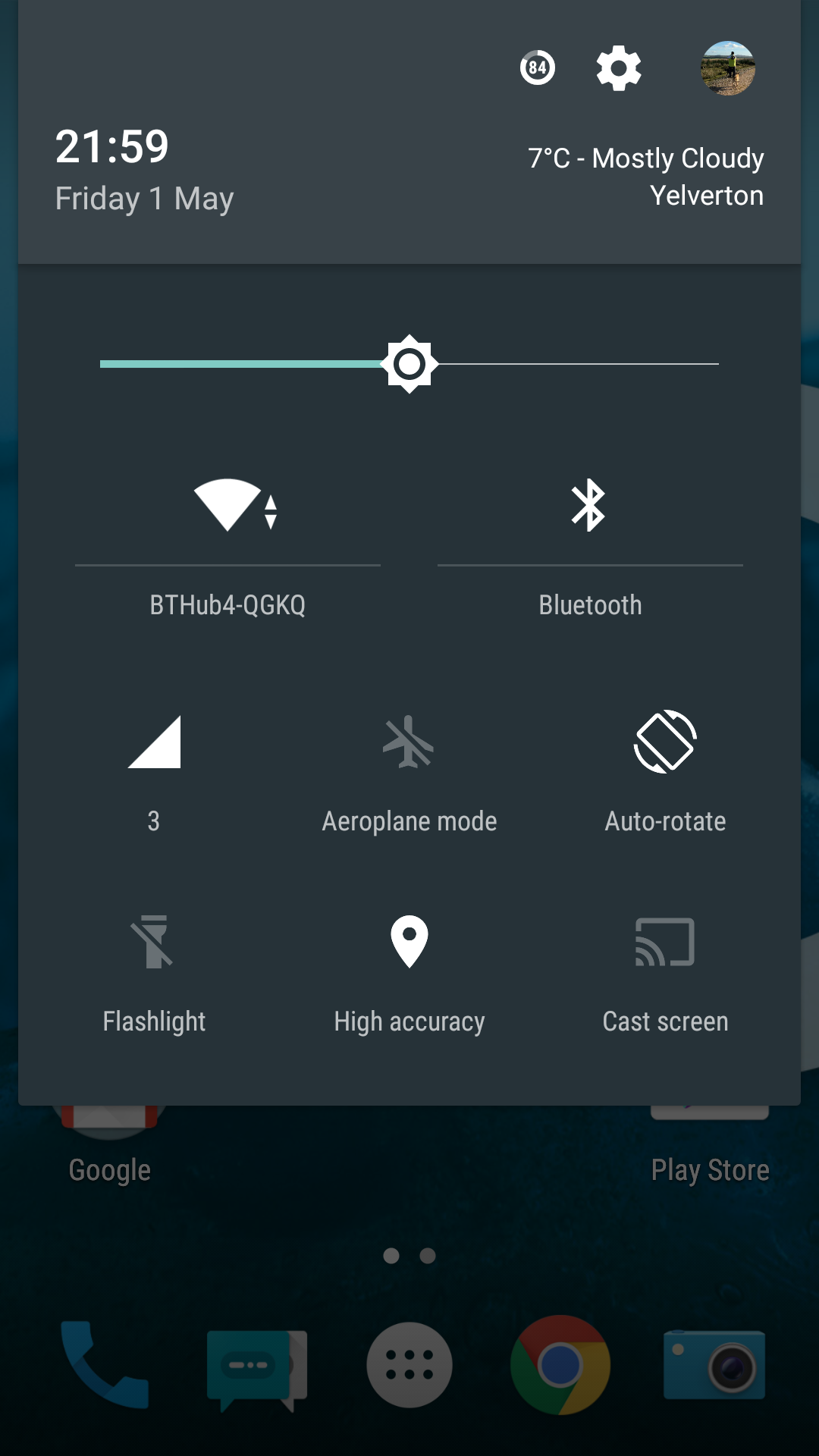
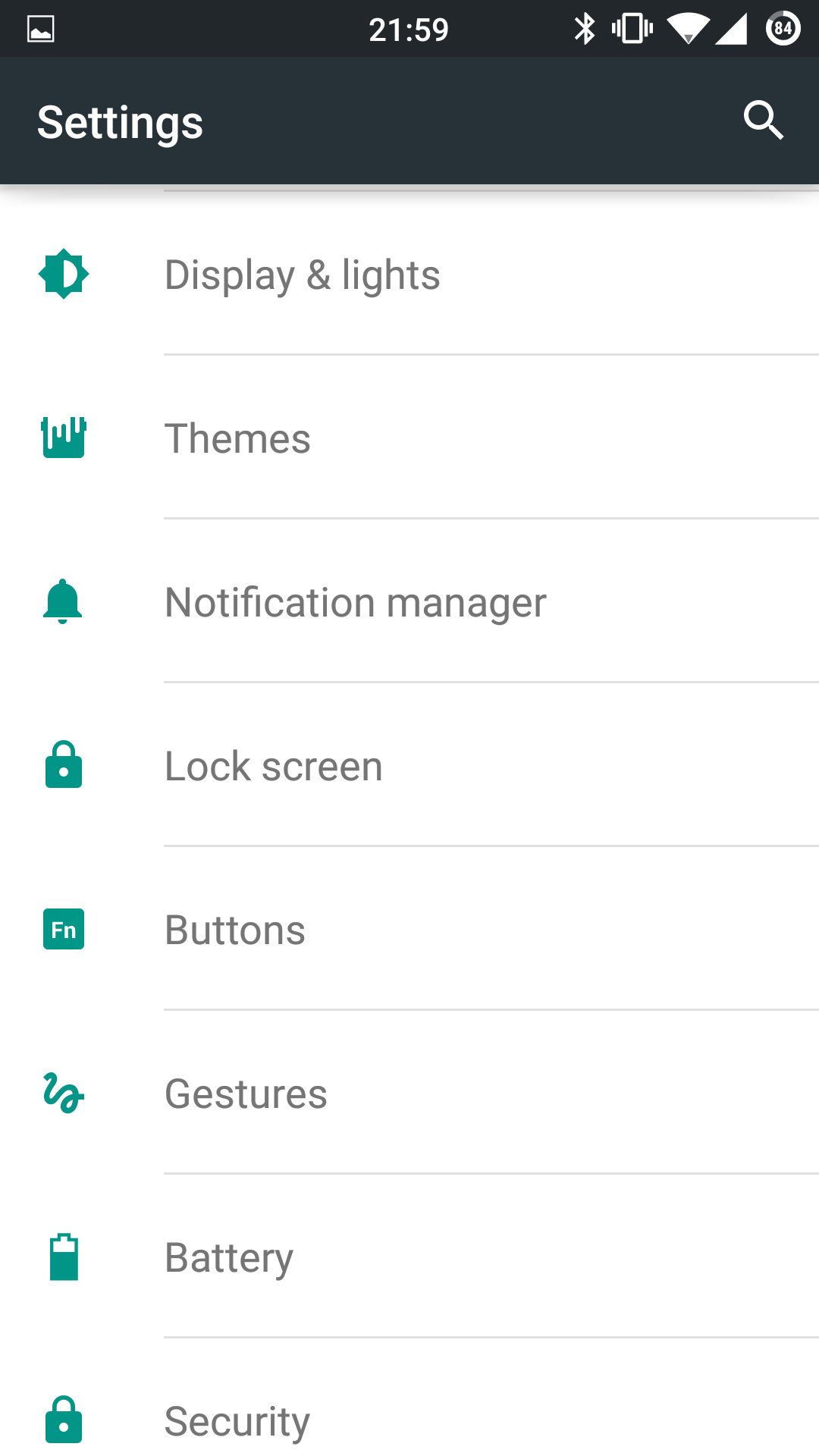
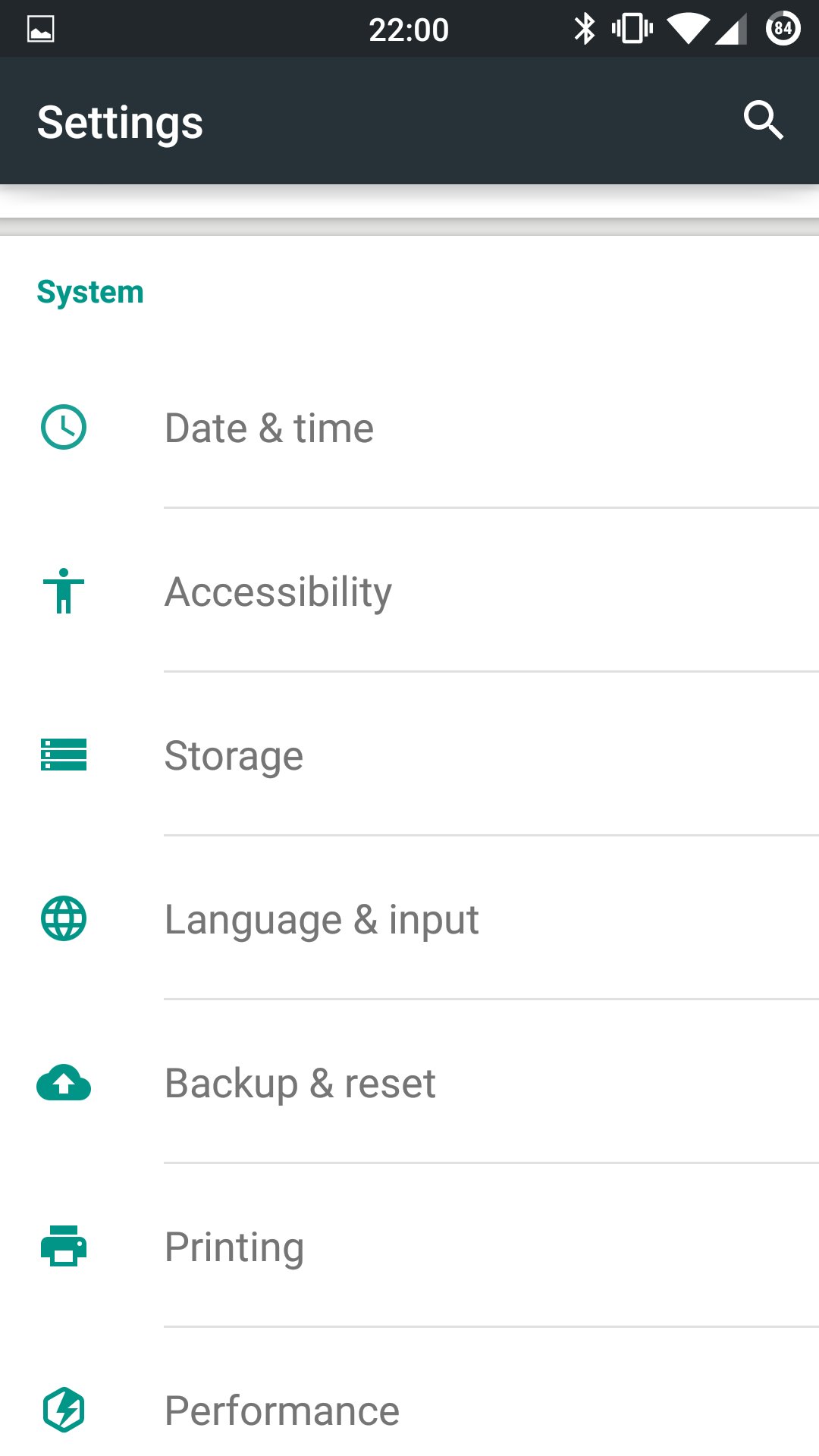
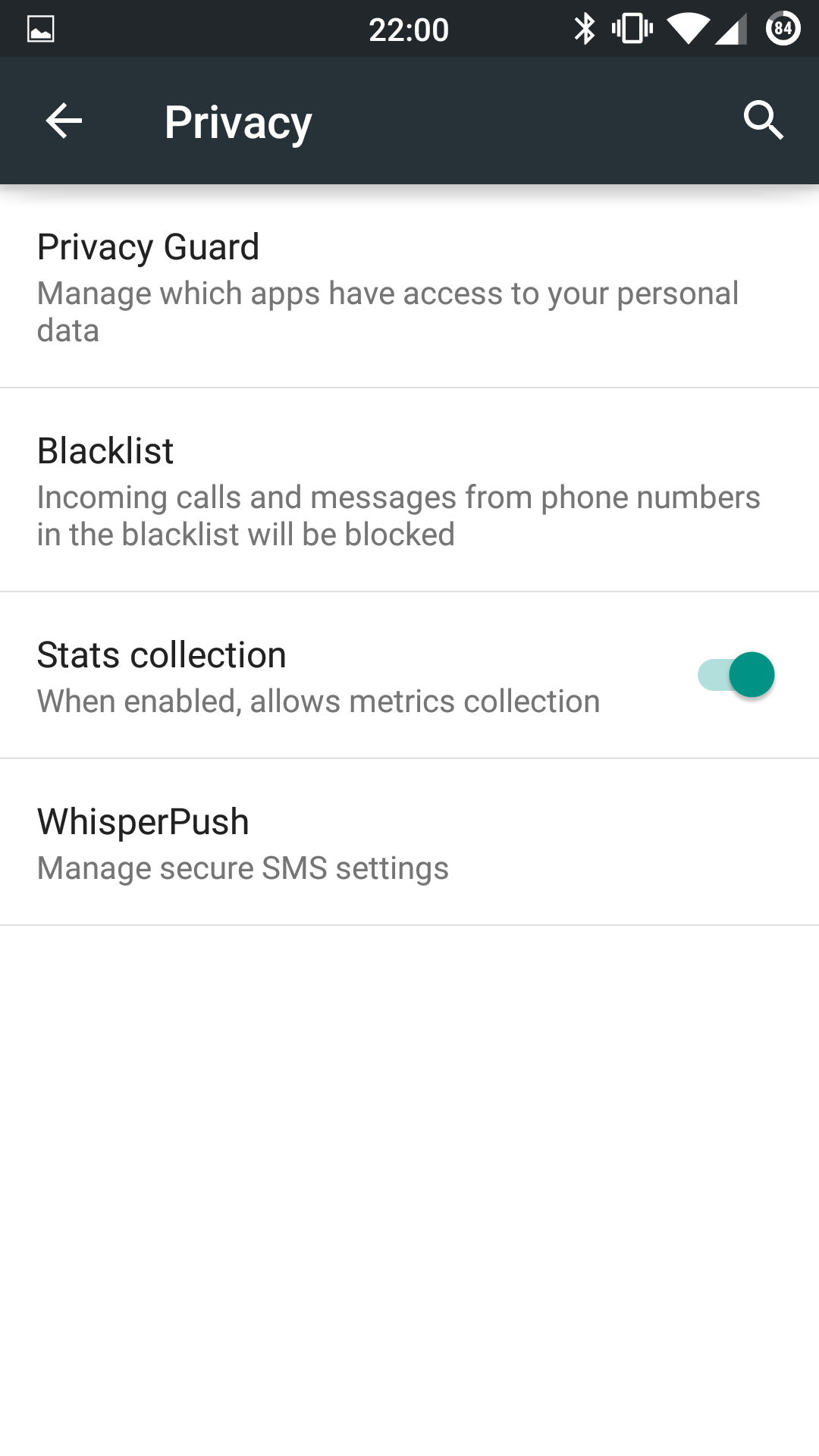
Finally, I thought it would be good to leave you with some screenshots to give you a feel for lollipop (CM12) on the Oneplus One.




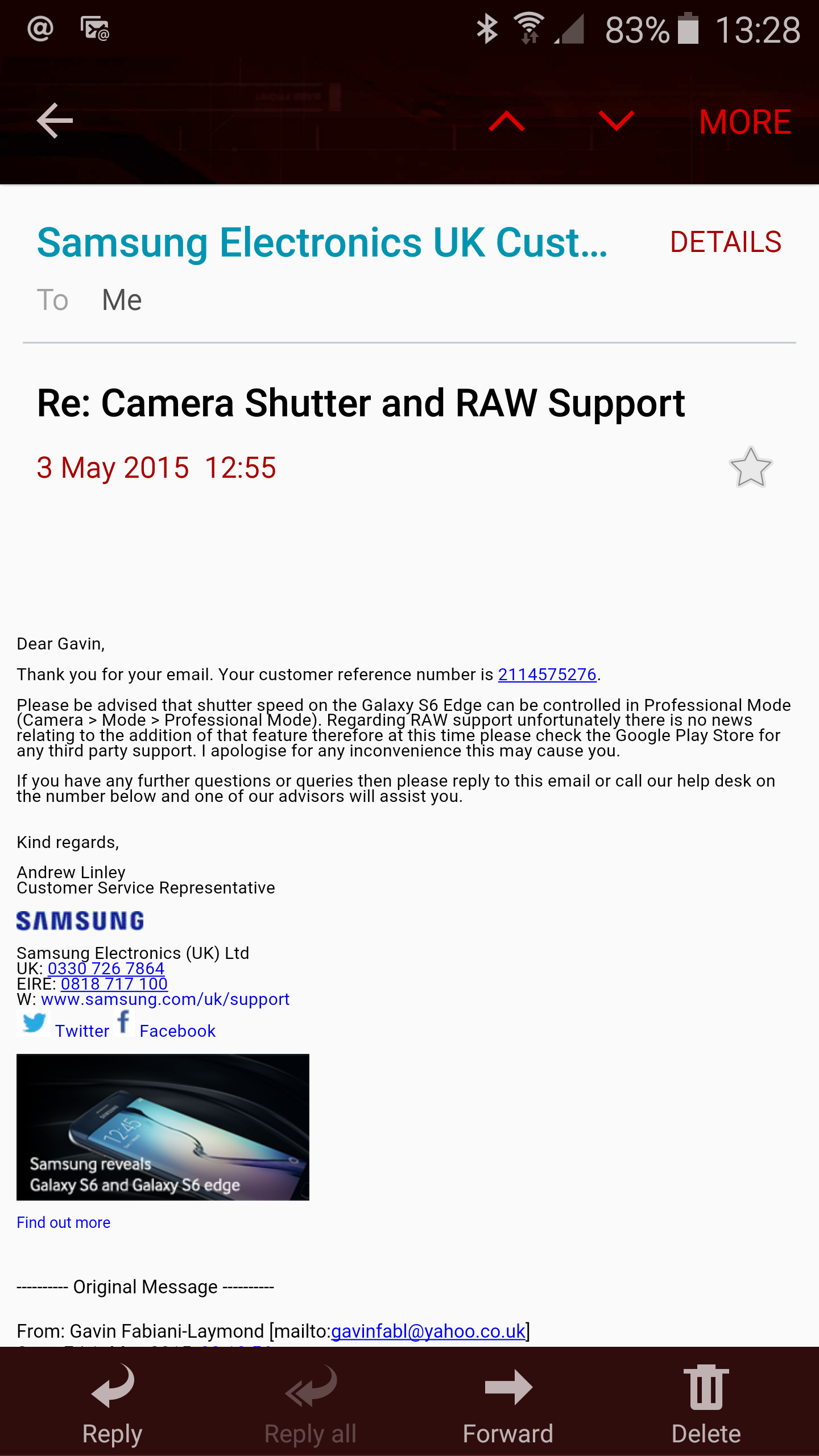
I wrote to Samsung asking information on when shutter control and raw support would be added to the Samsung Galaxy S6 and S6 Edge.
Below is a response from Samsung (screen shot of email).
Naturally, I’ve emailed Samsung back trying to be as polite as possible and request proof via a screen shot from their S6 using the camera app , as there is definitely no shutter setting in Pro mode on my S6 Edge.