Category Archives: Reviews

HTC Desire Eye – incoming

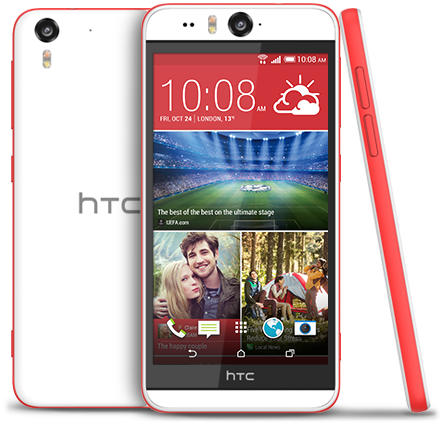
htc-desire-eye-global-sketchfab-white

I have the HTC Desire Eye in for review shortly. This is phone looks on paper to be excellent. If you have any questions, please let me know. In the meantime –

The specifications of the HTC Desire Eye –

– Rear Camera -13MP, BSI sensor, f/2.0, 28mm lens, wide angle, with HDR capability 1080p Full HD video recording, Dual LED Flash
– Front camera: 13MP, Auto-focus with zoom capability, BSI sensor, f/2.2, 22mm lens, wide angle, with HDR capability 1080p Full HD video recording, Dual LED Flash
– Dedicated Camera Button
– HTC Eye™ Experience: Face Tracking, Screen Share, Split Capture, Face Fusion, Live Makeup, Auto Selfie, Voice Selfie, Photo Booth, Crop Me In
– Android 4.4.4 (KitKat)
– 5.2″ 1080 x 1920 multi-touch (~424 ppi)
– 2.3GHz Snapdragon 801
– 4G LTE (Bands 3, 7, 8, 20)
– 16GB storage / micro SD up to 128GB
– WiFi / NFC / Miracast / BT 4.0 Apt-x / DLNA / HTC Connect
– 3.5 mm stereo audio jack
– HTC BoomSound™ Dual frontal stereo speakers with built-in amplifiers, 3 microphones,Sense Voice
– Capacity: 2400 mAh with Fast Charge , Embedded rechargeable Li-polymer battery
– Talk time Up to 20 hours for 3G Standby time: Up to 538 hours for 3G
– Sensors Accelerometer, Proximity sensor,Ambient light sensor ,Gyro sensor
– GPS / GLONASS
– 151.7 x 73.8 x 8.5 mm
– 154 grams

If you want to know more or buy the HTC Desire Eye, use my special Amazon link below –
HTC Desire Eye at Amazon

Unlock the full potential of the Samsung Note 4 camera – wow

Disclaimer – I am at the early stages of exploring this but so far my results are mixed. This only applies if you are using a snapdragon Note 4.

So here goes the explanation. Samsung use strong processing of any photo taken by the Note 4. Over sharpened and more. It is possible to unlock the potential of the Note 4 camera using a non rooted method and take shots without these effects.

Step 1 – install Snap Camera HDR. https://play.google.com/store/apps/details?id=com.marginz.snap&hl=en . Note most third-party apps can’t make use of the 1/8s (or, in cases, even the 1/15s) shutter speed but max out at either 1/15s or 1/30s, bumping up the ISO used to twice or four times that of the ISO needed at 1/8s. This app according to preview can access the extra control required. It also allows sharpening to be turned off or on the controlled limits.

Step 2 – head over to the developers page on XDA Developers Forum – http://forum.xda-developers.com/showpost.php?p=35633104&postcount=1 and follow the steps to become a beta tester. After installing and paying for the app above, it will be updated to the beta version. None of the magic can occur without the beta version.

Step 3 –

Follow and read the detailed posts on DPReview part 1 . Ultra low light tips and a Nokia Pureview 808 vs Fuju XE-1 and Note 4 – http://www.dpreview.com/forums/thread/3781966

Part 2 – Tips for broad daylight and very high shutter speeds – http://www.dpreview.com/forums/thread/3782300

Part 3 – Tips and tricks shooting HDR – http://www.dpreview.com/forums/thread/3782850

In hindsight, it might be best to start from Step 3 to understand everything.

Happy reading!

So far my results have been mixed. Unsharpened photos do look good but sometimes I prefer the saturated sharpened look from the Samsung app. Also, the default Samsung app has some really good algorithms at play. Snap Camera HDR has some great options but it also seems to have issues focusing at times in poor light. Maybe once the Note 4 gets lollipop the camera and third party apps will be able to have even greater control.

I have also been trying the Google Camera app again with mixed results. I would be interested to see if you are using any other apps yourself. If you are leave a note in the comments.

Noreve cases – my custom Samsung Note 4 case

image

Noreve produce cases for all phones including iPhones and the Samsung Note 4 and Note Edge. You can order off the shelf, decide between different design options eg flip,  book or other.

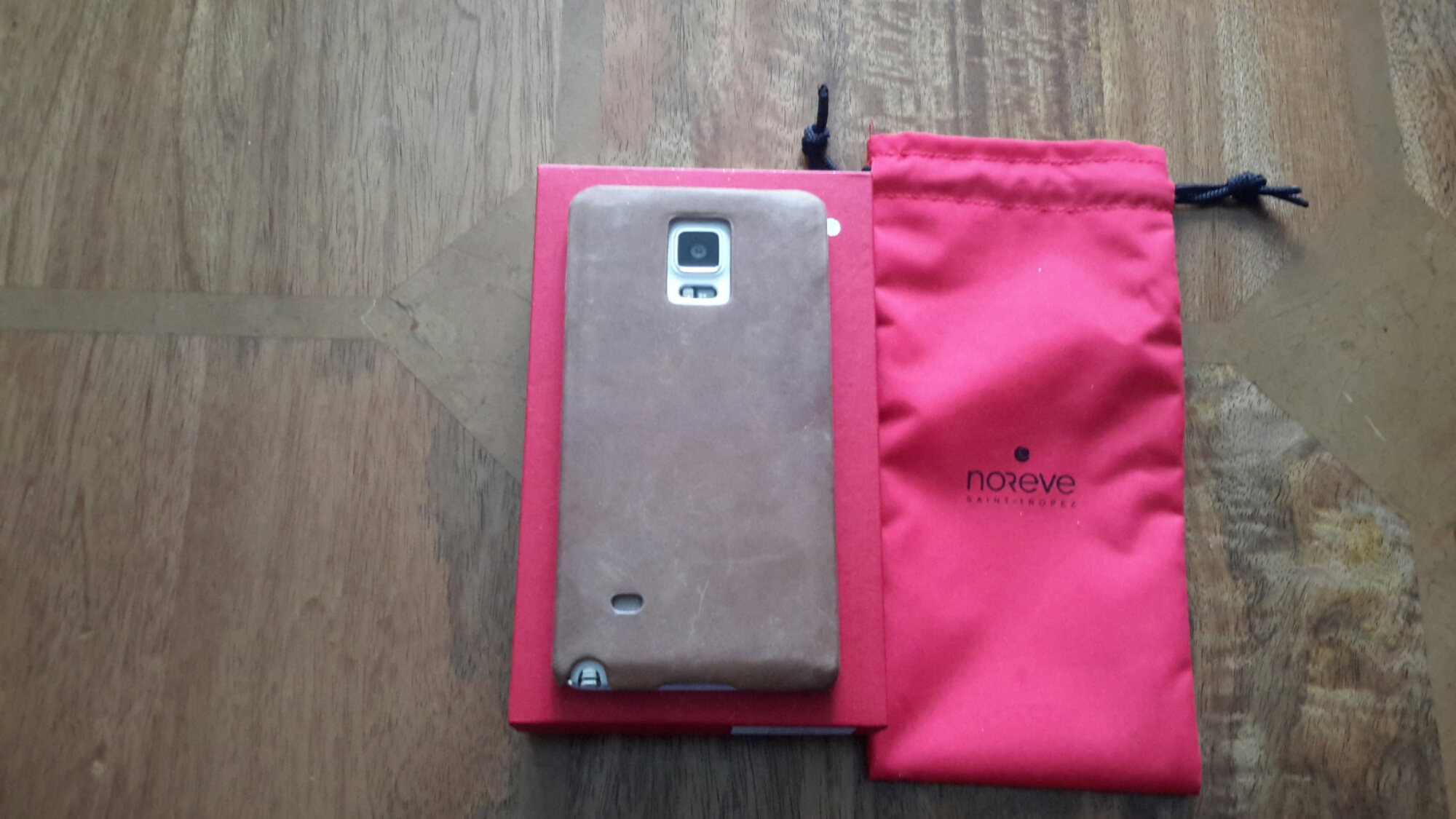
I quite like the above style. Instead of the standard black, I went for the exclusion leather in sable vintage. This adds about 10 euros to the cost. There are a choice of leathers, colours and other options from adding a belt clip. The most expensive leather adds 100 euros.

image

image

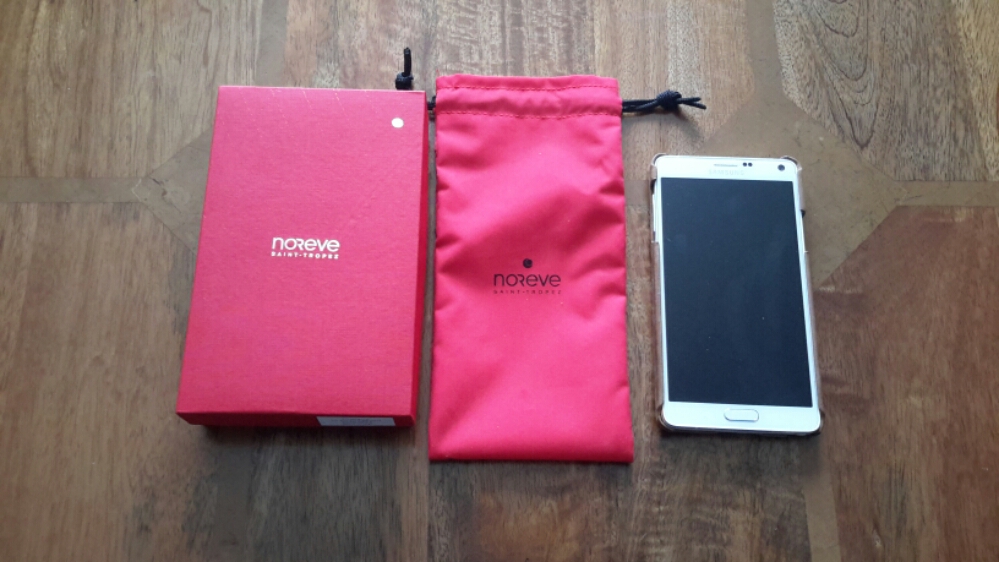
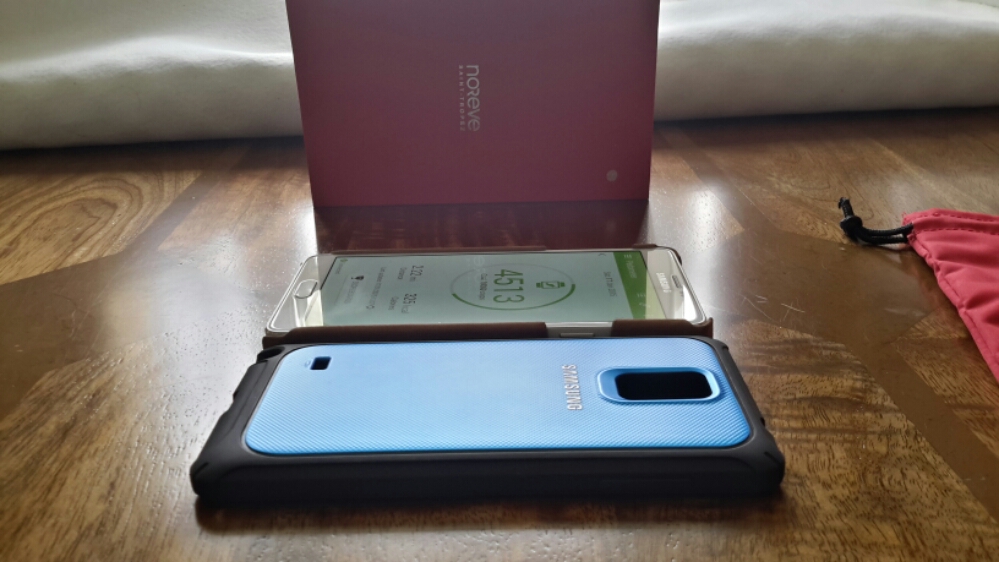
The case comes in a pouch that’s then inside the red box. All very pretty but what counts is the case. The leather is awesome.  With age it will look better but it is meant to mark with ease. But as you can see the power and volume buttons are not covered. I prefer this arrangement as when covered you have more chances of pressing the buttons by accident. The only concern I have is the exposed topside bottom corners. It is also thicker than Samsung’s own protective hard case.

image

Some of you may prefer the Samsung type of case. I personally like the Noreve and the vintage leather.

Gav & Dave’s Tech Podcast is now live – Please RT and spread the word

As you know, I co-host a monthly podcast with David from UKMobileTech called Gav & Dave’s Tech Podcast. It is a light hearted tech podcast broadcast.

To subscribe click here for iTunes or copy and paste this link into your favourite podcast app.

Episode 30, Hot Gadgets is now live for your listening pleasure.

If you have enjoyed the podcast, please leave a 5 star review in iTunes. It helps others find our podcast. Go now and leave a review !

If you have any comments, questions or feedback, please drop a line at feedback@gdtpodcast.com or in the comments below.

And finally, our thanks to Audible as today’s podcast is supported by Audible- get a FREE audiobook download and 30 day free trial at http://www.audibletrial.com/GavDave . Over 150,000 titles to choose from for your iPhone, Android, Kindle or mp3 player. No obligation.

Official Samsung Hard Protective Cover Case – review

image

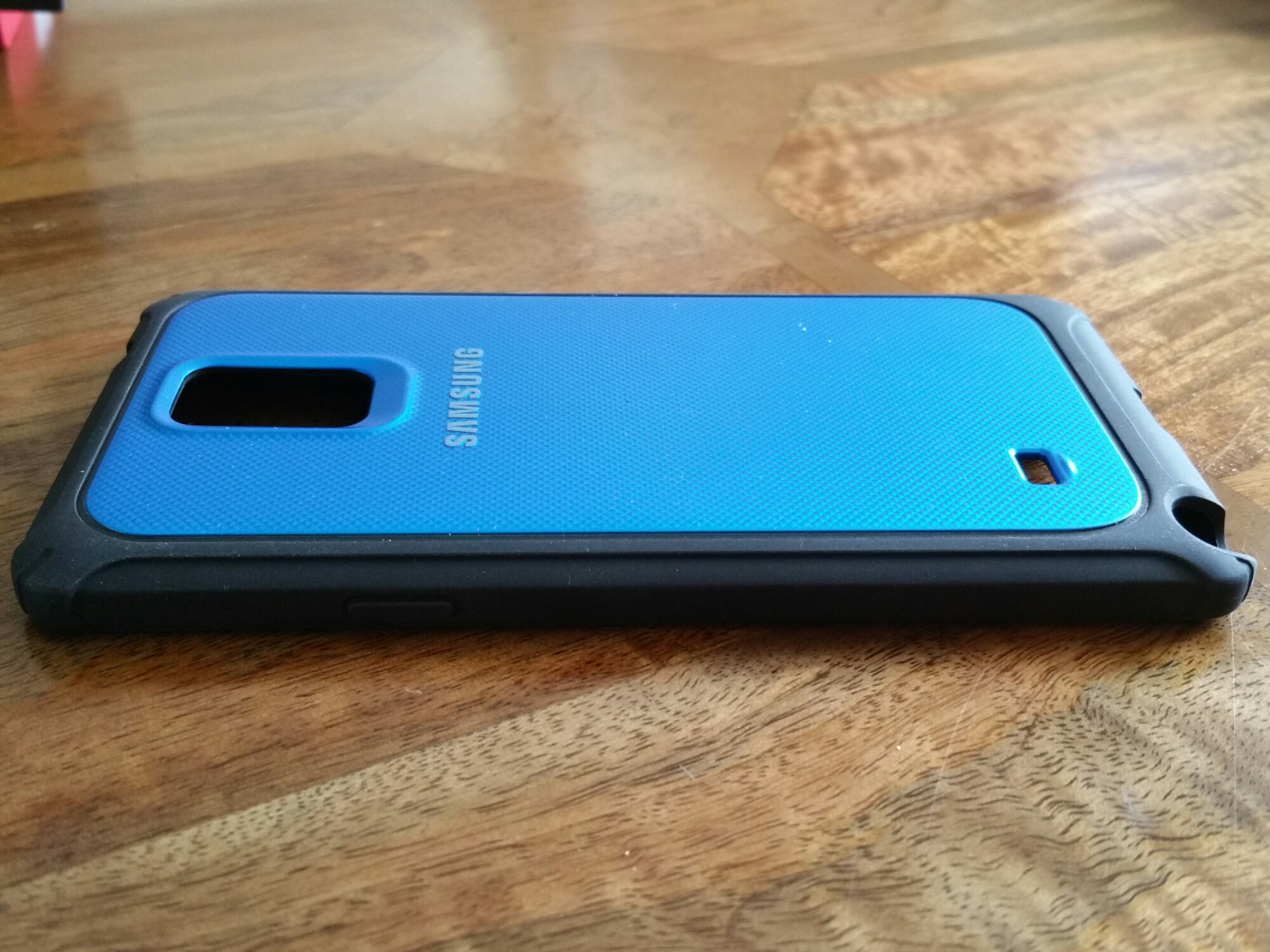
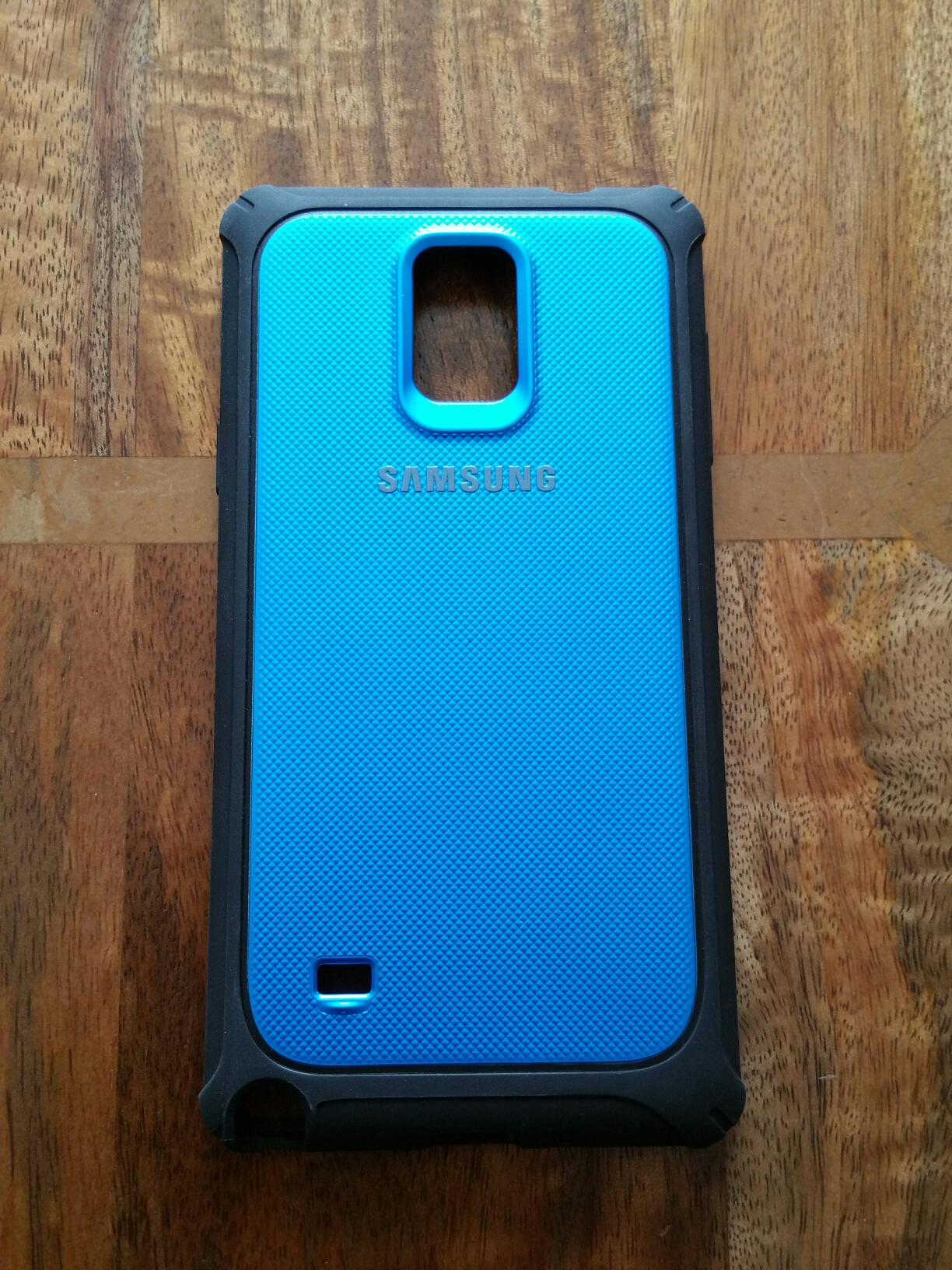
Cases. I have a history with buying cases that goes back years and is still part of my DNA. I can quickly spot a naff case, poor quality, poor usage and more. I had zero expectations for this case from Samsung but it is a pleasant surprise.
image

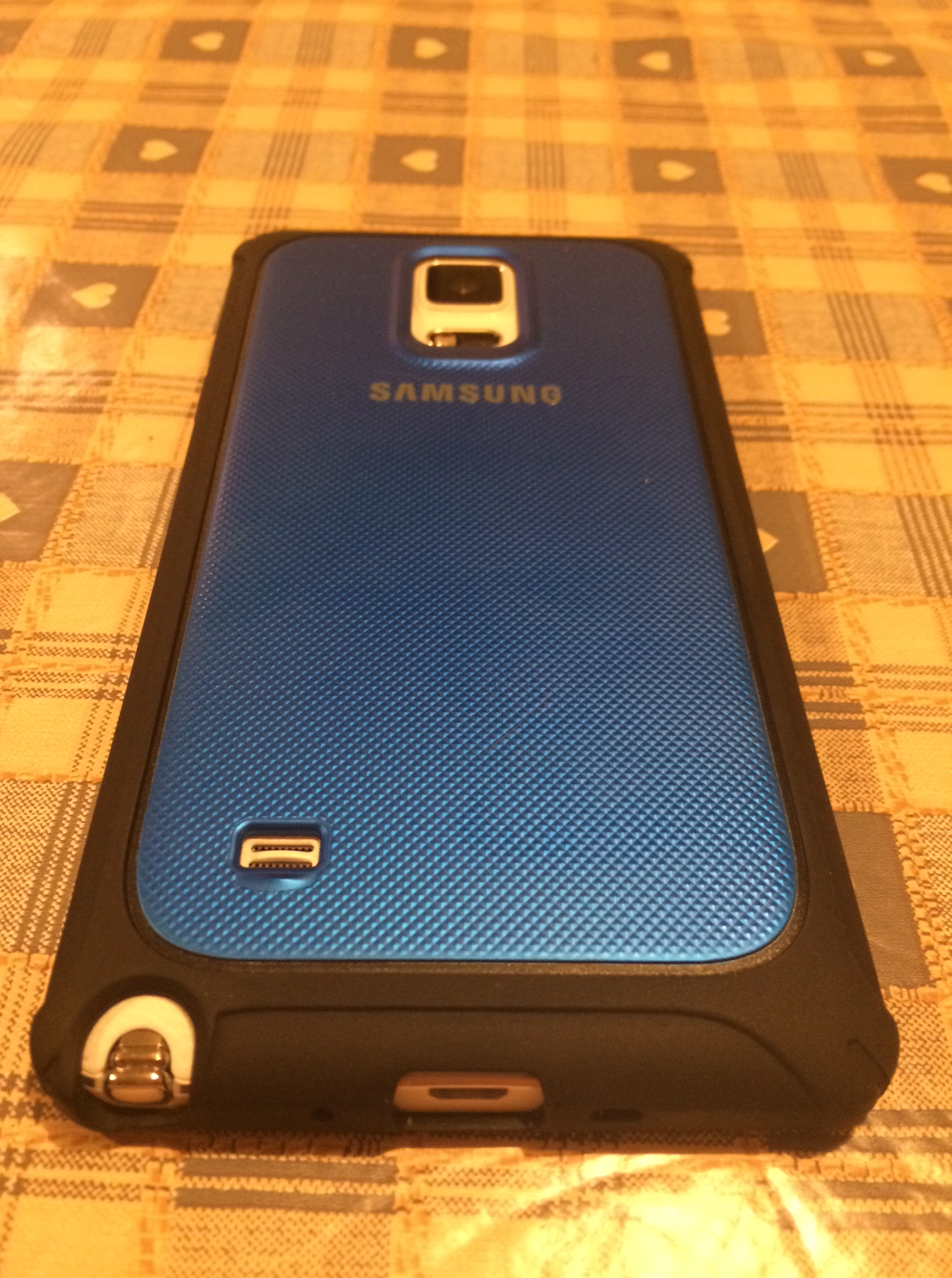
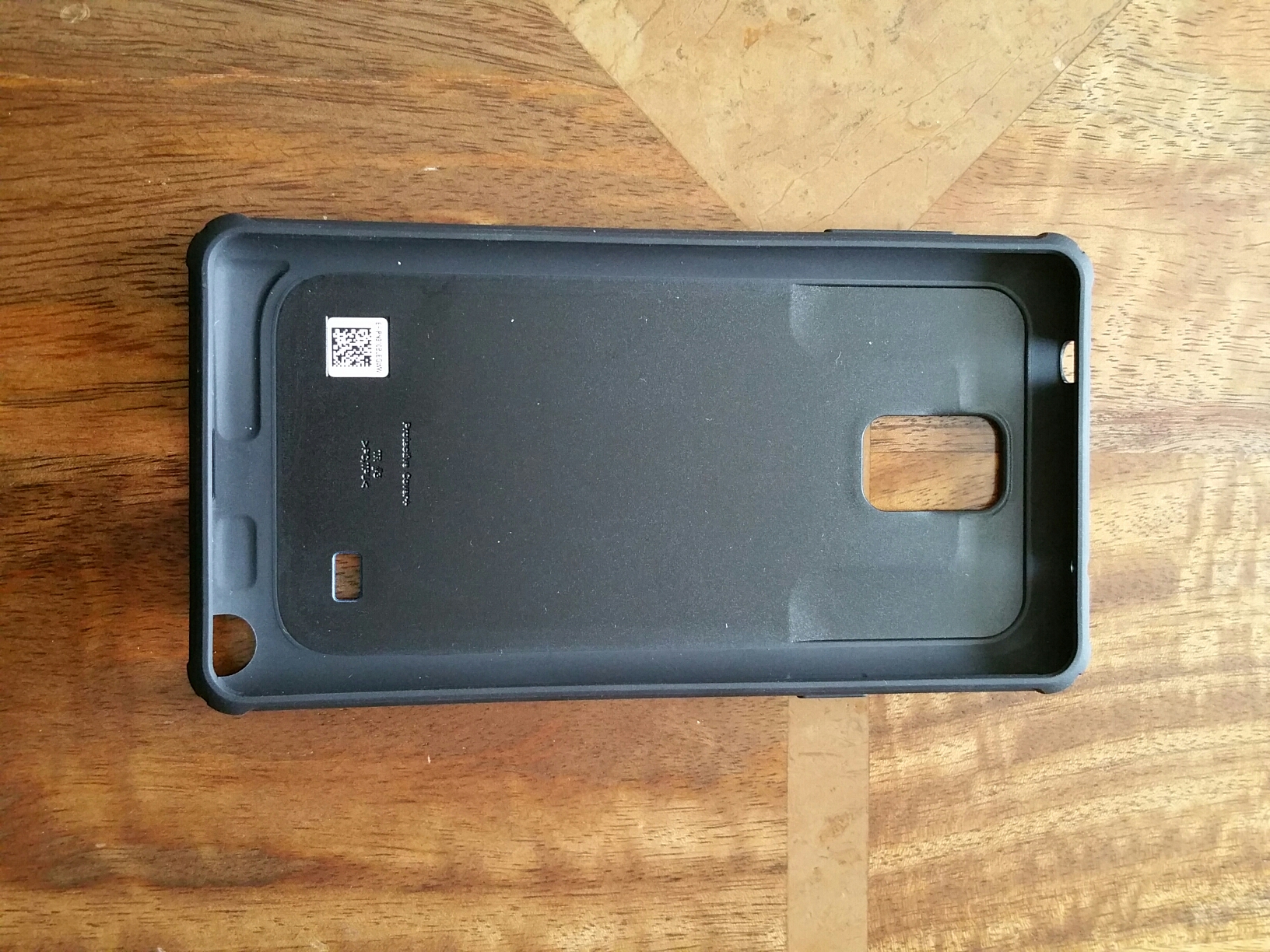
The case is a made from injected moulded thermoplastic construction which provides protection against shocks and drops. The case is easy to apply and remove, but also extremely protective. The case offers protection against impacts, so your phone is protected whether it’s in a bag or pocket, or if you happen to accidentally drop it.

image

The outside of the case has a special high polymer coating that gives the case a clean look, while also helping to resist dust and grease. This is prevents no unhygenic build-up of grime around the openings.

The case features a tough shock-absorbing silicone bumper, the Samsung Protective Case shields your Note 4 from damage and scratches, keeping your phone looking as good as new. The smooth textured finish also improves grip, making for a more enjoyable in hand experience, as well as reducing the risk of accidental drops.

It also has a small lip on the front edge.
image

So that’s the tech speak above. It is a slim fit, quality plastic product that feel good in the hand, looks good and I really like it. Will it win over another case coming from Noreve? Find out next week 🙂

Updated – here’s some better photos taken in natural daylight

image

image

image

The case is available at Amazon – Samsung Protective Hard Cover at Amazon

Snow at Princetown, Dartmoor – photos – Camera night mode on the Samsung Note 4

image

We were forecast 10 inches of snow. Not quite that but it is currently a blizzard outside. The above shot was taken 30 minutes ago approximately.

The Samsung Note 4 switched to night mode to take this shot. Otherwise all auto settings.

And here is a scenic shot of the town.

image

Samsung Note 4 – its camera and my thoughts

Scroll back a few days to Sunday and Monday, and you will see some photos I had snapped with the Note 4 early Sunday morning.

In fact, since the 9th November 2014, I have now taken 46 photos with the Samsung Note 4 that I have shared to a dedicated album on my Flickr – https://www.flickr.com/photos/gavinfabl100/sets/72157648796796660/

If you consider the Note 4 the same as the Note Edge, there is another album just for the Note Edge. So its now over 2 months using the camera on this phone. My thoughts –

Every time I take a shot, I am often really pleased with the end result. Just dropping back to my previous phone which was the iPhone 6 Plus, I have found the 6 Plus camera is not at the same level as the Note 4. However, I would say that for most people it is definitely good enough and even though the Note 4 takes superior photos and video, the 6 Plus still is a remarkable shooter. Just shows how far smartphone camera technology has moved forward, and I believe in 2015 it will move forward again.

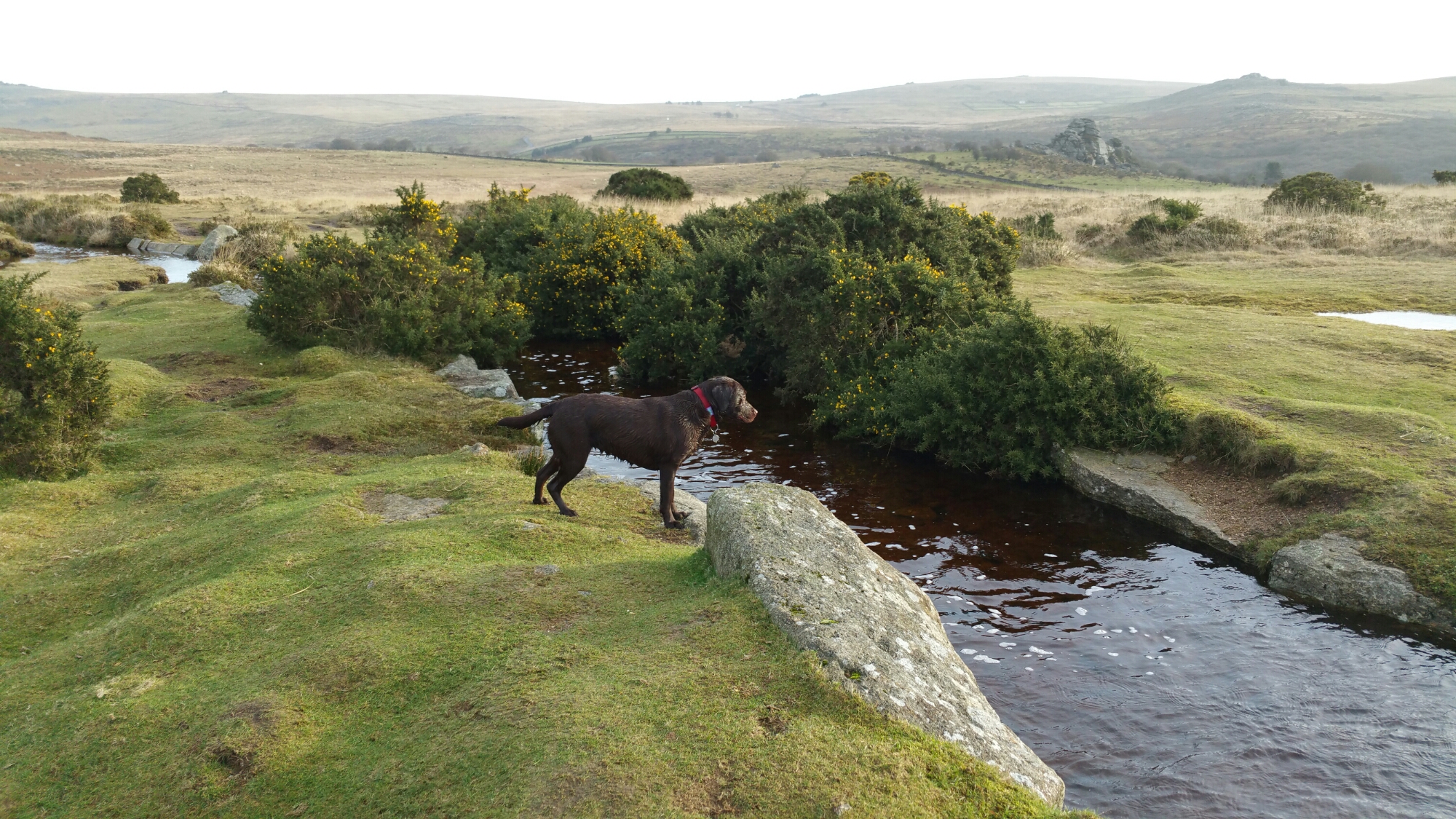
The Note 4 is 16mp affair and it does matter. Take a shot. Decide to crop in on a section and the end result is still a crisp, clear image with plenty of pixels. Macros are excellent for the same reason. I have taken low light shots and again not had particular issues. Panoramic photos are breathtaking and are able to span wider (more frames) than the iPhone. The Note 4 has many camera modes and manual settings should you wish to use them. On the dog action shots I discovered that the ones with George leaping over the water, the ISO was 40 and the shutter speed 1/400. That is remarkable to manage with the ISO so low. The optical image stabilisation is clearly helping here.

I mentioned I am always happy with the shots taken on the Note 4. With previous android phones, I would take several to make sure I got that one great shot. With the Note 4 that is not really necessary. It is reliable. The composition, depth and colours of each photo are also of a high standard. Still photography is easy but what about motion. On Sunday I decided to see how the Note 4 would fare trying to capture my 3 dogs pelting across Dartmoor. I used burst mode, sport and “shot and more”. For the shots posted on Sunday and Monday, only burst and sport mode were used. Shot and More mode was not appropriate as my dogs did not run in a predictable line between 2 points. Not surprising really! I took 350 photos in about an hour and decided after that point just to enjoy the walk and not take anymore. When I got home and inspected the photos I was ready to delete loads. Except, I couldn’t as there were only about 10 or so photos that were slightly blurred. It took me most of Sunday to slim down the number to around 40. And these photos were not in bright sunlight. Again remarkable.

So how about video. Well I do not shoot much video, but at work we held a go karting event. I offered to take photos and video and create a short film of the event. On my rig, I had the iPhone 6 Plus and the Note 4. The Note 4 was new so I was not as confident with it as the iPhone 6 Plus. The mezzanine floor I was filming from was moving slightly which at the time of recording I was not aware. Playing back footage from both phones the iPhone 6 Plus video made you feel sea sick as it moved around a lot. The Note 4 4K footage did not suffer from the movement. So from my time using the Note 4 in other scenarios, the video footage produced was better than that of anything I have seen before.

Sunlight. One last mention. So long as brightness is set to auto brightness, in powerful sun the Note 4 screen does some freaky stuff with contrast and brightness levels and makes it readable. I believe the brightness is cranked right up to 750 nits.

And there you have it. The Samsung Note 4 has a fabulous camera.
Samsung Note 4 – camera action shots – part 3

Yesterday I created 2 posts with some examples of how the Note 4 handles fast moving objects. In my case it was dogs. I have included a few more and some stills. It was sunrise so tricky lighting with some when shooting in to the sun.

Part 1 – click here.

Part 2 – click here.

image

image

image

Camera exif for shot above. ISO 40. 1/461. F/2.2.

image

Camera exif for shot above. ISO 40. 1/348.

image

Camera exif for shot above ISO 40. 1/141.

PS. If you are likely to shop on Amazon please help with the running costs and use my affiliate link – details here. Thanks in advance ☺