Category Archives: Reviews

Sony Xperia Z5 and Z5 Compact – my hands on

The other day I filmed 2 very short videos of the Sony Xperia Z5 and Z5 Compact. The Z5 Premium was photographed but you can’t tell the difference really between the standard Z5, other than a razor sharp screen.

I really like the Z5 Compact. Great to hold and easily pocketable.

Anyway. Here are the videos. First the Z5.

Next Z5 Compact.

Samsung Note 5 and S6 Edge Plus – my impressions – the truth

image

image

So Berlin is in Europe. And Samsung had on display the Note 5 as well as the S6 Edge Plus. And yet Samsung still confirmed they won’t sell the Note 5 in the UK.

Below is the S6 Edge next to the S6 Edge Plus. The demo areas were fairly empty for the Edge Plus. Nobody could give a brass farthing about it and yet during the Samsung Press conference the Samsung’s head of mobile announced he was excited this week as the Edge Plus was launching. The audience were not impressed as no mention again of the Note 5.

So what are my impressions of the Samsung Edge Plus.

Yuck. It’s a big S6 Edge and just as awkward to hold. If you prefer a larger screen then use this. I had trouble activating the Edge extras. Just lost on such a large screen. It was shiny. Overall I would personally avoid it.

So what about the Note 5. An overpriced piece of junk?

I must admit I am still angry at Samsung’s decision not to sell the Note 5 in the UK and Europe. Their reasons are total crap.  So I was ready to go overboard and knock the Note 5. Except I can’t. Here are the hard cold facts.

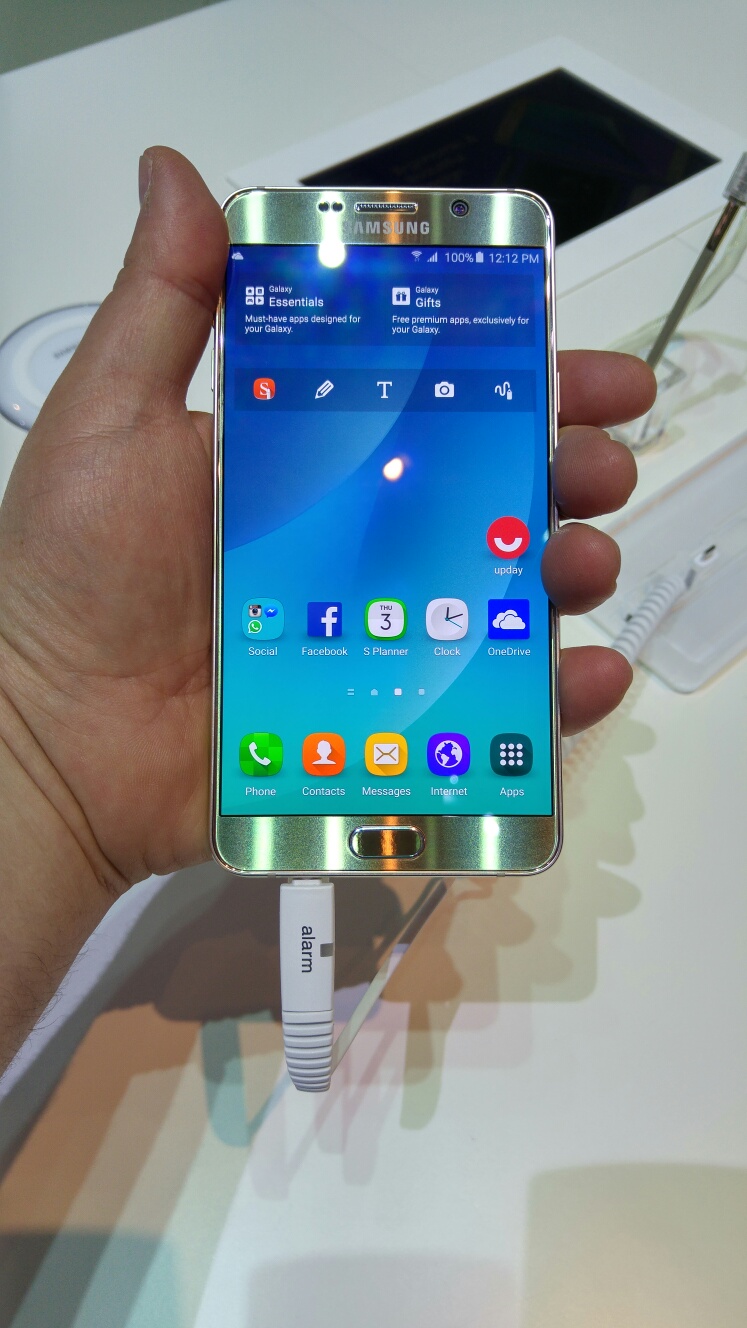
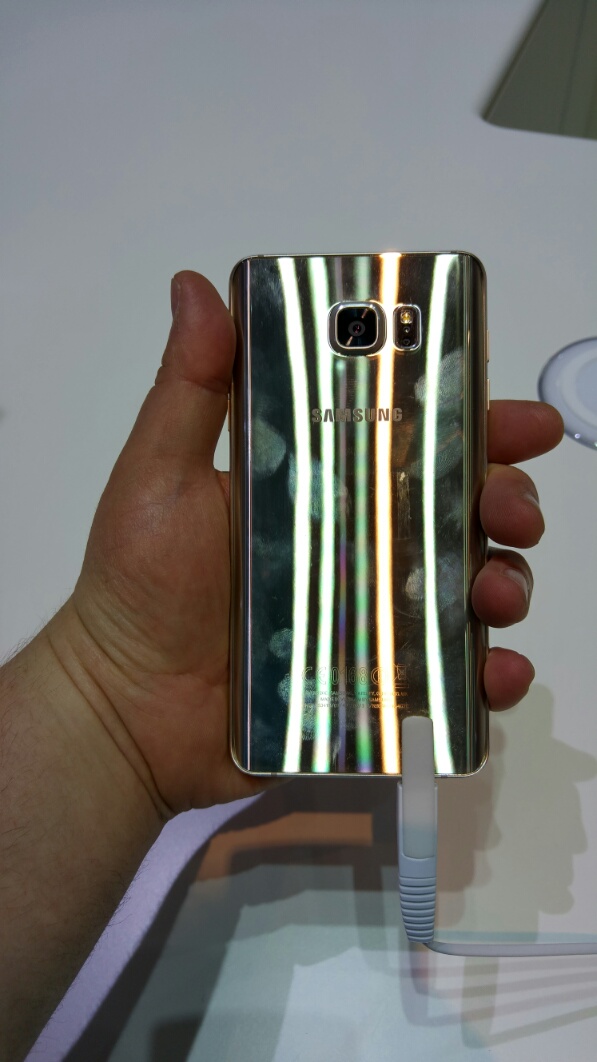
– its shiny. My photos prove that. I photographed myself holding the gold finish. The black was better but the platinum/silver was the best.

– its the most comfortable large phablet phone to hold. Narrow and with rear curved glass on the back massively helps with grip and the comfort.

– the screen. Fantastic.

the highlight – the S-Pen. It is amazing. Feels like writing on paper as you feel the friction as if it was paper. Much cleaning handwriting. Really really polished and hard to believe it was better than the Note 4.

Overall. Avoid the S6 Edge Plus. I didn’t like it. The Note 5 is so expensive. But it is a wonderful piece of hi tech. And that S-Pen is marvellous.

Sony Xperia Z5 – camera shots – so is the camera any good?

Sony upgraded the sensor on the Xperia flagship range. Below are 3 photos. Each taken in a different mode.

8mp Mode – Full auto

image

Remember to tap to get full size.

Another auto shot.

image

And now using the full sensor at 23mp.

image

It seems a shame that Sony missed OIS off the specifications.

So what’s your verdict?

More soon on the Xperia Z5 range.

Huawei Mate S – Night and low light camera shots

So you have probably read up on the full specs of the Huawei Mate S. If you haven’t don’t worry as I will cover off the key specs in another post.

So far I have used the Huawei Mate S for 16 hours.

Last night I decided to test the camera is difficult shots.

First up are several super night mode photos.

image

image

image

Super night mode is really impressive.

So what about straight forward auto mode at night.

image

image

Again not fairly reasonable.

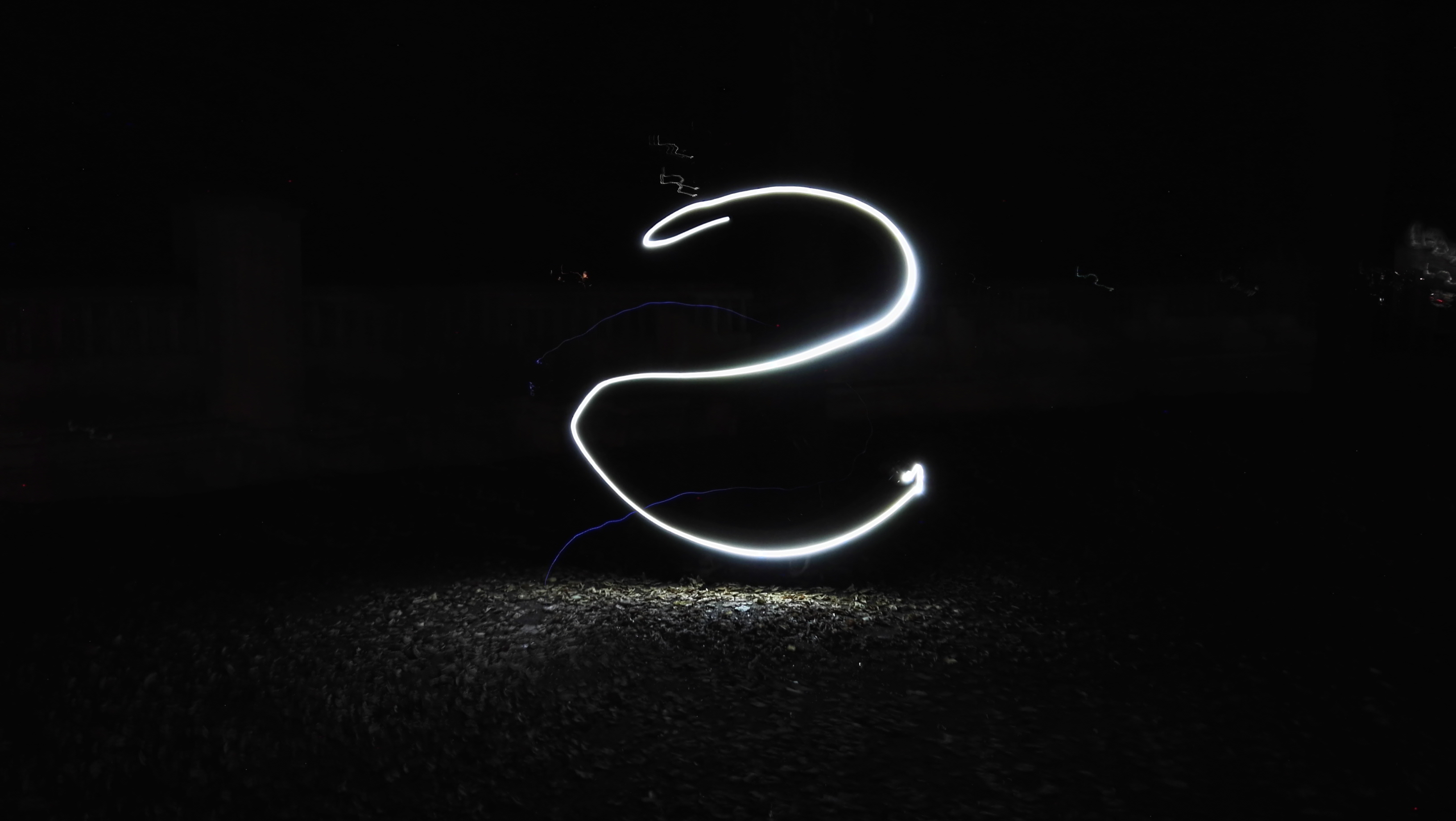
And now a bit of fun. Using the night painting mode, I created the following, which was so simple to snap.

image

Tomorrow I will be snapping more outdoor shots around Berlin, weather permitting.

Huawei Mate S – more info

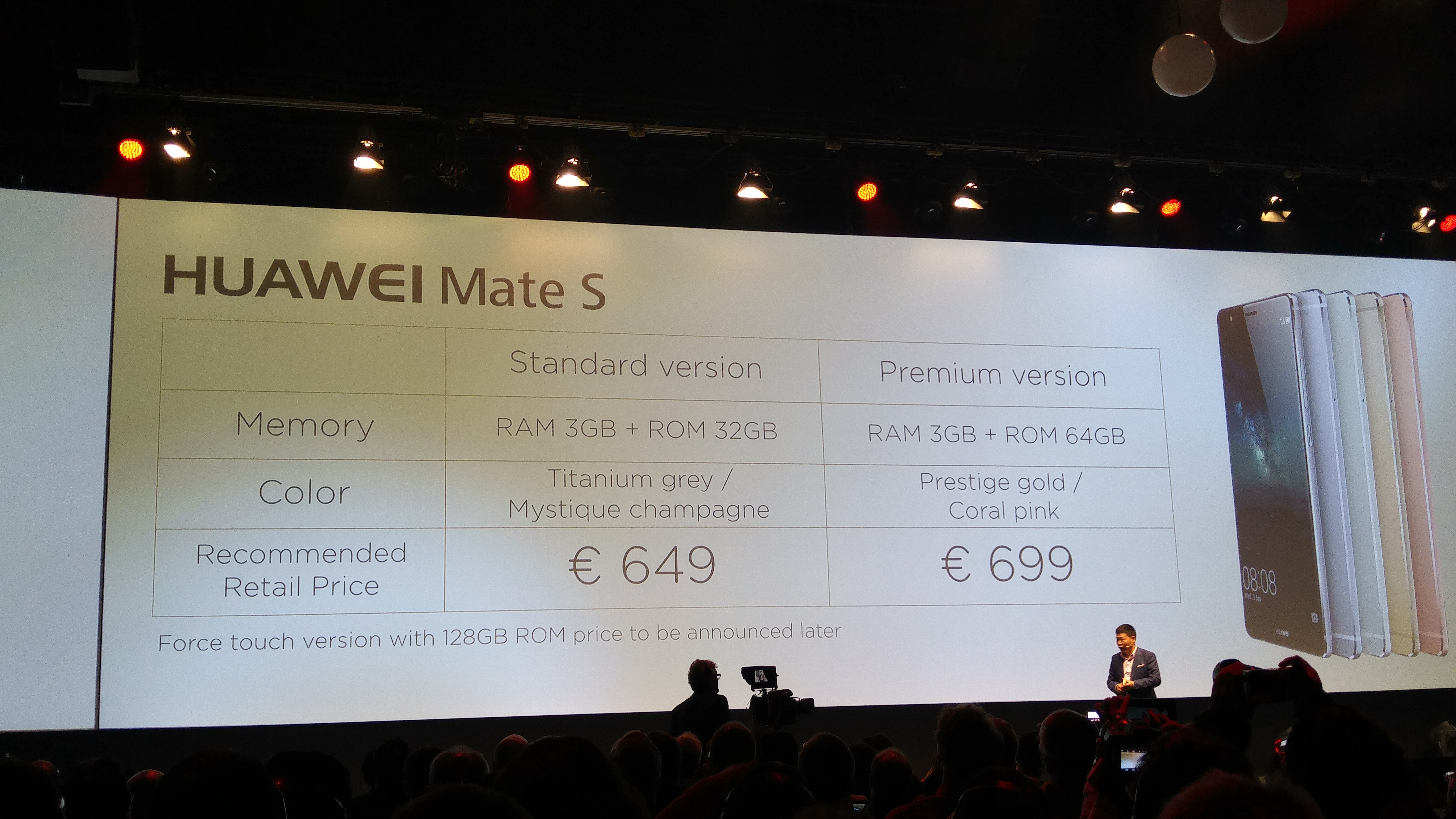
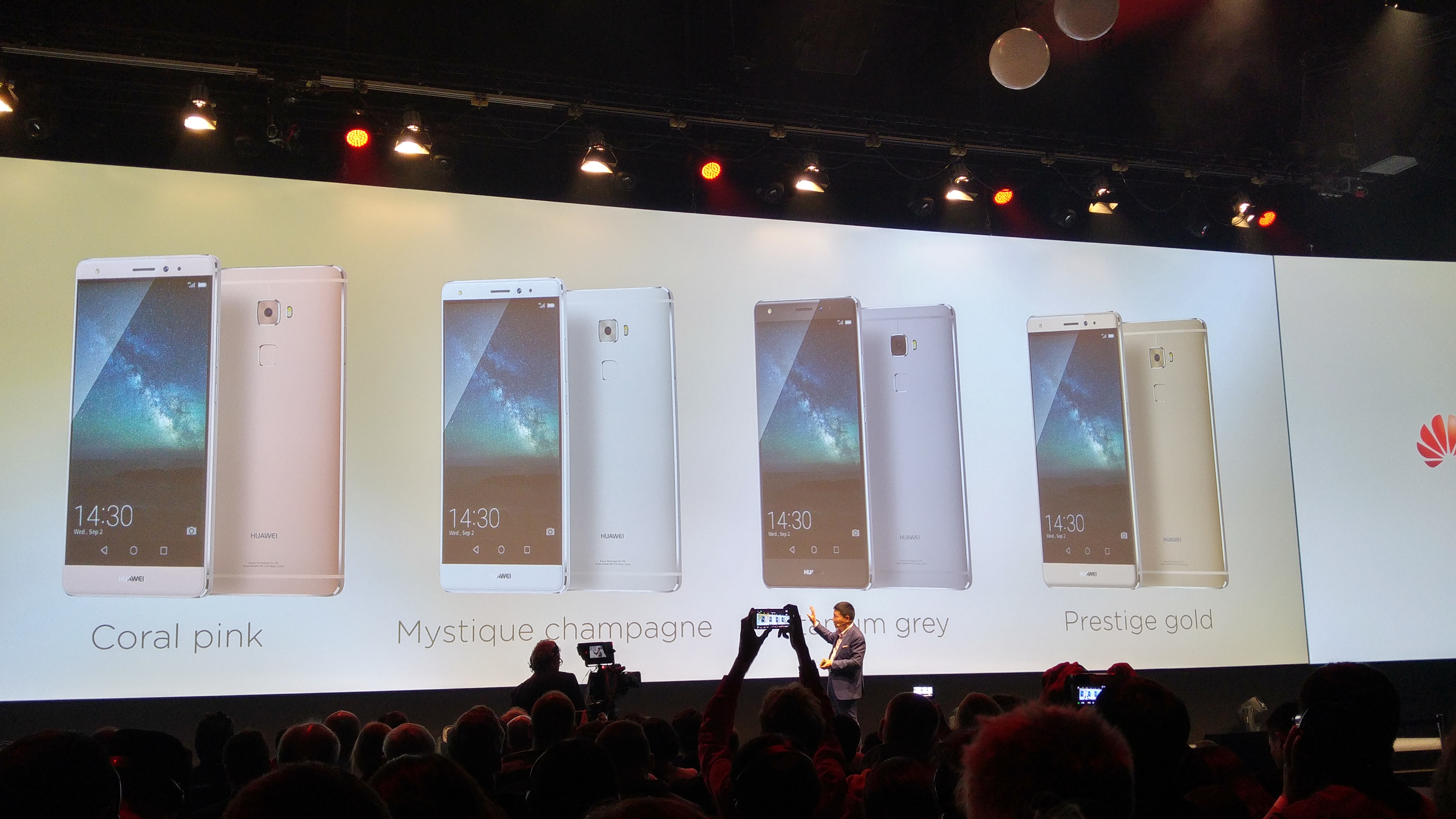
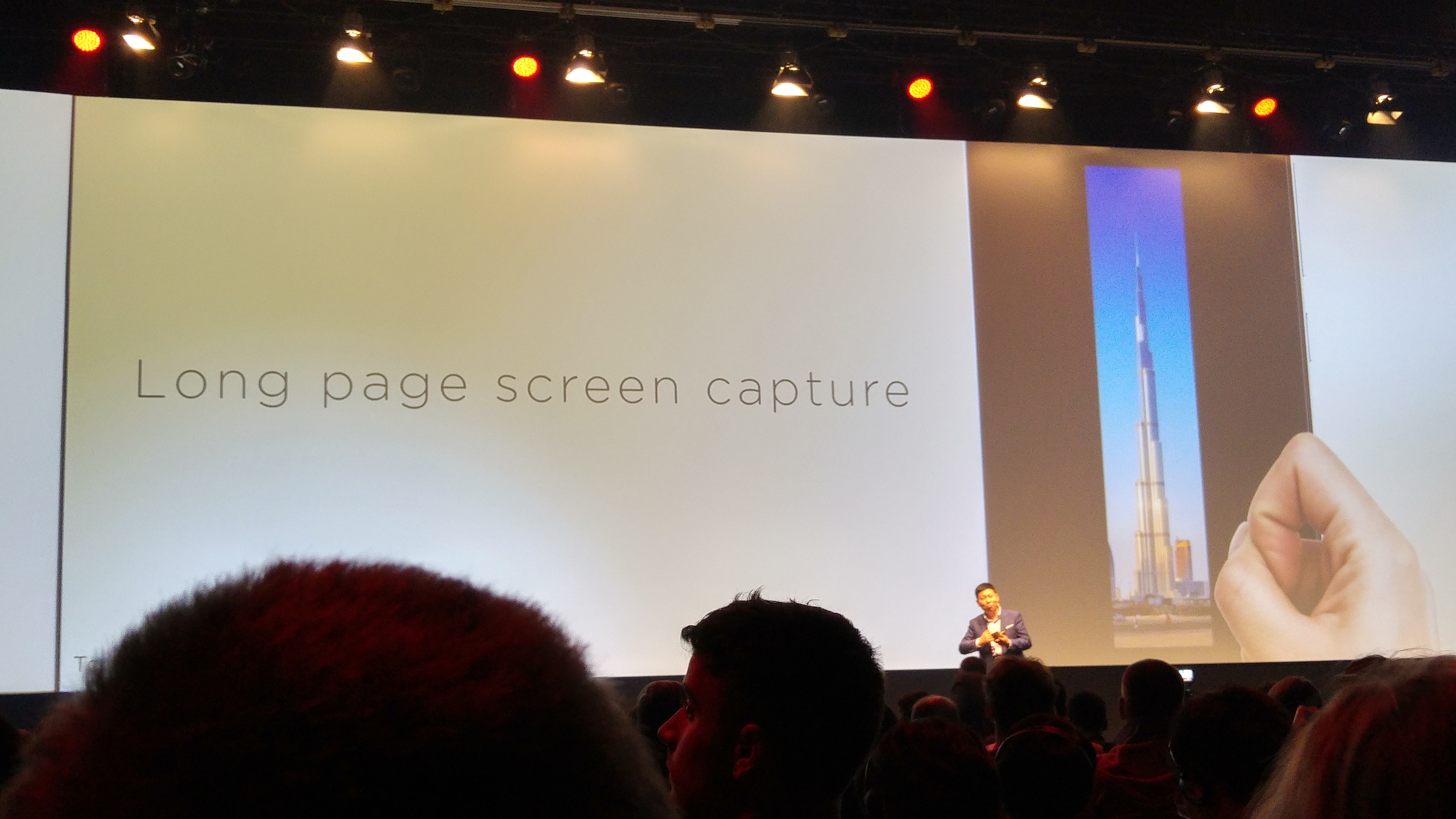
Yesterday, Huawei launched the Mate S. It’s a power house of specs and decent hardware.

image

image

The pricing is aggressive and with base models starting at 32gb, 64gb and 128gb for the force touch model.

image

Comes in 4 colours with the antennas hidden by design.

image

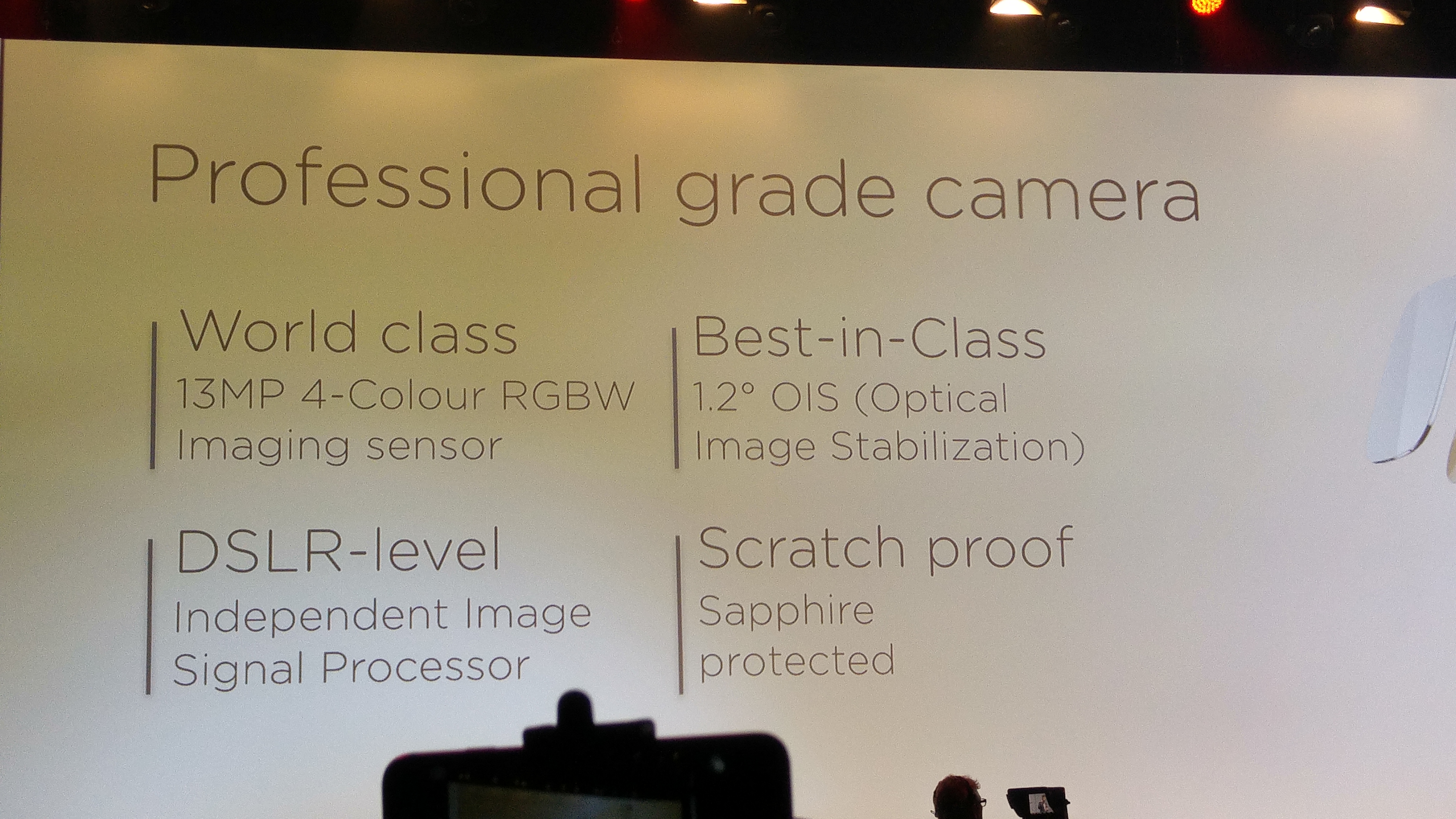
A big song and dance was made about the camera. See other post for camera shots. .

image

image

The new sensor is a skilled and easy to magage.

image

– 4G for both sims.
– Waterproof
– Dual sim with base mode at 32gb
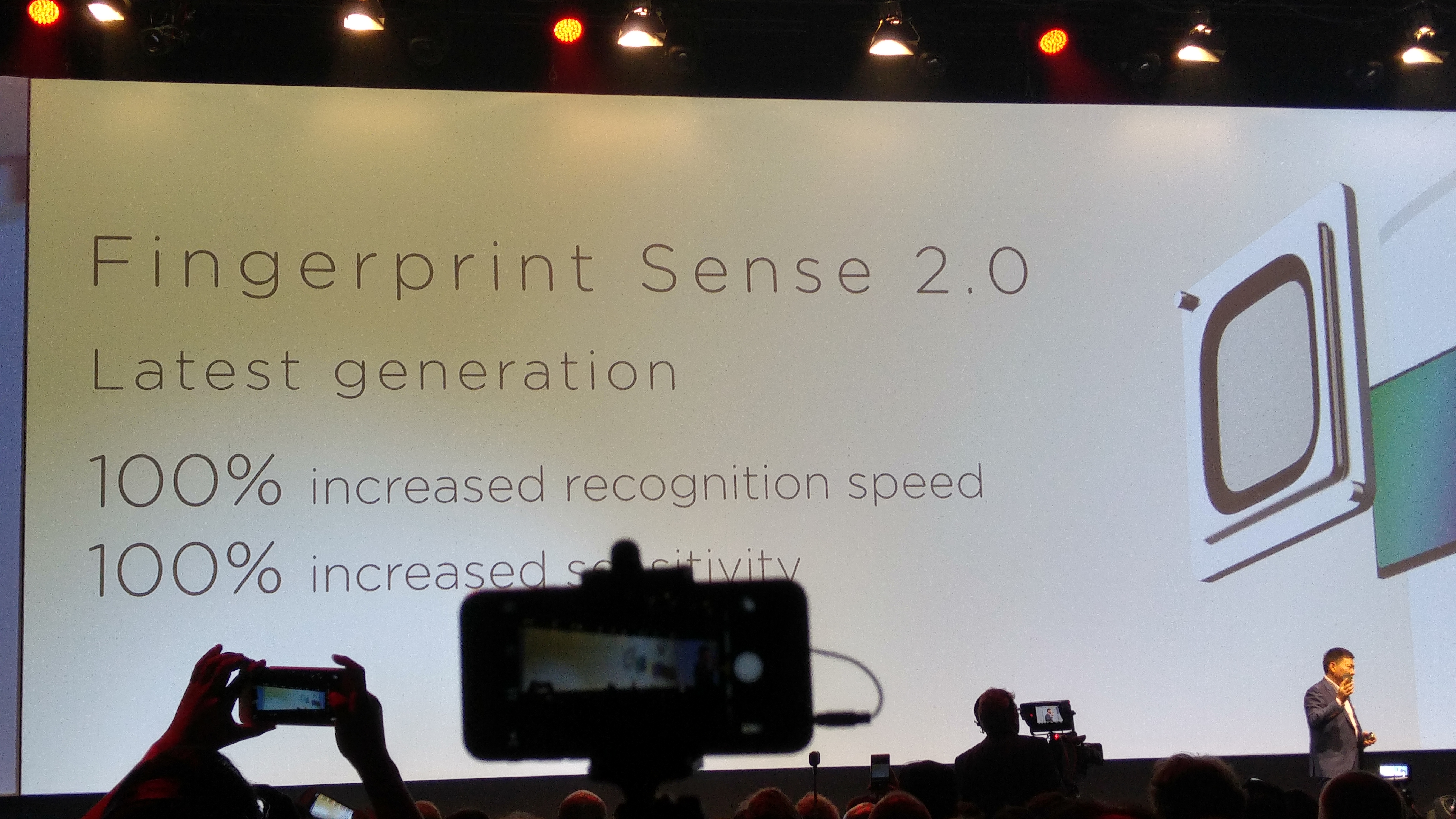
– Incredibly fingerprint sensor
– Great cameras
– Hisilicon Kirin 935, Octa Core: Quad 2.2GHz + Quad 1.5GHz–
Storage32GBRAM3GBRear – – & – Camera13MP with AF, BSI, F2.0, OIS, Dual color-temp LED flashesFront Camera8MP, FF, BSI, F2.4, LED soft lightSensorsAccelerometer, Compass, Gyroscope, ALS, Proximate, HALLGPSCompatible with GPS/ Beidou/ GLONASS/AGPSAdditionalNFC, FMBattery2700mAh (Typ.) 2620mAh

Despite all the tricks jt really is a great pocket rocket. The fingerprint scanner works super fast. It really is comfy to hold in the hand.

I’ve got lots of tests to do but so far its seems a good phone. The force touch version was fine to demonstrate but not show off too muxh.

Acer Liquid J Smartphone – review

Acer-smartphone-Liquid-Jade-Z-Black-main

Welcome to my review of the Acer Liquid J Smartphone. This is a slightly more expensive budget style phone from Acer compared to my recent review of the Acer Go (Liquid Z220), retailing around £149.

Specifications

– MediaTek MT6732 Quad-core 1.50 GHz
– 5″HD (1280 x 720) screen
– 13 Megapixel (Rear Camera) f/1.8, 5 Megapixel f/2.2 (Front Camera)
– 8gb storage, 1 GB RAM
– Sensors – Ambient Light Sensor, G-sensor, Proximity Sensor, eCompass
– Dual SIM Size – Nano or Nano/Micro SD combination
– FM Radio include
– Micro SD up to 32gb
– Android 4.4 KitKat
– Cellular – GPRS,HSPA+, LTE
– Bluetooth 4.0
– Wireless LAN
– Battery 2,300mAh
– Battery Talk Time 7 Hour, Battery Standby Time 400 Hour
– Dimensions – Height 143.5 mm, Width 69.8 mm, Depth 7.9 mm
– Weight (Approximate) 110 g

Profile Shots

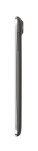
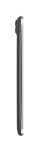
Below are profile shots of the phone. Click on a photo to enlarge image. Due to the design of the phone, the depth of 7.9mm often looks even slimmer. The profile equates to a phone that is really great to hold in the hand and use one handed.

Phone Basics

The Acer Liquid J is running android 4.4.4. The Acer skin is using a relatively stock Google experience but Acer does add to this in many ways. Acer adds 13 of its own apps in to the equation including abDocs, abFiles, abMusic, abPhoto and abVideo. These 5 apps allow you to access media and files on your computer and stream them to the phone. AcerExtend is an app that allows you to view and control your Acer phone from your computer via USB or WiFi. Other Acer apps include Acer SnapNote, Easy hotspot, LiveScreen, Quick Mode, System Doctor and Quick Guide. AcerNav is a offline turn by turn navigation app, with the service and maps by TomTom. Other useful apps included are a FM Radio, Flashlight, File Manager, Quick Mode for changing to an easier to use home screen layout and then there are the bloatware apps. Bloatware includes the following – Skype, Real Football 2015, Puzzle Pets, Polaris Office 5, eBay, Clean Master, Acer Suggests, Amazon Appstore, Barcode Scanner, 50+ games and Booking.com.

In terms of the phones radios, WiFi, Bluetooth and cellular all worked well. Call quality and the 720p screen visibility, viewing angles were all reasonable. The screen features zero air gap technology which is similar to that used on the iPhone. This means that the screen on the Acer is pretty decent.

Like all manufacturers today, there is a race to produce slimmer phones. And the Liquid Jade Z is super thin at the expense of battery life. I managed to last a day but only just. However, I can’t deny the slim design and profile was comfortable to hold in the hand, and at 110g is extremely light.

Performance. The Liquid Acer Jade Z was nimble and smooth phone in use. This was replicated by an AnTuTu score of 30,831. The phone comes with 1gb ram and 8gb storage, which is as really low. A better option would have been 2gb/16gb storage in my opinion. Fortunately, you can add a micro SD card up to 32gb. If you don’t need to use the micro SD card slot, you can add another sim card.

Camera and Audio

Below is a sample HDR shot from the rear 13mp f/1.8 camera. The photos generally were better than most phones around this price point. This is helped by its f/1.8 rear camera but it is not at the level of the Samsung Galaxy S6 or LG G4.

Acer Liquid Jade Z HDR

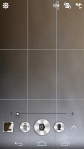
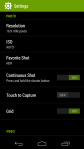
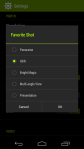
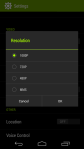
The camera interface is fairly straightforward, with other options available by hitting the settings icon. See screen shots below.

The loudspeaker is on the rear and projects a clear undistorted sound maxing out at 80db. This is not as high as other phones I have recently tested which as an average maxed out at around 83db – 88db. Headphone output is good and you can tailor the sound using the DTS Audio options. USB Audio is not supported. A FM Radio is included.

Conclusion

The Acer Liquid Jade Z feels great to use with just one hand, due to its slim profile and narrow width. Acer install a lot of useful apps but then ruin the experience slightly with a large amount of bloatware. I found it was possible to uninstall some of these apps but not all of them. You could disable the remaining apps in the phone settings, which made them no longer visible in the app drawer. 1gb ram and 8gb storage have the potential for performance/memory issues further down the line. At a suggested retail price of £149, the Acer Liquid Jade J has fierce competition. I was surprised to see that this phone is running android 4.4.4 which and not android lollipop. Its dual sim setup is handy but overall its a crowded market place around the £150 and there are some better alternatives at this price point although none are as slim as the Acer Liquid Jade J. So if overall thinness is a key consideration then maybe take a look at this phone.

More info – http://www.acer.co.uk/ac/en/GB/content/series/liquidjadez
Acer Go (Liquid Z220) – Review – The £49 Smartphone

Acer-smartphone-Liquid-Z220-Z100-Black-main

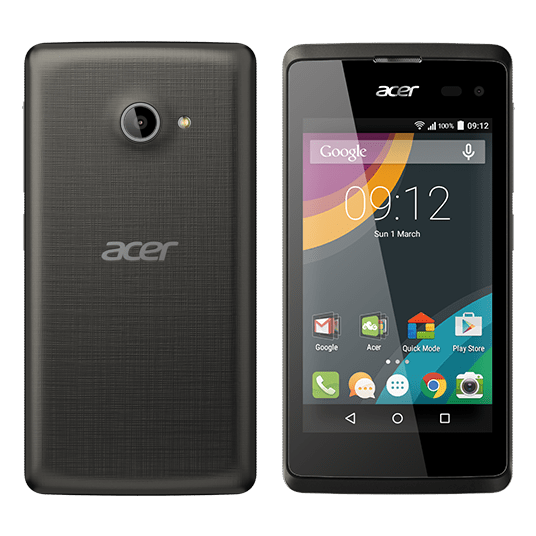
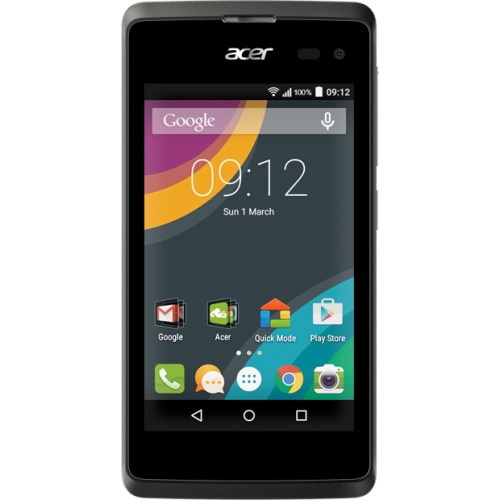
Welcome to my review of the Acer Go, also known as the Acer Liquid Z220. Three UK have this phone currently as an exclusive, and are selling it for £49 on PAYG.

Specifications

– 4 inch WVGA screen
– 8gb storage (4.2gb usable), 1gb rom
– 3 Home Screen Modes – Standard, Easy (larger icons), Basic (less menu options)
– 5mp Auto Focus rear camera, 2mp 89 degree front camera, LED Flash and Exposure Control
– Android 5.0 Lollipop
– 1.2 GHz dual core processor
– Talk time: Up to 250 minutes, Standby: Up to 300 hours
– Removable 1300 mAh battery
– Height: 125 mm, Width: 64 mm, Depth: 9.6 mm, Weight: 120 g
– 3G, Wi-Fi,GPS, Bluetooth® 4.0
– Micro SD card support up to 32gb
– Micro Sim

Phone Basics

I must admit being a little skeptical as to what a £49 phone could achieve but as you would expect it is not flagship material, but it is fine as a starter phone or for somebody that just wants a cheap no frills phone. In fact it is really usable, which is surreal when you consider its price of just £49.

In daily use, I have had no serious issues using this phone. I used it with my main sim installed. Occasionally, I had the odd slow up in terms of speed, but other than that it has been a relatively smooth affair. The screen is low res compared to the highest QHD screens on the market. It is also readable in sunlight and being low res helps it through a working day with regards to battery life. Talking about the battery, it is removable too! This is accessed by removing the plastic back cover. The 8gb storage is expandable for media using a micro Sd card up to a maximum size of 32gb.

Wi-Fi and cellular radios reception worked reasonably well too. Calls were clear.

The phone runs android 5.0, and is as near to a stock Google Android experience as it gets with just a few extras from Acer to improve upon the experience. This probably explains why the phone performs relatively smoothly during day to day use. The extras included by Acer include Quick Mode for activating the 3 home screen modes. Standard, Easy which enlarges the icons, and Basic which hides all the unnecessary menus. These simpler modes are ideal for someone new to android or an elderly person. Acer adds the following apps – Acer Portal, eBay, Barcode Scanner, System Doctor, Quick Mode and as this is a Three UK phone, there are 3 apps from Three UK. And the rest of the phone is pretty much stock android! In terms of AnTuTu it scored 15,154.

Camera and Audio

Below is a shot from the 5mp camera. Perfectly fine for sharing on social media. In low light, the Acer Go does struggle to take shots, but for its intended purpose and price it is absolutely fine. Overall the camera quality is satisfactory. In fact, there are a number of different modes and options that help extract the most out of the camera.

wpid-acer-z220-hdr.jpg.jpg

Camera interface. Despite the rear camera only being 5mp, the camera app does include many options including the ability to lock AE and AF. You can also change the exposure and focus point. Other options include 4 shooting modes including HDR, Gourmet and Sports. Several scene options are available from night to landscape and more.

image

Audio. No surprises that USB Audio is not supported, nor is the APT-X bluetooth codec. The loudspeaker maxed out at 83db but did sound thin. However it is positioned on the front of the phone. In terms of headphone quality it did seem to emphasise the bass slightly. A rather pleasing sound overall. A FM radio is included too with RDS.

Conclusion

I still can’t believe this phone costs £49. If you had this phone you wouldn’t worry about a case and would find it does exactly what you need too. It also shows how for relatively low specs and only £49, you can buy a fairly good smartphone experience.

Available from Three UK – http://www.three.co.uk/Discover/Devices/Acer/Go?featuretab=Design&memory=8&colour=Black

Acer Go (Liquid Z220) – Check out the camera quality from this £49 phone

Acer Go

Above is the Acer Go also known as the Acer Liquid Z220. Acer kindly sent this £49 Pay as You Go phone in for review. The specs are the opposite to a flagship phone, so I wasn’t expecting miracles. However, its not been a dreadful experience. My full review will be published later this week but in the meantime, have a look at the camera shot below from its 5mp rear camera, and let me know what you think. Remember to click on the photo to reveal the full size version.

image