
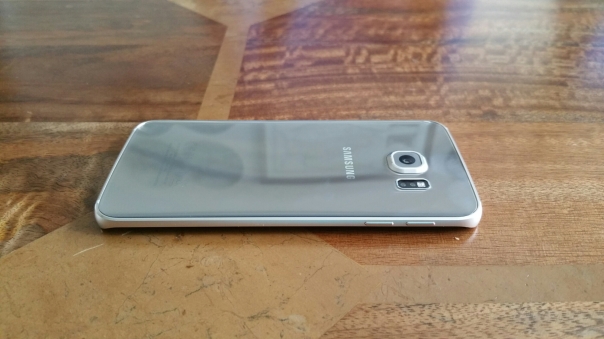
Welcome to my review of the Samsung Galaxy S6 Edge. This review will include a few comparisons between the the S6 Edge versus the standard S6. For background information, I have had the standard S6 for about 2 weeks prior to the Edge. I intend to focus on the key areas in this review, highlight any issues and then answer any questions you may have.
Before I start, let’s take a look at the hardware. The Edge costs about £100 more than the standard S6 and in my opinion it is worth every penny. Some of you may disagree.
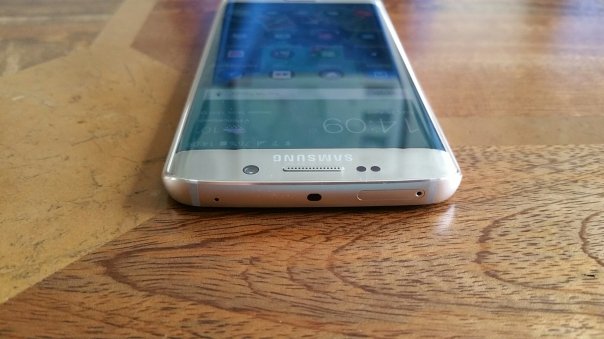
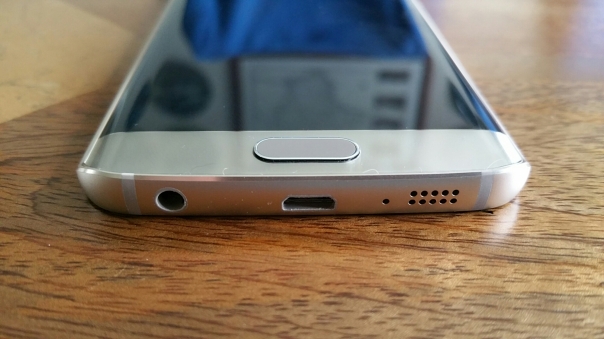
The Edge simply looks gorgeous and I love viewing the information on its dual curved edged screen. For your information, I had the S6 in black. I decided to get the Edge in gold. Black is actually a really good colour as in certain light the phone has a dark blue tint to it. Whether you like the gold or not, doesn’t matter, the fact is Samsung has a range of colours to suit your desire.
So below are the full specifications –
– Dimensions – 142.1 x 70.1 x 7mm
– Weight – 132 g (4.66 oz)
– Rear Back Panel and Front Screen – Corning Gorilla Glass 4
– SIM – Nano-SIM
– Fingerprint sensor – also PayPal certified and Samsung Pay (Visa, MasterCard certified)
– Display – 5.1 inch Super AMOLED capacitive touchscreen, 71.7% screen to body ratio
– Resolution – 1440 x 2560 pixels with 577 ppi pixel density
– Dual Curved edge screen
– OS – Android OS, v5.0.2 (Lollipop)
– Processor – Exynos 7420, CPU Quad-core 1.5 GHz Cortex-A53 & Quad-core 2.1 GHz Cortex-A57
– GPU Mali-T760MP8
– Internal – Choice of 32/64/128 GB, 3 GB RAM
– Camera – Primary 16 MP f/1.9, 2988 x 5312 pixels, optical image stabilisation, autofocus, LED flash,
– Features -Geo-tagging, touch focus, face detection, Auto HDR, panorama
– Video 2160p@30fps, 1080p@60fps, 720p@120fps, HDR, dual-video
– Secondary5 MP, 1440p@30fps, dual video call, Auto HDR, f/1.9
– 3.5mm headphone jack
– WLAN – Wi-Fi 802.11 a/b/g/n/ac, dual-band, Wi-Fi Direct, hotspot
– Bluetooth v4.1, A2DP, LE, apt-X
– GPS – A-GPS, GLONASS, Beidou
– NFC
– Infrared port
– USB -microUSB v2.0, USB Host
– Sensors – Accelerometer, gyro, proximity, compass, barometer, heart rate, SpO2
– Wireless charging (Qi/PMA)
– ANT+ support
– OneDrive (115 GB cloud storage)
– Active noise cancellation with dedicated mic
– MP4/DivX/XviD/WMV/H.264 player
– MP3/WAV/WMA/eAAC+/FLAC player
– Photo/video editor
– Document editor
– Battery – non-removable Li-Ion 2600 mAh battery
I will start this review with the following statement. In my opinion, as of today’s date the Samsung Galaxy S6 Edge is the best smartphone available. And here’s my thoughts as to why, looking first at the hardware and then the software –
Hardware
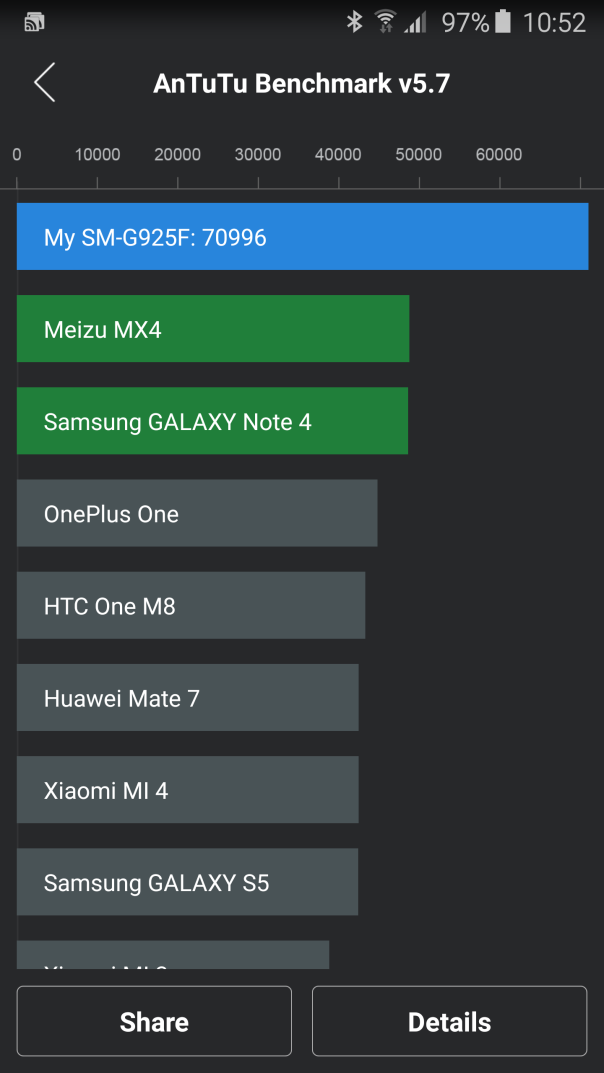
I mentioned at the start the gorgeously designed hardware. I personally love the way light changes the look and feel of the gold coloured S6 Edge. It does the same with all the colours except white. Normally, I prefer white phones, but not with the Edge. This is the first phone where white did not look special. In addition, the hardware packs some serious specs. Firstly it has a dual curved 5.1 inch QHD screen with 577 pixels per inch. There simply is not any phone on the market that looks as stunning and as high quality as this phone. The end result is that everything looks wonderful on the panel and more immersive than the standard S6 due to the curved edges. Sunlight is not an issue either as it has the ability to adjust the brightness and contrast to make the screen visible in bright sunlight. I have also noticed the screen appears marginally brighter than other Samsung phones. Some say 1080p is good enough and I agree it is “good enough”. 577 ppi QHD is just better. Powering the phone is a 2,600maH battery configured to a 14nm SOC Exynos processor. This is both blistering fast and power efficient. This provides a smooth operation and zero lag. And running AnTuTu 64bit benchmarking produced a result of 70,996 which is over 25,000 higher than my Note 4!
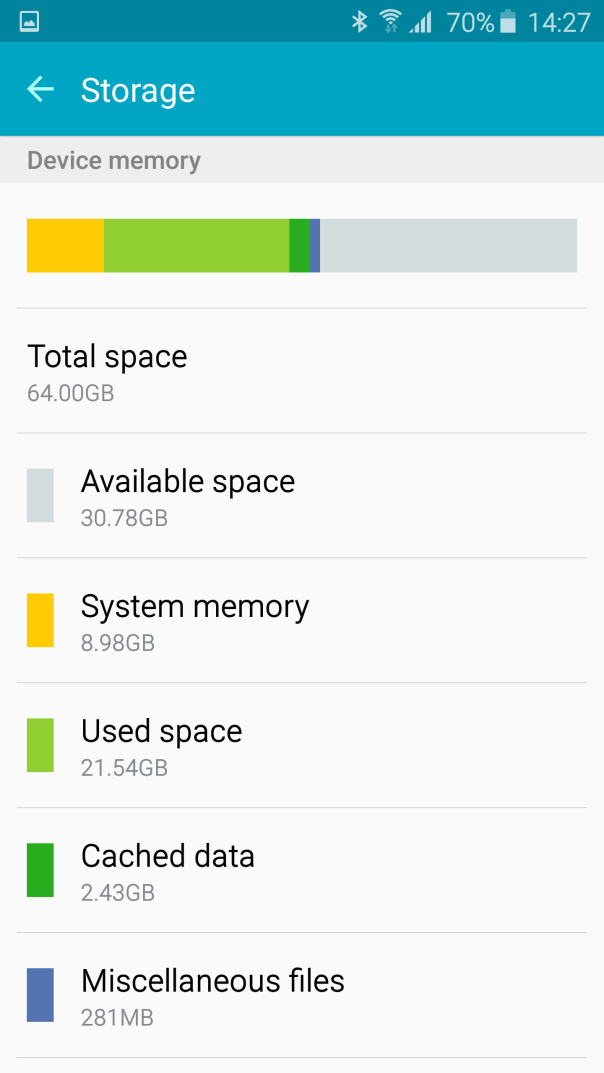
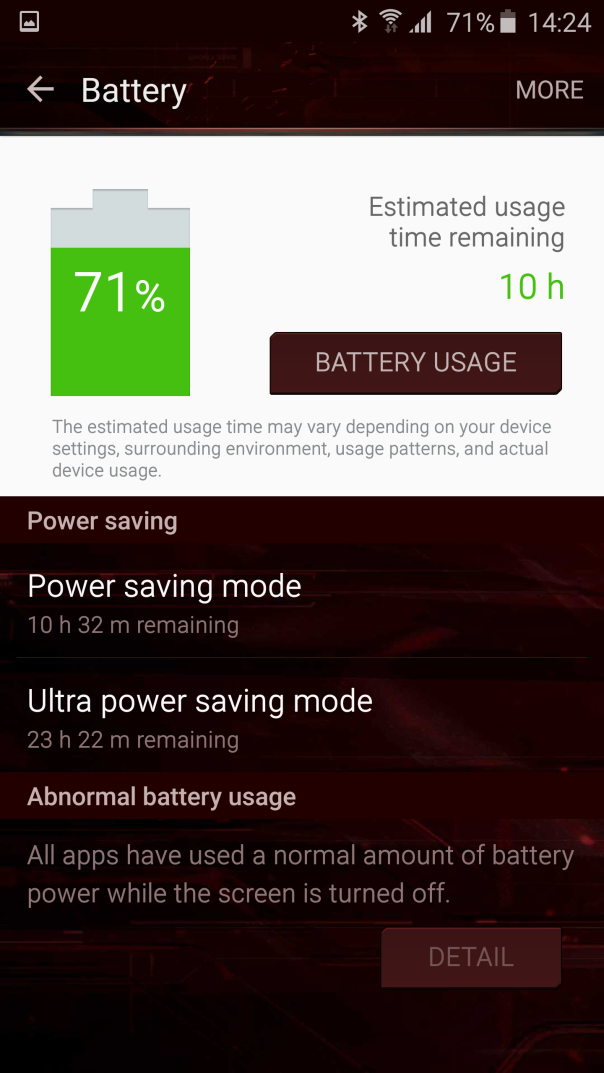
I must admit being initially concerned about the QHD screen with a 2,600mAH battery, but it does last a day but not any longer. (My thought process was surely 2,600maH battery is too small). That is without using any of the 2 power saving modes which would extend battery life, significantly if using the Ultra Power Saving mode. However, to compensate for its battery size, the Edge includes the latest quick charging technology with both Qi and PMA wireless charging integrated. Part of me wishes the battery was larger, but in all honesty I have never had any issues with the battery life. I am leave everything switched on with my S6 Edge from location services set to high, bluetooth and wifi. 10 mins quick charging is all you need sometimes if the phone has been used excessively. My screen on time is no more than about 3 hours. My setup is fairly significant too with 7 different social media apps running from Yammer, Google+, Twitter, WhatsApp, Viber, Hangouts and Skype along with around 130 apps installed. The Edge does not have a removable battery or expandable micro SD card storage. In practise, neither of these matter, providing you buy the correct storage to start off with to meet your needs. The Edge is available in 32, 64 and 128gb, although it is currently only sold in the UK in 64 or 128gb. My S6 was 32gb and actually was provided sufficient storage space. I believe this would work for the majority of people, but for the extra peace of mind I choose the Edge in 64gb. 128gb is probably overkill nowadays with cloud solutions. Samsung include 115gb of OneDrive cloud storage free for 2 years. In terms of Qi Wireless charging I have 3 chargers. A Samsung Qi charger on my bedside table and 2 x Nokia DT-601 chargers. The Nokia DT-601 are round disc shaped Qi chargers but the beauty of these are that they are small and slim and can work via USB too. I have placed one of these near the bathroom and the other in the lounge. That way, without any effort, I can top up the Edge when I am not likely to be using it.
The LED notification light is visible but not too powerful either. Some LED lights can be distracting if too powerful. At night in a dark room, the LED light does not disturb me either. The other aspect of the hardware is that I prefer having the headphone jack on the bottom of the phone. It is a much better position than the top. The Edge continues the tradition of including a infra red blaster, and for me this is a must have option. The infra red blaster controls my TV, DVD and Apple TV.
The Edge also has USB host which allows for extra versatility. For example, if you took loads of videos and photos, you could connect a flash drive and copy them off. I use android file transfer from Google to move music across from my Mac to the Edge. Copying speeds were really quick.
Fingerprint scanner. At last the swipe is replaced with an iPhone clone of Touch ID. On my S6 I found it a little problematic and wrote a recent post about this. However, several of you responded and said that you hadn’t had any issues. On the S6 Edge, I actually have no issues unlocking the phone with the fingerprint scanner. Really strange, but I could not get the same experience with the standard S6.
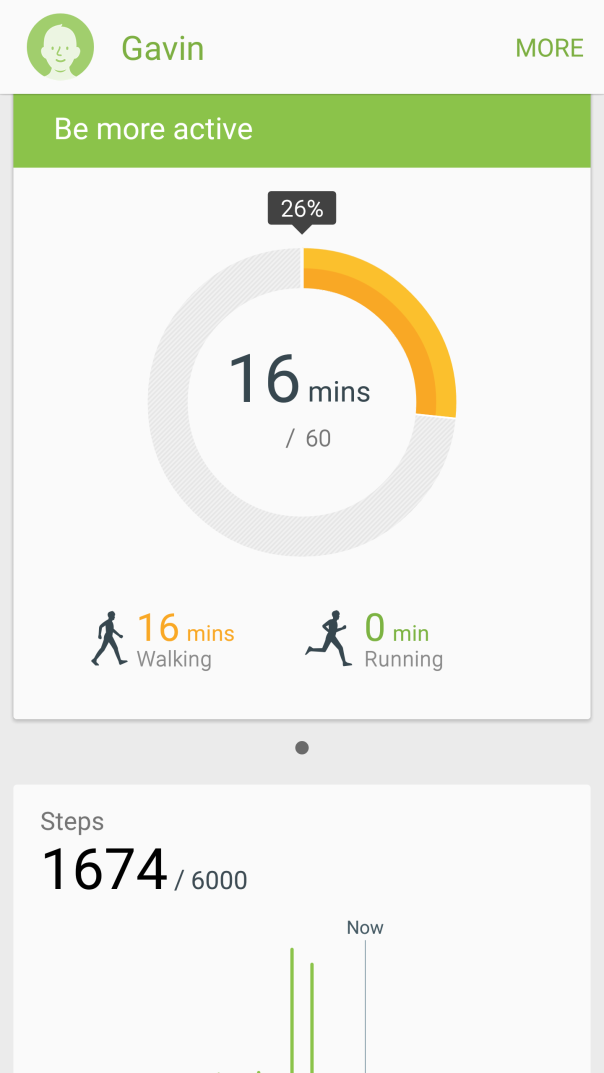
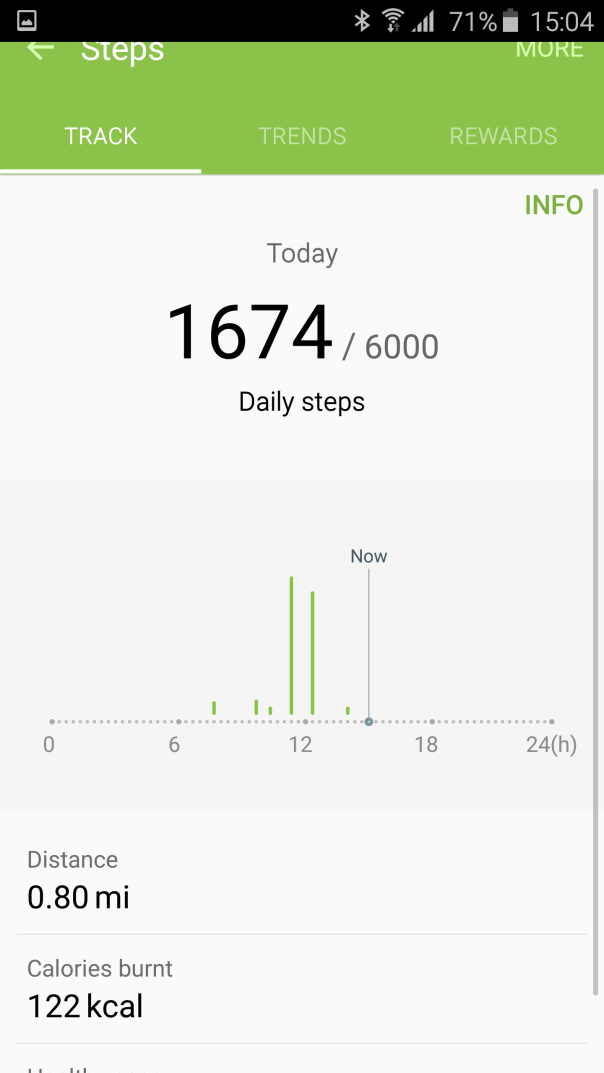
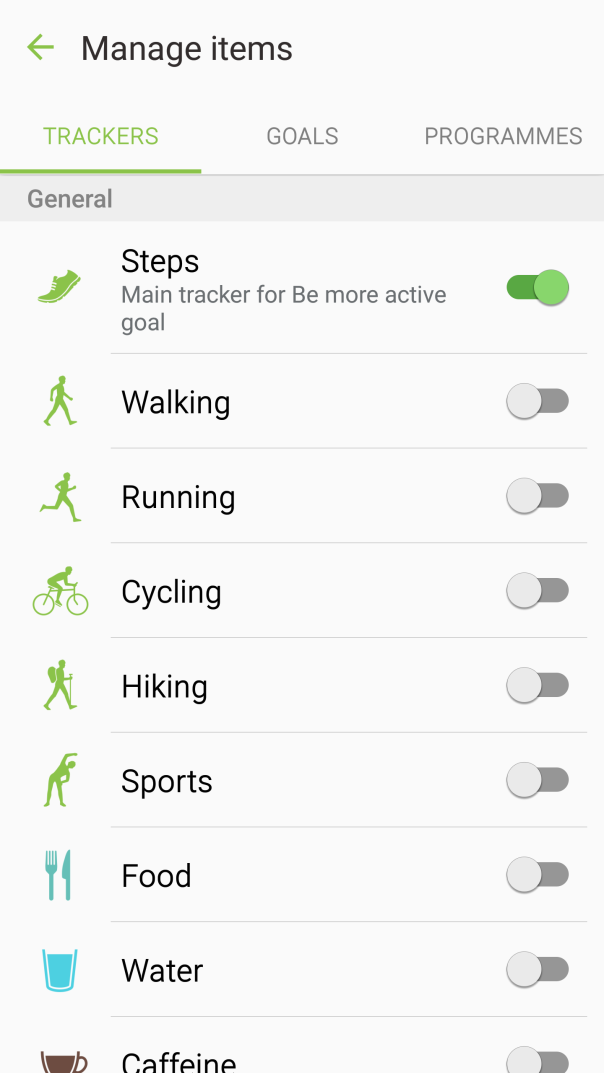
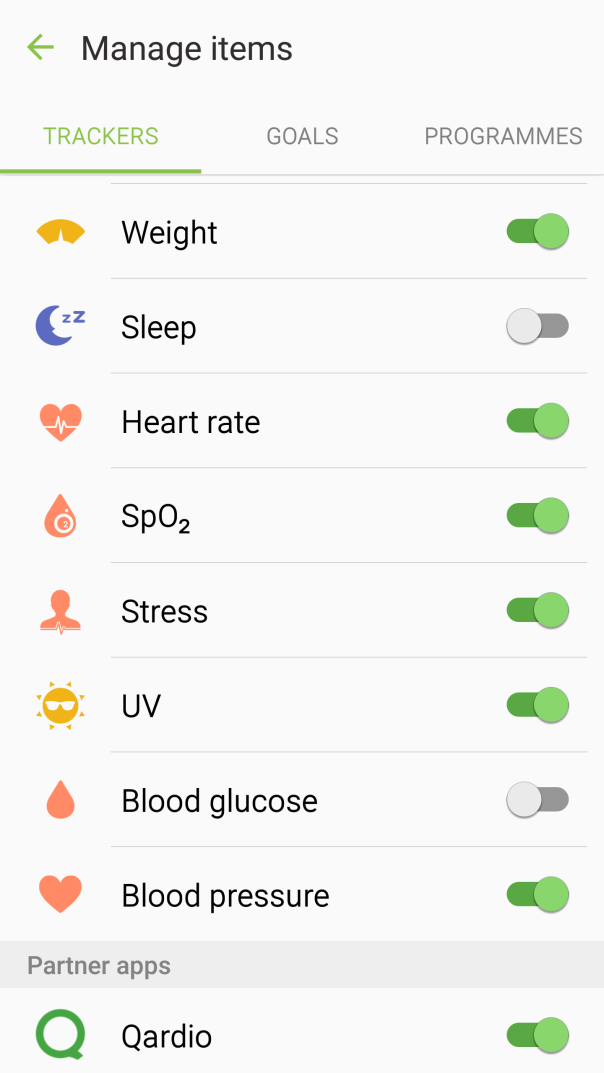
S Health. The S Health app has been totally revamped and looks a lot better. The Edge has a number of sensors from a heart rate, sp02 and UV levels. It also has had a few more partners integrate into the app. Data from my Qardio (blood pressure equipment) now shows up in S Health.

I will cover off the camera quality later on, but my only gripe is the protruding bump. At some point I would worry that this would get damaged unless you fit a case. Fortunately, the Samsung Protective case does the job really well. See below.
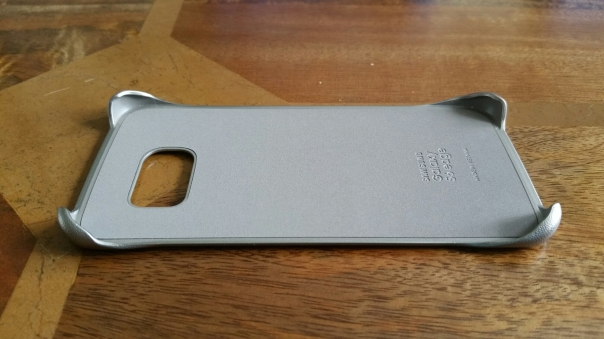
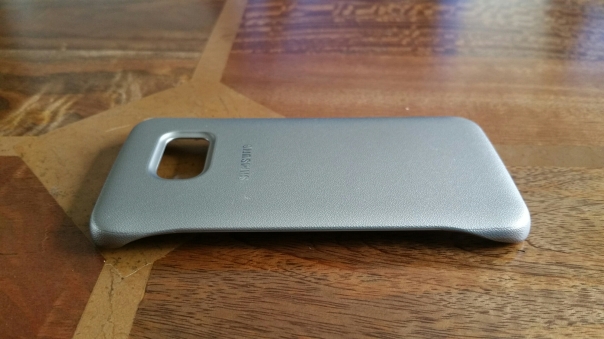
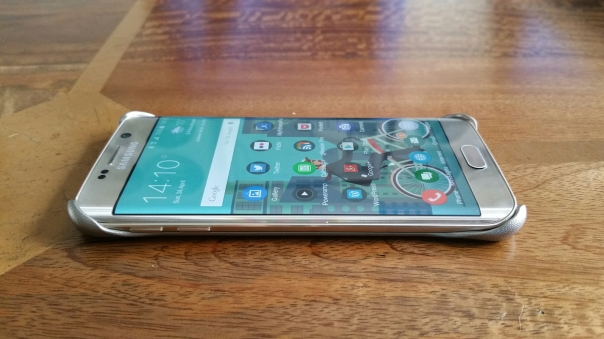
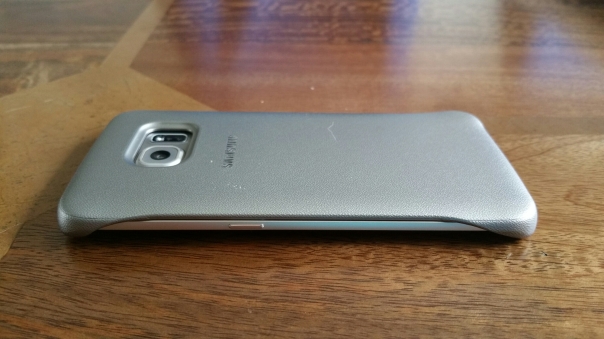
One part of the design is the glass back and front. This ultimately makes a slippery device and one that needs a case. The iPhone 6/6+ is also slippery. However, the HTC One M9 is probably one of the better flagships for grip due to its curved back that fits better in to the palm of your hand.
Phones nowadays are judged by their cameras and audio quality. So lets talk about the audio quality now. The loudspeaker is on the bottom edge and reaches a max of 83db. I tested my Note 4 and that reaches 87db. The Note 4 produces a clearer sound but lacks bass. However, this is ideal for podcasts. Whilst the S6 is slightly quieter at 83db, this is still ok for podcasts. The S6 Edge speaker does have a little bit of bass, but not much. I found listening to dance music it was better to drop the volume one notch off max to prevent distortion. The Edge possesses a cracking headphone output both in terms of quality and volume. A Wolson DAC is present in the Edge, along with Bluetooth APT-X codec. USB Audio is present too. So what does this all mean. One of the best phones available for headphone listening and enjoyment. Incredible quality at 320mp3 bit rate. Bluetooth APT-X via my Plantronics BackBeat Pro headphones was stunning. Then I tried the Oppo PM-2 headphones which do benefit from a headphone amp normally. With the S6 Edge there was enough guts to really enjoy these cans. Heck, I even tried my AKG K702 headphones which are renowned for being difficult to drive. A reasonable sound was produced even using these. In normal use most people will use lower cost headphones which will totally rock. I tried the included headset headphones and these were quite good and better than most freebies. In fact, most people would be very happy with these. The Samsung Music app includes a 7 band EQ, with additional on off switches for 3D, Bass, Clarity and Concert. Adapt Sound is also available and I strongly recommend setting this up. With adapt sound the phone undertakes a hearing test of each ear and then adjusts the EQ/limits/balance to match each ear tolerances correctly. In addition to all the above there is the SoundAlive+ mode to recreate surround sound and a Tube Amp sound mode. The music app also features smart volume so that all tracks are played at an equal volume. However, for the best music experiences I use Pocketmusic and USB Audio Player Pro (USB Audio playback). Both of these apps work really well with the Edge. I tested using my Oppo HA-2 Portable Headphone Amp/DAC with the Edge and also my Cayin C5 amp. Together and individually both these devices were excellent. Out of all the smartphones I have reviewed and used, the S6 Edge has the best audio production via headphones. There is one omission and that is the lack of a FM Radio.
So summarising the hardware, Samsung has manufactured a desirable looking phone, in an ultra compact body but still included all the latest and greatest hardware innovations and components.
But does the software let the hardware down? Read on, but first lets take a look at the camera? The Edge has a 16mp rear f/1.9 and 5mp f/1.9 front camera. The rear camera comes with optical image stabilisation. Many people get carried away with specs. In reality it is the end result that counts. Just look at the iPhone 6+ as an example. It only has a 8mp rear camera but takes wonderful photos and with ease. And this moves me on nicely to the S6 Edge. The camera on this phone is wonderful. Double press the home button at any time and its launches the camera instantly.
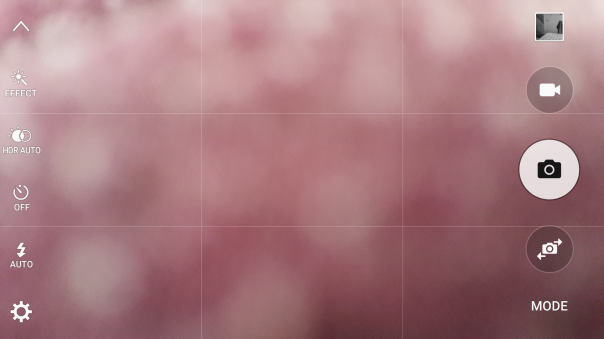
Take the shot and move on. It has by far the best auto camera mode of any smartphone. Auto HDR is present, along with live HDR too. Live HDR also works in video at 1080p 30fps. On top of OIS, Electronic image stabilisation is available with up to 1080p 30fps. The S6 can shoot up to 4K and 60fps at 1080p. If you keep the video at 1080p 30fps which is the default setting, you can also record video using any of the included effects eg vintage or cartoon. 7 effects are included with tons more available to download.
The Edge also comes with “Auto Tracking”. This can be used up to 1080p 30fps and with photos. It allows for a moving object to be tracked and remain in focus before taking a shot. I tried this with a van and my dogs and it worked well. See shots below. If for any reason the embedded flickr shots don’t appear on your browser, head over to my S6 Flickr set here – https://www.flickr.com/photos/gavinfabl100/sets/72157651896189926/ I have also started a S6 Edge Flickr album available here – https://www.flickr.com/photos/gavinfabl100/sets/72157649847312953/ On all the embedded photos below, clicking on the photo will take you directly to my flickr where you can check out the full resolution version.


However, you do have to turn it on or off, as when it is turned on you lose the ability to tap to focus. You can press and hold on the screen to lock AE/AF. Low light shots with the S6 Edge are good too. In fact, the camera is a true highlight of this phone. Simple to launch with a double tap of the home button, press shutter and job done. Burst mode takes up to 30 shots, and is activated by just pressing and holding the shutter button. The delay to firing up burst mode is literally a fraction of a fraction of a second, so in real world usage, I never missed a moment.
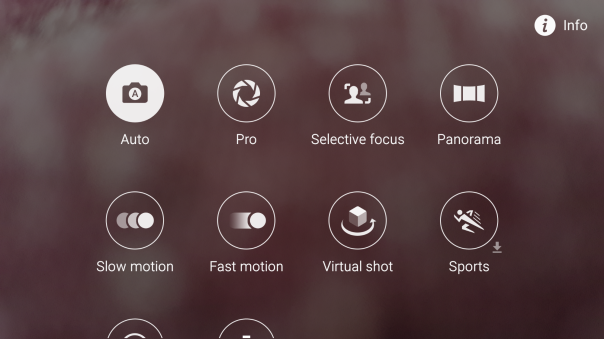
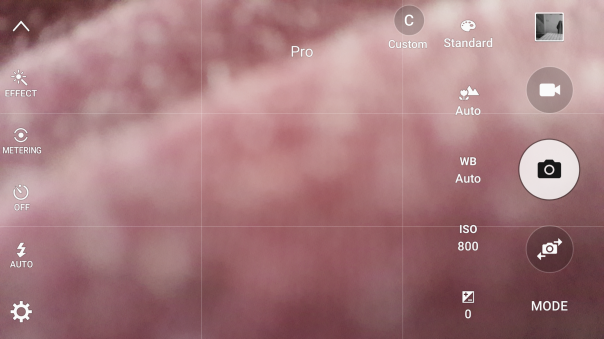
Other camera modes include a “Pro Mode”, Selective focus, panorama, slow motion, fast motion with extra modes available to download if required. Again in real world use, most people will only use the auto mode. Panorama mode works well, see below. The Pro mode omits shutter control, something the HTC One M9, Honor 6+, Huawei P8 and upcoming LG G4 all include. This means that I have really only used Pro Mode for better night shots and extreme macros. TBH the Auto mode is so good there is just no reason to change it! If you are coming from the Note 4, it is worth noting that the 8mp Photo capture from 4K video option is not included. I hope to have a solution to this which I am currently testing, but I can only guess that the reason why Samsung omitted this, is the camera in auto mode, is good enough to capture 16mp frozen motion shots without resorting to extracting 8mp stills from 4k video. And this means that in terms of reliability, speed, and quality of the images, the S6 Edge is the best camera on a phone at present. It is one of the few phones where one it only needs one chance to correctly capture the scene.
Below are a some camera samples from the S6/S6 Edge camera.


Basics
Lets step back and remember this is a phone too. Calls were clear and cell signal appeared excellent. There is an option whilst in the call to boost in ear volume. Yesterday, I was streaming Tidal HiFi over wifi and listening to it with a pair of bluetooth headphones. I was able to maintain a perfect connection whilst standing at the opposite end of my house. That was impressive. WiFi strength and cellular internet speeds are rapid too and again provide strong signals and connections.
Software
Finally let’s take a look at the software and TouchWiz. Before I highlight some of the key features, I am going to mention a few bugs that I have seen. Over the last couple of weeks, I have got the odd error message pop up saying for example, Google Play Services has stopped, or an app has stopped. This is a memory issue and present on android phone running 5.01 or 5.02. Everyone is waiting for Google to fix this first before rolling out new firmwares. Another issue I have noticed is that if I am listening to music via bluetooth, and then try and connect to my Chromecast dongle, the headphones are cutoff and can only be reconnected if I turn them off and then back on. The Edge seems to get warmer than the standard S6. Not hot just warm and it doesn’t seem to impact anything.
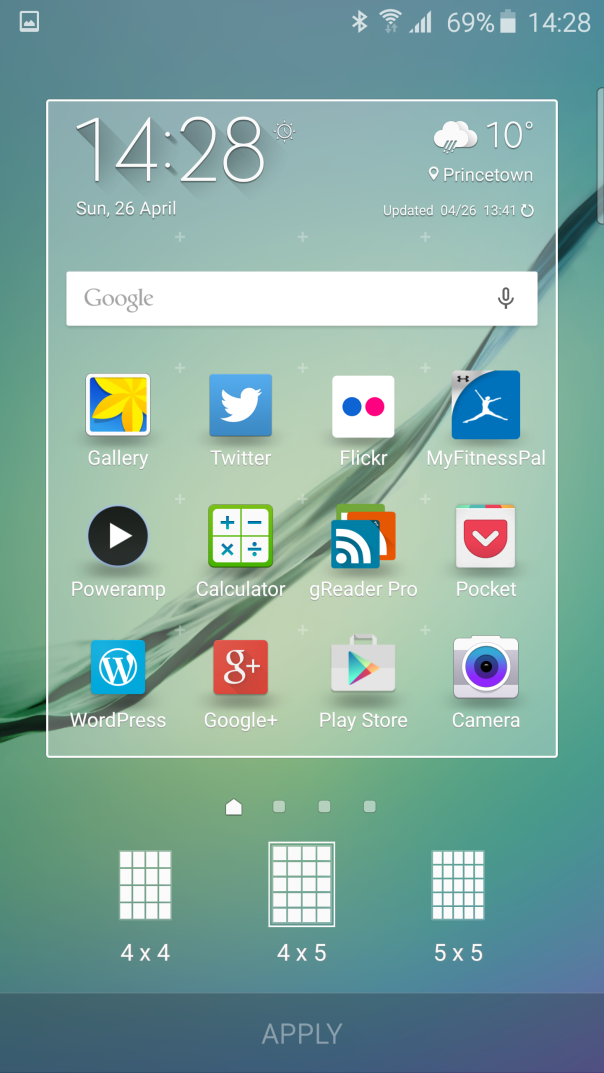
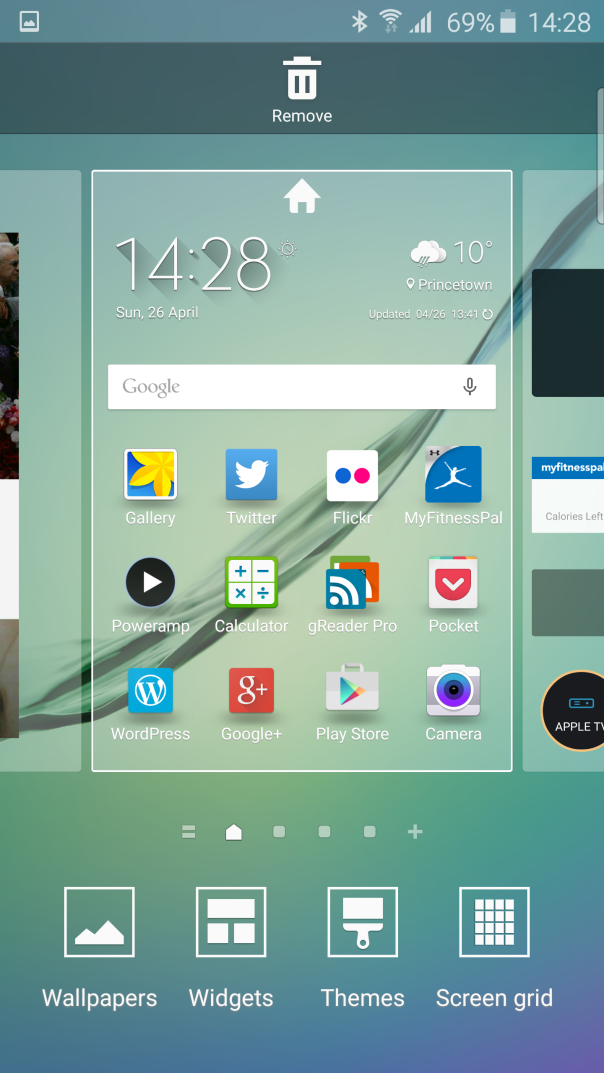
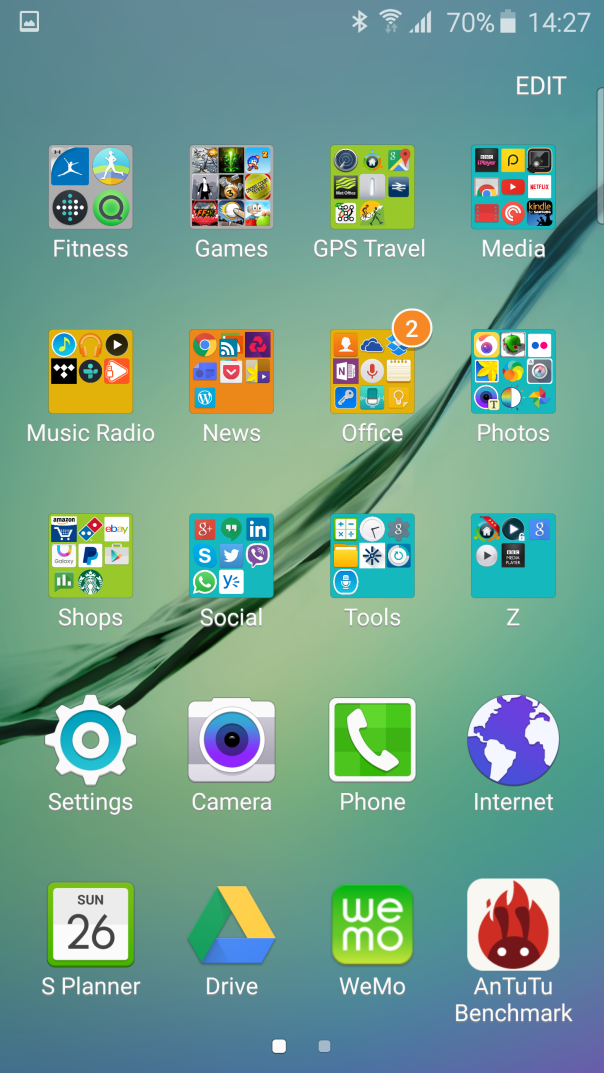
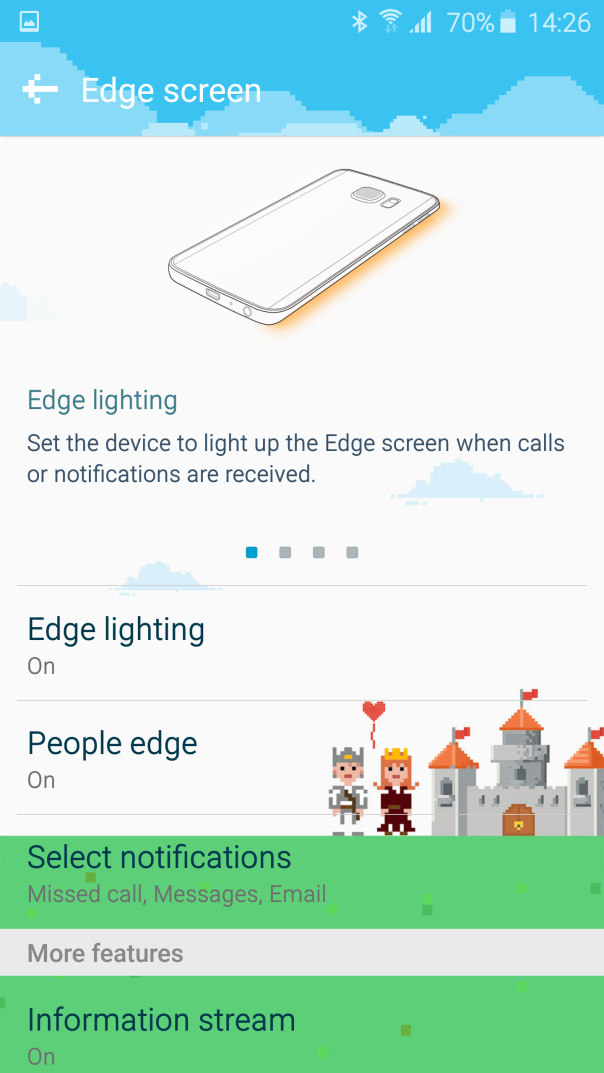
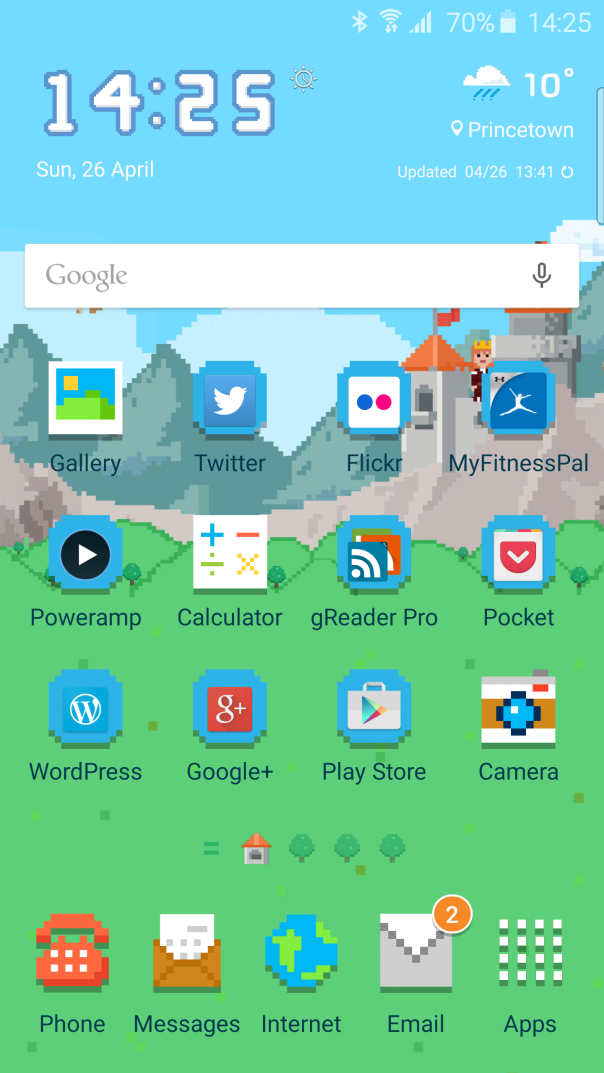
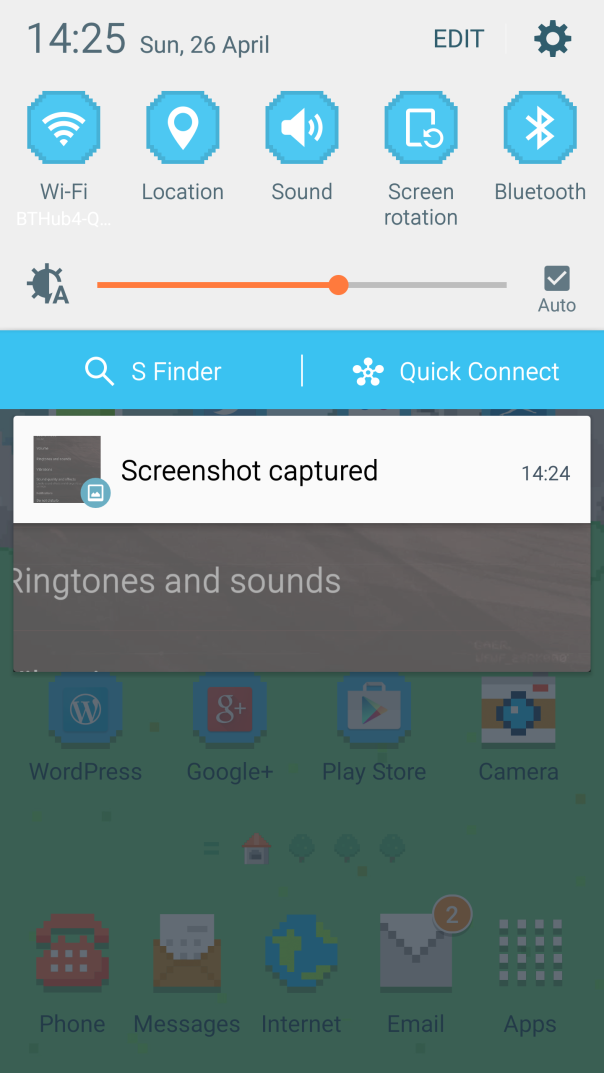
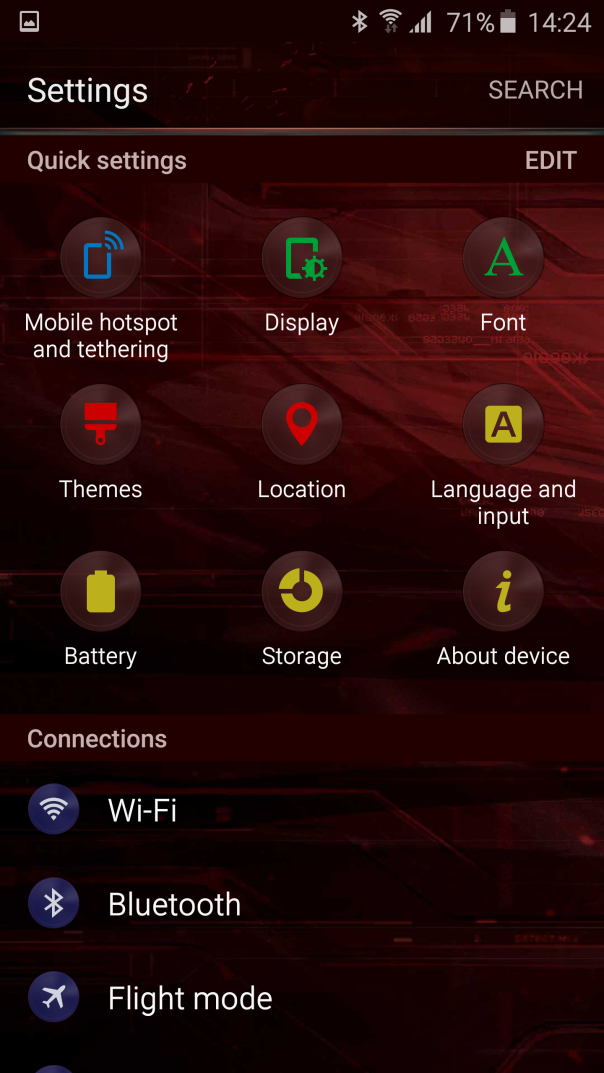
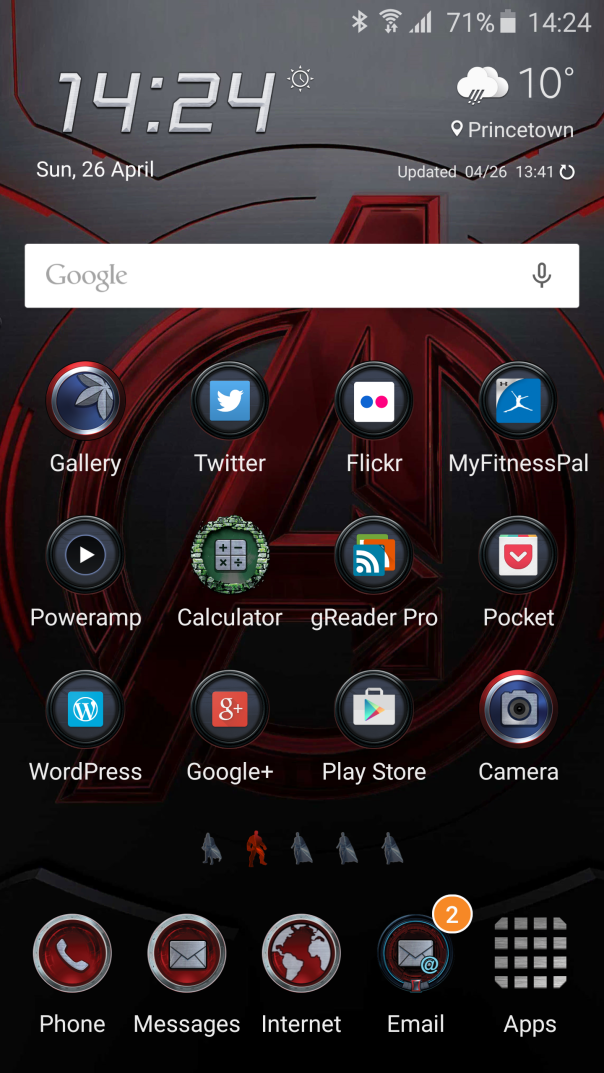
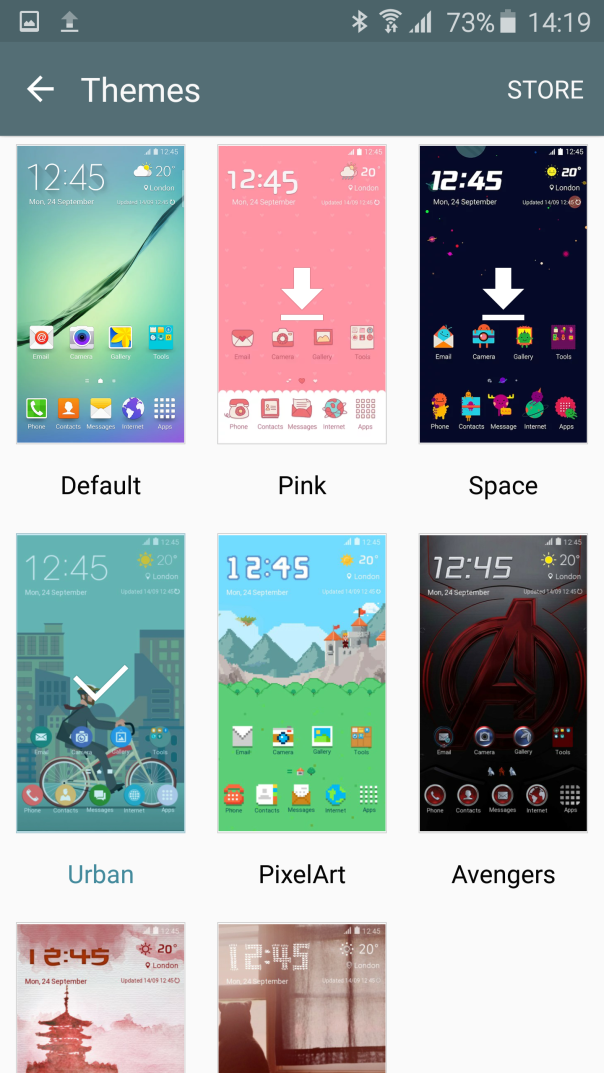
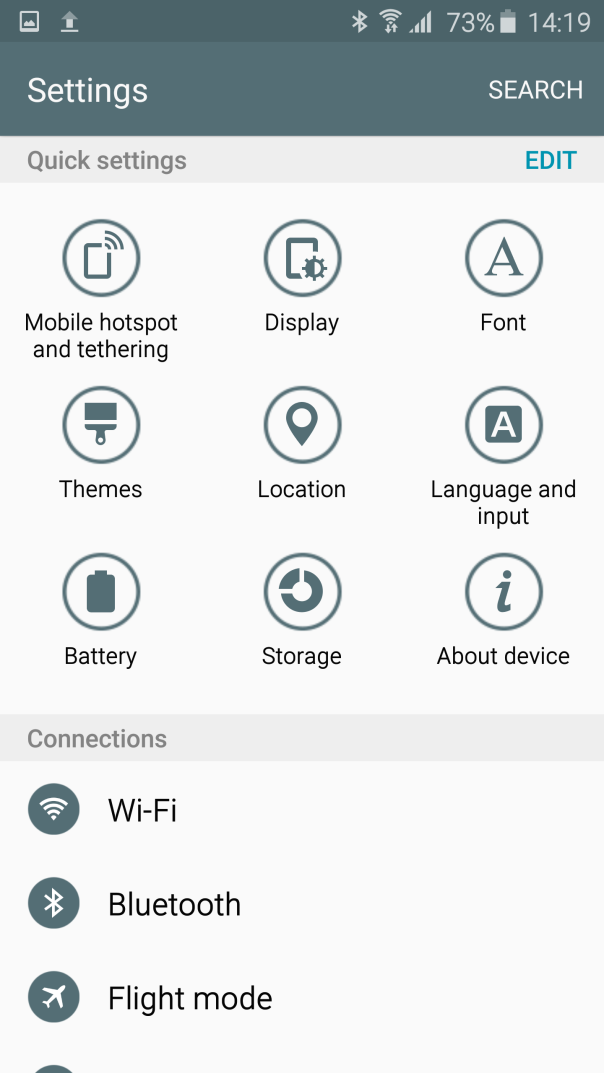
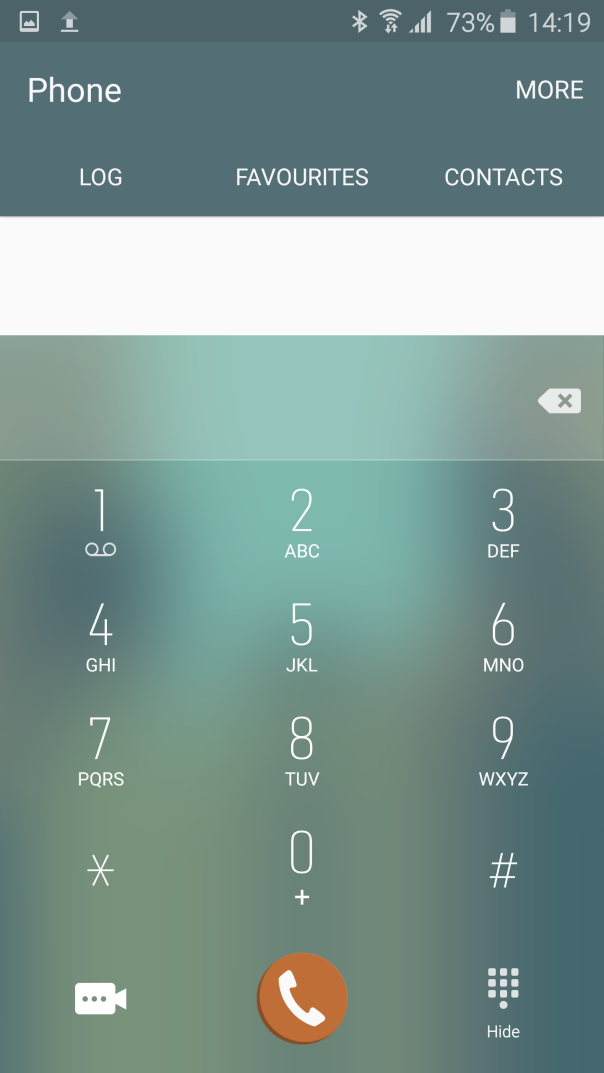
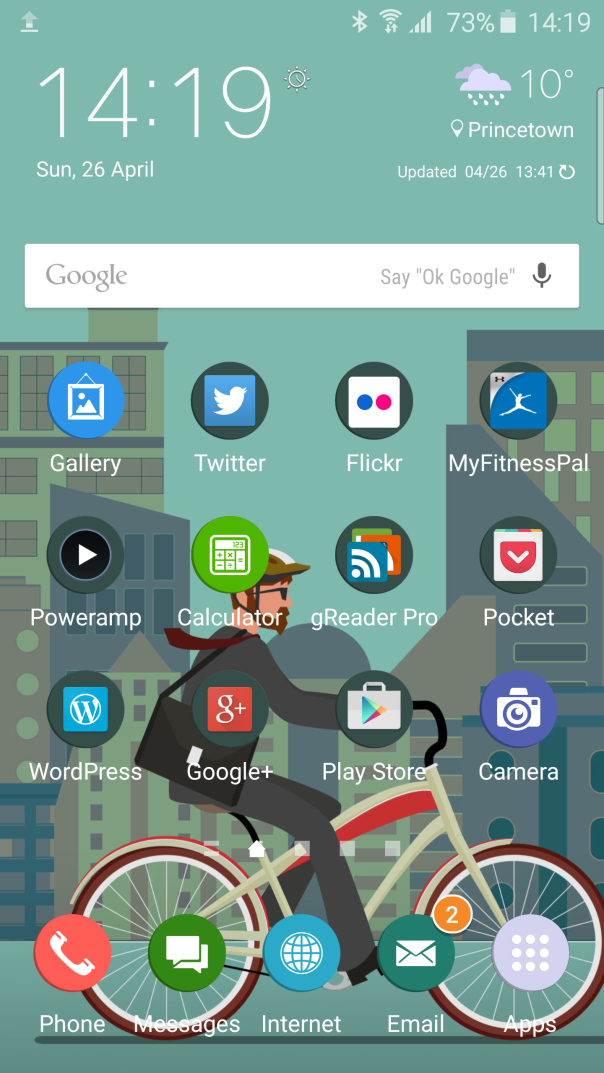
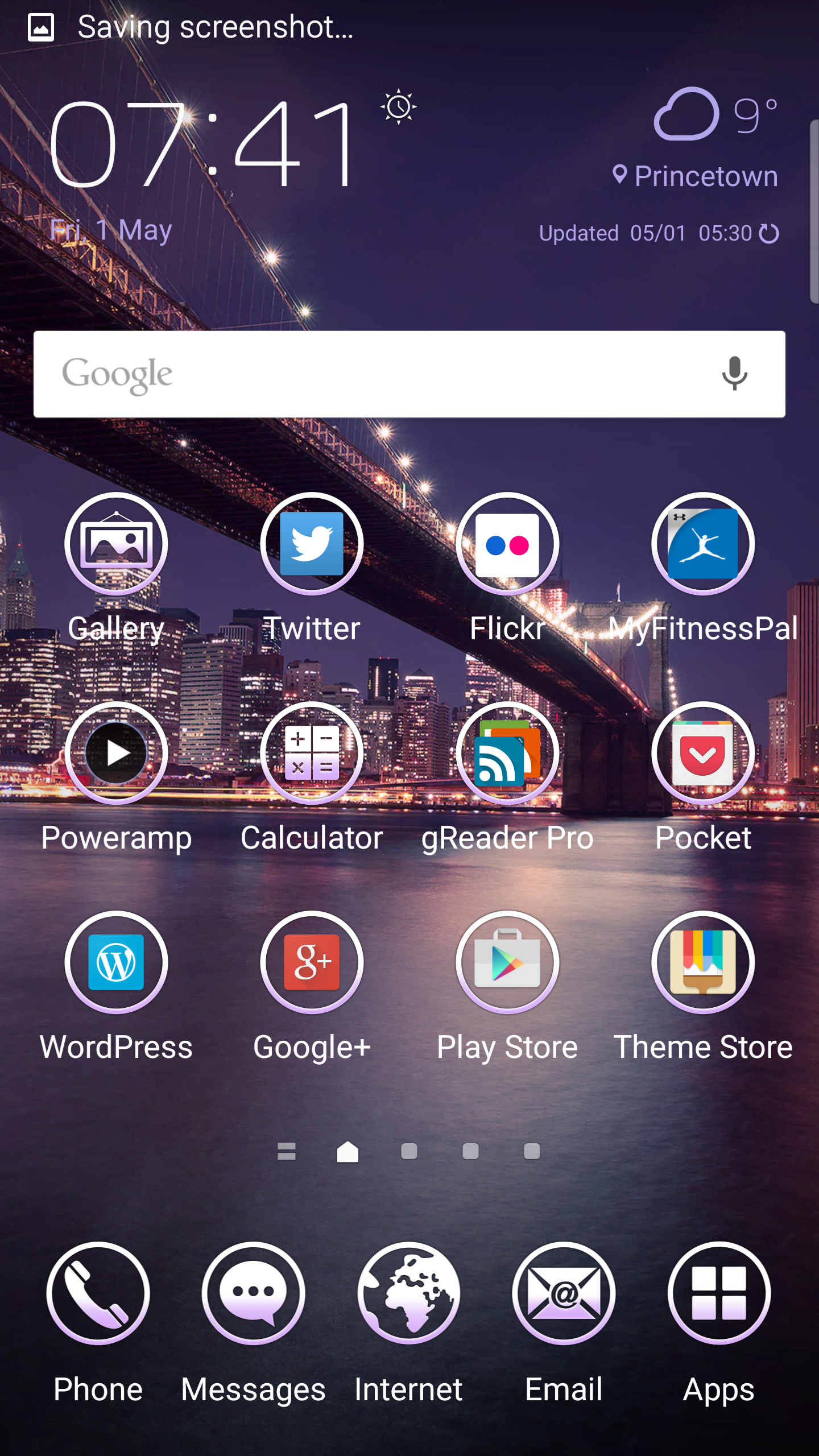
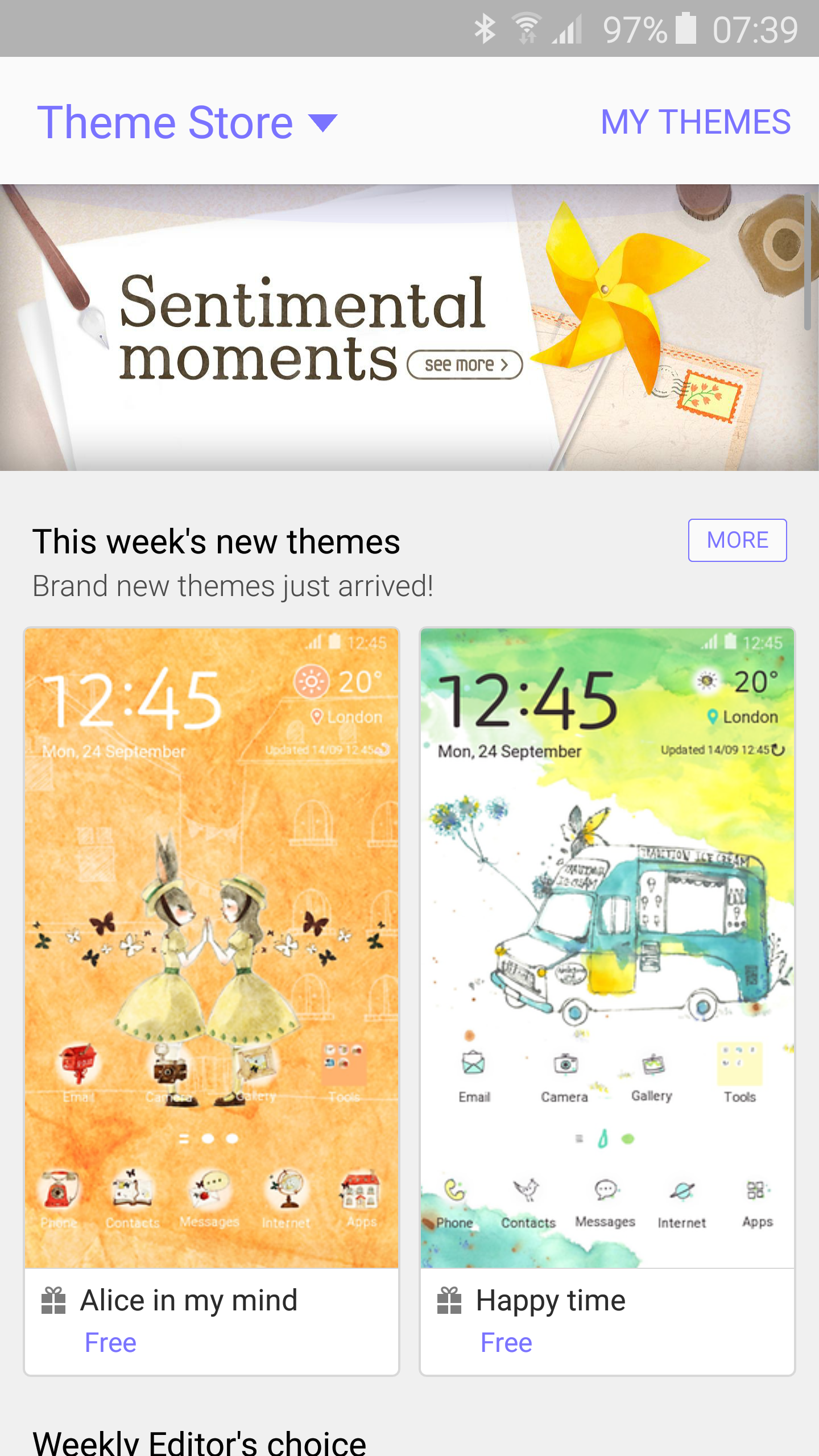
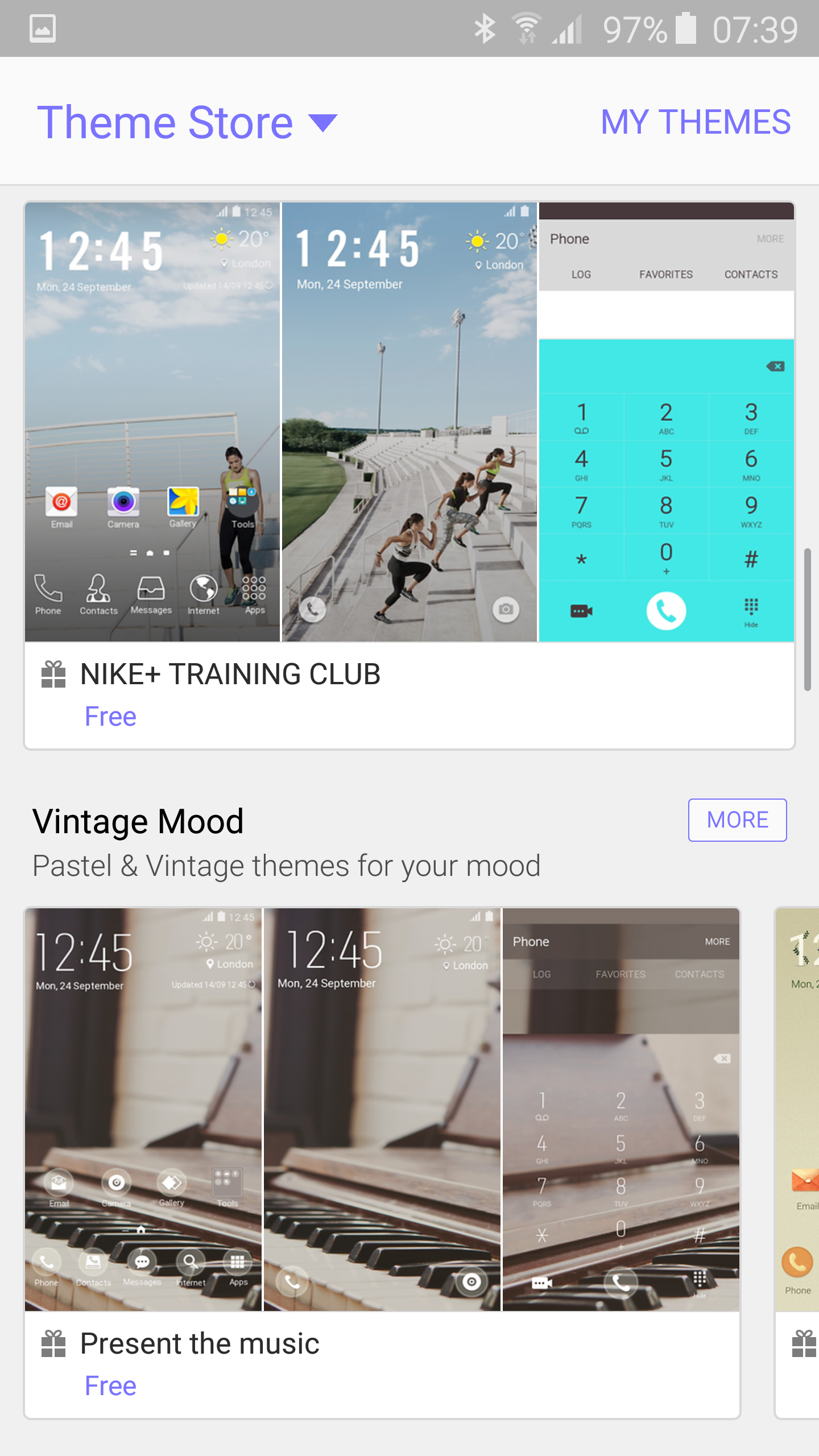
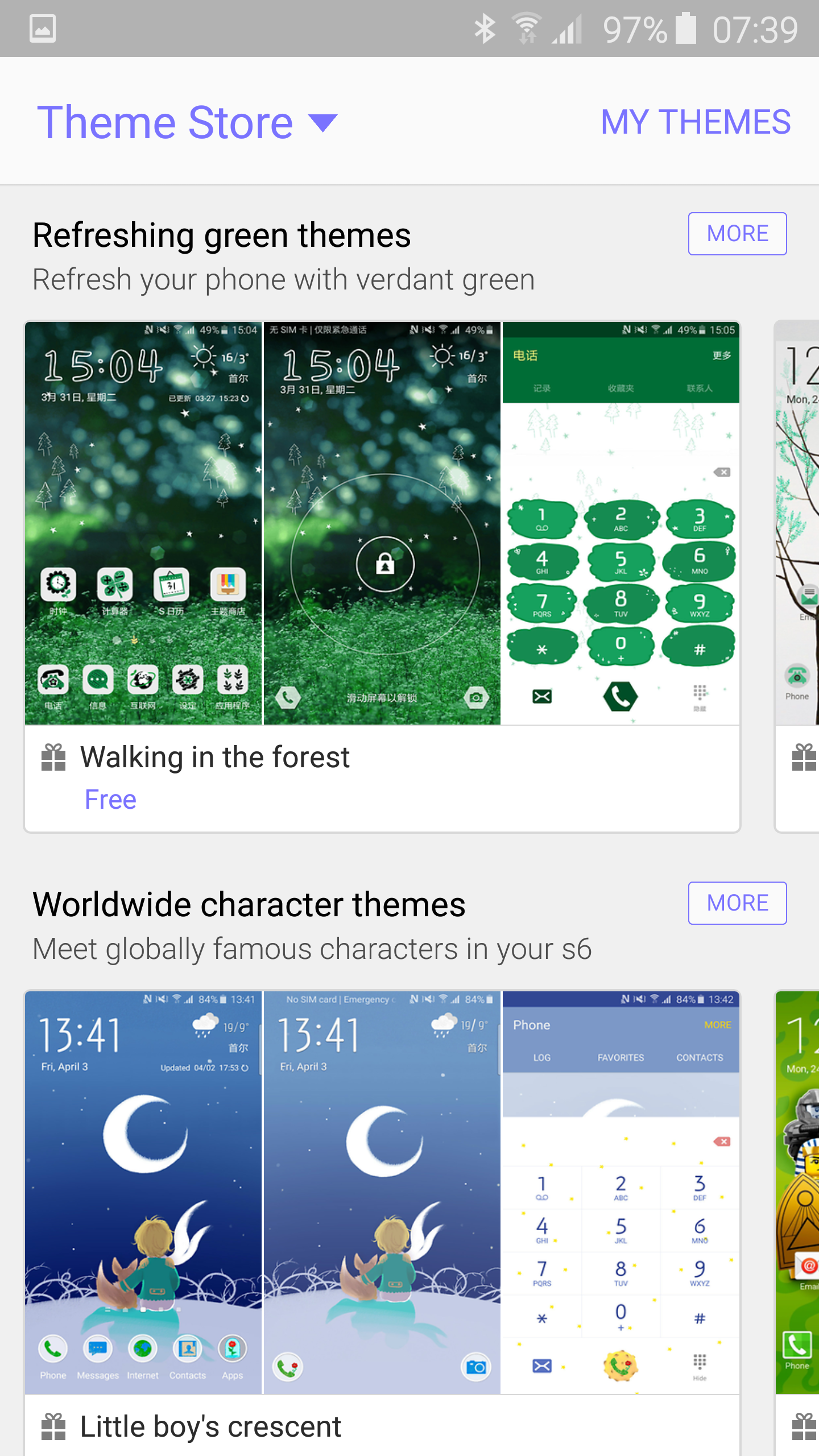
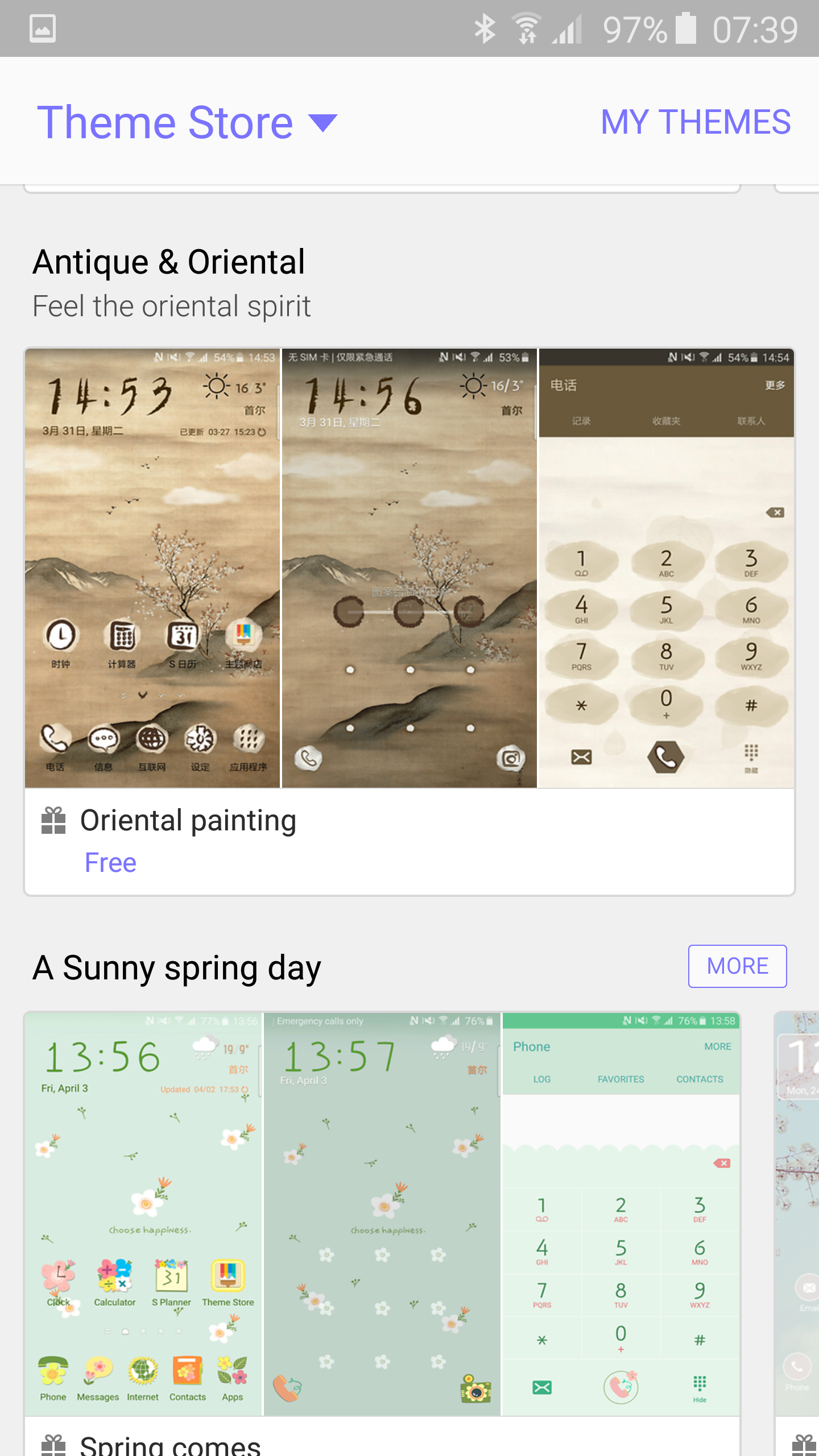
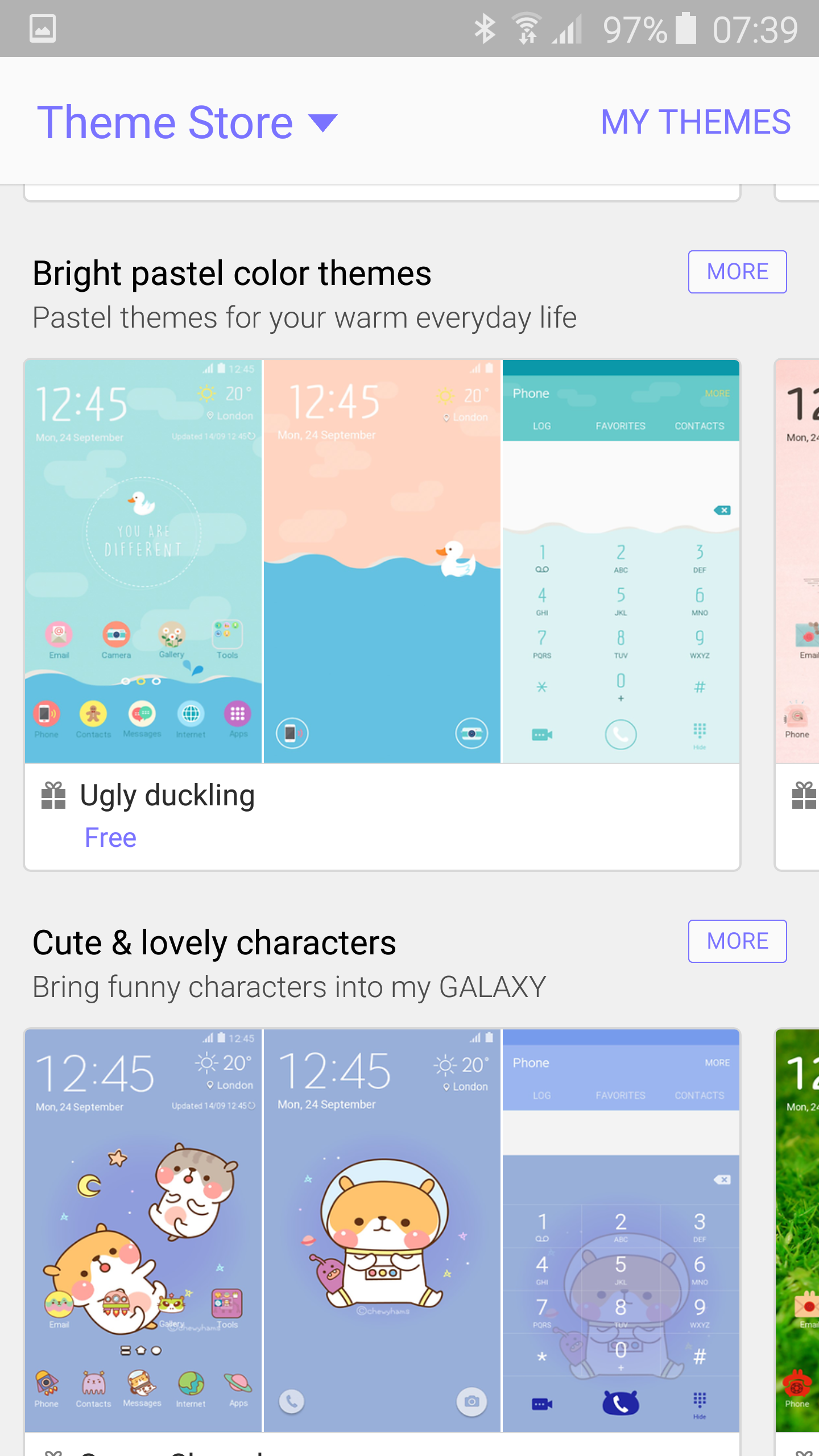
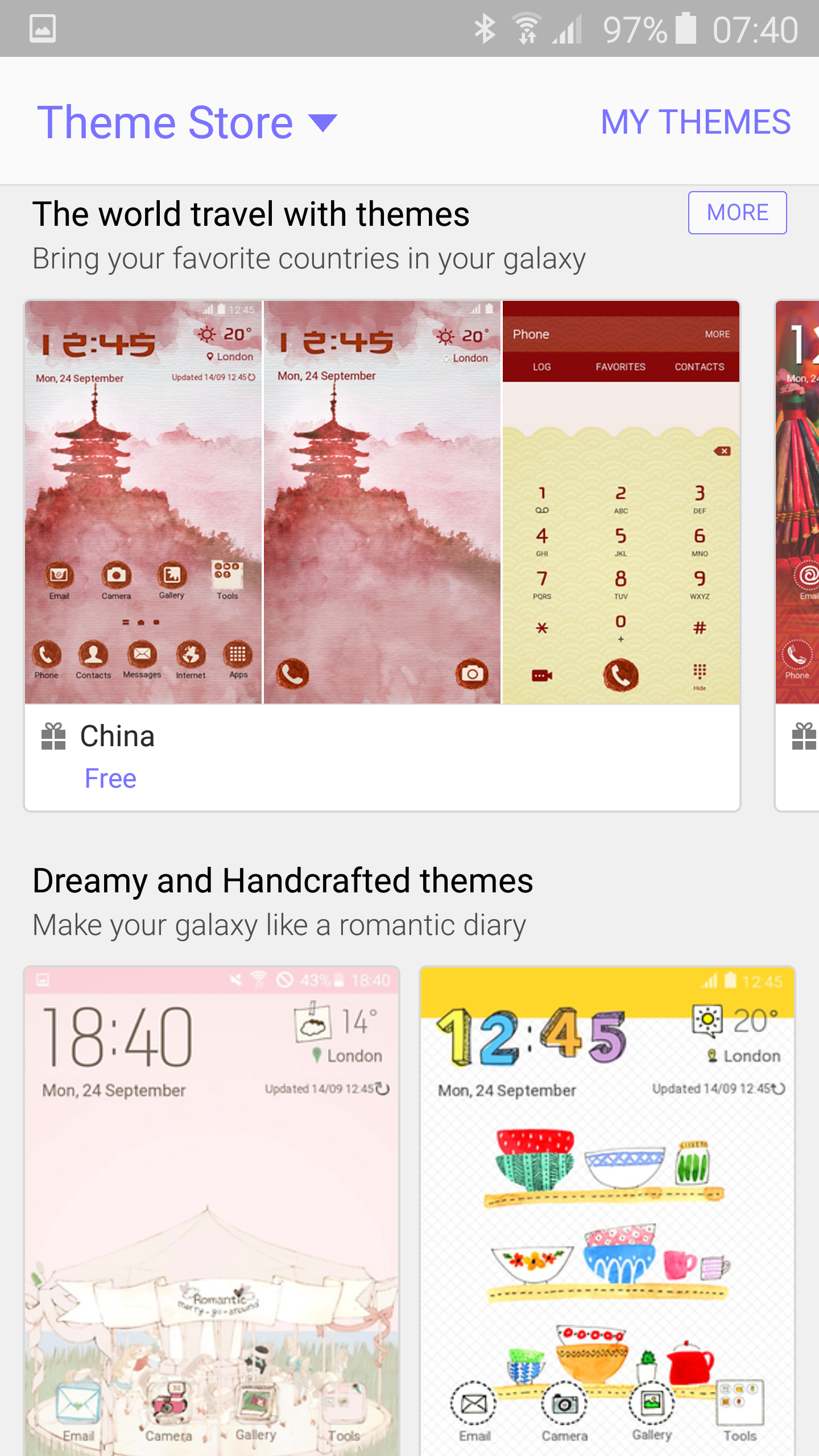
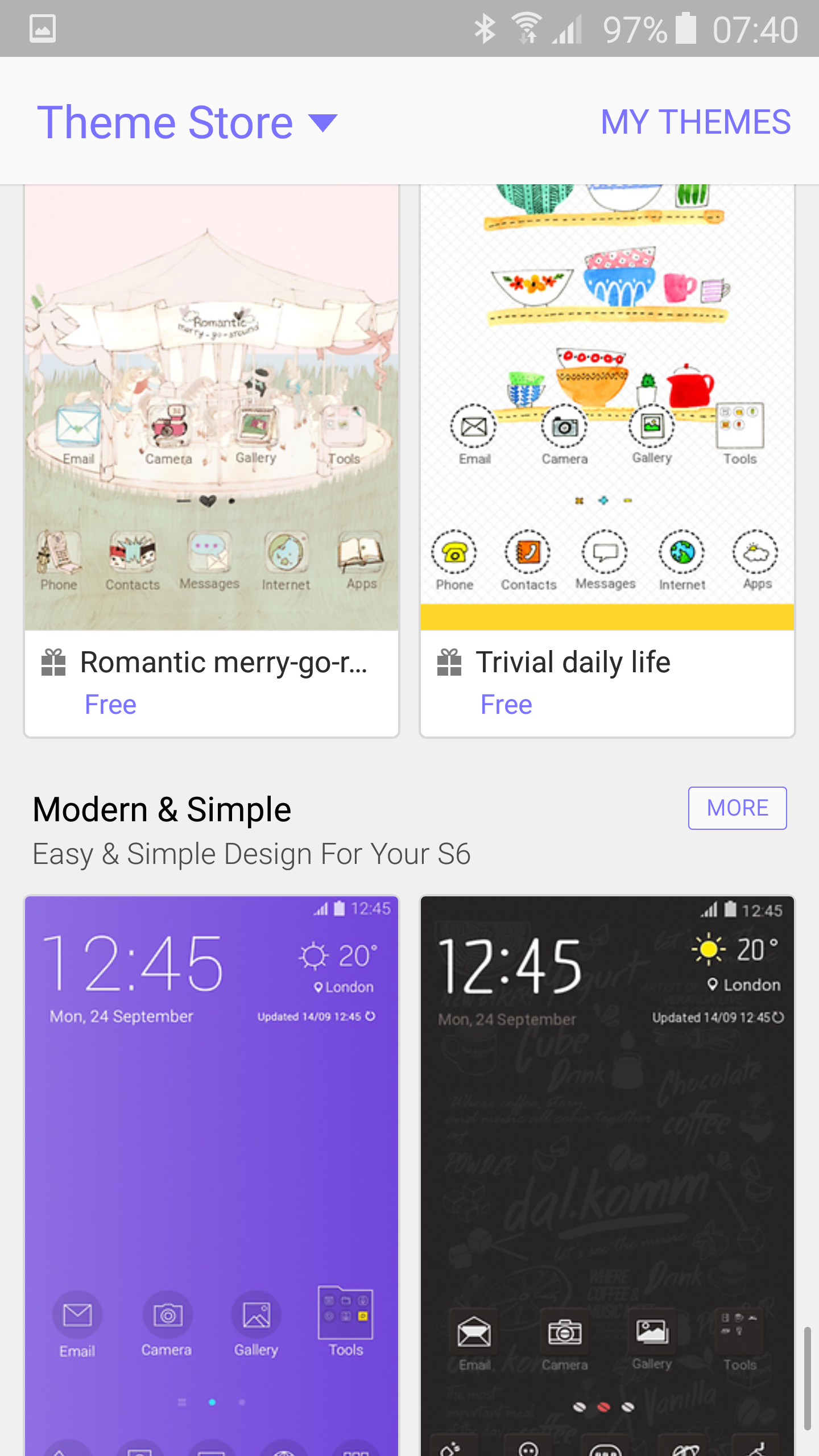
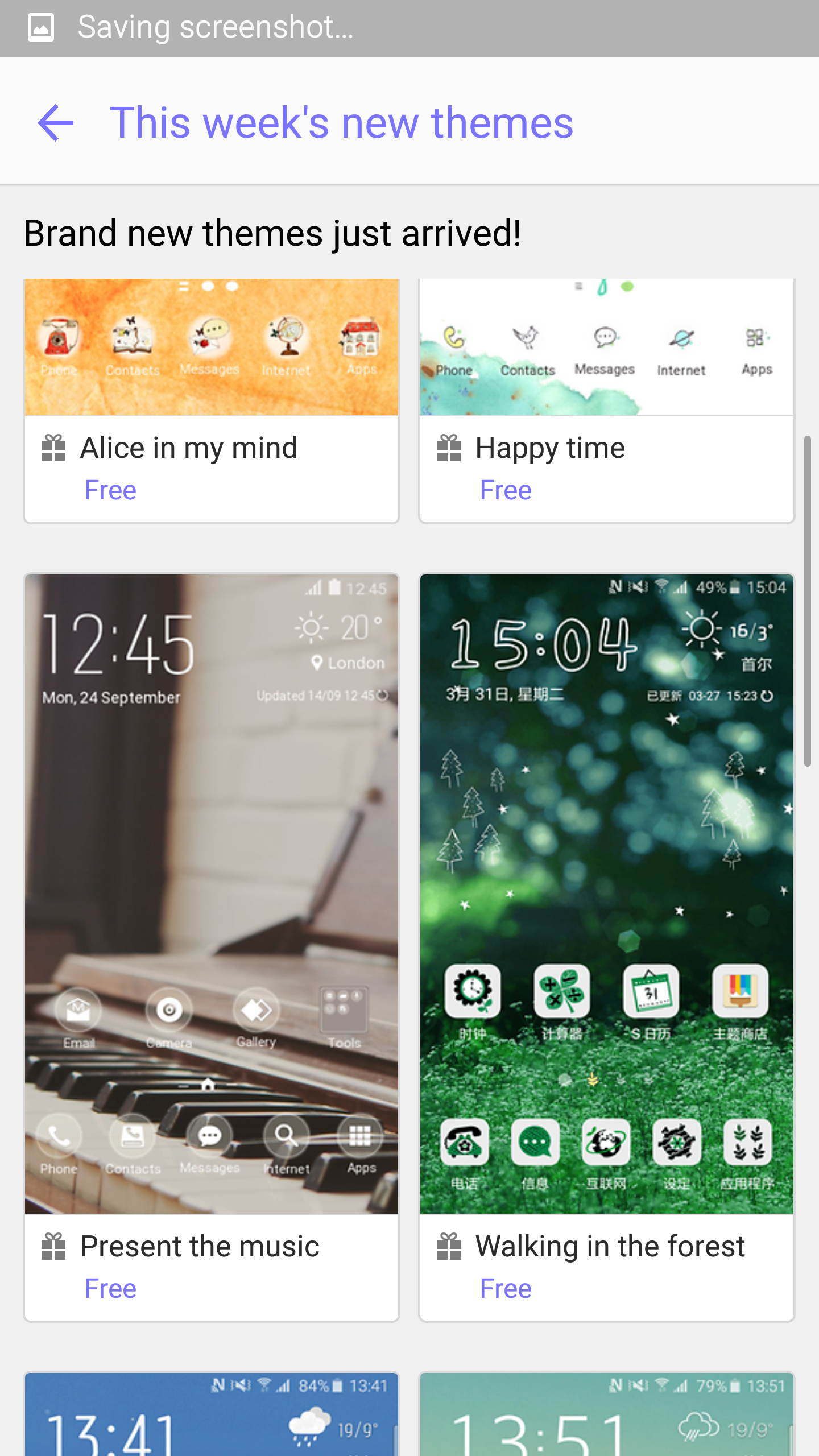
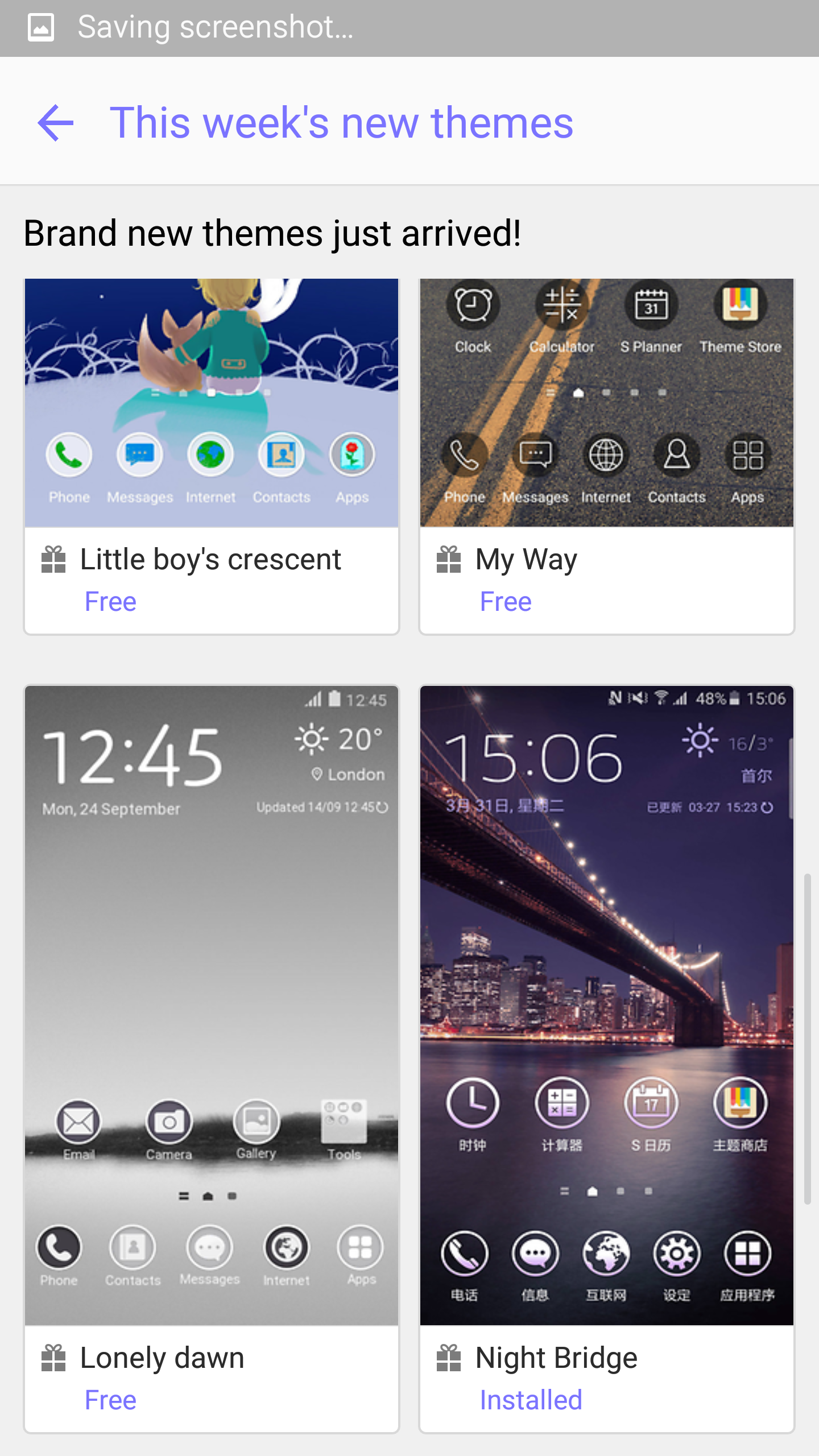
The S6 Edge comes with TouchWiz. This is the first time that I will be keeping touchwiz and not changing it for Nova Launcher or something similar. It is the best incarnation of touchwiz and I really like it a lot. Themes are now present and the theme store is growing weekly. Themes don’t just change the icons and wallpaper, they skin every aspect of the phone from the keyboards, settings, dialler, apps and more. Each theme can provide a totally new look. Samsung’s messaging and email apps have been improved and now offer a really slick comprehensive experience. Text messages can be scheduled. Priority senders exist for emails and messaging. Threaded conversations too and so much more. Menus are much easier to understand due to text replacing icons. The flow of the phone is improved over previous versions. Touchwiz also allows for alternative grid layouts from 4×4, 4×5 and 5×5. The app drawer is now manually controlled in terms of placement. Options like the download booster and private mode are still present. I have attached some screen shots to give you an idea of the screens and options at the very end of the review. The Edge’s standout design is its dual curved edges. This has extra software just for the curved edges. First up you can choose between the left or right edge being active. Edge lighting will light up the edge when you receive calls or notifications while the device is turned on to its front. If the People option is enabled, the indicator colour changes. You can setup 5 people with People Edge, each with their own colour. Now I have to remember which person is which colour! The Edge panel lighting works with missed calls, messages and emails only. Each option can be toggled on or off. The information stream on the Edge is another option. This can be setup for sports results, share prices, twitter trends, yahoo news feeds and notifications. Weather is another option on the information screen. However, the most useful option is the night clock mode on the Edge screen. The other options are just for showing off and don’t add any real functionality.
So trying to summarise all of the above goes something like this. I have a Samsung Note 4 which is fantastic. It is a phone I have owned for 5 months breaking my own records for phone ownership. The Samsung Galaxy S6 Edge has removed the Note 4 (Note 4 is for sale see here – http://www.pscforum.co.uk/forum/viewtopic.php?f=15&t=4433&sid=371709086fd40389471be752a01cd49e ) from its perch. The whole experience of the Samsung Galaxy S6 Edge for me is sublime. It looks amazing and with its dual curved edges stands out from the crowd, sounds amazing and takes phenomenal high quality photos with ease. Is customisable with themes and is packed with the bleeding edge of specs from a 577ppi QHD screen, dual standard wireless charging and more and more and more.
There are a few more phones coming out soon that could challenge the S6 Edge, and if they do I will let you know. So for now, enjoy the rest of your day, and don’t forget to ask any questions below.
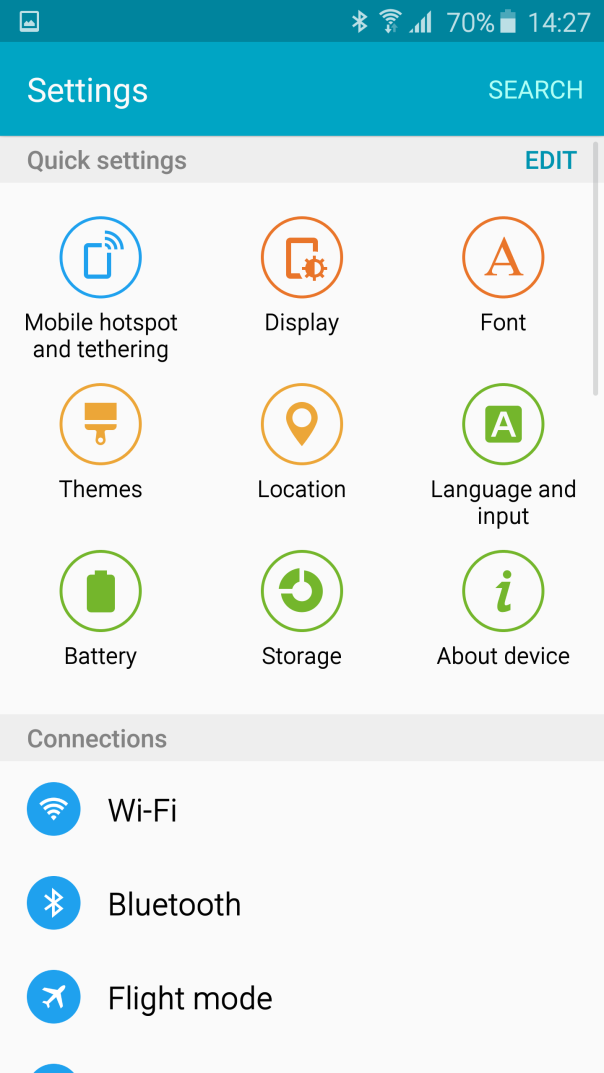
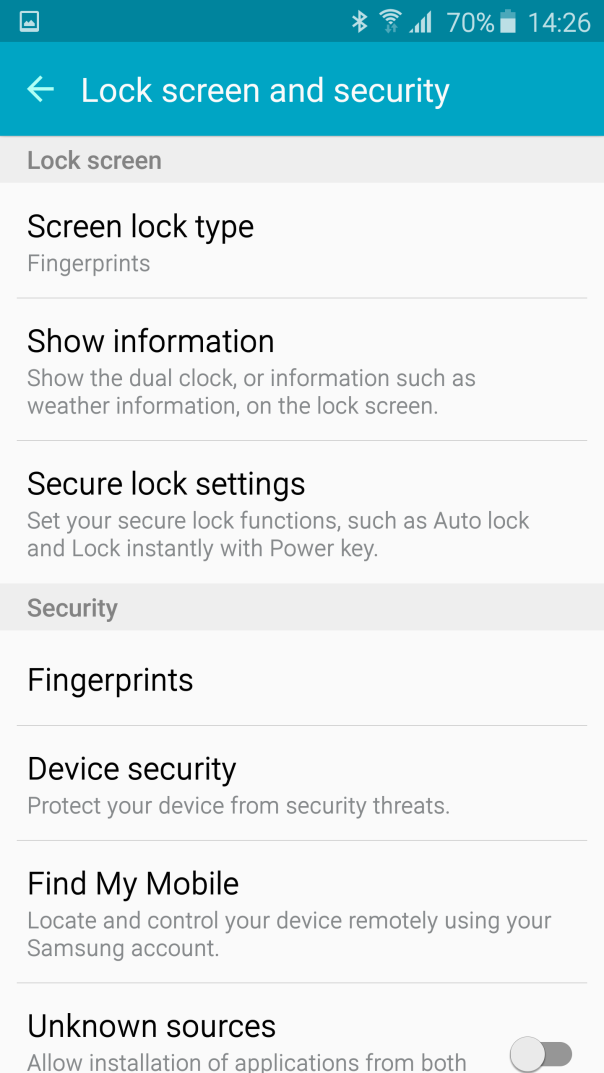
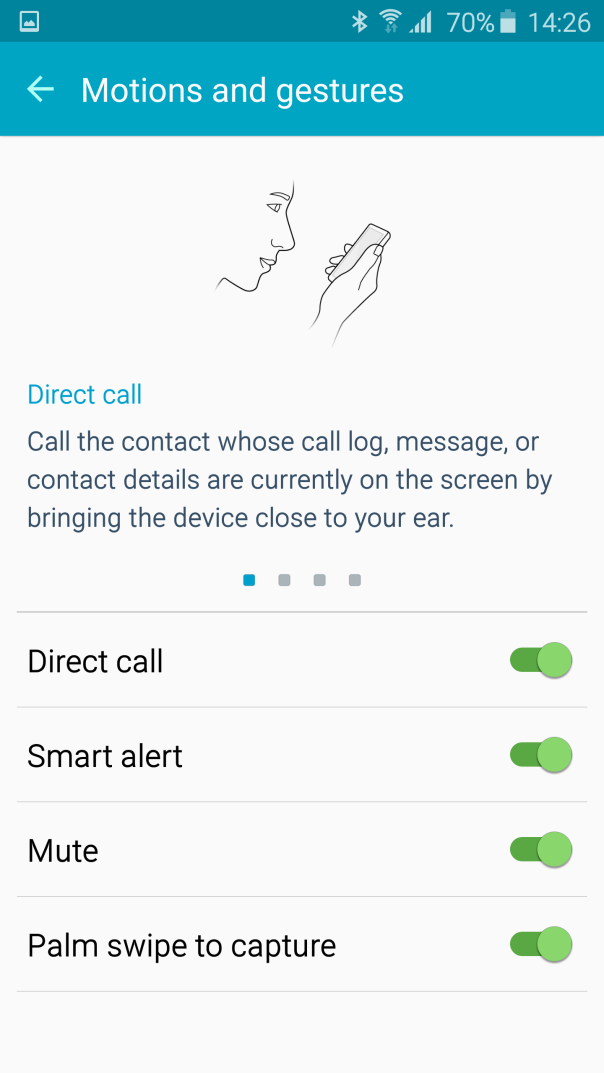
Screenshots of the UI included below. I have used a few themes to show you the different looks too.






 Gavin's Gadgets & Photography