Category Archives: Android

Sony Xperia Z1 views a week later

image

Just some thoughts a week later.

First up the whole hardware is gorgeous.  I love the finish and style. I also like that it is water and dust proof.  The addition of the magnetic charge point is also a nice touch. 

The sound via headphones or using bluetooth is excellent. 

I have had a few reboots and a permanent freeze requiring a hard reset. I wasn’t impressed by this. Why is a phone being released in this manner?

The camera. It takes poor photos compared to what you would expect being its main selling point. Out of several hundred photos only a few were passable. Blurred. Heavy noise. Lack of focus on the sides of the photo. My wife’s old iPhone 3GS has been able to take more consistent and better photos. The same goes for the HTC One. Samsung Galaxy S4 and so on.

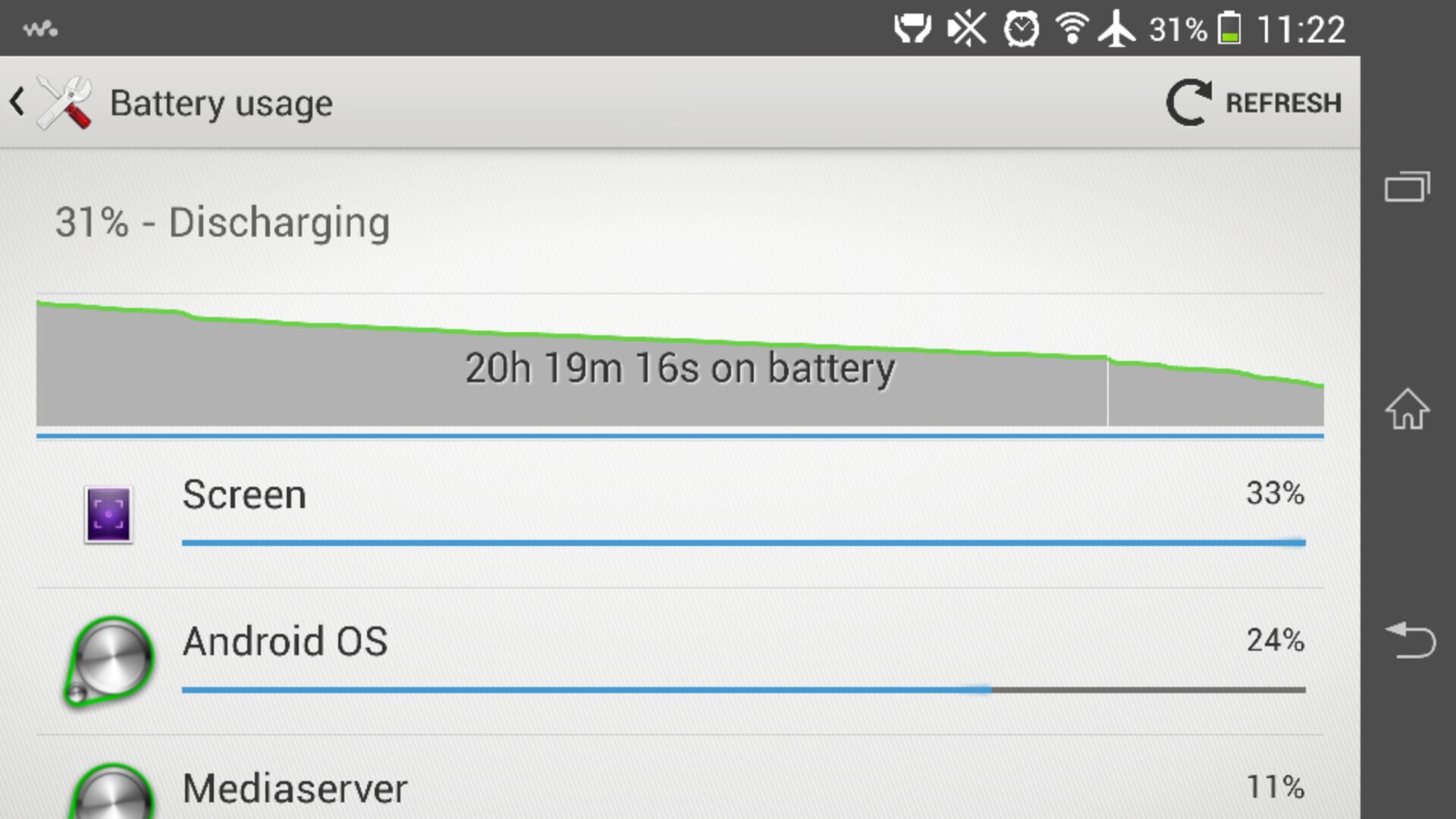
The Z1 flies. The S800 processor clearly works a treat. And the battery life goes a proper 24 hours with heavy use.

So as long as you don’t need the camera it is a reasonable piece of kit. My view is that in this market a sub par camera is not really acceptable.

Available from Clove Technology.

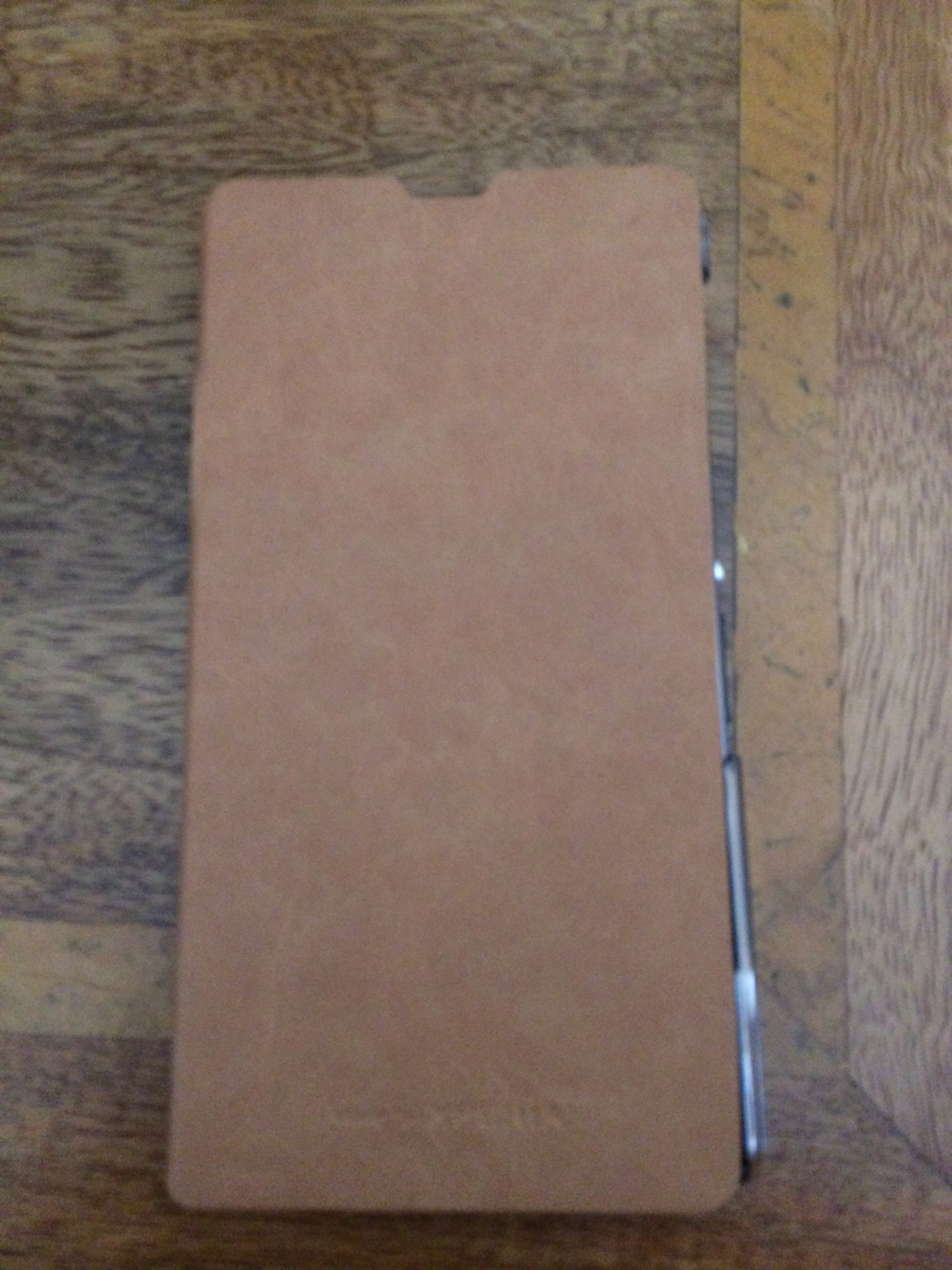
Sony Xperia Z1 – Roxfit Desert Tan Book Case review

The other day I received a Roxfit Desert Tan Book case for my Sony Xperia Z1. Roxfit are the official case makers for Sony Xperia phones.

IMG_0063

The finish is lovely, the Z1 fits snugly into the case. Fully closed, you can still see the notification light and speak on the phone too with the case closed.

Opening the case up, reveals a credit card slot, access to all the ports too. The rear has a cutout for the camera.
IMG_0065
IMG_0067

The magnetic charging area on the Z1 is accessible with the case open, but it wont work inside the DK31 dock. When closed you can open the micro sd flap and charge the phone.

I am very pleased with this case and just wish Apple made this finish for its 5S.

Final Thoughts on the cameras of the Sony Xperia Z1 vs iPhone 5S

Over the last few days, and maybe a few days before that I have uploaded camera samples from both the above phones. They are totally different animals, but here are my thoughts. The good news with both of these phones is that they can both be used with the quirky Sony QX10 hub lens.

Sony Xperia Z1 –

This is a newly released phone for Sony. It has software bugs. The phone has rebooted for no apparent reason about once a day and the camera frozen once too. The photos are focused in the centre of a shot, but out of focus around the edges. Bright days, the photos seems over processed. Low light can be dreadful. It just depends on the type of low light. However, the camera options are extensive. 61 shots in a second and 20.7mp photos too. I am keeping the Z1 because I really like it and I reckon after at least 2 software updates from Sony will be once amazing phone and camera. That probably will take 3 months at a guess. Panoramic photos seem to be low resolution affairs. I don’t understand why that it. I also believe if Sony had included Optical Image Stabilisation, this phone would be unbeatable in the camera department. The photos I have taken show incredible depth as well.

iPhone 5S –

Less is more is the moto here. High quality shots every time practically with no effort. It is just auto mode. Apple offer a square box option and very high quality panoramic photos. The photos show more natural colours too. I have taken some amazing photos of my dogs. There are other options, but not that many. I would call the 5S camera gimmick free just fast quality photos. Currently, in terms of quality I would pip the 5S ahead of the Z1. But I am keeping both phones, so will revisit the camera test as Sony updates the firmware.

In summary, don’t buy the Z1 for its camera

Mega Camera shootout – iPhone 5S vs Sony Xperia Z1 – share you view on the better phone!

Apple has just released the iPhone 5S with its improved A7 processor and updated camera 8mp. Meanwhile Sony has also recently released its bad boy Sony Xperia Z1, with a huge 20.7mp camera.

They do say size isn’t everything, but how will this pan out in real life tests. Below are 3 sample shots from both cameras. To view the full resolution versions along with all the exif data, additional photos for comparison, go to my special Flickr set http://www.flickr.com/photos/gavinfabl100/sets/72157635718285964/ .

First up you will notice that the iPhone 5S does not shoot in widescreen 16:9, rather 4:3. The Z1 in superior auto mode shoots in 16:9 and in manual 20.7mp settings is also 4:3. Again, study the photos here and on my Flickr set. And decide which is best. Tomorrow, I will give you my opinions on the 2 phones.

First up inside Costa Coffee with the Z1.
2013-09-21 08.27.51

Now with the 5S.
IMG_0052

Inside the Apple Store Plymouth with the Z1.
2013-09-21 09.51.45

Now using the 5S.
IMG_0053

Ok, lets go outside. It is a grim day with overcast skies. Z1 goes first again.
2013-09-21 10.39.12

And once again same shot but with the iPhone 5S.
IMG_0056

And outdoors again on Dartmoor. It is a foggy day. First up the Z1.
2013-09-21 11.12.31

And lastly, the 5S.
IMG_0057

To see more photo examples including 20mp shots from the Z1, go to my Flickr set http://www.flickr.com/photos/gavinfabl100/sets/72157635718285964/ .

And leave you views in the comments. They all count. Tomorrow I will conclude with my thoughts on the cameras.

Review Part 2 – Sony Xperia Z1

Welcome back to part 2. To read first impressions and earlier articles on the Z1 click here.

image

The weather has been constant rain but the sun did appear briefly,  for long enough to run outside in to my backyard. The above photo snapped on the Z1 was taken in superior auto mode.

So as you can imagine I’ve been using the Z1 non stop. In fact last night it was downloading all my games. During the day yesterday it was downloading my Sony Entertainment movies. I now have all my apps and games installed.

image

I have setup all my folders and kept a fairly simple homescreen. For the time being I’m using the Sony launcher but at some point I will setup Apex Launcher as my default.

The Z1 out of the box can be configured to work with a Sony Ps3 Dual Shock Wireless Controller.  And it works really well. I also connected my Moga Pro Game Controller and that works fine too.  Good news for gamers.

The Z1 also has small apps that can be sitting on the screen. These are selected using the running apps menu button.

The default Sony keyboard is the only keyboard you will need, so hold off downloading any third party offering. When you first use it after setting up the phone you will see a magic wand icon. This takes you through layouts and options and more. In the system settings you can change the skin/theme too. Talking of themes, the Z1 has the option for changing the theme. There are automatic themes to choose from, that when applied alter the look throughout the whole phone.

I also opened the Sony Privilege app to get my free films and 60 day music unlimited trial. The deal from Clove Technology also includes the Sony SmartWatch 2. These are due to be posted out at the end of the month.

I also had a look at the apps pre installed. Fortunately, Sony don’t go too crazy. There was an anti virus app which I unistalled first. The rest seem ok. There is a diagnostics app, which allows you to test hardware and software performance. Box, the file storage app which is similar to Dropbox. Setting up Box on the Z1, gives you 50gb storage for life. If you want this too, let me know in the comments. I will be able to see your email only when you reply. I will then send the referral link to you via Box.

Photo editing options include the basic photo editor and Pixlr Express. The Z1 includes a FM radio too with RDS. There is also a sketch app which I have yet to explore.

On the subject of audio, Sony include a pair of Sony Mh750 headphones / headset. These retail at around £22 and are one of the best quality cans I’ve seen packages with the phone. The Z1 produces great audio reproduction via the headphone jack.

It’s early days to discuss battery life but from what I’m seeing one whole day hammering the phone is possible. I would imagine 2 days if average usage.
Now that I have pretty much setup the phone I will start to look at all the other software and hardware features.

On a negative note, the Z1 has rebooted twice since I have had it for no apparent reason. Other than one of the times I was multitasking over 28 apps, many of which were games.

Until tomorrow…..
Tesco to take on Apple and Amazon with its on tablet

On Monday,  Tesco is launching an Android device, called the Hudl.

It should cost £100 due to special offers similar to Amazon’s Kindle, and called the Hudl.

The device will add to their technology portfolio  which already includes video streaming and download service Blinkbox, which boasts 2.8m monthly users, Blinkbox music and the forthcoming Tesco eBook store.

Leaked specs for the Hudl reveal a seven-inch screen, 1280 x 720 screen resolution, dual cameras, 16 GB of internal storage and stereo speakers. It is also expected to come in a range of colours; black, red, blue and purple.

So one more tablet to join the ranks.