Following my previous parts of the HTC One review here I am again with my next instalment.
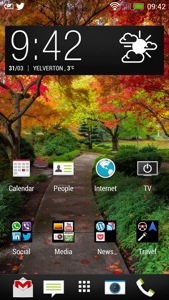
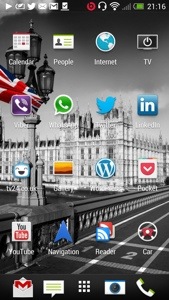
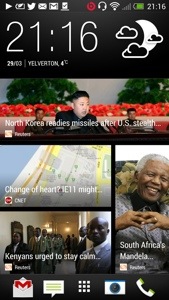
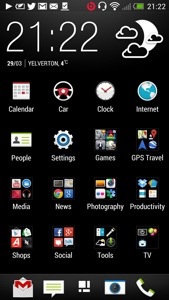
So what’s changed. I only now have the Blinkfeed as my home screen. All my applications are in neat folders. I have spent time getting to understand the camera and now I am producing great photos and videos from the photos. The editing is a breeze and fun to use. The sound quality is awesome. Battery life from 6am to 12pm and its at 15%. It has been used all day.
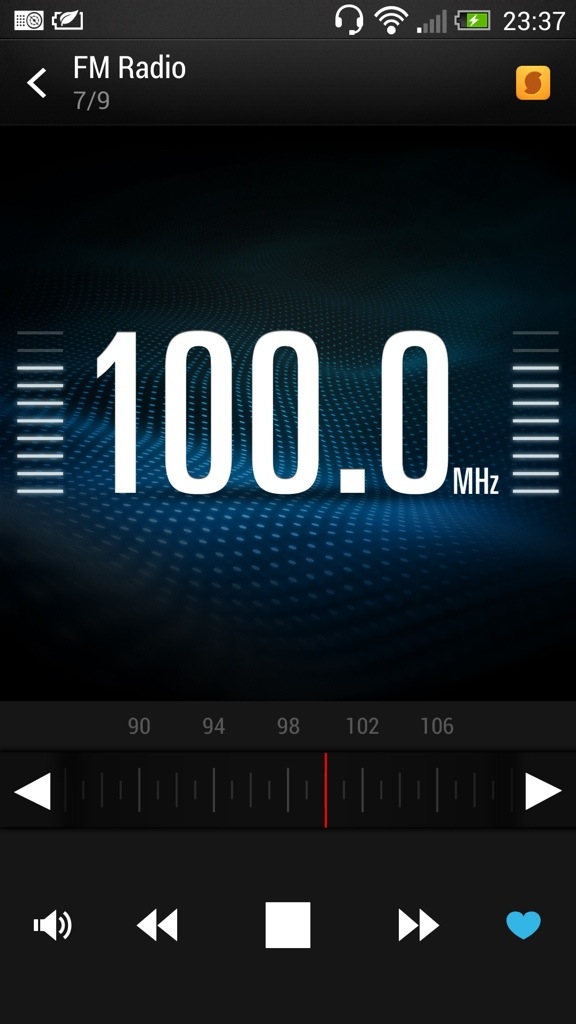
The HTC One has a FM radio. And it’s very good. It does everything you would expect, including displaying the station names. If you look at the screen shot below, there is a yellow icon top right. This is Soundhound and pressing this allows Soundhound to identity your song. Neat.
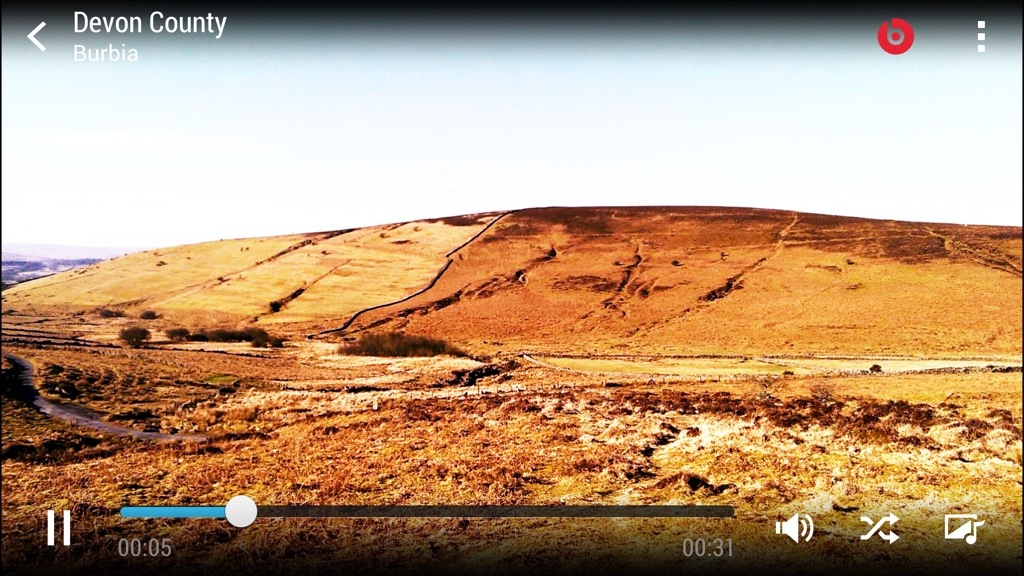
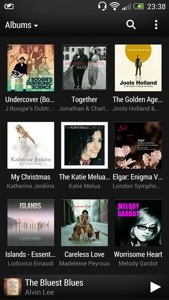
The HTC music player comes with the ability to start visualisations once the music has started and even obtain the lyrics and highlight them as the song is being song. Album art can be fetched automatically and the media player can access media servers. See screen shots.
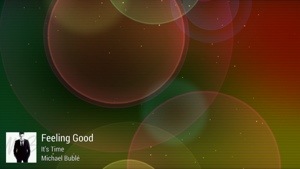
The visualisations constantly change too. Certainly looks cool to view. HTC also include a world clock, which has alarms, timers, and stopwatch. See below. Again a functional app that does what you would expect.

The HTC One also comes with a full copy of Polaris Office. The default note app can be setup to sync with Evernote and the Task app to sync with Google. There is also a PDF reader. So from a business perspective HTC have covered all angles.
Today has been an even more enjoyable day, simply because I started to perfect the usage of the phone even more. The way I would describe the One, is the technology hides itself to allow you to feel the benefits with as little fuss as possible. HTC Sense 5 is the first default launcher that I wouldn’t not change. It’s fantastic.
Tomorrow I will look at the settings and some other apps too.