The other day I stopped and took a few shots with my 620 camera. See the results below and decide whether you think the camera is any good.

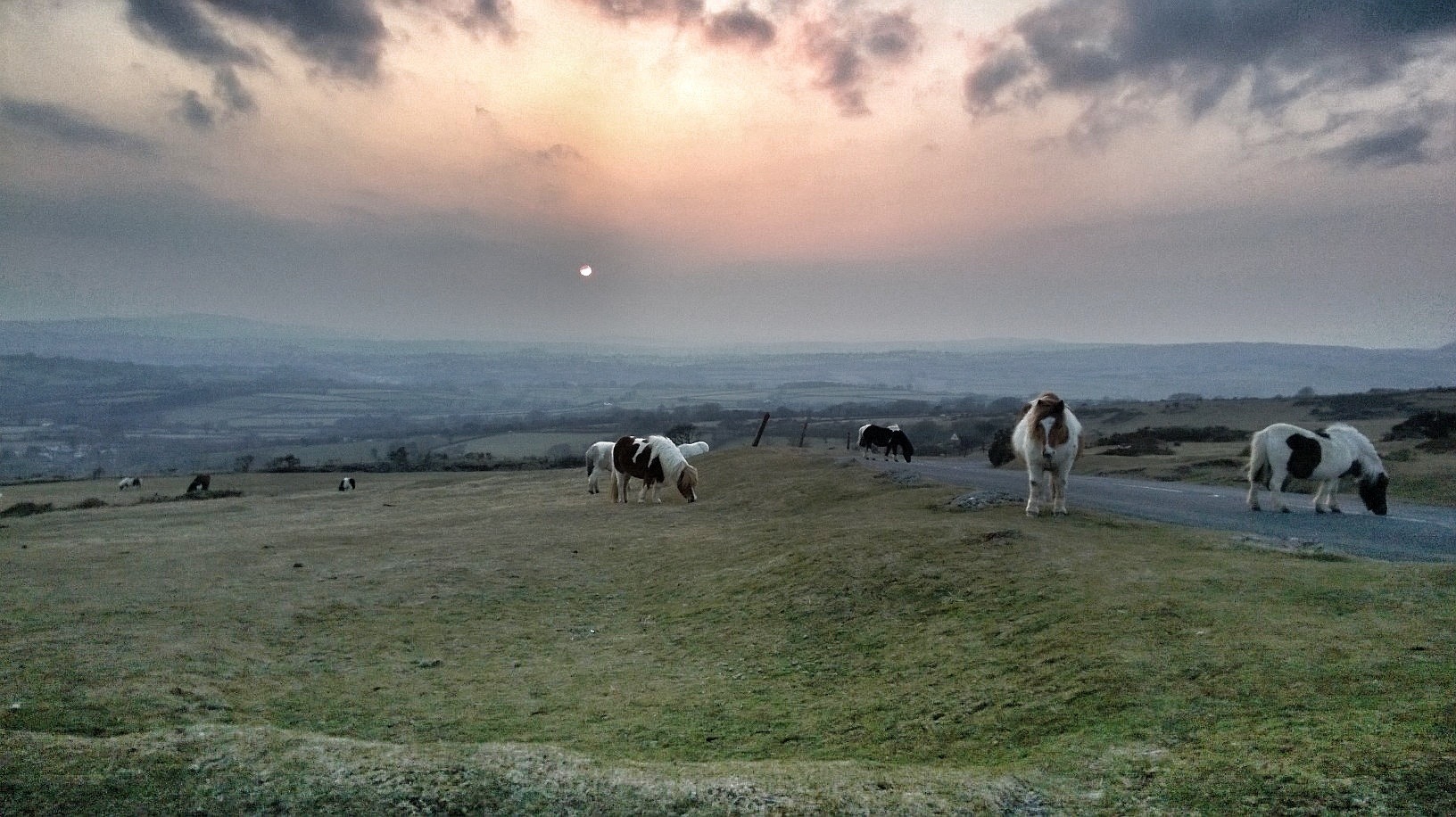
The other day I stopped and took a few shots with my 620 camera. See the results below and decide whether you think the camera is any good.
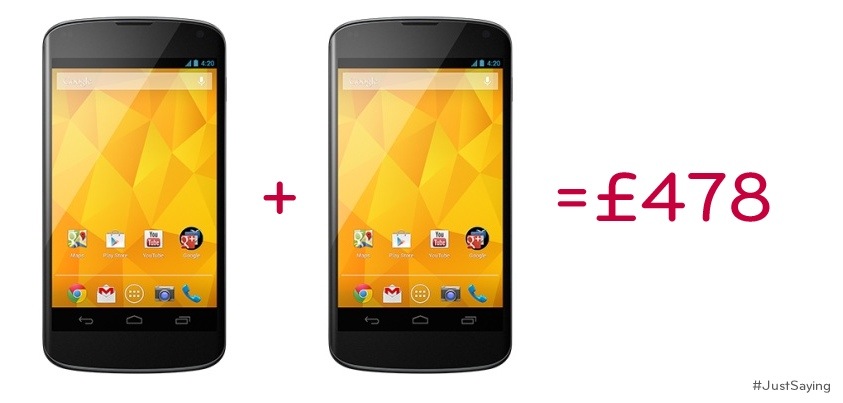
LG tweeted the following tweet with the attached photo, following the furore with Samsung’s S4 sim free pricing.
Microsoft is preparing a new Windows Phone 8 update, which will bring back support for FM radio hardware. The hardware support will be part of a General Distribution Release (GDR2) for Windows Phone 8. Both the Lumia 920 and Lumia 820 will support FM radio, while other compatible handsets will also include the support. The update will also allow the 920 to be woken from sleep with a double tap.
Over the last 2 days I have covered a number of aspects of the Lumia 620. Today, I will cover off a few other areas and requests made so hopefully you can all decide whether you are ready to ditch your iPhones, androids and Samsungs:)
If you have an iPhone you will be used to using emojis in the standard keyboard. The Lumia 620 has this built in as standard in its keyboard. Also the keyboard has auto word completion options which you can tap and insert the word. Makes the iPhone keyboard seem very basic.
If you are listening to music, and the phone screen is locked, press the power button to turn on reveals the music controls on the lock screen. Whilst using the phone and listening to music, press the volume up or down keys brings down the music controls on the screen. The power and quality of the music via the headphone jack is simply stunning. It has been able to power some difficult headphones of mine. Something the iPhone cannot do. The Music app or hub has many options similar to the Games and Photos hub apps. If available when your music is playing or if you are streaming free music via Nokia Music additional photos of the artists appear as a background. See screen shots below. The music hub also pulls up information of gigs near you. There is also an equaliser for sound tweaking as well Dolby Surround Sound if you want. I have found no issue of listening to music whilst using the phone for any other functions.
Taking screen shots is easy on the 620. Just press power and the home button. The screen shot is then saved in an album called screen shots.
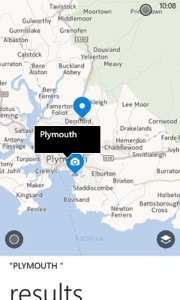
The Nokia Navigation is also worth a mention as it allows you to download the maps so if you are offline you can still use it for turn by turn. I installed the whole of UK and N. Ireland taking 292mb. I could have installed any country if I wanted.
Bing Search is available from anywhere simply by pressing the magnifying glass capacitive button. But it does more than just search. You can type your request in to the search bar. Or press the mic and speak it. Or use it to scan barcodes, QR codes, microsoft tags, books, CDs and DVDs. It can also scan text and then translate it into many different languages.
Nokia City Lens is one of my fav apps, as it uses the camera to over lay your current view from the camera with information you select in a augmented reality view. It is included as free too.
Lastly, the camera. First strong point, is the 620 has a dedicated camera button on the side. Press this to turn the camera on. You can then take a picture or record or change some settings. On the photo side you have different scenes (auto, close up, bight, night portrait, sports, backlight), iso (auto, 100-800) and exposure value, white value, aspect ratio either 16:9 or 4:3 and focus assist. The video options are white balance, continuous focus and video mode (720p is the default). You can alter the flash options too. Photos can be selected to be uploaded automatically to skydrive, and if you use mobile internet and not wifi, the quality will be uploaded at a lower quality to save bandwidth. You can also select lenses. I have Bing Vision, Panorama, Cinemagraph and Smart Shoot installed. From the camera you can view your photo and then share it. My share options are send, messaging, hotmail, gmail, flickr, linkedin, OneNote, Twitter and WordPress. Or you can edit it, delete, add to fav, set as lock screen, save to Skydrive or send it to your photo editing apps. Some sample shots are below. Not the best examples but you get the picture.
App updates. My store icon showed that I had 11 updates. So I went into the store by pressing the live home screen icon and updated my apps.
For those that use NFC its a feature of the phone. Nokia also have a NFC writer app.
And unlike a lot of phones it actually has a micro sd card slot for expanding the memory. The memory card is used for your music and photos.
So all in all a rather impressive phone and operating system. I find it more enjoyable to use than my iPhone 5 and who knows it might actually replace it. The only weakness is apps but out of the box it does most things you would ever need. More updates tomorrow.
In summary a bargain of a phone.




Three UK has started pushing the jelly bean update for the Samsung Galaxy S2.
This is good news for Three customers and shows how such an old phone can be kept current.
The Samsung Galaxy S4 will be available for pre-orders starting Thursday from the Carphonewarehouse. In order to entice buyers to reserve the flagship phone a good month in advance, the first 2,000 people who pre-order the handset will receive a free Samsung Galaxy 2 7.0 tablet. Also, those who reserve the phone from Carphonewarehouse will receive a free accessory pack which includes a Samsung Galaxy S4 screen protector, case and car charger, which the retailer says is valued at £64.97. The tablet is valued at £150.
The internet around the world has been slowed down in what security experts are describing as the biggest cyber-attack in history.
A row between a spam-fighting group and hosting firm has sparked retaliation attacks flooding core infrastructure.
It is having an impact on widely used services like Netflix – and experts worry it could escalate to affect banking and email services.
Five national cyber-police-forces are investigating the attacks.
Yesterday, I described the setting up procedure, so today I will describe what you get with the phone in terms of software and features. Also I will cover off some of this positives and negatives. Remember this phone only cost £130 vs an iPhone at £500.
For £130 you get a 3.8 inch wvga screen that looks gorgeous. A 5 MP camera with flash and lots of features and the options of downloading additional lenses (camera options) from Nokia’s Recommended Apps. It has changeable colour backs. The lockscreen has changeable options for notifications and changing backgrounds. My 620 had an app called Angry Birds Roost which provided fun pictures of angry birds space on the lock screen. In fact the lockscreen is very clear in providing the time and date.
Other software included or that is available free from Nokia is Alarms, Calculator, Camera, ebay, Hotmail, Mail app, Hello (unbelievably), Help and Tips, Nokia Maps and Turn by Turn Navigation, Internet Explorer, Messaging, Nokia Care, Nokia City Lens, Nokia Music, MS Office and One Note, People Hub, Photos, Settings, Skydrive, Skype (free video calls), Windows Store, Transfer my Data. Some apps I did not expect to see pre installed were ebay, groupon and Hello. If you have a mac, microsoft have an app that allows you to transfer music, videos photos and more out of itunes. It is a very good app actually. One last feature is voice commands and Bing Search.
I have added a few games, some additional photo editing apps, camera lens apps for to bolster the camera features like panorama, wordpress, the weather channel, youtube, zite, twitter, tv guide, tv catchup, tune in radio timer, remote control for sony, natwest, met office, linkedin, gMaps, flickr, dropbox viewer, amazon kindle and shopping. However, there are no google apps although gMaps is an excellent third party Google Maps plus Navigation substitute. You can probably find ways around the apps, but games are a different story.
So the birds eye view of all of the above is a smartphone that has a decent web browser, integration with microsoft skydrive cloud (7gb free storage too) and MS Office and One Note, decent camera, free music streaming via Nokia Music (very good), very powerful headphone output, maps, free navigation, live tiles on your home screen and an operating system that flows really well once you get used to it. The People Hub integrates all your social networking together and has a live tile which updates accordingly. In fact, installing apps with live tiles is great, since you can arrange your home screen to have the live tile (active resizeable icons) which give constant functionality. And free calls and video calls using Skype.
There is a lack of apps, but it is very weak in the gaming department selection, although there is angry birds, fruit ninja, shark dash, the dark knight rises, plants vs zombies and many more. So I am sure many could survive with ease. There is no notification centre as such, mainly because the home screen replaces it using the live tiles.
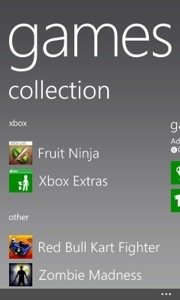
I love Windows Phone 8. Some of the apps like Amazon Mobile, Natwest, and eBay actually look better in my opinion than there equivalents on android and ios. Using the phone just flows and adapts the more you expand it. For example, install photo apps, and they appear in the main photos app. So if you open the photos app your first screen gives you options of camera roll, albums, date and people. If you scroll screens you will be shown a list of any photos apps you have installed. My list had cinemagraph, fhotoroom, flickr and lomogram. The other screen shows “whats new” from photos from your social accounts. And the last screen shows photos from any of your favourites. I found the integration into the Photos app of all the above was both logical and easy to use. Games work in a similar way. They appear in the Games hub app. This app integrates xbox, the store, xbox smart glass and even gives you the option on some apps to try them properly before buying them. Again I really like this. Plus my xbox gaming profile, is a moving person in the app. A funny fun touch.
So you flip up the lock screen and are faced with the live tiles home screen. In one glance you can see whats happening in your life. Its customisable too. From the home screen you flick left to get to the apps. This is one long list that scrolls. Now as you add more apps the list gets longer. After a point of adding apps, an alphabetical index is added to make seeing whats in what letter easier. It also allows for another trick. Tap any index letter and it brings up a page of 26 letters. So if you wanted Photos, just tap the P and you are taken to all the apps starting with P. I found this a rather quick way to whizz around. Also, bear in mind that games do not clog this list of apps. Also, the additional photo lenses installed will appear now in the camera options.
Other positives include the free streaming music, fantastic audio quality, integration out of the box with Microsoft Office and Skype. Plus twitter and linkedin and other social services contacts are integrated in to your people hub.
All in all, a very good phone. More tomorrow covering the finer points.



This sounds like another heated battle but its more like a puff of cold air.
Samsung has hit LG for a £30m damages claim that it’s recent adverts have impacted its reputation.
Something tells me this is more to do with their other legal battles. Another Apple legal battle in the making.
The Samsung Galaxy S4 is available in the UK on 26 April. It will be available on every major network and retaile.
O2, EE, Orange, T-Mobile, Three, Vodafone, Virgin Media and Tesco Mobile have all confirmed they will sell the S4. Carphone Warehouse and Phones 4U will have it too, as well as online retailers like Clove Technology.
But nobody has confirmed the all-important price. With less than a month to go before release, it looks like nobody is prepared to show their hand. This is going to be one very popular handset.
EE, Orange and T-Mobile will take your order for the S4 from 28 March, a month before delivery.
Retailers Carphone Warehouse and Phones 4U will both have special opening day events for the S4, which they’ll offer across a range of networks. Carphonewarehouse is also charging £29 to get a VIP queue jump pass. This is outrageous but some might pay it.
Then there are the online retailers like Clove Technology who will offer it sim free which is always a good option, since sim only deals do offer great value.
As soon as the pricing gets revealed I will update this post.

