Category Archives: Reviews

BlackBerry Passport – Impressions – Part 4 – music, audio and BlackBerry Assistant

So today I’m going to cover off my views on the BlackBerry Assistant and music app and audio.

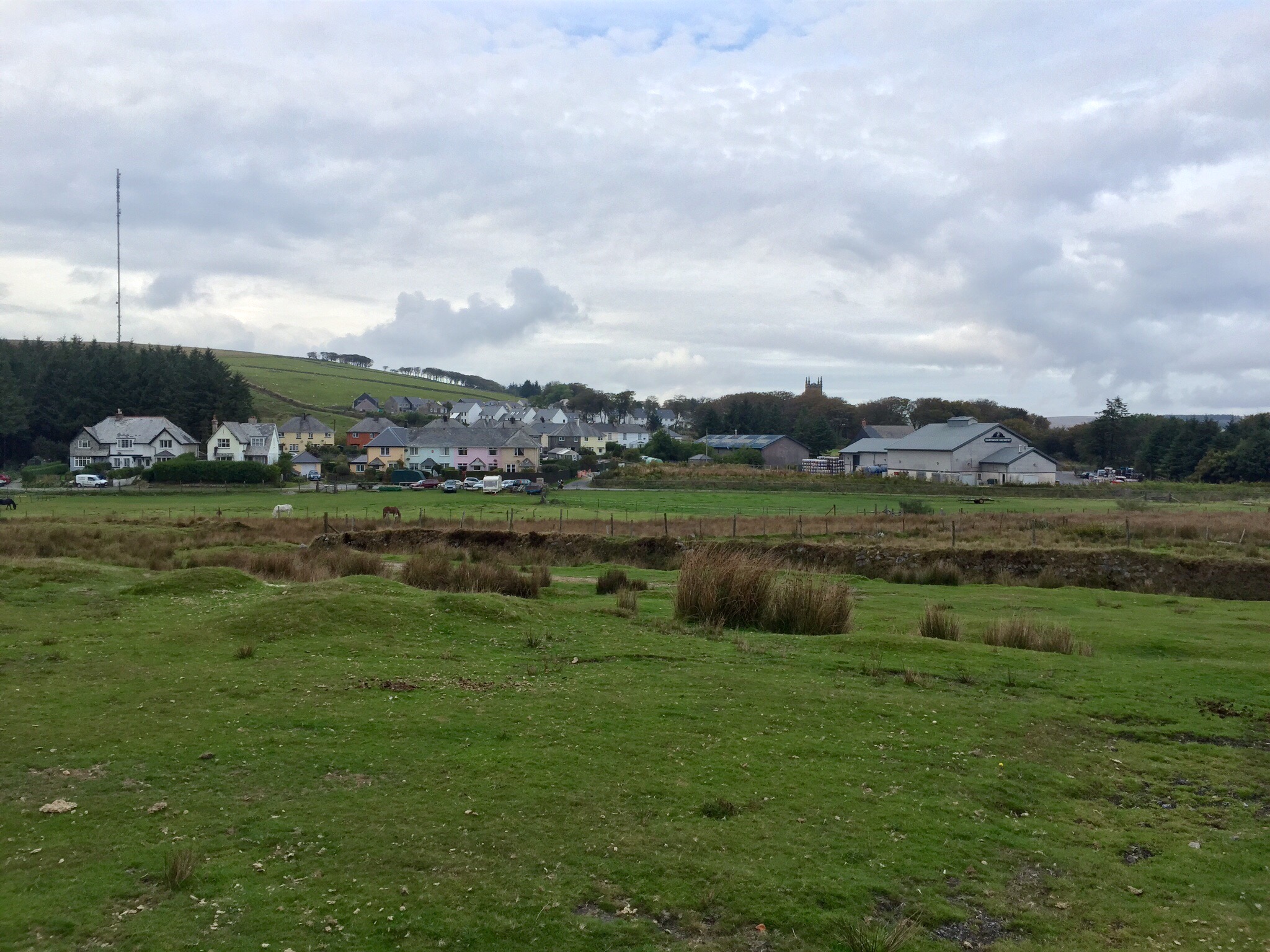
One thing I will say is BlackBerry has not produced a lacking device in terms of hardware. NFC. Miracast. DLNA. Powerful built in speakers and a quad microphone system. The Passport features a “Natural Sound Technology” which adapts Wi-Fi and cellular call sound depending on phone position and background noise. In my phone call tests, my friends at the other end of the call were impressed by the clarity. I even tried making a call on a windy Dartmoor. Same clear call.

IMG_20141004_183732

So above you can see me calling my pet monster. And once you have created an action to a person, it shows that action again to help speed up calling that person again as shown below.

IMG_20141004_183746

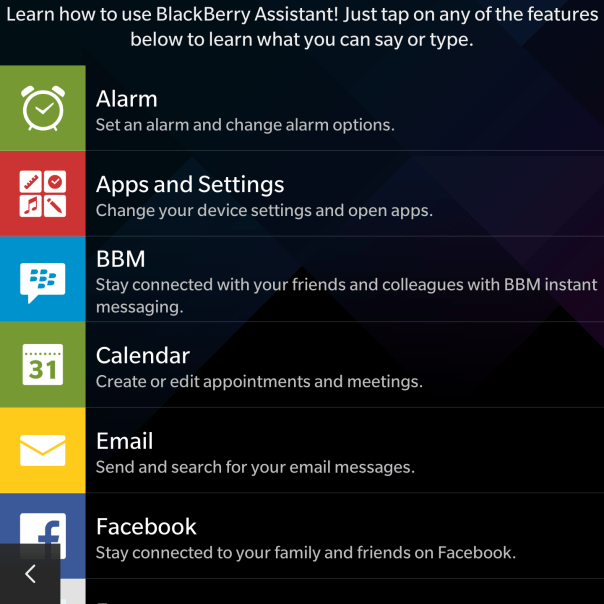
If you tap the “i” for information, you get a list of all the options available. I ought to mention the BlackBerry Assistant is called up with a press on the button on the side, which sits in between the volume up and down keys. If you decide not to use the assistant you can remap it in settings to be a mute switch.

IMG_20141004_183755

As you can see there is a good selection of options available, and in my testing so far the BlackBerry Assistant was fairly accurate with the results.

IMG_20141004_183805

However, there is one aspect of the BlackBerry Assistant that blew me away. It is all very well testing the voice recognition in a quiet room, but I then tried it in the loud noisy environment and it was still able to pick up everything I had said. Truly remarkable.

IMG_20141004_183818

So moving on to the music app. My only gripe or wish was that the albums art could be displayed in a grid view like the Gallery app with the folder view. Otherwise, it is a no nonsense app.

IMG_20141004_181951

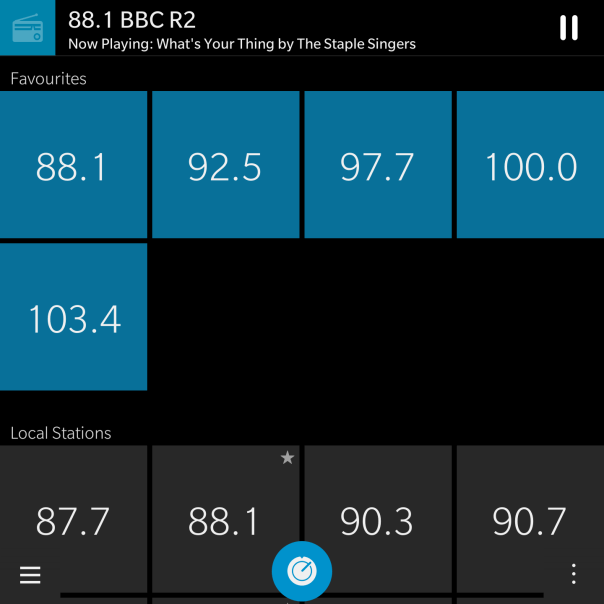
I did not realise there was a FM radio, but I found this in the app options as shown below.

IMG_20141004_182023

And as you can see I have a few radio stations setup.

IMG_20141004_182313

But with all the options, the only thing that really matters is the audio quality. One word. Excellent. Really good via headphones whether connected via a wire or via bluetooth. The Loudspeaker is loud and effective too. FLAC support is natively supported and iOS Headphone controls work with the Passport!

More tomorrow.

BlackBerry Passport – Impressions – Part 3 – Active Panels, Battery, Screen and more

IMG_2814.JPG

So I have now had the Blackberry Passport for just over 5 days. My first post predominately covered the hardware and my very first thoughts. My next challenge was to understand the BlackBerry OS and its way of tackling tasks and moving between screens.

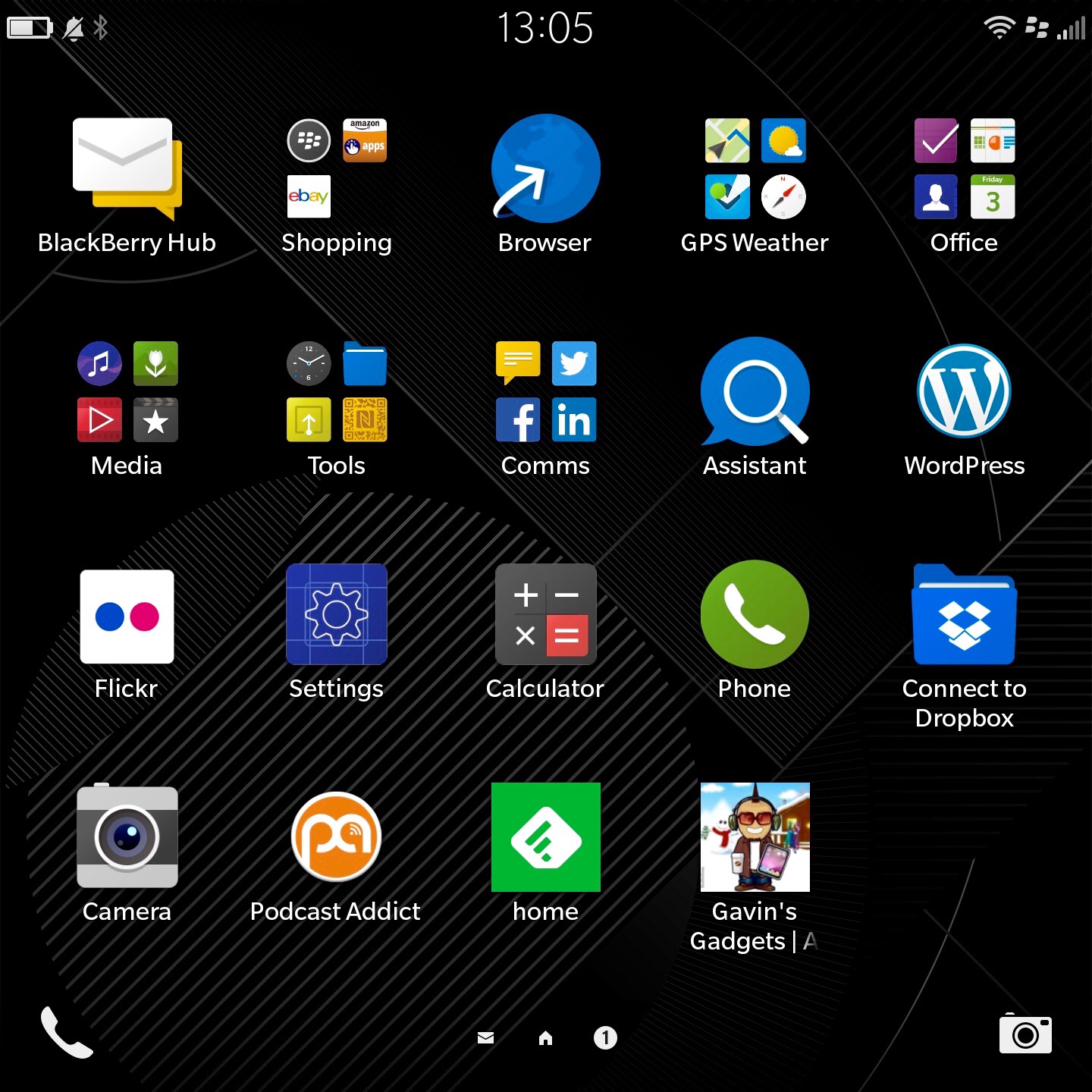
So at the moment, I have worked out how to tidy up my app home screen as shown above and create folders. I have also installed EBay, Flickr, WordPress and a few other apps, including a podcast app. I have a separate home page for games.

IMG_2816.JPG

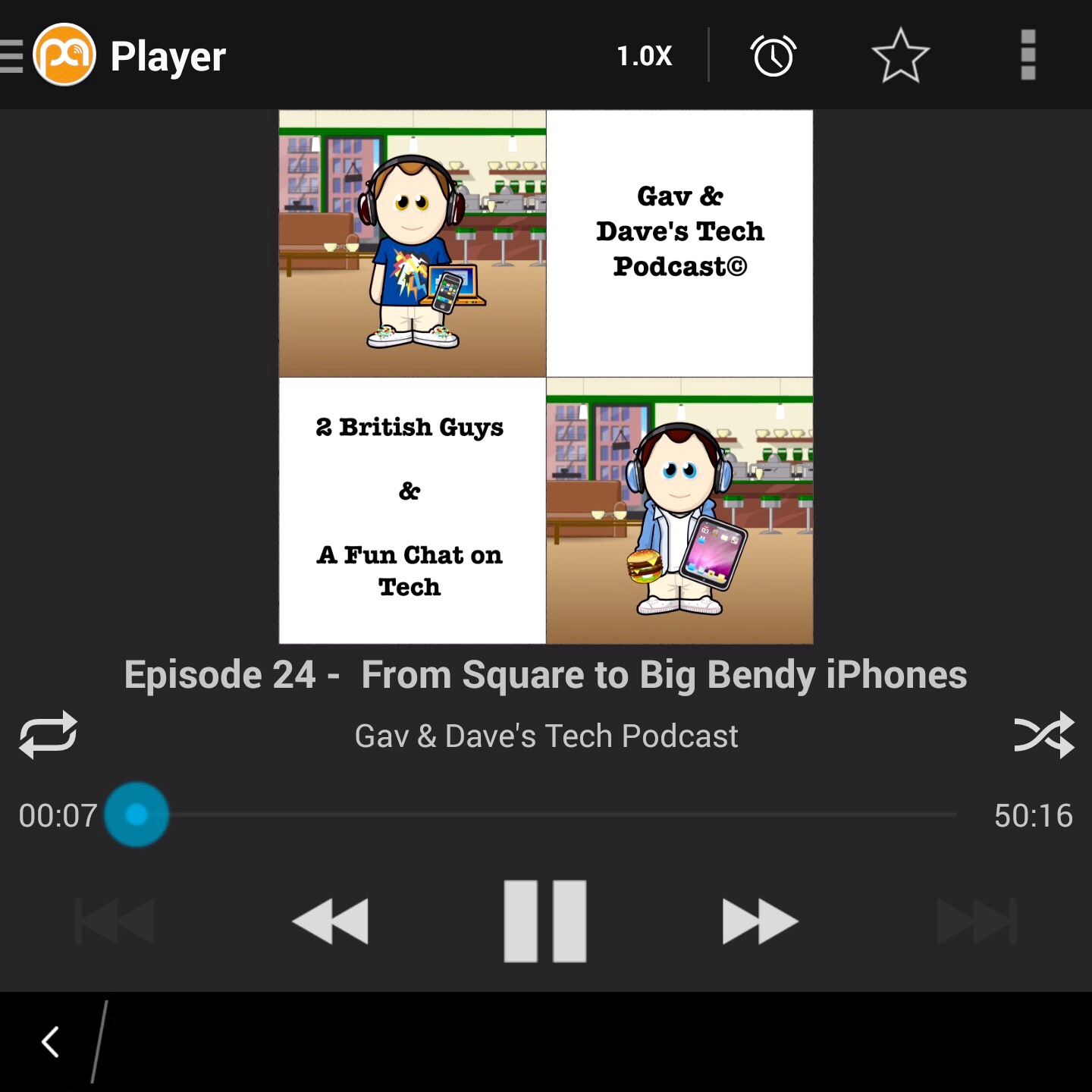
A highly recommend the above podcast 🙂

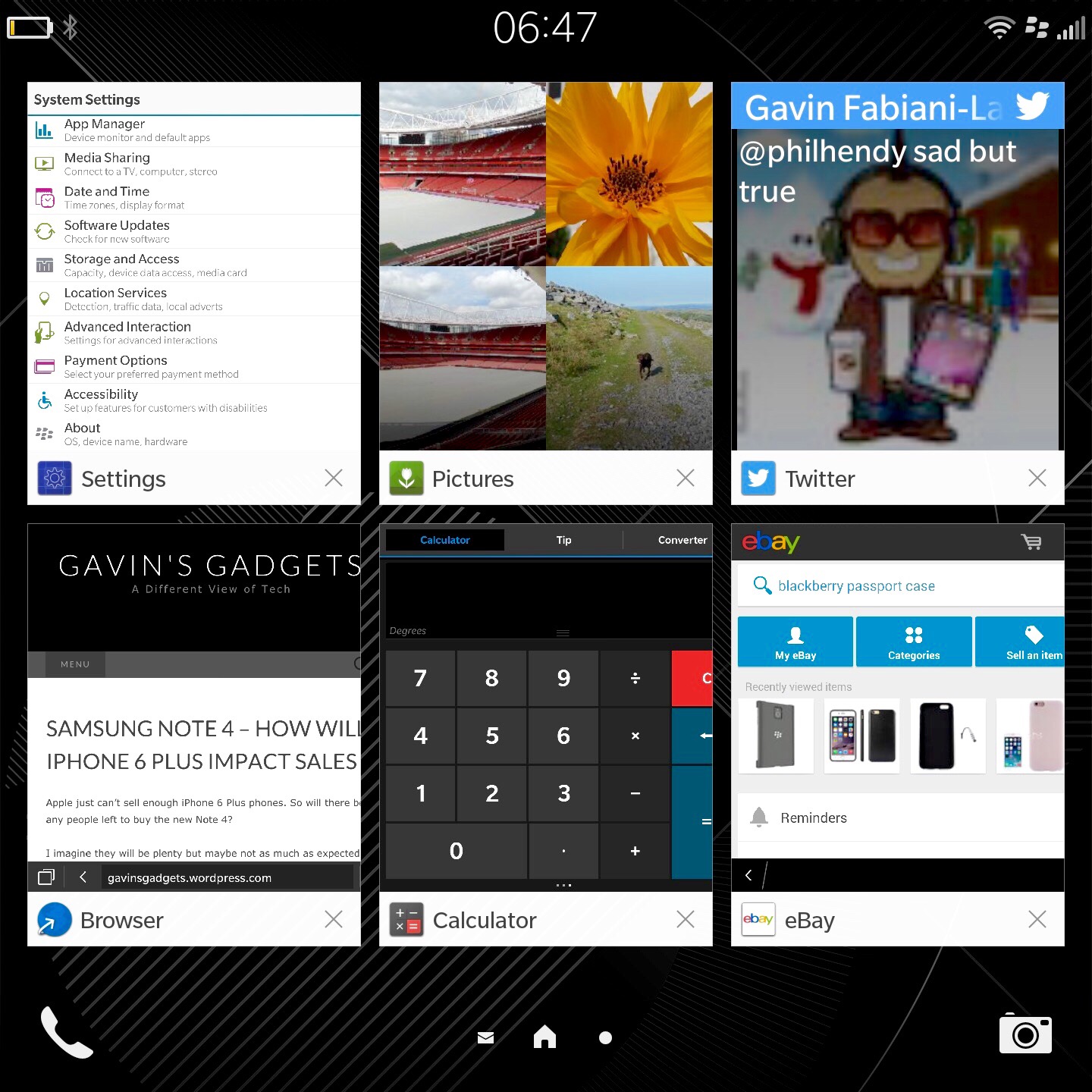
So what’s the software like? Full of swipes and gestures and peeking. It does take a while to adjust and after 24 hours I was just getting to grips with the functionality. In fairness, I’ve been very busy so not spend much time with it properly other than actually use it as a phone and communicator. With the display off you can swipe from the bottom up in an arc to the left or right to turn the screen back on. You can even set an option that turning the Passport on to its front switches the display off. Turning it back over and the displays comes back on. In applications, two finger swipe downwards pulls down the quick toggles. Screen shot at the bottom of the page. In any app, pull from the top edge downwards with one finger brings up the app settings. Swipe up from the bottom edge brings you back into the multitasking page. The running apps shown below are active panels. They change and display information depending on what type of app it is and how it is configured to work in this mode. I must admit it is becoming more natural to use. I have both the Passport and iPhone 6 Plus on the sofa and when a new notification arrives, it is the Passport that I prefer to pick up and use to respond.

IMG_2820.JPG

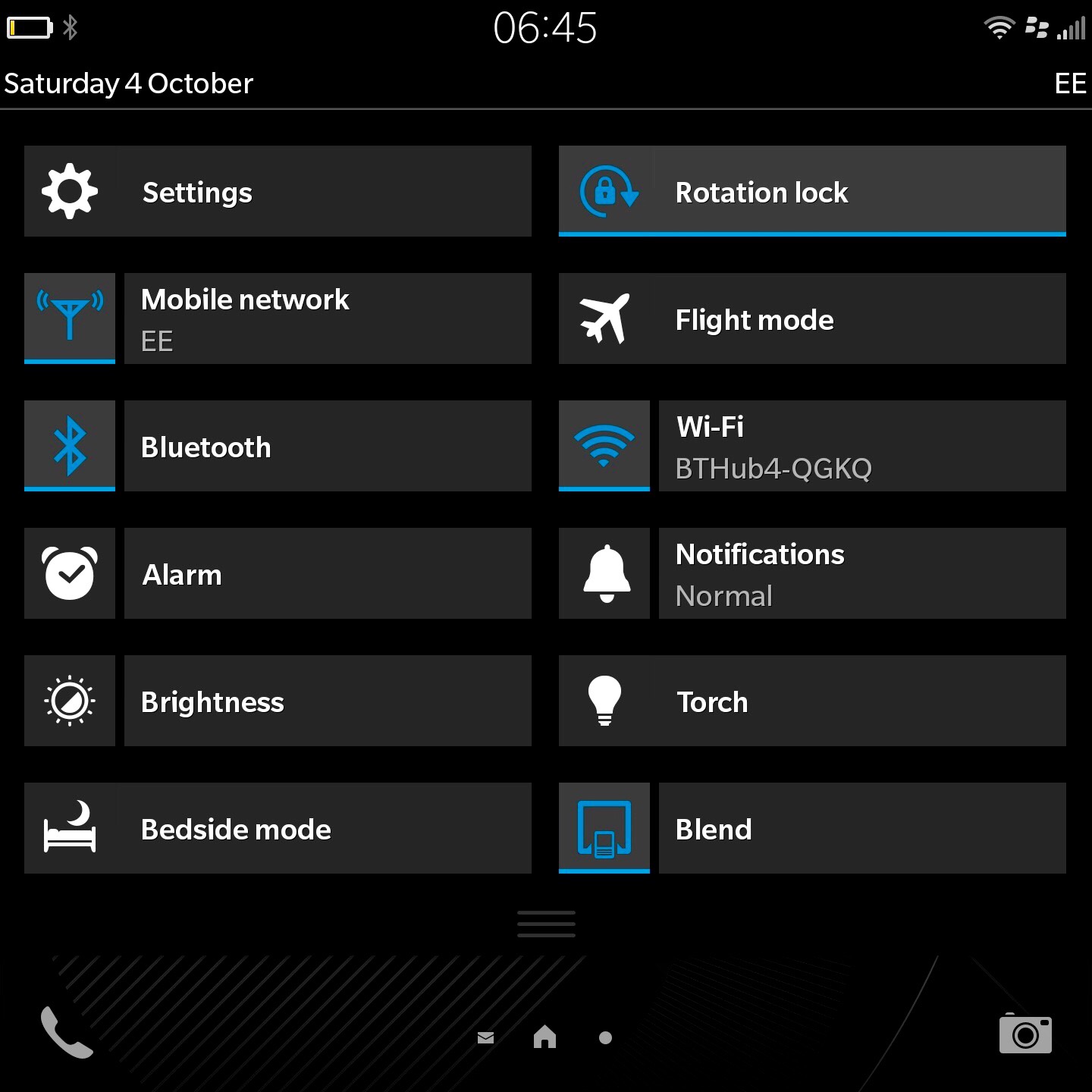
The toggles menu accessed in any app with two fingers swipe down from top of screen. In home screen only one finger is needed.

IMG_2819.JPG

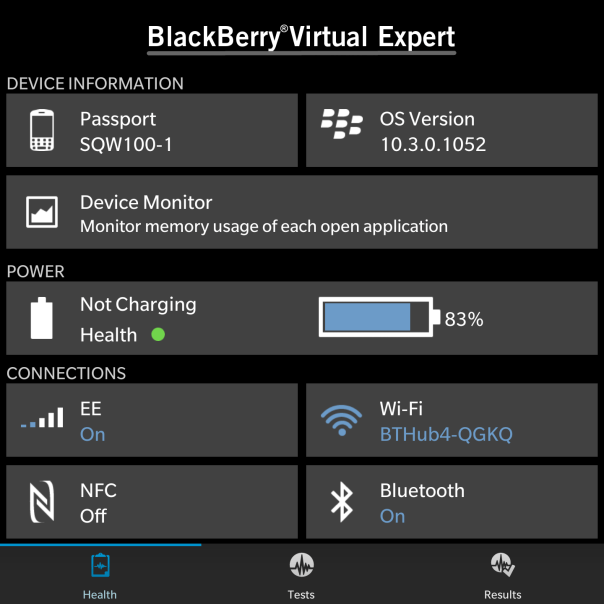
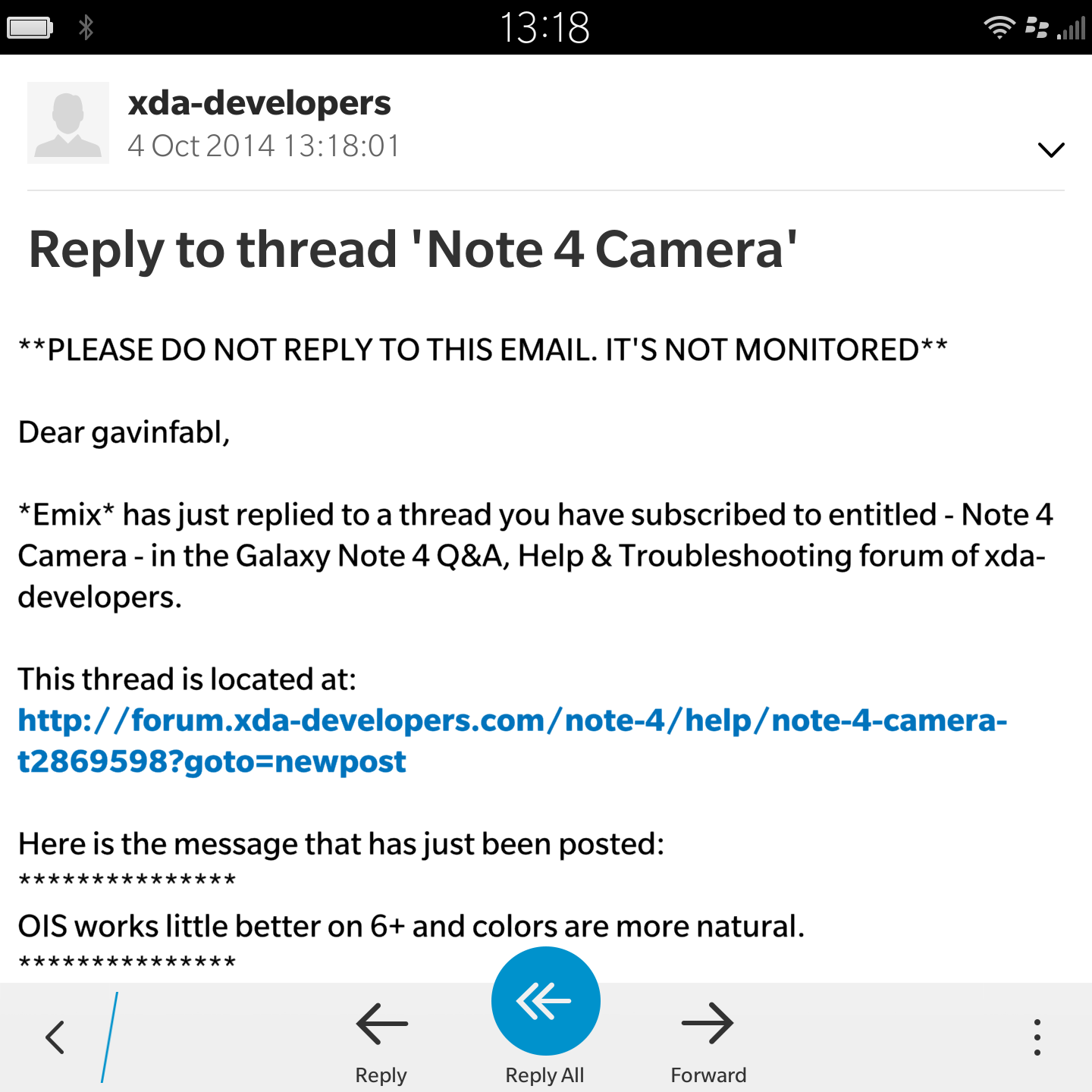
After realising I had several app updates waiting in BlackBerry world, a new app appeared. Virtual Expert provides information about the Passport. This app also allows you to test all the different functionality of the phone, like an engineer mode.

IMG_20141004_192108

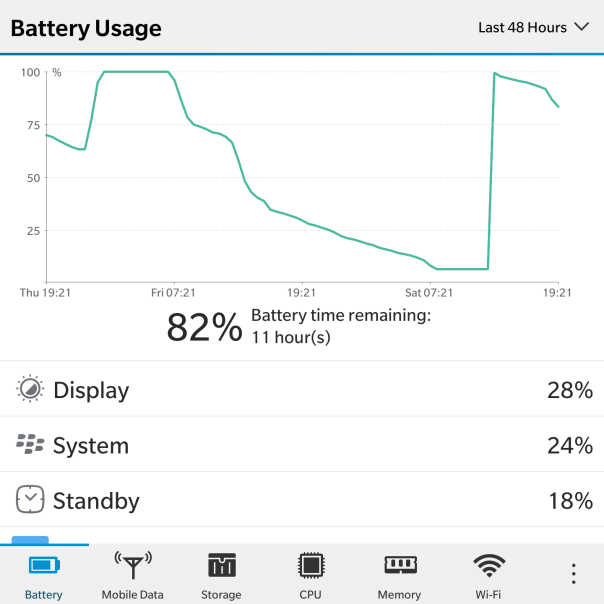
And here you can see some battery stats. These were the first lot of battery measurements take. The battery has improved after subsequent charges. For my usage, The Passport will last 24 hours or so, but I would recommend charging it overnight. I gather the next update to the firmware will include a battery saver mode. It does seem to drain more battery than I would have expected in standby mode. I would hope the next software update will help improve matters.

IMG_20141004_192243

The Passport also has peeking options. With half gestures movements you can have a sneak peek at the Hub, running apps and on the lock screen summaries of the types of notifications received.

However, what makes the BlackBerry a BlackBerry is the Hub, it’s keyboard, and overall functionality. The OS is rather enjoyable to use, even though it’s different to other systems. So let’s talk about the Hub today.

The BlackBerry Hub is a central area to manage all your conversations and prioritise the ones that are important to be seen first. The Hub amalgamates email, text, BBM, phone calls, all your social media accounts and more. So I had my google accounts, yahoo, BBM, Twitter and a few more all setup in the Hub. For privacy reasons I cannot show you any screen shots. You also get system alerts too. Even Flickr upload alerts appeared in the Hub. And the Hub is always a swipe away. So with all the messages and notifications and more you can reply directly from within the Hub. After a few days of using the Hub it really does become a smooth way of quickly seeing, replying and managing your communications. And as mentioned above, it is by far my preferred device for replying to all my different types of notifications from social media, texts, emails and more.

And one of the promoted features is the 4.5 inch screen. And you know what it really is handy for many uses and means never having to rotate the screen, even though rotation is supported!

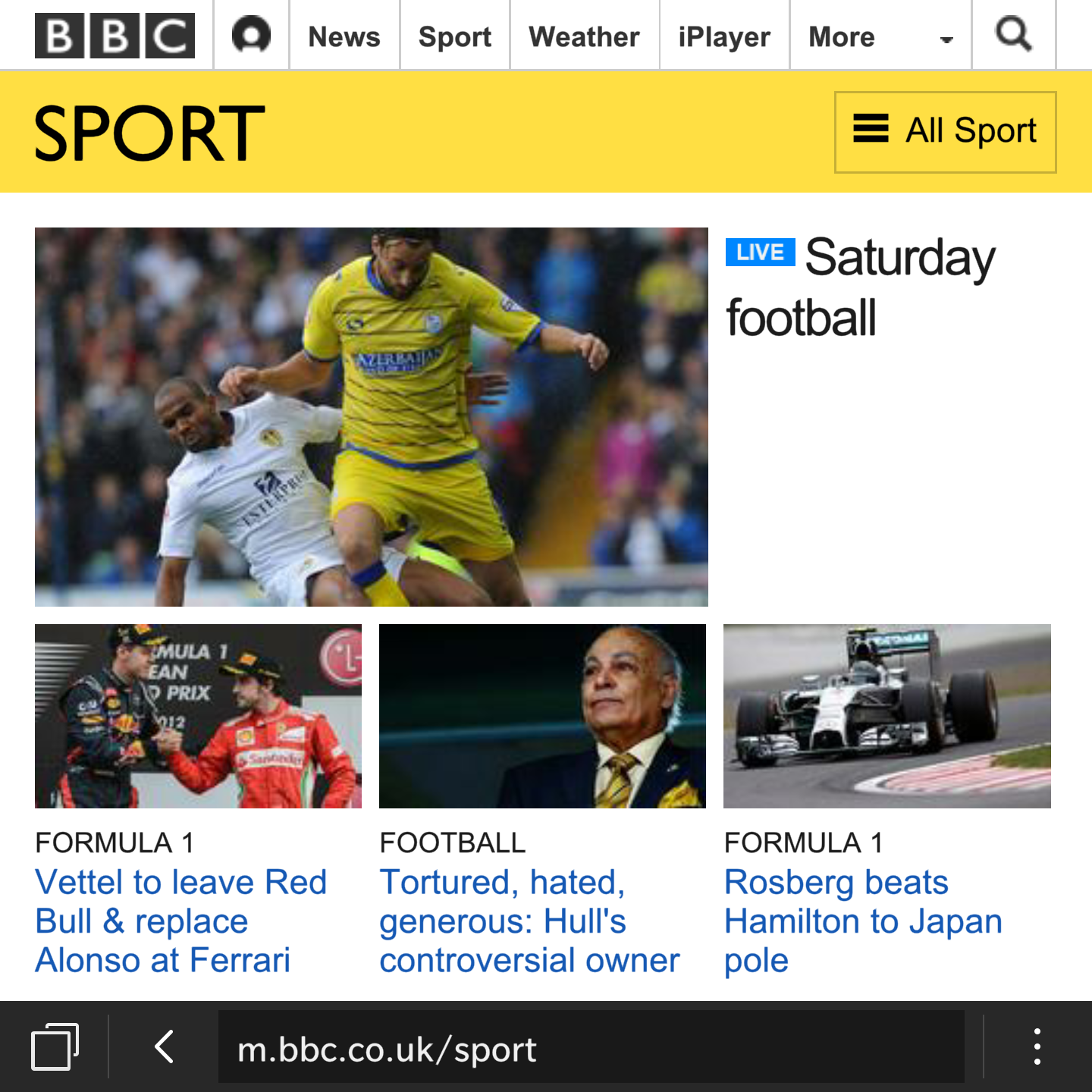
So below are a few screen shots showing you what certain applications look like on a 4.5 inch screen.

IMG_0345.PNG

IMG_0348.PNG

IMG_0347.PNG

And with the Passport you can use the keyboard as a trackpad to scroll up and down web pages.

So what do you think so far ?

BlackBerry Passport- Gaming

IMG_0352.PNG

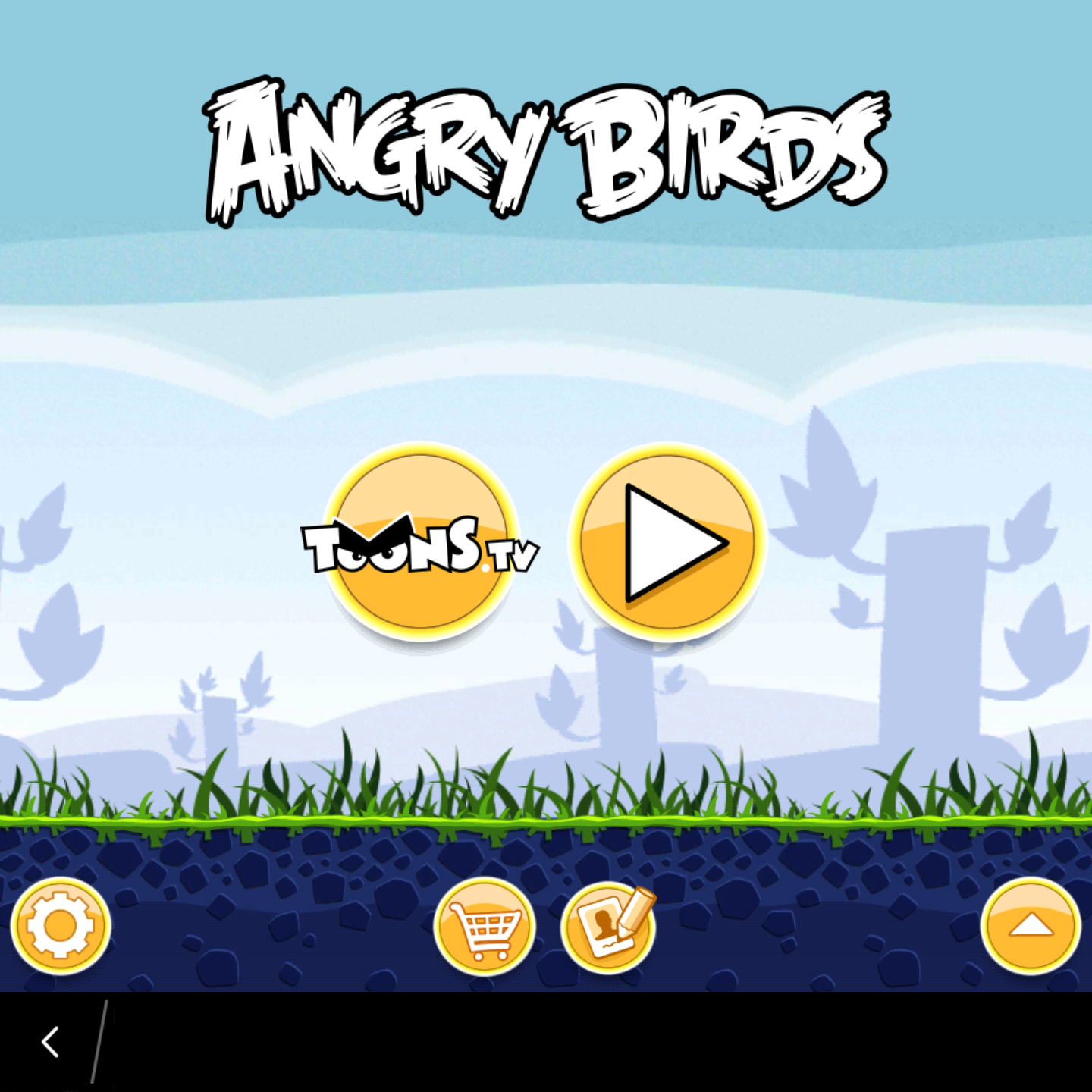
Angry Birds works just fine. So do all the other games as per the below screen shot.

IMG_0353.PNG

But I have found plenty that aren’t working with the Passport square screen. So whilst gaming is possible on the Passport, you might want to check if you can play the types of games you prefer first or buy a different phone.

Also the top right of the phone got hot whilst playing many games.

To be honest I was expecting a greater number not to work with the square screen so I was overall pleased with the selection that I tried that ended up working.

BlackBerry Passport – First Impressions

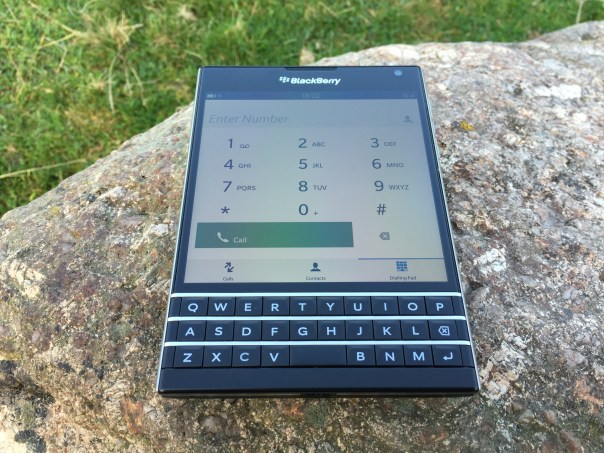
My BlackBerry Passport has arrived. Lets cut to the chase but before I do have a look at the hardware photos below –

IMG_0294

IMG_0296

IMG_0302

So as you can see the hardware is gorgeous. Every person who has been shown the BlackBerry Passport has been intrigued and been very praise worthy of quality and look of the hardware. This ranged from tech geeks all the way through to my wife. Clearly, there is still a lot of love for the BlackBerry brand. Also if you look at the first photo, sunlight visibility is not an issue whatsoever. In fact the Passport is a whole 100+ nits brighter than an iPhone 6. From my point of view the hardware looks like a £600 smartphone. It looks and feels substantial, yet fits in all my pockets including front shirt pockets with ease.

The Passport is fitted out with some excellent hardware specifications from a Snapdragon 801 processor, 13mp camera with optical image stabilisation, 32gb storage plus 128gb micro SD card slot and so much more. If you need to know about the top flight specifications head over to BlackBerry here http://uk.blackberry.com/smartphones/blackberry-passport.html.

To give you some idea of my first two shots from the camera, see below –

Stunning Dartmoor Landscape #BlackBerry #Passport

And another of a random street .

Random Street #BlackBerry #Passport

I have not had much time with the BlackBerry Passport but I wanted to give you a quick heads up. The BlackBerry OS is brand new to myself so I am also learning as I go along. The 4.5 inch screen is ideal for viewing emails and web sites and other office or business documents. The Passport also does a whole lot more too of which I have to explore.

I will leave you with this one thought. Whatever your preconceptions of this phone until you have held it and used it, that is the only time you will be able to pass judgment or comment.

My next step will be to explore the software in more detail over the weekend, so expect part 2 next week. Once again, keep the questions flowing.

Apple iPhone 6 Plus – impressions part 5

So iMessage crashes out of the app every time I go to attach a photo to send in a text. To send a photo I had to send from the Photos app.

Volume buttons got locked at full volume whilst listening to a podcast. I had to reset phone to resolve. Weird.

With the iPhone in my front shirt pocket and the speaker grills facing upwards, I was able to listen to a podcast clearly whilst driving.

More photos. Have a look at the BlackBerry Passport device shots. These 3 photos were all taken on the iPhone 6 Plus.

BlackBerry Passport – it’s arrived

IMG_2813.PNG

My BlackBerry Passport has arrived. I’m not going to write too much until the weekend as I need to get to grips with the operating system and hardware.

I wanted to get one as people are quick to dismiss it or comment negatively and yet haven’t even used or seen one. So to be fair to myself, I am going to be as objective as I can with the new phone.

It really is intriguing. Any questions please let me know and I will try to answer them.

My history with blackberry spans over the last 6 years. My employer provide a Blackberry Curve which is a real workhorse. But it is locked down and limited in functionality. So I am keen to see what it possible with the Passport and the unique 4.5 inch square screen.

Apple iPhone 6 Plus – more impressions part 4

So another day has passed and to be honest it has all been rather hassle free.

I have created an album now on my Flickr account for my favourite iPhone 6 Plus photos. Click here to view https://www.flickr.com/photos/gavinfabl100/sets/72157647679181549/

I have been using Apple Maps again and it has on the whole been stellar. The spoken turn by turn directions are so clear that you really don’t need to see the screen. However, it suddenly stopped speaking the directions, instead opting to make a weird doorbell like sound. Sounds like a bug.

Below are two photos I’ve had taken with many phones. I just can’t get over the clarity, true to life colours and detail achieved by the iPhone 6 Plus.

IMG_2811.JPG

IMG_2810.JPG

Daylight was disappearing at the time so rather good to be honest. I also took some random burst mode shots of cars travelling at speed. The results were excellent but boring to show. When I get some more exciting photos using burst mode I will upload these.

Overall the 6 Plus is my favourite smartphone of all time. I am very happy with the larger display and size and in no way would I want a smaller 4.7 inch iPhone 6. The extra benefits in battery and camera and screen are well worth it !

iPhone 6 Plus – Further experiences

So as each day passes a few more experiences that make me happy or frustrated occur with the new iPhone 6 Plus.

So in no particular order here goes the good and bad experiences –

1) Headphones. I’ve said it before the audio quality output via the headphone socket is outstanding. Even bluetooth quality seems top notch.

2) Apple Photos app. Apart from it now having excellent editing options, I love the way I can now edit a photo in the Photos app, using features from another Photo editing app, without ever leaving the Apple Photos app. At the moment, I have 2 apps that work with this feature – Camera360 and Camera+. Talking about photo and video editing having the larger screen of the Plus makes a world of difference. Update. Camera 360 in app editing just stopped working. Deleting and reinstalling didn’t help.

3) iMovie – provided free of charge and a superb and easy video editing app to create a new home movie on the fly.

4) GarageBand – again a free app and a highly polished one too. I don’t need this app, but it is fun to use occasionally.

5) Games – I have a massive iOS games catalogue. Some of the games I’ve installed don’t work properly. Some examples – Alpha Wave graphics are weird at times, many of the Sega Sonic games when playing the actual game reduce to a much smaller size and look really odd. No zooming whatsoever. However, out of about 66 games I installed, I only had to remove 8. This is impressive as many of these haven’t been updated for ages. Some of the older games have black vertical strips on the left and right as they don’t stretch all the way to fill the Plus screen. I imagine the 6 (4.7 inch) will have no such issues. Metal. Apple have promoted games that work without going through any layers so work closer to the chip called Metal. I’ve played a few of these. Beach Buggy, Zen Garden and Asphalt 8. This new method of coding has a superb benefit to games and I can’t wait to see more games updated.

6) iCloud Drive – seems an oversight that the Mac has not been updated in time to take full advantage of this yet. I’m curious as to whether 5gb will be enough. Based on my calculations I will definitely need the 20gb per month allowance.

7) FaceTime, iMessage. They just work really well. My son is in hospital and just being able to do a no hassle video call along with sending media via iMessage has been something I don’t think would have happened if I had been on an android handset. But this experience then extends to other friends and family and my wife too. And one FaceTime call was when I was walking the dogs on Dartmoor and had a crystal clear video and audio. So cool.

8) Battery – the Plus has a vastly better battery life to my previous iPhone , the 5S. Bluetooth and wifi are left permanently on too with no obvious impact on battery life. But even with such a big improvement I wish Apple had pushed the boundaries even further.

9) Bluetooth range – I’ve been using my bluetooth headphones and have a perfect connection. Not one odd drop for a split second just a clear sound. And the range is nuts. I’ve walked into different rooms and the audio is still transmitting.

10) Handoff. This is a fabulous feature and again just works. This is one of my favourite features.

11) Reachability – not really found this helpful and haven’t got the the hang of it as to activate one handed feels like the iPhone 6 Plus weight is off balance and I feel like I might drop the iPhone.

12) Over zoomed apps. Apps like Hangouts and Whatsapp look dreadfully over zoomed. I can’t wait to see these updated properly.

13) Bugs – Pocketcast badge showed 3 podcasts when the folder it sat within was opened. When I closed the folder no badge number showed. I had to switch the phone off and on to resolve.

14) Touch ID – it’s the best implementation for a finger print sensor unlock. So smooth and seems very quick to unlock.

15) Health Kit – I’ve not had much time to explore this but I have set up my Medical ID which allows for certain information to be displayed on the lock screen. For example my ICE (in case of emergency) contact (wife) is displayed along with her number. The phone would allow a person to call my wife only without unlocking my iPhone. It could also display vital information eg blood type, organ donor yes or no, weight, height, list of medications, allergies or reactions, medical notes or conditions and date of birth. So if for example you were involved in a major accident a paramedic could obtain vital information to assist in treatment. The iPhone has a pedometer built in so my steps and altitude climbed are recorded without impacting battery life. I’ve also installed myfitnesspal which links into the Health kit. By granting the respective permissions, the Health app updated myfitnesspal with my weight and height. Working in the other direction as I record my food intake with myfitnesspal it’s updating the Health app. This is so neat and the potential is enormous.

16) AirPlay. This is not totally working. None of the slow motion videos will play via Apple TV that have been recorded on the Plus. Ones recorded on the 5S are fine.

My final thoughts are that the Plus could replace my iPad and be my standalone device. iOS 8 allows for a few more developer options that make this possible. But at the moment apps need updating and Apple need to pull their finger out and fix the bugs. Far too many really.

Anyway, that’s where I am at the moment. What about yourself?

Gav & Dave’s Tech Podcast – Episode 24 is now live – Please RT

As you know, I co-host a weekly podcast with David from UKMobileTech called Gav & Dave’s Tech Podcast. It is a light hearted tech podcast broadcast bi-weekly. To subscribe click here for iTunes or copy and paste this link into your favourite podcast app.

Episode 24 is now live for your listening pleasure.