Category Archives: Apple

Photo comparison of the Sony QX10/100 with the iPhone 5S

QXs

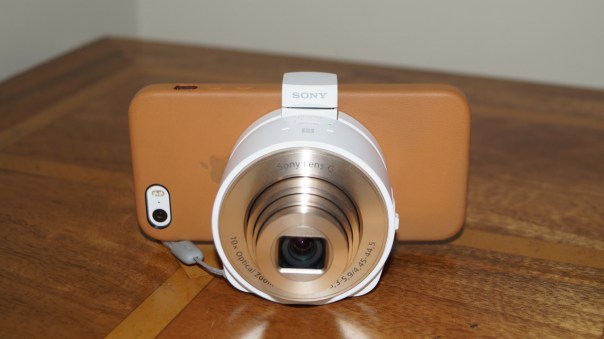
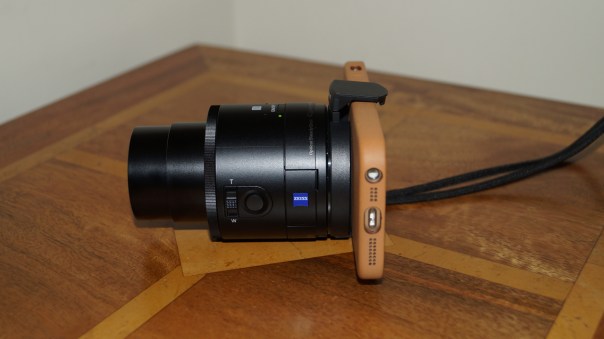
I was asked the other day if I could show photos of the Sony QX10 and QX100 attached to the iPhone 5S so that their sizes could be compared. So below are some photos with the lenses attached to the iPhone 5S. To recap on my reviews of both and other posts click here https://gavinsgadgets.wordpress.com/?s=sony+qx&submit=Search .

First up is the Sony QX10 in white with the iPhone 5S. Front and side views.
DSC00845
And now side view.
DSC00846

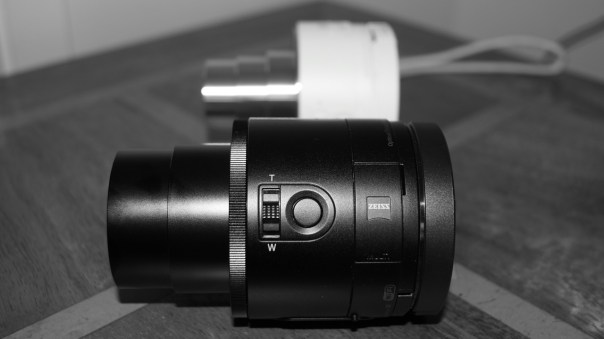
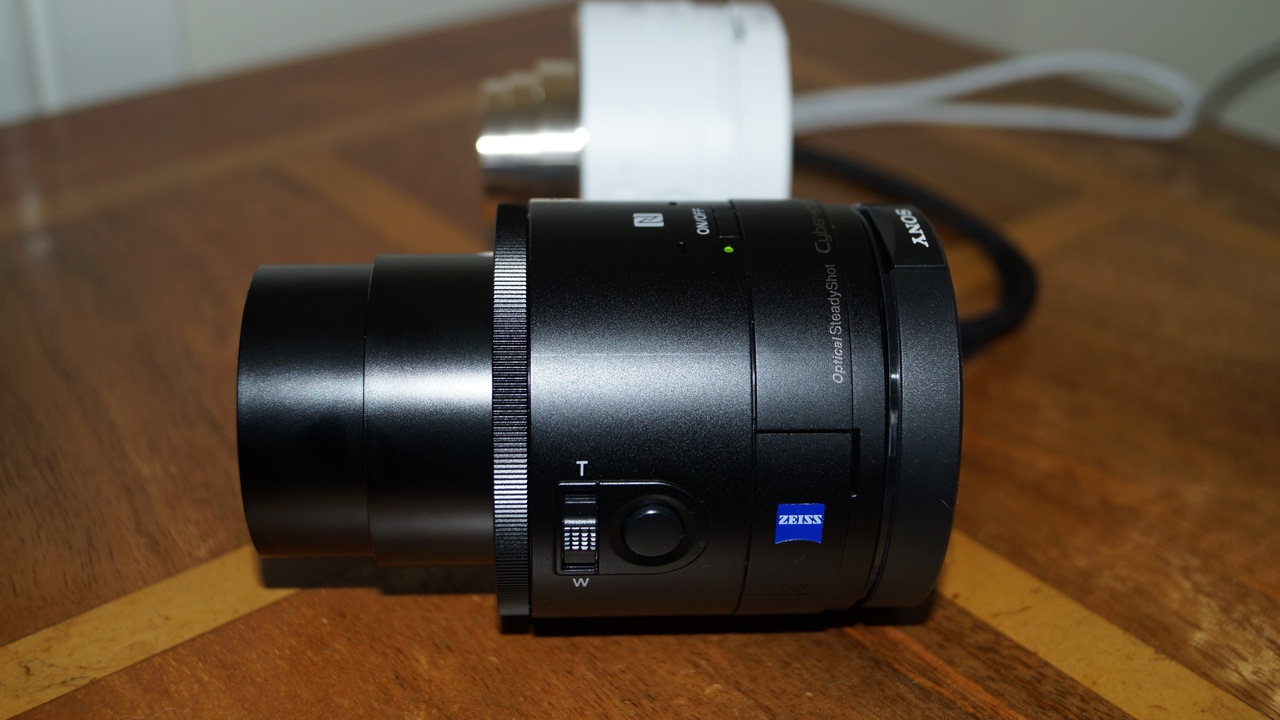
And now for the QX100. Clearly larger too.
DSC00847
And the side view.
DSC00849

Whilst the photos depict the lenses with the iPhone 5S, these also work on other iPhones and android devices. And if you have the Sony Xperia Z or Z1, you can buy a special Sony back case that allows the clamp section to be removed from the lens, and then attached directly to the case. Pic of case ACX2 below.
61gDN4IXS-L._SL1200_

Tips for saving battery on your iPhone 5S or 5C

1. Turn off Background Application Refresh – Settings -> General -> Turn off Background App Refresh.

2. Switch off Automatic Downloads and Updates – Settings – iTunes and App Store – turn off automatic downloads.

3. Switch off AirDrop – open the Control Center and swipe it up to switch off AirPlay.

4. Set alerts to None – Go to Settings – Notification Center and set alerts to note.

5. Brightness – keep as low as possible

6. Turn off Frequent Locations – Go to Settings – Privacy – Location Services – System Services, and toggle of the Frequent Locations.

7. Switch off Email Push

8. Turn off Bluetooth and WiFi when out of range

9. Switch off Location Services

10. Controlling WiFi and Bluetooth settings

11. Restricting Cellular Data -When you don’t need mobile data for apps and services, turn it to off.

12. Reducing Motion -In the Settings menu, go to General, Accessibility, Reduce Motion.

13. Cutting down use of dynamic moving wallpapers

14. Managing Siri -With Siri being enabled, your iPhone will be constantly monitoring movement. This uses more battery so go to Settings,General and then to Siri.

15. Turn off Spotlight search. Settings, General, Spotlight Search.

16. Turn off iTunes Sharing, Mobile completely, Music EQ and restrict add tracking.

Do you have any other tips to add to this?

Amiga soon to arrives on the iOS App Store

Classic game company, Amiga Games has today announced distribution of its catalog of titles through the App Store in time for the 2013 holiday period.

In addition, the games will be compatible with iOS 7 and with game controllers.

I expect to see a big boom in games offering support for these new game controllers, which in turn will makes iOS and even stronger gaming platform.

Another problem with the iPhone 5S motion sensor

Apart from reports of the motion sensors being off by a few degrees there is another by product problem arising from this inaccuracy.

According to CNET and a few other benchmark sites, the iPhone 5S’ motion sensor being prone to being a few degrees off, means that the GPS is not as accurate as it needs to be.

The issue is currently being dissected by a large number of users who are trying to get to the bottom of the motion sensing malfunction, as some believe that the GPS could lead some users to a very dangerous place if it’s not fixed.

Setup your Apple TV with your iPhone – here’s how

The easiest way to set up an Apple TV 3rd generation only, is with an iOS device. To use this easier setup mode, you’ll need an iPhone 4s or newer, third generation iPad or newer, iPad Mini or fifth generation iPod Touch. Whichever iOS device you use must be running iOS 7.

When the Apple TV is first powered on, it will boot up to a setup screen. Make sure the iOS Device is connected to the wireless network that you want the Apple TV to connect to. Then use Control Center to turn on Bluetooth. Then you just need to touch your iOS device to the Apple TV.

Once you touch the iOS device to the Apple TV, a pop-up appears on the iOS device. When the pop-up appears you can remove the iOS device from the top of the Apple TV. Enter your Apple ID and password in the prompt to continue the setup.

After entering in your Apple ID and password, the next prompt asks if you want the device to remember them, so when you purchase any music, TV shows or movies from the Apple TV you will not have to re-enter in the password each time.

The Apple TV then connects to the wireless network, activates, connects to the iTunes store and welcomes you to the main page.

The wait for the new iPads is nearly over

Apple has made it know to All Things Digital, that it will hold an event on 22nd October announce the new updated iPads. There will also be a slot for the new Mac Pro and OS X Mavericks.

The fifth generation iPad is expected to feature a thinner, lighter design akin to the iPad mini’s, and run Apple’s new 64-bit A7 chip. The fifth generation iPad is expected to feature a thinner, lighter design akin to the iPad mini’s and an improved camera. It will run Apple’s new 64-bit A7 chip. The second-generation iPad mini will be upgraded with a retina display and also see the A7 incorporated into its innards.

Sony QX100 lens review

Below is my review of the Sony QX100. I already have reviewed the QX10 and yesterday did a photo comparison between the QX10 and QX100. Click this link https://gavinsgadgets.wordpress.com/?s=QX10&submit=Search to get access to the previous articles.
DSC00841

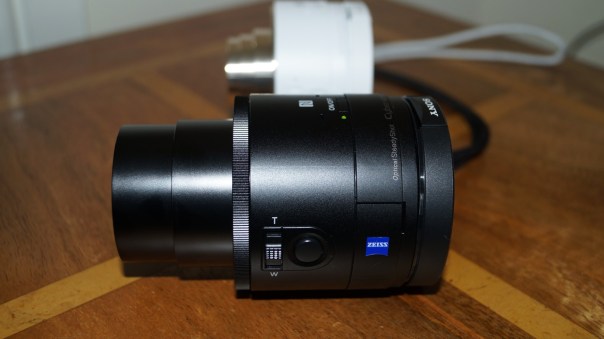
In this review, I am going to cover off what the QX100 adds over the QX10. I am not going to repeat any of the basics, so please read the QX10 review first.

First up the QX100 is a 1 inch Carl Zeiss® Vario-Sonnar T* RS Exmor CMOS 20.0mp lens with 3.6 x optical zooming during photo and video mode. It comes with Optical Image stabilisation and features the same lens from the Sony RX100 award winning camera. It features the following –

-Metering Modes : Multi Pattern
-Exposure Compensation : +/- 3.0 EV, 1/3 EV step
-Exposure Settings : [Still] Superior Auto, Intelligent Auto, Program Auto, Aperture Priority, Movie Mode
-ISO : [Still Image] ISO160-6400(iAuto), ISO160-25600(Superior Auto), ISO160-3200(Program Auto), ISO160–3200(Aperture Priority)
-White Balance Mode : Auto / Daylight / Shade / Cloudy / Incandescent / Fluor (Warm White) / Fluor (Cool –White) / Fluor (Day White) / Fluor (Daylight) / Flash / C. Temp., Filter / Custom
-ISO Sensitivity (Movie) : [Movie] Auto (ISO 160 – 3200)

-Focal Length (35mm equivalent) : [Still Image 3:2] f = 28-100mm [Still Image 16:9] f = 29-105mm [Still —Image 4:3] f= 30-108mm [Still Image 1:1] f = 36-127mm [Movie 16:9] f = 29-105mm (SteadyShot Standard), f = 33-120mm (SteadyShot® Active Mode) [Movie 4:3] f = 36-128mm (SteadyShot® Standard), f = 41-146mm —–(SteadyShot Active Mode)
-Lens Construction : 7 elements in 6 groups (4 aspheric elements including AA lens)
Aperture Blade : Iris diaphragm (7 blades)

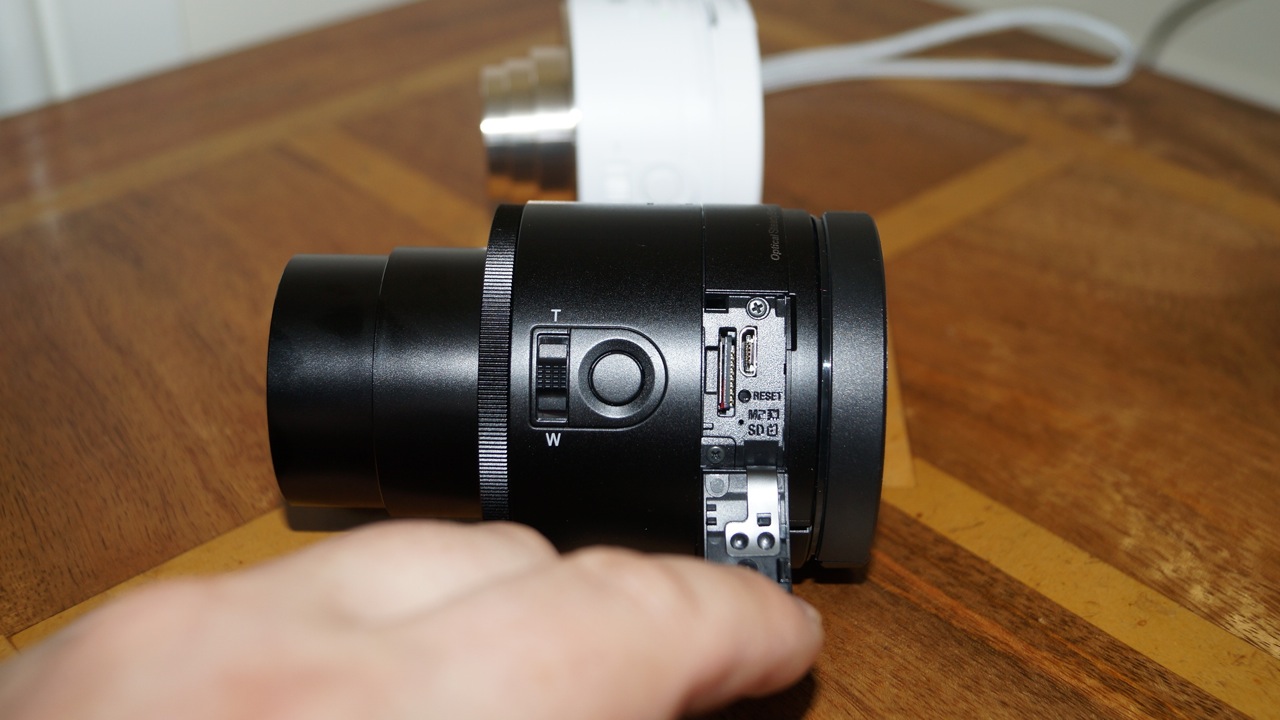
It weighs approximately 180g vs the QX10 at 105g. On the QX100 the memory card and micro usb is accessible without having to remove the clamp section and lift the battery cover.

DSC00842

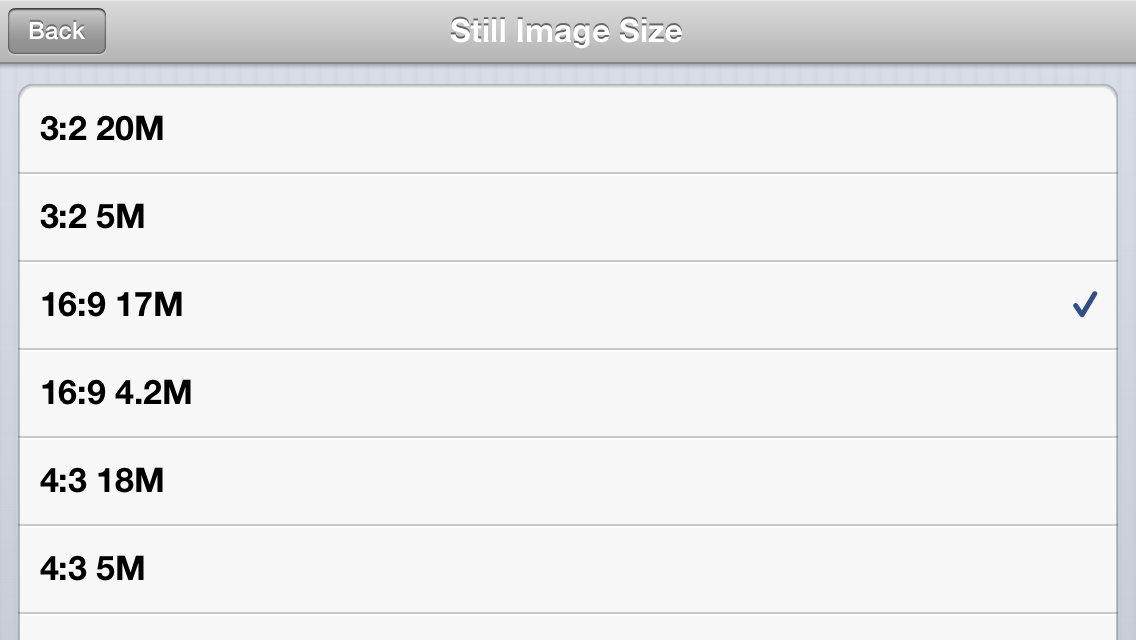
Apart from that the QX100 has a zoom control ring on the lens itself. The Playmemories app provides a few more settings. A choice of AF-S or manual focus. More file size outputs.
IMG_0716
The last two file size options are 1:1 at 13mp and 1:1 at 3.7mp.

Finally the shooting modes reveal other options.
IMG_0718

The Program reveals a new manual setting as below –
IMG_0719

And Aperture Priority as you would expect adds one other manual setting control –
IMG_0720

To be honest, the manual controls are limited on the QX100. Although the QX10 is near auto everything.

The clamp fitted really well around my iPhone 5S with the fitted leather Apple case. The lens also worked well connected to my tripod. The Playmemories app did freeze twice in 3 hours. Sony is working on an update soon to be released to improve the connection. It is not a problem though just something to be aware of. You simply close the app and restart it if you have an issue.

There is a bug with the QX100. It reads the time and date when connected via wifi. Except it does not do this on the QX100 as it should. So the date starts from 1st January 2013. The QX10 did not have this bug. I have written to Sony, and will update you when I receive a response regarding this. And low and behold the Playmemories app received an update yesterday and fixed this bug.

If you look back at the article yesterday comparing the photos from the QX100 and QX10, the QX100 does take considerable better quality snaps and for me it is a keeper.