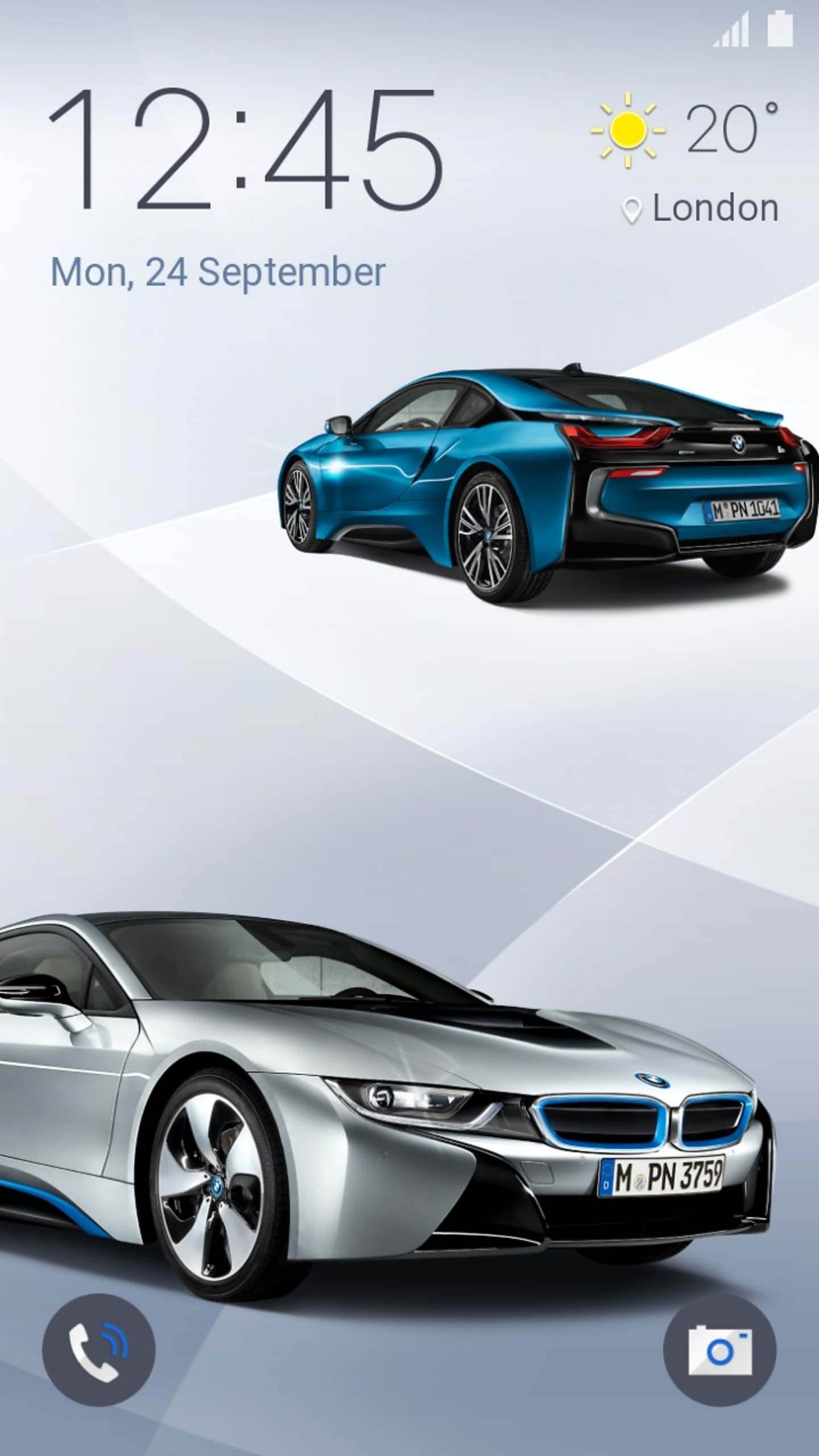
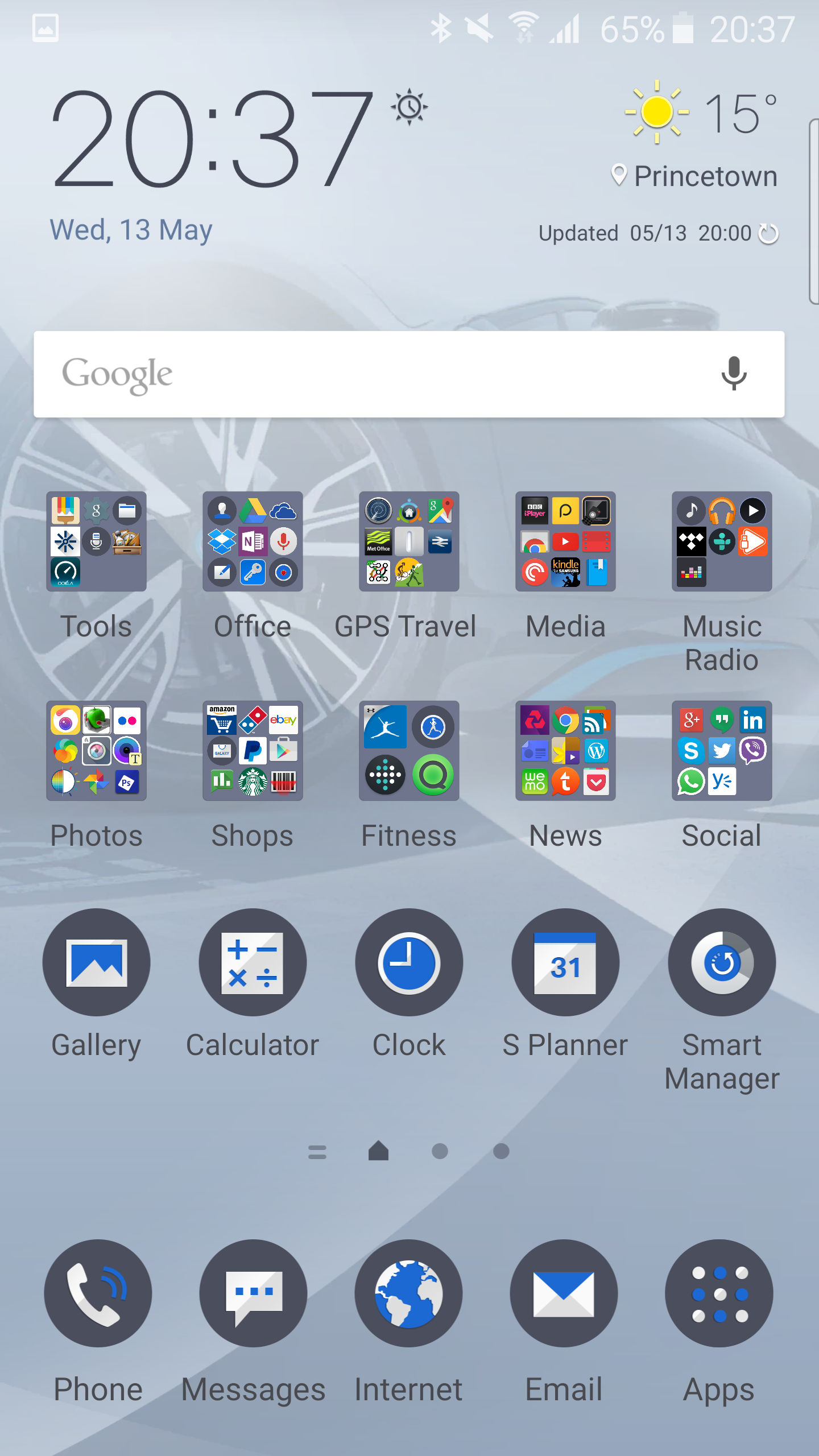
The Samsung Galaxy S6 Edge and S6 now comes with themes. Nike created a theme which was ok but today BMW’s theme was live and it looks great on my phone.
Above is the lock screen which dynamically moves and you tilt the phone.
My main home screen with colours and shades matching BMW’s colours.
Even the settings menus and throughout the phone are changed.
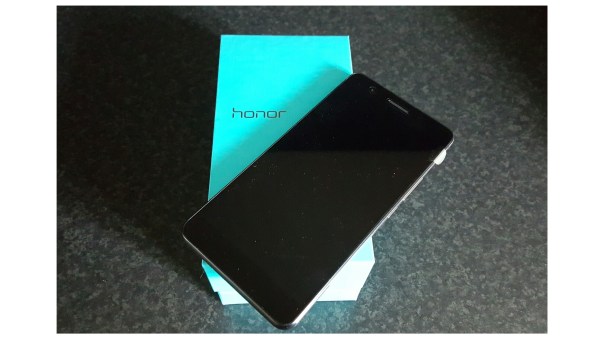
First up, let’s take a look at the hardware. As you can see it is a non offensive rectangular design, with a mix of plastic, glass and metal. The front camera is 8mp.
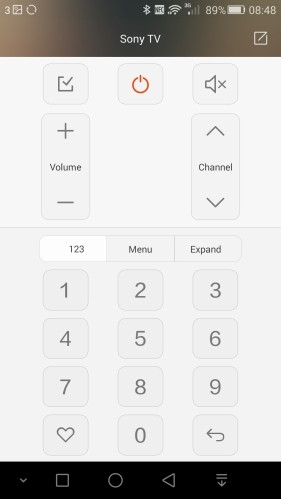
The top edge reveals a microphone, headphone jack and infra red blaster. The phone comes with its own infra red app, which comes with an extensive database but also can learn functions off another remote.
On the bottom edge is another microphone and micro usb socket.
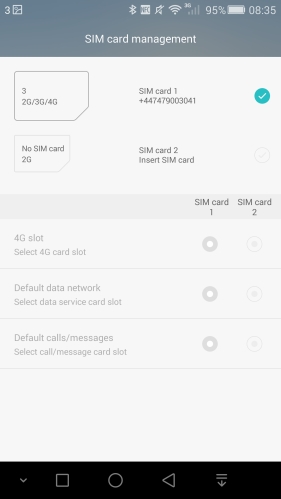
There are no buttons on the left edge but on the right hand edge there are the power, volume and two sim trays. This setup can be configured to take 2 micro sims or one micro sim and a micro SD card for additional storage. In fact the second tray can either take a micro sim or a nano sim. To use a nano sim, the nano sim card is rotated 90 degrees. If you don’t need a sim in the second tray, then you can use it for a micro sd card to expand the storage. So just to clarify, the prime sim tray located at the bottom of the phone, can only take a micro sim. It has been made this size as there are still many phones that need a micro sim. Obviously, if you had a nano sim, then an adapter would be needed to make it micro sim size.
On the rear you have the loudspeaker and 2 x 8mp rear cameras along with a true tone flash unit.
Before we move on, I will cover off the specifications of the Honor 6+.
Specifications
The new mobile device is packed with tons of smartphone technology, featuring:
– Unique bionic parallel 8MP rear camera providing wide aperture F0.95-F16 which can capture some of the most powerful photos – give your eyes a new visual experience and re-discover the beauty of life
– Equipped with super 8+1 cores Kirin925 chipset (1.8ghz) and 3GB RAM+ 32GB of internal memory
– 3600mAh powered battery with patented power saving technology which lasts through two days of moderate usage
– Micro SD card support up to 128gb
– Dual SIM Dual Active with dual data usage switchable
– State-of-the-art 5.5-inch negative LCD screen, 1080 x 1920 pixels, offering 1500:1 super high contrast and industry high of 85% color saturation
– Fiberglass based cover, the most important material used in military helmets. The Honor 6+ has a high screen-to-body ratio, designed for easy and more comfortable one-handed use
– Camera focus time of 0.1 seconds.
– Dimensions – 150.4 x 75.7 x 7.5mm
– Weight 165.00g
Phone Functions
In the box you get a micro usb lead, UK charging adapter plug, basic wired headset, sim ejector tool and some leaflets/quick start guide. You also get a screen protector for the front of the phone. The charger included is a fast charger, recharging phone in 2 hours.
The Honor 6+ is running android 4.4.2 along with EMUI v3. With EMUI you have a totally skinned look with tons of extra functionality. You also have access to a theme store to totally change the feel and look as required. EMUI v3 removes the app drawer, but this is not an issue. Lollipop is coming in July 2015.
The phone is powered by Honor’s own chipset, a 8+1 cores Kirin 925 chipset (1.8ghz) with 3GB RAM plus 32GB of internal memory. This is enough to provide a reasonable user experience with plenty of space for apps. AnTuTu revealed a score of 43,000. This should improve slightly once updated to lollipop.
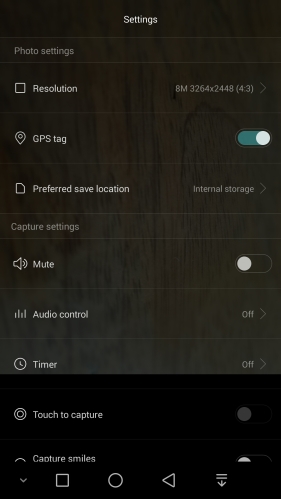
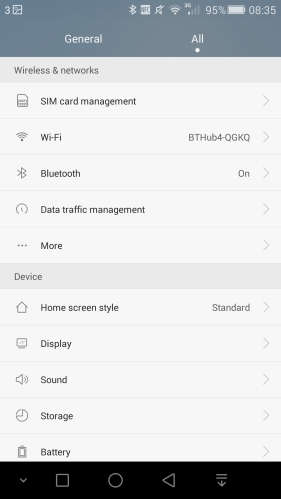
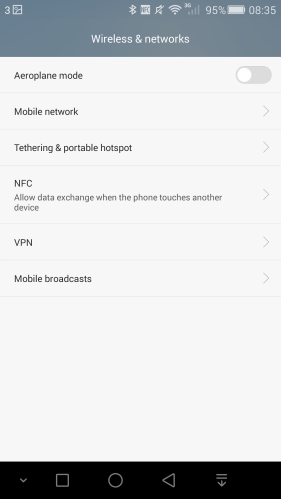
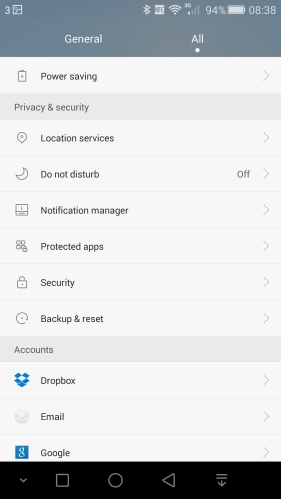
As a phone, it is extremely effective. It pulls cellular, wifi and bluetooth signals with ease. Its cellular reception capabilities are way ahead of any phone I have ever used. As an example, my Samsung Galaxy S6 Edge whilst driving through Cornwall showed no service several times. However the 6+ was on full H+. Another example, the 6+ was receiving 4G, whereas my S6 Edge only had H+. Both phones were on the same network too. Add to the fact it has dual sims, the Honor 6+ makes a compelling device for users who need good signal strength and versatility of the dual sim setup. If you decide not to use it in dual sim mode, then you have the option of using a micro SD card instead. My Sandisk 128gb micro sd card worked just fine. At the end of the article are screen shots showing the settings menu for the sim management, along with other aspects of the phone.
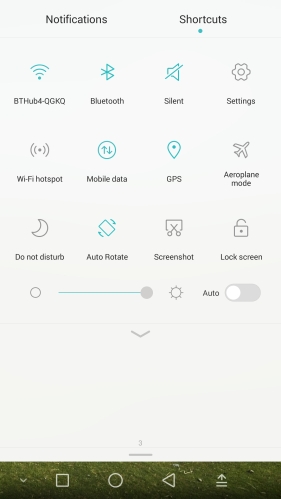
Delving deeper in to the phone skin, the quick settings are skinned as below.
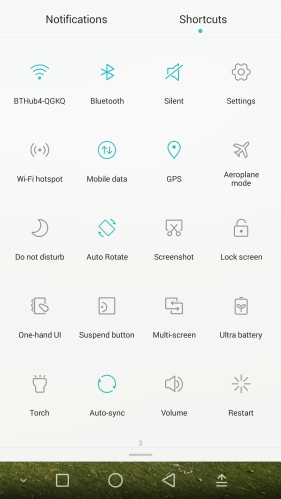
If you pull down all the way, you will reveal the remainder of the quick settings toggles.
There are even extra controls available in the lock screen. The lock screen features a new image every time you press the power button. If you do not like the magazine unlock function, you can change this.
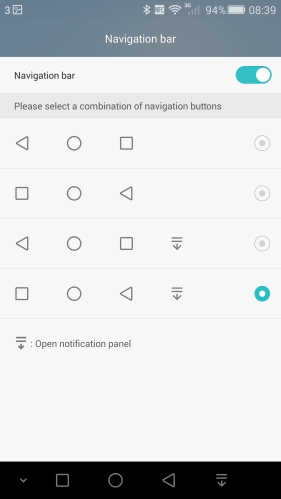
With regards to unlocking the phone, the 6+ features a double tap to unlock. This is handy for such a large device. It is has a one handed mode and customisable on screen control buttons which can be swiped down to be hidden in apps too. In one handed mode, the on screen control buttons will squash up closer to the left or right, the same for the keyboard and phone dialler.
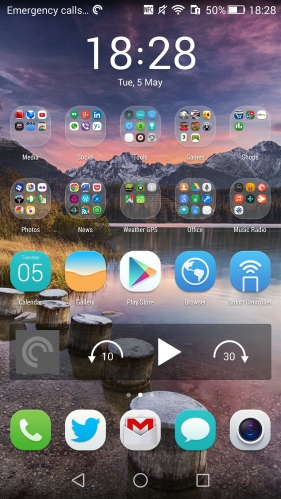
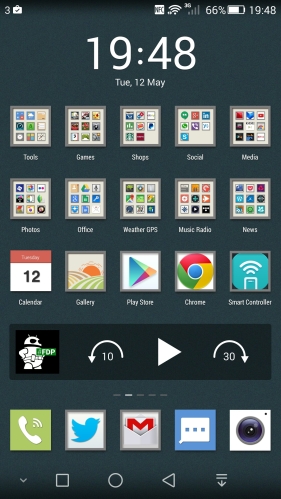
Below is a my first home screen style applied to my Honor 6+.
Then I tried a few new themes and settled for this look which I really like a lot.
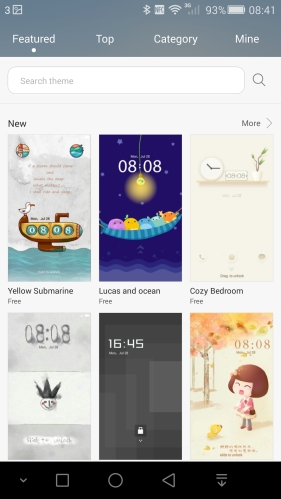
As there is no app drawer, I simply created folders on my home screen, and created another folder on another home screen for unused apps. However, as I mentioned the Honor 6+ comes with an extensive theme store. When I first got the phone, it only had 6 themes available, but now the Theme app has been updated and allows access to a huge selection of themes.
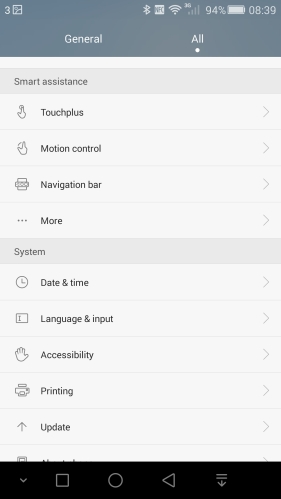
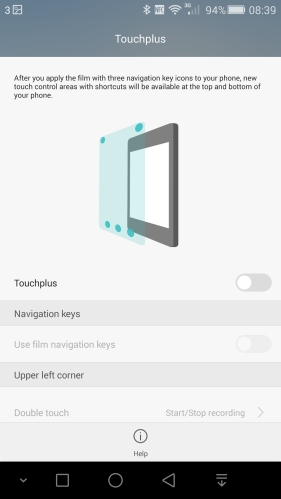
The Honor 6+ has a feature called Touchplus. After you apply this film you get new touch control areas with shortcuts at the top and bottom of the phone. I will be buying one of these and have heard from somebody who already has one how useful the Touchplus has become. Screen shot at end of post. Other features include glove mode and motions. Motion control is extensive. Options include flip to mute, reduce volume as you pick up call, raise to ear to make calls, answer calls or control the speaker/bluetooth headset, shake to rearrange home screen layout, tilt to move icons, widgets or keyboards, double tap to turn on screen. Gestures are also available. With the screen off, you can open an app by drawing the letter on the screen. Eg draw a C to open the camera, e for browser, m for music and w for weather. You only have a choice of 4 letters to draw but you can remap any of them to your desired application.
Battery and power management. The Honor 6+ comes with a 3,600mah battery that will get you through a heavy day and two for medium or light usage. It has affective power management modes from smart to ultra modes. Personally, I just used the smart power mode.
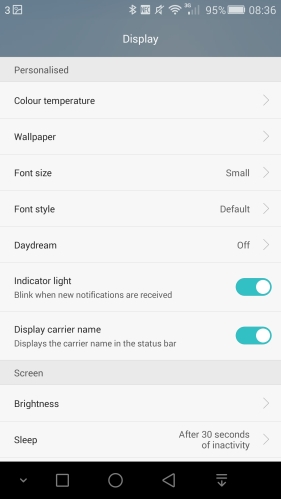
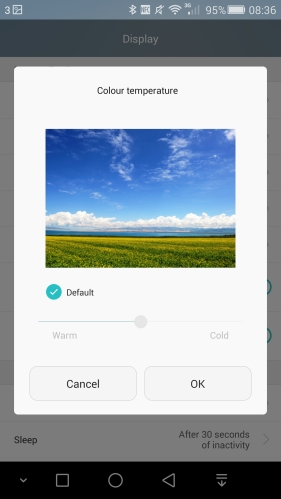
Screen. The 5.5 IPS 1080p panel is excellent. Colour temperature of the screen can be adjusted in the settings too. Viewing angles are good, and it is readable in the sun, although not as clear as some other phones.
Audio
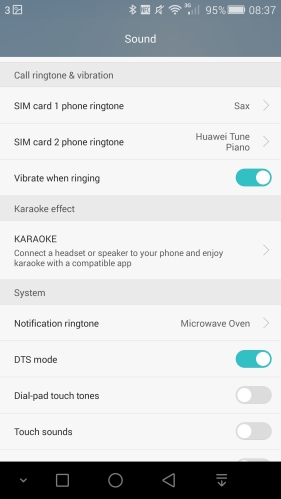
The loudspeaker is on the rear of the device and maxes out at 87db. This makes listening to podcast ideal. The quality of the loudspeaker is average. The phone comes with a FM Radio but does not includes RDS. However, because of the signal strength capabilities of the Honor 6+, plug the included headphones in to act as the aerial, and within seconds the phone has scanned the entire frequency and saved the strongest stations. The included headset produces a pleasant sound. These just sit in the ears, but are not the in ear canal type, and consequently have no cushions. However, whilst not the bleeding age of audio quality, they would suffice for many people. I used them for several hours whilst listening to the FM radio. DTS is an EQ option on the phone for the music app and should always be left on. I would rank headphone audio quality 8/10 on my scale. USB Audio is not present. Bluetooth audio sounded excellent, even the DTS EQ option made a slight difference with my Plantronics BackBeat Pro headphones.However, the overall music capabilities and quality are above average and enjoyable.
Camera
Now this is where the Honor 6+ gets really interesting. It has 3 x 8mp cameras. A 8mp front camera and 2 x 8mp on the rear. To fully understand how this tech properly works, view the below video.
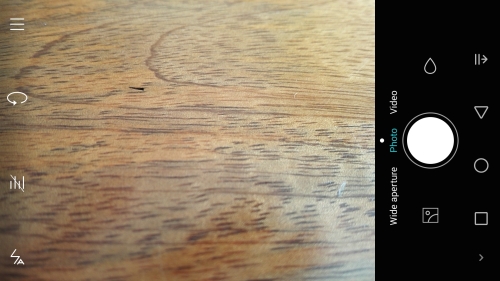
The camera interface is fairly straight forward.
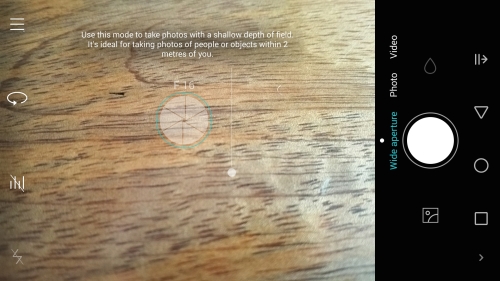
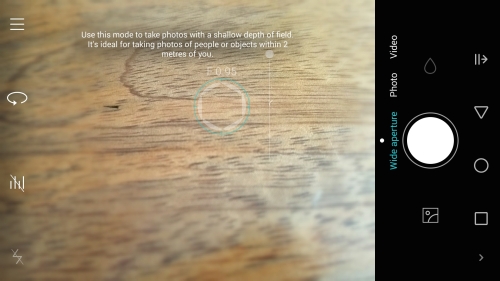
Looking at the screen shot above, on the left edge, you get access to the main menu, changing from rear to front cameras, audio control on/off, flash options. The main control switches between photo mode, video recording or wide aperture control. Above the shutter is a tear drop which brings up the filters, and below the shutter button is the gallery button.
If you press the top left menu button, you are presented with the following.
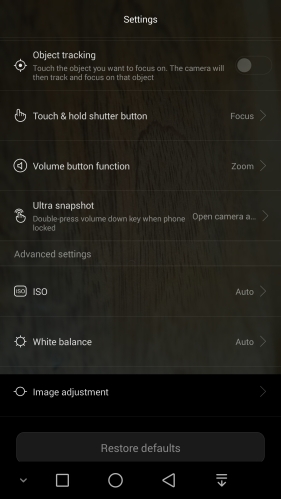
Here you have access to a number of shooting modes from HDR, Watermark and Super night and more. You also have access to the advanced settings.
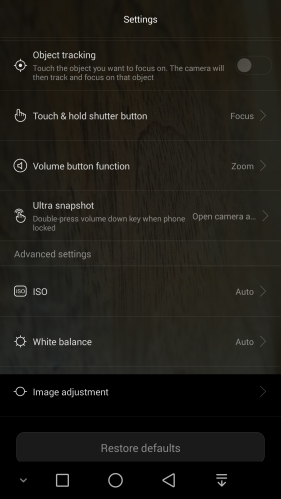
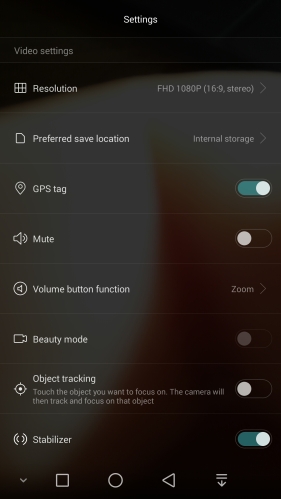
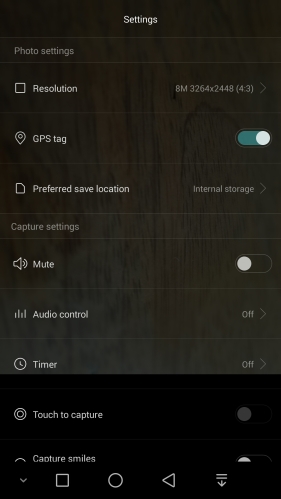
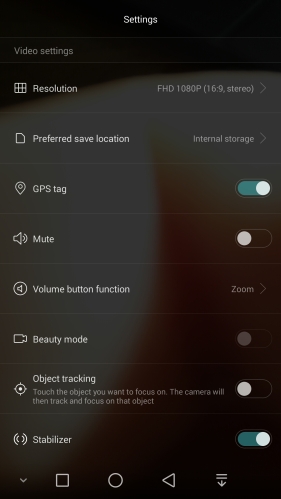
In photo mode you can select shots from 13mp at 4:3, 10mp at 16:9, 8mp at 4:3, 6mp at 16:9 and 6mp at 1:1. Video options are 1080p, 720p, VGA, QVGA and MMS. There is no 4K. Wide Aperture mode options are 8mp 4:3 and 6mp at 16:9. ISO options are from Auto, 100 up to 1,600. You can adjust the image for saturation, contrast and brightness. The Honor 6+ also features Ultra Snapshot. Holding volume down with the phone off can either open camera and take quick snapshot or just open the camera. Both options only take around 1 second.
As I mentioned at the very start, this phone has some clever technology happening with its two rear 8mp cameras. The front 8mp camera takes good selfies too. But moving back to the rear, in photo mode it uses the 2 lenses to create a 13mp shot, pulling in as much light as possible. And in real life I was really happy with the end results. All the different modes work well. As they say, the proof is in the pudding! Burst mode is achieved by pressing and holding the shutter button. It can take a maximum of 18 shots in a burst.
Super night mode allows shutter exposures of up to 32 seconds. You can either set the ISO and shutter times yourself or allow the phone to decide. In auto super night, the camera uses its dual 8mp lenses to first establish the scene depths and then starts to build the photo. For more than 3 seconds, you will need a tripod. See examples below.
The real fancy part of the phone is the wide aperture mode. This uses one of the rear 8mp lenses for depth data. This means before you take a photo, you can touch any part and adjust the focus and f stop from f/0.95 to f/16. See screen shots. You can even re-edit the focus and f stop values after you have taken the shot, re save and repeat as many times as you like.
Anyway, let’s take a look at some camera samples. With all these shots taken, these were snapped first time, every time and without the need for a second just in case the first shot didn’t come out correctly!
Here is a macro shot.
Normal photo mode shots some in HDR.
First shot is normal and then in HDR mode.
Panoramic mode.
File output size was around 11mb.
Wide Aperture Mode.
Here I managed to take a shot, and keep the cross only in focus. In fact, after you have snapped the photo, you can go back to the photo, and change the focus and f stop anywhere on the image and save this new version. You can repeat this as many times as you like.
Next from the Honor 6+ but shot using the wide aperture mode, so below are 3 versions. First up, all in focus.
Front cog in focus from the Honor 6+
Now the rear of the photo is in focus.
Remember, these 3 photos are created from just one shot.
Super night mode.
The Honor 6+ has a mode called “supernight”. It really is fantastic. To illustrate its prowess, below is a shot of my local church at night using the Samsung Galaxy S6 Edge. The S6 Edge was on a tripod, and this was shot using its Pro Mode.
And now for the Honor 6+, using its “supernight” mode. The 6+ was on a tripod for both of these shots. Same church, same time, same level of darkness.
Now the Honor 6+ shot is using a 32 second exposure and an ISO of only 200! I have shown you the longest shutter exposure just to give you an idea of what’s possible. A 10 to 15 second exposure would have been a better balance of light and darkness. However , what’s those red markings on the stones? Ghosts perhaps?
I really like this phone. The camera is reliable, competent, creative and fun to use. The screen and its size are superb. Along with its dual sim and signal prowess, this makes a really good value device. In fact everything on this phone works well.
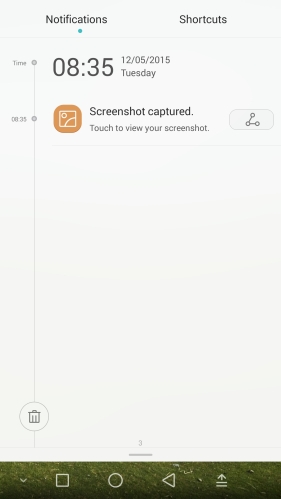
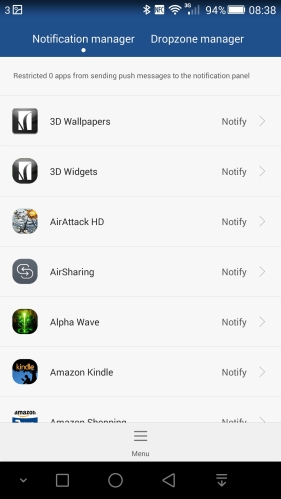
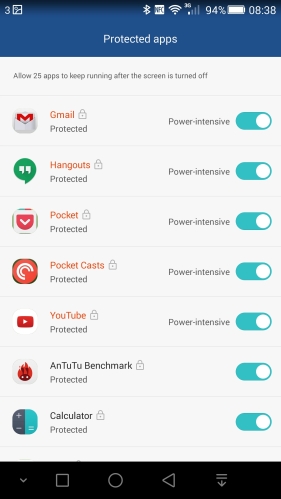
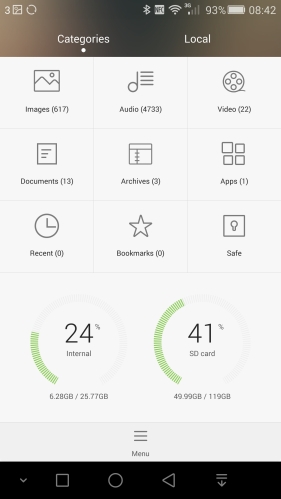
A selection of screen shots below for your perusal.
Colby Brown has produced another video with LG, detailing 5 Key Ways to take even better photos. Obviously, a sales pitch for the LG G4, but nonetheless still worth a view.
Just a heads up on the upcoming reviews coming soon.
First up will be the Honor 6+. I have already published a few first impressions and photo comparison posts, but the full review will be live shortly. This phone really does have a few surprises and one reason why this will remain in my possession for a long time.
I decided to revisit the Sony Xperia Z3 Compact, now that it has lollipop installed as standard. This has seen quite a number of firmware changes since it first got released, so my review will try and focus on these and the overall feel since receiving lollipop.
And finally, the LG G4 review. This will be the metal and black leather versions reviewed.
However, in a rather bizarre turn of events, LG has now contradicted itself and stated the following –
“As LG explains to us, while the company didn’t specifically engineer the G4 with the intent of it supporting Quick Charge, the system is built in to the phone’s Snapdragon 808 SoC in such a way that it’s fully functional in the finished G4.
While the power adapter the G4 ships with isn’t a Quick Charge-compatible unit, if you pair the phone with a suitable third-party Quick Charge 2.0 adapter, the G4 should be more than capable of taking advantage of its fast-charging tech.”
I find the above statement so bizarre as at the LG G4 launch I asked 4 separate people if QC2 was supported and they all said “no”.
If you have a Samsung Galaxy S6 Edge, UK Sim Free and unlocked, check manually for a software update and you should be able to download a new firmware. This is 150.50mb in size.
After downloading the description of the software update reveals that it includes many stability improvements, performance improvements and new features.
– Improved Fingerprint recognition process
– Improved compatibility with accessories
– Enhanced interface of email, music, s planner and other apps
– New feature in photo editor
After the update, firmware is still based on androd 5.0.2, build changes to XXU1AOE3.
Screen shots are more to follow.
Update – I have now used the S6 Edge for a working day with the new firmware and it is a lot snappier, themes do not slow down the phone. However, I have still received one error message that an app had closed, so clearly the memory bug is only partically fixed. I believe lollipop 5.1 will fix the memory bug and add new features to the camera.
Ok, some more photos from the Honor 6+ and then shots from the Samsung S6 Edge and Sony Xperia Z3.
First up a selection from the Honor 6+. Original shots uploaded and unedited.
Non hdr below.
Hdr above. Non hdr below.
What I have noticed with the Honor 6+ is it is very consistent and reliable at capturing the scene first time. The above shots were only taken once.
Now some comparisons using the Sony Xperia Z3 Compact. These are all in manual mode. Auto mode is a waste of space.
Now hdr below.
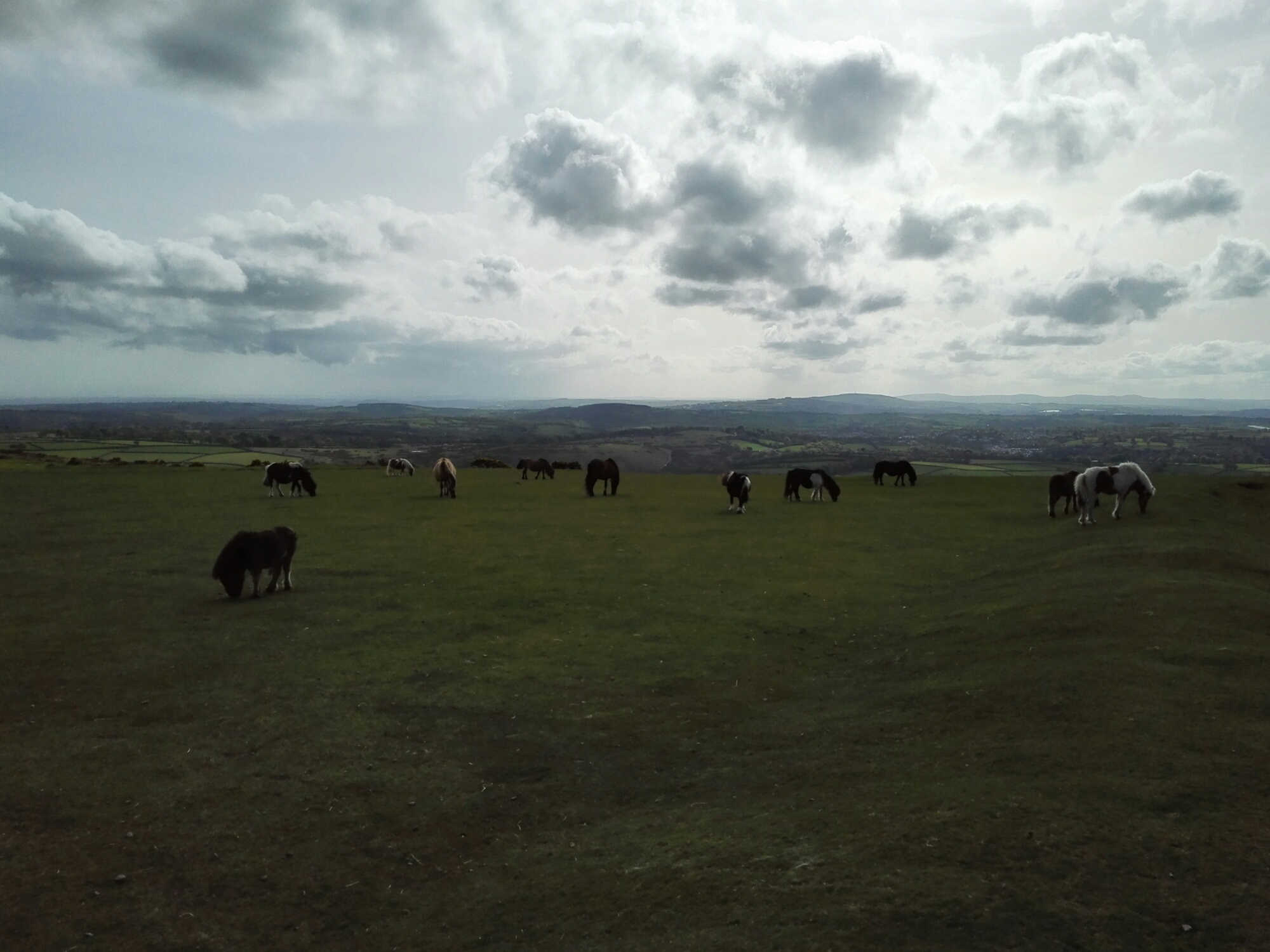
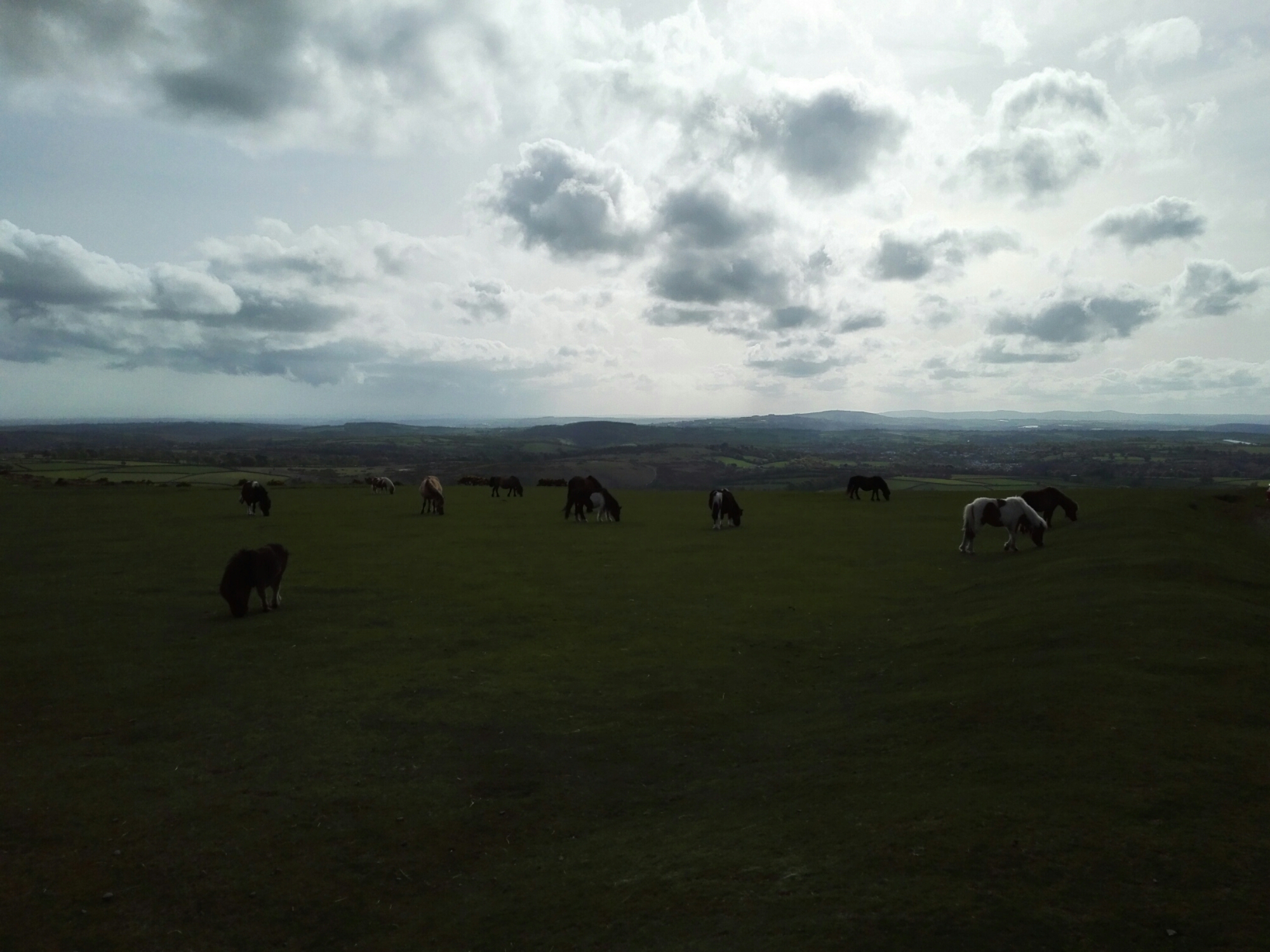
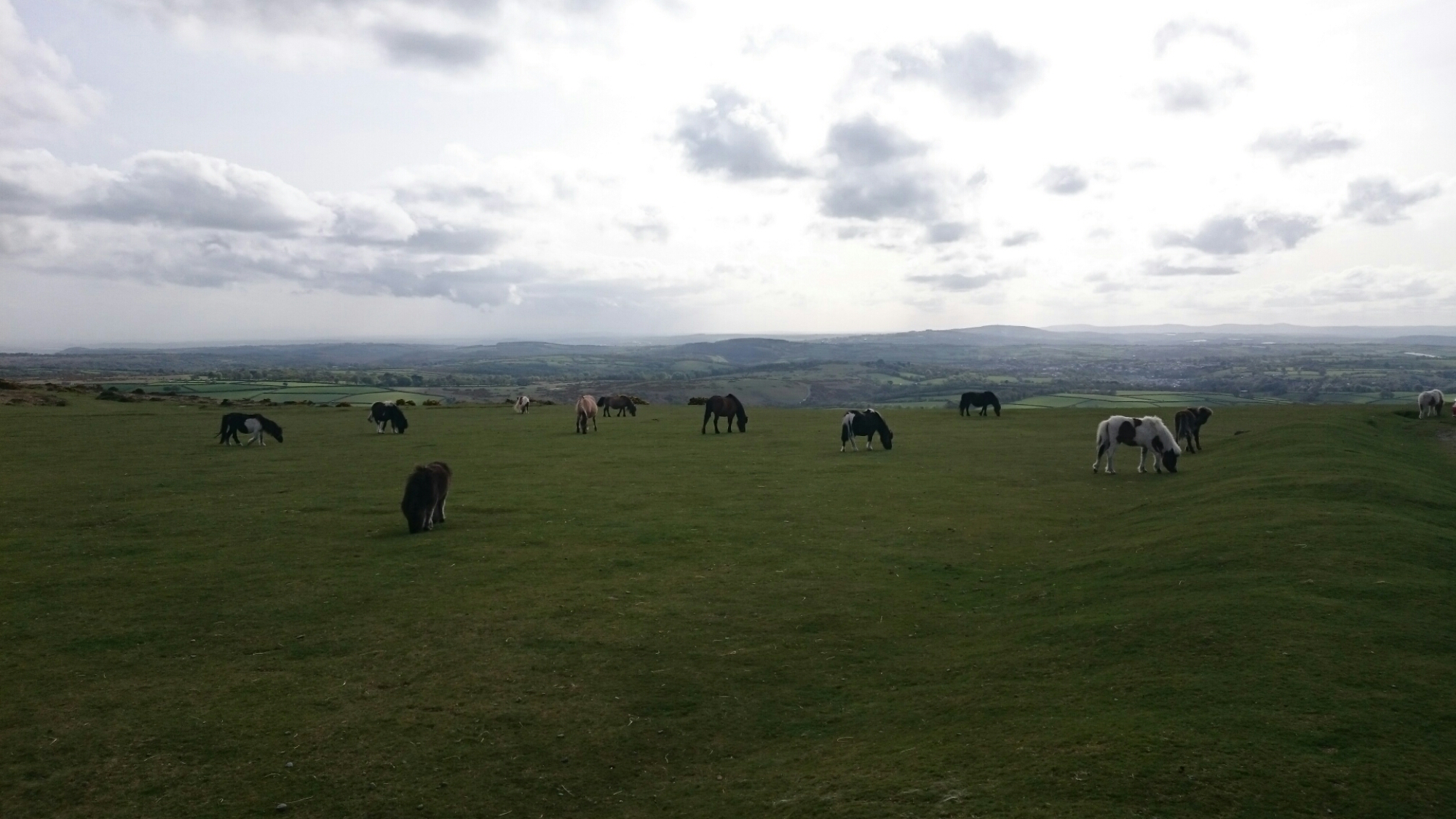
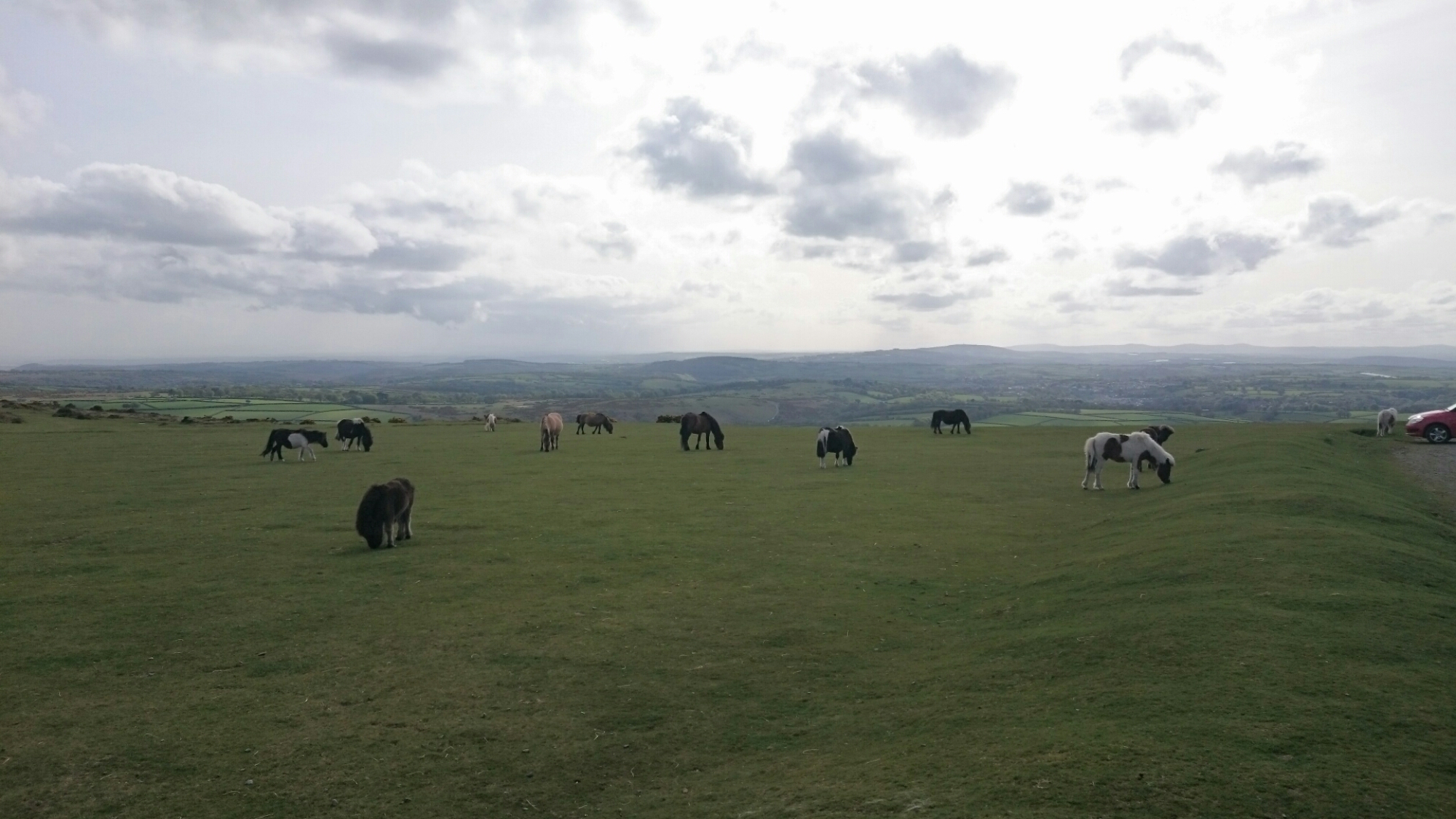
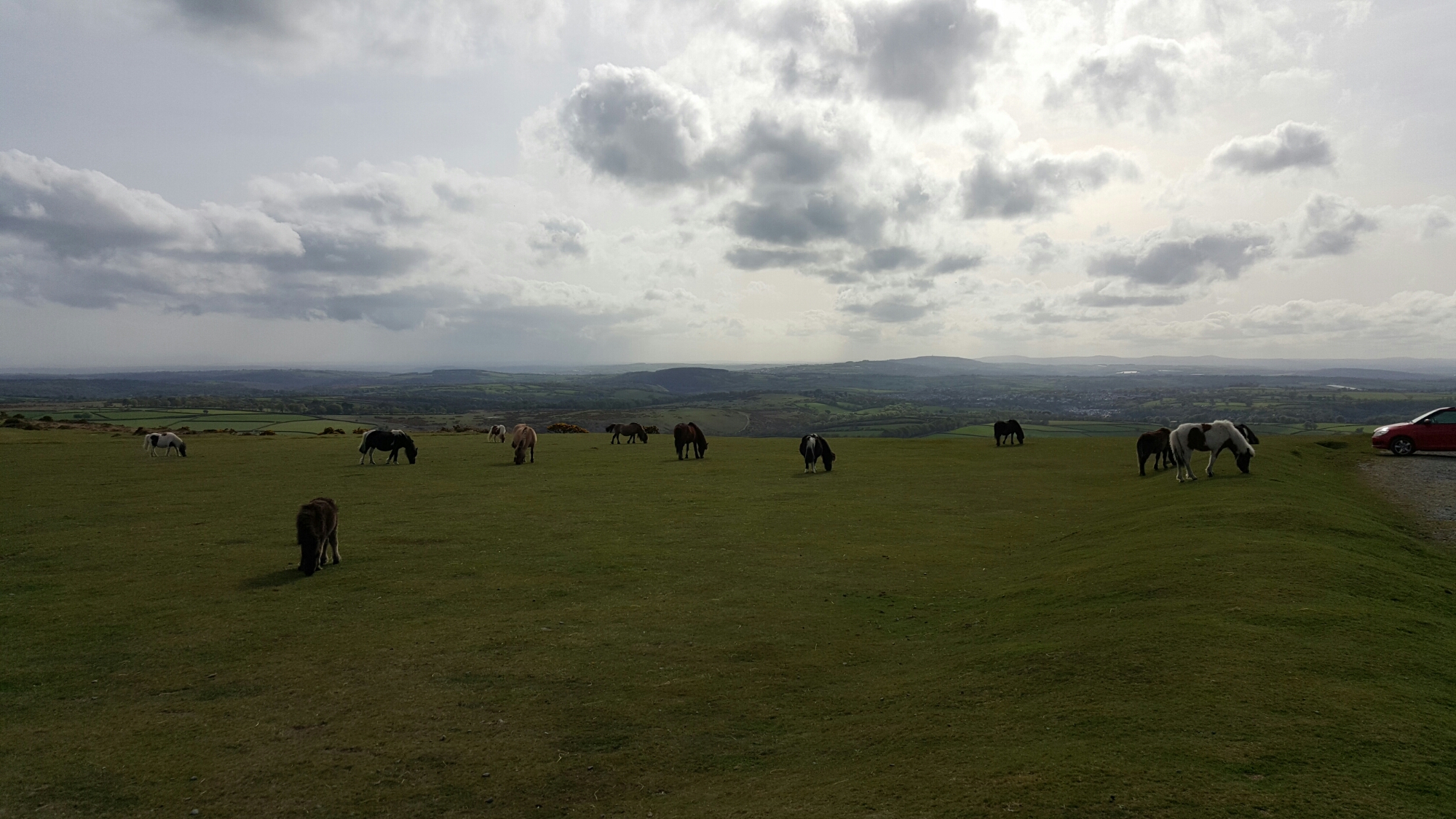
The Sony Z3 Compact did a great shot of the pony above.
Below shots from the Samsung Galaxy S6 Edge. All in auto hdr.
So which phone photos do you prefer? In all honesty any of the phones camera shots would be just fine, and if you didn’t quite like the finished article, a quick edit and voila. The S6 Edge is one incredible auto shooter. No need to understand anything about photography, it just translates the scene and captures it really well. Video recording is superb and goes up to 4K. The Honor 6+ takes decent shots but with moving objects in low light it will bring in some blur. In good light, using its burst mode moving objects are not so much of an issue. Then you have the supernight and wide aperture modes that open new options for taking photographs. Like the S6 Edge it has a good front camera for selfies. Lastly my view of the Sony Xperia Z3 Compact is that it has the worst auto mode I have ever seen. Just do not use it. Switch to manual and change the file resolution down to 8mp. Even if you do not select any other settings/scenes you will get a better shot than using auto. The Z3C is capable of taking really fast burst shots, meaning moving targets in focus are more likely. It also offers a huge range of shooting modes (more than your kitchen sink) and even more extra to download.
Personally, there are aspects of each phone that I would like to combine to create my perfect device, but manufacturers will never create that phone. If they did, we would never buy another one!
So far I have had the Honor 6+ for 5 days. Below are my thoughts on the phone so far.
The Honor 6+ comes with its own launcher called EMUI v3. The extra options and settings provided by this launcher are excellent, but the icons/themes available are not finished cosmetically as well as they could be. Green halos exist around some of the icons and the themes look too a bit naff. If a fresh looking theme was developed and finished properly then EMUI would be stunning. The other noticeable difference is the lack of an app drawer, which doesn’t bother me at all. Very iPhone like!
The other surprise was that the firmware was based on android 4.4.2, although EMUI v3 is skinned to look like lollipop in places. I do have it on good authority that lollipop is arriving in July 2015. To be honest, with lollipop’s current memory bug, waiting a few more weeks in no hardship to ensure we continue to get a stable phone.
So that is the negatives out of the way. Now to the more appealing aspects of the phone. Battery – with its 3,600maH battery on board you will easily get one days heavy use from the Honor 6+. I have never been able to kill the battery yet in a single day. I don’t even bother to connect the car charger when using Google Maps turn by turn navigation which is used for about 3 hours a day. It is just that good. With all the radios switched on, location services on high, full brightness and GPS running, if I do try and charge it in the car with the car charger it only adds 5% to the battery in an hour. Without GPS running and the screen on full, the charging is slightly faster but not by much. There appears to be no quick charging present. I simply recharge it overnight.
With regards to the radios the Honor 6+ is nothing short of a miracle. I have had the Samsung Galaxy S6 Edge side by side and connected to the same network as the 6+. The Honor 6+ signal strength is permanently stronger by a significant margin, even in very weak signal areas. As an example, yesterday, the 6+ had 4 bars of 4G, whereas the S6 Edge is still on H+. Also, the Honor 6+ has the option of dual sims or using the second sim slot for a micro SD card. WiFi, bluetooth and GPS radios are equally as strong.
The loudspeaker is positioned on the rear and knocks out around 87db of sound. Loud enough for podcasts.
The screen is readable in sunlight but not the best screen I have used in sunlight. The 1080p IPS 5.5 inch screen is really good. The camera is proving to take some decent shots in all lighting conditions. The IR blaster is a handy feature. Double knock to turn on works just fine. Drawing gestures to open apps is present too eg screen is off, draw a C, camera opens. The one handed mode pushes the keyboard either over to the the left or right, the on screen buttons get squashed over again to the left or right, and the same for the phone dialler.
Overall the Honor 6+ experience is a positive one. With its dual rear 8mp cameras and the trickery that can produce along with the supernight mode, this is one phone that I have decided to keep for years and years (Gavin Years).
If you have any questions, please ask me in the usual way.
Welcome to my 38 photo camera shootout with the Honor 6+. This post is to give you an idea of the Honor 6+ camera quality using the Samsung Galaxy S6 Edge and Xperia Z3 Compact as benchmarks. I have provided examples of some of the different shooting modes available on the Honor 6+ including normal, HDR, panorama, wide aperture and supernight. These photos were particularly tricky to take as the wind was gusting and in a few cases nearly blew my tripod over!
If you want to view the full size version, just click on each photo and it will take you to the shot on my Flickr page. Then select “view original” size. None of these shots have been altered either. If you want to view all 38 shots taken, which includes some not shown in this post, then head over to my Flickr album – https://www.flickr.com/photos/gavinfabl100/sets/72157650078106663/
Church Shot 1
First shot taken with the Samsung Galaxy S6 Edge –
Now with the Honor 6+, with HDR off.
Again with the Honor 6 + with HDR on.
And now with the Sony Xperia Z3 Compact.
And the Z3 Compact again with HDR.
Okay, now lets look at another angle of with church.
Church Shot 2 – Panorama
First up the Samsung Galaxy S6 Edge. This is around 11mb is file size.
Next from the Honor 6+, again around 11mb in file size.
And lastly from the Sony Xperia Z3, which is a disaster as its only manages to output a file of 600kb. But can you tell just from looking at your computer screen?
So which phone do you prefer so far? Remember the price points. The Samsung Galaxy S6 Edge is a £600+ flagship, the Sony Xperia Z3 Compact around £300 now but was on sale originally circa £500. And the Honor 6+ costs £299.
Ok, lets move on with some more shots.
Honor 6+ Wide Aperture Mode
These next 4 shots are all using the Wide Aperture Mode on the 6+. Take a shot, adjust the F stop from F/0.9 to about F/16. After the shot, you can readjust the F stop and change the focus point. This is due to the dual 8mp cameras on the rear of this phone. Using this mode carefully, allows for some creative pictures. This is what can be achieved.
The tree on the right is in focus.
All in focus now.
Just the cross in focus.
More background visible now ie less blurred.
All the above 4 shots were created from just one wide aperture mode photo.
The Mechanism Shot
First up the photo from the Samsung Galaxy S6 Edge.
Next from the Honor 6+ but shot using the wide aperture mode, so below are 3 versions. First up, all in focus.
Front cog in focus from the Honor 6+
Now the rear of the photo is in focus.
Remember, these 3 photos are created from just one shot.
Next up let’s see how the Sony Xperia Z3 performed.
Close Up
Next I am just going to use Samsung Galaxy S6 Edge and Honor 6+. The Sony Xperia Z3 is not consistent with its shots and ends up with a mix of good and poor shots. In comparison the S6 Edge gets it right first time every time and so does the Honor 6+.
First up, the Samsung Galaxy S6 Edge. 2 shots below. Notice how the bokeh effect is created automatically by the S6 Edge.
And now even closer with the S6 Edge.
So let’s move on to the Honor 6+.
And again Honor 6+.
And using the wide aperture mode to create a bokeh of the grass behind the latch.
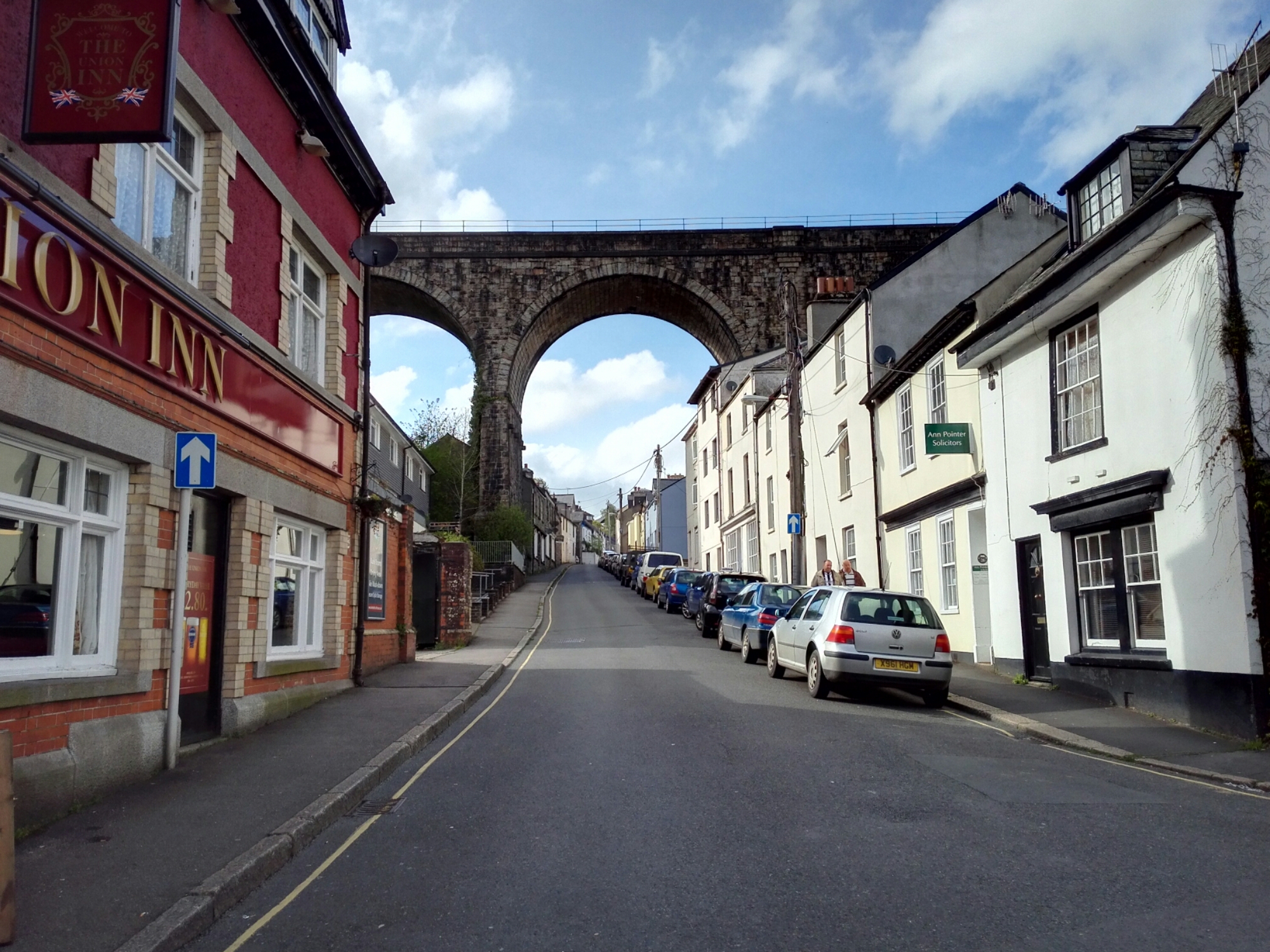
Classic Dartmoor Bridge Shot
First up the shot from the Samsung Galaxy S6 Edge. The S6 Edge was always in auto HDR mode.
Next let’s see what the Honor 6+ can snap.
Clapper Bridge Shot
And the final shot of this post is of a Clapper Bridge. First shot again is from the Samsung Galaxy S6 Edge.
And now the Honor 6+, first normal and then in HDR mode.
The Honor 6+ really brings up the lighting and colours in HDR mode.
Supernight Mode Shot
The Honor 6+ has a mode called “supernight”. It really is fantastic. To illustrate its prowess, below is a shot of my local church at night using the Samsung Galaxy S6 Edge. The S6 Edge was on a tripod, and this was shot using its Pro Mode.
And now for the Honor 6+, using its “supernight” mode. The 6+ was on a tripod for both of these shots. Same church, same time, same level of darkness.
First Honor 6+ shot is using a 32 second exposure and an ISO of only 200!
Same exposure of 32 seconds, but this time using an ISO of just 100.
Currently, the S6 Edge can only manage 1/7s versus the Honor 6+ at 32s. A vast difference. In supernight mode on the Honor 6+ you can use it in Auto or adjust the ISO and length yourself. In practice, I would have used a 10 second shutter exposure on the Honor 6+, but before I had a chance to do this, the wind picked up (gale force) and heavy rain started.
One last thing, the Honor 6+ has a 8mp front camera, and whilst I haven’t shared any selfies, it does take some really good shots from its front camera.
So what is your verdict on these photos? My full review of the Honor 6+ will be available next week.
















 Gavin's Gadgets & Photography