Tag Archives: Samsung Note 4

Snow at Princetown, Dartmoor – photos – Camera night mode on the Samsung Note 4

image

We were forecast 10 inches of snow. Not quite that but it is currently a blizzard outside. The above shot was taken 30 minutes ago approximately.

The Samsung Note 4 switched to night mode to take this shot. Otherwise all auto settings.

And here is a scenic shot of the town.

image

Samsung Note 4 – its camera and my thoughts

Scroll back a few days to Sunday and Monday, and you will see some photos I had snapped with the Note 4 early Sunday morning.

In fact, since the 9th November 2014, I have now taken 46 photos with the Samsung Note 4 that I have shared to a dedicated album on my Flickr – https://www.flickr.com/photos/gavinfabl100/sets/72157648796796660/

If you consider the Note 4 the same as the Note Edge, there is another album just for the Note Edge. So its now over 2 months using the camera on this phone. My thoughts –

Every time I take a shot, I am often really pleased with the end result. Just dropping back to my previous phone which was the iPhone 6 Plus, I have found the 6 Plus camera is not at the same level as the Note 4. However, I would say that for most people it is definitely good enough and even though the Note 4 takes superior photos and video, the 6 Plus still is a remarkable shooter. Just shows how far smartphone camera technology has moved forward, and I believe in 2015 it will move forward again.

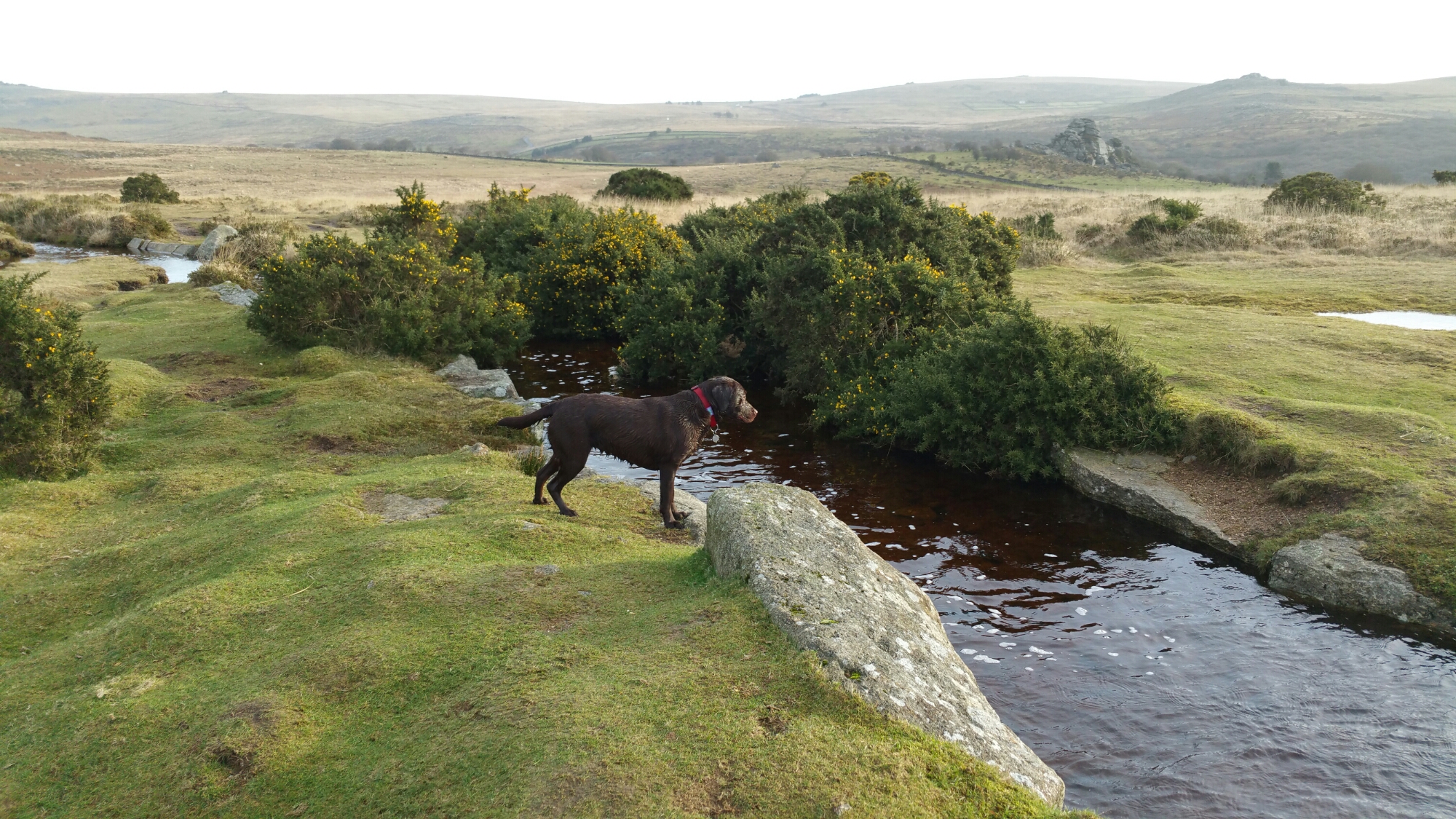
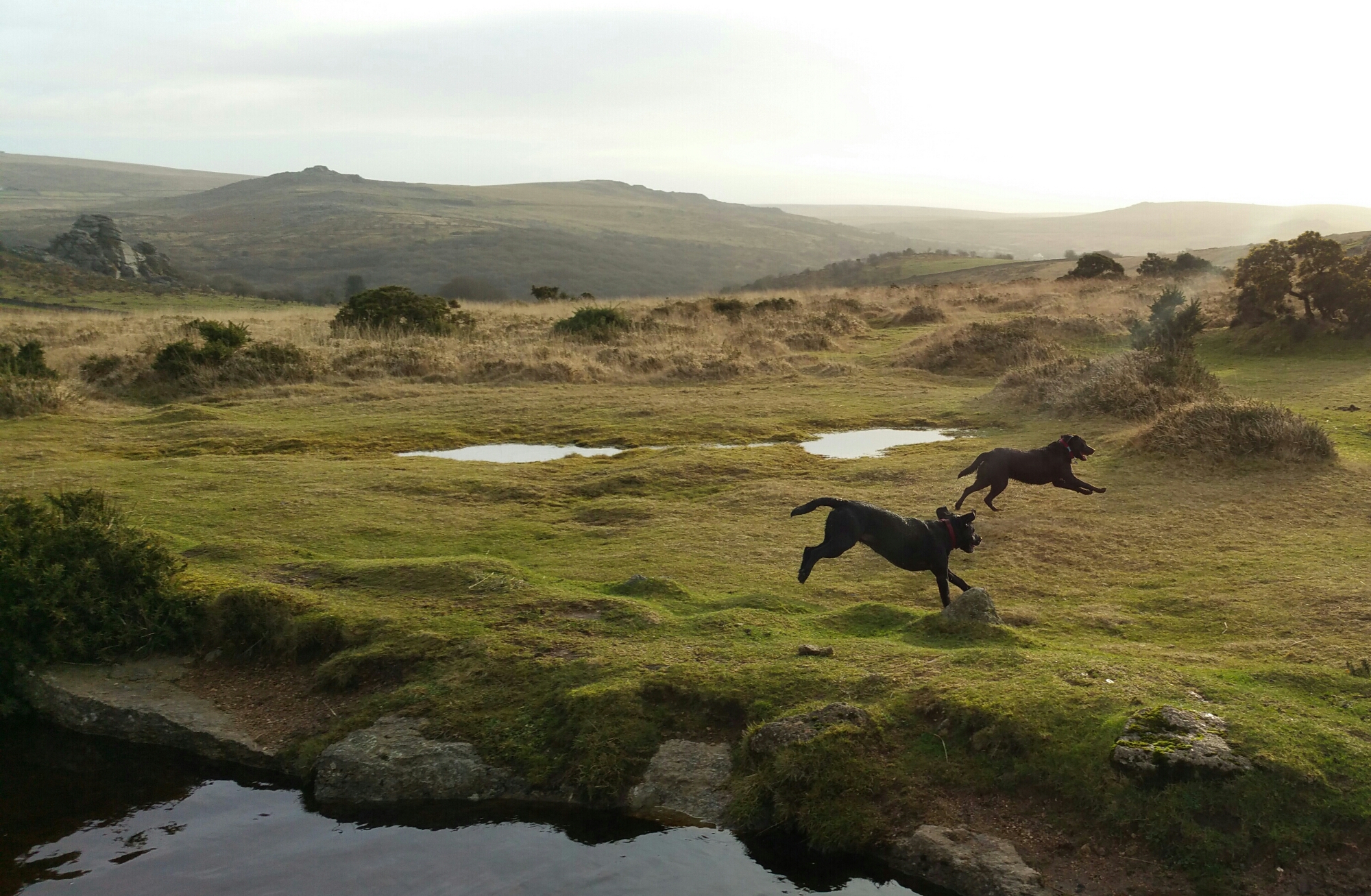
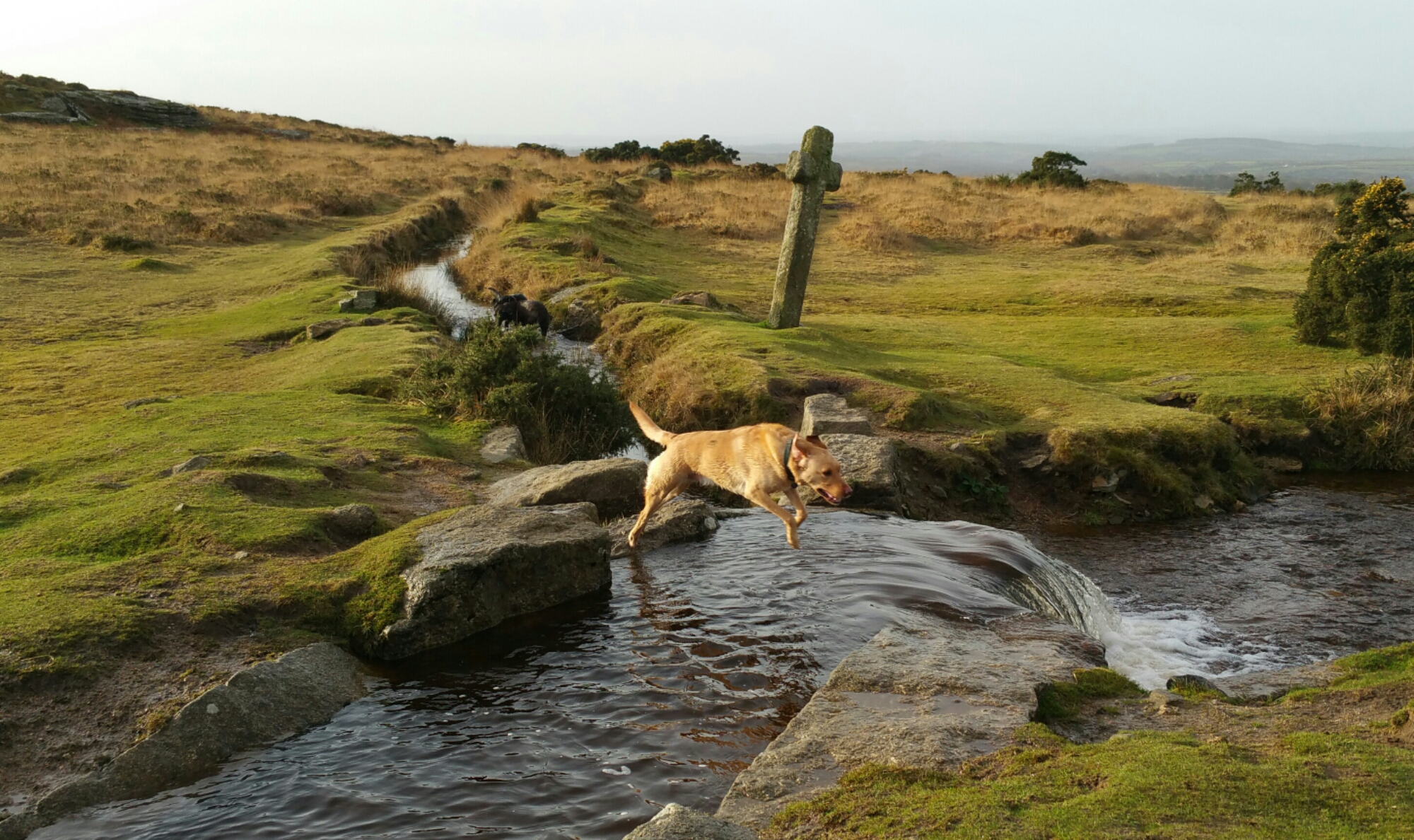
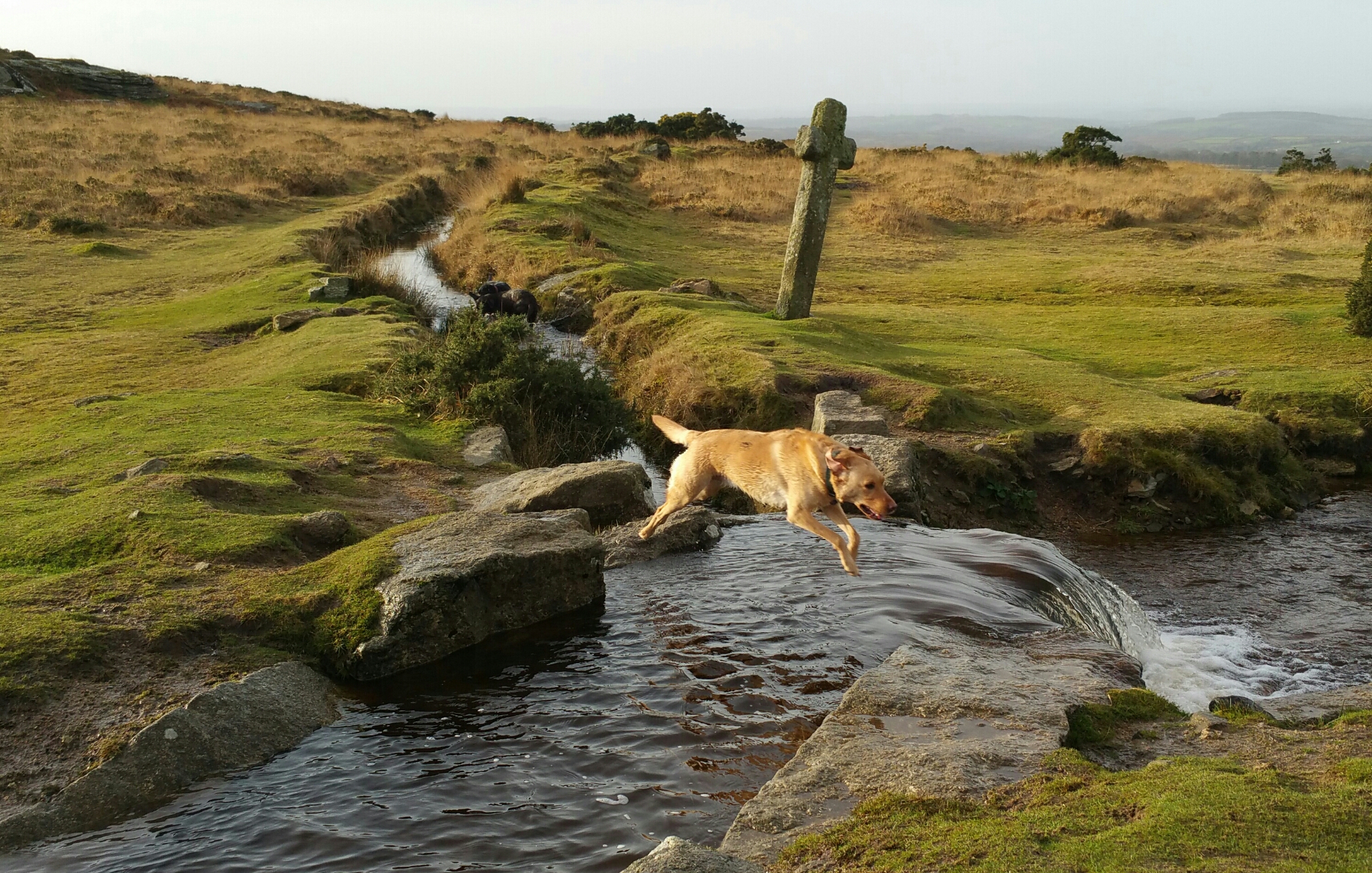
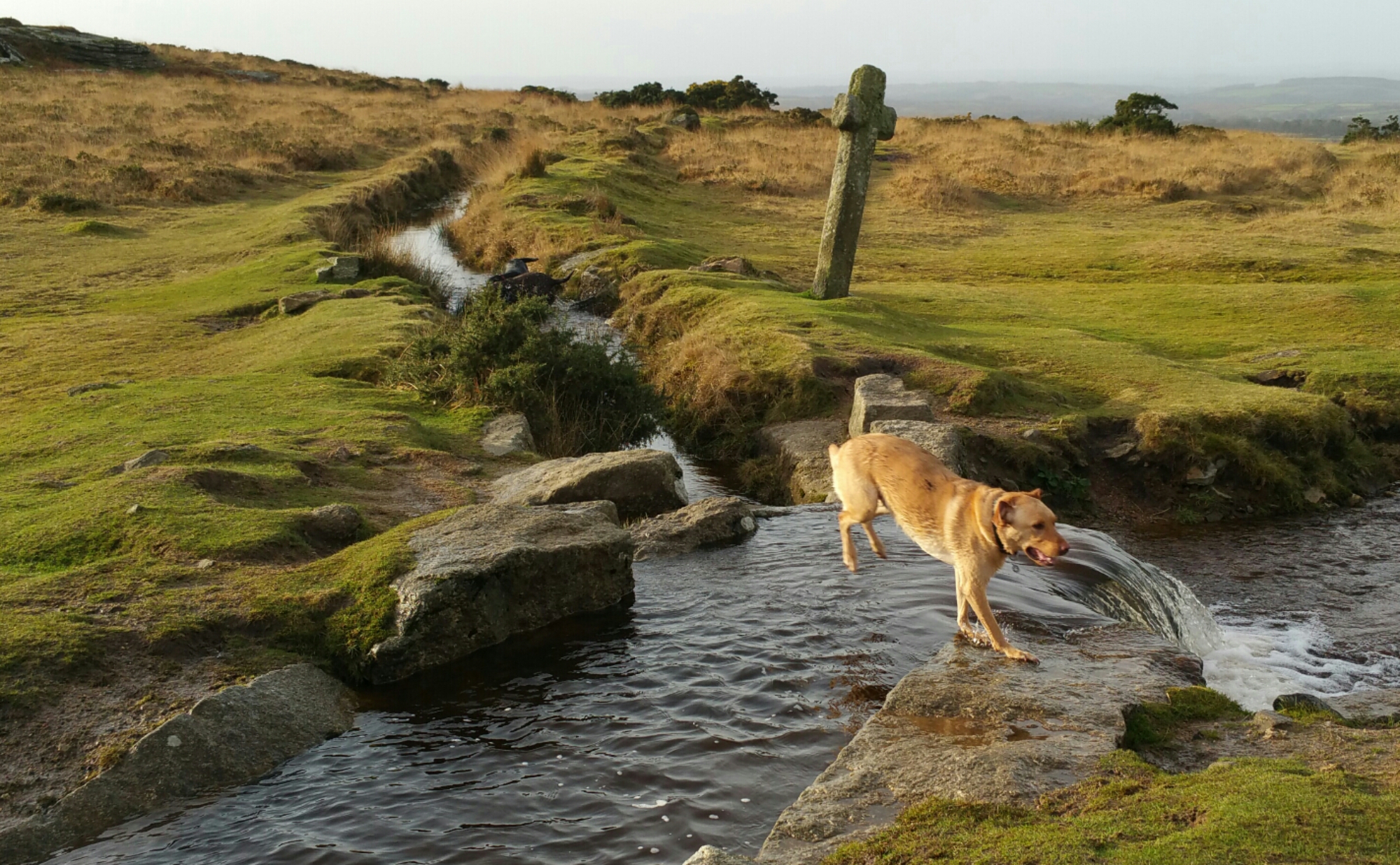
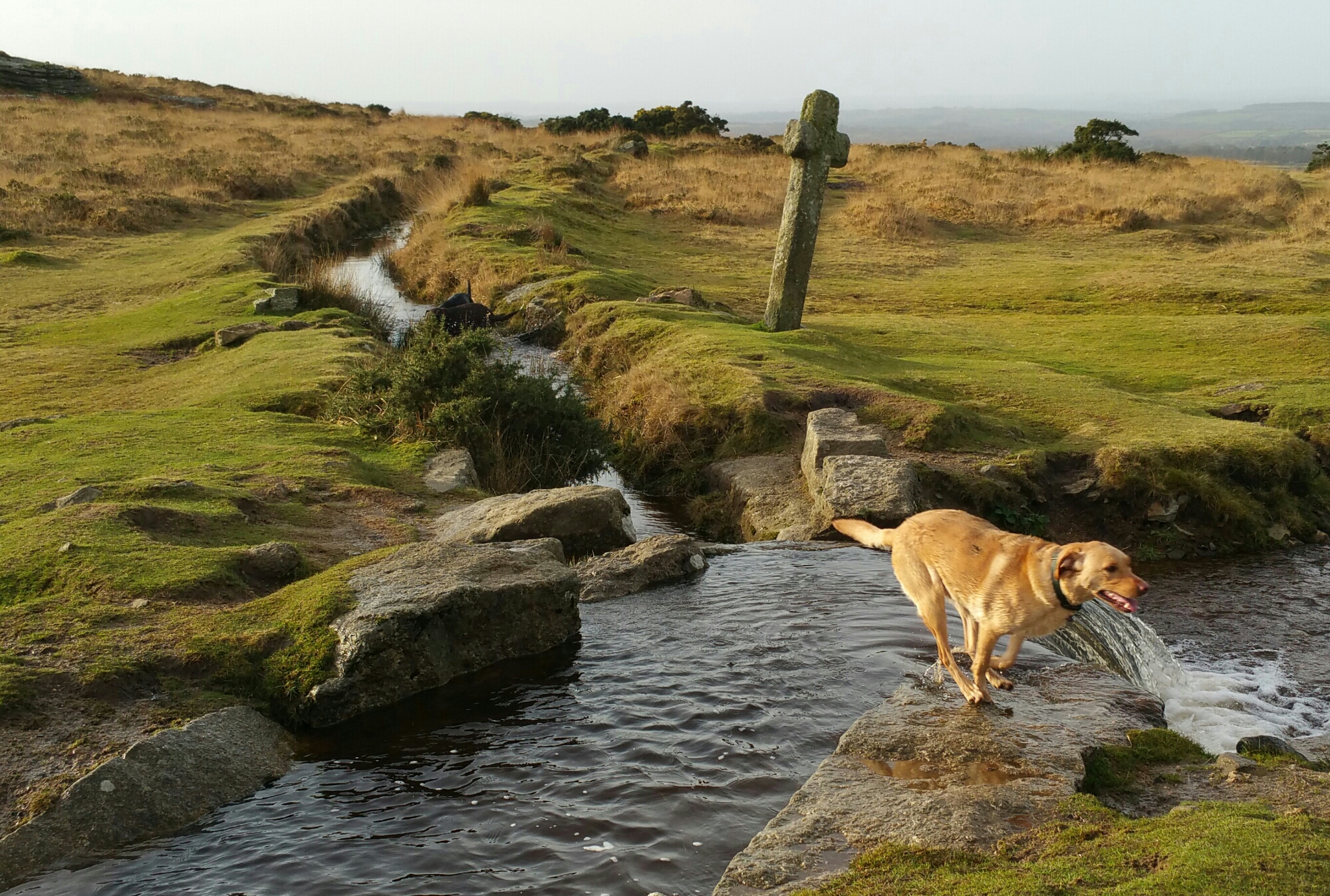
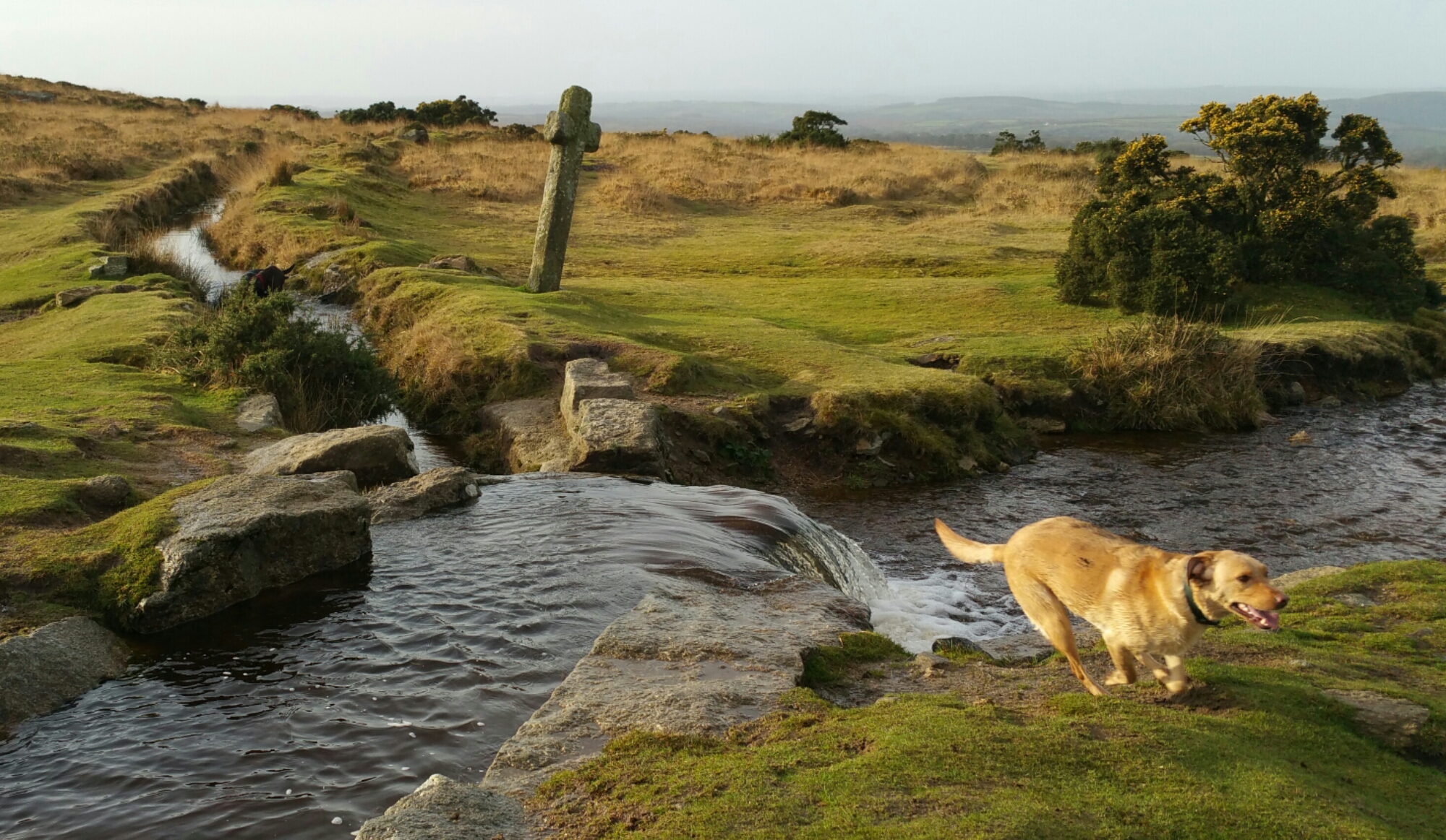
The Note 4 is 16mp affair and it does matter. Take a shot. Decide to crop in on a section and the end result is still a crisp, clear image with plenty of pixels. Macros are excellent for the same reason. I have taken low light shots and again not had particular issues. Panoramic photos are breathtaking and are able to span wider (more frames) than the iPhone. The Note 4 has many camera modes and manual settings should you wish to use them. On the dog action shots I discovered that the ones with George leaping over the water, the ISO was 40 and the shutter speed 1/400. That is remarkable to manage with the ISO so low. The optical image stabilisation is clearly helping here.

I mentioned I am always happy with the shots taken on the Note 4. With previous android phones, I would take several to make sure I got that one great shot. With the Note 4 that is not really necessary. It is reliable. The composition, depth and colours of each photo are also of a high standard. Still photography is easy but what about motion. On Sunday I decided to see how the Note 4 would fare trying to capture my 3 dogs pelting across Dartmoor. I used burst mode, sport and “shot and more”. For the shots posted on Sunday and Monday, only burst and sport mode were used. Shot and More mode was not appropriate as my dogs did not run in a predictable line between 2 points. Not surprising really! I took 350 photos in about an hour and decided after that point just to enjoy the walk and not take anymore. When I got home and inspected the photos I was ready to delete loads. Except, I couldn’t as there were only about 10 or so photos that were slightly blurred. It took me most of Sunday to slim down the number to around 40. And these photos were not in bright sunlight. Again remarkable.

So how about video. Well I do not shoot much video, but at work we held a go karting event. I offered to take photos and video and create a short film of the event. On my rig, I had the iPhone 6 Plus and the Note 4. The Note 4 was new so I was not as confident with it as the iPhone 6 Plus. The mezzanine floor I was filming from was moving slightly which at the time of recording I was not aware. Playing back footage from both phones the iPhone 6 Plus video made you feel sea sick as it moved around a lot. The Note 4 4K footage did not suffer from the movement. So from my time using the Note 4 in other scenarios, the video footage produced was better than that of anything I have seen before.

Sunlight. One last mention. So long as brightness is set to auto brightness, in powerful sun the Note 4 screen does some freaky stuff with contrast and brightness levels and makes it readable. I believe the brightness is cranked right up to 750 nits.

And there you have it. The Samsung Note 4 has a fabulous camera.

Samsung Note 4 – camera action shots – part 3

Yesterday I created 2 posts with some examples of how the Note 4 handles fast moving objects. In my case it was dogs. I have included a few more and some stills. It was sunrise so tricky lighting with some when shooting in to the sun.

Part 1 – click here.

Part 2 – click here.

image

image

image

Camera exif for shot above. ISO 40. 1/461. F/2.2.

image

Camera exif for shot above. ISO 40. 1/348.

image

Camera exif for shot above ISO 40. 1/141.

PS. If you are likely to shop on Amazon please help with the running costs and use my affiliate link – details here. Thanks in advance ☺

Samsung Note 4 – George demonstrates the long jump in 5 stages – crazy action camera shots

Part 2 of my earlier post. Part 3 will be tomorrow.

For part 1, click here.

Here’s George showing off the long jump in 5 stages. The photos were snapped using the Note 4 default camera app.

image

image

image

image

image

Pretty amazing shots from the Note 4 camera!

Update – exif data for all 5 shots. ISO 40, f/2.2 , 1/400

PS. If you are likely to shop on Amazon please help with the running costs and use my affiliate link – details here. Thanks in advance ☺

.

Samsung Note 4 – crazy action shots of my dogs

I took my 3 labradors walking on Dartmoor early this morning. They run like the wind on Dartmoor. So I thought it would be an idea to see how the Note 4 managed to capture some action shots or my dogs. Normally if you take a 100 photos you should end up with a third that are usable. The rest on previous phones are a little blurry. But nonetheless previous phones like the LG G3 and Samsung Galaxy K Zoom have managed to take some decent motion photos.
So when I got home somehow I had 350 photos 🙂 But the crazy thing was most were excellent. I counted 11 blurred shots. So now I am trying to decide which ones to keep and will publish these tomorrow.

In the meantime this is just an example.

image

The exif data for the above shot is ISO 80, f/2.2, 1/594 , flash off.

Part 2 is live. Click here.

Part 3 tomorrow.

Samsung Note 4 – 2 months later review

So its 2 months later with my Samsung Note 4. To read the main 17 Part Review click here.

Well there was a period of about 2 weeks when I changed my black Note 4 to the black Samsung Note. I also detailed my views on the Note Edge. To recap on the 14 part review of the Note Edge click here.

The Edge is identical to the Note 4 except for that edge / panel. So even though I had a break of 2 weeks it doesn’t really count as I was in reality using the same hardware and software. As you all probably are aware I moved back to the Note 4 as I could not tolerate the reduced battery life of the Edge over the Note 4. Moving back to the Note 4 allowed me to pick a different colour and I chose white this time. IMO it looks better in white but I’m certain many of you will disagree ☺

So what has it been like using the Note 4 for nearly 2 months. It’s the equivalent of having the best in class smartphone and topping all the categories. It has the best screen. It’s clarity and quality is incredible. It works brilliantly in sunlight and then goes so dark for night time reading. The colour accuracy of this screen is currently the best out there. As this is the Note range it has all the multi tasking options, s pen, infra red blaster, user changeable battery and micro sd card support. It also looks great and has decent battery with 2 battery saving modes ; the standard power saving mode and the life saver mode “ultra power saving mode”.  This last mode is so good that one night I was out and about and had 2% battery left. I switched to this mode, got home and forgot to charge the phone. By early evening the next day it was still on 2%. But fear not, the Note 4 has quick charging too. And this is  a theme in its spec sheet. It’s a battleship of specs. If you are into health and fitness, it has sensors for its built in pedometer,  heart rate and oxygen saturation as well as a UV sensor. This is all integrated in to the S Health app which has even more options. And if you use a Samsung wearable like the Gear range then you have a tightly integrated system.

And the best in class continues with its camera and audio. I am constantly amazed by the photos coming from the Note 4. The audio via the speakers is clear and ideal for voice and podcasts. It’s not boomsound bassy but it’s a clear sound. The audio sound via the headphone jack is very high quality. USB Audio is supported out of the box. Voice recording has support for its directional mics with the ability to separate up to 8 different sources of sound and remove any of them during playback of recording. Adaptive sound support is excellent too as it’s adjusts the sound according to each of your ears hearing abilities. Adaptive sound carries out a hearing test on each ear to set this up. Different adaptive sound profiles can be saved dependent on what headphones or ear you are using for phone calls.

But it’s not just the hardware that’s exceptional. The software package is also excellent.

Samsung has also provided a few small updates to improve performance and remove any early bugs. With android lollipop due in the next few weeks I am excited to see what more can be squeezed from this formidable hardware and software combination.

In case you hadn’t realised I totally love this phone !

Samsung Note 4 – S View Cover in Mint Blue – review and photos

image

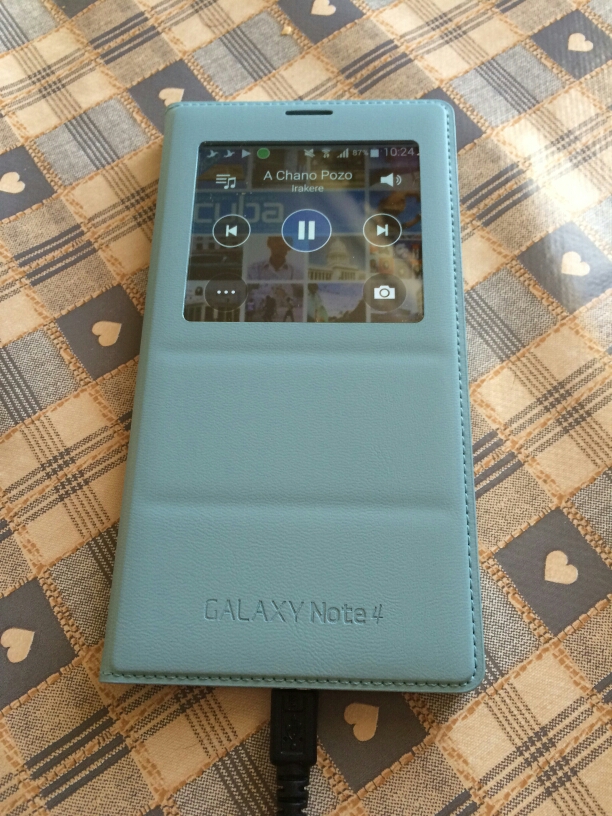
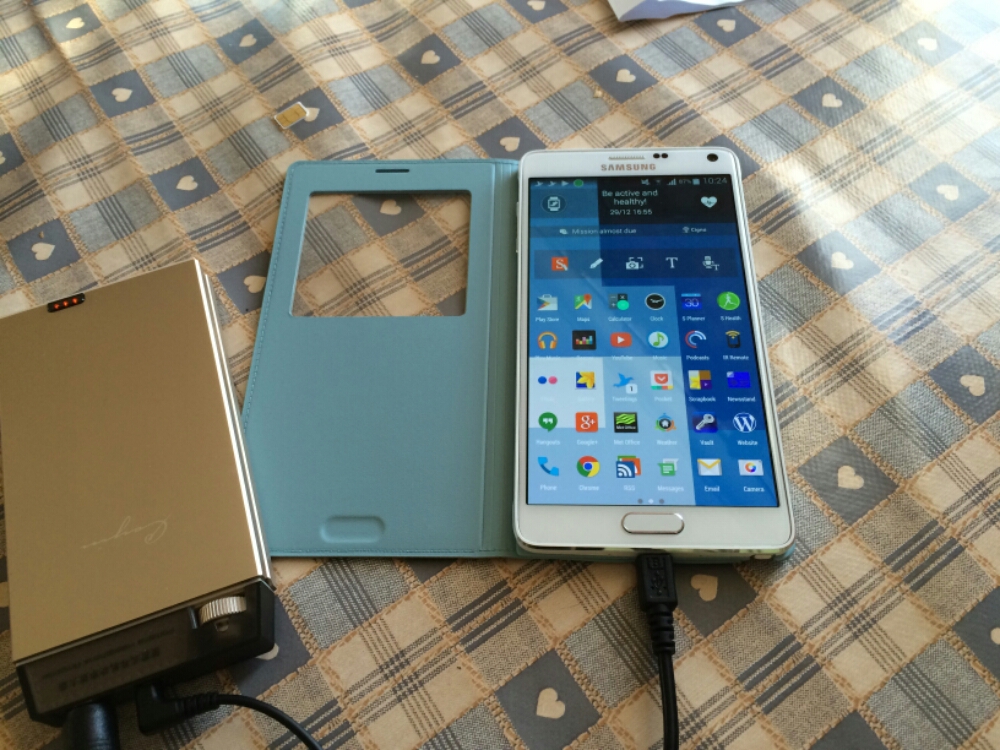
My Samsung S View Cover in Mint Blue arrived today and I have to say I love the colour and new designed cover from previous Note offerings.

image

First up is the flap is weighted so the cover closes and doesn’t stay lifted off the screen. Options on first attaching the case are to set up a default wallpaper. Within the settings you have a number of digital and a couple of fancy analogue clocks to select from.

In use you have options to show favourite contacts, settings, torch and heart rate. The digital clock can show time, date, pedometer and weather. The music player allows you to select tracks and volume , play and pause.

The camera still takes square photos but you can now record video too but that is also in a square aspect ratio.

All in all I really like this case and colour for the Samsung Note 4.

image

Samsung Note 4 – the 4 colours

Yesterday, I managed to see the 4 different colours of the Samsung Note 4. These were black, white, pink and gold.

These are my views on each –

Gold – awful, really awful. Except if you like bling but even then its not really gold, more of a mix of gold and something odd.

Pink – a lightish pink which if pink was one of your favourite colours looked really good. Certainly much better than the iPhone 5C salmon pink.

Black – business like in appearance, smart but also a tad boring.

White – Ironically my favourite finish of all the current colour offerings. The metal exposed edges and white just look really good together.

If you have seen the above, which would you pick and why?