Google has released its News & Weather app for iOS.


In a surprise move Google has released its android news and weather app on iOS. The screen shots above give you an idea of what to expect.
Google has released its News & Weather app for iOS.
In a surprise move Google has released its android news and weather app on iOS. The screen shots above give you an idea of what to expect.
Warning. Strong language. But straight to the point.
So today I’m going to cover off my views on the BlackBerry Assistant and music app and audio.
One thing I will say is BlackBerry has not produced a lacking device in terms of hardware. NFC. Miracast. DLNA. Powerful built in speakers and a quad microphone system. The Passport features a “Natural Sound Technology” which adapts Wi-Fi and cellular call sound depending on phone position and background noise. In my phone call tests, my friends at the other end of the call were impressed by the clarity. I even tried making a call on a windy Dartmoor. Same clear call.

So above you can see me calling my pet monster. And once you have created an action to a person, it shows that action again to help speed up calling that person again as shown below.

If you tap the “i” for information, you get a list of all the options available. I ought to mention the BlackBerry Assistant is called up with a press on the button on the side, which sits in between the volume up and down keys. If you decide not to use the assistant you can remap it in settings to be a mute switch.
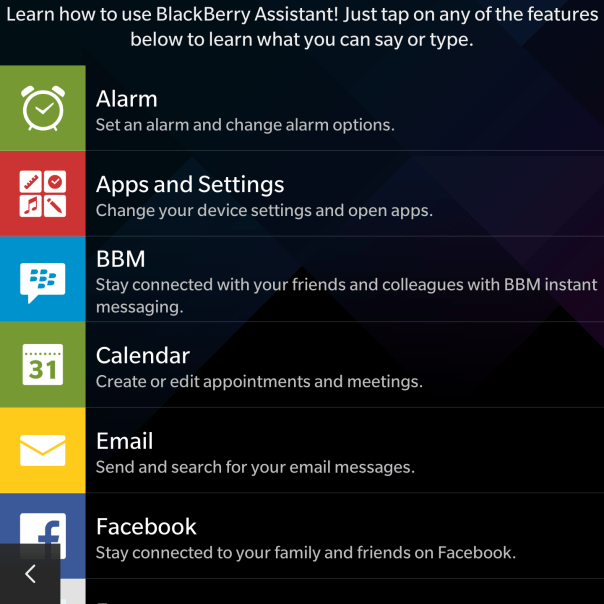
As you can see there is a good selection of options available, and in my testing so far the BlackBerry Assistant was fairly accurate with the results.

However, there is one aspect of the BlackBerry Assistant that blew me away. It is all very well testing the voice recognition in a quiet room, but I then tried it in the loud noisy environment and it was still able to pick up everything I had said. Truly remarkable.

So moving on to the music app. My only gripe or wish was that the albums art could be displayed in a grid view like the Gallery app with the folder view. Otherwise, it is a no nonsense app.

I did not realise there was a FM radio, but I found this in the app options as shown below.

And as you can see I have a few radio stations setup.
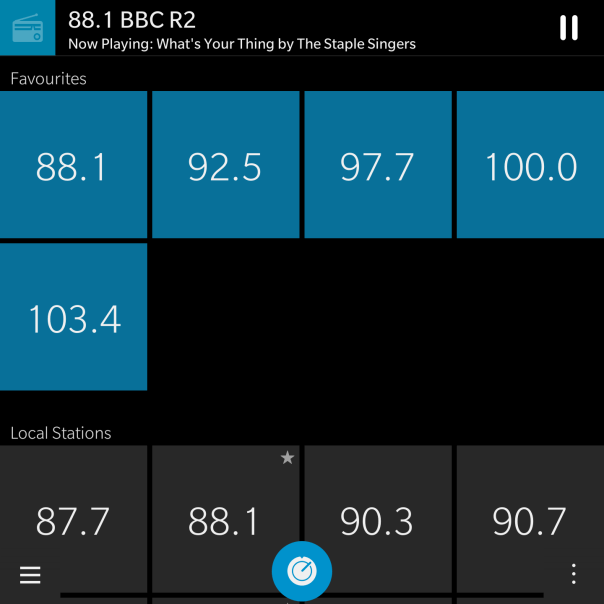
But with all the options, the only thing that really matters is the audio quality. One word. Excellent. Really good via headphones whether connected via a wire or via bluetooth. The Loudspeaker is loud and effective too. FLAC support is natively supported and iOS Headphone controls work with the Passport!
More tomorrow.
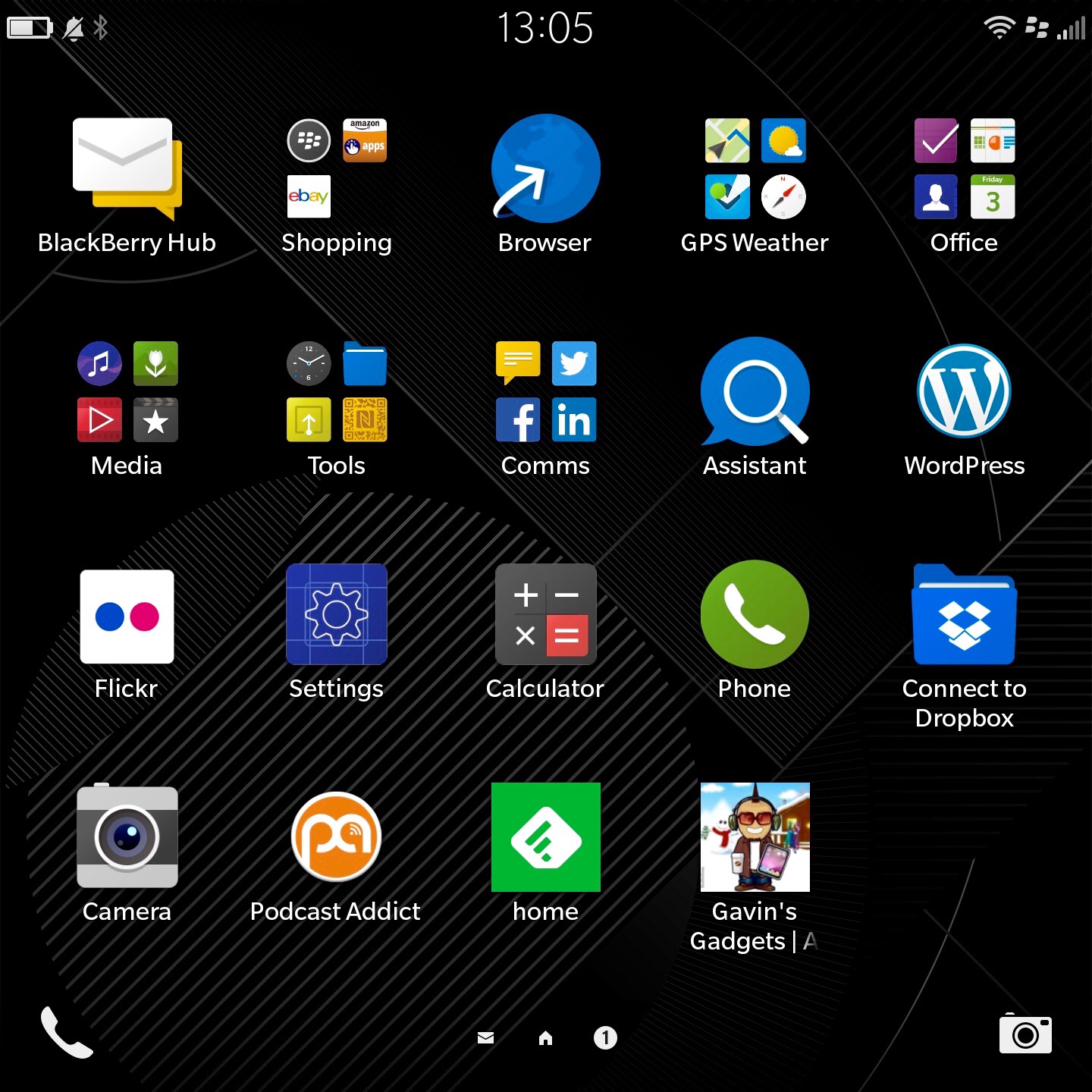
So I have now had the Blackberry Passport for just over 5 days. My first post predominately covered the hardware and my very first thoughts. My next challenge was to understand the BlackBerry OS and its way of tackling tasks and moving between screens.
So at the moment, I have worked out how to tidy up my app home screen as shown above and create folders. I have also installed EBay, Flickr, WordPress and a few other apps, including a podcast app. I have a separate home page for games.
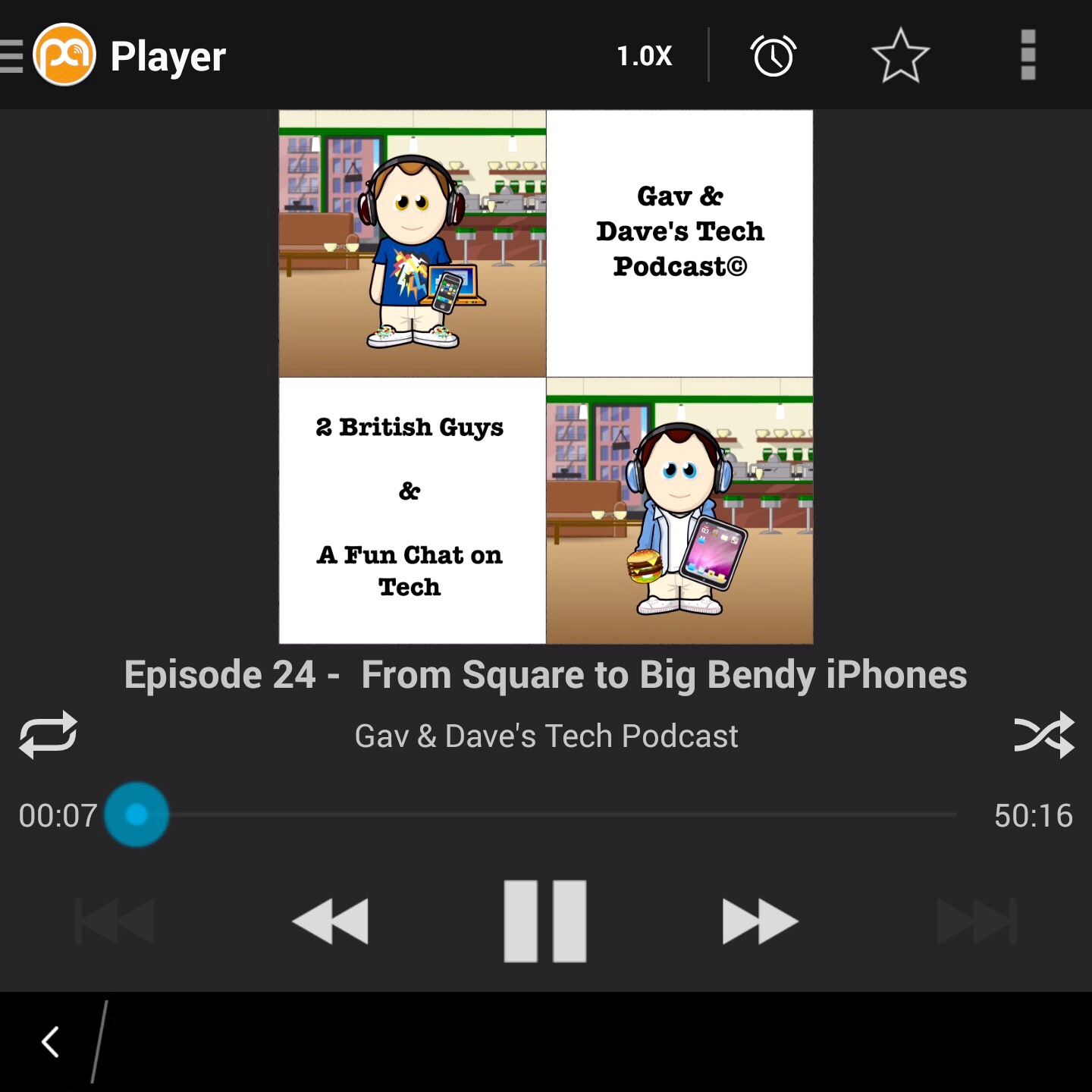
A highly recommend the above podcast 🙂
So what’s the software like? Full of swipes and gestures and peeking. It does take a while to adjust and after 24 hours I was just getting to grips with the functionality. In fairness, I’ve been very busy so not spend much time with it properly other than actually use it as a phone and communicator. With the display off you can swipe from the bottom up in an arc to the left or right to turn the screen back on. You can even set an option that turning the Passport on to its front switches the display off. Turning it back over and the displays comes back on. In applications, two finger swipe downwards pulls down the quick toggles. Screen shot at the bottom of the page. In any app, pull from the top edge downwards with one finger brings up the app settings. Swipe up from the bottom edge brings you back into the multitasking page. The running apps shown below are active panels. They change and display information depending on what type of app it is and how it is configured to work in this mode. I must admit it is becoming more natural to use. I have both the Passport and iPhone 6 Plus on the sofa and when a new notification arrives, it is the Passport that I prefer to pick up and use to respond.
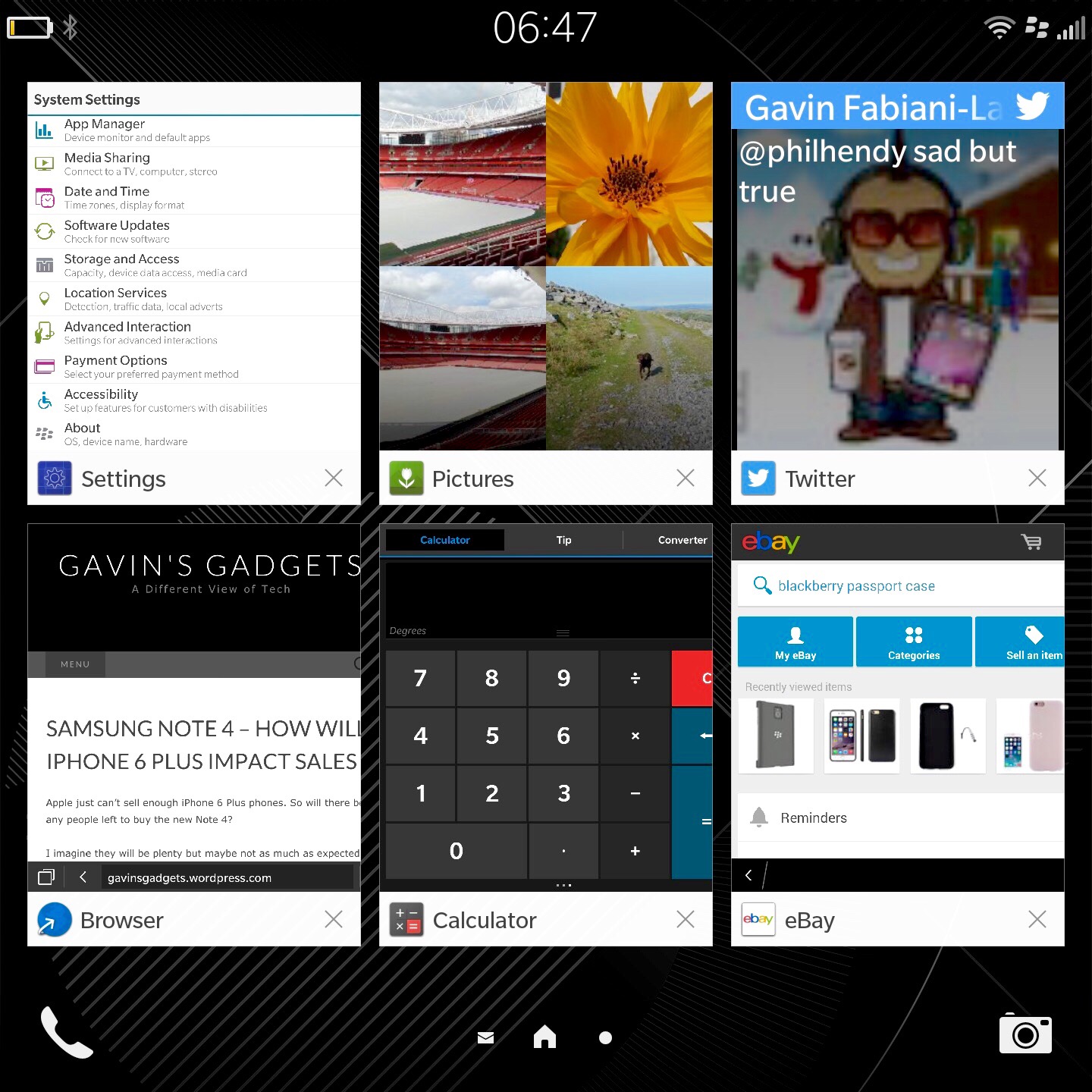
The toggles menu accessed in any app with two fingers swipe down from top of screen. In home screen only one finger is needed.
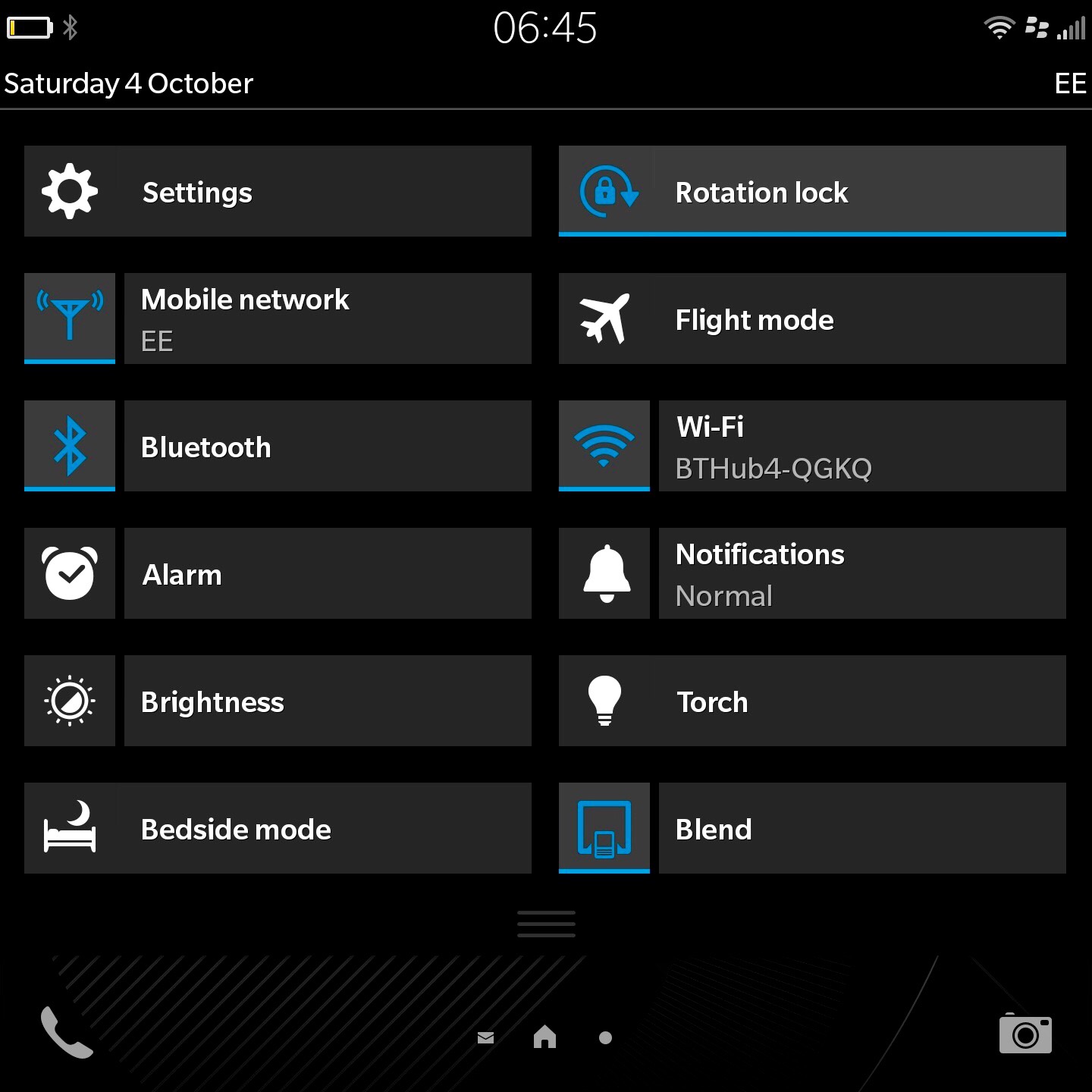
After realising I had several app updates waiting in BlackBerry world, a new app appeared. Virtual Expert provides information about the Passport. This app also allows you to test all the different functionality of the phone, like an engineer mode.
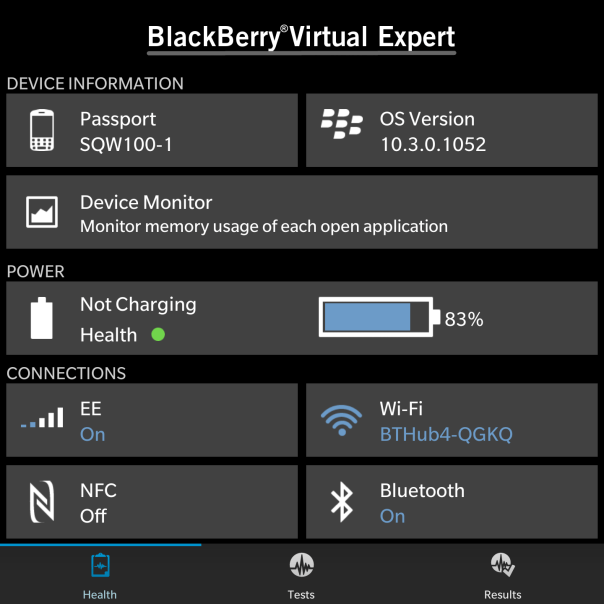
And here you can see some battery stats. These were the first lot of battery measurements take. The battery has improved after subsequent charges. For my usage, The Passport will last 24 hours or so, but I would recommend charging it overnight. I gather the next update to the firmware will include a battery saver mode. It does seem to drain more battery than I would have expected in standby mode. I would hope the next software update will help improve matters.
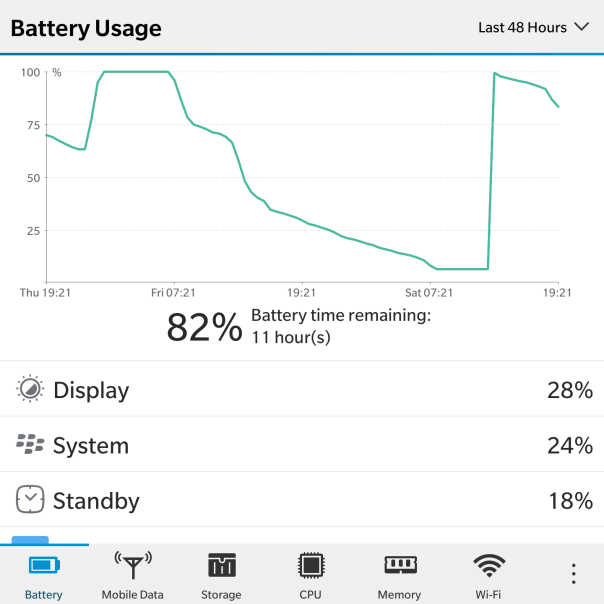
The Passport also has peeking options. With half gestures movements you can have a sneak peek at the Hub, running apps and on the lock screen summaries of the types of notifications received.
However, what makes the BlackBerry a BlackBerry is the Hub, it’s keyboard, and overall functionality. The OS is rather enjoyable to use, even though it’s different to other systems. So let’s talk about the Hub today.
The BlackBerry Hub is a central area to manage all your conversations and prioritise the ones that are important to be seen first. The Hub amalgamates email, text, BBM, phone calls, all your social media accounts and more. So I had my google accounts, yahoo, BBM, Twitter and a few more all setup in the Hub. For privacy reasons I cannot show you any screen shots. You also get system alerts too. Even Flickr upload alerts appeared in the Hub. And the Hub is always a swipe away. So with all the messages and notifications and more you can reply directly from within the Hub. After a few days of using the Hub it really does become a smooth way of quickly seeing, replying and managing your communications. And as mentioned above, it is by far my preferred device for replying to all my different types of notifications from social media, texts, emails and more.
And one of the promoted features is the 4.5 inch screen. And you know what it really is handy for many uses and means never having to rotate the screen, even though rotation is supported!
So below are a few screen shots showing you what certain applications look like on a 4.5 inch screen.
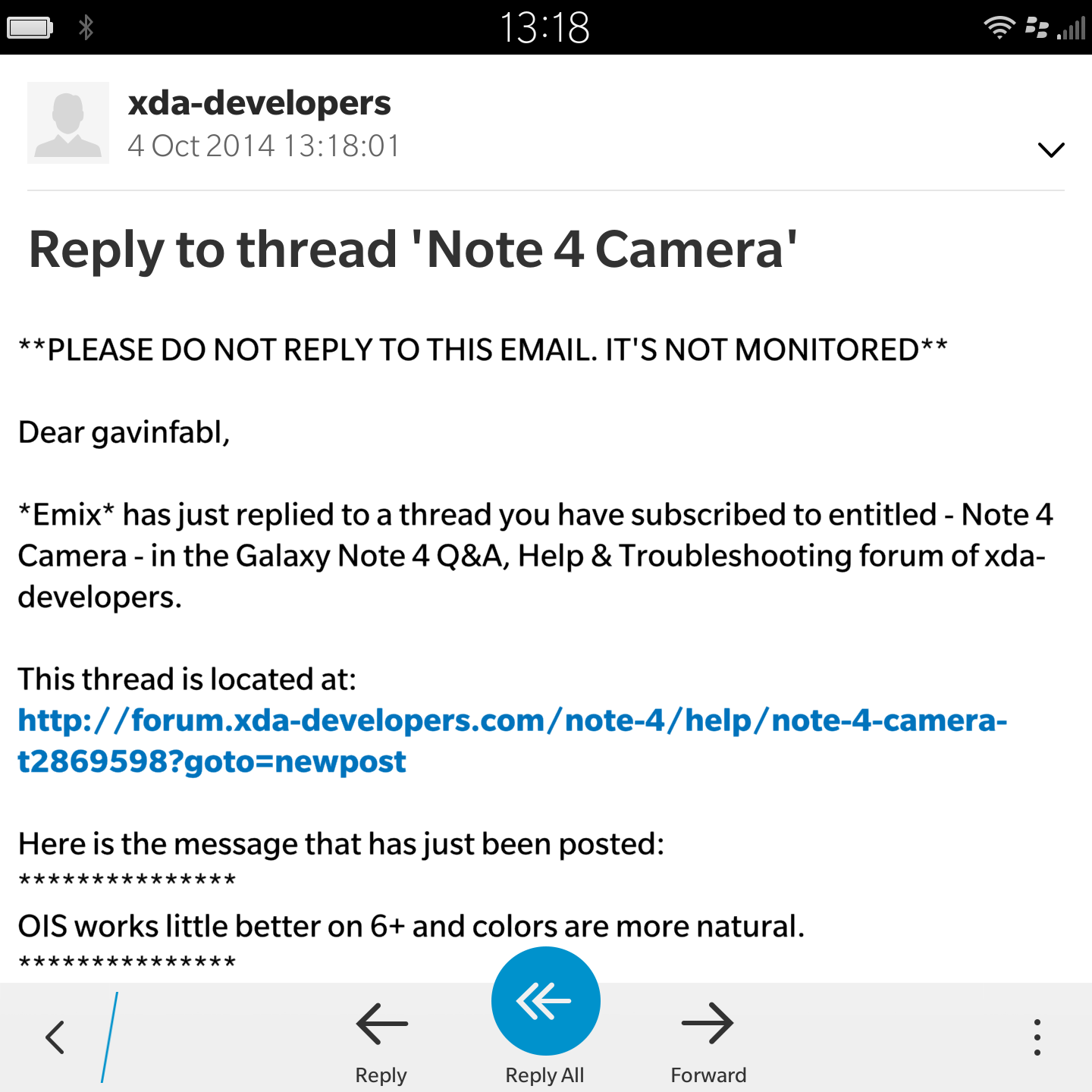
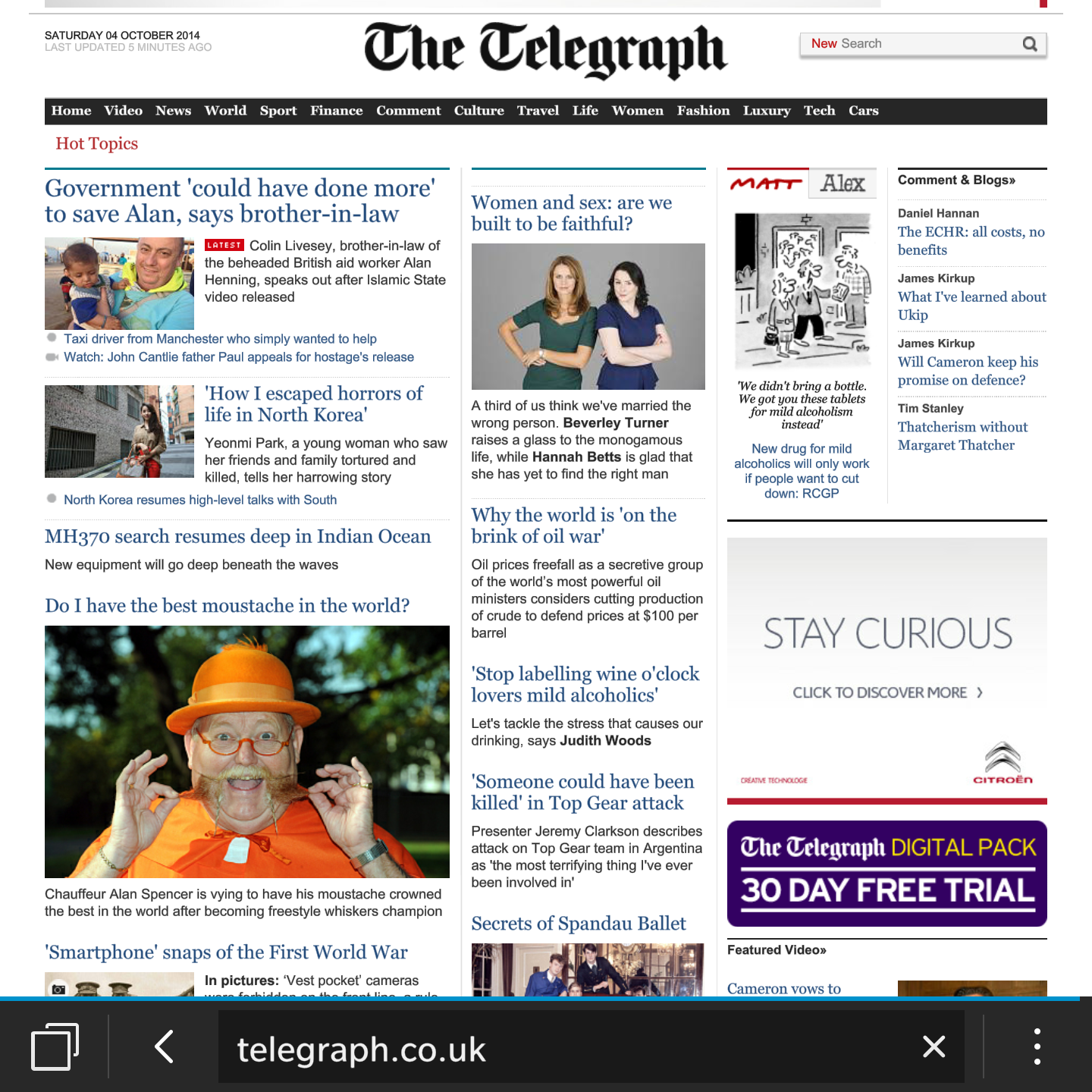
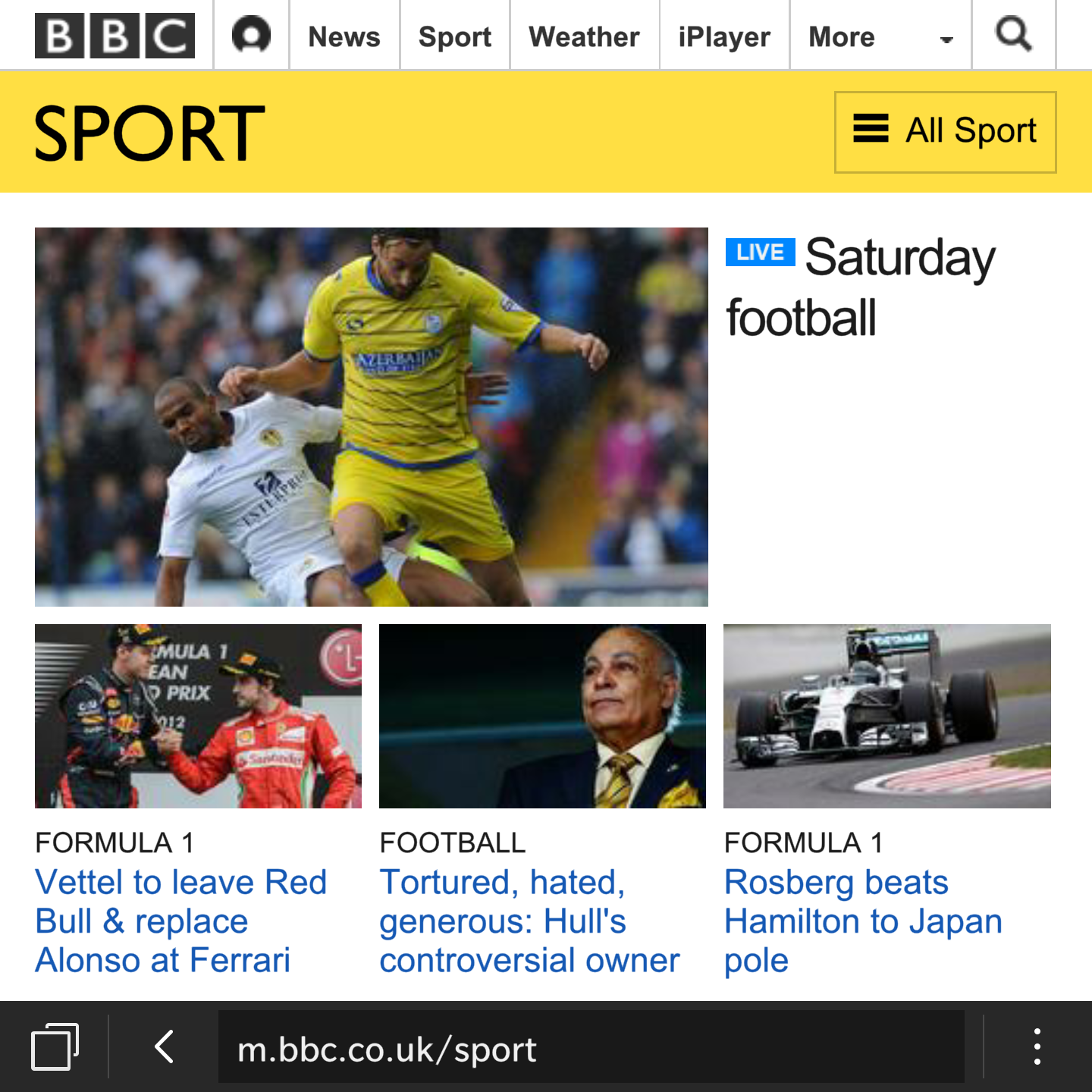
And with the Passport you can use the keyboard as a trackpad to scroll up and down web pages.
So what do you think so far ?
Samsung has issued its guidance for the third quarter of the 2014 fiscal year and warns that there may be a steep drop in profits from a year ago and from the previous quarter. With the guidance, this would be the fourth consecutive quarter that Samsung’s profits are slumping. Operating profit might drop by as much as 60 percent.
Samsung says that it expects to make 4.1 trillion won, or $3.8 billion, in operating profit for the quarter ended September 30, roughly a 60 percent decline from the same quarter a year ago of 10.2 trillion. Similarly, sales were also down, coming in at 47 trillion won, or 20 percent less than a year ago.
Samsung says that though smartphone sales were slightly up, profits were hurt by increased marketing costs and lower prices.
Let’s hope devices like the Alpha and Note 4 help pull back its profits.
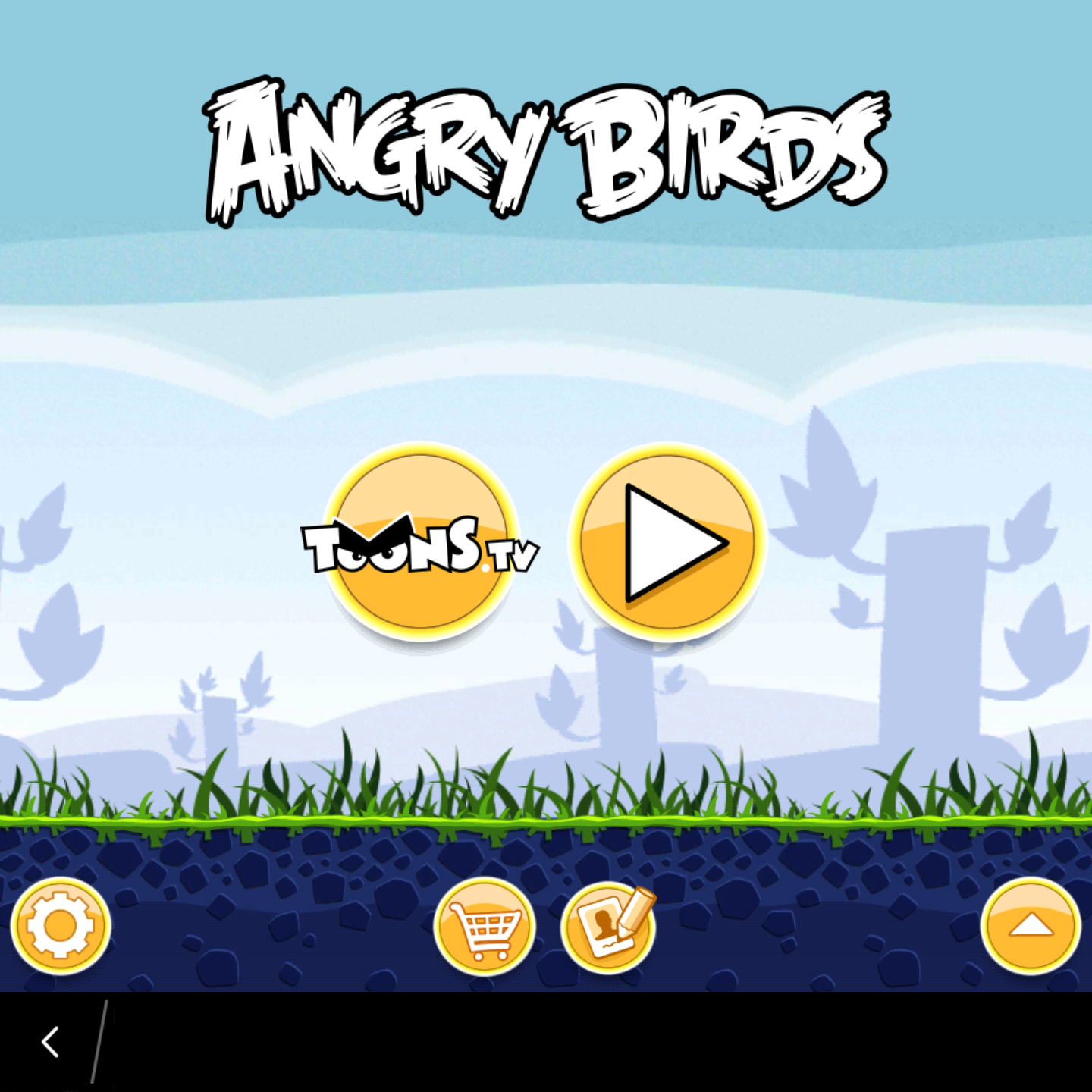
Angry Birds works just fine. So do all the other games as per the below screen shot.

But I have found plenty that aren’t working with the Passport square screen. So whilst gaming is possible on the Passport, you might want to check if you can play the types of games you prefer first or buy a different phone.
Also the top right of the phone got hot whilst playing many games.
To be honest I was expecting a greater number not to work with the square screen so I was overall pleased with the selection that I tried that ended up working.

As you can see it does with ease in my front work shirt pocket. It is the same for nearly all my other pockets.
If I had my iPhone 6 Plus in my front shirt pocket it protrudes by 2cm.
Today I am going to have a look at the camera and also show you some samples. The rear camera is 13mp which also have optical image stabilisation, allowing for decent shots. The camera has a number of options as shown below. The rear camera has a f/2.0 for faster shots. The front camera is 2mp and can record video at 720p.
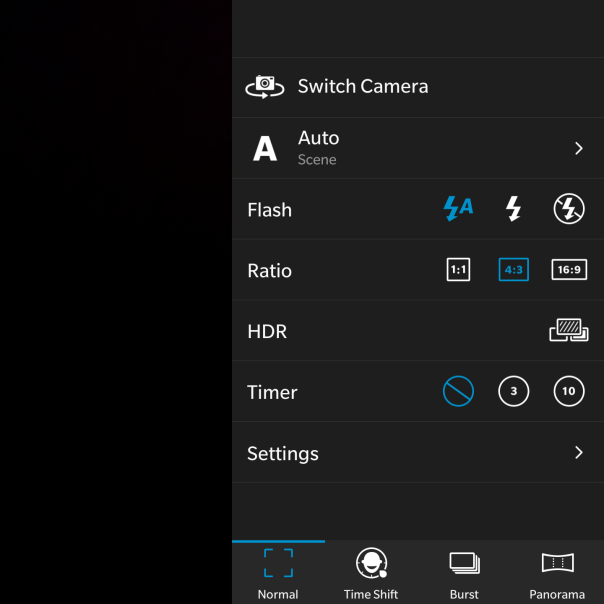
There are a wide range of options to cover most options.

Not shown is the GeoTag option, which is yes or no.
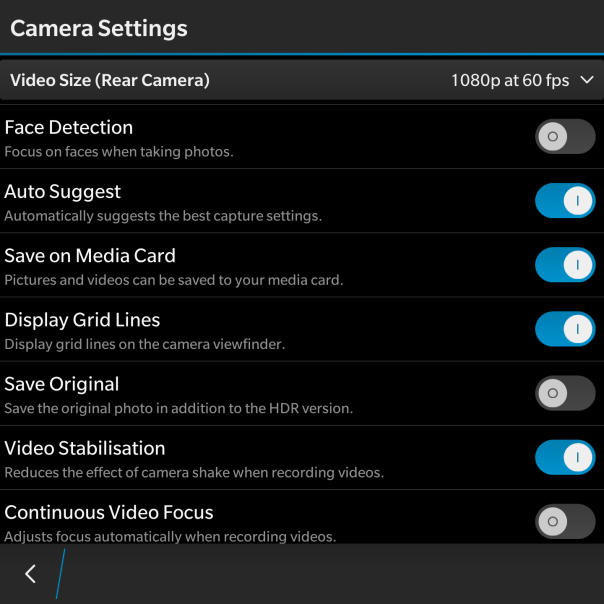
So that is all the settings, lets look at some shots from the BlackBerry camera. The first shot edited using the in built photo editor filters.
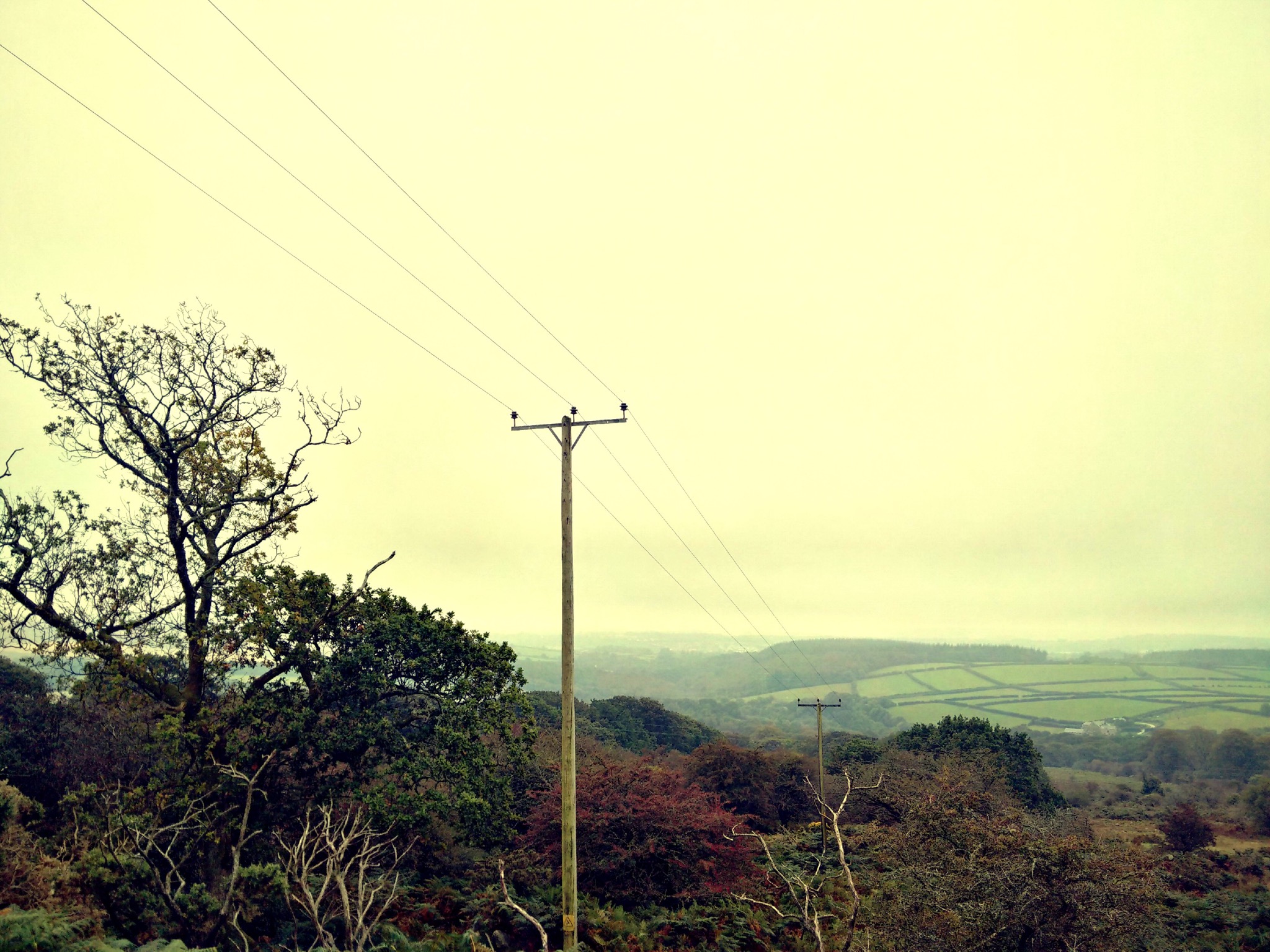

And the shot below was one of the first photos I took from the camera.
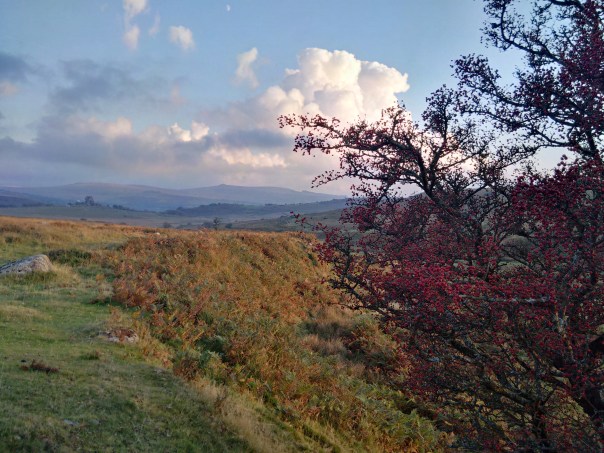
And now some other shots.

Square mode for those that like instagram.

Some really difficult overcast lighting conditions, managed reasonably well by the Passport.

Panoramic shots were good too.
So what is the camera like to use. For a start as the phone is square, you do not need to rotate it horizontally. Weirdly, I enjoyed not having to rotate. I generally shoot is 4:3 ratio, so I had the on screen camera shutter button visible under my shot. The 4.5 inch screen was actually a benefit. With auto suggest left on in the camera settings, a screen banner appears at the top when it detects if you should switch HDR on or off. Tapping the banner changes the setting, but there is a second or so delay switching HDR on or off. Shooting in HDR is not instant. It takes a couple of seconds to complete each shot. So not ideal for anything moving. I also found it was vital to switch the HDR on or off based on the camera suggestions as otherwise the photo was not as good as it could have been. In addition, it takes about 1-2 seconds to start the camera initially, 1 second thereafter. Apart from that I always ended up with a good photo that I could use. And if you are the sort of person that like filters and other editing features the built in photo editor has a multitude of options. All the different shooting modes work well. The panoramic shot was rather good too. When shooting video, you can take a photo too. Now, I do have an iPhone 6 Plus and I know some of you will want to know how the Passport compares. Well firstly the 6 Plus is faster to take all the shots and process them and the 6 Plus took better shots every single time. However, the Passport photos are still good photos!

And finally, you can view all your photos in the Gallery app. As you can see I have quite a large number of photos on my micro sd card, but these are displayed in their respective folders as below.

I did found that when I inserted my micro sd card slot which had 15gb of music and 1,000s of photos it took a few minutes for the Passport to scan and prepare the memory card. This was a once only affair.
So overall, a decent camera app and photos with good editing options are present on the BlackBerry Passport.
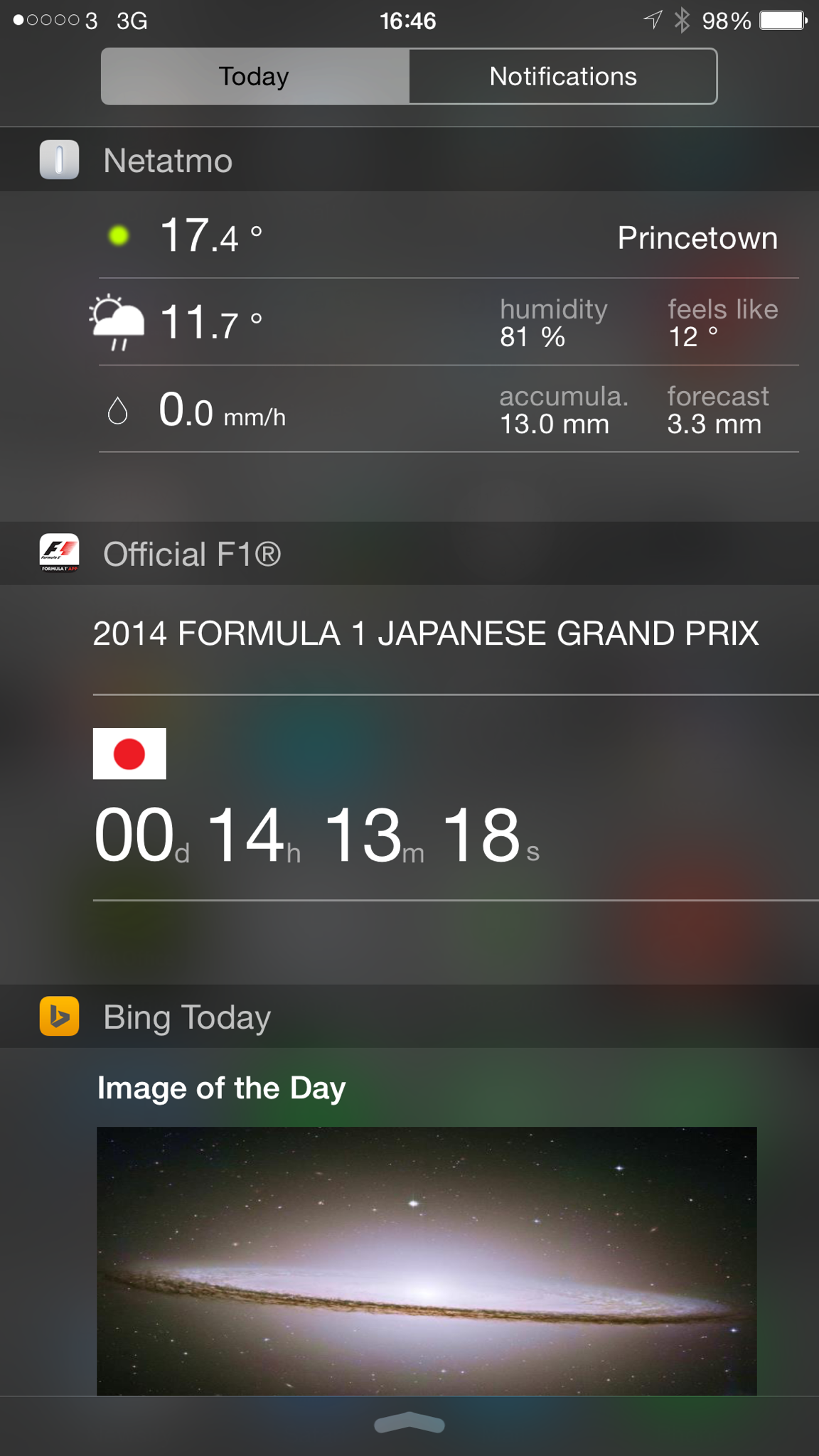
I never thought I would enjoy widgets on an iPhone. But having them in the notification centre is rather neat. And as the weeks have progressed and apps get updated so do the widgets.
Attached are a few that I use. So what do you have in use ?
Apple just can’t sell enough iPhone 6 Plus phones. So will there be any people left to buy the new Note 4?
I imagine they will be plenty but maybe not as much as expected or as per the Note 3.
But let’s say Samsung have a good return for the Note 4, add that to Apple’s iPhone 6 and 6 Plus sales, where does that leave everybody else?
I predict more phone manufacturers being casualties of this roller coaster success of Apple and potentially Samsung. Or maybe Samsung gets knocked off its perch by somebody else!

