Category Archives: Tech News

Dropbox finally comes to Windows Phone and Tablets

From Dropbox –

“These new apps offer all the Dropbox features you know and love. You can:

-Automatically back up your photos to Dropbox
-Mark files as favorites so you can get to them even when you don’t have an Internet connection
-Access both your personal and work accounts at once
-We’ve also tailored the app for the Windows platform, so you can pin any Dropbox folder to your Start screen for quick and easy access.

The app is available for download on Windows phones (8.0 or higher) and Windows devices running on Windows RT or Windows 8.1. Take it for a spin today!”

Source – https://blog.dropbox.com/2015/01/windows-phones-tablets/

Microsoft held an EVENT yesterday – Windows 10 – full recap and views

image

Yesterday Microsoft held an event and live streamed it too. It started as dull as dishwater, slowly picked up some pace, started accelerating and then shot to the moon with rockets. So what happened and what were the key points?

– In the first year when Windows 10 launches, all devices running Windows 7, Windows 8.1, or Windows Phone 8.1 will get version 10 OS for free. This is a complete change in policy for Microsoft but also a good way of getting everyone on the same firmware so that they all can make full use of all the new services. If more people use the services, thats more money to Microsoft.

– Windows 10 brings new features across all devices. Start Menu is back and spruced up along with new multitasking with Task View and plenty of UI improvements including that of the settings. Action Centre now available for instant access to common tasks like Wi-Fi, Bluetooth, and other settings. Notifications are synced across devices. Cool. Cortana comes to the PC. Universal apps. New app improvements for Calendar, Mail, Photos with auto sync and album creation, People, Maps, Music collections all syncing to OneDrive. Xbox app improvements for streaming Xbox One games to Windows 10 devices and DVR support.

– New Web Browser – Project Spartan. Has a reading mode and reading lists that syncs across devices.

– Microsoft Office – improved for touch devices, tablets and phones.

– Microsoft unveiled a new category of device designed to showcase Windows 10 – the Surface Hub. This has a 84-inch 4K display with support for multi-touch and pen input. A 55-inch option will also be available. The massive screen also includes dual cameras, microphones, and a wide array of advanced sensors that Microsoft would not reveal any further detail on. This sounds expensive.

– The Windows 10 messaging client will integrate multiple internet-based services, creating a single conversation for each person regardless of which apps are used. Skype got spruced out and became the iMessage for Windows 10.

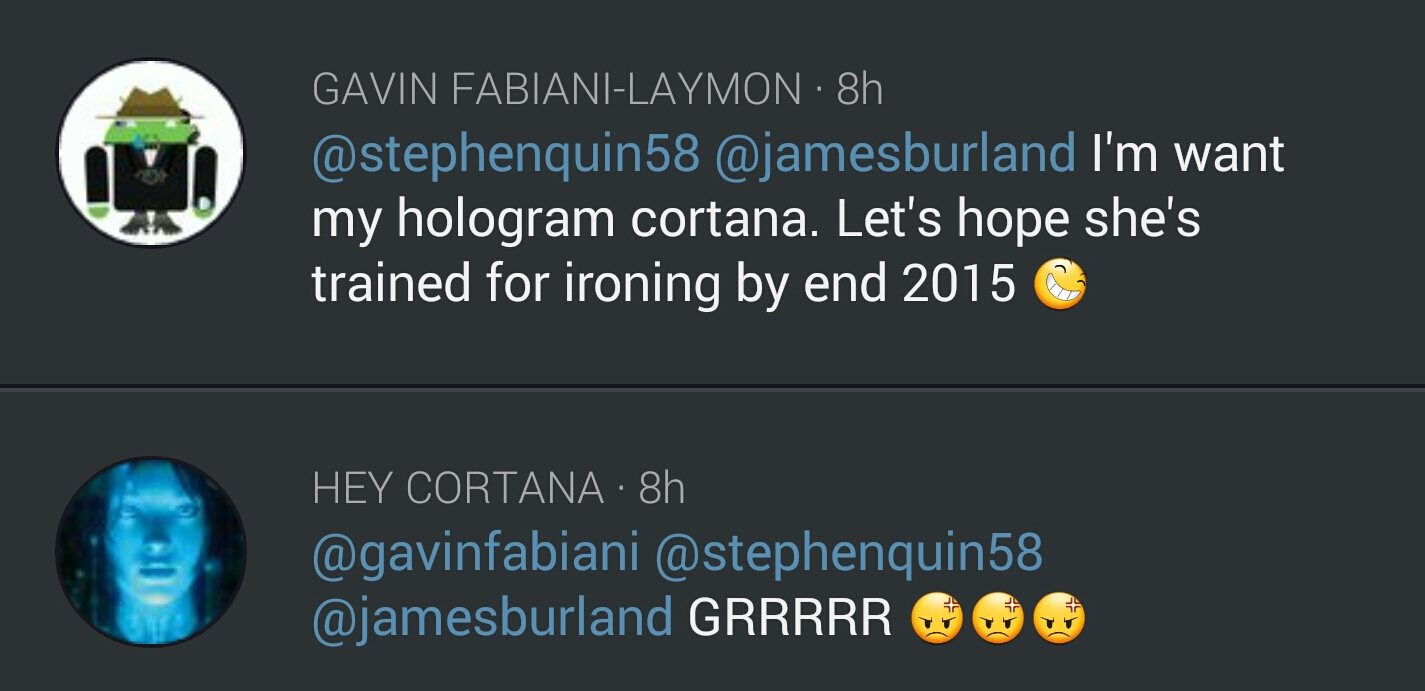
And then Microsoft announced the Holographic Googles and the world went wild. Hololens creates a virtual reality world. Everything becomes real in a virtual reality way. Looked superb and futuristic. But it is nowhere near finished. The press had their bags and cameras removed for all their demos.

So my concerns. Delivery date and will Microsoft be able to keep to the timelines and not have delays. When the software is released, will it be bug free or a mess. Will all the cloud syncing work correctly. The cloud part using OneDrive I am sure will work just fine. But I am worried about Microsoft delivering on the timelines for Windows 10. They need to move fast, otherwise the competition will overtake again and again.

So what were your thoughts from last night.
Dropbox ditching support for OS X 10.4 and 10.5 – details

From Dropbox –

“Hi,

We noticed that you’re running the Dropbox desktop application (client) on an older operating system (OS X Tiger 10.4 or OS X Leopard 10.5). We’re writing to let you know that as of May 18th, Dropbox will no longer support these older versions of OS X.

Don’t worry — your files and photos aren’t going anywhere! But you’ll need to update your computer to OS X Snow Leopard 10.6 or later to access them through the Dropbox desktop app. Apple’s instructions on how to update your operating system can be found here.

If you don’t want to update your operating system, your files will still be available through the Dropbox website. However, on May 18th you’ll be signed out of your Dropbox account on your computer and the Dropbox desktop application will no longer be accessible.

We apologize for the inconvenience. For more information, please check out our Help Centre.”

Personally don’t see a problem with this as these are really old operating systems now. Does this affect you.

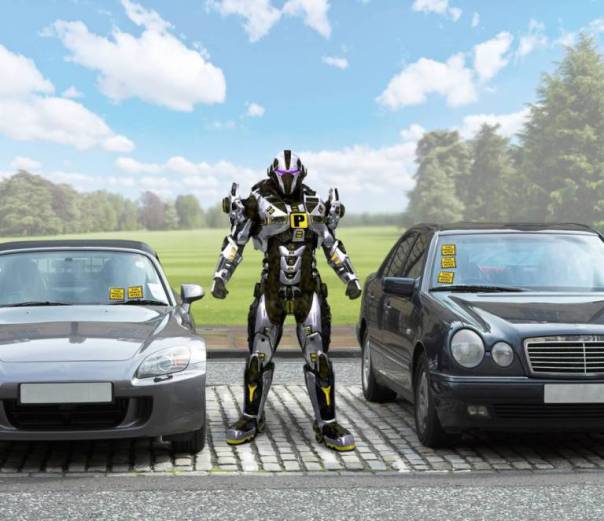
These are the new robots coming to replace traffic wardens

ad_157157419

How would you feel about being given a ticket by a robot? Or your Estate Agent being a robot?

“Leading British scientist Dr Maggie Aderin-Pocock predicts that artificial intelligence could replace human workers in several sectors within our lifetimes.

Part of her research involved asking 2,000 people which jobs they thought were the least desirable and therefore would be the first to be assigned to robots.

Those polled voted traffic wardens as the first to go (65 per cent), followed by estate agents (40 per cent), and finally car salespeople (33 per cent).”

Don’t panic we are apparently 50 years away. By which time traffic wardens will be obsolete as cars will drive themselves and always park in legal parking areas!

Source – http://metro.co.uk/2015/01/19/estate-agents-and-traffic-wardens-could-be-replaced-by-robots-within-50-years-5027646/

The latest on the HTC One M9

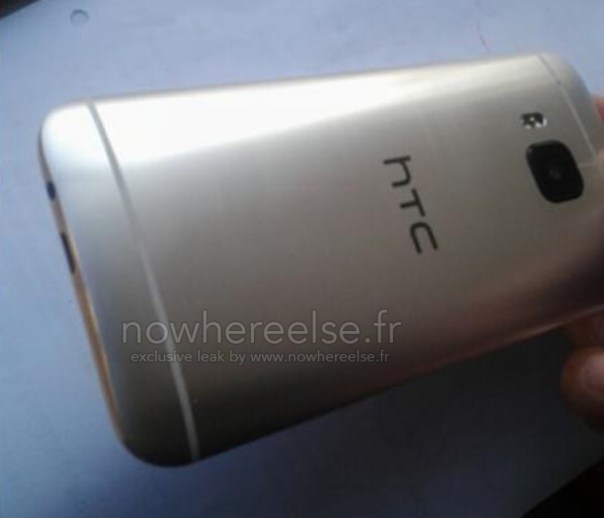
HTC-One-M9-Leaked

If the above leaked photo is to be believed, then the replacement for the HTC One M8 does away with the 4mp Ultrapbixel arrangement and just uses a straight 20mp camera. The power buttons also looks like it moved to the side from the top.

But specs aren’t everything. What matters is to see what else HTC are offering in the software side of things that make it special. Will the new camera be properly optimised?

Source – http://htcsource.com/2015/01/new-design-details-bring-the-htc-one-m9hima-further-into-focus/

The latest news on the Samsung Galaxy S6

There are many stories in the press at the moment depicting specs and finishes of the new Samsung Galaxy S6. With all of these you have to take them lightly as until Samsung does the big reveal in March it really is not possible to know for sure.

At the moment, it appears that Samsung will make the S6 without a removable back, so it can use a fancier back material like glass instead of plastic. It is possible that it will have all the latest chip sets, 4GB of ram, and wireless charging included, but the magnetic type which would be cool.

Finally, Samsung is likely to have a S6 Edge variety with two panels. You can bet Samsung uses similar tactics used with the Note Edge, by creating a limited supposed supply of the phones to hype up demand.

But again, the software is going to play a key part here.

So hacker’s security is also poor – details

image

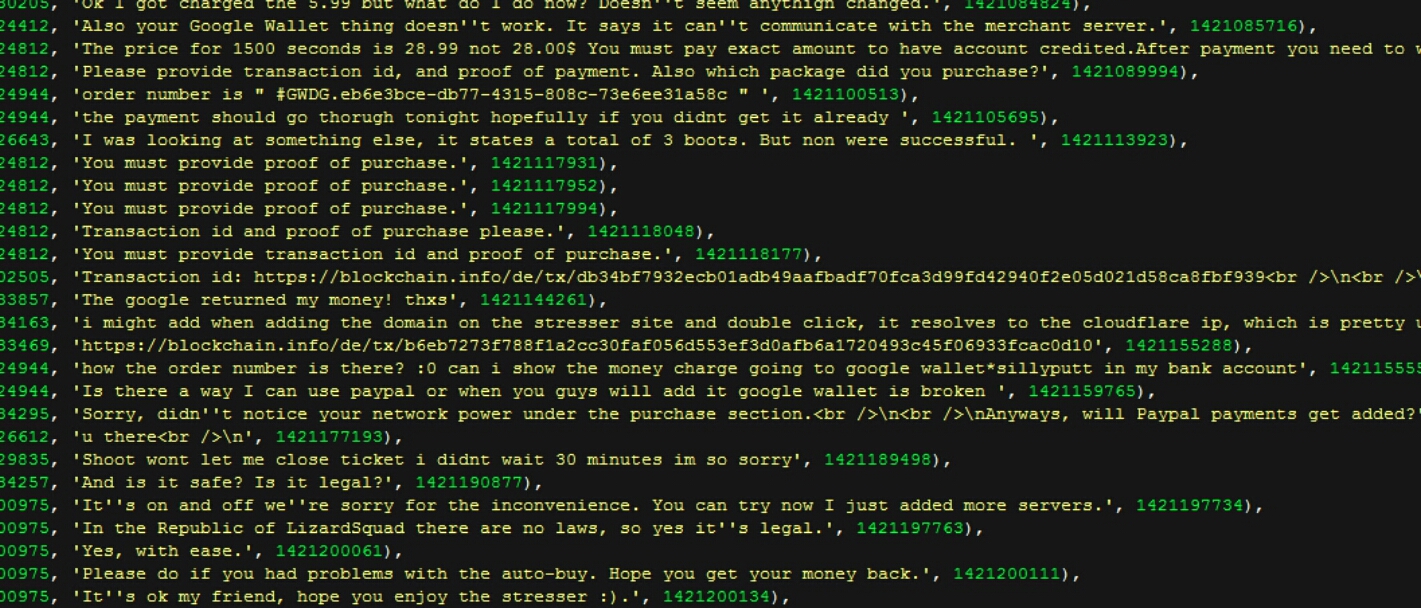
” Somebody hacked the Lizard Squad’s super stupid DDoS-for-hire service last week, and guess what? The Lizard Squad sucks at cybersecurity. Not only did the hackers leave their so-called LizardStresser service vulnerable, the money-hungry kids left all their customers’ data in plain text and $US11,000 in bitcoin on the table.

It’s unclear where the money is now, but the customer data is definitely out in the wild. Security expert Brian Krebs obtained a copy of the customer database and showed that the personal details of over 14,000 users is right  there in plain sight.”

Quite ironic or was this deliberate by Lizard Squad. Sounds like sloppy.

Source – Gizmodo Australia

A version of the Samsung Galaxy S6 will have 2 curved edges

Samsung is apparently developing an Edge version of the Galaxy S6. Unlike the Note Edge, the S6 Edge will have curved edges on both sides. In addition to all the features of the Note Edge it will have more options too.

According to Sammobile “you will have the ability to activate the main edge panel on the right or left curve, depending on your primary hand. Then there’s Glance Lighting, which will light up the Edge area when you receive a call or notifications, when you turn your device over. Also, you will have an option to choose favorite contacts and an ability to assign specific colours to them. So, calls and notifications from important people will show the designated color lighting on the edge area.”

Lets hope the battery demands on these Edge panels don’t ruin the device.

Source – sammobile.com