Category Archives: Reviews

Amazon Fire TV Stick – Impressions

Fire

Following the Amazon Primeday sale, my Fire TV Stick arrived. Before the Fire TV Stick, I had been using the Amazon app on my TV which was slow and cumbersome. I also have a Chromecast and Apple TV 2nd Gen. It seems crazy having all the dongles and black boxes but sometimes to watch the show you want, you need to make sure you have access to as many options as possible.

So what was the Fire TV Stick like to setup? A breeze. No matter how little you knew about technology, the setup is made idiot proof. Plug the Fire TV Stick into a HDMI port, plug the power in, switch the TV to the AUX input if needed, and follow the on screen instructions. It first asks you to enter your Wi-Fi router password. Next to confirm it is your name and account to be associated with this device. Then you watch a video showing where everything is and how everything works. And that’s it.

In use streaming a TV series was smooth and faultless and it plays the next episode without any wait for buffering. Amazon called this ASAP—ASAP learns what Amazon movies and TV episodes you’ll want to watch and buffers them for playback before you hit play. It really works!

I found there was a reasonable selection of apps, and tomorrow I am going to try and connect my Moga Pro bluetooth game controller. The interface is big and bold and again simple to use. I installed the Fire TV remote app on my LG G4 and that worked perfectly too. Voice operation was remarkably accurate from the app.

Overall, I am left impressed. However, if you’re not a Prime member then the Fire TV Stick represents less value.

Fire TV Stick – Full Details on Amazon UK

Xiaomi Mi Band – First 10 days review

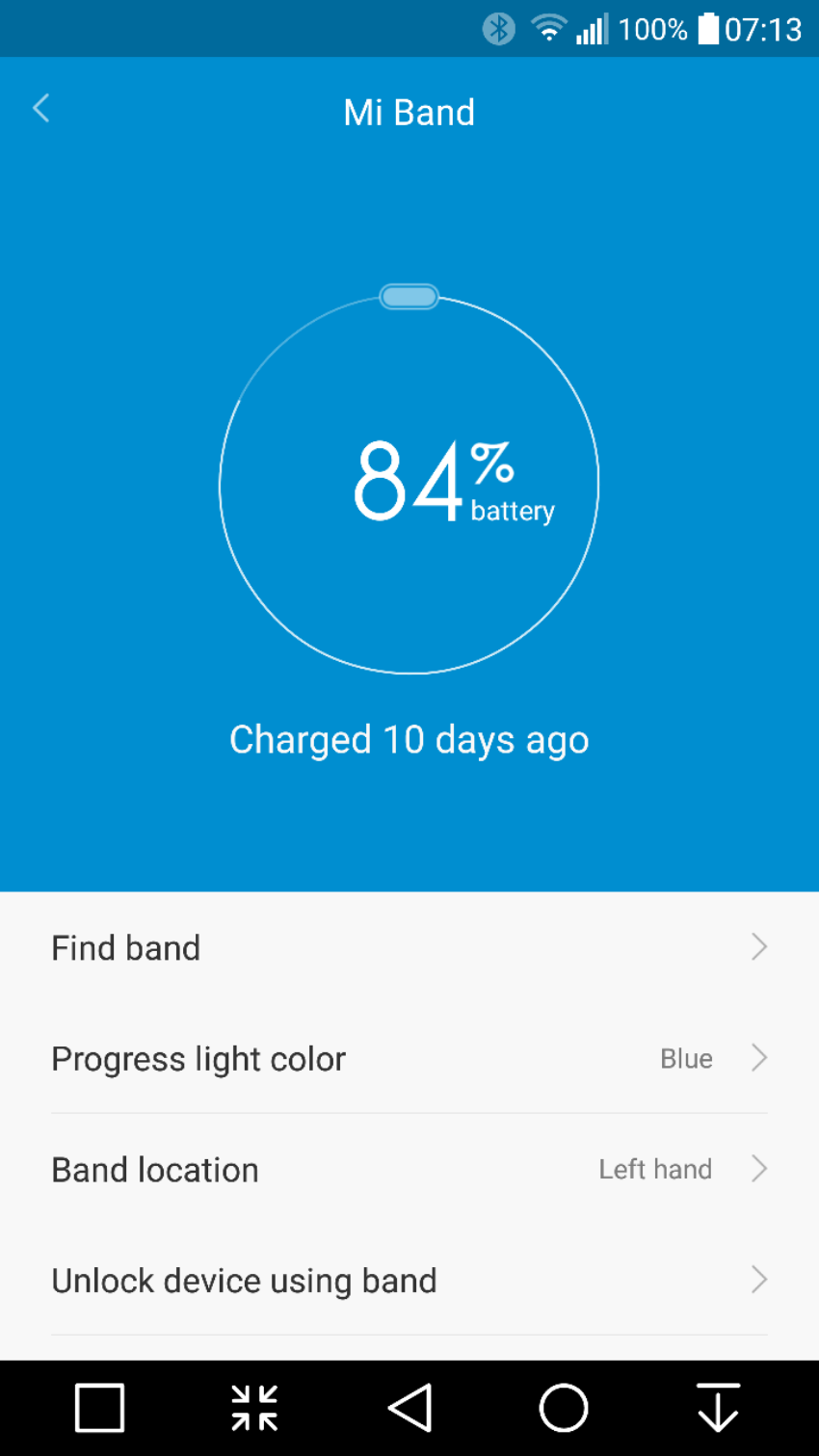
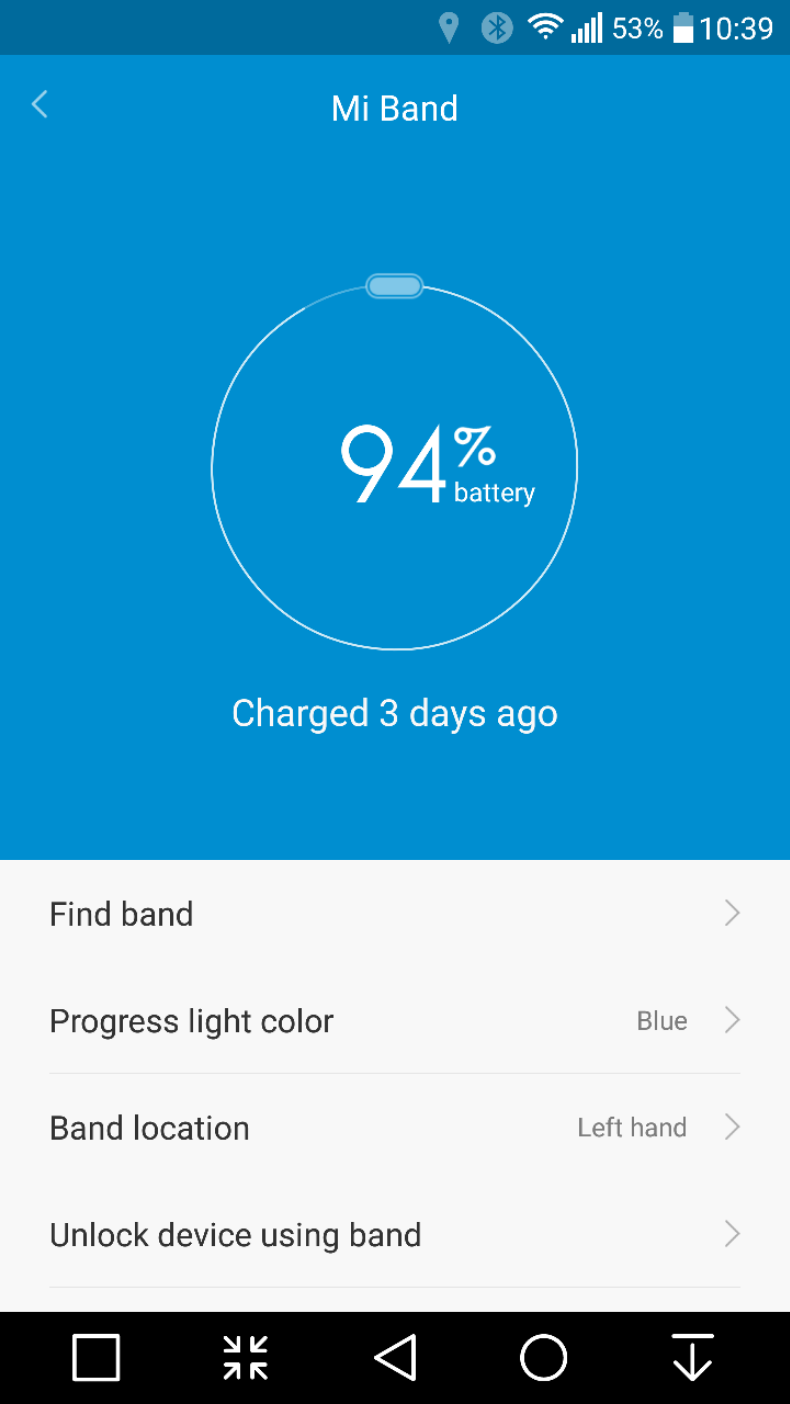
So it’s now been 10 days using the Mi Band. The standout feature has to be the battery life. It is still on its first charge and it’s only lost 17% after 10 days. At this rate it will last nearly 60 days on a single and its first charge.  This in turn means that I will only ever have to recharge it 6 or 7 times in a year.

image

Now it is possible to have a more frequent battery recharging if you start using all the notifications, sleep alarms and other third party apps that can integrate notifications and use the LEDs. This reduces apparently the battery life to a mere 30 days. 30 days at worst case scenario. Wow. 

If there is one reason alone to get this, it is its stand out battery feature. My Fitbit Charge HR needs charging every 2-3 days. My LG Watch Urbane gets charge daily. 

The Mi Band syncs with Google Fit if required and also WeChat. It doesn’t integrate with anything else. It tracks steps and sleep automatically. It has graphs showing you what steps you walked each day. And not much else. However, there are 2 versions of apps/firmware. If you use the Chinese app you will get a lot more functionality but no syncing to Google Fit. The Google Fit sync version gets updated regularly so hopefully in time the two apps will has less difference in features. 

Price. Cheap. £20 maximum. Depends on currency and where you buy. Value. Bargain. 

Negatives so far. On my first day wearing it, I was walking on Dartmoor and my rucksack straps caught the tracker module without me realising when I took my rucksack off and pulled it out of the band. I realised it was missing and spent 10 minutes trying to find it on Dartmoor. I did find it but I was lucky. I have had the band itself come off my wrist as well. So my advice is to be aware that it might de clasp itself or you could lose the module. 

There is an optional leather band which is far securer as it uses 4 screws to lock the module in. 

Overall, it’s ability to not need a recharge every few days is fantastic and it does what is says on the tin. 

image

LG Watch Urbane – Posh Edition

image

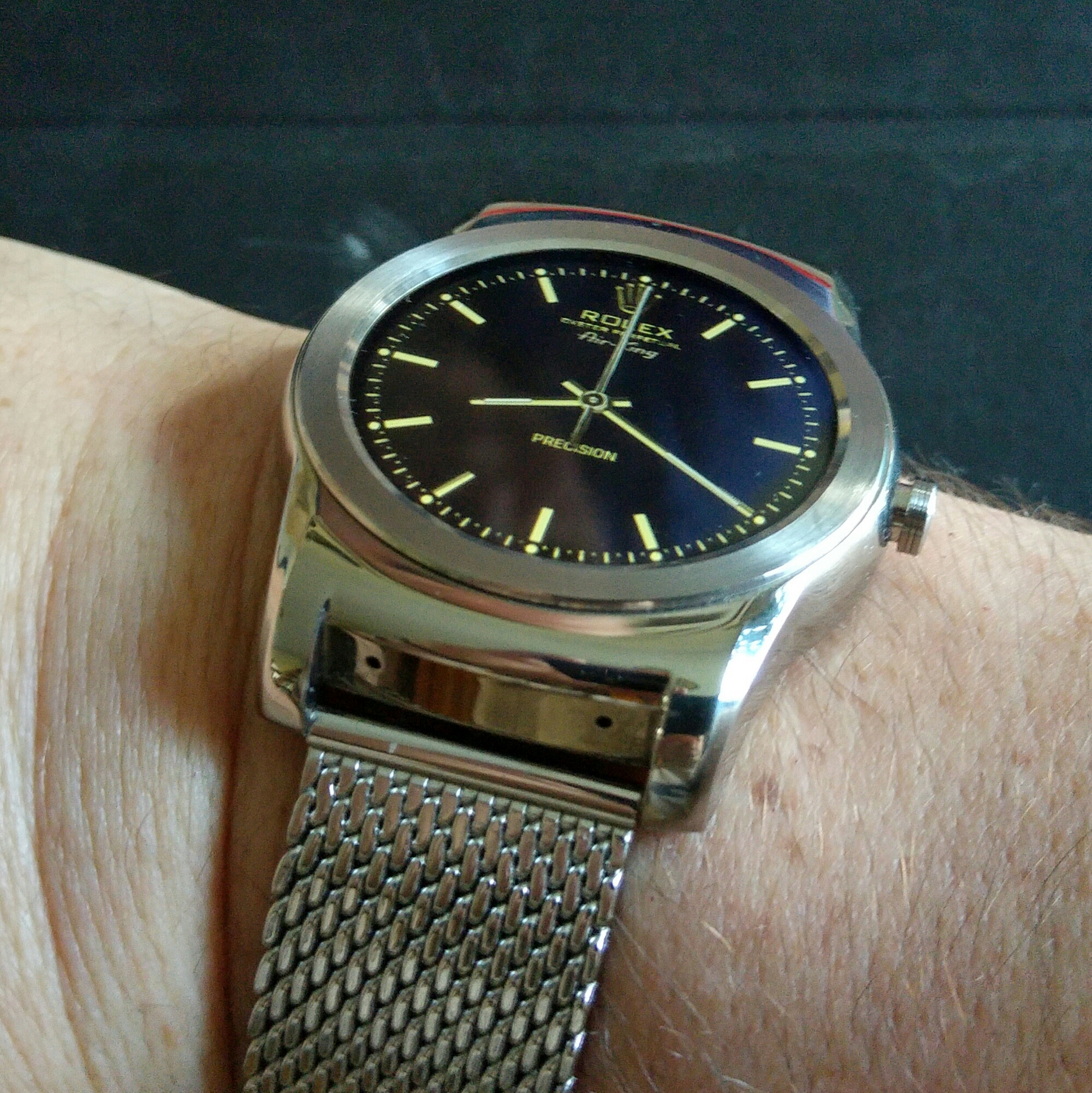
Change the strap and the watch face and you have a new watch.

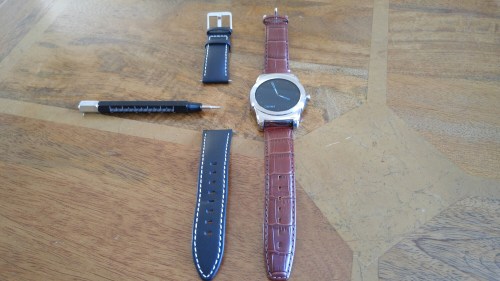
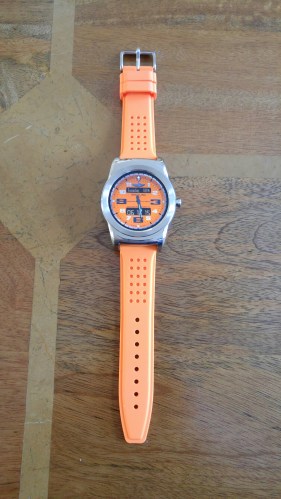
The milanese metal strap arrived yesterday. It was so easy to swap over. I now have the black strap that came with the Urbane, a lovely brown crocodile leather and a sports orange strap.

Below are the other straps in my possession.

wpid-wp-1433948349065.jpg

wpid-wp-1434472288945.jpg

Without a doubt the metal milanese strap is my favourite! What is crazy is that the cost of all 3 additional watch straps cost less than one of the cheapest straps sold by Apple for their Watch.

Xiaomi Mi 4i – Review

image

image

Welcome to my review of the Xiaomi Mi 4i.

image

First let’s take a quick look at the key specifications –

image

– Dimensions – 138.1 x 7.8 x 69.6mm
– Colours – white, blue, black, pink, yellow
– 13MP rear Sony/Samsung camera, 5-element lens, f/2.0 aperture,Two-tone flash, Supports manual mode, real-time HDR, Torch, Supports 1080p video recordings
– 5MP front camera 5-element lens, f/1.8 aperture 80° wide angle lens, Beautify with 36 smart beauty profiles
– 5″ Sharp/JDI Full HD display 1920 x 1080 resolution, 441 PPI 95% NTSC colour gamut, Fully laminated Corning® Concore™ glass, All-new Sunlight display with hardware-level pixel contrast adjustments,IPS 178° wide viewing angle
– Snapdragon™ 64-bit octa-core processor 2nd gen Snapdragon™ 615 CPU, 1.7GHz Adreno 405 GPU
– 2GB RAM LPDDR3, 16GB Flash eMMC
– 3120mAh all-day battery
– Sony/Samsung/ATL 4.4V lithium-ion polymer battery
– SIM slots – 2 x micro SIM slots
– Networks – 4GFDD-LTE,TD-LTE B3 / B7 /B38 / B39 / B40 / B41, 3GTD-SCDMA, WCDMA 1900 / 2000MHz
850 / 900 / 1900 / 2100MHz, 2GGSM 850 / 900 / 1800 / 1900MHz
– Wi-Fi: 802.11 a/b/g/n, 802.11ac wave 2 include MU- MIMO, supports 2.4GHz and 5GHz bands
– Bluetooth 4.1
– Sensors – Compass, Gravity, Gyroscope, Light, Hall, Proximity
– GPS, GLonass, BDS
– Supports: H.264–Baseline/Main/High, MPEG4–simple/ASP, H.264–0,
VC-1/WMV9–Simple/Main, VC-1–Advanced
– Supports: PCM, AAC/AAC+/eAAC+ , MP3, WMA – V9 and V10, AMR – NB and WB, FLAC, APE

Phone Basics

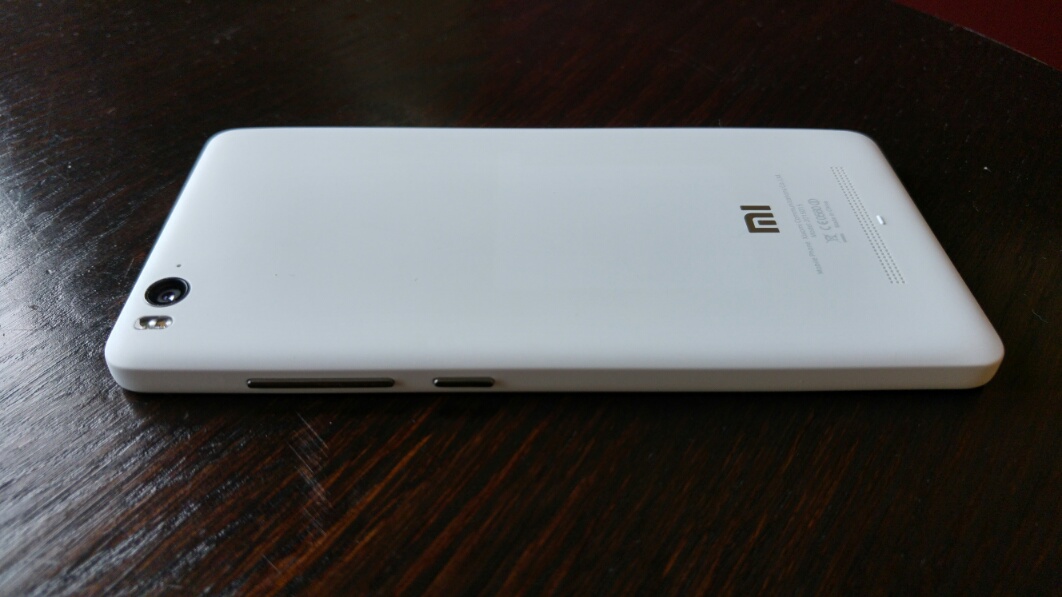
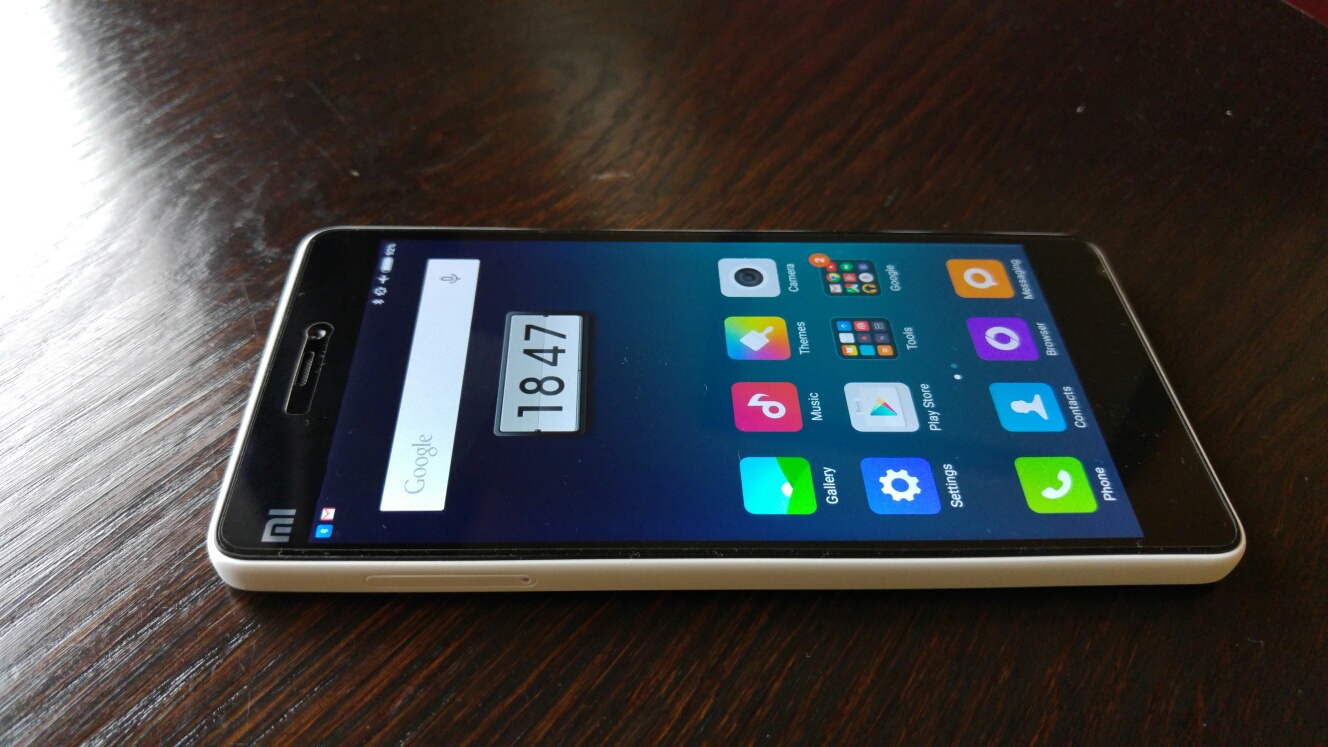
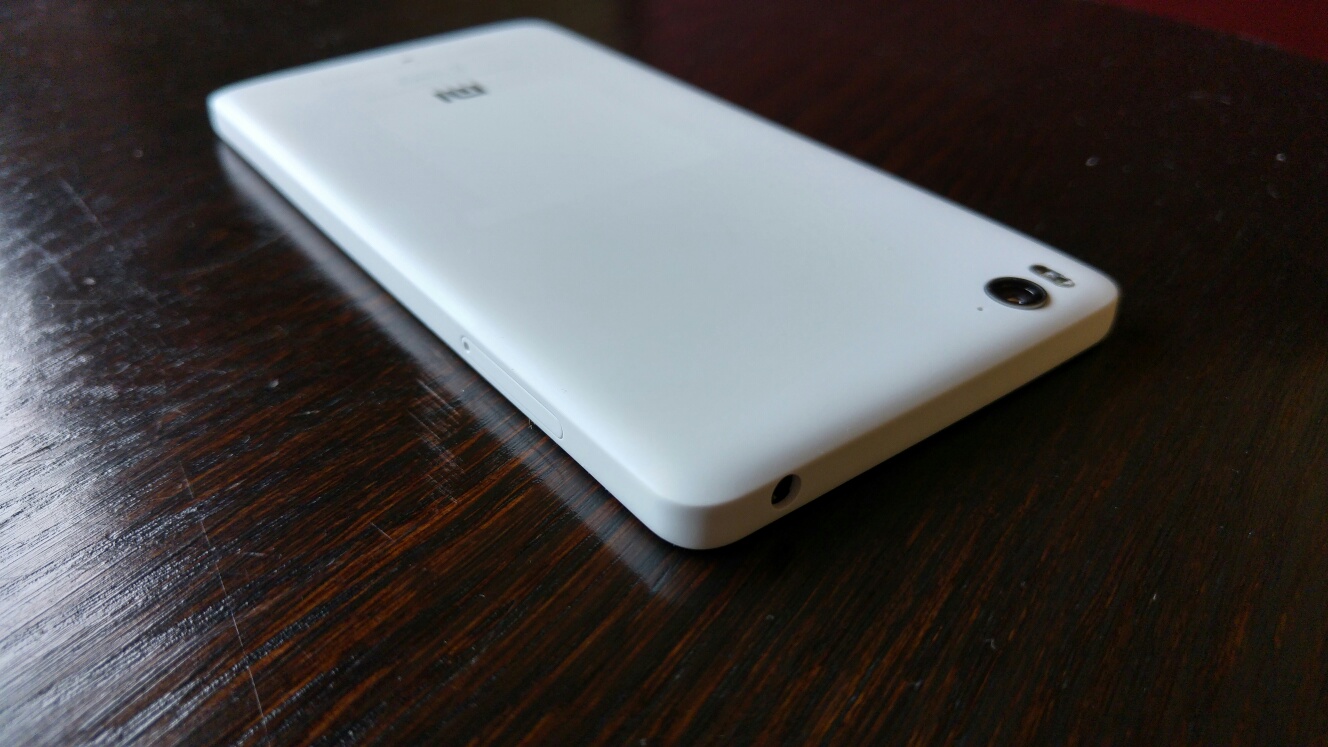
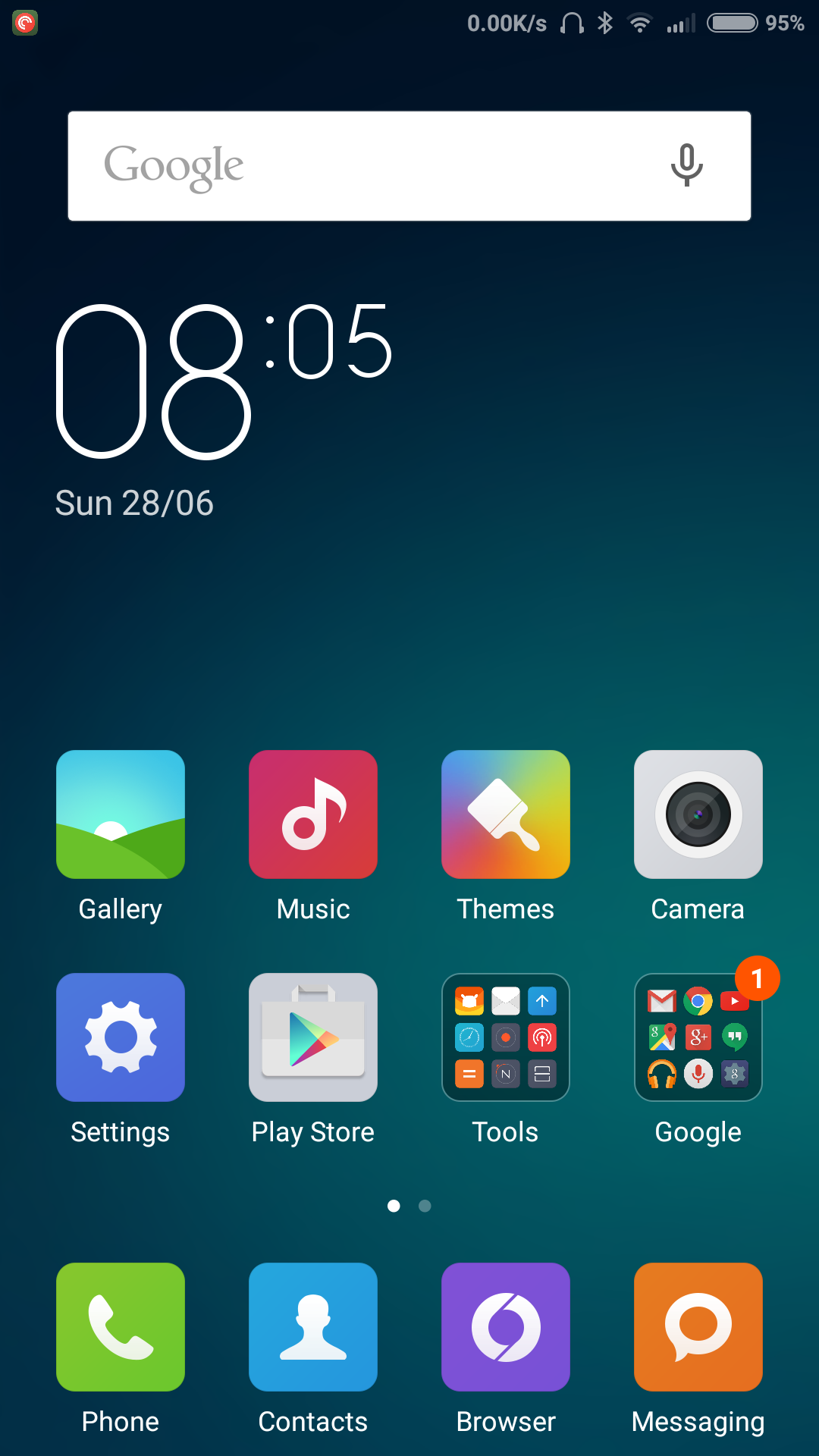
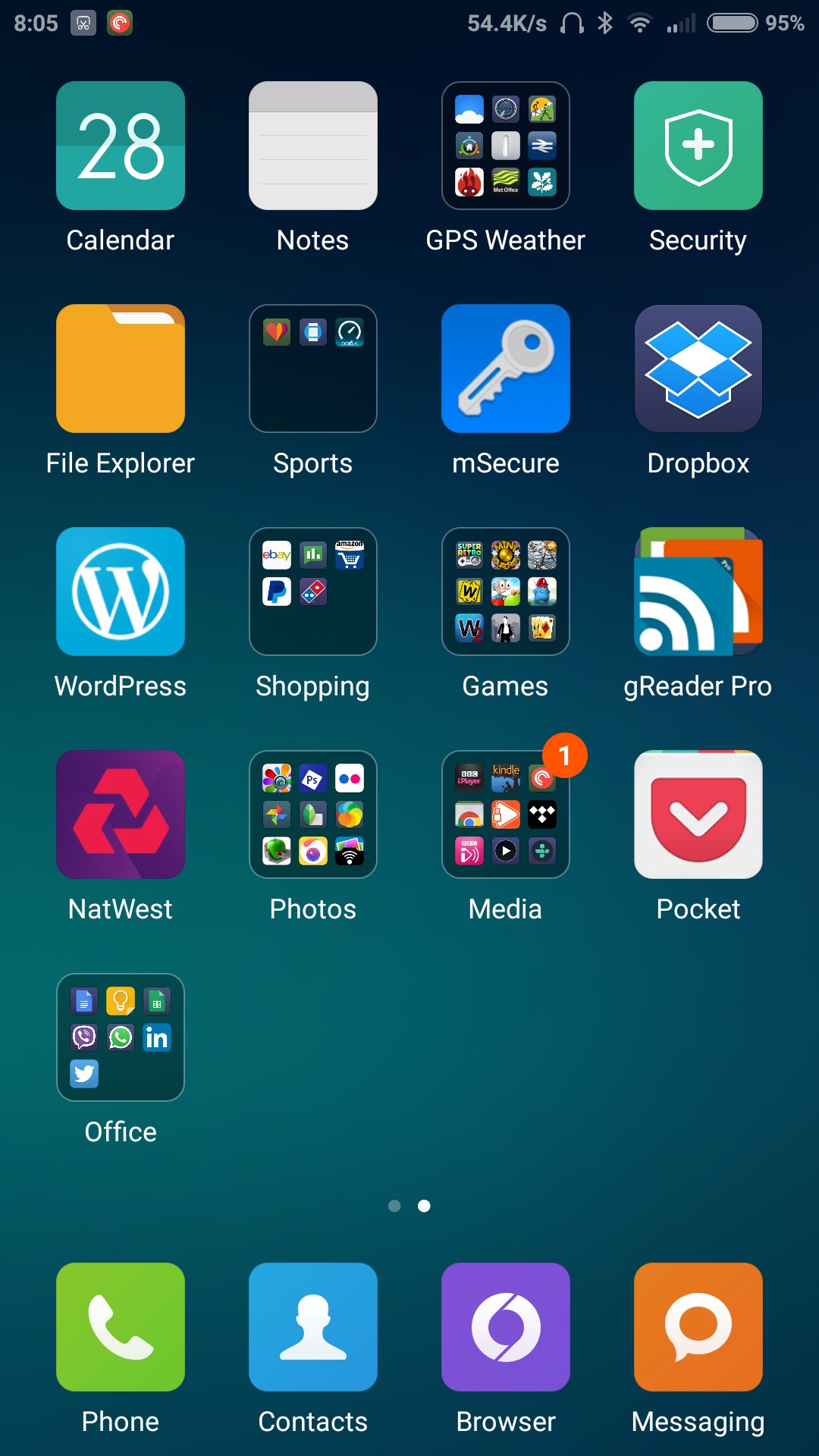
The Mi 4i looks like an iPhone 5C. But that is where the similarities stop. Dual SIM and running Android with Google pre installed. I have installed a huge selection of my apps. See below.

image

image

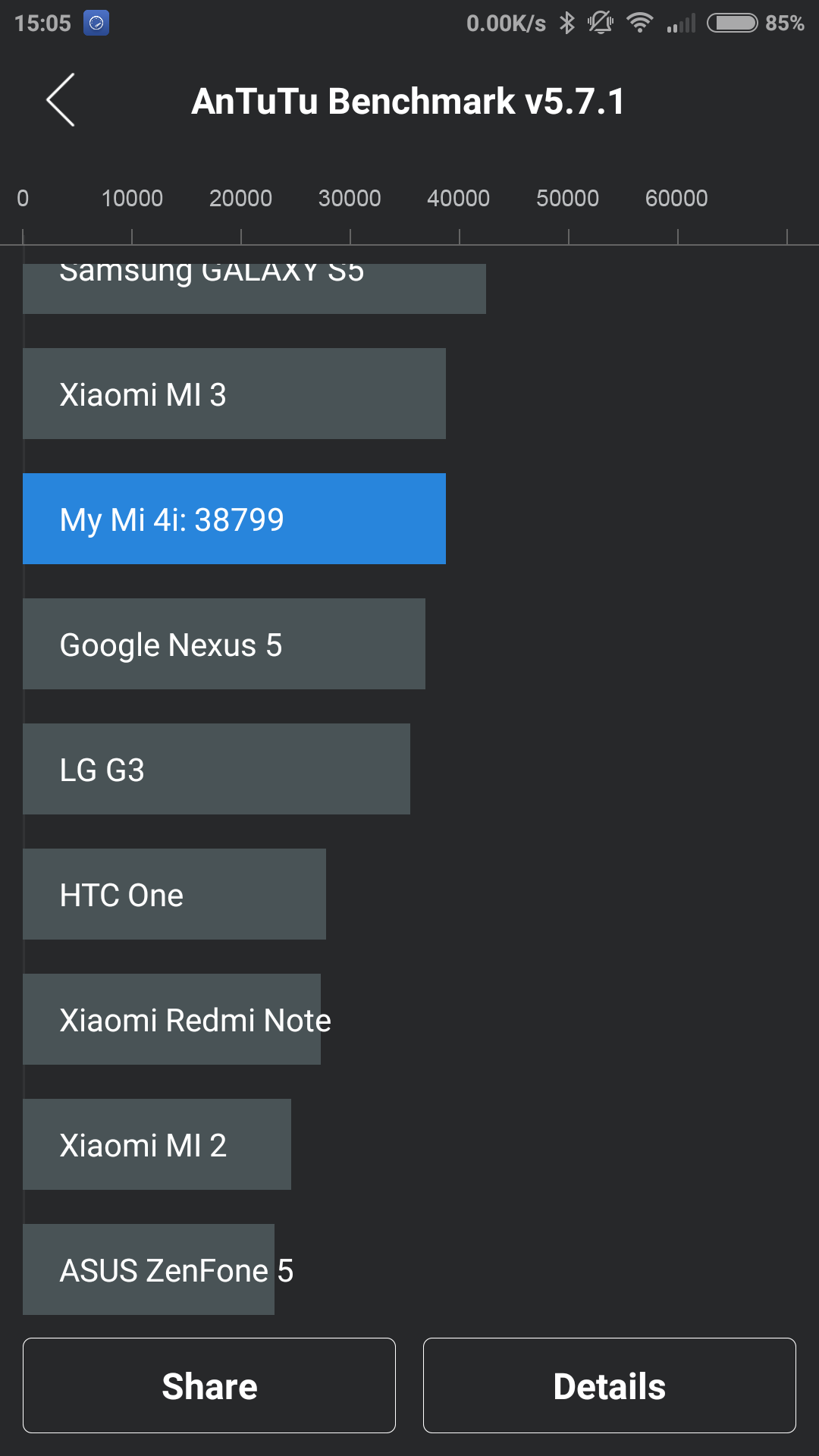
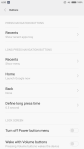
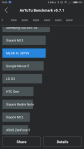
The 64 bit Snapdragon 615 processor provides a smooth affair and produces an AnTuTu score of 38,000.

image

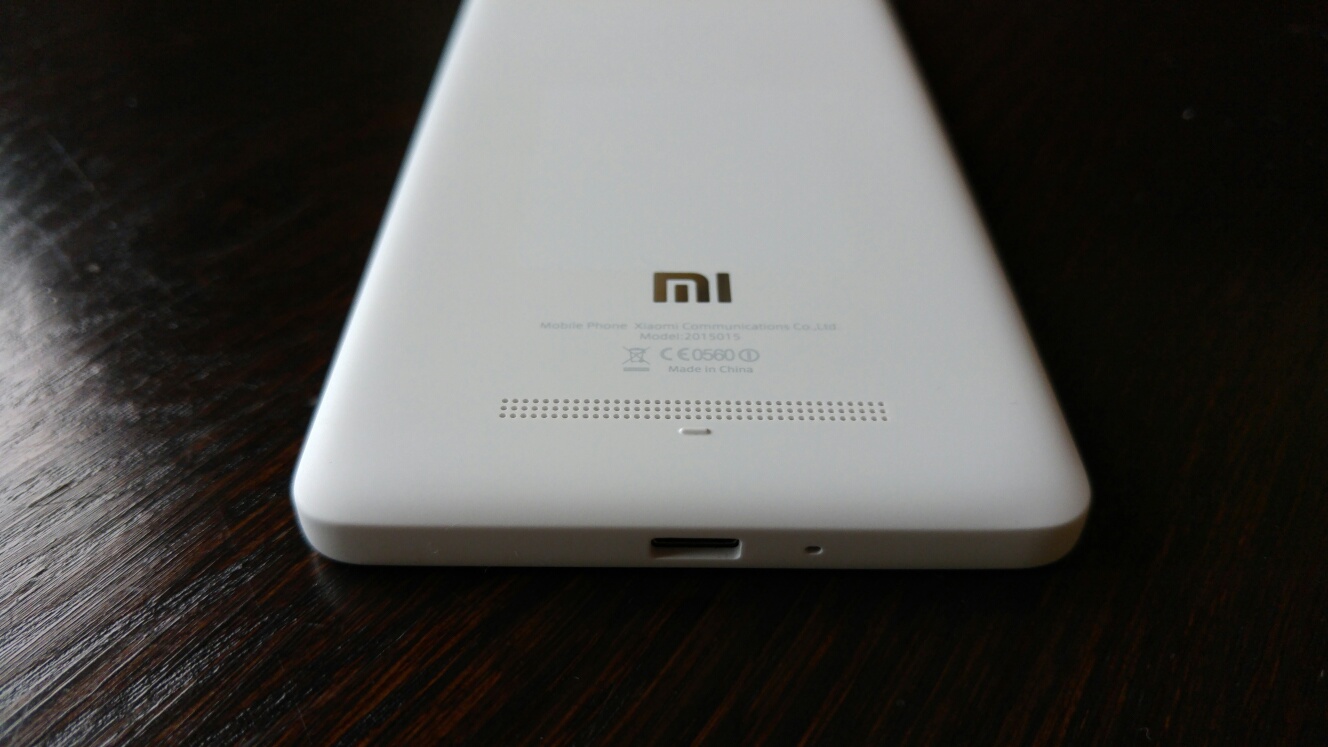
The 5 inch 1080p screen has good viewing angles and sunlight visibility due to a special display. The new Sunlight display has hardware-level pixel contrast adjustments and a 178° wide viewing angle. The loudspeaker is on the rear and maxes out at 84db. It is a clear sound but being on the back is not the best spot as it can get covered quite easily. Headphone audio is good including bluetooth too. USB OTG is supported.

Camera

The Mi 4i has a 13MP rear Sony camera, with a 5-element lens, f/2.0 aperture, and supports 1080p video recordings. The front camera is a 5MP front camera 5-element lens, f/1.8 aperture 80° wide angle lens, beautify with 36 smart beauty profiles.

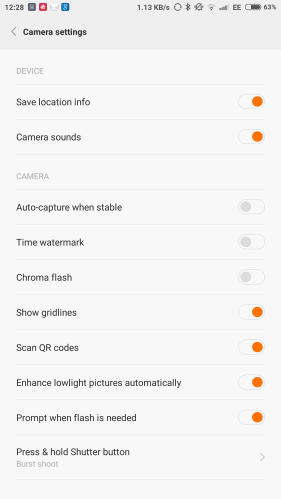
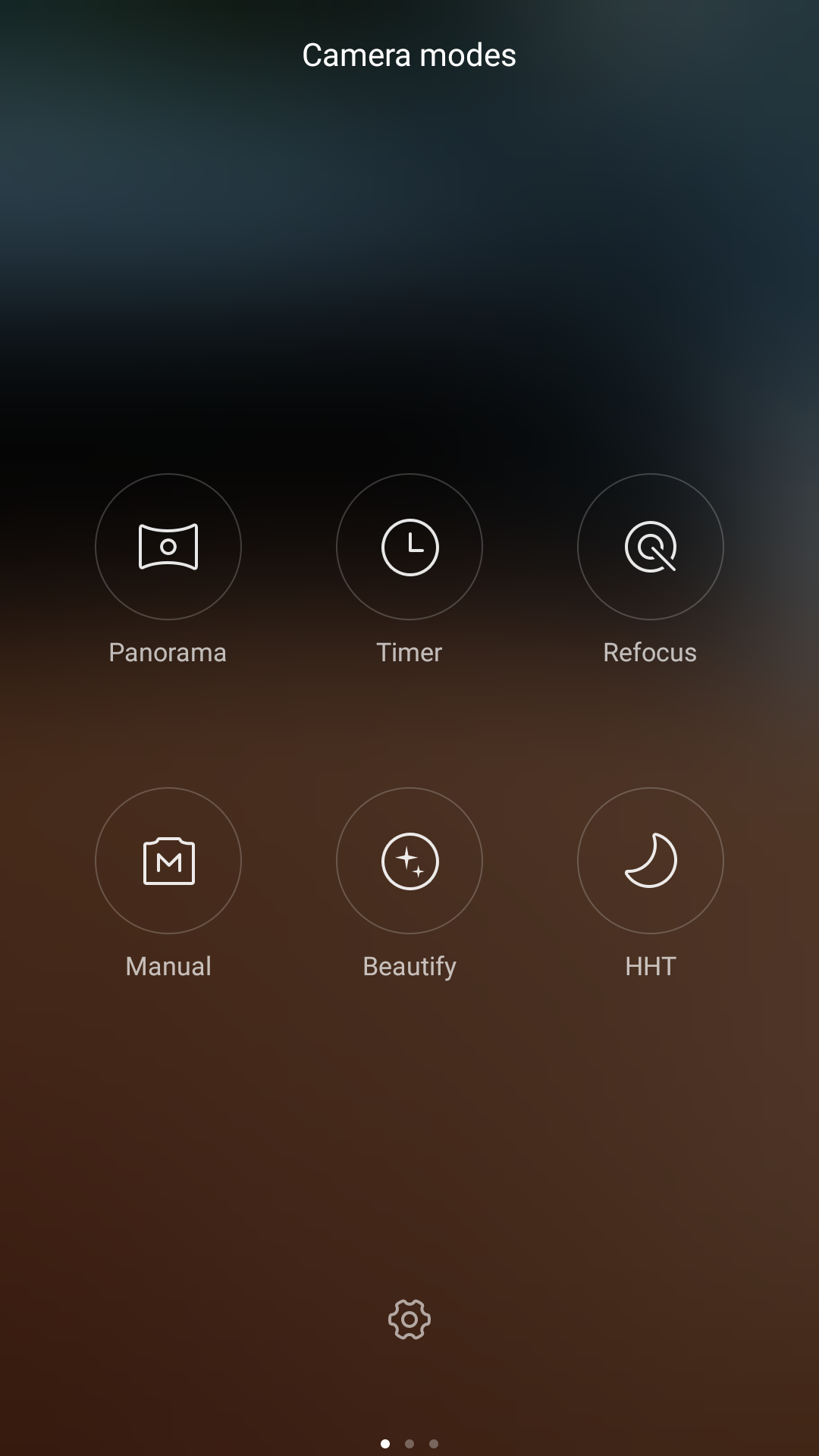
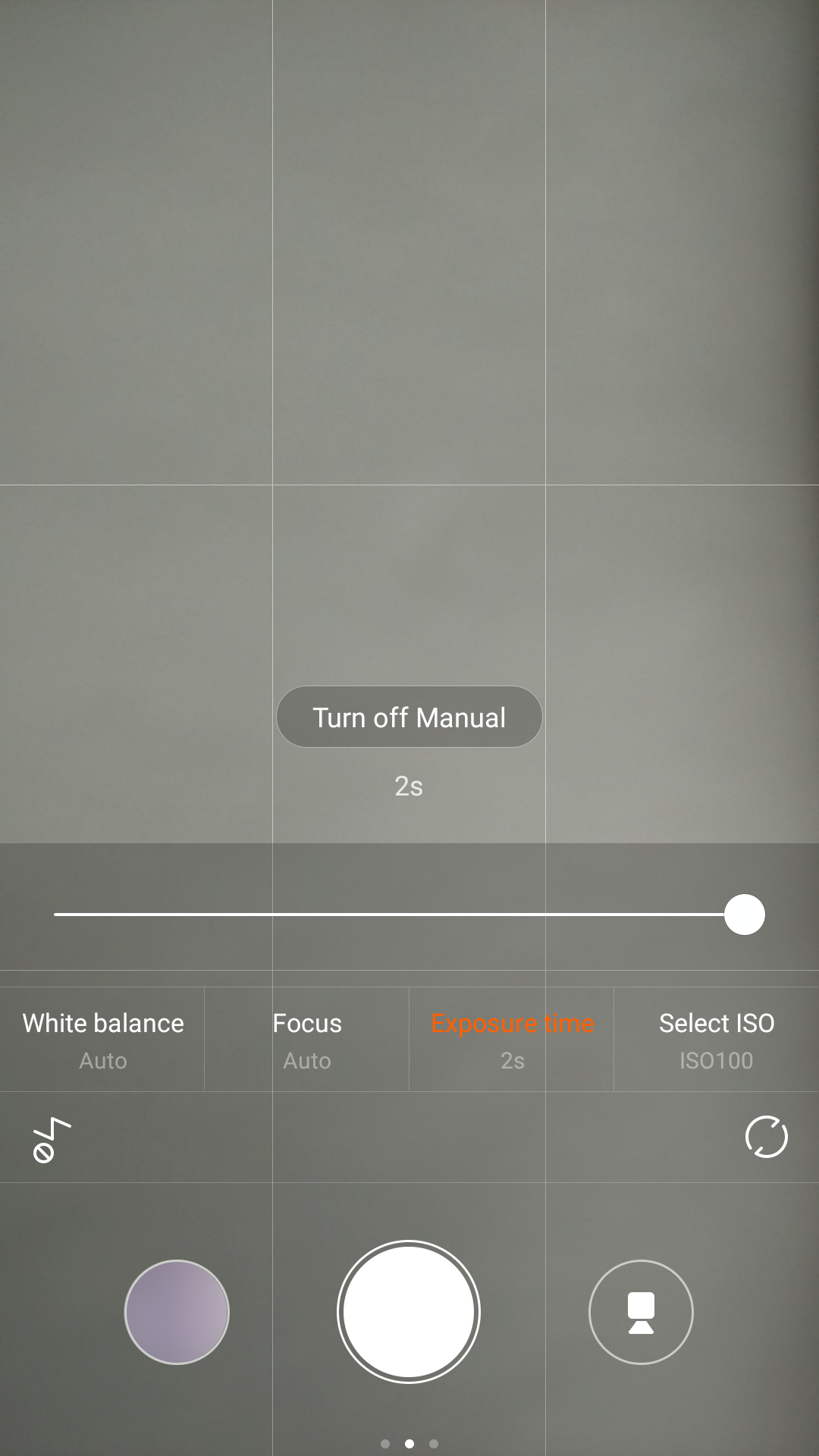
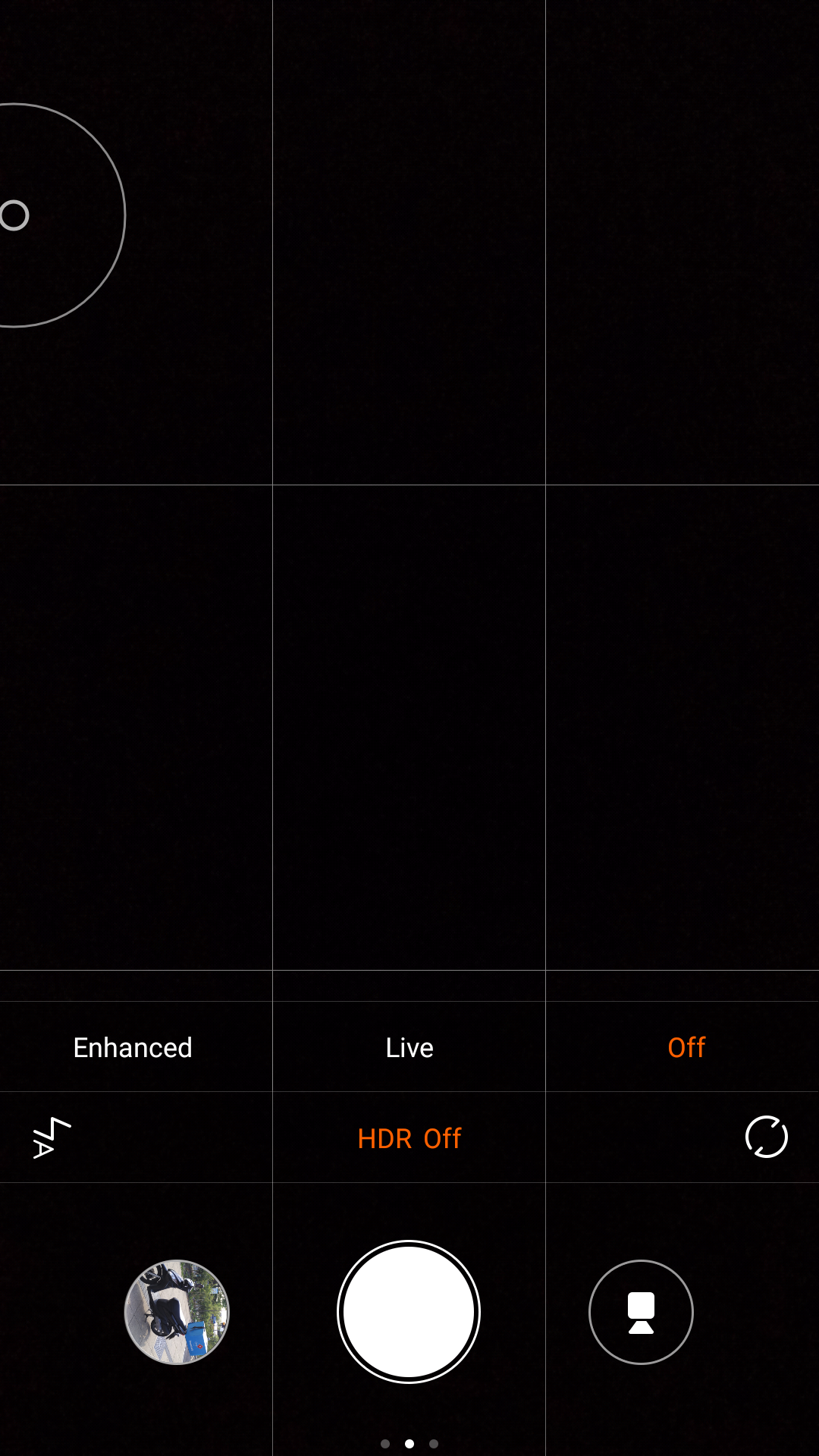
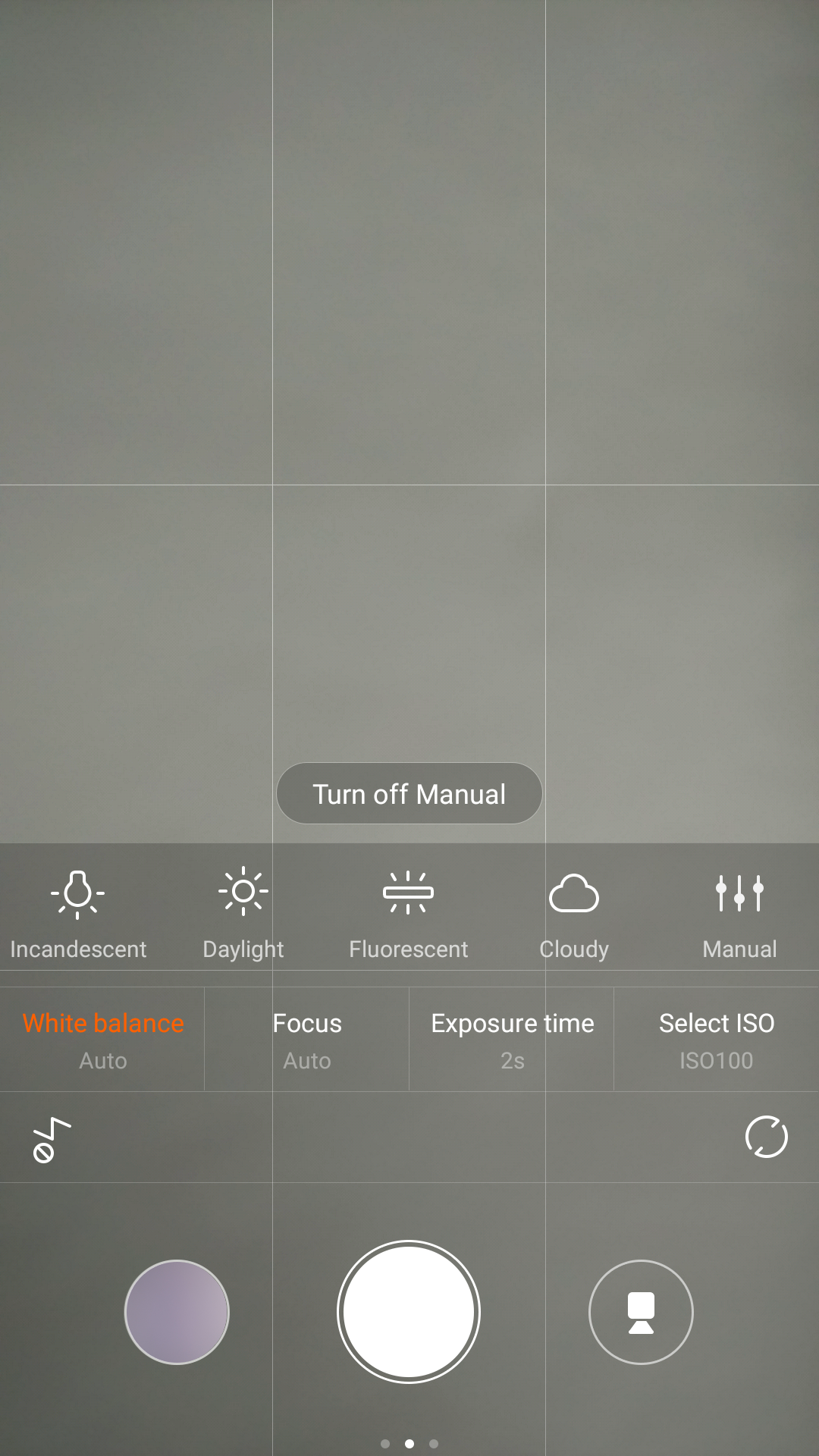
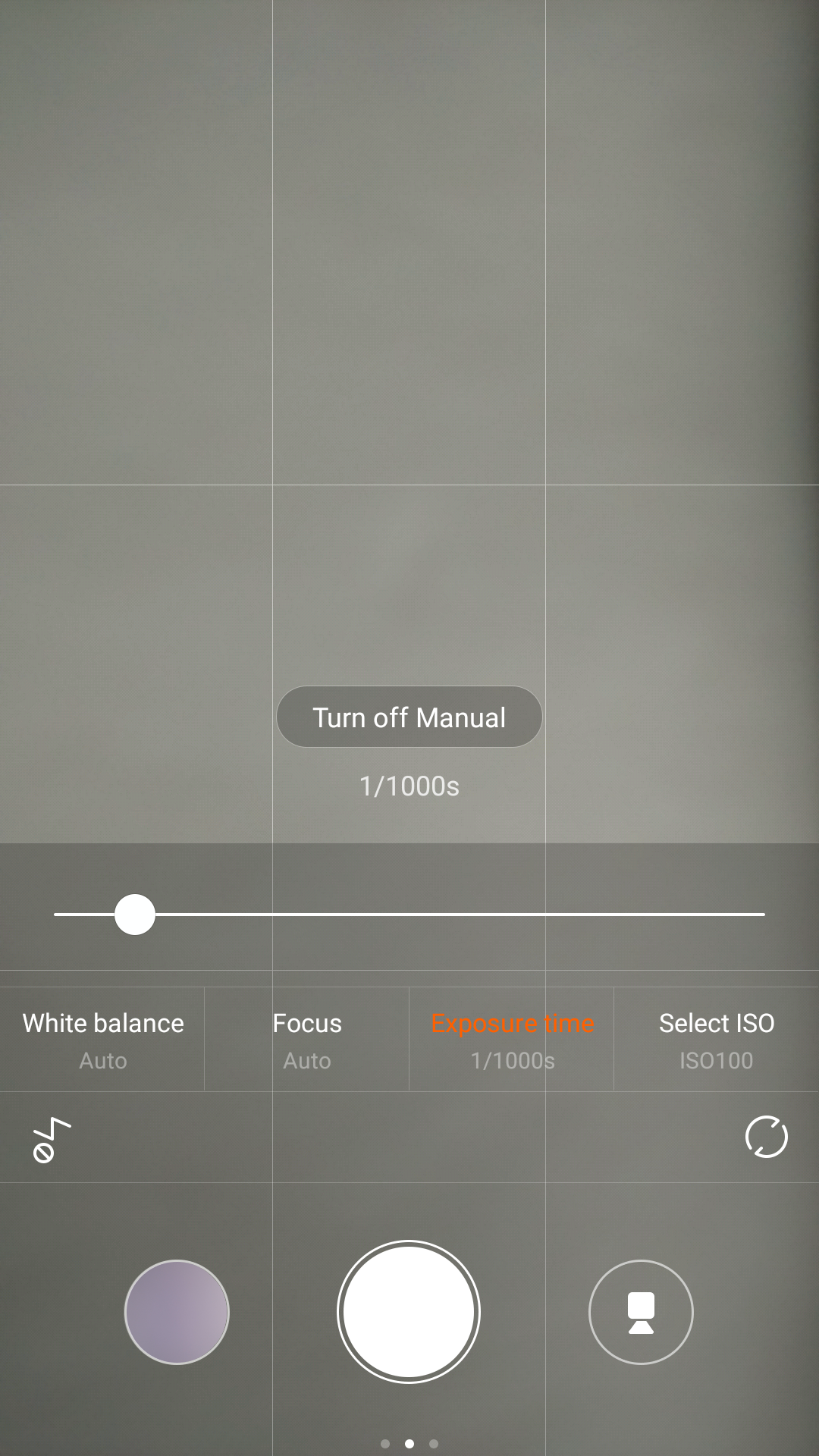
The camera app is a familiar Xiaomi affair. Plenty of modes and options including a manual mode. See below.

image

image

image

In use, I have found the camera app rather easy to use. Plenty of options to choose from and a decent auto mode.

image

The quality of the shots is good at this price point. I really like the macro shots, but again similar to the Mi Note Pro, panoramic shots are tiny in resolution being around 1mp. A number of third party apps will take higher resolution photos.

image

image

Camera samples

The results overall are rather good. There are 2 different HDR modes which are shown below after the normal shot.
image

image

image

And now some random camera shots.

image

image

image

image

MIUI

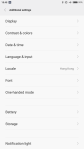
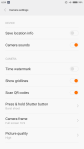
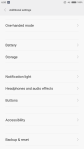
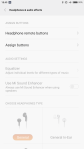
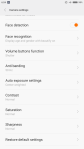
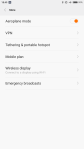
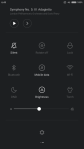
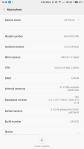
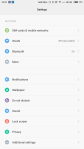
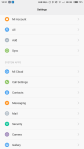
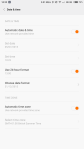
Below are screen shots from the MIUI v6 skin. The entire look can be changed with an extensive theme store. The MIUI functionality is again similar to that found on the Mi Note Pro minus a few features, but nonetheless still plenty of options. Noteworthy are the one handed mode, headphone audio options, screen calibration and the endless options for the inbuilt apps.

Conclusion

The Xiaomi Mi 4i is another example of a well built, decent phone and competitively priced for around £200. It has a good camera and audio quality and backed up with a thriving community. It is one of the few android phones that is able to be used one handed with ease and consequently makes this a pleasure to use.

Acer ES1 Laptop – review

Acer ES1 10

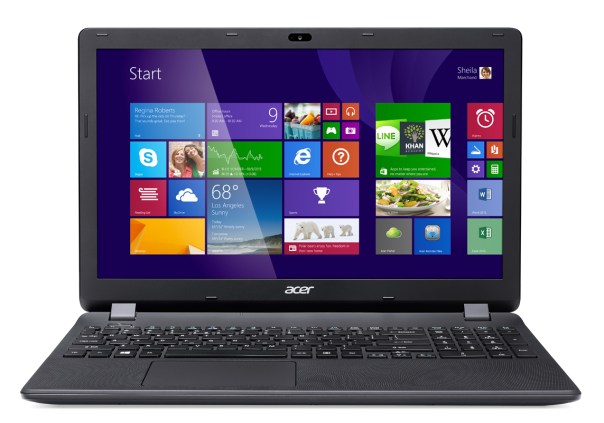
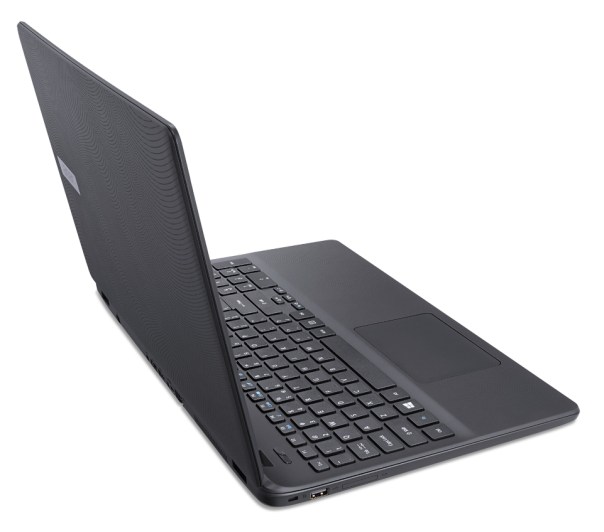
Acer kindly sent me an Espire ES1 laptop for review. The Espire ES1 is part of a range of laptops from Acer that offer low cost pricing with different ram, screen sizes and storage configurations. The Acer ES1-512 is a 4gb ram, 500gb hard drive with a 15.6 inch screen that retails around the £200 mark.

The key specs are –

– Operating System – Windows 8.1 with upgrade to Windows 10
– Processor – Intel Celeron N2840 Dual-core 2.16 GHz, 64 bit
– Screen – 39.6 cm (15.6″) HD (1366 x 768) 16:9 CineCrystal
– Graphics- Intel HD Graphics with Shared Memory
– Memory – 4 GB, DDR3L SDRAM
– Storage – 500gb HDD
– SD Card Memory Slot
– Wireless LAN Standard IEEE 802.11b/g/n
– Ethernet Technology Gigabit Ethernet
– Built in Devices – Webcam, Microphone
– HDMI, 2 x USB 2 ports, 1 x USB 3 port,
– Weight – 2.4kg
– Up to 7 hours battery life, Battery 3,220mAH
– Height 26.1mm x Width 381.6mm x Depth 258mm

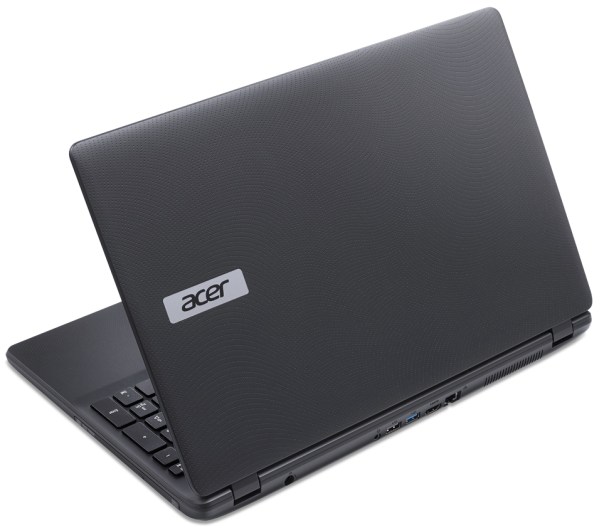
The first thing I noticed about the laptop is the texture. Acer describe this as “a distinctive easy-grip or Flow Curve design for secure handling in all situations with a Fibonacci dot pattern cover for good looks that is smooth to the touch. The chiclet keyboard offers you well-spaced keys for a comfortable and quiet typing experience.” And in my usage with the laptop I do agree with Acer’s view that it is easy to hold and comes with a good sized keyboard.

The touchpad has touch gestures such as pinch, flick and swirl. If you haven’t used one of these multi use touchpads, there is a small adjustment period needed to learn the ropes.

Acer has an audio system called TrueHarmony that delivers a more lifelike and richer audio, while also providing Skype-certified components for crystal clear, instant communication and uninterrupted audio and video, without fear of echoes, gaps or lags. In practise using Skype worked well and the music/audio was reasonable loud and clear too. For Skype video, the Acer laptop includes a webcam and microphone.

Acer ES1 11

Acer ES1 12

The laptop currently runs Windows 8.1, but during first start up there is a registration screen to get a notified for the upgrade to Windows 10, which is being offered for free. As I mentioned above, the trackpad took me a little while to adjust too as it operates differently to my MacBook. But once I got the hang of it after an hour or so, it was a breeze to use. The Acer configuration I have is configured with 4gb of ram. 8gb is available on the other models provided by Acer along with a 17 inch screen too. In use 4gb of ram is reasonable. Small delays between screens or carrying out processes can occur. Whilst this particular configuration only costs £200, I would recommend stretching to the 8gb options if possible especially if using media type applications.

If I had one complaint, it is that Acer add so much bloatware. Lots of free trials that are often trials of much older versions of the software. However, McAfee is offered one year for free.

Other than that, the Acer ES1-512 laptop is a reasonable budget machine.

Amazon UK deal and information on Acer ES1-512

Xiaomi Mi Note Pro – review

image

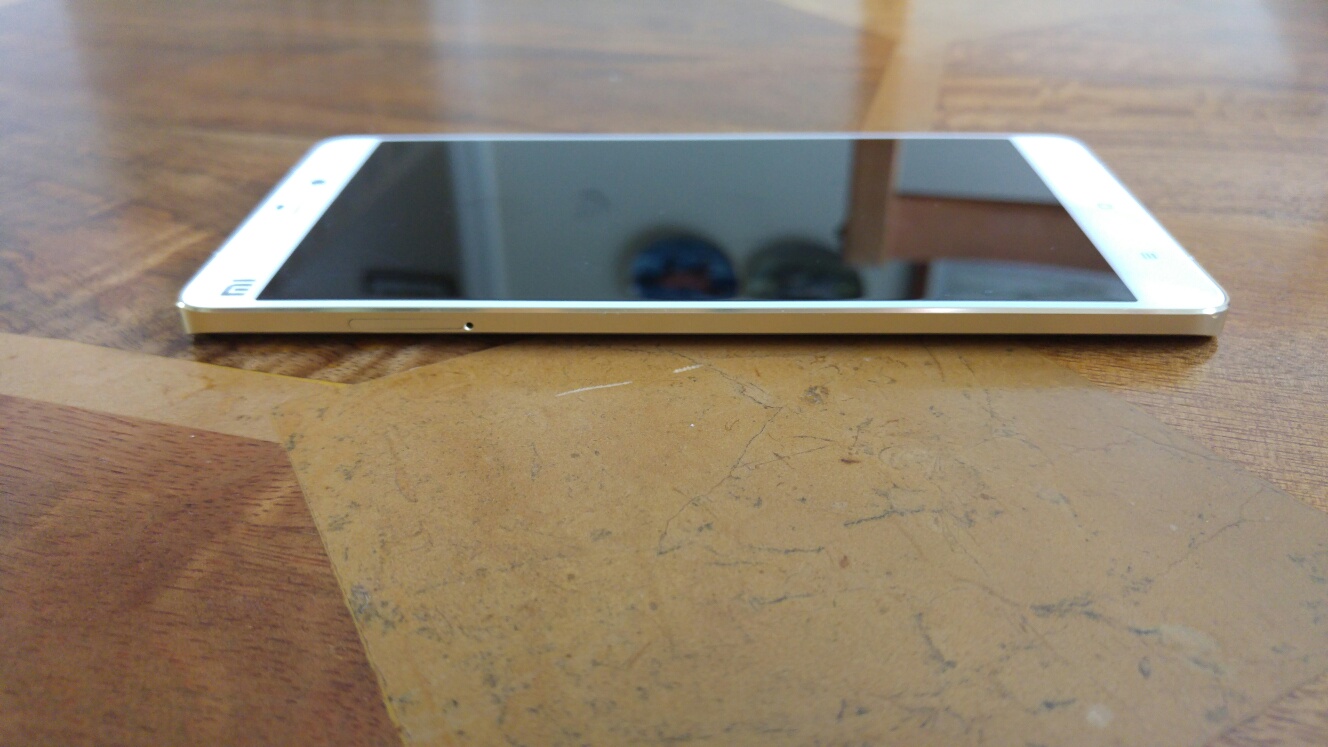
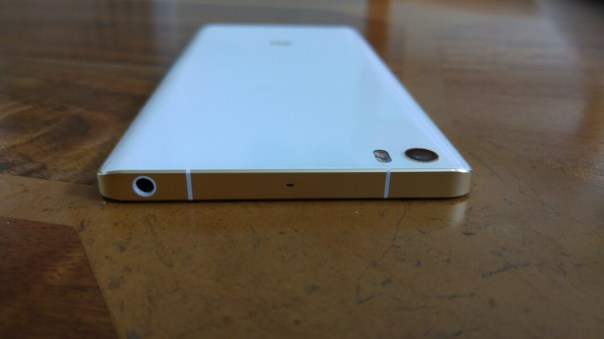
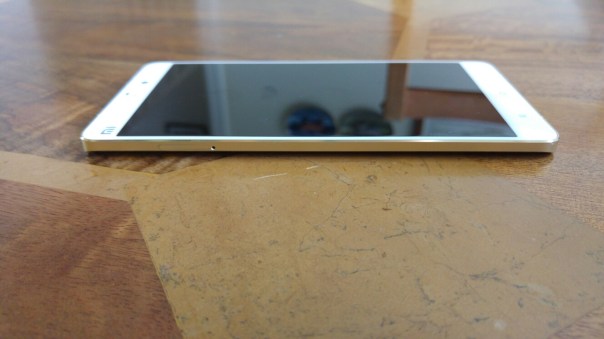
Welcome to my review of the Xiaomi Mi Note Pro. This is Xiaomi’s flagship phone and first impressions from viewing and holding the hardware are positive. The hardware is gorgeous. Just look at the curved edges on the back. The photos don’t do it justice either. In real life this phone is such a stunner.
image

image

The Mi Note Pro is dual sim, one is a nano sim and the other fits a micro sim. I am using my EE nano sim. I have also used the phone with my 3 sim.

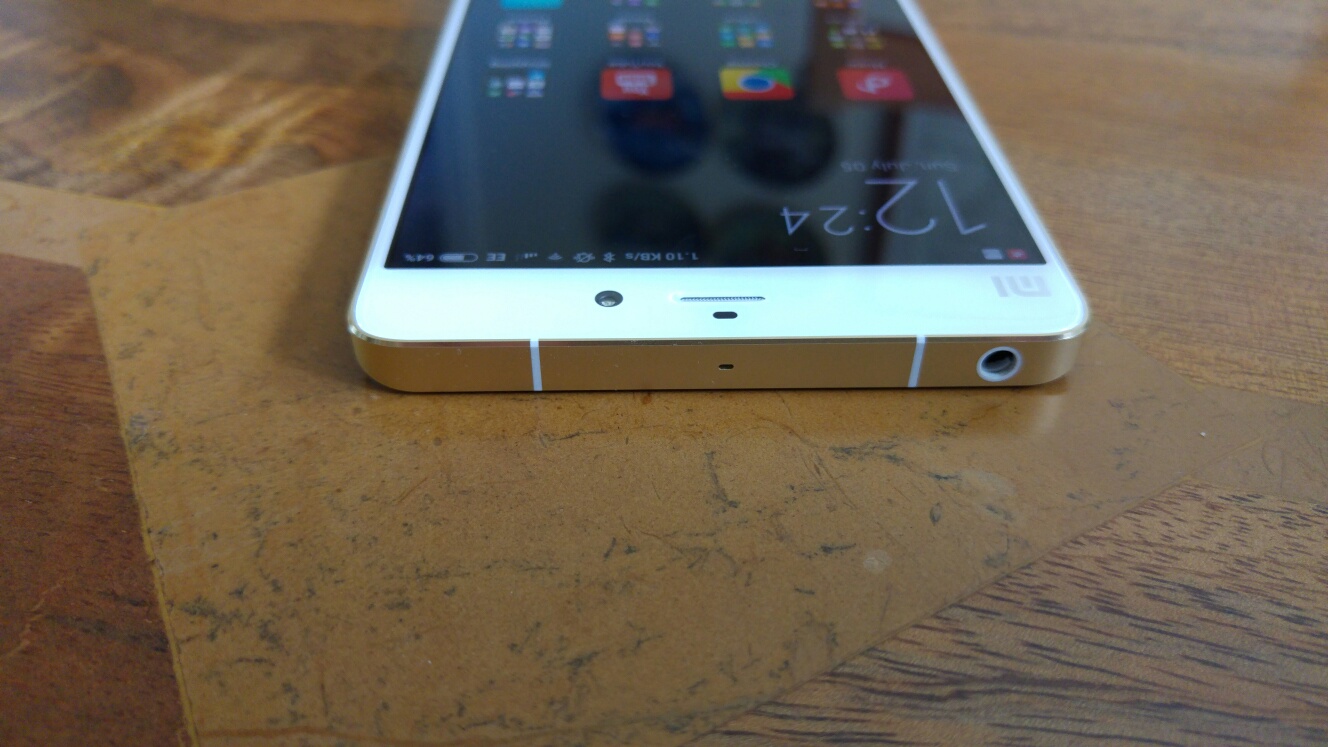
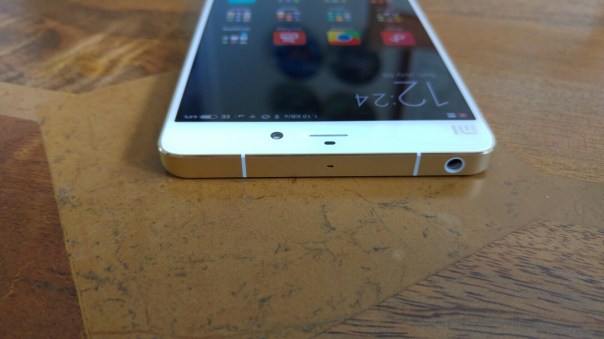
The headphone socket is on top.
image

The micro USB port is on bottom right, with the loudspeaker at the bottom. USB OTG is supported.

image

The key specifications are worth reading and they are –

– 4G Dual Sims Cat 9 Speed at 450bps
– 5.7 inch Sharp/JDI 2K QHD display 2560 x 1440 resolution at 515 PPI
– 1400:1 contrast ratio NEGA negative LCD technology
– 155.1 x 77.6 x 7 mm
– Sunlight Display in Mi Note uses hardware-level technology to adjust the contrast of each pixel in real time, so images are less affected by glare. 30% more power efficient than using brightness control
– Snapdragon 810, 20nm, 4gb LPDDR4 RAM, 64gb eMMC 5.0 Flash
– Adreno 430 CPU
– 3,000mAH battery
– 6.95mm thin
– Camera – 2nd gen 13MP Sony IMX214 CMOS sensor f/2,0 with Optical Image Stabilisation (OIS), 6-element lens, f/2.0 aperture , Philips two-tone LED flash, 93 Color Rendering Index (CPI) max rating manual mode, 32-second exposure, Quick Exposure Adjustment, HDR, and more functions. 4MP front camera 1/3 inch with large 2-micron pixels with Beautify, which intelligently guesses age and gender in order to apply 36 smart filters, 4K video recording, front camera supports 1080p video recording
– Hi-Fi audio system 24-bit/192KHz lossless playback support (DSD/DXD/AIFF/FLAC/APE) , A two-stage amplifier (Texas Instruments OPA1612 and Custom ADI ADA4896) also lets you pair your music with high-impedance 600 ohm headphones, DAC ESS ES9018K2M,
– Wi-Fi 802.11 ac, Dual band 2.4GHz and 5GHz
– Sensor Hub is a co-processor in Mi Note that tracks fitness levels without draining phone battery
– Sensors – barometer, compass, gravity, light, gyroscope, hall
– GPS, Glonass, BDS
– 18 hours audio playback, 10 hours HD video playback, 34 hours 3G talk time
– Quick Charge 2
– Network – GSM 850 / 900 / 1800 / 1900 – SIM 1 & SIM 2, 3G bands HSDPA 850 / 1900 / 2100, 4G bands LTE band 3(1800), 7(2600)

Phone Basics

Just take note of the phone specs. A really high quality piece of hardware and specifications. The phone has a stunning back with curved sides. The frame is metal and glass with a gold edge trim. If I had one observation, the rear back being glass is slightly slippery. The screen has excellent viewing angles and in sunlight uses hardware and not brightness to make it readable. Truly a cool piece of technology. Wi-Fi, Bluetooth and cell signal all worked well.

The phone comes with the official Chinese firmware from Xiaomi. Xiaomi offer 2 versions of their firmware. A weekly developer option and a stable firmware which on average receives an update every 3 to 4 weeks. So what about Google Play Services and Google apps? Well, phones sold and used in China are not allowed to have Google services installed. However, as soon as you boot up the phone from outside of China, you are presented with a splash screen asking if you have a Google account. I entered my Google account details, setup up a Mi account and then went in to the Google Play store and installed all my apps and games. That includes the full suite of Google apps and android wear. My LG Watch Urbane worked just fine with the Mi Note Pro.

After the first start up I got a over the air update to the newest firmware version and a few days ago it received a further update. The updates seem to fix a few bugs and add new features. The full changelog is available on the Mi forums. The skin Xiaomi use is MIUI. Android 5.0.2 is the base. See screen shots in gallery for all the system info. As mentioned above, I have installed all my apps and have not had any issues. As this in a Chinese based firmware and despite selecting English US as the language, occasionally you do get the odd Chinese piece of text.

The Mi Note Pro has 4gb ram and a snapdragon 810. The 810 at times does get warm but I’ve not experienced any shutdowns due to the heat. AnTuTu kicks in at 61,000.

Audio. One word. Awesome. The Mi Note Pro has a Hi-Fi audio system. This is 24-bit/192KHz with lossless playback support (DSD/DXD/AIFF/FLAC/APE). In addition it has a two-stage amplifier (Texas Instruments OPA1612 and Custom ADI ADA4896) that also lets you pair your music with high-impedance (600 ohm max) headphones. Even the Sabre DAC ESS ES9018K2M is impressive. Audio via Bluetooth, USB Audio, headphone jack and loudspeaker sound superb. The loudspeaker maxes out at 90db. This phone has the best audio I’ve ever heard in a phone.

Camera

The camera interface is a straight forward enough affair. The rear camera is a 2nd generation 13MP Sony IMX214 CMOS sensor f/2,0 with Optical Image Stabilisation (OIS), 6-element lens, f/2.0 aperture and a Philips two-tone LED flash.

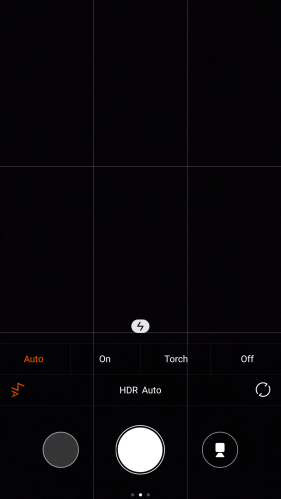
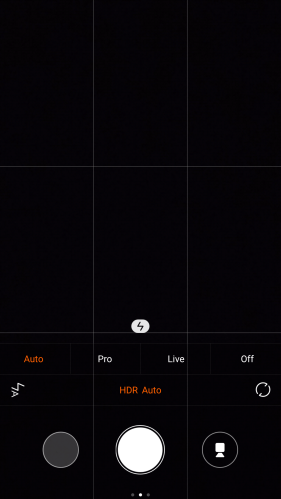
Below are the options from the camera app.
Screenshot_2015-07-05-12-27-25

Plenty of options in the camera mode with auto HDR as the standard shooting mode.
Screenshot_2015-07-05-12-27-31

Xiaomi include many shooting modes in the camera from panorama, refocus and manual.

Screenshot_2015-07-05-12-27-41

The Mi Note Pro produces good shots in decent light.

Screenshot_2015-07-05-12-27-55

Macro shots are equally impressive.

Screenshot_2015-07-05-12-28-07

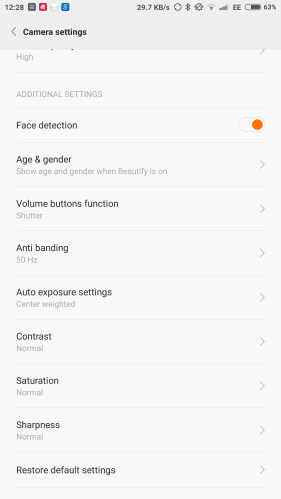
Manual mode has plenty of control with a 32 second shutter exposure. Panoramic shots were disappointingly only 2mp in file size. Third party camera apps produced much bigger pano shots.
Screenshot_2015-07-05-12-28-16

In low light the Mi Note Pro shows its only weakness. This weakness is in relation to all the phone’s hardware and software. The low light shots introduce noise and blur with moving targets. The answer is to use the front camera as it has huge pixels. 2 micron pixels with a 1/3 inch. The front camera is can identify if you are male or female and provide your age. A fun feature. It also has a range of 36 filters after identifying your sex and age to apply and make you look fabulous !! The front camera shots are good.

Screenshot_2015-07-05-12-28-38

Screenshot_2015-07-05-12-28-51

Screenshot_2015-07-05-12-28-58

Camera Samples

Below are a few camera shots. If you wish to see more head over to my Flickr album – https://flic.kr/s/aHskbKoXBB

Various shots taken with the #Xiaomi #MiNotePro smartphone

Various shots taken with the #Xiaomi #MiNotePro smartphone

Happy cows and ponies on Dartmoor #Xiaomi #MiNotePro

National Park Visitor Centre, Princetown #Xiaomi #MiNotePro

MIUI Interface

Below is a gallery of all the screen shots from the Mi Note Pro. Plenty of extra features included here so have a good look at the screen shots. Just click on a photo to open the gallery viewer. Features include dual 4g sim management, toggle notifications, show notifications icons in status bar, led light choice, audio hifi settings, privacy, reading screen mode, display adjustments, one handed mode which is the easiest I’ve seen to use and activate,

MIUI is a joy to use and comes with an extensive theme catalogue. I changed the Mi Note Pro to an iOS 9 replica. The theming is system deep too.

Xiaomi operates a pro active forum which active fans too. Here you can find a whole host of new features and options and I am still reading the threads and posts. Plenty to learn and explore.

Conclusion

The Xiaomi Mi Note Pro is an excellent piece of premium hardware and software. This premium build comes at a price of around £410. At that cost the phone represents good value for money.

LG G4 vs Xiaomi Mi Note Pro – Camera Shootout

2 flagship phones in a classic and simple camera shootout. All in auto hdr mode, so which phone do you prefer the shots from.

It is worth noting the G4 is able to use all its 16mp at 10:9 aspect ratio, whereas the Mi Note Pro ends up at 10mp.

In every comparison shot, it is the LG G4 first, then the Xiaomi Mi Note Pro.

image

image

And again the G4 first, then Mi Note Pro.

image

image

Ok same again. G4 first.

image

image

G4 first again.

image

image

G4 first again.

image

image

So which do you prefer?

Xiaomi Mi 4i, Mi Note Pro, Mi Band and Mi Headphones – Updated

I am currently testing 4 products from Xiaomi.

I have only had these for about 2 weeks or less and what I have noticed is something over manufacturers like Samsung and LG seem to omit – regular software updates.

3 devices have received updates. The Mi 4i has had 2 over the air firmware updates. The Mi Note Pro is receiving and updating as I type this. The Mi Band had an update yesterday. Obviously the Mi Headphones don’t receive firmware updates.
Xiaomi also seems very active in their forums as are the fans.

All 4 devices will be reviewed over the coming weeks with small post updates before the main review.

LG G4 – Why you need a phone with a removable battery

image

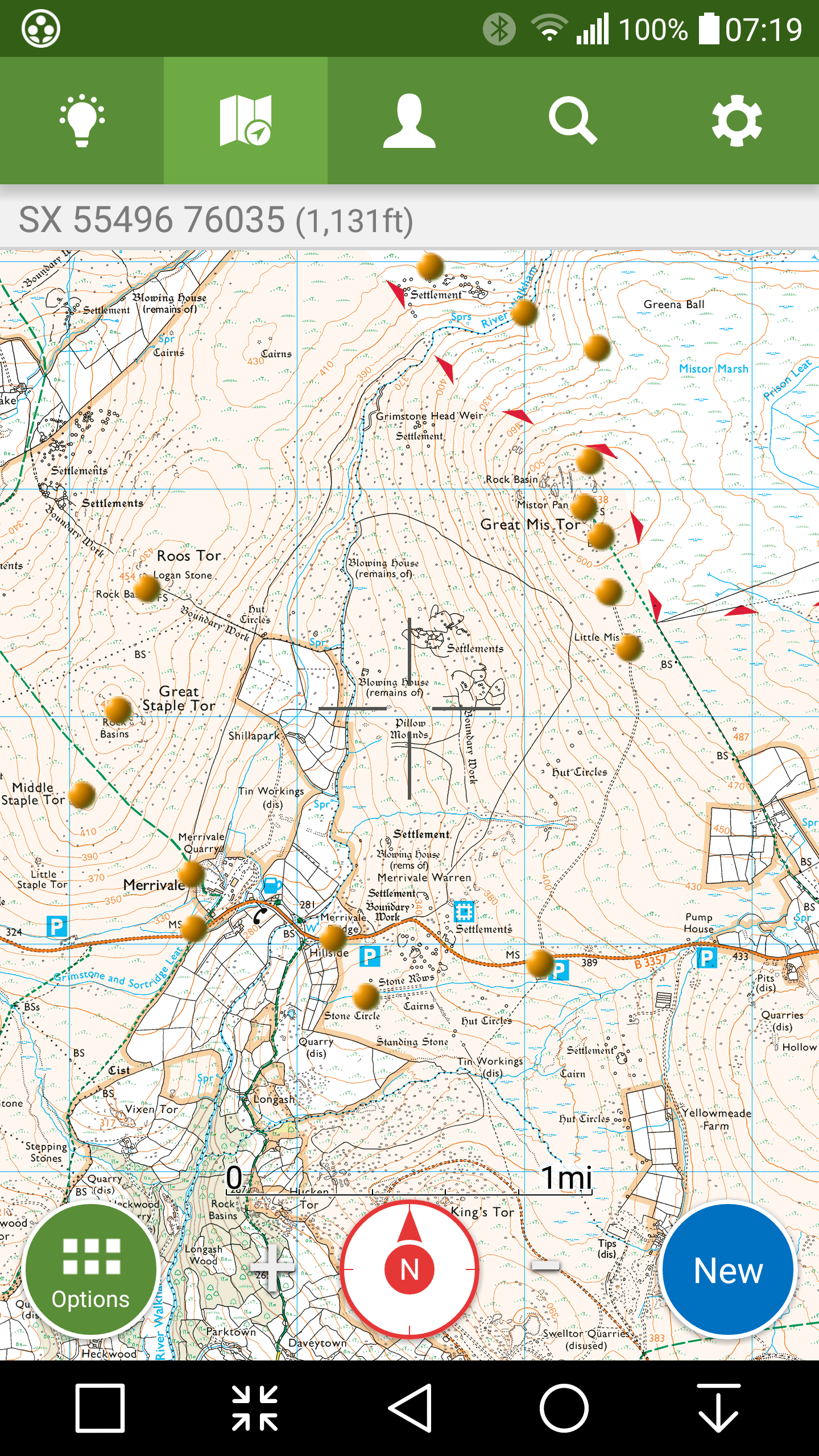
The above screen shot is from my ViewRangerGPS app. The gold circles were my POIs that I walked yesterday early morning.

About 8 miles in total across some very steep gradients and high altitudes.

I then decided to walk another route across Dartmoor, taking 5 more hours.

When my LG G4 battery started to drop to 5%, I removed the back cover and slipped in my spare battery. And voila back to 100%. That’s faster than any Quick Charging 2 technology as well!

Integrated batteries are ok, but sometimes you can’t beat having a spare in your wallet. Also negates the need to carry power banks that are normally a lot larger than a spare battery!