Over the last 2 days I have covered a number of aspects of the Lumia 620. Today, I will cover off a few other areas and requests made so hopefully you can all decide whether you are ready to ditch your iPhones, androids and Samsungs:)
If you have an iPhone you will be used to using emojis in the standard keyboard. The Lumia 620 has this built in as standard in its keyboard. Also the keyboard has auto word completion options which you can tap and insert the word. Makes the iPhone keyboard seem very basic.
If you are listening to music, and the phone screen is locked, press the power button to turn on reveals the music controls on the lock screen. Whilst using the phone and listening to music, press the volume up or down keys brings down the music controls on the screen. The power and quality of the music via the headphone jack is simply stunning. It has been able to power some difficult headphones of mine. Something the iPhone cannot do. The Music app or hub has many options similar to the Games and Photos hub apps. If available when your music is playing or if you are streaming free music via Nokia Music additional photos of the artists appear as a background. See screen shots below. The music hub also pulls up information of gigs near you. There is also an equaliser for sound tweaking as well Dolby Surround Sound if you want. I have found no issue of listening to music whilst using the phone for any other functions.
Taking screen shots is easy on the 620. Just press power and the home button. The screen shot is then saved in an album called screen shots.
The Nokia Navigation is also worth a mention as it allows you to download the maps so if you are offline you can still use it for turn by turn. I installed the whole of UK and N. Ireland taking 292mb. I could have installed any country if I wanted.
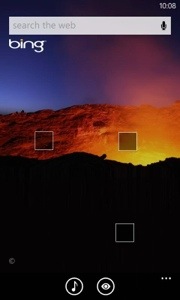
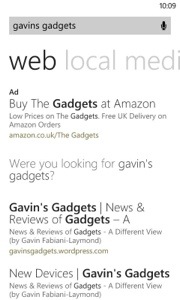
Bing Search is available from anywhere simply by pressing the magnifying glass capacitive button. But it does more than just search. You can type your request in to the search bar. Or press the mic and speak it. Or use it to scan barcodes, QR codes, microsoft tags, books, CDs and DVDs. It can also scan text and then translate it into many different languages.
Nokia City Lens is one of my fav apps, as it uses the camera to over lay your current view from the camera with information you select in a augmented reality view. It is included as free too.
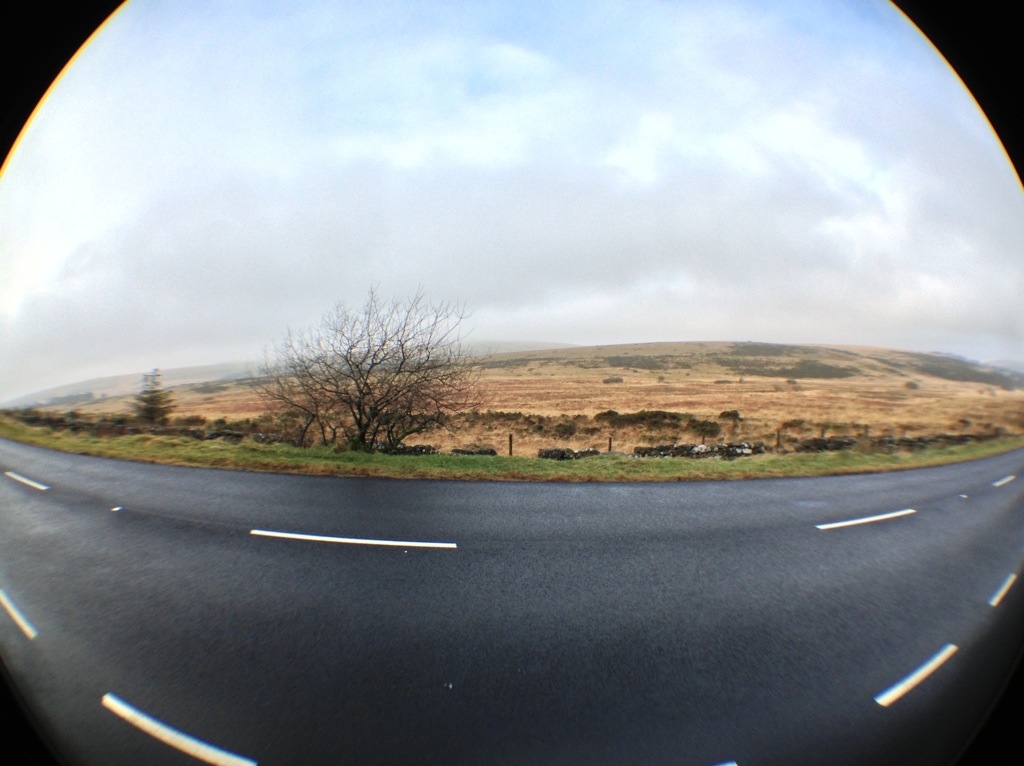
Lastly, the camera. First strong point, is the 620 has a dedicated camera button on the side. Press this to turn the camera on. You can then take a picture or record or change some settings. On the photo side you have different scenes (auto, close up, bight, night portrait, sports, backlight), iso (auto, 100-800) and exposure value, white value, aspect ratio either 16:9 or 4:3 and focus assist. The video options are white balance, continuous focus and video mode (720p is the default). You can alter the flash options too. Photos can be selected to be uploaded automatically to skydrive, and if you use mobile internet and not wifi, the quality will be uploaded at a lower quality to save bandwidth. You can also select lenses. I have Bing Vision, Panorama, Cinemagraph and Smart Shoot installed. From the camera you can view your photo and then share it. My share options are send, messaging, hotmail, gmail, flickr, linkedin, OneNote, Twitter and WordPress. Or you can edit it, delete, add to fav, set as lock screen, save to Skydrive or send it to your photo editing apps. Some sample shots are below. Not the best examples but you get the picture.
App updates. My store icon showed that I had 11 updates. So I went into the store by pressing the live home screen icon and updated my apps.
For those that use NFC its a feature of the phone. Nokia also have a NFC writer app.
And unlike a lot of phones it actually has a micro sd card slot for expanding the memory. The memory card is used for your music and photos.
So all in all a rather impressive phone and operating system. I find it more enjoyable to use than my iPhone 5 and who knows it might actually replace it. The only weakness is apps but out of the box it does most things you would ever need. More updates tomorrow.
In summary a bargain of a phone.












 Gavin's Gadgets & Photography