Tag Archives: HTC One

HTC One – Review Part 4

Following my previous parts of the HTC One review here I am again with my next instalment.

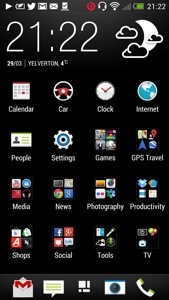
So what’s changed. I only now have the Blinkfeed as my home screen. All my applications are in neat folders. I have spent time getting to understand the camera and now I am producing great photos and videos from the photos. The editing is a breeze and fun to use. The sound quality is awesome. Battery life from 6am to 12pm and its at 15%. It has been used all day.

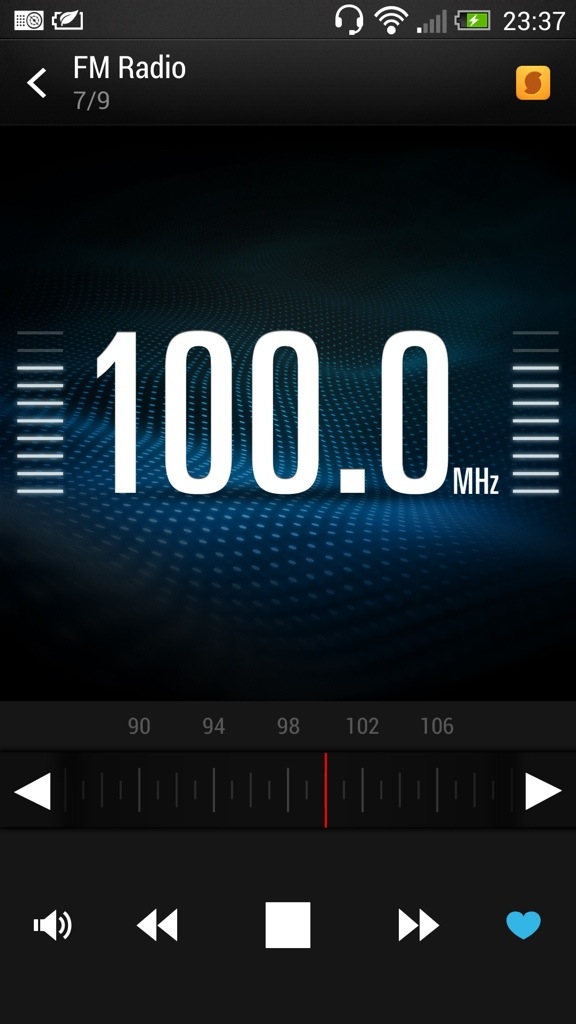
The HTC One has a FM radio. And it’s very good. It does everything you would expect, including displaying the station names. If you look at the screen shot below, there is a yellow icon top right. This is Soundhound and pressing this allows Soundhound to identity your song. Neat.

20130331-235230.jpg

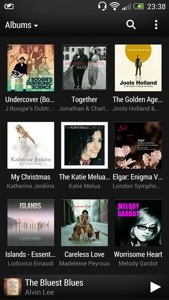
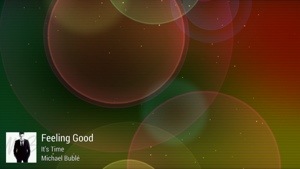
The HTC music player comes with the ability to start visualisations once the music has started and even obtain the lyrics and highlight them as the song is being song. Album art can be fetched automatically and the media player can access media servers. See screen shots.

20130331-235425.jpg

20130331-235439.jpg

The visualisations constantly change too. Certainly looks cool to view. HTC also include a world clock, which has alarms, timers, and stopwatch. See below. Again a functional app that does what you would expect.

20130331-235604.jpg

The HTC One also comes with a full copy of Polaris Office. The default note app can be setup to sync with Evernote and the Task app to sync with Google. There is also a PDF reader. So from a business perspective HTC have covered all angles.

Today has been an even more enjoyable day, simply because I started to perfect the usage of the phone even more. The way I would describe the One, is the technology hides itself to allow you to feel the benefits with as little fuss as possible. HTC Sense 5 is the first default launcher that I wouldn’t not change. It’s fantastic.

Tomorrow I will look at the settings and some other apps too.

HTC One – part 3

Over the last few days I have posted a number of articles detailing my time with the HTC One. To read the previous parts click here.

Today, after spending more time with the phone I am beginning to grasp some of its uniqueness. Sometimes specs don’t reveal the real truth, since its the real life user experience that counts, and whether the specs or features actually add any proper benefit to the user.

So yesterday I mentioned how taking photos was a breeze and some of the pre camera effects possible. I haven’t touched on the video side, but needless to say it has some great qualities including slow motion and image stabilisation software as seen in the Nokia Lumia 920. So after taking a photo you can edit, share, print, send and so much more. When you open the gallery you are faced with a screen as below.

20130331-092346.jpg

Within this first screen you have options to see Facebook, Flickr, Dropbox and Picasa photos displayed. I only have Flickr set up for the time being. If you touch the “my photos” you jump into another screen. This can show albums, events or locations. If you click into events, you can then select an event, as shown below.

20130331-092747.jpg

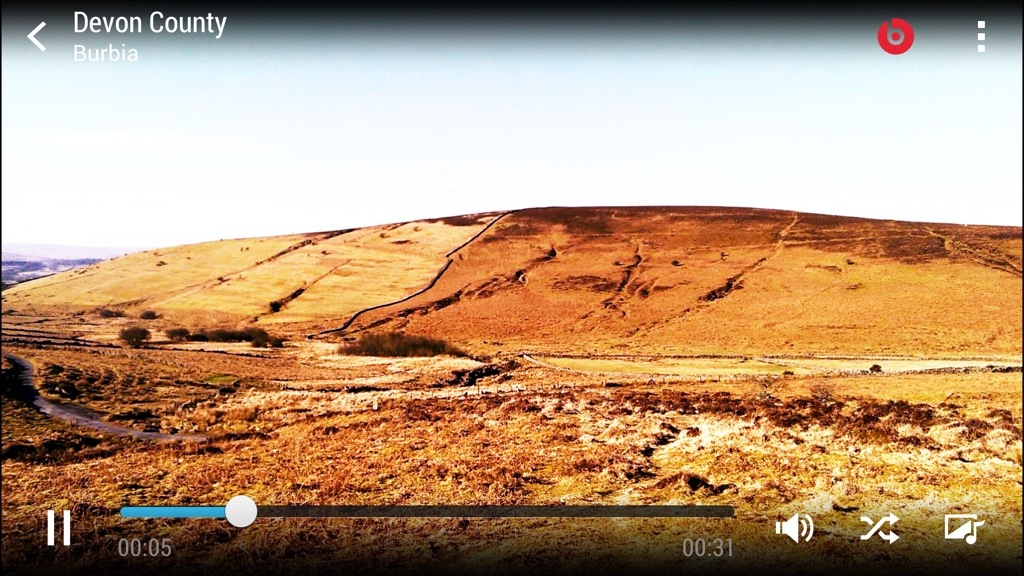
You will notice the top box has a play icon. What this does it jump to the next screen shot and allows you to show off the photos of your days shooting with a musical showcase presentation. You can change the effects and more. This is a really simple idea and works really well. Plus the boom box speakers on the front with beats sound incredible. It’s not a gimmick at all. And here is a YouTube video with 8 photos put together in seconds by the HTC One – click here.

20130331-092947.jpg

You can also use the Zoe mode or continuous shooting mode to combine multiple photos into one. Really cool again.

Of course with each photo you can edit them in the photo editor which is excellent. It has options for effects, frames, retouch and transform. Each of these options reveal tons of other options including auto enhance, colour filters galore, several frames, skin smoothing, face slimming, eye enhancer, crop, rotate, flip and straighten and much more.

If you have a DNLA TV you can of course send the photos to the TV, or use HTC Media Hub as another way of doing the same thing.

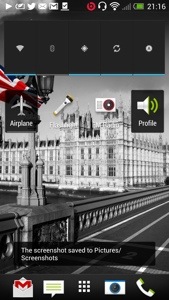
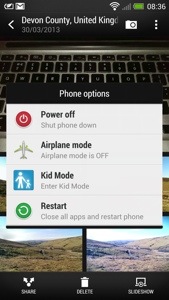
Some of features. Long press the power button brings up shortcuts for power off, aeroplane mode, kids mode and restart. Yes there is a kids zone mode which is a safe environment for your kids to use your phone.

20130331-093609.jpg

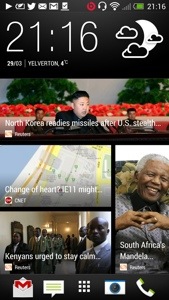
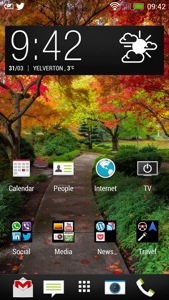
So what else have I being doing with my One. Well I’ve been using Blinkfeed a lot more. It really is a great piece of software. I’ve changed my default home screen slightly. See below.

20130331-094526.jpg

One thing I noticed that using the HTC One camera and changing between the different options on screen feel fast and logical. Well thought out menus and quick changing. My Samsung Note 2 and S3 were never as fast with the menu settings and felt congested too. The other thing with the One is forgetting all its specs, what you will get is a perfect photo pretty much first time every time no matter what the lighting conditions. Impressive.

One last thing, the sound quality whether though the front speakers or via your headphones is stunning. I keep listening to more and more of my music with a variety of headphones and keep getting omg moments.

More on Tuesday. Day off tomorrow 🙂

HTC One – Camera Pre Filter Effects

I have been experimenting with the HTC One camera and tried the filters or effects you can switch on before you take a photo. Of course the editing options after you take a photo are numerous including removing people out of your photo who appeared .

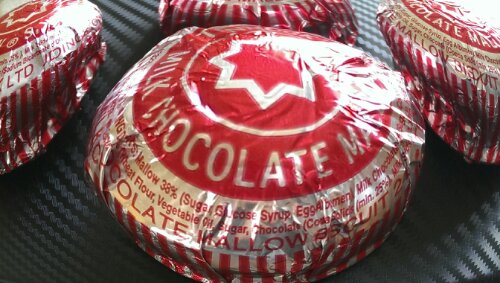
Rather than describe each effect in detail just look at the same item with different effects applied. Some really interesting differences.

image

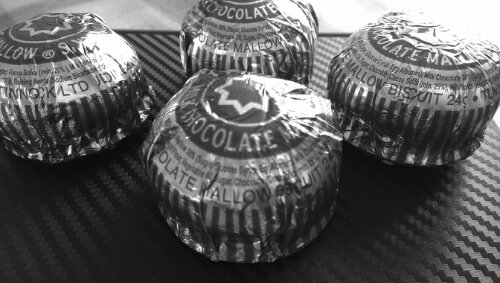
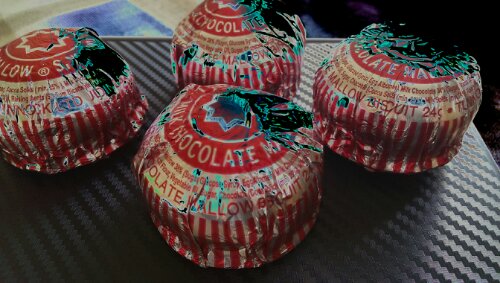
The above distorts the tea cake.

image

The above creates a darker edge. Ideal for focusing central subject.

image

image

The above is rather unusual.

image

image

image

image

The last one looks a bit creepy but all in all some amazing results.

First Impressions of the HTC One

Yesterday morning was meant to be a quick visit to the local shops in Plymouth and back again.
image

However, the 3 store was launching the HTC One, so I popped in to have a look and play. Then they offered me a deal I couldn’t refuse. Being honest, my Lumia 620 was so good, I wasn’t really looking to buy anything anyway. And I was focused on the S4 which I cannot see buying anytime soon ever.

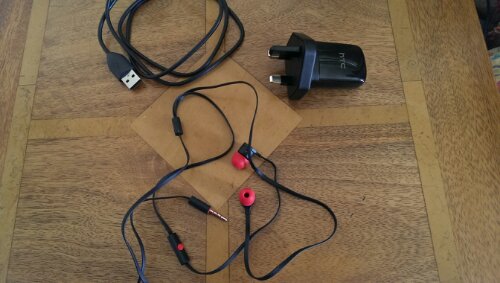
So here are my very early impressions. The phone itself is the most beautiful of anything made, even better than the iPhone 5. The screen is stunning, and seeing is believing. In the box, is a super cool mains adapter, usb lead, sim tray ejector tool and trendy looking headphones red and black headphones and some different size buds for them. Attention to detail is huge. You also get some leaflets, from safety to starting up.

So I charged the phone first. Then I turned on. A few menus appear, wifi setup and then you are asked would you like to set your phone up on your PC/Mac. I said yes. It provides you with a web address to enter in your browser, and then a code. You are then left with the setup now taking place on your web browser. From the browser you created your accounts eg dropbox, email accounts, installed a selection of recommended apps, chose your ringtones, alarm tones and notification tones, bookmarks and a few more things. You then confirm, and go back to your phone to accept and voila. With the tones you could actually play them first before selecting your chosen noise.

HTC also provide a free download of HTC Sync Manager. With this installed, I was able to read my last iPhone 5 backup data, and I could extract whatever I wanted from messages, bookmarks, pim data, photos and more. I then used the software to copy some music and photos (from iPhoto) across.

Next up I went into Google Play and started to install about 100 apps. However, I have not being able to install some due to compatibility issues. These so far include Doodle Jump, Zite, NFS Most Wanted, Nationwide and Amazon Appstore. Otherwise everything installed fine. Apparently this is due to the 1080p screen resolution which is brand new and some apps haven’t been configured to work more than 720p.

I have taken a few photos indoors and the quality in the low light is astounding. Very impressive stuff. I have also used the supplied headphones and my Bose AE2i, switched on Beats Audio and got blasted away. Great quality. The loudspeakers on the front are very good, clear and loud.

What I now have to do, is tidy up all the apps, explore all the HTC Settings and apps, and understand how it all flows.

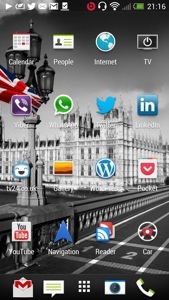
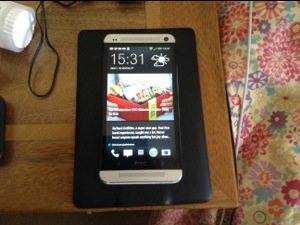
But initial impressions are fantastic. I’ve added some screen shots of my setup so far. I had seen a few dummy cases of the HTC One but when I actually viewed a working version in silver I was blown away by how beautiful the phone is to look at. And the screen. The iPhone 5 retina screen is excellent but this screen on the One is a different league. The HTC One is a different league to any other smartphone available. It’s a quality made smartphone, looks it and feels it. The attention to detail is fanatical. Even the mains adapter comes in 2 sections which rotate to clip together. It hard to visualise but HTC wanted even that to feel amazing as the 2 sections are very cool too. Even the included headphone has accents of red on the ear buds, talk button and headphone jack. I never normally even bother to open the included headphones but I was intrigued with the red and black styling to see whether they were crap or not. In fact they are well above par and I would use them as my in ear headphones permanently. Personally, my preference is over the ear cans. I have tried a pair of Bose AE2i and Sony MDR-1. Both sound excellent and the One headphone amp is powerful enough to drive these both easily. Talking about the sound, its always best IMO to leave the beats audio option on. Then there is the slick setup procedure. All this makes you realise you have bought a quality product. And HTC Sense is professional and functional. I still need to play around with options on the home screens and more about that and day 2 will appear tomorrow.

PS. In case you are wondering, the Nokia Lumia 620 is still going to be used. It is a fab phone.

20130329-213218.jpg

20130329-213226.jpg

20130329-213236.jpg

20130329-213244.jpg

20130329-213253.jpg

20130329-213259.jpg

Part two is now live on my blog. Click here for next part.