Just seen this on Amazon’s website.
Their Amazon Fire smartphone is now just £99 and that is for the 64gb version. Note phone locked to O2.
Click below to jump straight to the deal –
Just seen this on Amazon’s website.
Their Amazon Fire smartphone is now just £99 and that is for the 64gb version. Note phone locked to O2.
Click below to jump straight to the deal –

This is post provides a single page to link to my 2 part review of the Amazon Fire Phone.
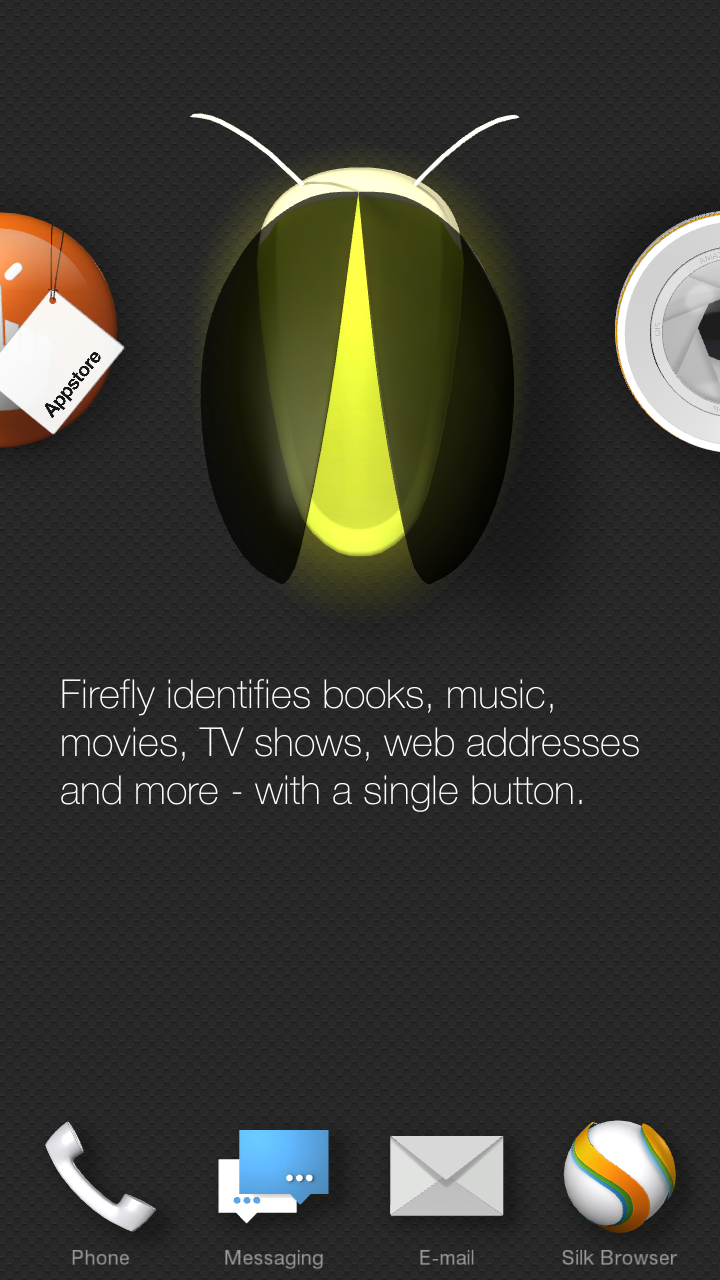
Today I am going to look more in depth at the custom skin and explain the gestures. You will notice on the front there are 4 cameras in each of the corners.
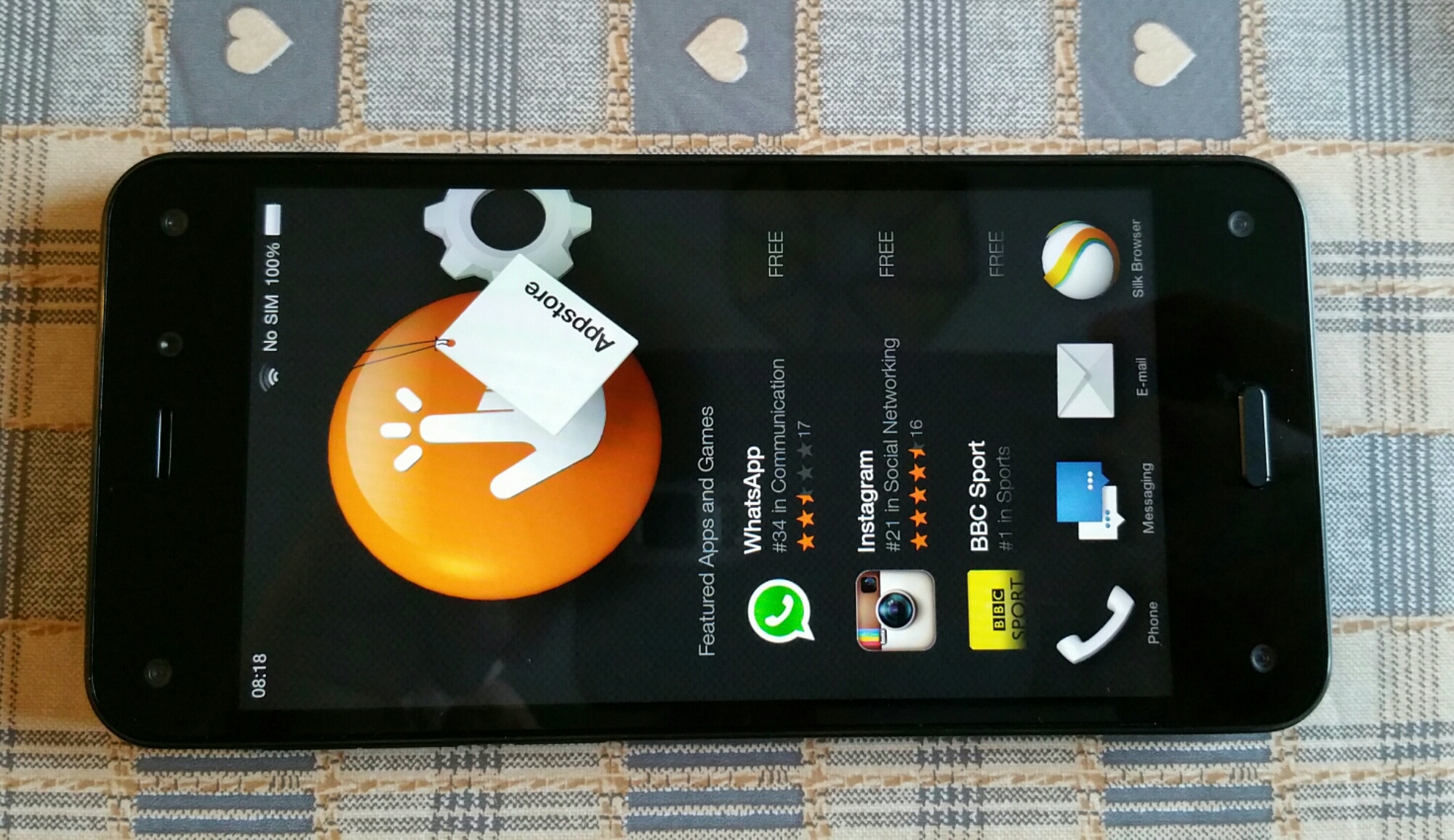
These track your head movement and allow for dynamic perspective. This is where the screen can move and you tilt the phone to reveal extras. On the home screen you have a carousel look. The big icon explains the app and underneath common actions. The carousel places new apps and recent.
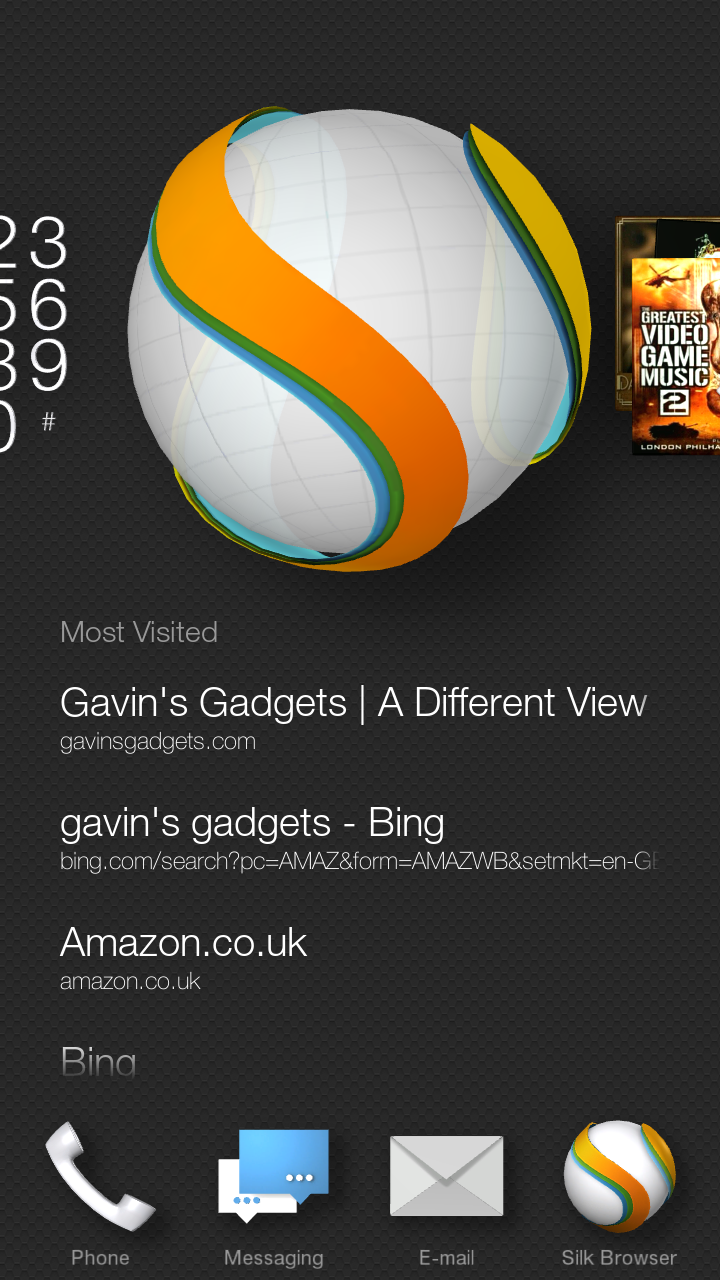
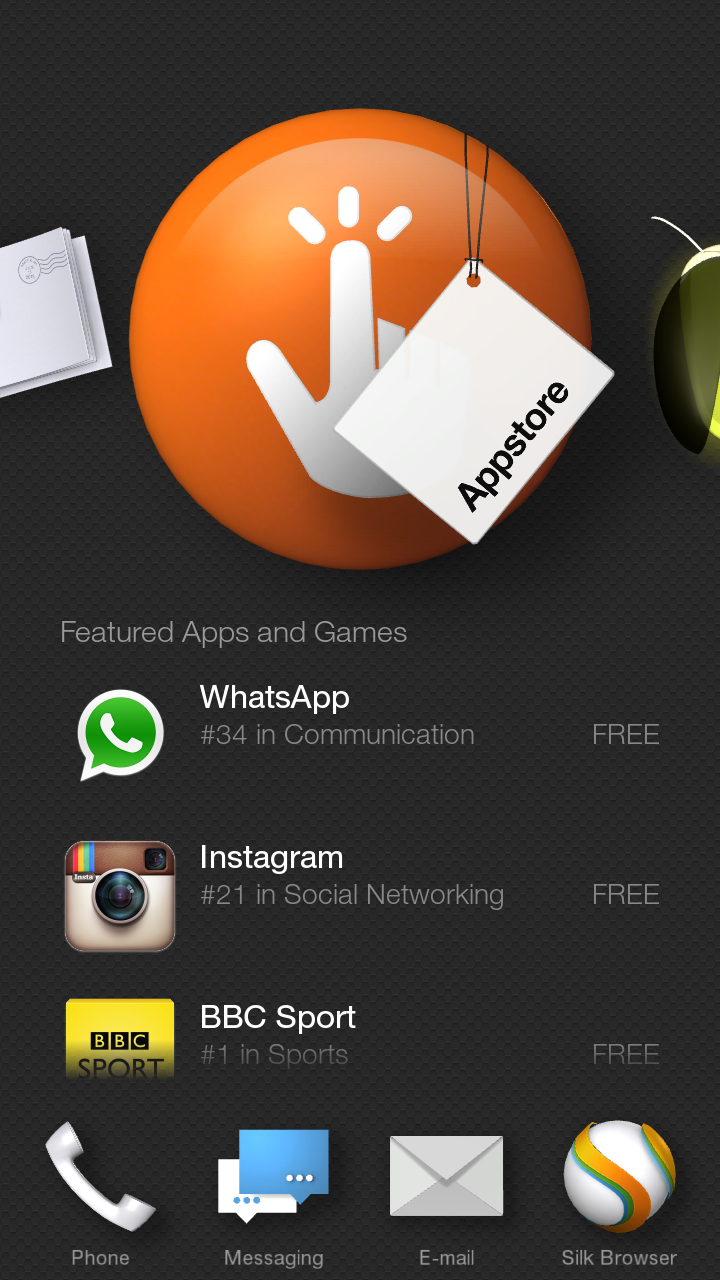
I’ve shown a couple of examples. By tilting phone left to right or right to left reveals the side panels. Left is always as shown in main screen, but in an app reveals additional options or settings.
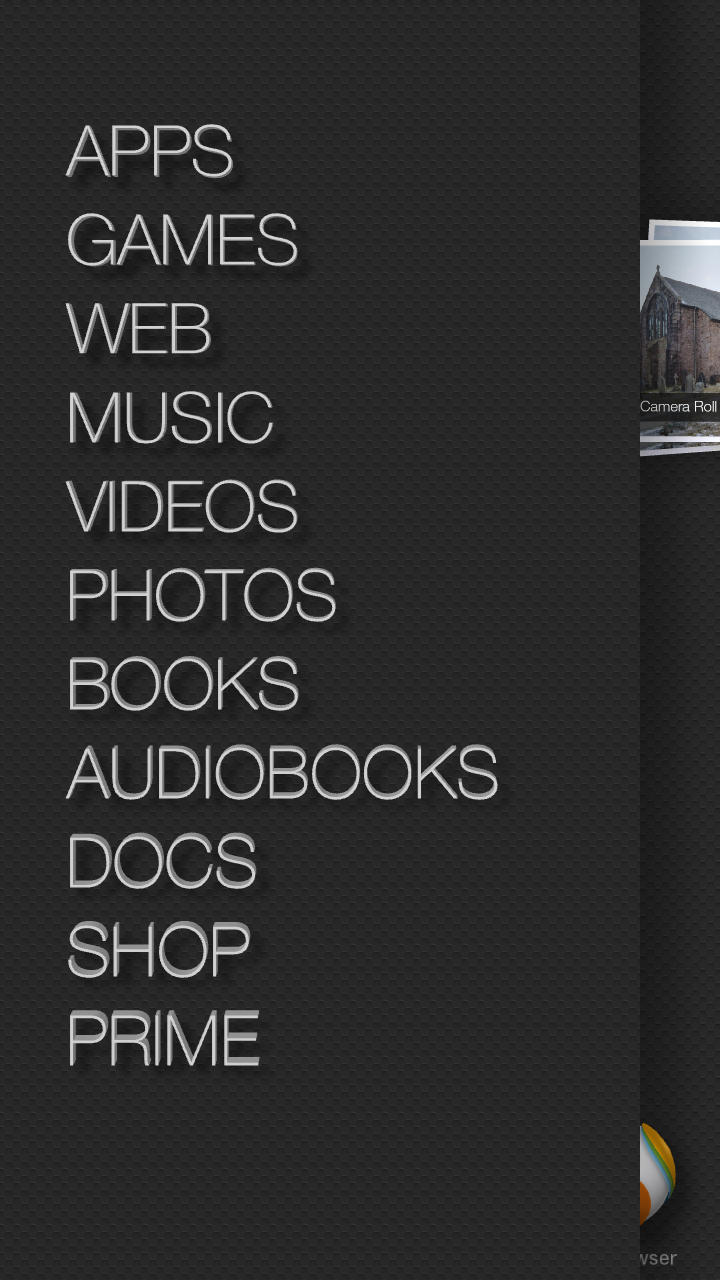
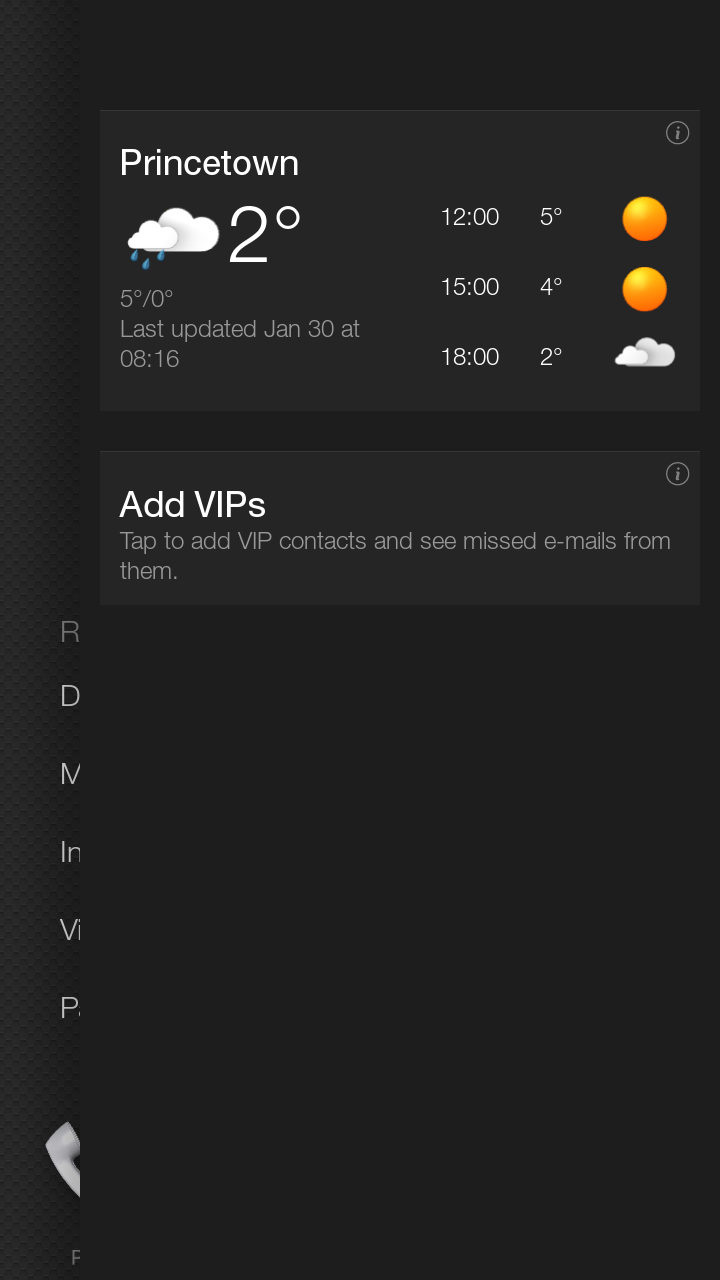
Now tilting to reveal right side gives me notifications and weather.
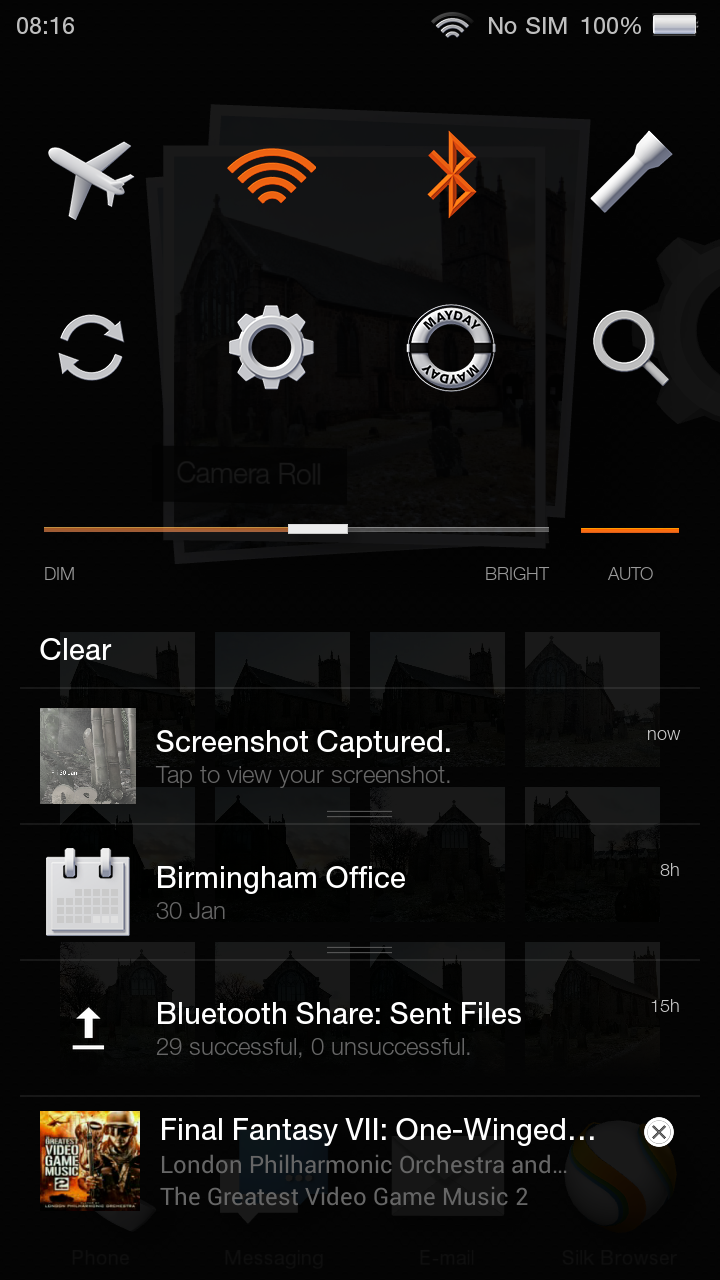
Swiping down reveals the quick settings and mayday button. Mayday connects via video to a person at Amazon support. You can discuss issue and they can show you on the screen. I tried using this and it is the best support experience I’ve ever received.
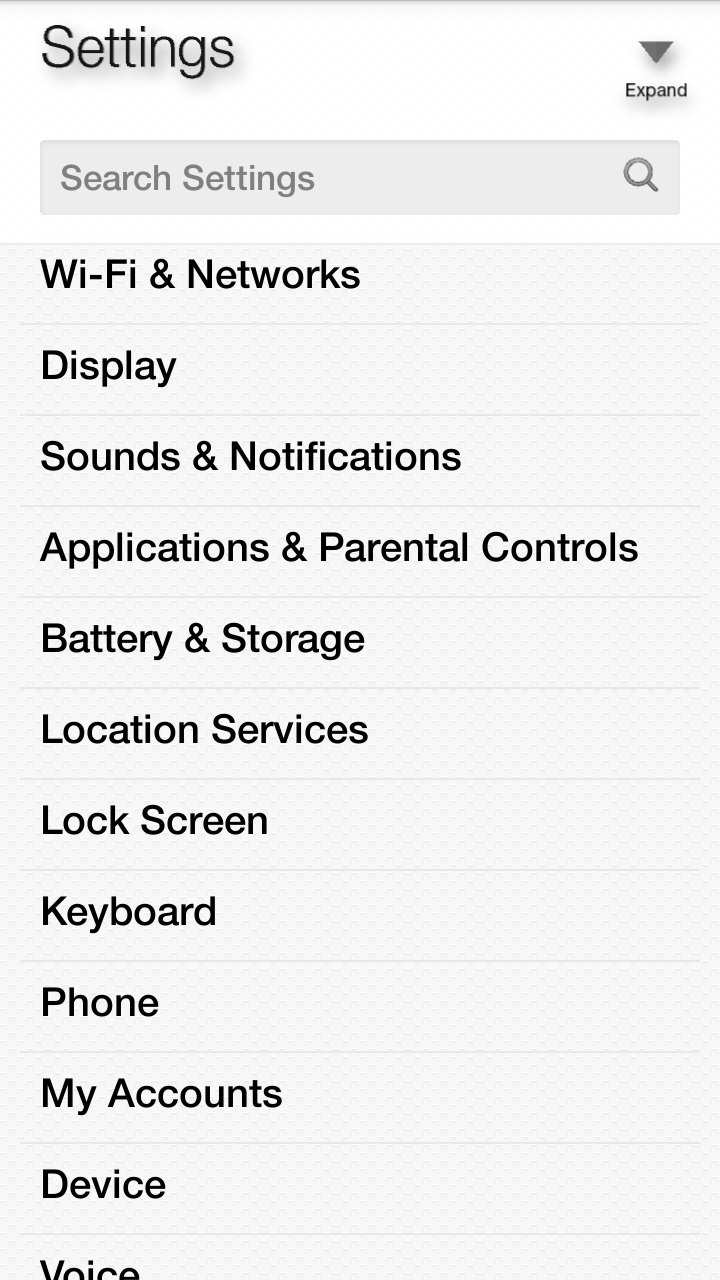
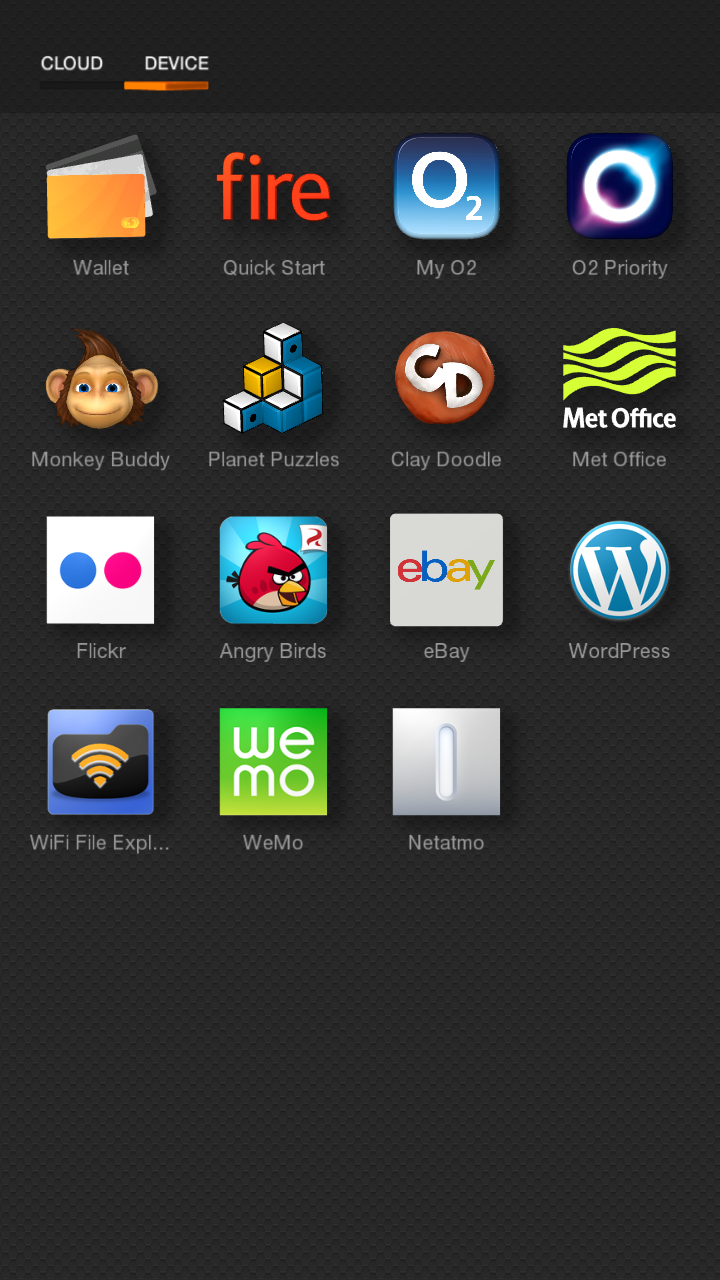
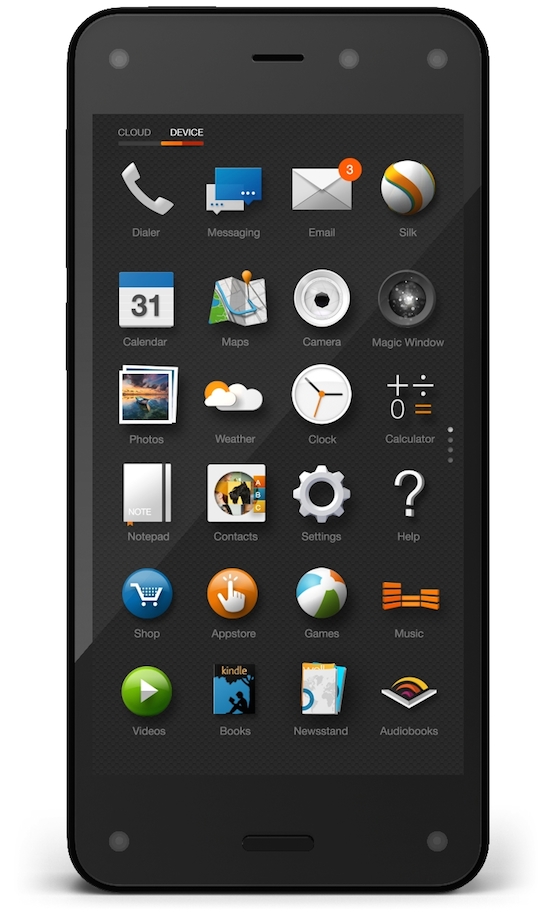
So what apps are included as standard. Below screen shot of app drawer. The apps from Met Office onwards are ones I’ve installed.

The phone has a button on the left side to launch the camera. Long press activates Firefly.
The camera has options for hdr, flash, best shot , lenticular and panorama modes. On screen the camera app tells you when it recommends hdr. Tap the on screen icon to turn on or off when it appears. Best shot takes 3 shots. One before you pressed the shutter , as you pressed the shutter and one after. You can then select the best photo. Neat.
In the maps application by tilting the phone you can reveal places of interest, restaurants and more.
As I mentioned yesterday, the headphone audio and Camera and strong aspects of this phone. I also like the hardware overall. Nimble and easy to hold. And at the price I paid of £99 a steal so long as you don’t mind using O2 for a year and aren’t tied into Google services too much.
On Wednesday, Amazon reduced the Fire Phone right down to £99. Across twitter and many forums many opinions raged as to whether it was worth it or not. Well, here are all the orders Amazon received. So clearly a lot of people thought it was worth of shot.

My first chance to use the Amazon Fire Phone was last night. I opened the box and realised that the phone needed a charge as the battery was at 36%. Once it reached 100%, I turned it on and was presented with a video that explained clearly all its main features and how to use the gestures, along with practising them too. Simple idea but genius.
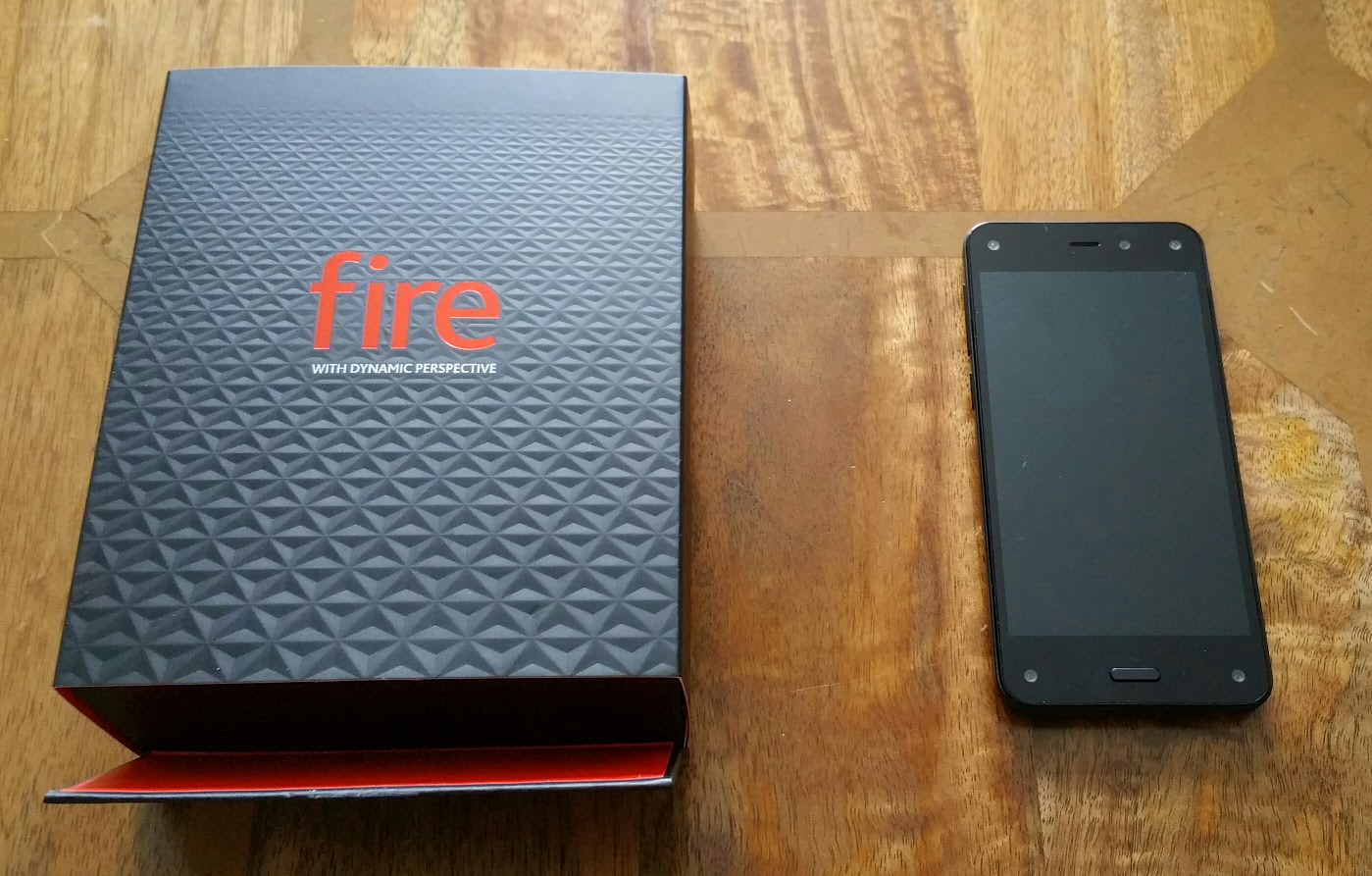
The phone’s hardware feels good in the hand and comfy to hold. But it does seem to pick up fingerprints. The screen is excellent. So a short while later I realised a software update was waiting. This was date 26th August 2014. So this got installed and from there I started to explore the phone further.
The next step afte the video was logging in to twitter and facebook, this is not mandatory. Then I setup my Google account for email, contacts and calendar. Then I explored further. I had heard the headphone audio was outstanding and I can confirm that the sound output via the headphone jack is possibly the best I have ever heard from any smartphone. However, I can not find any sound equaliser. Camera. I have done some limited testing but it appears the camera takes good shots but its operation is both excellent and then at times weird. Again I need more time to explore this feature.
Now I know some of you are screaming “it does not have Google apps or the Google Play store” . Well, I can shout back just as loudly. So what! For most people the world does not evolve around Google. So long as the apps you need are available on the Amazon app store then all is fine. If you are heavily invested in to the Google Play store then this phone is not necessarily for you, but those starting fairly new to the world, or perhaps are invested in the Kindle Tablet eco system, then on paper all should be ok. However, I need more time to assess everything.
Fire OS. Now my thoughts on the Fire OS and its skin and for another day. I will add that I am pleased I bought this phone. Whilst I can see potential areas where it is not perfect, I think I can see what Amazon might have been trying to do. Anyway, more soon when I have had a week or so with it.
One thing I did want to test was the Mayday help button. Video support call worked just fine with on screen guidance. This really was the ultimate support call and shows up so many other companies who provide a poor after sales service.
And don’t forget to “fire” off any questions.
And here are some photos from the Fire Phone. What I have found is that it is able to capture a wider field of view than several other smartphones.


Amazon launched its Fire phone, currently a USA only phone and via AT&T. The hard facts or should I say stats are –
A Snapdragon 800 SoC, a quad-core Krait CPU clocked at 2.3GHz, Adreno 330 GPU, 2GB of RAM, a 13-megapixel camera with f/2.0 aperture and optical image stablisation, a 2,400mAh battery, 32 or 64GB of fixed storage, a LCD screen of 4.7-inches with a 720p screen resolution. And then there are six cameras on the Fire phone, the main camera on the back, a front-facing camera, and then the four head-tracking, infrared cameras in the four corners of the front fascia. These 4 corner-mounted sensors are the cameras which power the Dynamic Perspective feature via infra red.
So not class leading specs in all areas just different. Also Bluetooth LE is missing. Wearables won’t be so kind to your battery with this phone. Also, the phone is designed around using gestures for quick actions. Amazon are heavily promoting the 3D user experience and software design.
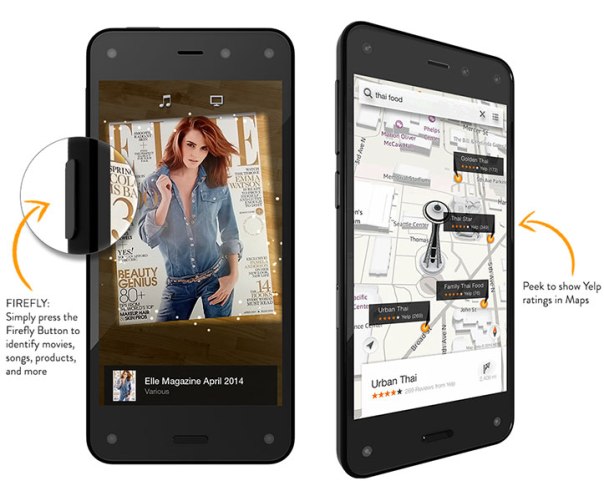
So what do all the cameras do? Track you head to allow so that you can tilt the screen to create 3D images, or bring up useful info. With games you could tilt the screen to peek around corners. The Firefly button allows the phone to identify movies, music, QR codes and much more. In other words a quick way to buy on Amazon.com. The Firefly hardware button with the phone off, becomes the camera launch button. Jeff Bezo also claimed the Fire phone’s camera is better than both the iPhone 5S and Samsung Galaxy S5. As they say the proof is in the pudding but it is a clever move. Instead of producing a phone that has everything class leading, Amazom just focused on one aspect that they believe is better than the rest.
The phone is priced at similar costings to other flagships and comes with all Amazon’s armoury of media and streaming services. Amazon Prime is included for just one year. Even though this is based on Android, it is not a Google android operating systems, so unless you hack it, you won’t get hangouts and other native Google applications. But you do get all of Amazon’s packages including free unlimited storage for all photos uploaded into its cloud.
In essence this phone is just like the Kindle Fire with its aim to drive more money through Amazon’s coffers but with some hardware and software differentiators.
But can Amazon really take on Google, Apple and Microsoft in this crowded mobile space. Answer, they have already and with a strong proposition that grows larger every day.
In 3 years time, the mobile landscape will in my honest opinion feature Amazon near the top. I also hope global reach of this phone occurs rapidly.

 Gavin's Gadgets & Photography