Category Archives: Tech News

Instagrams new video service starts off with flying colours

In the first 24 hours of launching its new video service whereby Instagram users can upload 15 second clips of video, there was an insane amount of activity. At its peak, 40 hours of video was being uploaded a minute, and in the first 24 hours of 15 million users had uploaded video.

Clearly a runaway success, but will it simply eventually die off or continue to be successful. Personally, I think it will continue to thrive. What do you think?

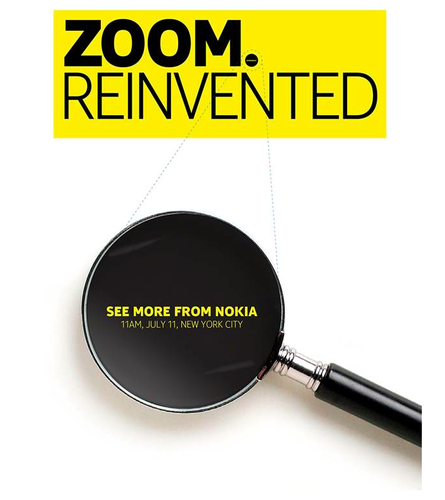
Nokia plans big product launch on 11th July

nokia

It seems July is a big month for product launches, and now Nokia has jumped in to announce a new product. Rumour has it this will be the new Nokia EOS with a 41mp rear camera. If this is the case, photography on your mobile will take a giant leap forward in terms of quality. The EOS will run windows phone.

Who knows, this could be my next phone?

Sony Xperia Z Tablet – Review part 5 – Using the Sony PS3 Dual Shock Controller

image

One of the benefits or features of buying a Sony tablet is the ability to natively use the PS3 controller. It is very easy to setup, with a once only connection via USB to the Z Tablet, and thereafter it connects automatically by bluetooth. You can also use the tablet to charge the controller. Also, when in use, there is an icon in the notification bar showing its connected and the controller battery level.

The Z tablet comes with the PlayStation mobile app, which connects to the Sony Entertainment Network website. As I bought the tablet before the end of June, I received £20 to spend within Sony`s store. This has enabled me to buy a movie, and several PS1 games. The photo above is Switch Galaxy. It is an absolute blast to play with the controller.

I have also been able to play other games like Shadowgun.  I can see more and more games and devices in the future. It certainly takes gaming to a much better level as touch controls and can only do so much.

Would you want to play games like with a controller?

Want to read the earlier review parts. Click here.

Do You Use Twitter – Tweeting becomes official

The act of tweeting, that is, posting to Twitter, is now officially part of the English language according to the Oxford English Dictionary.The Chief editor John Simpson announced the addition of the word, both as a noun and as a verb, in his latest update.

The word “tweet” was in the dictionary before, dating back to at least 1851 as an imitative word for bird calls. But the definition has now been expanded to include its use to include: “To make a posting on the social networking service Twitter. Also: to use Twitter regularly or habitually.” It also includes its use as a noun for the messages.

Welcome to the 21st Century.

Sony Xperia Z Tablet – Part 4

Welcome to part 4 of my Z Tablet review. The other parts can be found here.

Today, I will be looking closer at the settings app and some of the options available.
2013-06-17 07.11.12
First up in the power management settings, which provide options to extend the standby time and have a low battery mode. The stamina mode when the screen is off disables wifi and bluetooth and makes most applications inactive. You will still receive SMS/MMS, Sony calendar notifications and downloads will continue until finished. Low battery mode allows you to set a battery percentage, and then decide for custom screen brightness and timeout, and has options to turn off wifi, gps, bluetooth and auto sync. You can also decide to have the battery level in the status bar, and examine which services and apps are using the battery and their percentage usage.
2013-06-17 07.11.31
Under the More settings you get options for Airplane mode, VPN, Media Server settings, NFC and android beam.
2013-06-17 07.11.54
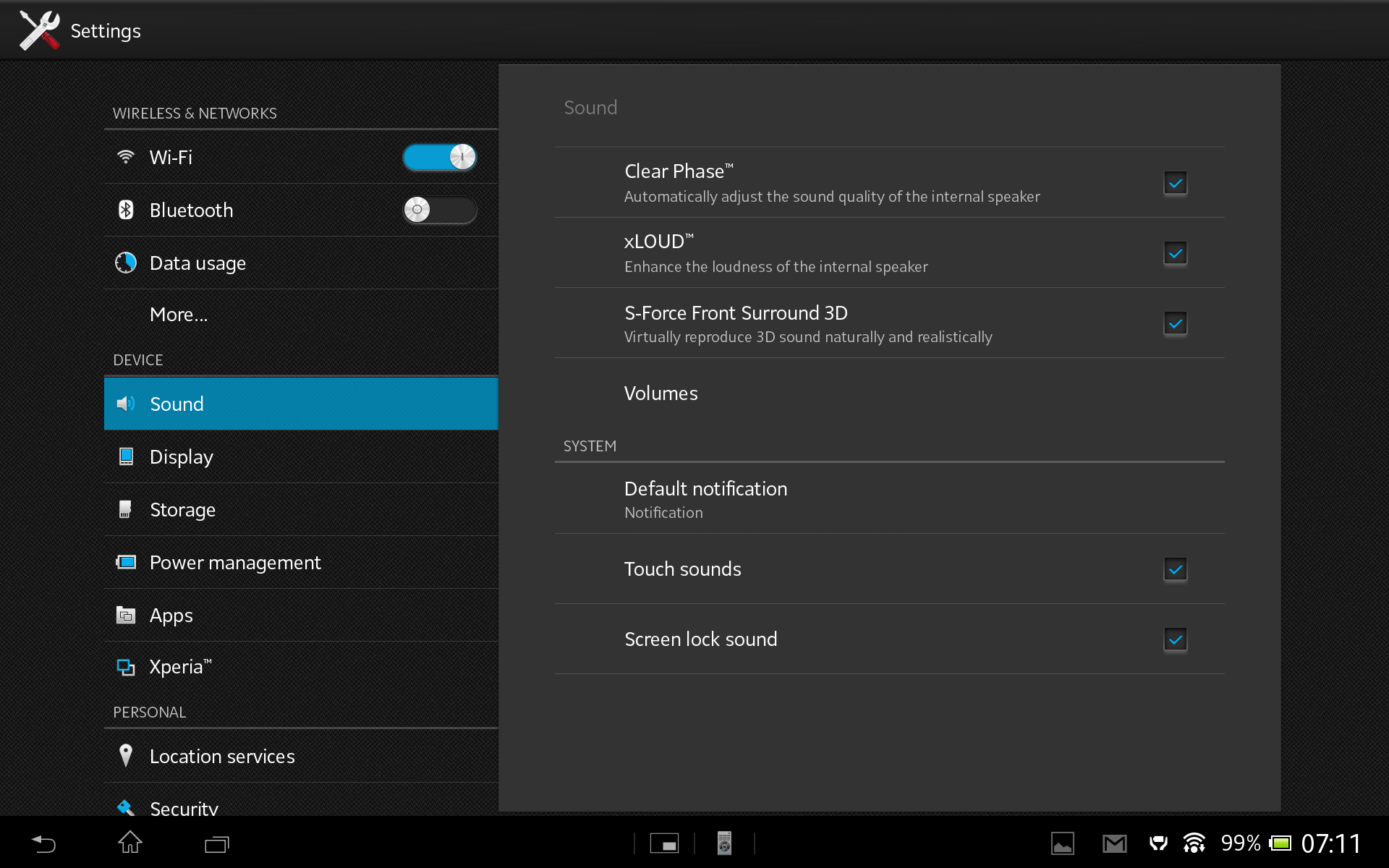
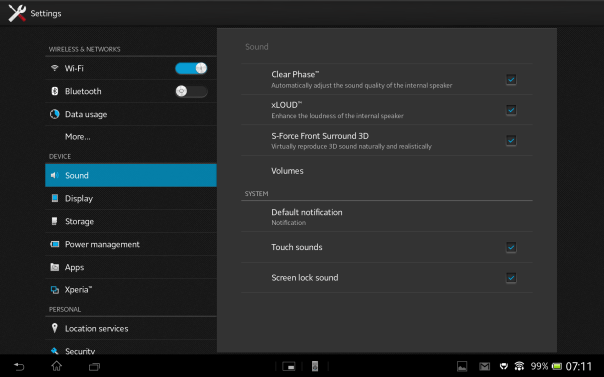
The sound menu has a few options to tweak the loudspeaker sound, similar to HTC that comes with Beats audio, although the Sony has far more options. However, the speakers lack bass but do go rather loud. You can also set the default notification sound of which there are loads. And some awesome ones too.
2013-06-17 07.12.06
The display menu provides options for the screen image enhancer using the Mobile Bravia Engine 2. However, you can turn on double tap the screen to turn on. This is an excellent feature. The Z does also have a sleep magnet, so if you had a compatible case you can turn on or off the screen using this method. You also have the options for the notification light.

Out of the 32gb you get 25.68gb available. After installing around 80 apps/games I have used 7gb.

The Xperia menu settings is rather interesting.
2013-06-17 07.12.46
From within this menu you can setup a PS3 Dual Shock Controller, check its battery level too. You can turn on screen mirroring, throw media to other devices, and select USB connection mode between mass storage and media transfer mode.

The other menu options are all pretty self explanatory, but should you have any questions please let me know.
Sony Z Ultra – Launch date

sonyevent

It finally looks like Sony is finally about to reveal its phablet for the masses, the Sony Xperia Z Ultra. This is a larger-scale smartphone set to compete with the likes of the Optimus G Pro and Galaxy Note smartphones.

The device will feature a 6.44-inch 1080p display, quad-core processor, potential waterproof capabilities and Android 4.2. All its glory will be made public on 9th July.

6.44 inch is just too big to use as a phone in my opinion, so I am not sure who will buy this monster device.

Sony Xperia Z Tablet – Part 3

Welcome to my third part of my review of the Sony Xperia Z tablet. To read previous post click here.

So today, I thought I would look closer at the hardware and compare its size to the iPad Mini and HTC One. So first lets have a look around the device.
2013-06-17 08.23.00
On the front you have top right the Sony logo, top centre the front 2.2mp camera and just left of the camera the ambient sensor. Apart from that, there isn’t anything else on the front.
2013-06-17 08.26.30
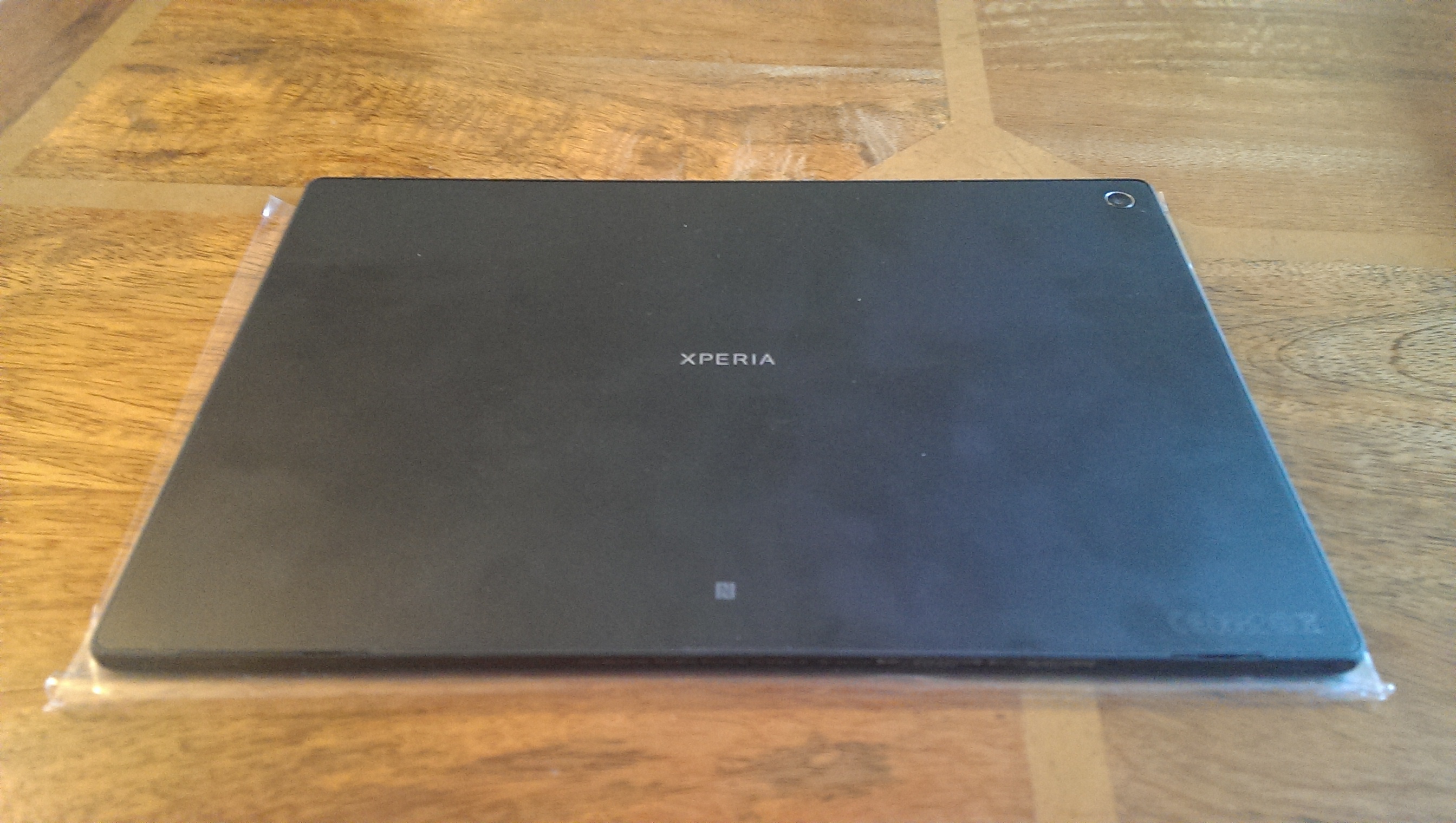
On the rear, you have the words Xperia dead centre, top right the 8.1mp rear camera and bottom centre the NFC hotspot.
2013-06-17 08.27.00
The left side edge features a flap to reveal the headphone jack, the on/off button which is a silver aluminium affair, the notification light just under the on/off button, then the volume rocker, moving further down near the bottom is the charging points for the Sony Dock (review coming up when dock received) and right down near the bottom of the left side the left speaker grill. Interesting the left speaker has a further grill on the bottom edge.
2013-06-17 08.29.32
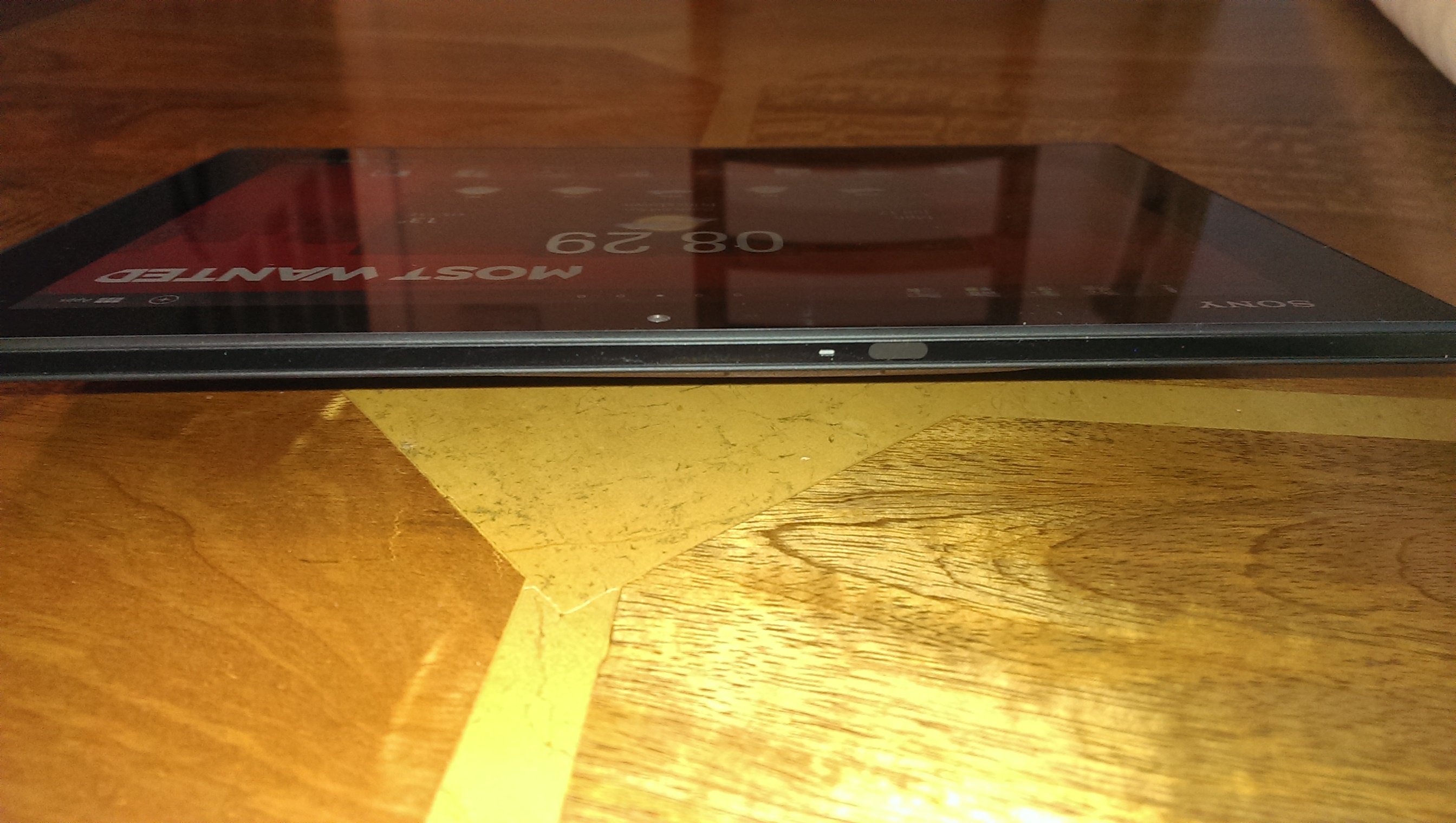
So that also means of the bottom edge there is the right speaker grill as well. Next to the left grill is a flap that reveals the micro usb socket. On the far right next to the right speaker is a larger flap that reveals the slot for your micro sd card. The flap is bigger as if you had a cellular version, you would place your sim card in this spot too. The right side edge at the bottom has the other speaker grill for the right speaker and nothing else. The top edge of the Z features the infra red blaster and microphone.
2013-06-17 08.28.50

As a comparison size wise, the Z is slimmer than both the iPad Mini and HTC One.Photo 17-06-2013 08 25 13
And now here is a comparison on size versus the iPad Mini.
2013-06-17 08.34.44

Tomorrow I will have a look at the settings, as this always reveals a few surprises.