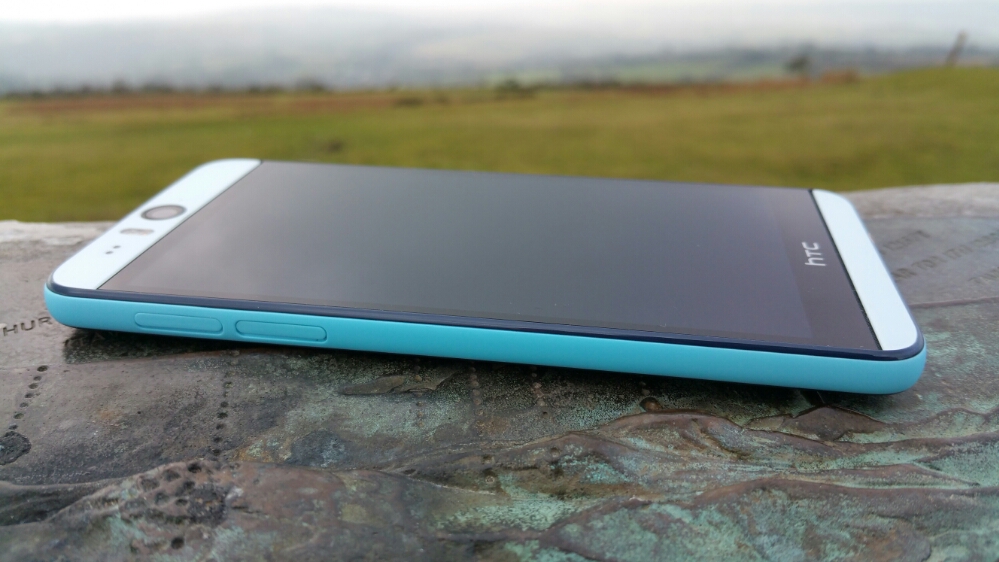
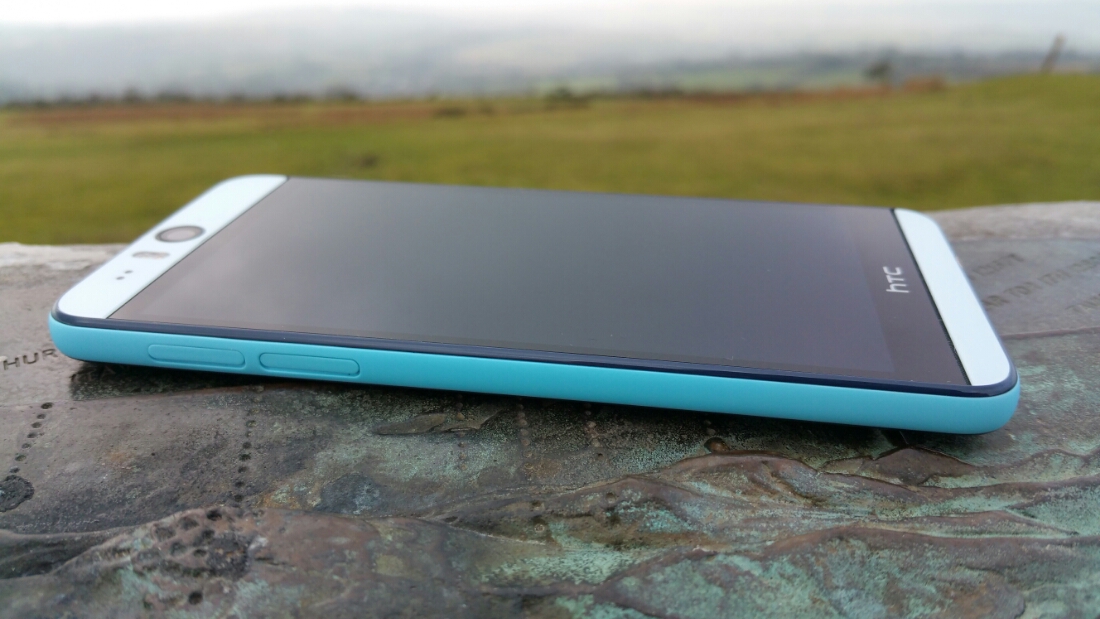
The HTC Desire Eye is typical HTC. Good hardware and software design with a proper purpose. Just look at these photos. I love its look and feel in the hand.
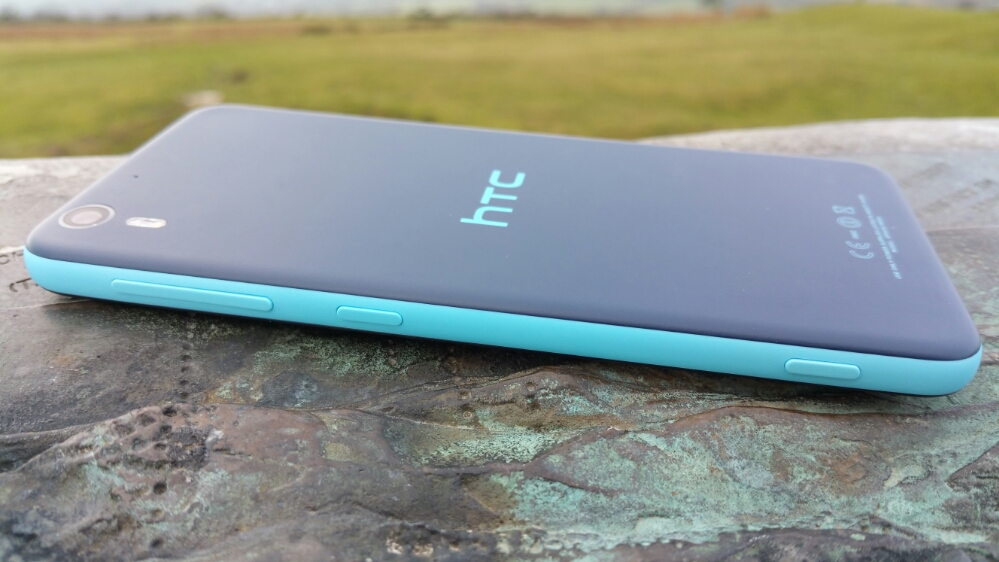
It is extremely comfortable to hold. Partly due to the gentle curves and partly because it is not too wide to hold comfortably in your hand.
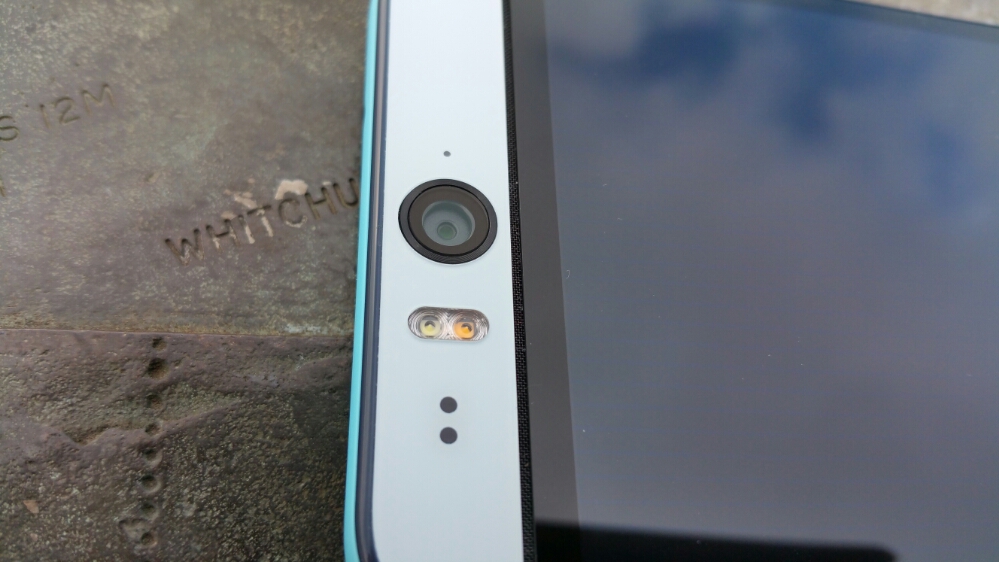
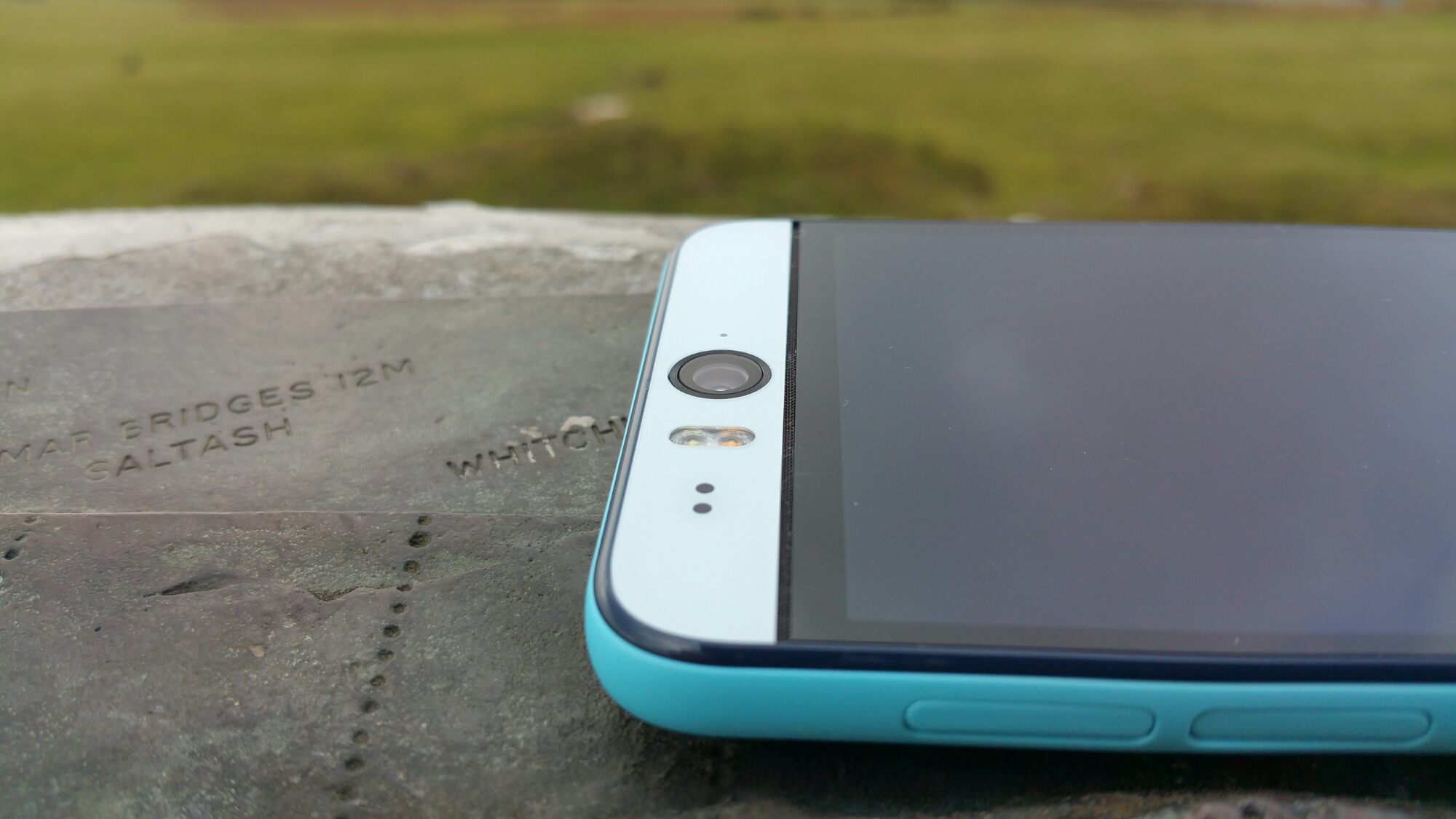
What is pretty neat about the Desire Eye is its front 13mp camera, fantastic for selfies and even more so with its two tone flash unit. But look even more closely and under the front lens and before the glass starts there is a grill hiding the left side speaker. And again at the bottom just after the glass panel ends before the bezel, there is another grill for the right side speaker. So you’ve guessed. The HTC Desire Eye has stereo front facing boomsound speakers! The rear camera is also a 13mp affair again with two tone flash. Before we continue lets take a look at the rest of the specs.
The specifications of the HTC Desire Eye –
– Rear Camera -13MP, BSI sensor, f/2.0, 28mm lens, wide angle, with HDR capability 1080p Full HD video recording, Dual LED Flash
– Front camera: 13MP, Auto-focus with zoom capability, BSI sensor, f/2.2, 22mm lens, wide angle, with HDR capability 1080p Full HD video recording, Dual LED Flash
– Dedicated Camera Button
– HTC Eye™ Experience: Face Tracking, Screen Share, Split Capture, Face Fusion, Live Makeup, Auto Selfie, Voice Selfie, Photo Booth, Crop Me In
– Android 4.4.4 (KitKat)
– 5.2″ 1080 x 1920 multi-touch (~424 ppi)
– 2.3GHz Snapdragon 801
– 4G LTE (Bands 3, 7, 8, 20)
– 16GB storage / micro SD up to 128GB
– WiFi / NFC / Miracast / BT 4.0 Apt-x / DLNA / HTC Connect
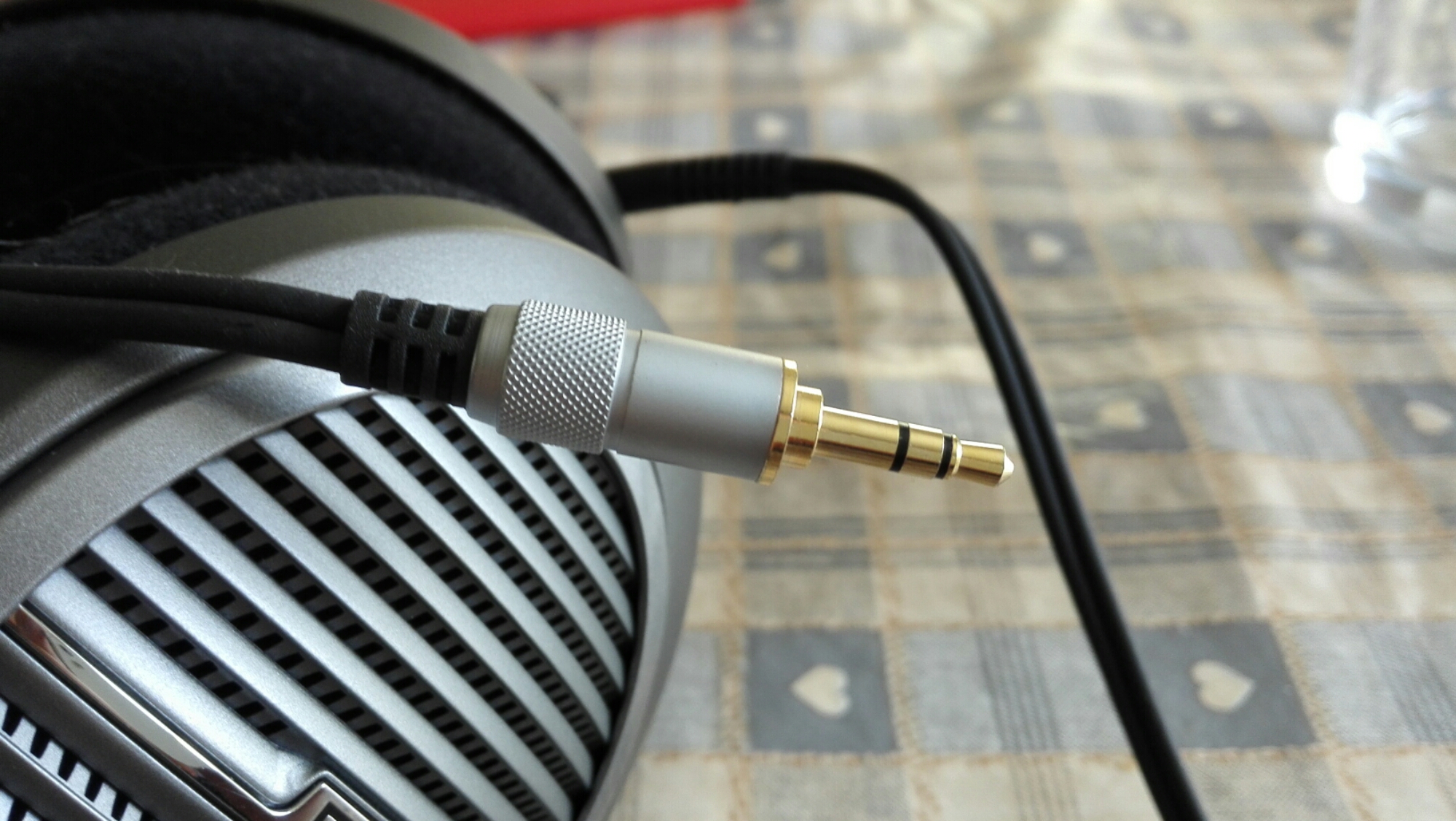
– 3.5 mm stereo audio jack
– HTC BoomSound™ Dual frontal stereo speakers with built-in amplifiers, 3 microphones,Sense Voice
– Capacity: 2400 mAh with Fast Charge , Embedded rechargeable Li-polymer battery
– Talk time Up to 20 hours for 3G Standby time: Up to 538 hours for 3G
– Sensors Accelerometer, Proximity sensor,Ambient light sensor ,Gyro sensor
– GPS / GLONASS
– 151.7 x 73.8 x 8.5 mm
– 154 grams
I mentioned that the HTC Desire Eye is typical HTC. That means the software “Sense” is beautifully implemented. Below are the main home screen and Blinkfeed. Blinkfeed is great for aggregating news and your social networks and local information on your phone.


Next up are screen shots showing all the apps that are installed. I have added AnTuTu benchmarking and USB Audio Player Pro to assist with this review.
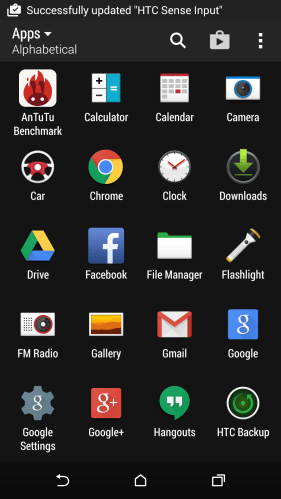
Typical HTC in that the selection of added apps is kept to a minimum. In fact, HTC collate apps into folders as the default view in the app drawer. I just changed the view so you could see all the apps present.

Some apps to mention that are good to be included. Polaris Office 5. This is good office viewer and creation app for word, excel and powerpoint docs. Twitter, Skype and FaceBook are included for all you social types 🙂 HTC extend the options of the backup with their own solution. There is a file manager, torch, FM Radio (many phones exclude this), Flashlight (torch), Kids Mode, Tips & Tricks and Setup app.

It is worth mentioning the HTC provide solid setup solution for transferring data from previous phones including iPhones. Then the Tips and Tricks section is well worth a view to learn more about using the phone.
HTC have included a few more tricks with the Desire Eye – motions and gestures. If you swipe down on the screen this turns on voice dialling. Double tapping – pick the phone in portrait orientation turns on the phone, pick up the phone in portrait orientation again and swipe left wakes phone up and launches the widget panel and same thing but swiping right wakes phone up and launches Blinkfeed. All the options can be toggled on or off.
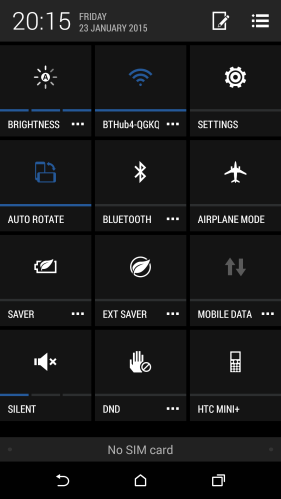
Talking of toggles, below is a screen shot of the pull down toggle menu.
The last part of the hardware that I wanted to mention is the hardware camera shutter button. Not many android phones include this but it is found on the HTC Desire Eye. It is fairly firm to use so in practise I preferred using the on screen shutter icon.
Part 2 tomorrow.












 Gavin's Gadgets & Photography