Category Archives: Android

Current Home Screens on my Samsung Note 4 & Nokia Lumia 830

image

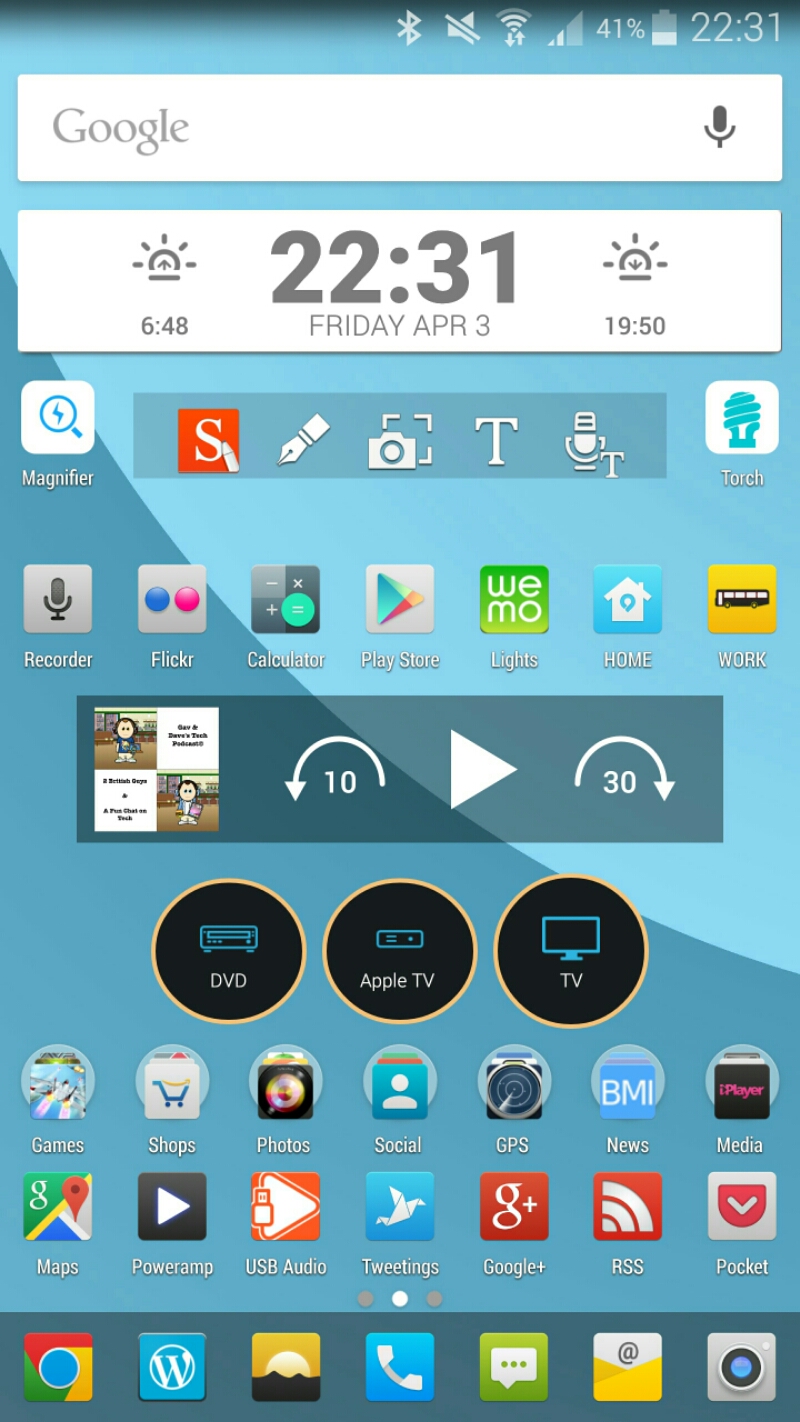
I keep tweaking my Samsung Note 4 home screen as shown above. I am still using Nova Launcher (Beta) with Tersus icons, HD Widgets, Pocket Casts and Galaxy Universal Remote widgets.

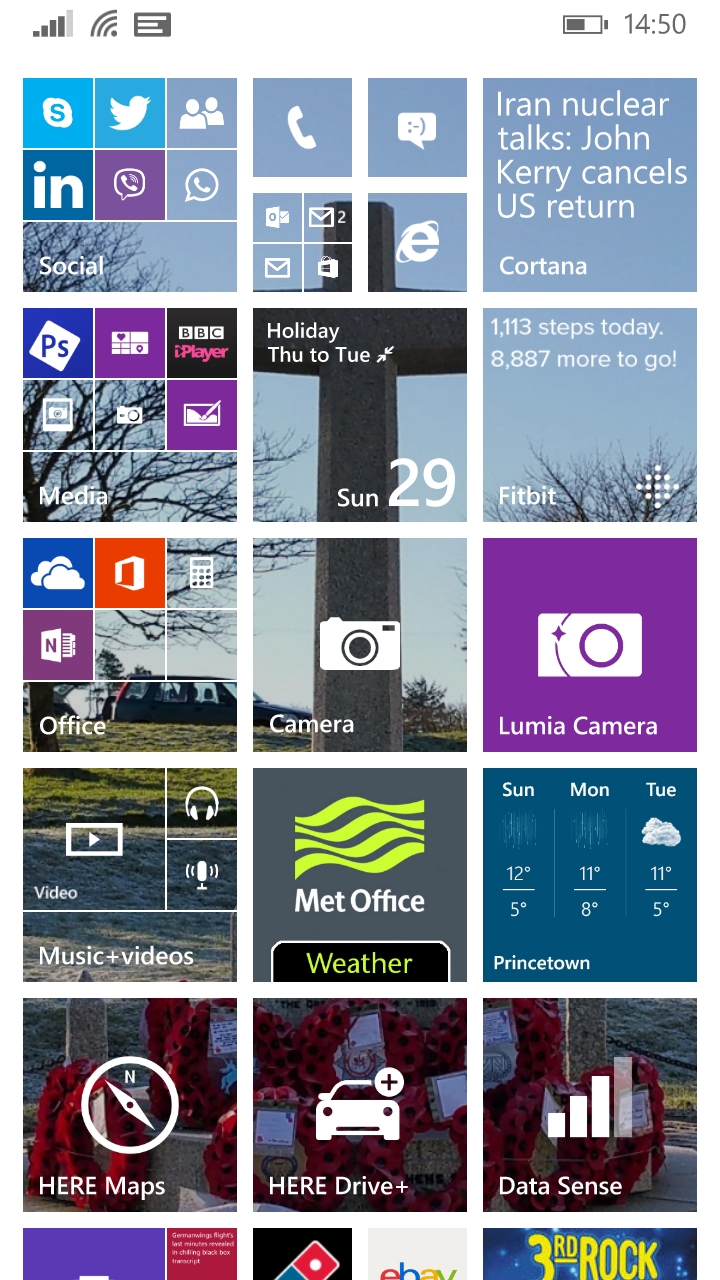
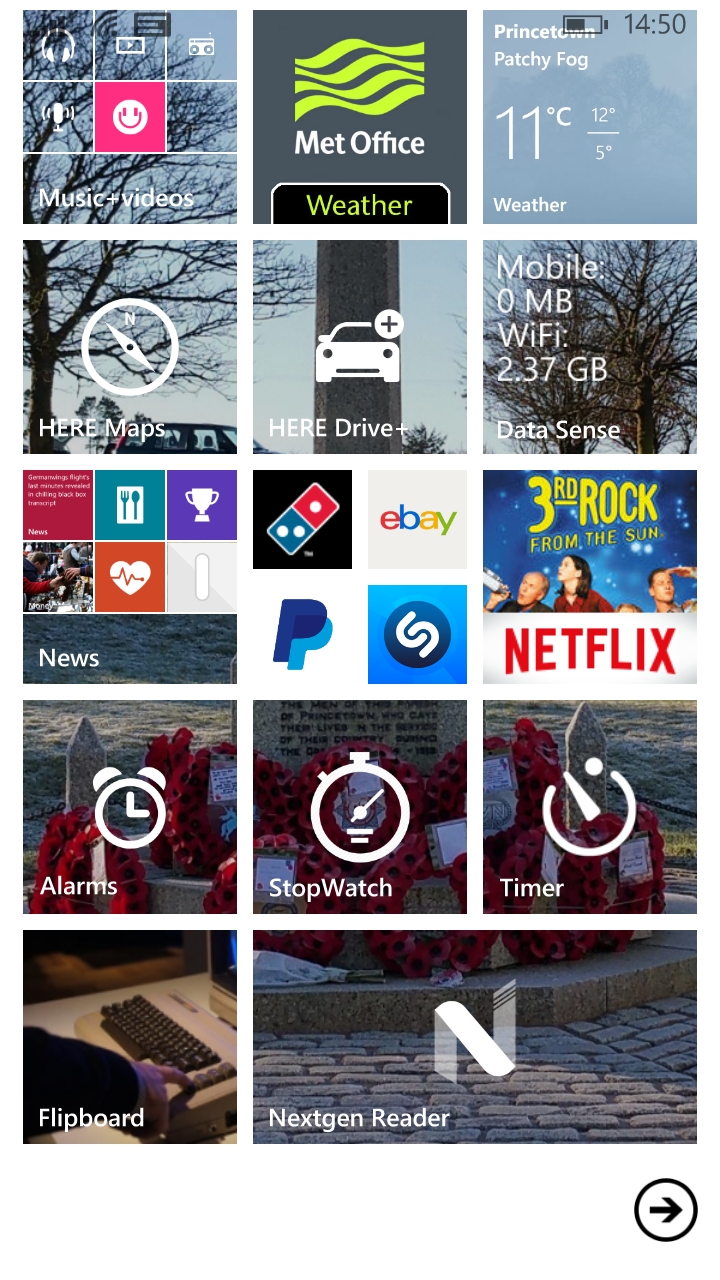
And now from my Lumia 830. A totally different look for live tiles.

image

Interestingly, I do find that I can see more of what is happening in my world with the live tiles than my current setup on my Note 4. But different devices produce different effects.

image

Updated – Honor 6+ is coming to the UK – Available to Pre Order NOW – Full Details

pic4

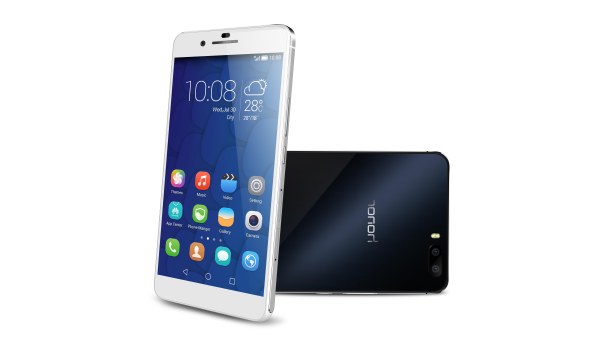
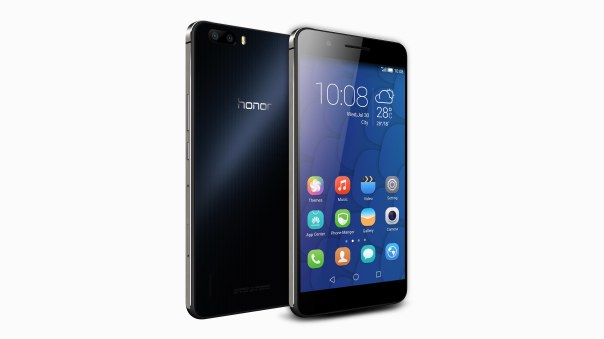
The Honor 6+ was unveiled at Mobile World Congress last month, and following its design and camera optics, I knew this would be my next phone.

The Honor 6+ is the world’s first smartphone that comes with two 8 megapixel rear cameras, combining to make a 13-megapixel image, as well as a single 8 mega pixel front-facing camera. The Honor 6+ will allow photo lovers to bravely rethink technological innovation with the chance to shoot, store and share their brave moments making their memories even bigger and better.

The new mobile device is packed with tons of smartphone technology, featuring:

– Unique bionic parallel 8MP rear camera providing wide aperture F0.95-F16 which can capture some of the most powerful photos – give your eyes a new visual experience and re-discover the beauty of life
– Equipped with super 8+1 cores Kirin925 chipset and 3GB RAM+ 32GB of internal memory
– 3600mAh powered battery with patented power saving technology which lasts through two days of moderate usage
– Dual SIM Dual Active with dual data usage switchable
– State-of-the-art 5.5-inch negative LCD screen, offering 1500:1 super high contrast and industry high of 85% color saturation
– Fiberglass based cover, the most important material used in military helmets. The Honor 6+ has a high screen-to-body ratio, designed for easy and more comfortable one-handed use
– Camera focus time of 0.1 seconds.

If you want to understand what makes the dual rear cameras so special check out this video.

If you want this on contract, only Three UK will be selling monthly plans.

You can now buy this phone directly from Amazon UK – Honor 6 Plus Pre Order at Amazon UK

pic6

HTC Desire 820 review

image

image

Welcome to my review of the HTC Desire 820.

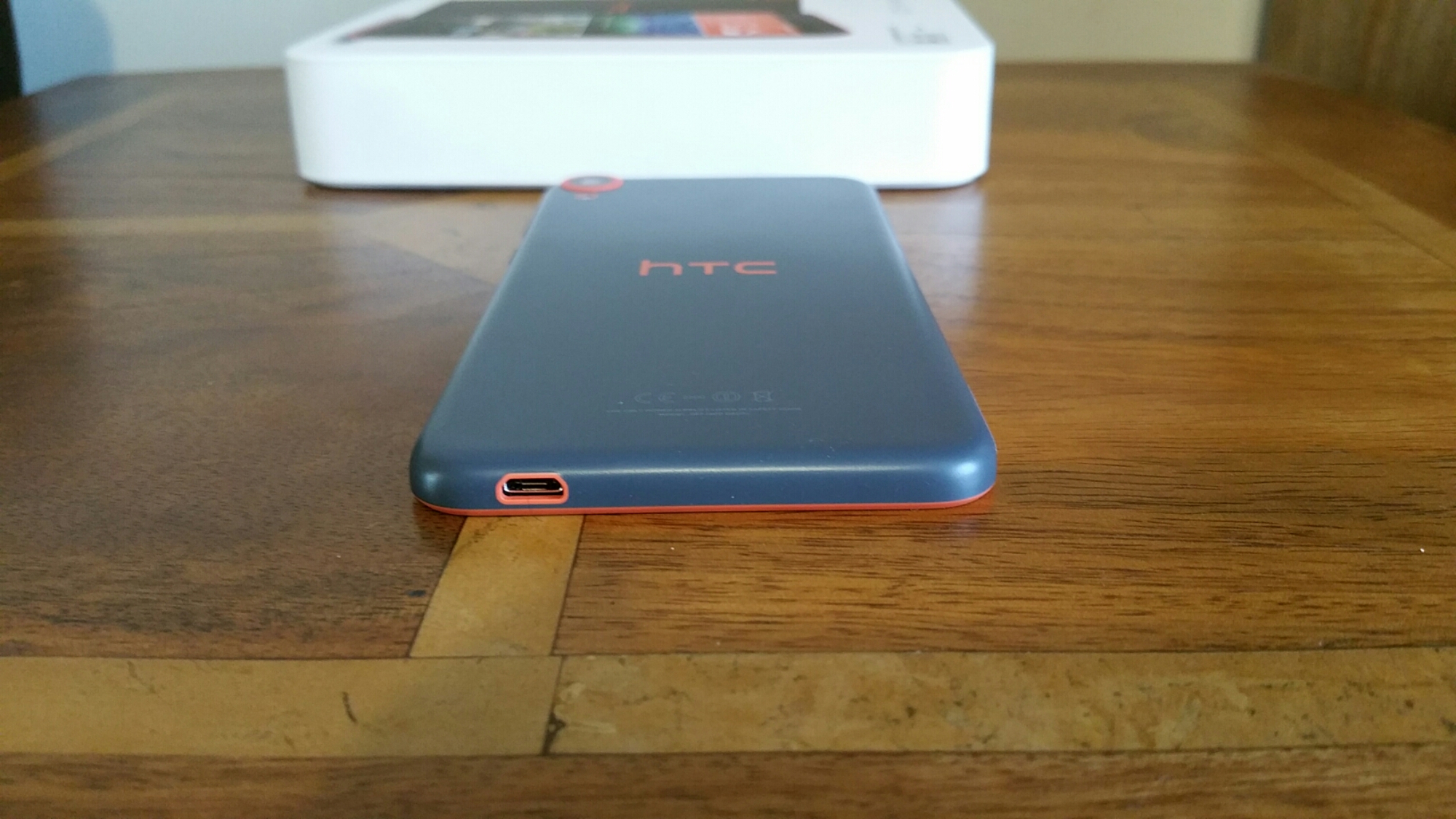
The first thing that grabbed my attention was the look and feel of the phone. I really love the finish with the orange accents. The phone is available in a range of colours, which in my opinion gives it some personality. It also drew attraction from a number of people who wanted to know more about the phone, just based on its initial looks. Even the micro usb port has a little orange love.

image

First lets take a look at the official specs –

– Size 157.7 x 78.74 x 7.74 mm
– CPU Speed Qualcomm® Snapdragon™ 615, Octa-core 64-bit
– Network 2G/ 2.5G – GSM/GPRS/EDGE:850/900/1800/1900 MHz ,3G/3.5G – WCDMA: 850/900/2100 MHz with HSPA+ up to 42 Mbps , 4G – LTE: Bands 3,7,8, 20
– Sensors Accelerometer, Proximity sensor, Ambient light sensor
– Camera -Main Camera:13MP, BSI sensor, f/2.2, 28mm lens, 1080p video recording, Front Camera:8MP, BSI sensor, 1080p video recording
– HTC Eye™ Experience with Split Capture*, Face Fusion, Live Makeup, Auto Selfie*, Photo Booth
– AC Adaptor Voltage range/frequency:100 ~ 240 V AC, 50/60 Hz DC output: 5 V and 1 A
– Weight 155 g
– Platform Android™ with HTC Sense™ HTC BlinkFeed™
– Memory Total storage:16GB, available capacity varies RAM:2GB
– Expansion card slot supports microSD™ memory card for up to 128GB additional storage (card not included)
– Connectivity Bluetooth® 4.0 with aptX™ enabled Wi-Fi®:IEEE 802.11 a/b/g/n (2.4 & 5 GHz)
– DLNA® for wirelessly streaming media from the phone to a compatible TV or computer
– HTC Connect™
– micro-USB 2.0 (5-pin) port
– Audio supported formats: Playback:.aac, .amr, .ogg, .m4a, .mid, .mp3, .wav, .flac, .wma (Windows Media Audio 9) Recording:.aac
– Video supported formats:Playback:.3gp, .3g2, .mp4, .mkv, .wmv (Windows Media Video 9), .avi (MP4 ASP and MP3) Recording:.mp4
– Display – 5.5 inch, HD720
– SIM Card Type nano SIM
– Location Internal GPS antenna + GLONASS Digital Compass
– Sound HTC BoomSound™ Dual frontal stereo speakers with built-in amplifiers
– Sense Voice
– Battery Capacity:2600 mAh
– Embedded rechargeable Li-polymer battery
– Talk time: Up to 17.8 hours for 3G Standby time ,Up to 455 hours for 3G

The first thing to note about the HTC Desire 820 is that it has a Snapdragon 64 bit processor which will allow for some future proofing. The plastic body did seem to attract my finger prints, but nothing that could not be removed with a quick wipe. The 5.5-inch screen is only 720p but the panel used is excellent. The display had good colour reproduction and viewing angles. Text looked fine on the screen too. The Desire 820 has HTC’s trademark Boomsound Front facing loudspeakers and these really do offer an upgraded audio experience. Not quite at the standard of the One M8/M9 but not far behind either.

Qualcomm’s 64-bit octa-core SoC is focused at mid-range market smartphones. The Snapdragon 615 has four 1.5 GHz Cortex-A53 cores and four 1.0 GHz Cortex-A53 cores along with an Adreno 405 GPU. With the RAM at 2GB this phone flies in use. The phone comes with 16gb internal storage of which 8gb is available to the user. The Desire 820 does accepts microSD cards of up to 128GB capacity. The phone comes with android 4.4.4, HTC Sense 6 and HTC Blinkfeed. Lollipop is scheduled for the Desire 820 too.

The Desire 820’s front camera is a massive 8 megapixels with the rear being 13mp shooter with LED flash. HTC’s camera app is truly fairly comprehensive. There are a host of shooting modes available apart from your regular suspects like Manual, Auto, Photo Booth, Split Capture and Panorama. Manual controls offers fine control over a wide number of parameters from ISO, EV, AWB, Filters, Shooting modes from night, macro, HDR, aperture from 0.3 to 1/8000 and lots more. For the creative ones, the camera app is ideal. Once you have taken your photos the editing software allows for many options including draw, rotate, crop, flip, straighten, frames, filters, effects (face adjustments galore) . The Desire 820 is a real social camera especially being able to create video highlights/Zoe’s.

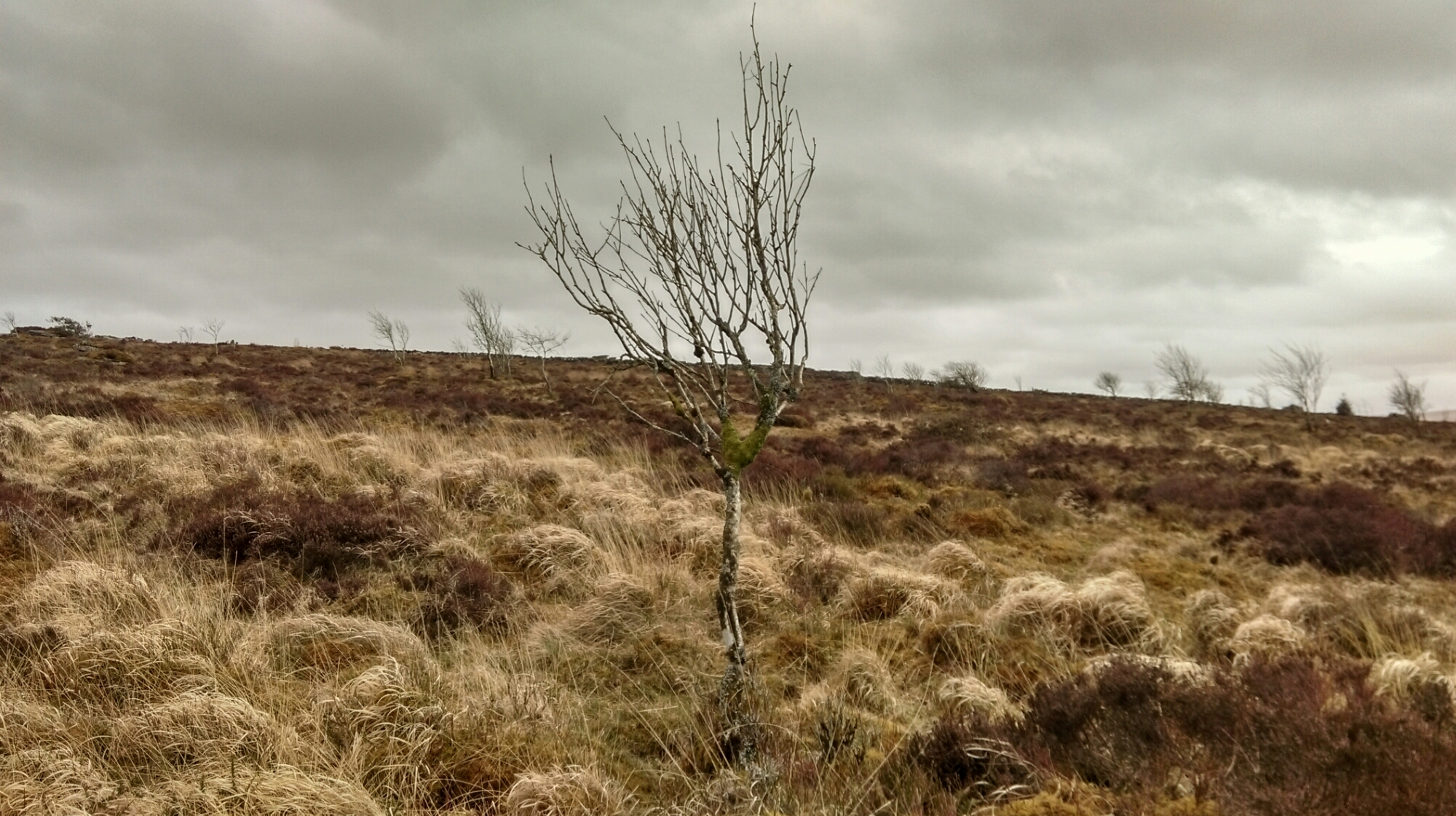
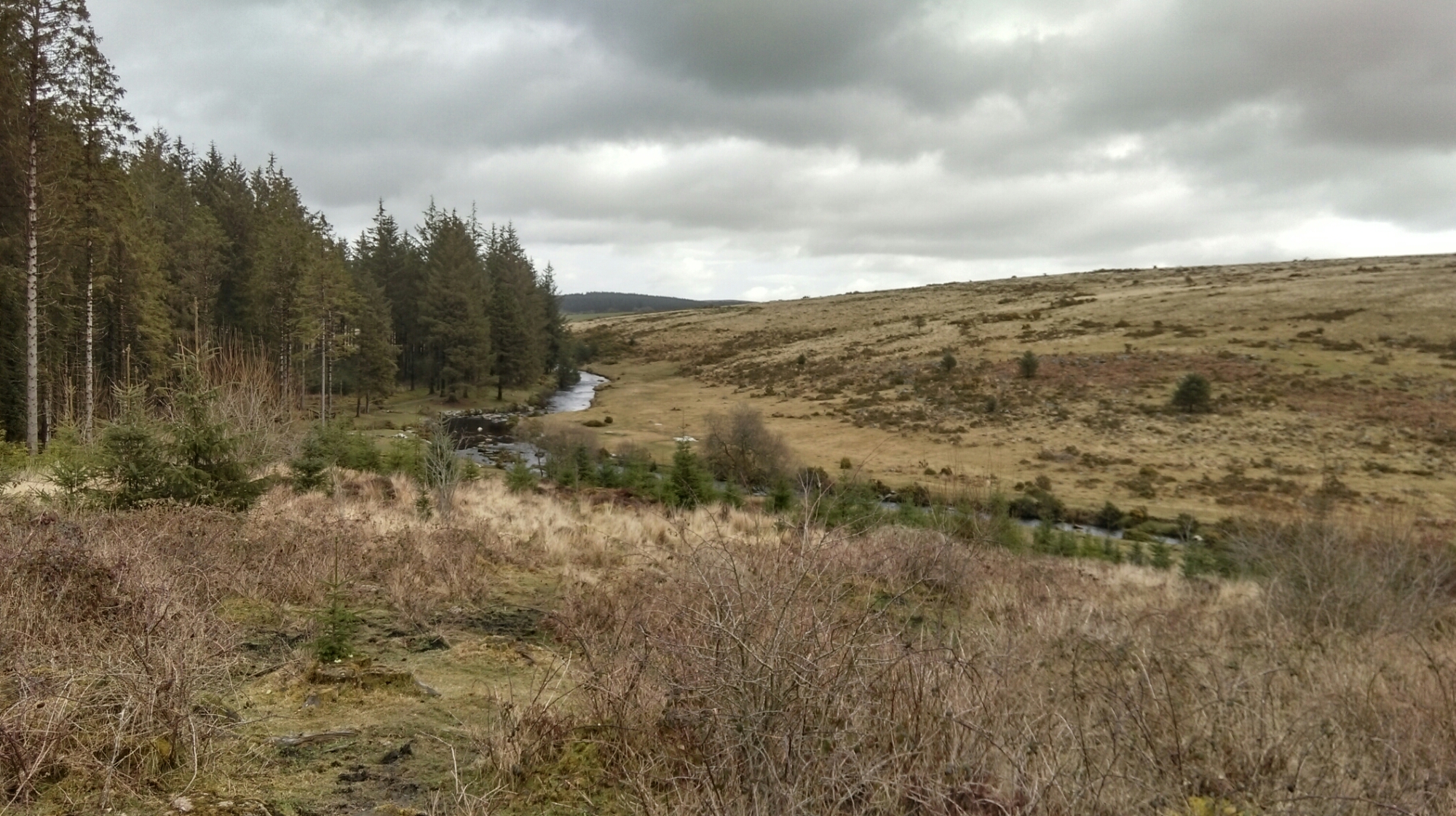
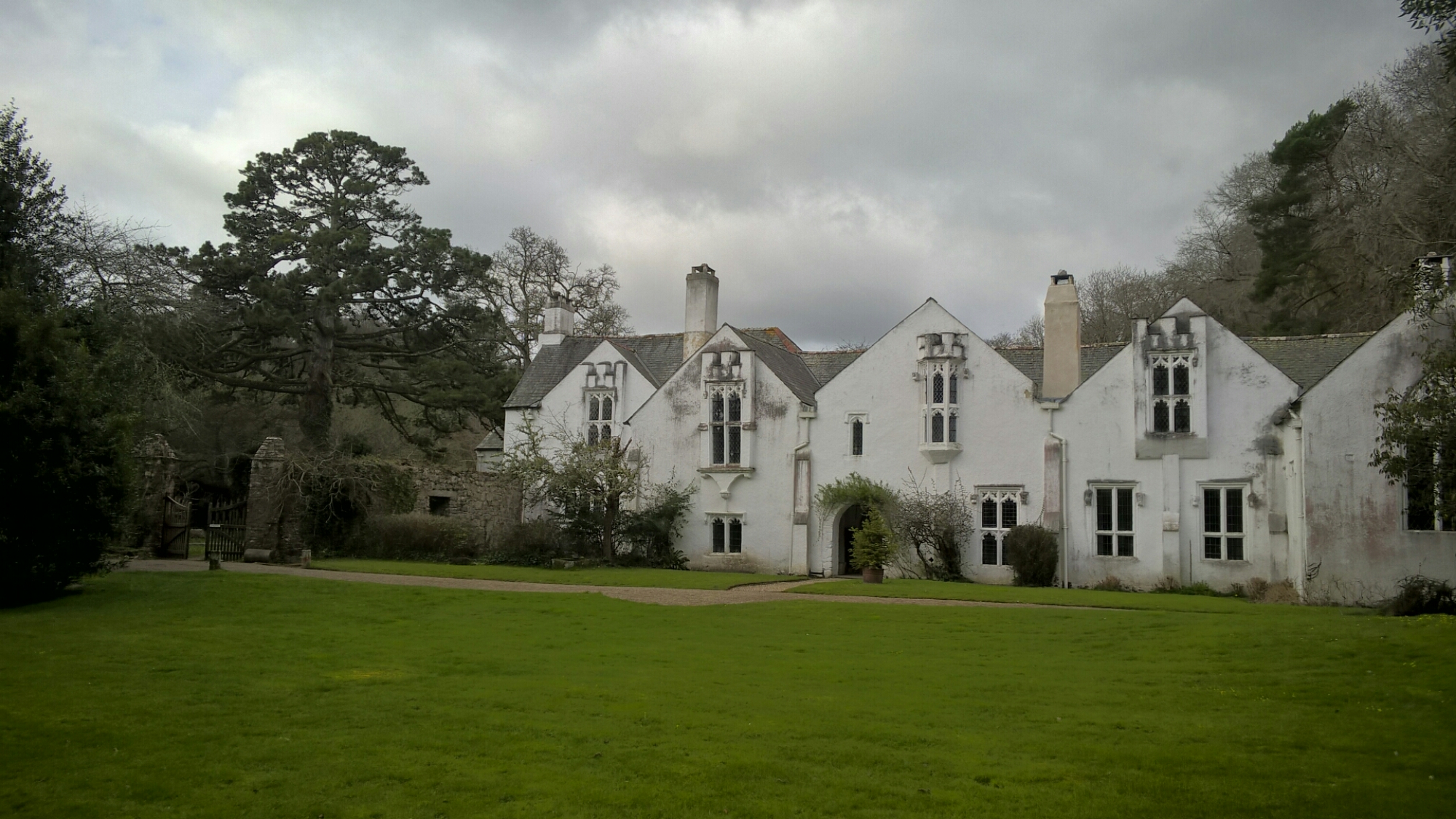
Below are a sample of the camera shots taken with the Desire 820 so you can make your own opinion on the quality of the Desire 820 camera. In my view, in good light the photos were ok and in difficult lighting it seemed to struggle. For the full range of shots head over to my Flickr album set – https://flic.kr/s/aHsk6fBpFk

image

image

image

image

The phone can connect to other devices over Bluetooth v4.0 and has support for apt-X which add to the audio experience. USB Audio is not supported. Other connectivity options include Wi-Fi a/b/g/n and Wi-Fi Direct. The battery is 2600mAh battery which provided enough juice just to make it through one of my days. That was without using the Power saving or Extreme Power saving modes.

The HTC Desire 820 is available for around £270 an offers a reasonable experience.

HTC Desire 820 at Amazon – Offer

Nokia Lumia 830 vs Samsung Note 4 – camera samples part 2

Welcome back to Part 2 of my camera comparison between the Nokia Lumia 830 and Samsung Note 4. Yesterday, I looked at macro shots. Today it is simple shots taken whilst out and about. I have included all the shots taken to give you an idea of consistency too, plus some observations. None of these photos have been edited. This post may take a while longer to show all the photos as I uploaded full resolution in to this post. I have not scaled down any photos either. The task was for each phone to take the best possible shot. First group of shots are from the Nokia Lumia 830.

image

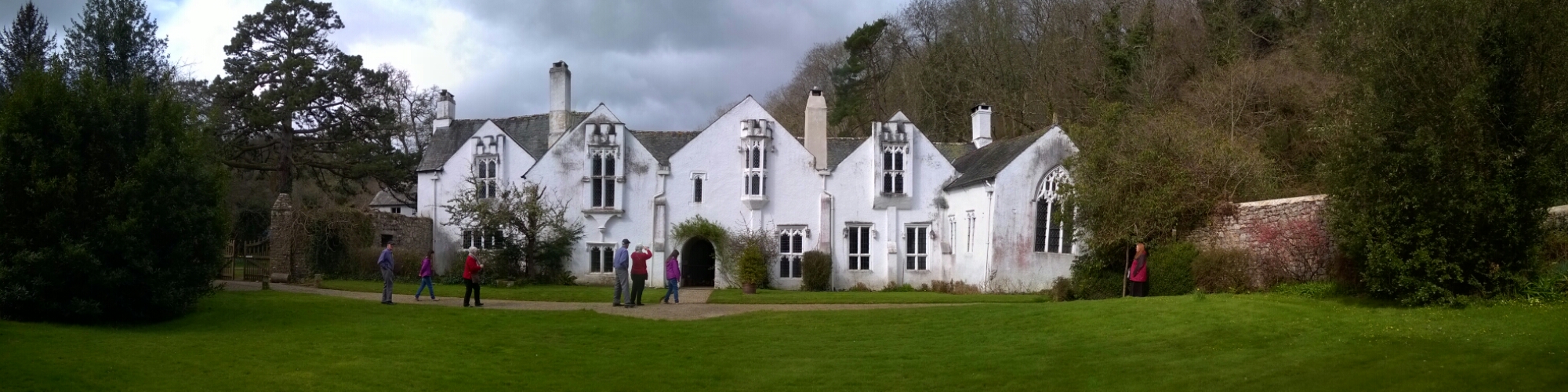
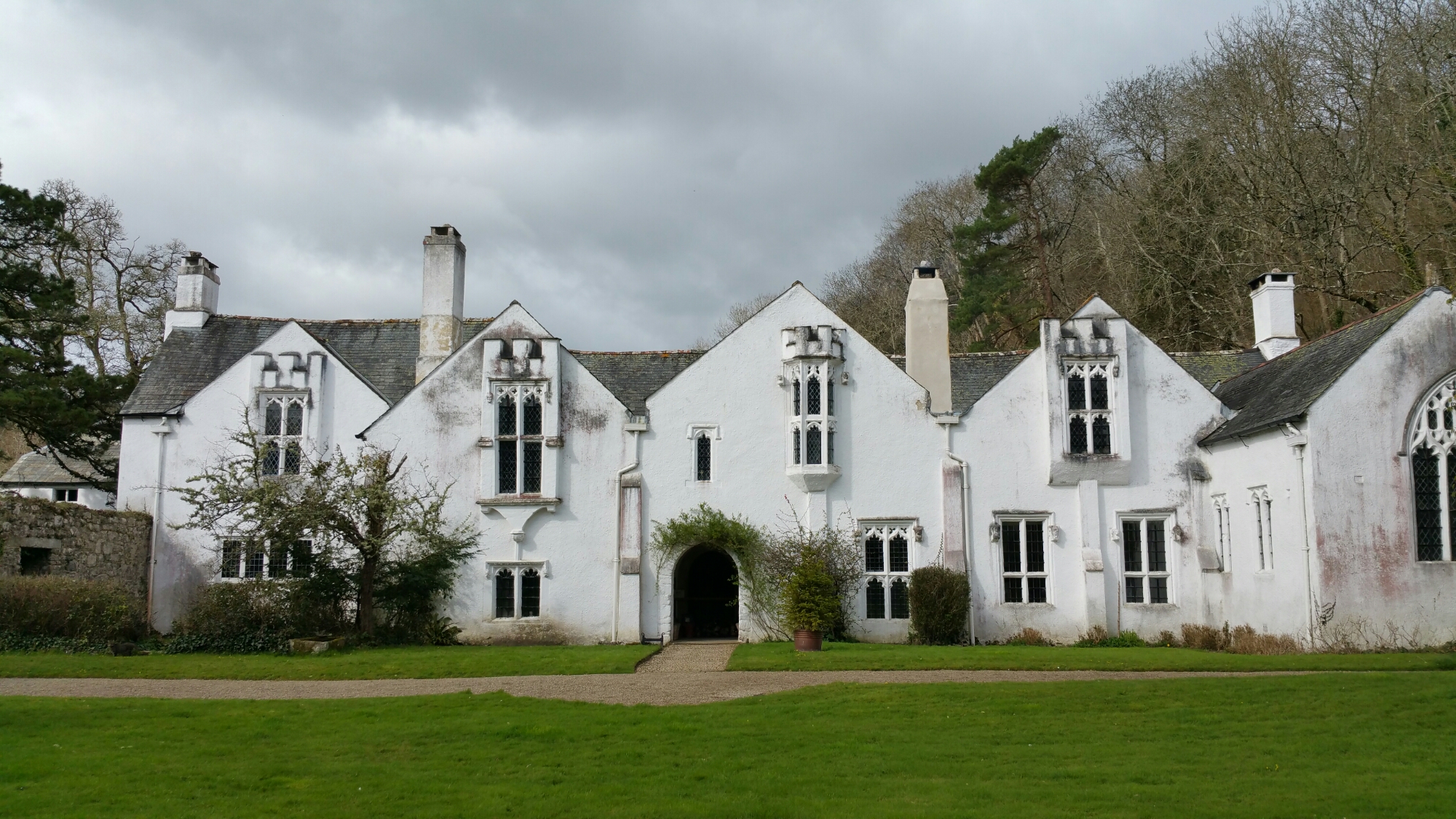
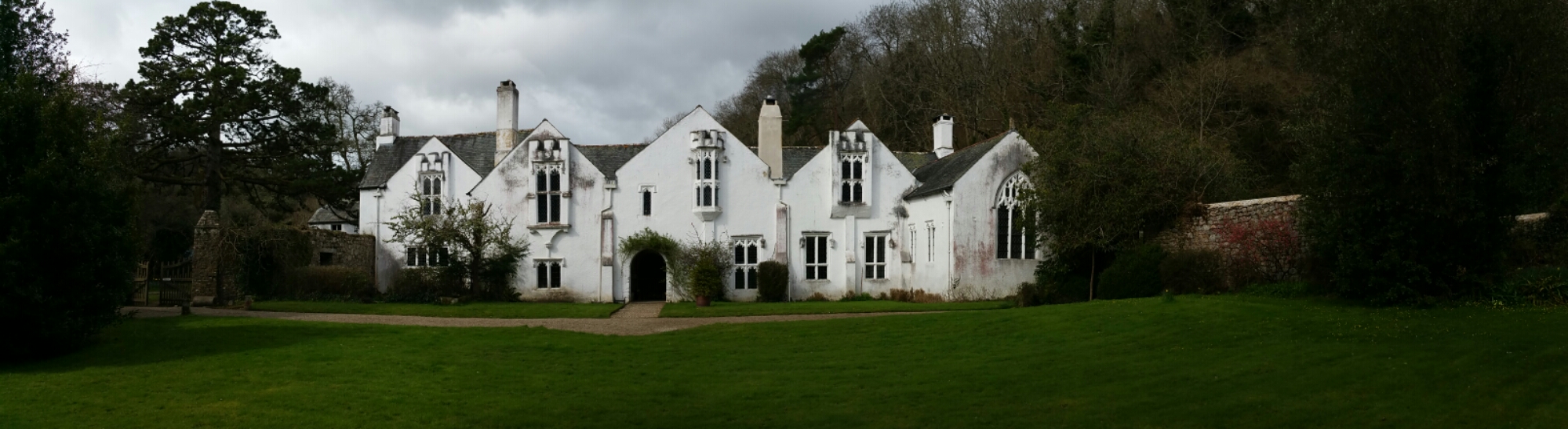
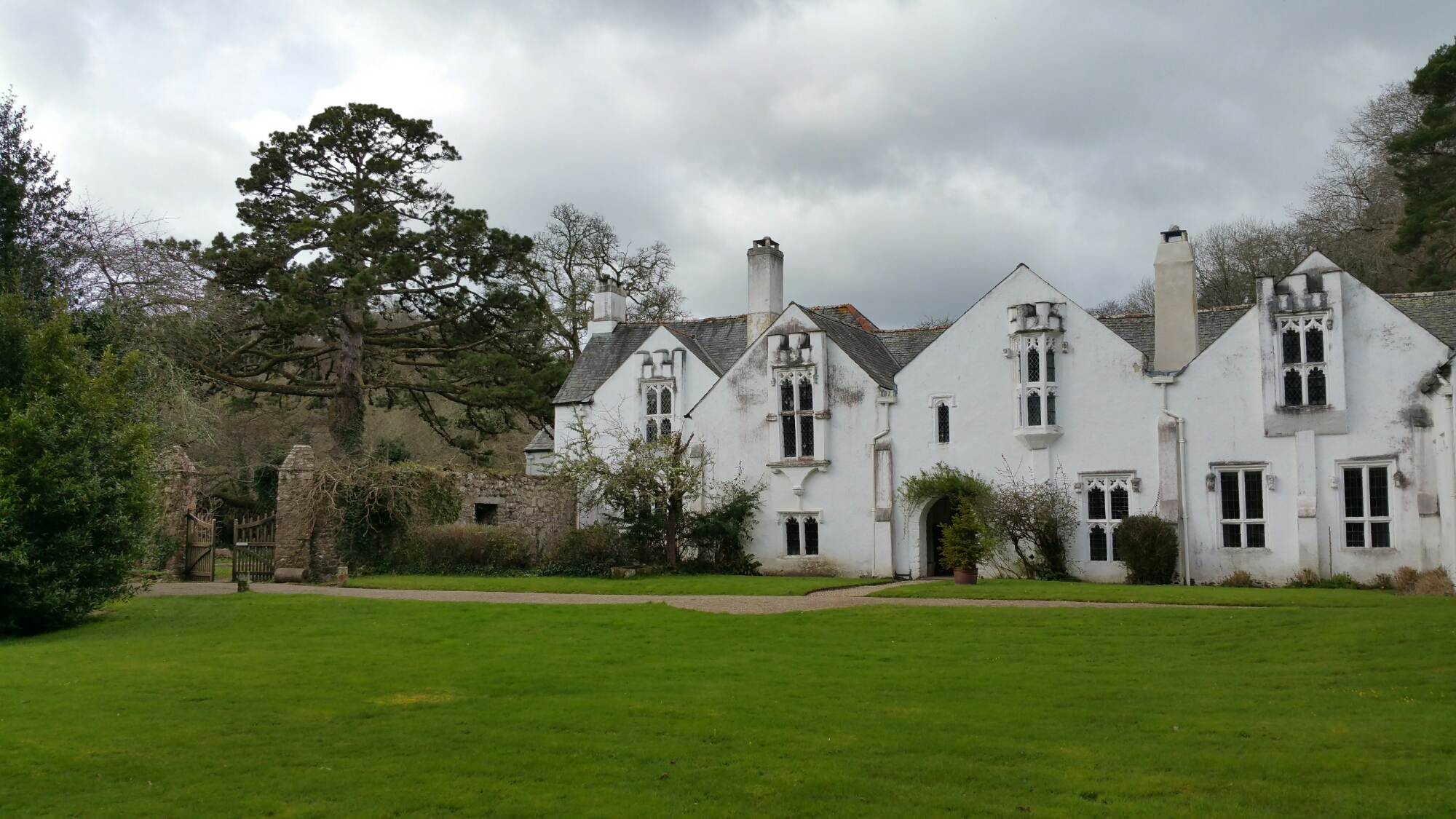
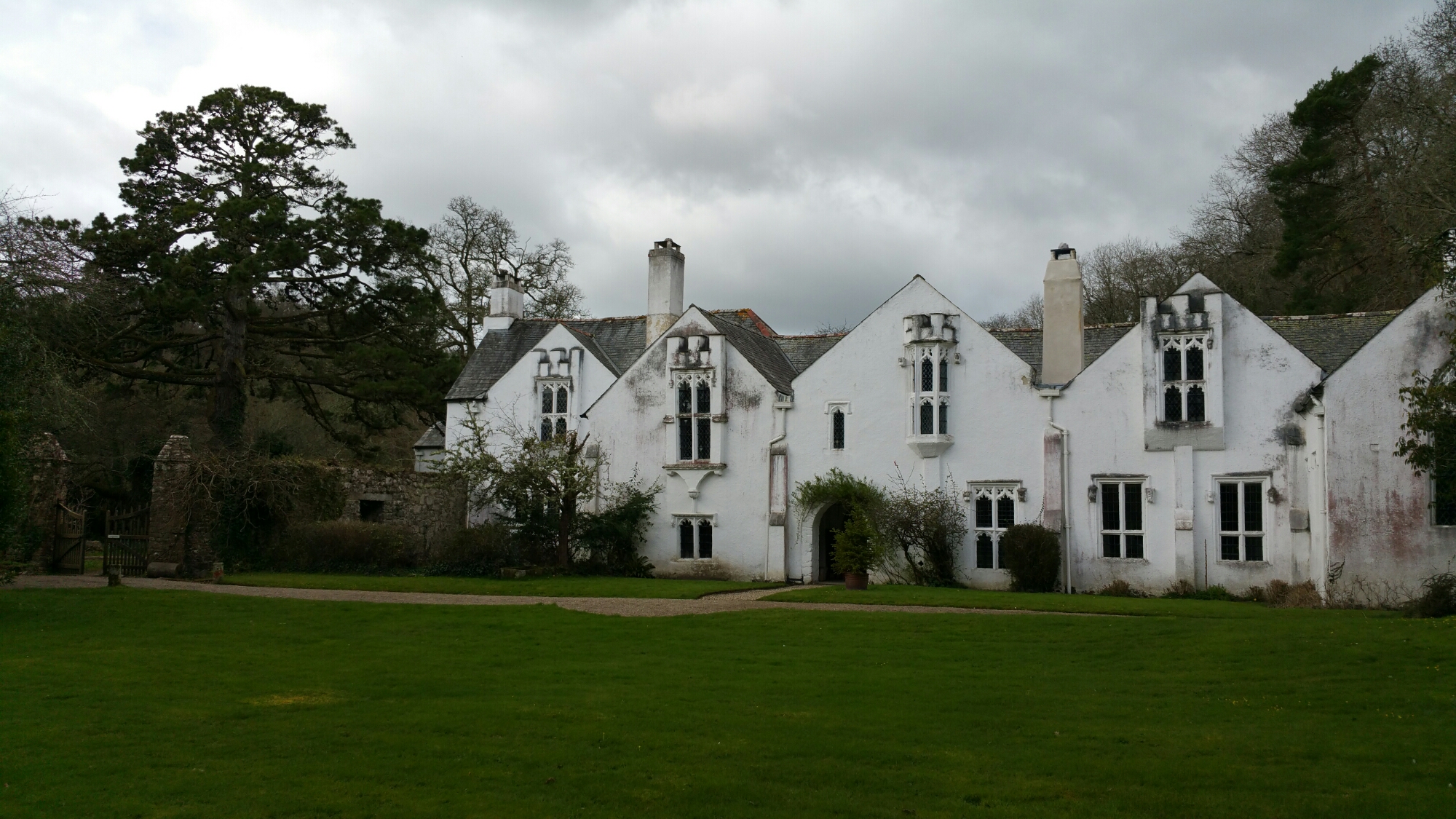
The photos were taken at Bradley, which is a National Trust site.

image

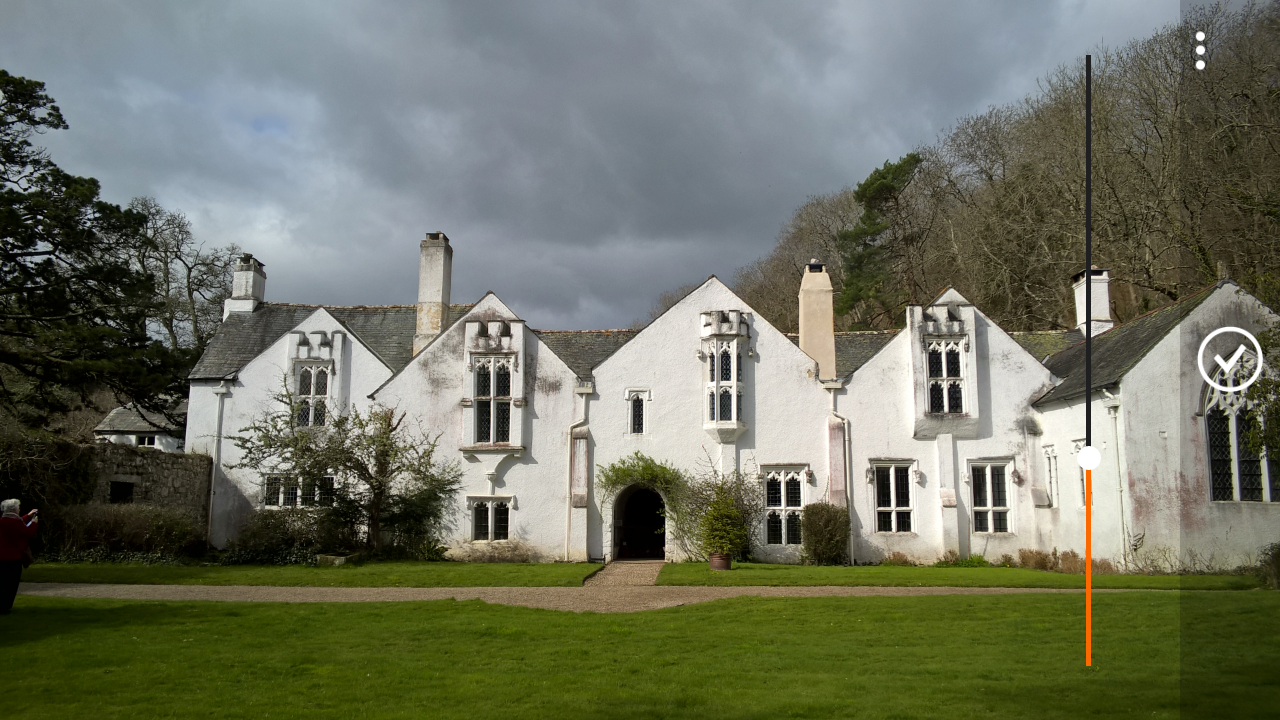
The Lumia 830 is using its Rich Capture Mode to take these. I prefer a strong effect, but you can re-edit the effect, see end of article.

image

Personally, I preferred all the shots from the 830, not that the Note 4 took poor shots. Some observations. After taken a number of Rich Capture shots on the 830, it brings up a message “saving photos”. This can take around 5 seconds and seems like an eternity. The Note 4 just keeps taking and saving at a phenomenal rate and clearly benefits from the bigger processing power.

image

The pano shot was my first attempt in this mode. I screwed it up as people emerged and I tried to rush it. The right side was not aligned properly. You live and learn. To take a pano shot on the 830 you move across and follow the line to the shaded circle. With the Note 4 you just pan across and voila. Again larger processor in the Note 4 has its advantages.

image

And now the same shots but from the Note 4, again using HDR mode.

image

image

image

The shot below is non HDR on the Note 4.

image

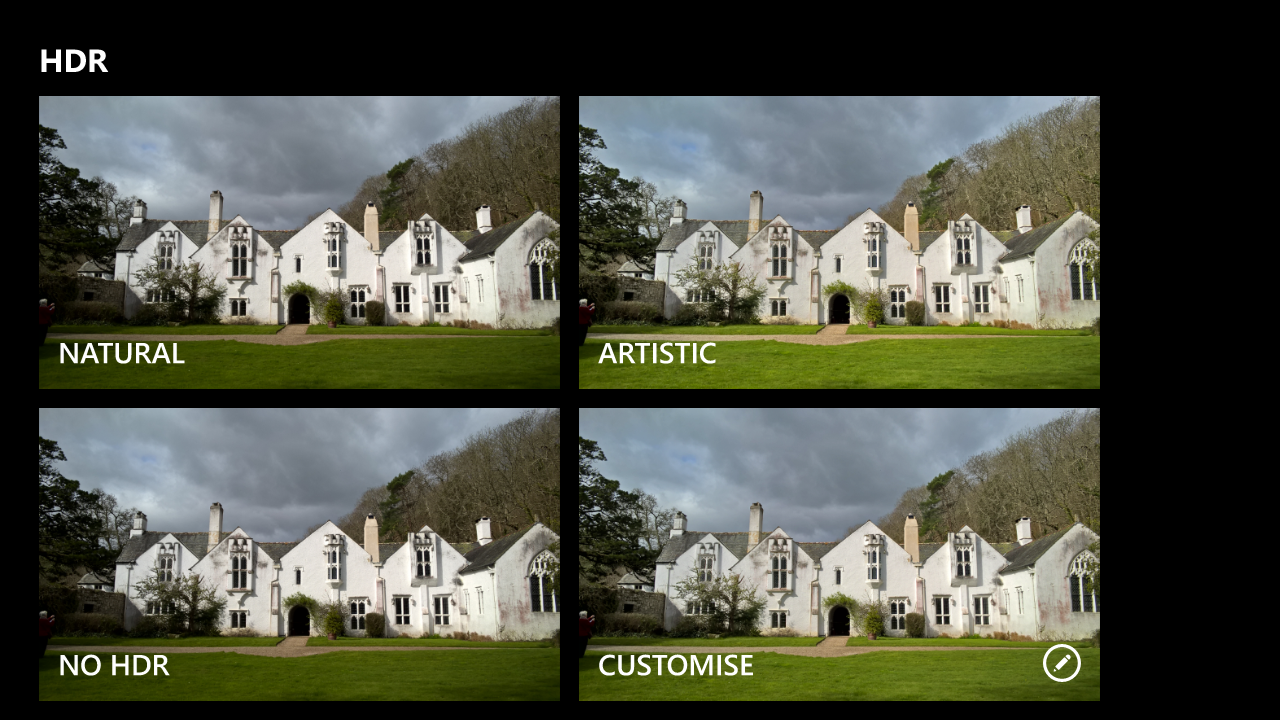
The beauty of the Lumia 830 is its Rich Capture Mode. You can fire up the Nokia Camera app, and scroll to a particular rich capture shot and change the HDR effect. There are 4 options as shown.

image

The customise options is brilliant as you can add just the required amount necessary.

image

And to give you an idea of non HDR, this is what it looks like as shown below.

image

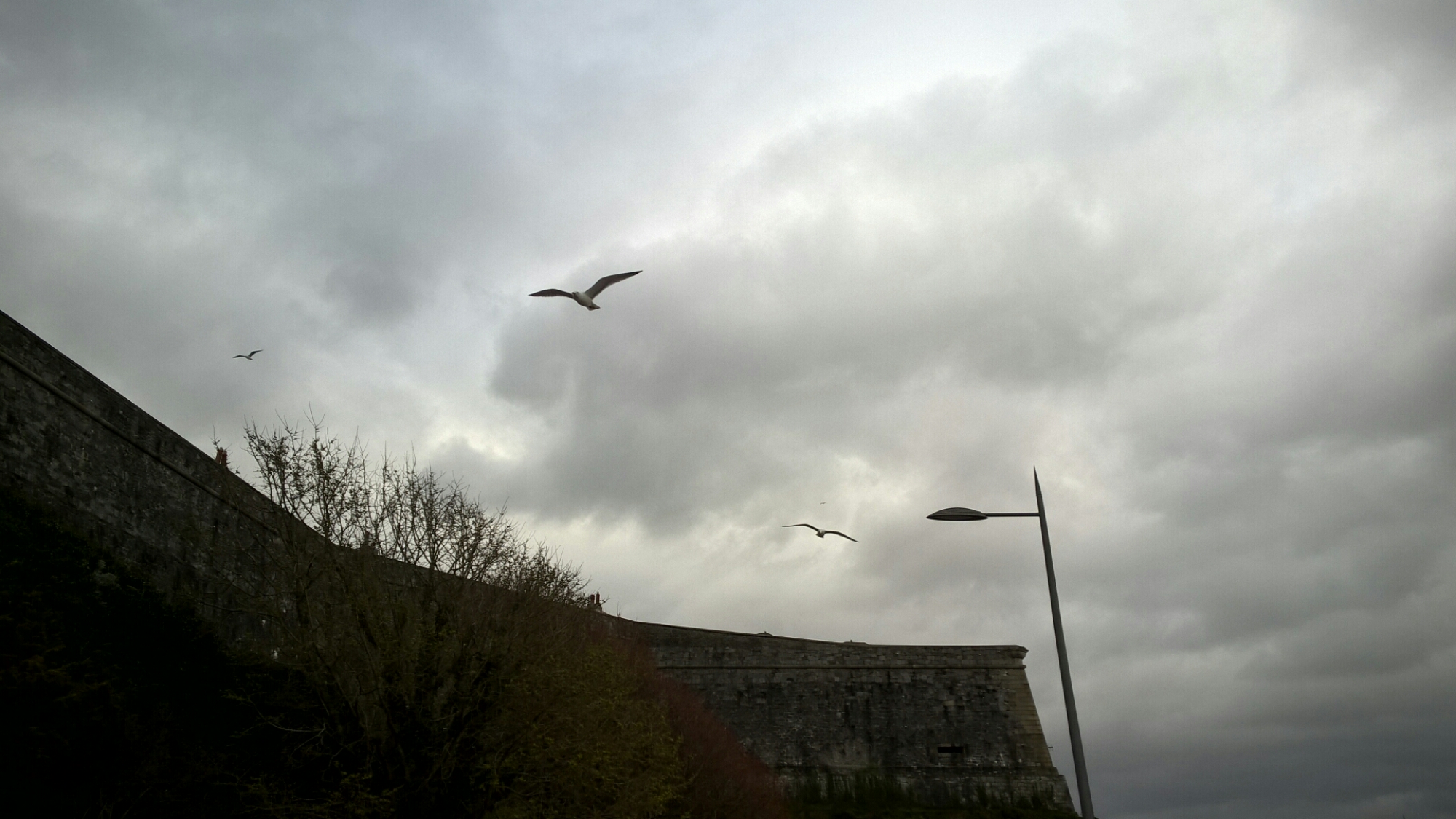
I also wanted to see how good the 830 burst mode could perform. The daylight was poor but these are a few seagulls that flew over me.

image

image

And finally, just for a bit of fun, these are all taken on the Lumia 830 and edited on the phone to create the effect of my liking. These photos only had a light filter applied and then framed. Again, all on the Lumia 830 and using Camera360 Sight app.

image

image

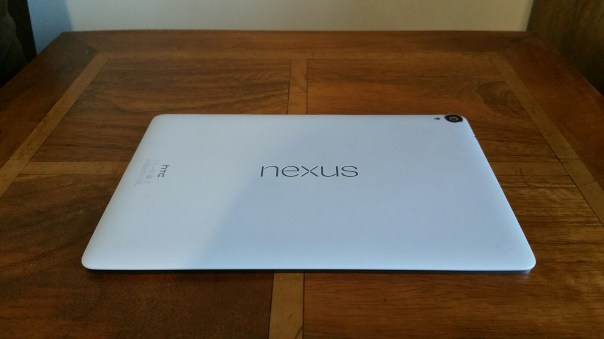
Nexus 9 Tablet review

image

image

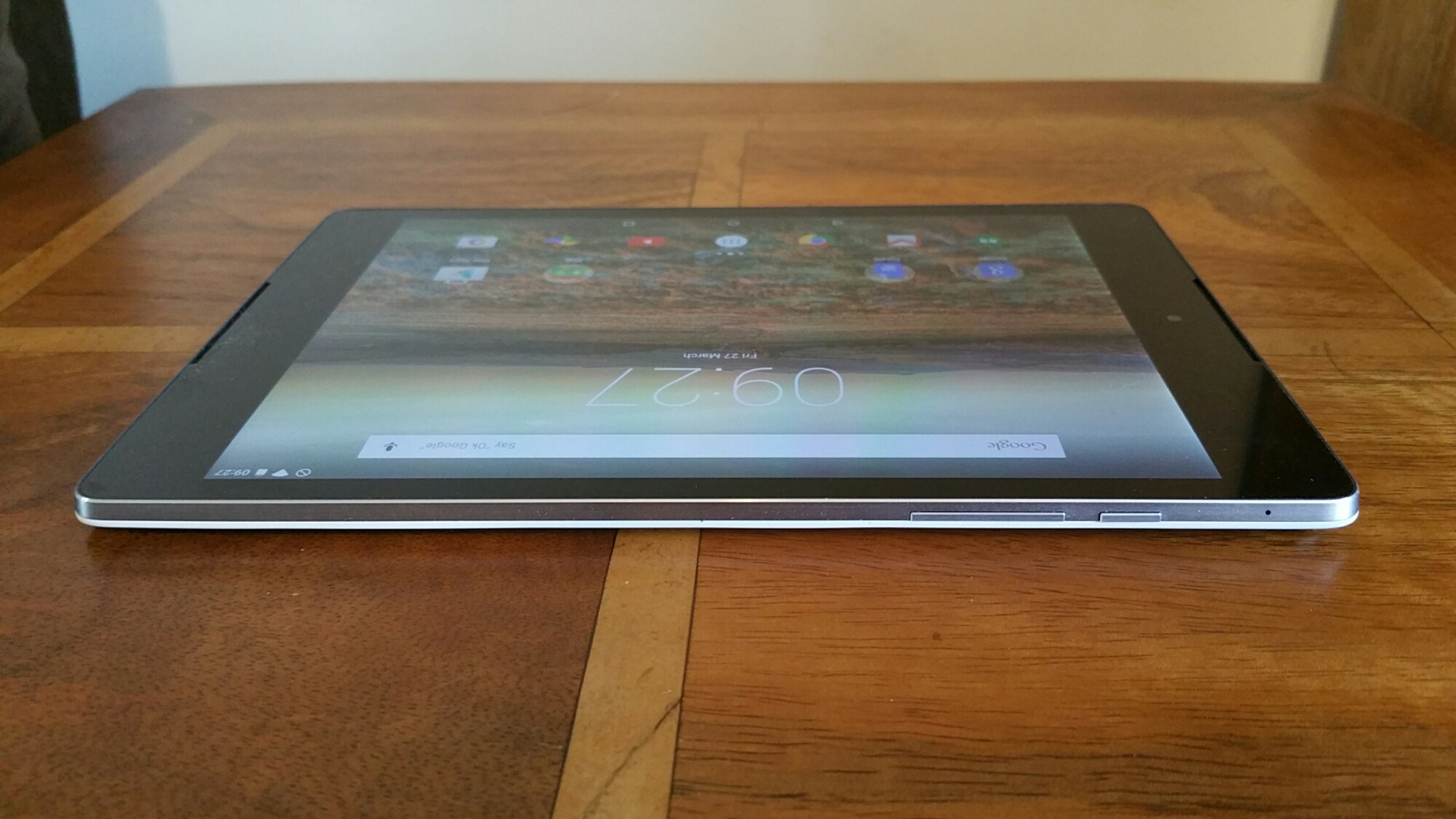
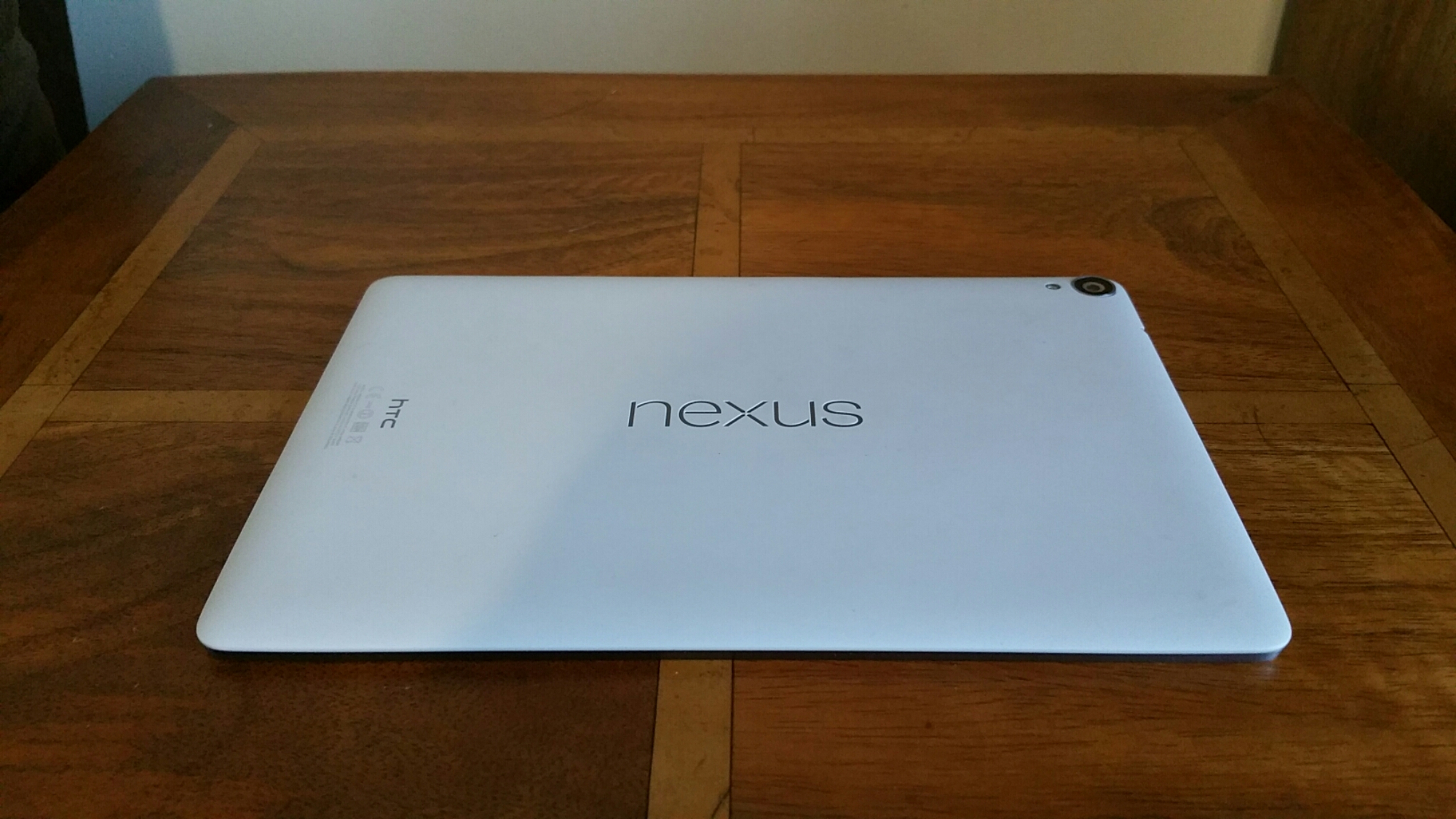
A few weeks ago, I received the Nexus 9 tablet and I provided a few first impressions. Today, I am going to expand upon those and detail my findings.

First lets take a look at the key specifications –

– Size – 228.25 x 153.68 x 7.95 mm
– CPU Speed – 64-bit NVIDIA Tegra K1 Dual Denver @ 2.3GHz
-Network 2G/2.5G – GSM/GPRS/EDGE: 850/900/1800/1900 MHz 3G – WCDMA: 850/900/AWS/1900/2100 MHz with HSPA+ up to 42 Mbps 4G – LTE: (I had the wifi model only) Bands 1,2,3,4,5,7,8,20
– Sensors – Accelerometer, Ambient light sensor, Gyro sensor, Magnetometer
– Camera – Main Camera: 8MP, auto-focus, BSI sensor, f/2.4, 1080p video recording
– Front camera: 1.6MP, BSI sensor, f/2.4, 720p video recording
– Weight 436 g
– Platform Android Android™ 5.0 Lollipop
– Memory – Total storage: 16GB, available capacity varies RAM: 2GB (9gb free on my model)
– Connectivity 3.5 mm stereo audio jack
– NFC , Bluetooth® 4.1,Wi-Fi®: IEEE 802.11 ac, 2×2 MIMO,micro-USB 2.0 port
– Battery – Capacity: 6700 mAh Embedded rechargeable Li-polymer battery
– Video playback: Up to 9.5 hours
– Internet usage: Up to 9.5 hours for WiFi/8.5 hours for LTE
– Standby time: Up to 30 days for Wi-Fi & LTE
– Display 8.9 inch IPS LCD, 4:3 aspect ratio, QXGA (1536 x2048) Gorilla Glass 3
– Double tap to wake
– SIM Card Type, nano SIM
– GPS Internal GPS antenna + GLONASS
– Sound Dual front-facing speakers with HTC BoomSound™ Dual Microphones
– AC Adaptor Voltage range/frequency: 100 ~ 240 V AC, 50/60 Hz ,DC output: 5 V and 1.5A

The Nexus 9 comes in a few different versions, some with WiFi only and others with cellular connectivity. I have the WiFi only model with 16gb of storage. This had around 9gb storage free but after various app updates this dropped to just under 9gb. After installing a number of apps, I now have 5gb free. I can see myself running low on storage if I am not too careful. It is a shame that no micro SD card slot is included, but then this is a pure Google experience and the Cloud is clearly Google’s preferred way of managing media. As this is a pure Google experience it runs Android Lollipop out of the box.

In case you did not realise the Nexus 9 is made by HTC. It is a 8.9 inch Android Tablet with a 64-bit NVIDIA Tegra K1 2.3GHz, 2GB RAM and weighs 426g. I personally thought the weight was on the high side considering it is only an 8.9 inch device. HTC’s trademark “Boomsound” front facing speakers are included..

Android Lollipop on the Nexus 9 was actually an enjoyable affair. Menus seemed more logical and the initial setup was a breeze. All of Google’s apps were included so just by signing in to my Google account I had all my documents, music and photos instantly on tap. I also liked the double tap to turn on feature.

The Nexus 9 is powered by a Nvidia Tegra K1 64 bit processor. On paper this is one powerful processor and when pushed especially with certain games it really can deliver. Heat build up is present on a regular basis, but nothing to be alarmed at. One of my favourite games, T.E.C. 3001 which is specifically designed for the Tegra K1 worked a charm. However, a few other games I had bought when I had had my Nvidia Shield tablet had trouble running on the Nexus 9. I imagine these games might need an update to support lollipop. My Moga Pro Power Bluetooth Game Controller worked well with the Nexus 9.

Battery was an interesting subject. The Nexus 9 is promoted as having 9.5 hours internet/video playback and this is in line with my results. However, play a high adrenaline game that requires all the processing power and that figure will halve. The display was just reasonable but not the best I have seen from Apple with the iPad Air 2 or Samsung Galaxy Tab S range. However, the 4:3 aspect ratio was a welcome change and made the whole user experience really excellent. This is one of the first android tablets I have used with a 4:3 aspect ratio, and I really hope other manufacturers follow suit.

Smoothness. Following on from my initial findings the Nexus 9 is fast and furious, mostly. The Google Keyboard is super quick to use, but for some reason the tablet occasionally stumbled and redraws occurred when returning back to the home screen. Maybe 2gb ram is not enough for a totally perfect setup.

Camera. The Nexus 9 has a 8mp rear camera and a 1.9mp front facing camera. Both these cameras take ok photos in good light, but in lower light noise levels increase considerably. The camera app is of course the stock Google Camera app, and consequently is a simple to use. Camera modes include photo sphere, panorama, lens blur, the rear camera can record video up to 1080p, the front records video at a max of 720p.

A highlight of the Nexus 9 is its front facing Boomsound loudspeakers. The extra quality makes movies, YouTube and everything else a pleasure and being positioned on the front is so logical too. Audio output via the headphone jack was good too and the Nexus 9 supported USB Audio.

All in all, the Nexus 9 is a lovely tablet to use. It has some flaws but overall the 4:3 aspect ratio, powerful chipset, lollipop and front facing Boomsound speakers make it an enjoyable experience.

Click Here for Offers on the Nexus 9 at Amazon
Nokia Lumia 830 vs Samsung Note 4 – camera

We all know Nokia have a great reputation for their camera prowess. And the Samsung Note 4 is also known to be a superb smartphone shooter.

I have been using the Lumia 830 in several conditions and in low light it has surpassed my Note 4. But what about macro. Below is an illustration.

First is the Lumia 830 crop and next the Note 4. The Note 4 had the benefit of a starting point of 16mp vs the 8mp on the 830.

image

image

So which do you prefer?

Samsung Galaxy Note 4 – Official S Charger Qi Wireless Kit – Review

image

Qi Wireless Charging has not been my favourite option due to inconsistencies in products and implementation by manufacturers.

When I had my Samsung Galaxy S5, I bought the official Samsung Qi Wireless Kit which included the Samsung Qi back cover and charging pad. Let’s just say that this was a disastrous piece of kit and poorly implemented by Samsung. Apart from the back cover being thicker than the standard back cover, meaning existing cases won’t fit, the Samsung charging pad was temperamental and once it charged the S5, it turned off so by morning the S5 could be down to 80% battery. It had other issues too.

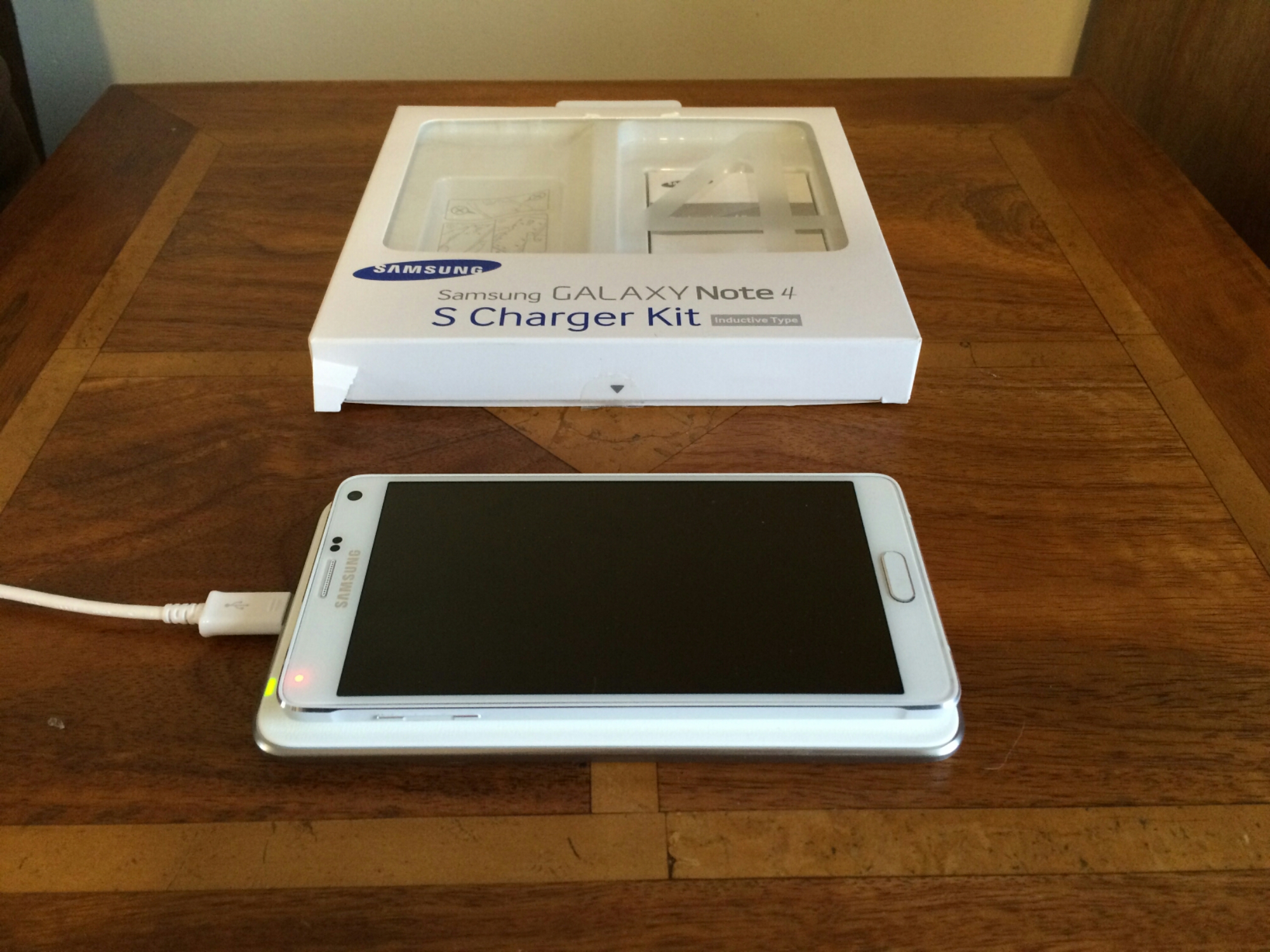
So, when I ordered the official Wireless Charging Kit for my Note 4, I was expecting to return it but to my surprise it actually is bullet proof in operation. In the box you get the charging pad and replacement back cover.

Firstly you remove the back cover and swap it for the Qi version. This adds additional thickness so once again your cases are likely not going to fit. Then plug your Samsung charger into the pad (actual mains charger is not supplied) and a LED light turns orange then green, and then goes off. Place the Note 4 on the pad, and the light turns green to notify you it is charging. The LED light does not turn off but to prevent it being too bright at night, I moved the Note 4 a little over the LED. The charging pad still had no issues charging the Note 4. In the morning, the Note 4 battery was at 100%. Also, I have never noticed huge heat issues with this combo. I have also used another Samsung charger (non adapter fast charger) and this also worked just fine with the charging pad. For once the official wireless charging kit did exactly what it said on the tin!

So as long as you don’t mind the additional thickness and weight, then there is nothing to lose. It is currently reduced on Amazon from £53 to £35. So Click Here for Special Offer on Amazon
Samsung Note 4 – camera shots of the month

So far the Samsung Note 4 has been one of my longest owned smartphones, hitting the 4 month mark. Whether this remains to be the case is unknown, as I am currently testing a few other devices currently.

Anyway, here are some of my favourite photos taken with the Note 4 this month. Don’t forget to click on the photo to reveal the full resolution. And if you fancy looking over some more, there are over 160 photos on my Note 4 Flickr Album – https://www.flickr.com/photos/gavinfabl100/sets/72157648796796660/

Views of Little &  Great Mis Tor, Dartmoor #Note4

Lifting Equipment along Cotehele Quay #Note4

Newton Ferrers & Noss Mayo panoramic along the River Yealm #Note4

Red Boat anchored at Noss Mayo at low tide #Note4

Dartmoor Ponies on Dartmoor #Note4

Moody & Dramatic Dartmoor #Note4