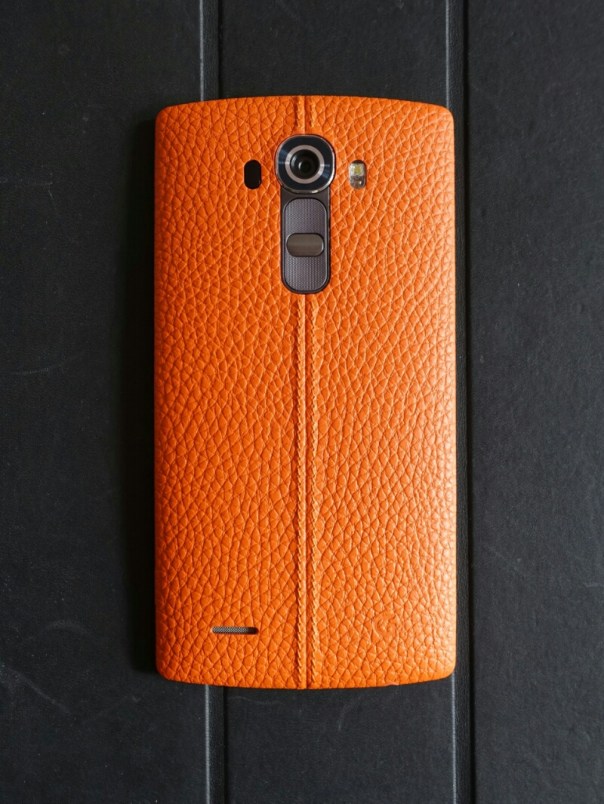
Before I start to describe how to add Qi Wireless charging to the LG G4, please remember that if you use the method I used with the original back cover that came with your phone, you will void your warranty.
So I decided to add the Qi Wireless charging to my beautiful orange leather back. The first decision I had to make was which brand of Qi Wireless Sticker to choose. I read lots of reviews and looked at the various installations required and decided to buy the G4 SlimPWRpatch Qi Receiver for LG G4 by Fonesalesman
The process is so simple. Use the pick to ease of the current NFC sticker from inside the battery back cover. Next, lay Qi wireless card over the battery and use the small stickers to hold in position over the metal pins. Put back cover on and test to make sure you have aligned card. If ok, peel off 3m sticker, replace back cover. Leave a few minutes. Take off back cover, remove small round stickers used to position. Job done. The printed instructions are probably simpler to understand than my explanation, or you can view the video produced by Fonesalesman.
I cannot stress how simple the installation using the Fonesalesman product. There is no guesswork involved in alignment and you align prior to fixing.
So does it work? Yes and that’s despite its curved back. I use it on my Samsung Note 4 Qi Wireless pad and my 2 x Nokia Qi Wireless puck. The NFC chip is also included in this product too.

Link to Amazon UK for – the G4 SlimPWRpatch Qi Receiver for LG G4 by Fonesalesman
 Gavin's Gadgets & Photography