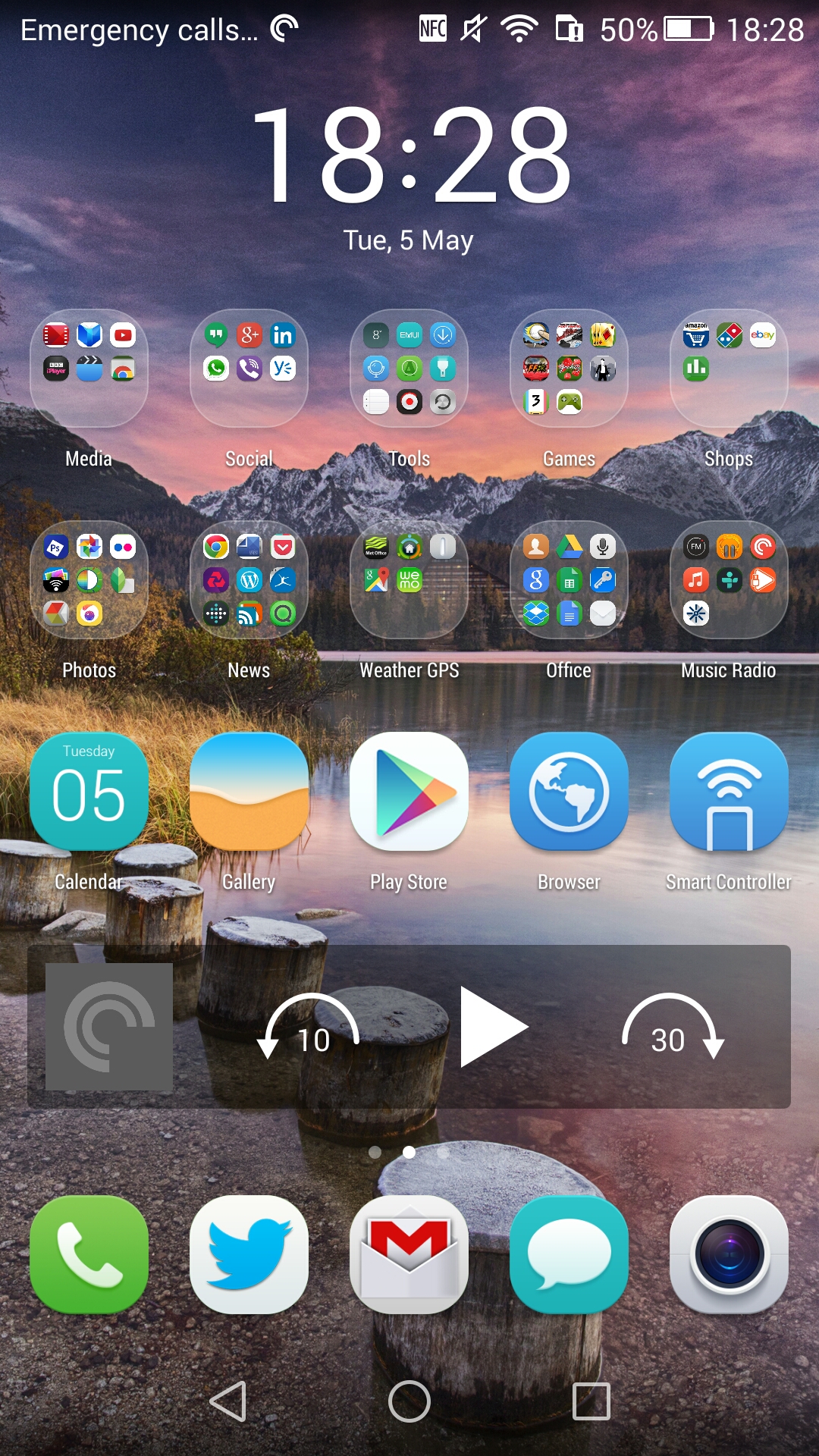
I’ve been experimenting with the Honor 6+ and it’s launcher. It’s different as it doesn’t use an app drawer and to be honest there is no reason to have one. All you need to do is have a home screen on one side for apps in folders if required.
So far the above is my created look. Below are my other screens. I have found the icons a little large for my liking but there are plenty of themes to choose from. A solution to the look and feel would be to use Nova or Google launcher but for the time being I want to experience the Honor setup.


The one aspect that did annoy me was the folder as free trials. See below.
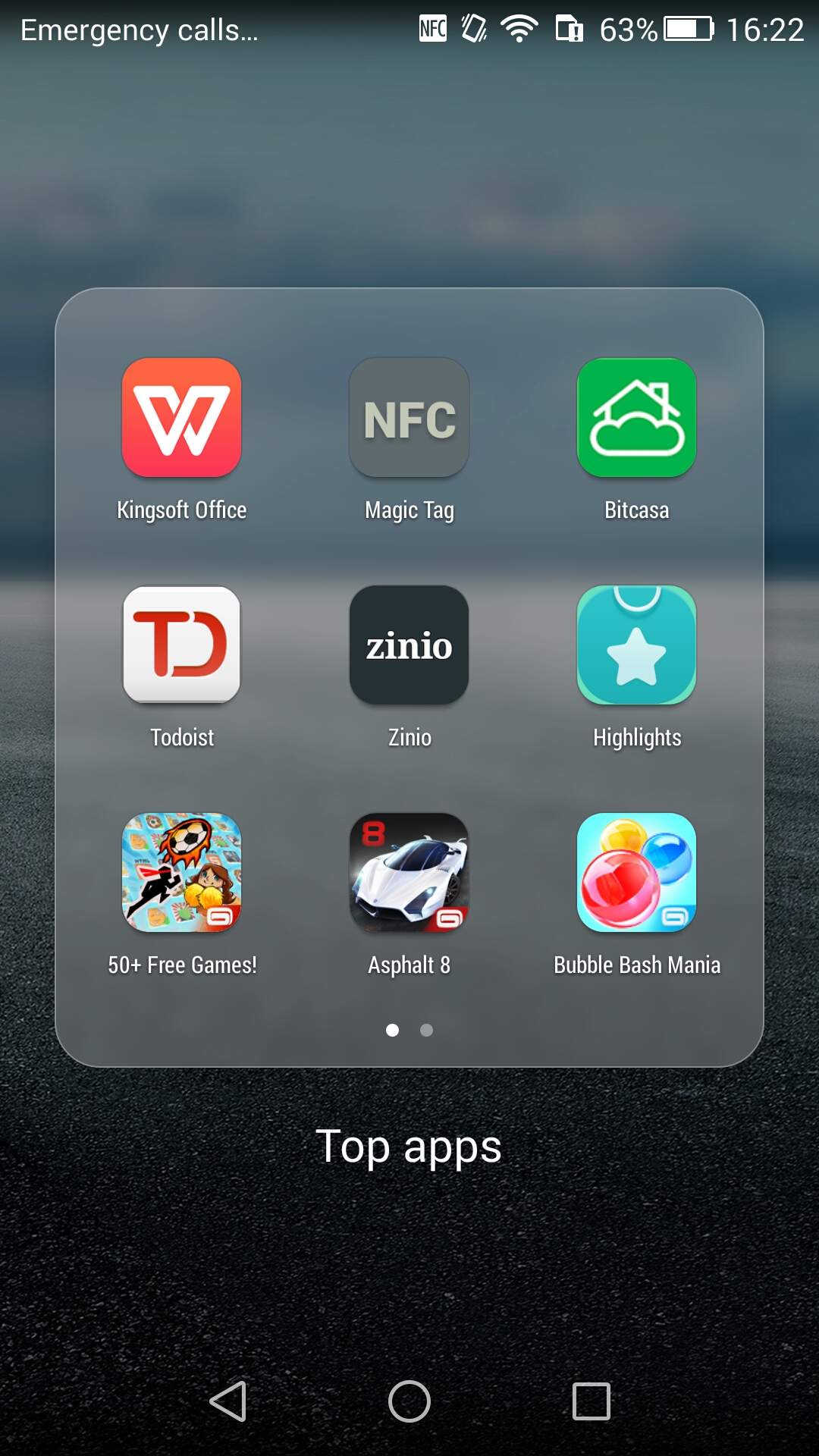
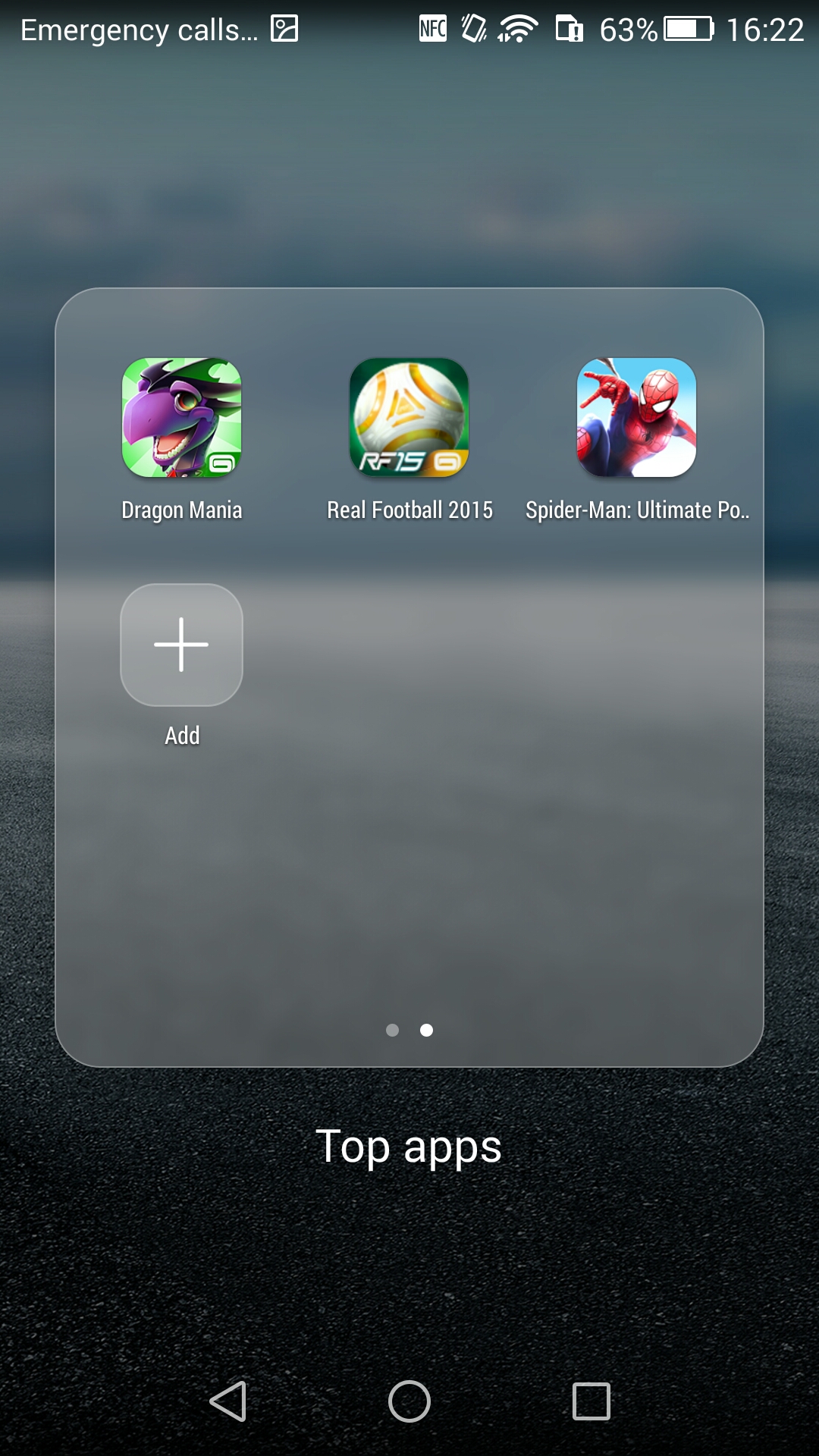
That’s 12 apps/games. I’ve removed all but the NFC app. Fortunately you can completely uninstall them. That’s the negative.
In terms of positives there are so many little software tweaks which I will try and cover off in my main review.
Since I’ve started adding my apps and more I am now going to insert 2 sims. A 3 UK and a Vodafone sim to see how the dual sim management works.
So far this is a superb piece of kit.
 Gavin's Gadgets & Photography
Tempted to try to pick one of these up (I guess ‘3’ are the only place in UK right now?) – looks nice and interested to see how the camera performs.
LikeLike
Yes 3. Amazon has pre orders for black and white delivering 18th May
LikeLike