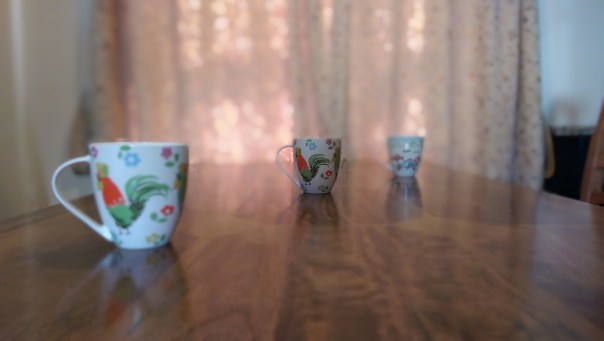
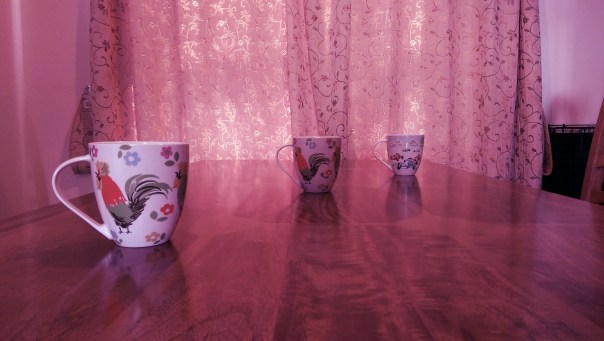
Today I am going to look at the results from the camera and the post editing that is possible. So I took the photo below. This is in full auto using no special photo shooting mode or pre applied effects. It is important to work in this way, otherwise you cannot use any of the fun post editing options. So let’s start.
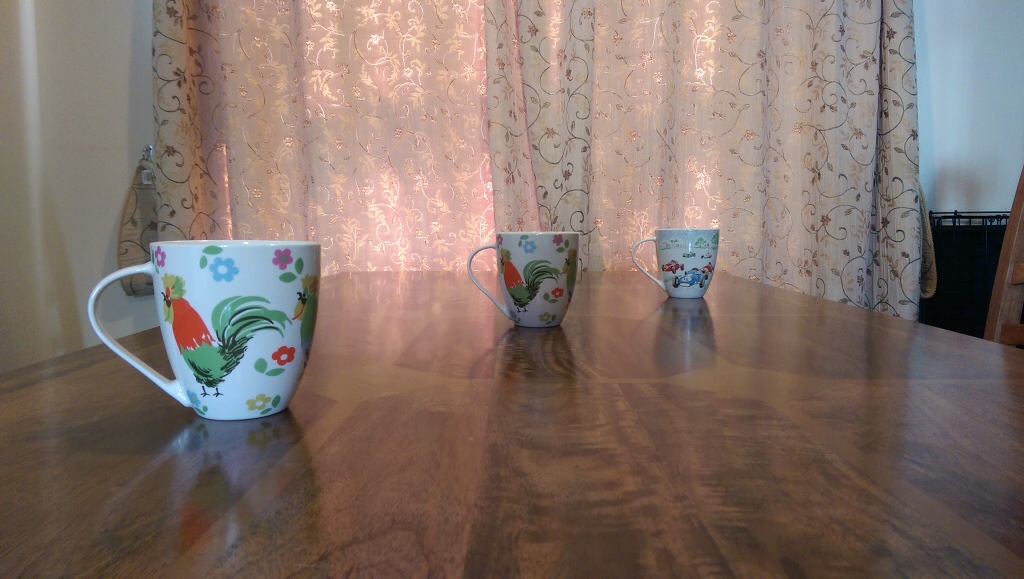
Now with the HTC One M8 and it’s dual rear camera lenses I have a photo with lots of additional exif data that will enable me to continuously re edit the photo as often as I like. So after taking the photo I jump into the gallery app, and hit edit.
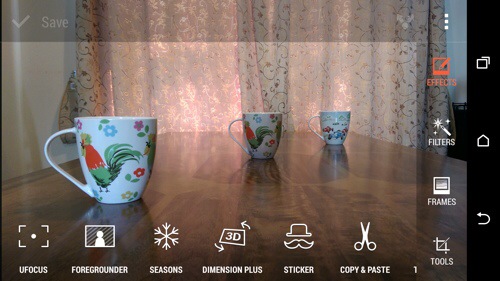
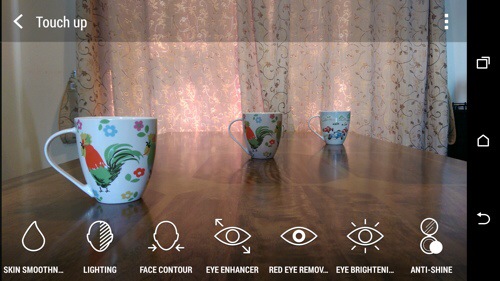
There is one more option for editing peoples faces in the menu.
Anyway, first up we will hit in the effect “UFocus”. This allows for the focus point to be changed after the shot has been taken and as many times as required. So first up, I altered the original photo on the front mug.
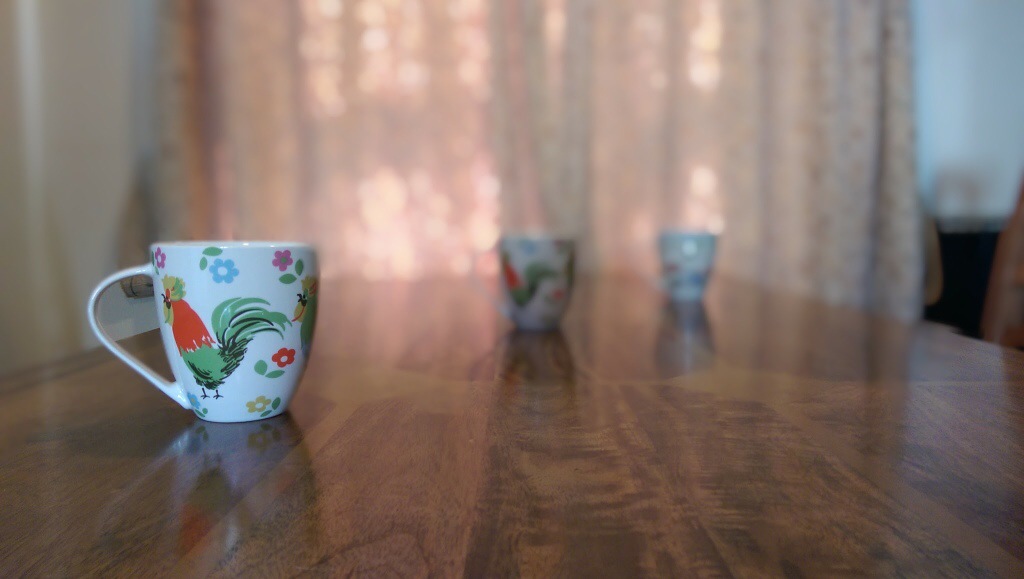
And now by tapping on the mug in the middle the focus point is changed and a new photo is created. It is not perfect but it is great fun.
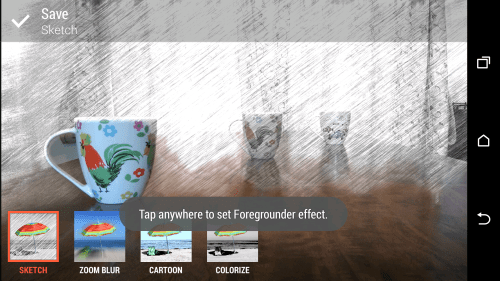
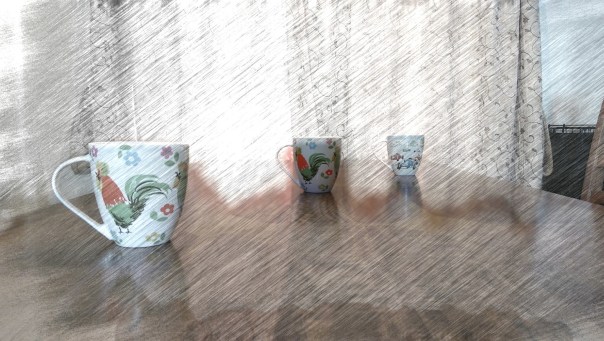
So if we start with the original photo again, effects and select “Foregrounder” we can start to change the effects based on the focus depth point selected. The options within Foregrounder are Sketch, Zoom Blur, Cartoon and Colorize. Using the middle mug as the focus point this is what sketch does. Out of all the effects I was least impressed with this. Maybe over time as HTC tweak the software and the third party developers bring out cool new apps we will see the full potential of this second lens on the rear.
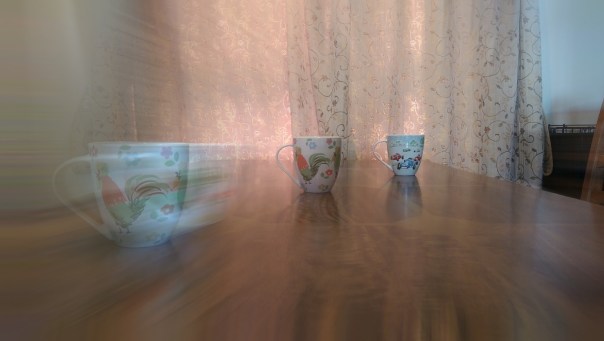
And now with Zoom Blur applied with the focus point the rear mug. I quite like this one.
Next up is the Colorize effect using the front mug as the focus point.
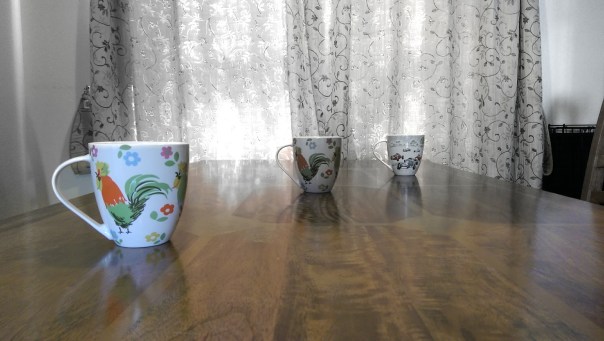
And finally the Cartoon effect.
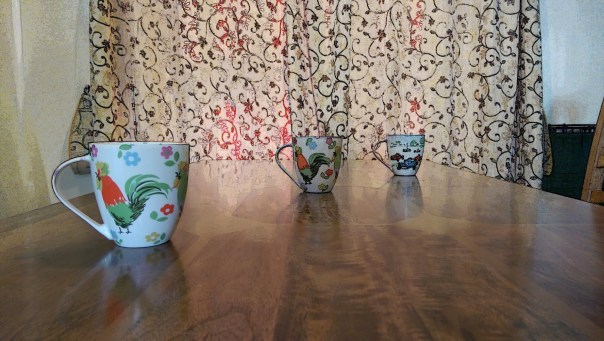
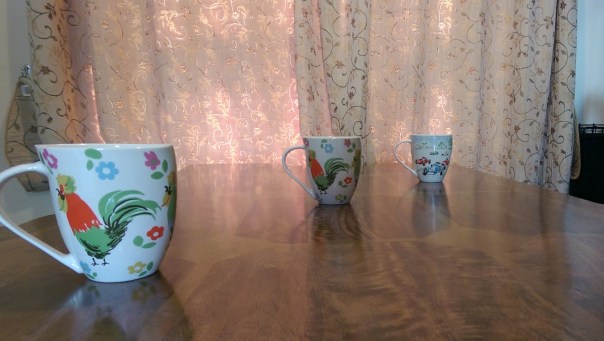
Another one of the effect that uses the data from the second lens is Dimension Plus. From here you rotate or swivel the phone to adjust how the items move around in the photo. You can then save what you see as a fixed photo or a Dimension Plus photo so you can keep playing around moving the mugs into different angles. Below is fixed photo.
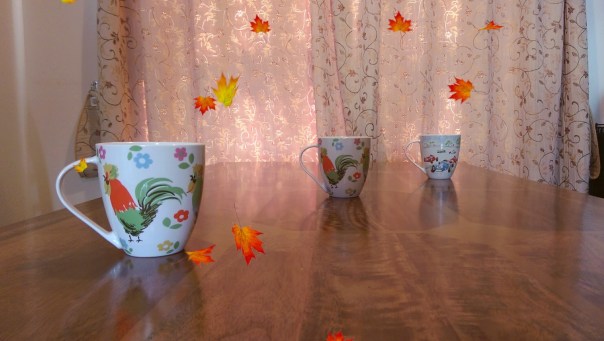
Seasons is another effect. Here you can superimpose snow or leaves onto the photo. You decide when to freeze and save the shot or create a video. Photo below of leaves.
Hopefully, you should be getting the picture that this phone is full of effects. You can adjust peoples faces, add objects like hats or sunglasses to photos, cut and paste people out of one photo and move into another and so on. You also have the normal editing tools like cropping, straighten, auto adjust, exposures, white balance, contrast and so on. There is also a menu for adding frames.
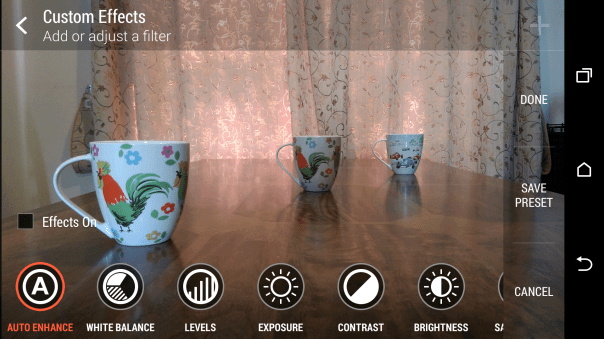
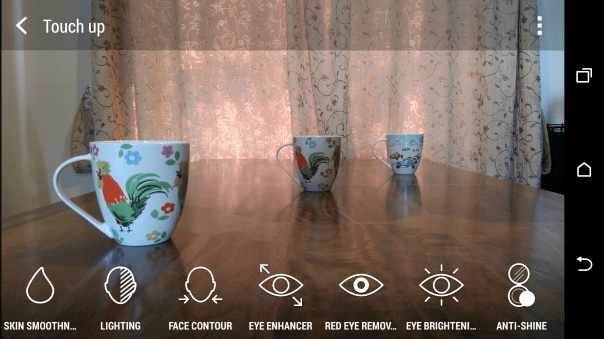
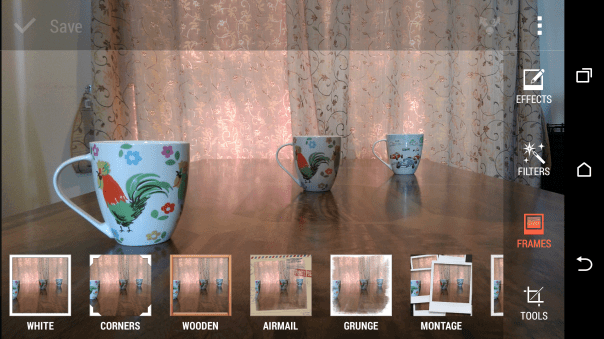
And then there are filters.
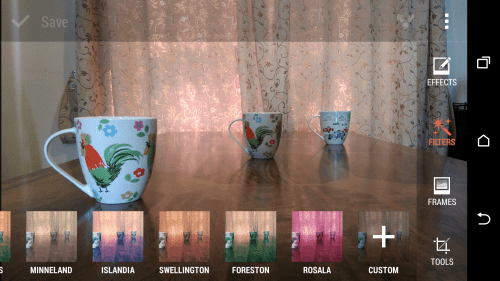
A few examples of the original photo with filters applied.

Now you can do all of the above using the original shot, and after the event, and keep editing it to your hearts content. As a mentioned before, if you take a shot using the camera in a different camera mode you cannot use the focus changing type effects.
However, there is still a whole chapter on the camera modes and what can be achieved if you don’t want to use AUTO.
Tune in for more tomorrow.
 Gavin's Gadgets & Photography
Thank you for the editing capabilities Gavin.
Could we ask if you could also add an example of a normal shot and then crop.
It will be interesting to see by how much this limits the camera in general shooting.
LikeLike
Of course. I intend to do a review with just normal camera photos. The weather has been the issue at the moment.
LikeLike