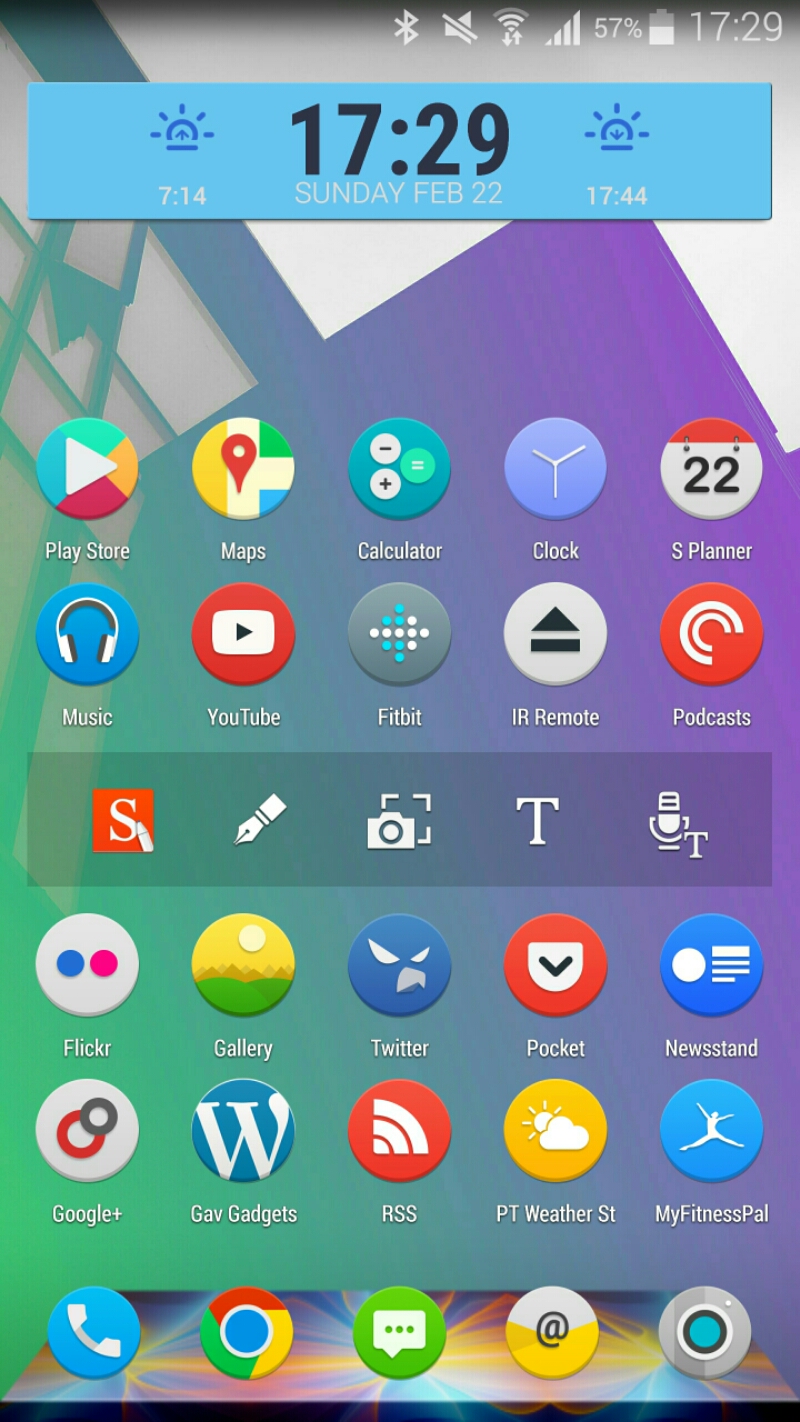
After owning the Samsung Note 4 for 3 months I have finally settled on my perfect setup. With every new phone it takes real time day to day experiences to decide on what works and doesn’t. Even new and updated apps can influence that decision. For starters I have switched from Nova to Apex Launcher. These third party launchers are very similar but Apex themes the interface much better than Nova. Apex allows for so many gestures but I keep it simple. Swipe down to bring down the notification shade and swipe up to access the app drawer. The icon set is Audax. On the home screen I’m using the S-Pen widget and HD Widgets for the clock. I use the S-Pen every day. Tapping on the sunrise or sunset icon on the clock widget opens my netatmo weather station app.
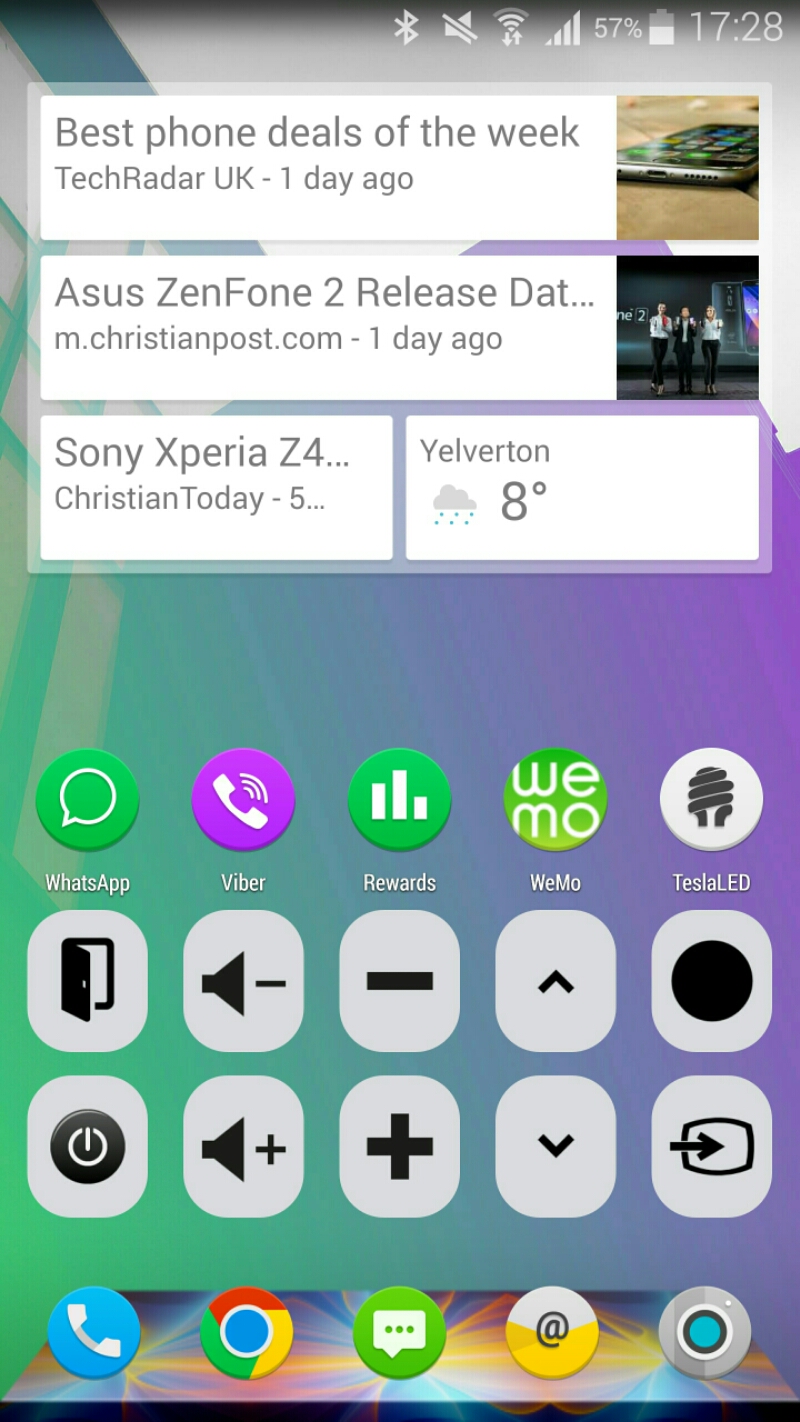
Now my second home screen features Google Now widget which is handy as occasionally it displays useful info. I then have a few apps below. WeMo is the app that controls my Belkin WeMo Smart light Bulbs and Smart sockets. TeslaLED is a torch app. And then the icons below are all the buttons I use regularly to control my TV and DVD. These command icons are widgets from an app called Galaxy Universal Smart IR. As these use the infra red blaster on the Note 4, there is zero lag or delay from pressing these to operation. Plus the Note 4 has a powerful infra red blaster.
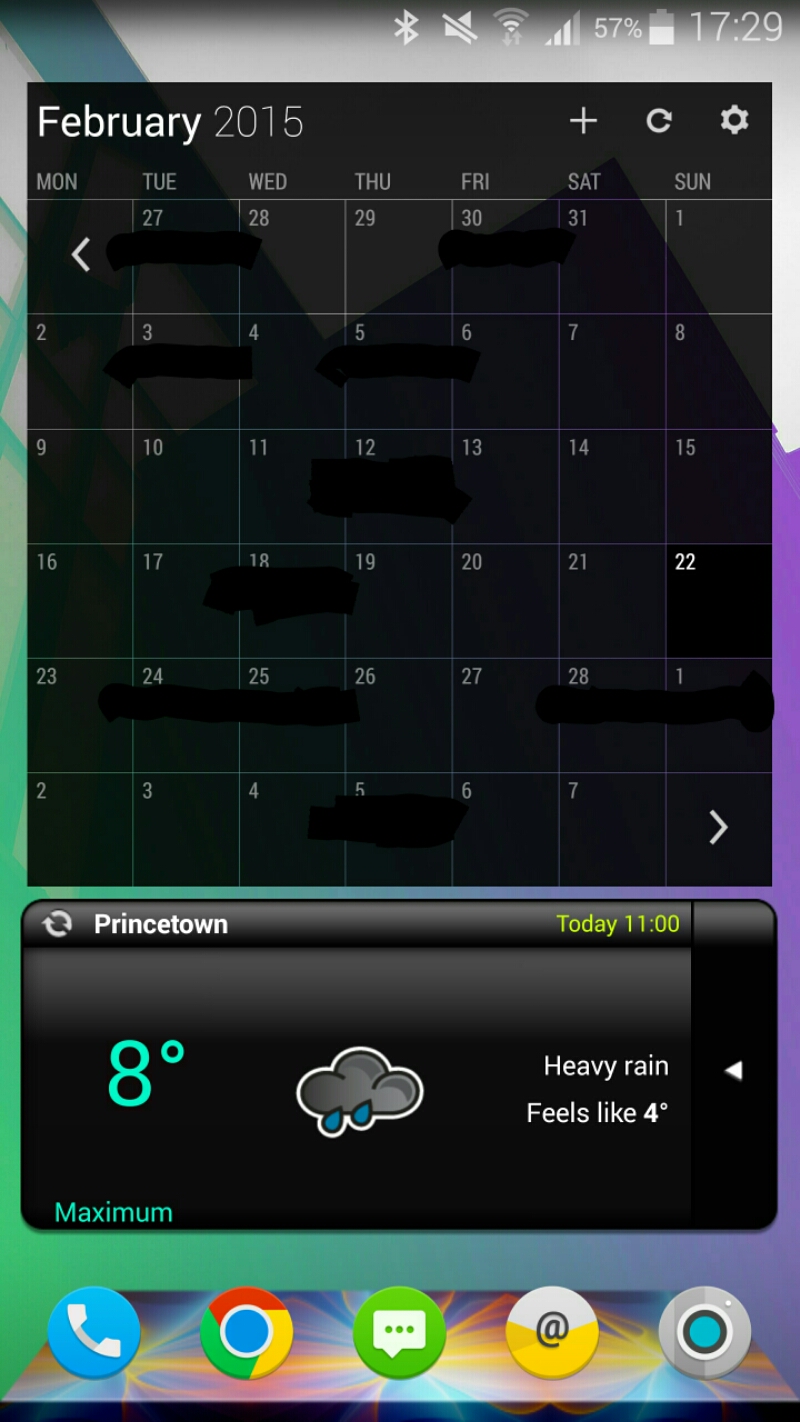
The third home screen is the month view widget from business calendar and the met office weather widget. I have Apex set up that I can scroll continuously from one screen to the next without having to go back to the home first screen.
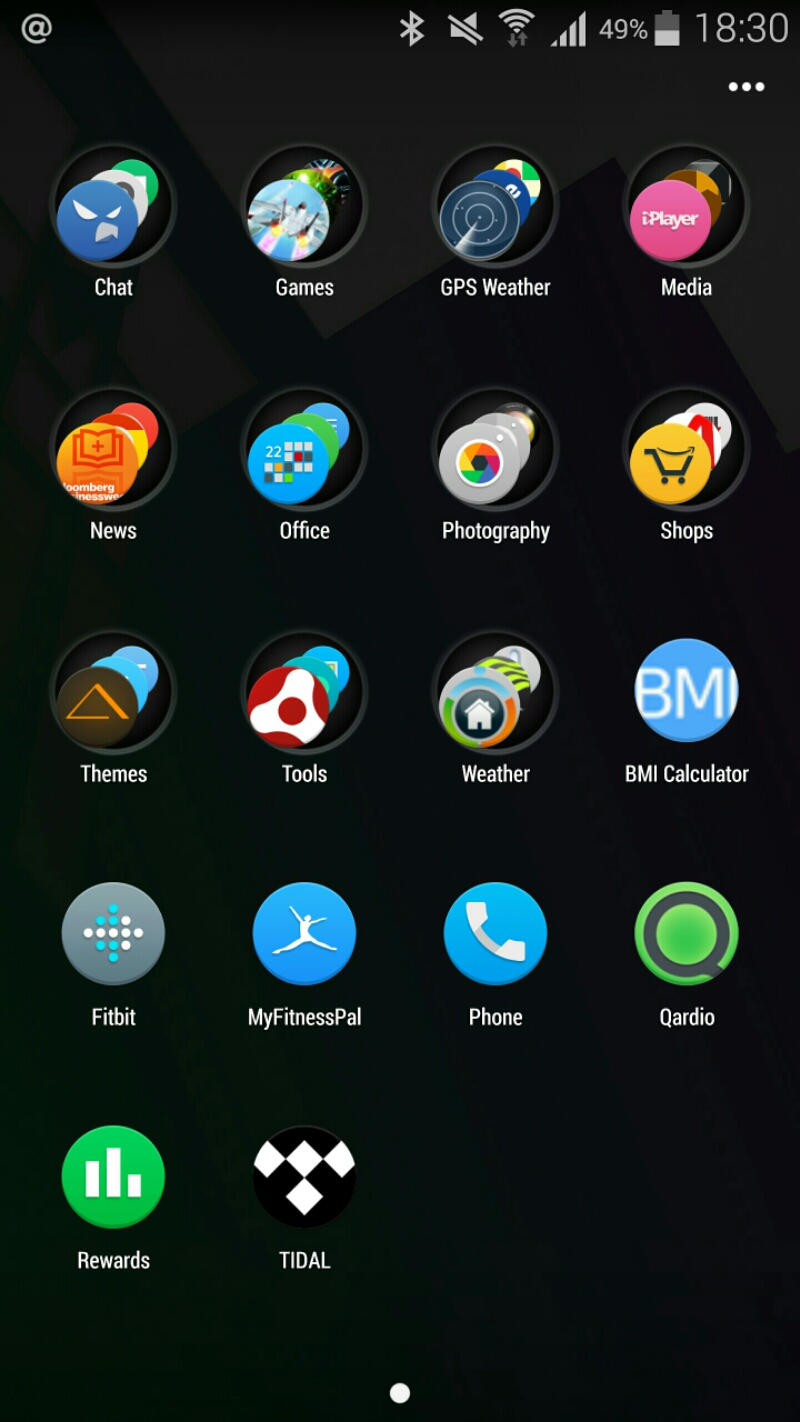
And finally I have the app drawer all sorted into neat folders. I leave some apps outside of folders too but not that many. In total I have 199 apps installed on my Note 4. 51 of those are top notch games. 45 are themes/dock apps/clocks. 21 are photography apps. And the rest are tools, shopping, news, social, office, health, fitness and weather apps.
So now I have the perfect setup this means only one thing – time for change 🙂
 Gavin's Gadgets & Photography