Welcome to my review of the Huawei Mate S.


Basics and Interface
Specifications
– Display 5.50-inch 1080p, 73.9% screen to body ratio, Gorilla Glass 4
– Processor – HiSilicon Kirin 935, CPU Quad-core 2.2 GHz & quad-core 1.5 GHz,GPU Mali-T628 MP4
– RAM 3GB
– OS Android 5.1.1 with Emotion UI 3.1
– Storage 32GB, 64GB or 128gb with Force Torch only on 128gb
– Rear Camera 13-megapixel, 8mp front camera, OIS dual LED flash
– Battery capacity – 2700mAh
– Dimensions 149.8 x 75.3 x 7.2 mm (5.90 x 2.96 x 0.28 in)
– Weight 156 g (5.50 oz)
– Dual SIM or SIM plus up to 128gb micro sd card
– Fingerprint sensor, Accelerometer, gyro, proximity, compass
– Wi-Fi 802.11 b/g/n, hotspot
– Bluetooth v4.0, A2DP
– GPS Yes, with A-GPS, GLONASS/ Beidou (market dependant)
– NFC Yes
– Radio FM radio
– USB microUSB v2.0
– Extras – Active noise cancellation with dedicated mic, Xvid/MP4/H.265/WMV player, MP3/eAAC+/WAV/Flac player, Photo/video editor, Document editor
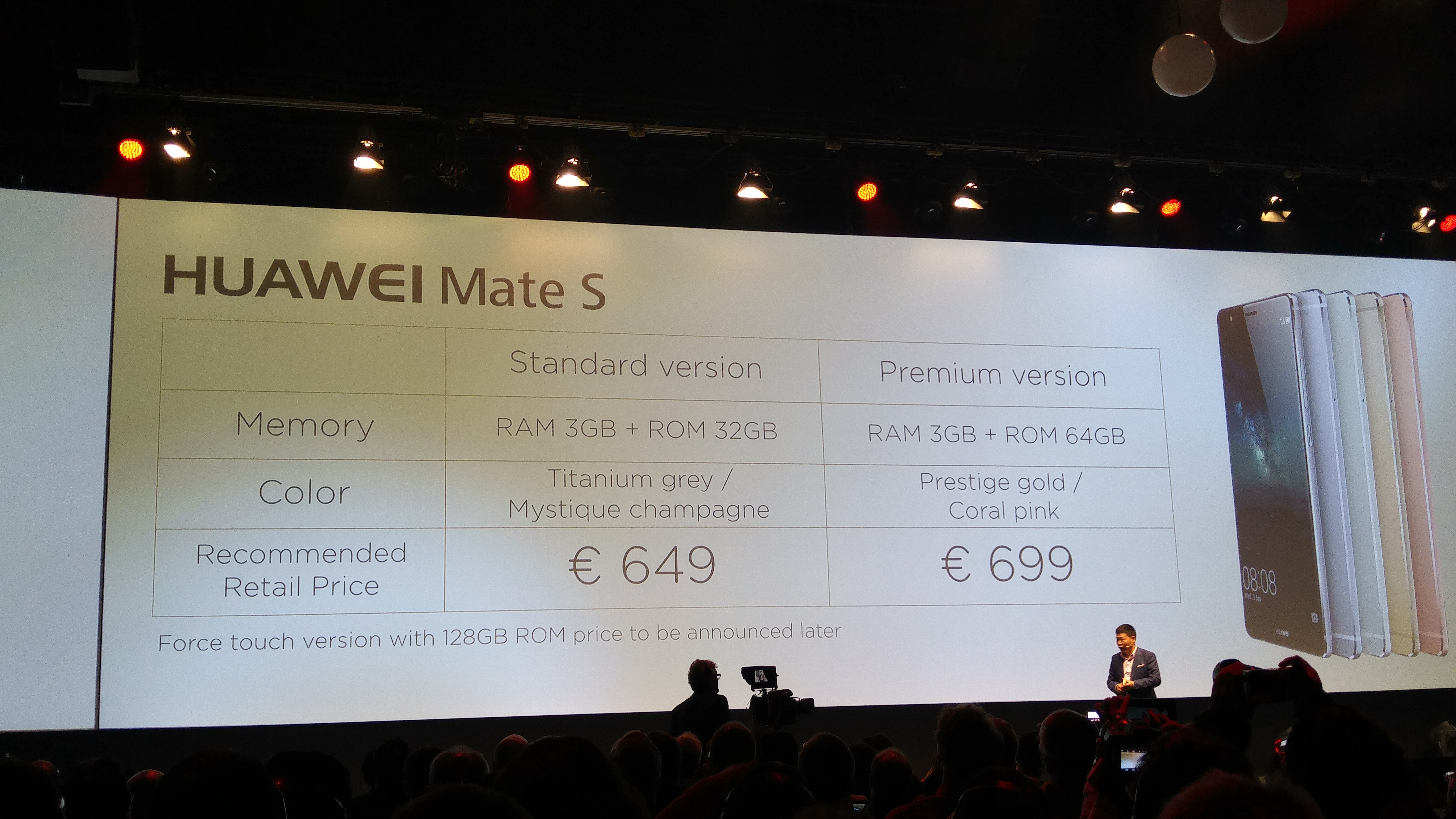
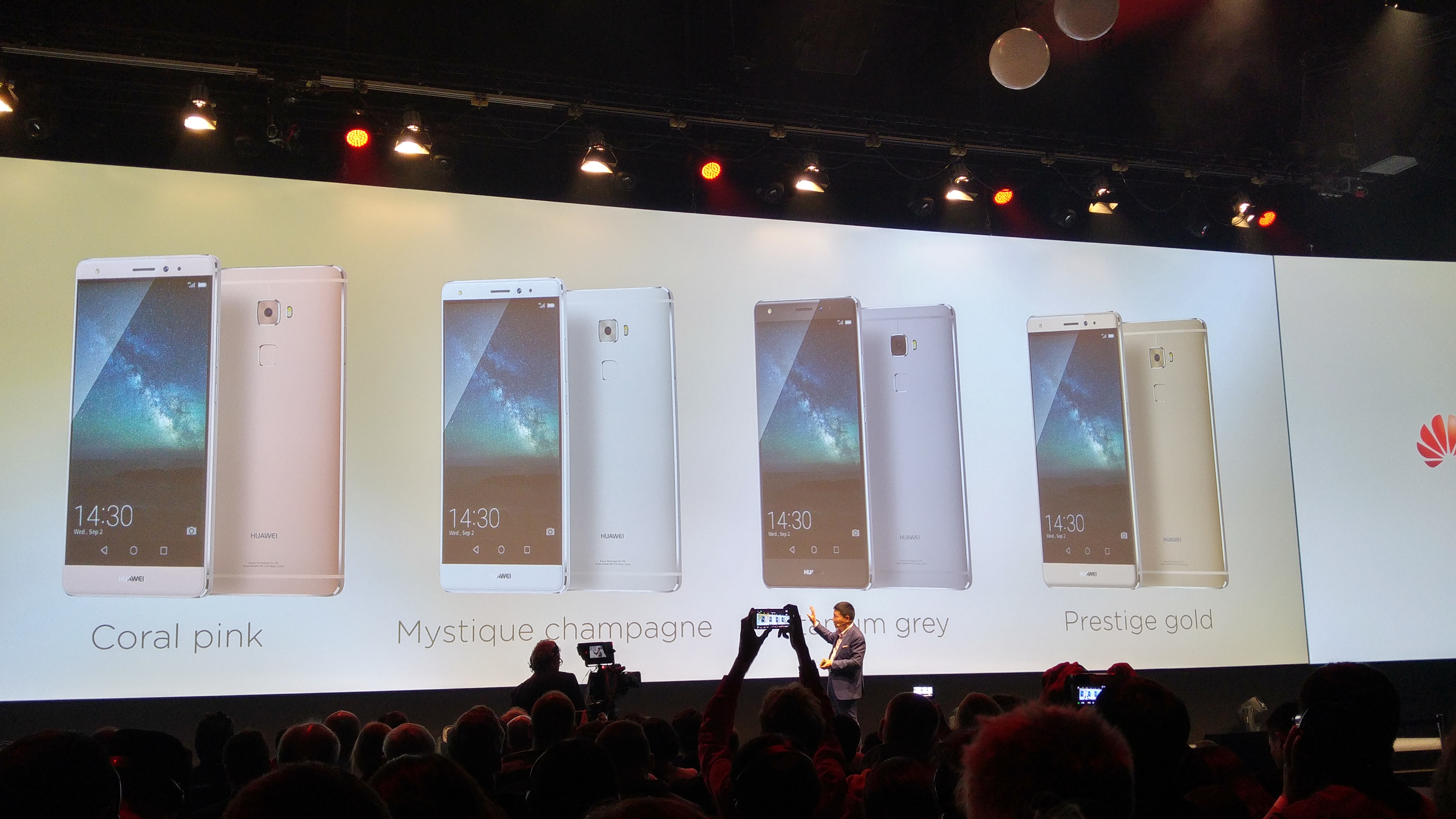
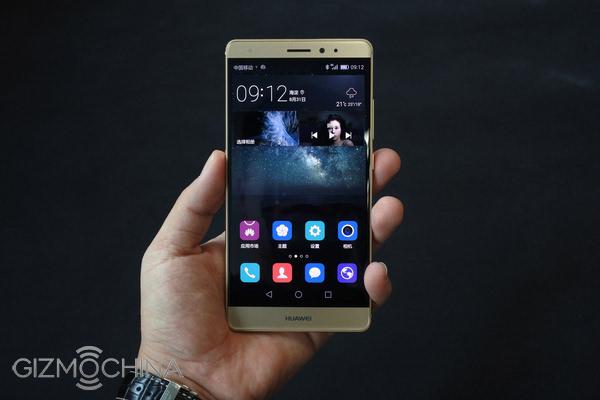
Let’s cut straight to the chase. The Huawei Mate S is a gorgeously made and great looking phone from whichever angle you glance at it. As this is manufactured by Huawei, the phone reception, in fact all the radios WiFi, Bluetooth, NFC and cellular are excellent at picking up and signal as well as clear voice calls. The Mate S is configured with a dual sim arrangement, which can use the second nano sim as a micro SD card slot unto 128gb. It is also dual 4G LTE. There are 3 versions, Standard 32gb grey or champagne colours, Premium 64gb which adds gold/pink colours and luxury is the 128gb Force Touch model which is finished in Prestige Gold. Just to be clear, the Force Touch is only available in the 128gb model. Pricing is 649 euros, 699 euros and even more for the Force Touch 128gb version! That is expensive. Viewing angles are excellent. AnTuTu scored 50,000 which is respectable. So does it live up to the premium flagship status? Read on!
Below is a video of me showing off the build of the Huawei Mate S.
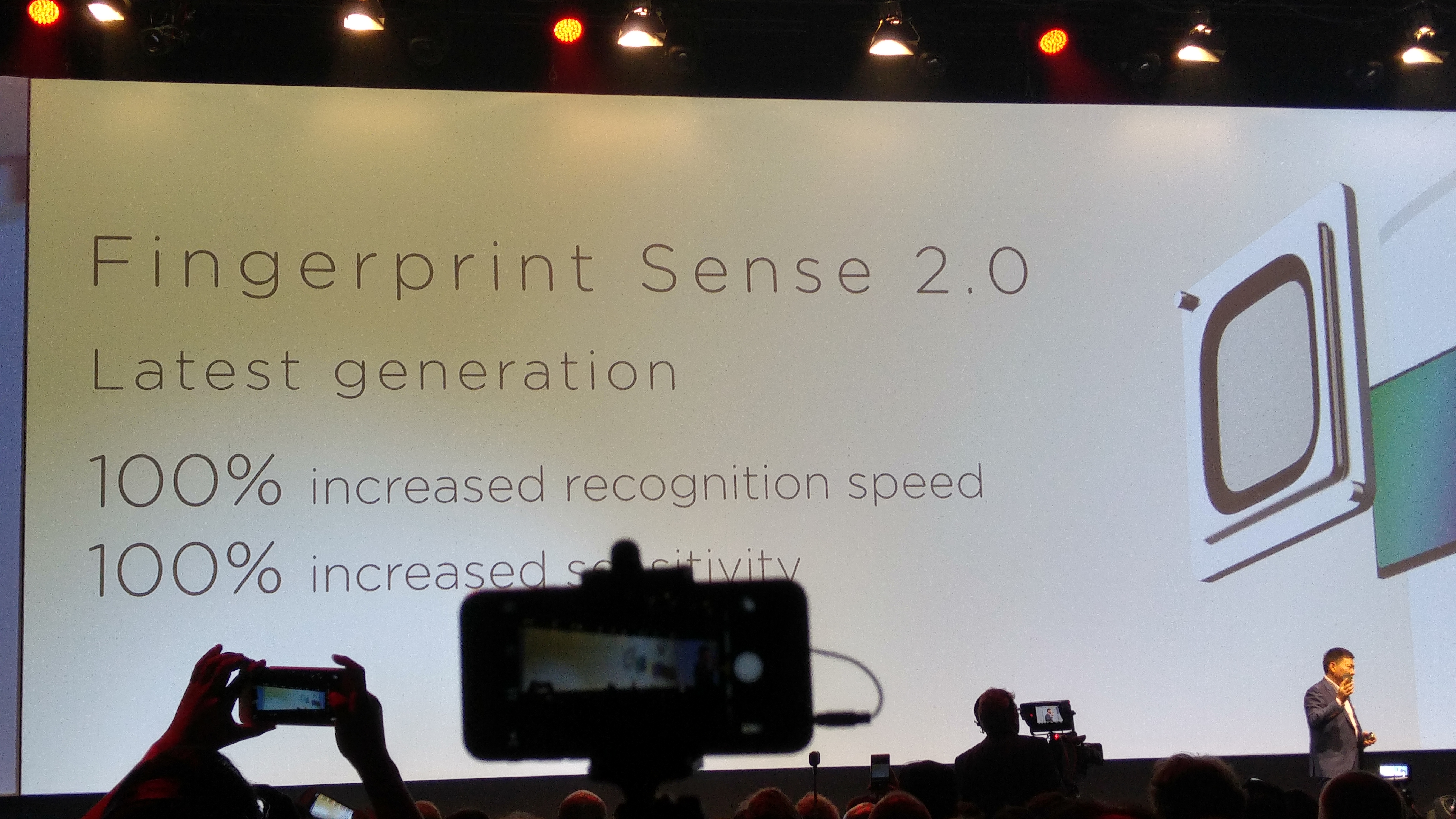
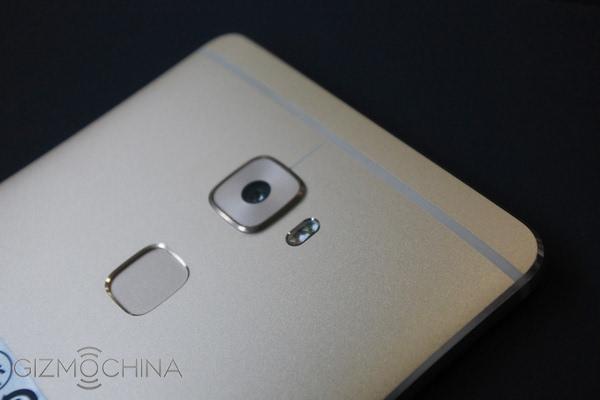
The Fingerprint sensor is the fastest I have ever used. Totally instant. It uses the second generation sensor which gives 100% faster recognition speeds and sensitivity. Once unlocked you can use the fingerprint sensor to take photos, stop alarms, show notification panel or browse photos. It becomes a mouse pad. The interface skin is Emotion UI v3. See screen shots. This provides a host of features and no app drawer too. The phone has a wealth of settings, more than you could ever dream of. Click on the gallery of screen shots below to reveal all the options.


Force Touch – I spent time using this model as well as the 32gb version which I had for much longer. Huawei really have not got a clue what to do with this technology apart from weighing small fruit on the screen or zooming in on photos. In the Huawei press conference, they did mention they were hoping developers would create great uses and apps for this technology. Below is a short video of me using Force Touch.
Audio
I tested the loudspeaker, it is extremely clear but not very loud around 84db. I think Huawei went for quality over quantity. The headphone output is excellent and the phone plays back FLAC files with no issues. APT-X is supported along with USB Audio.
Camera
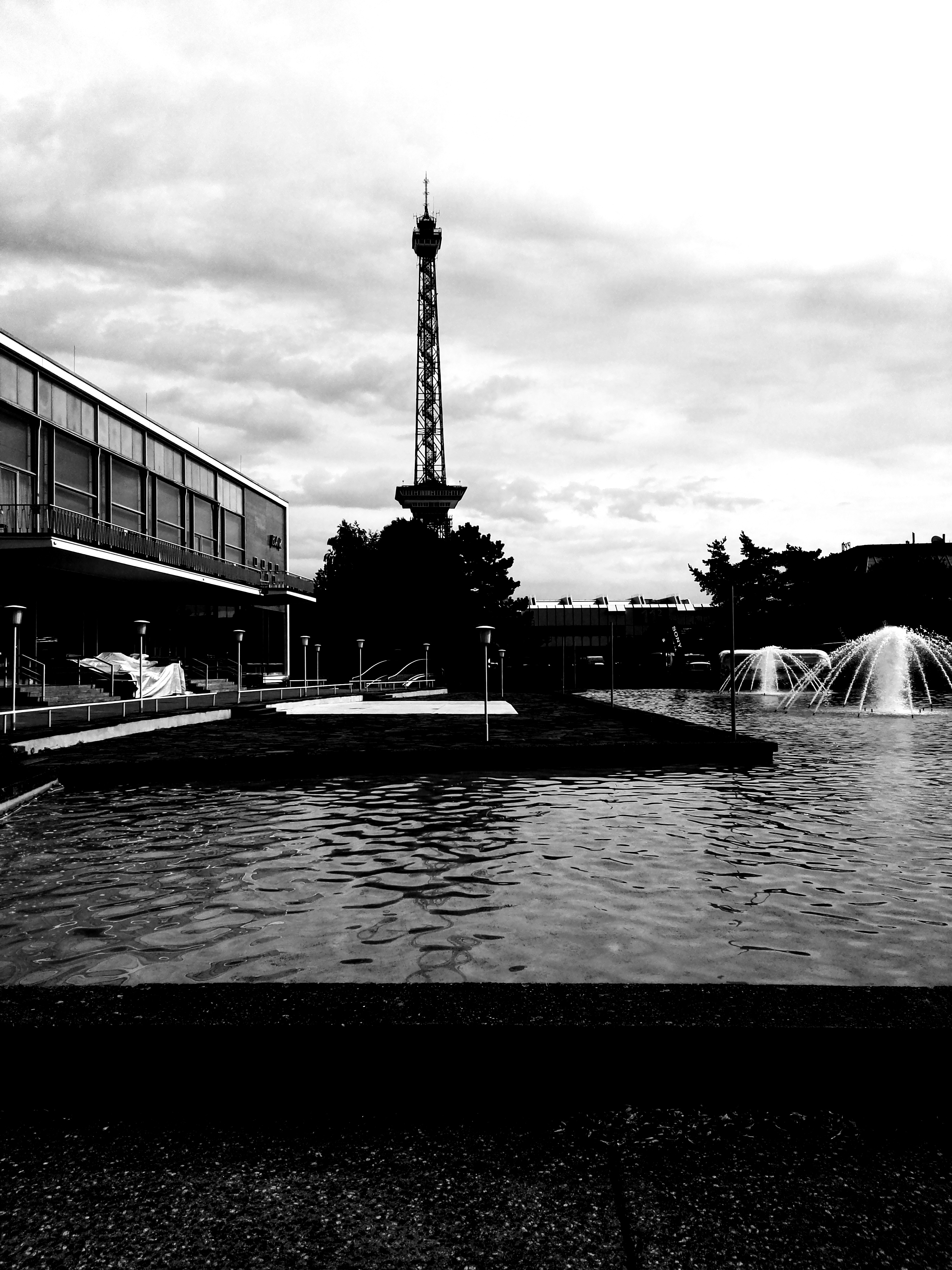
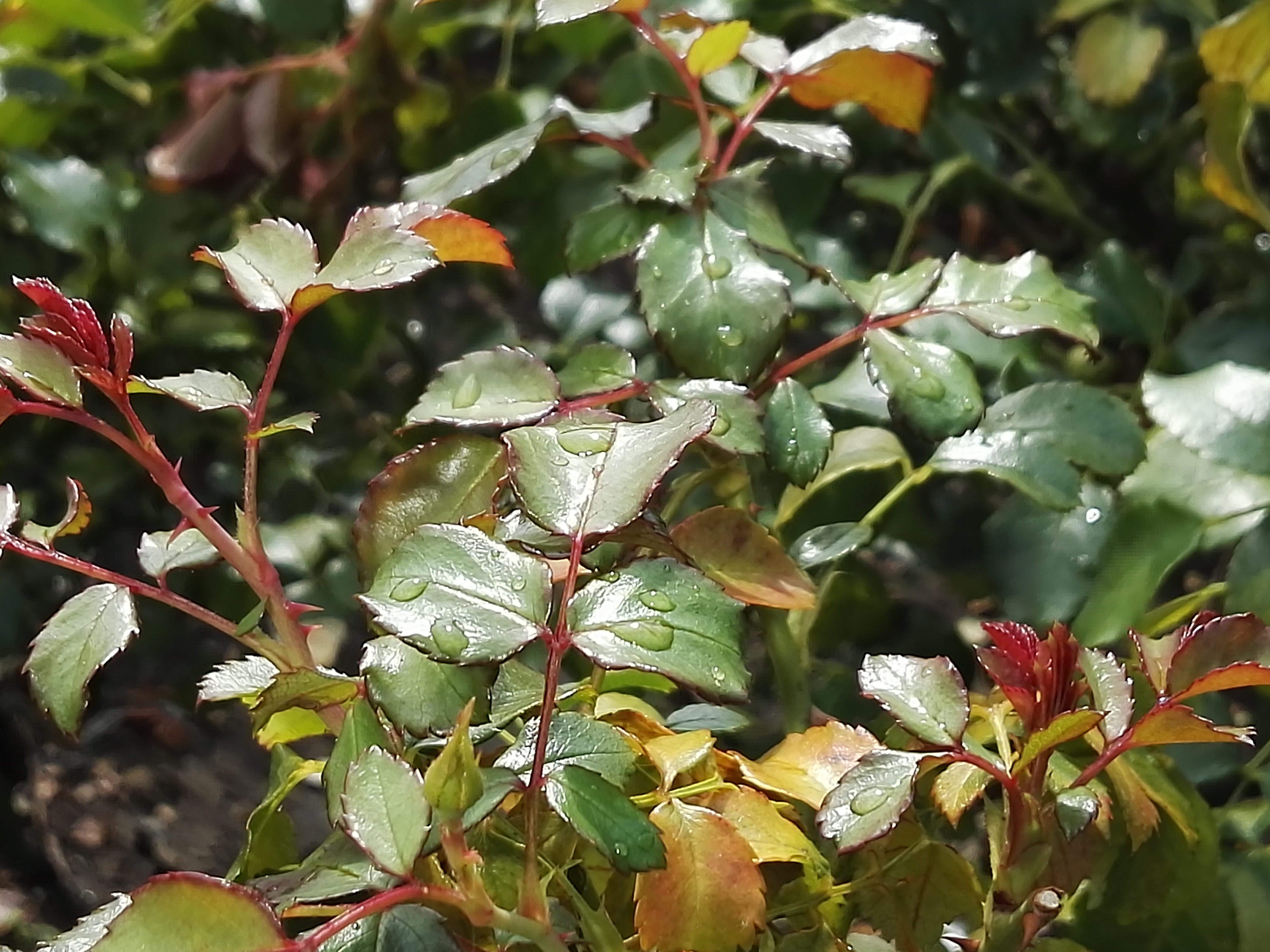
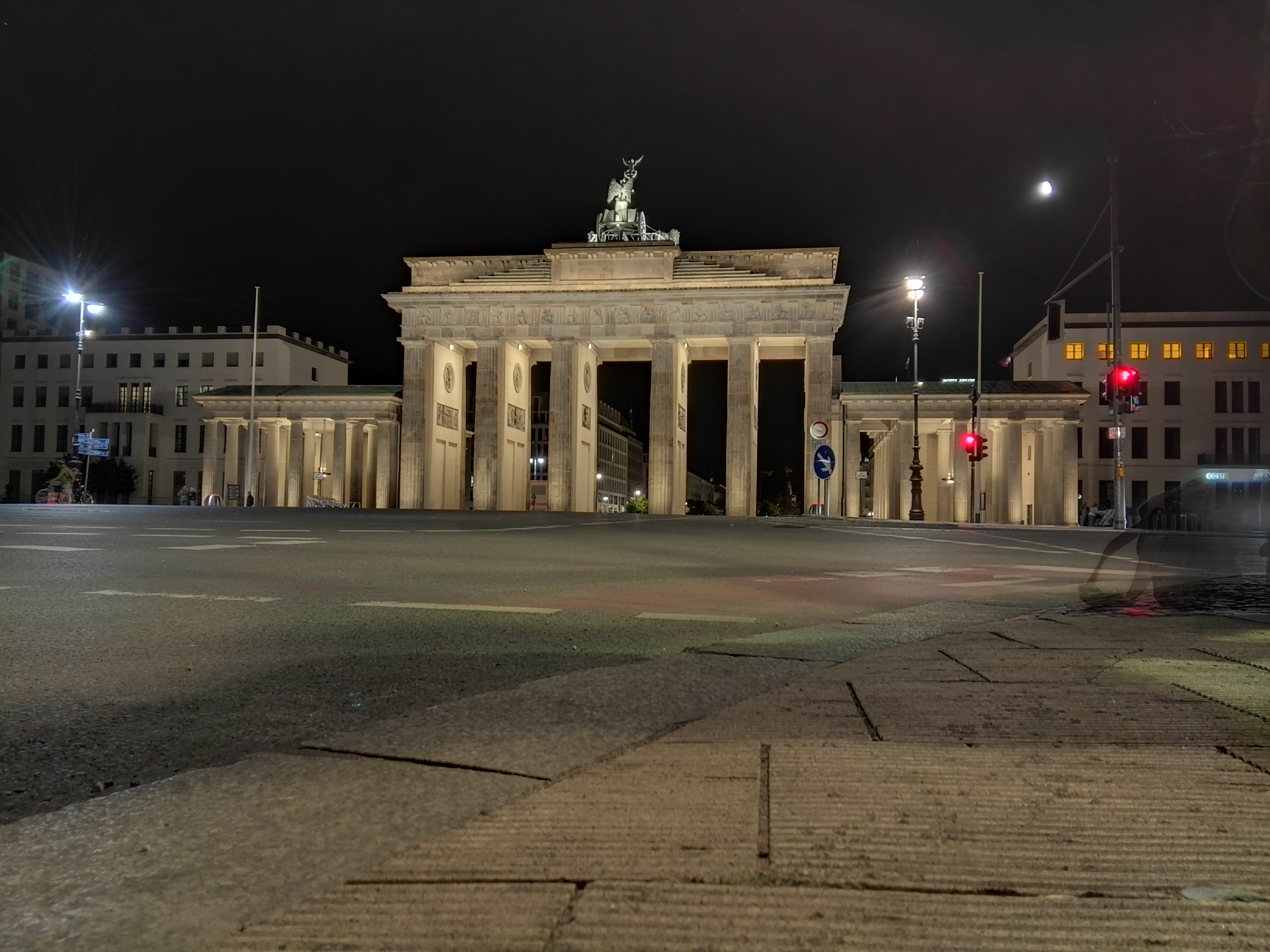
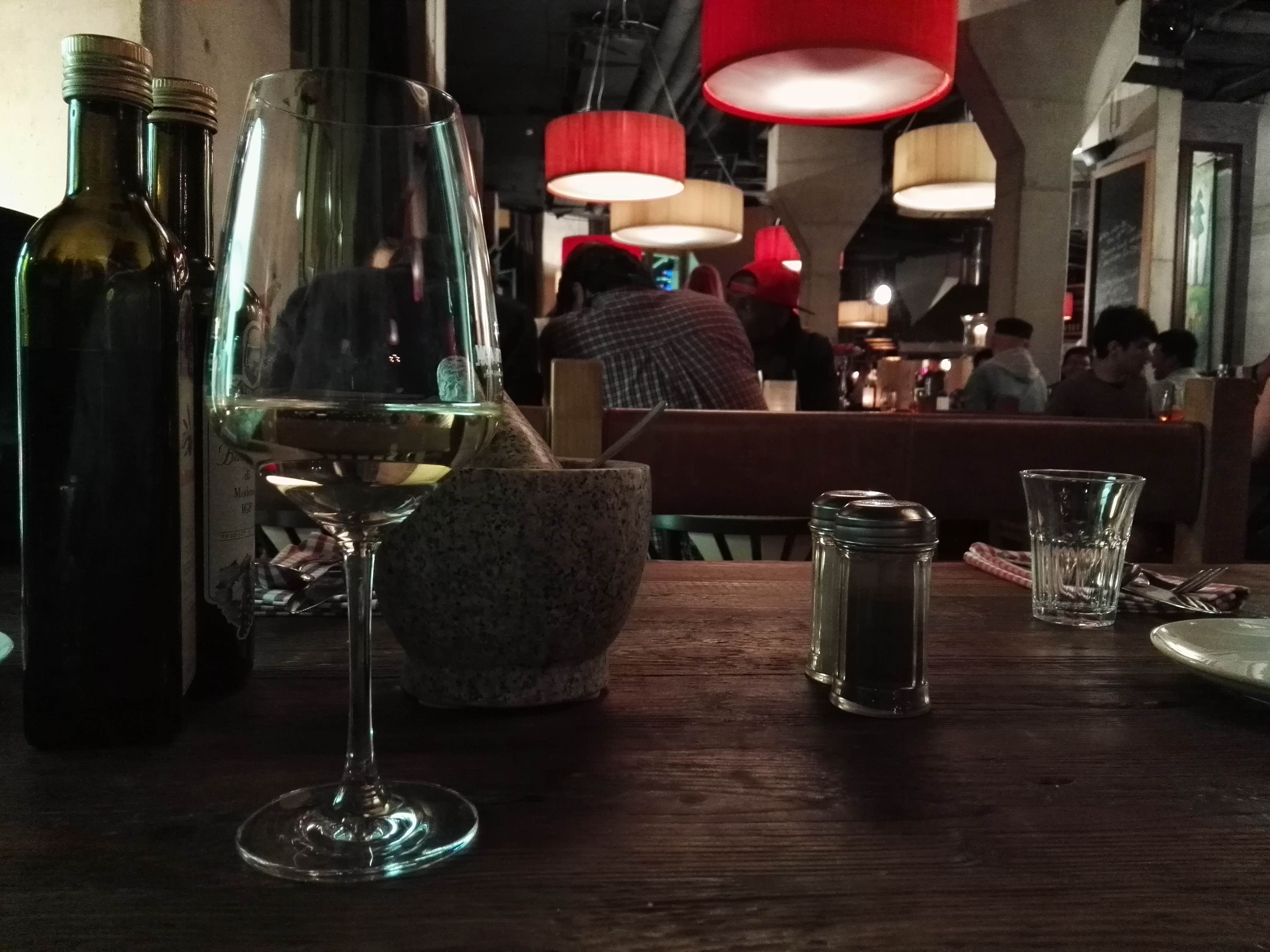
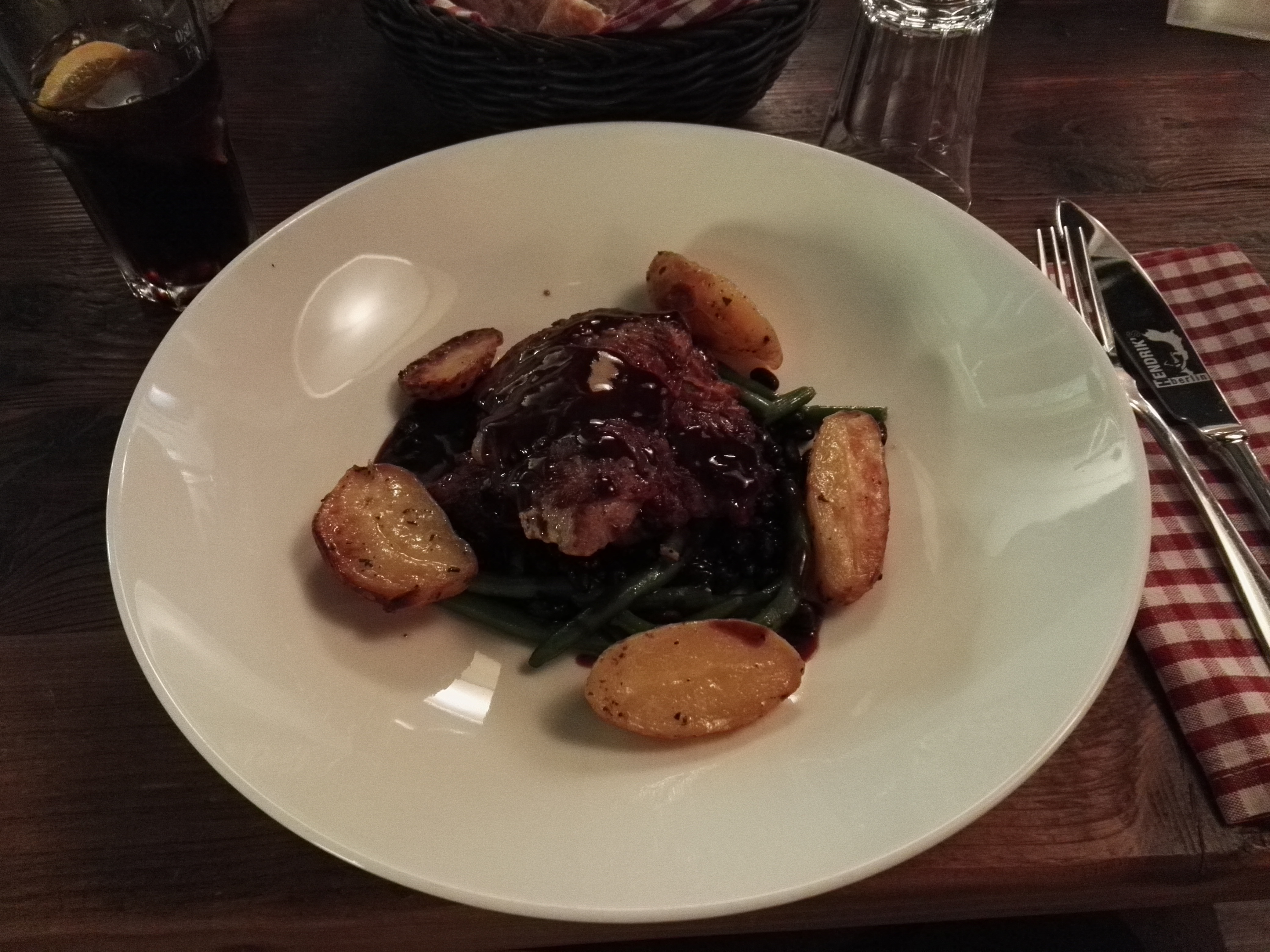
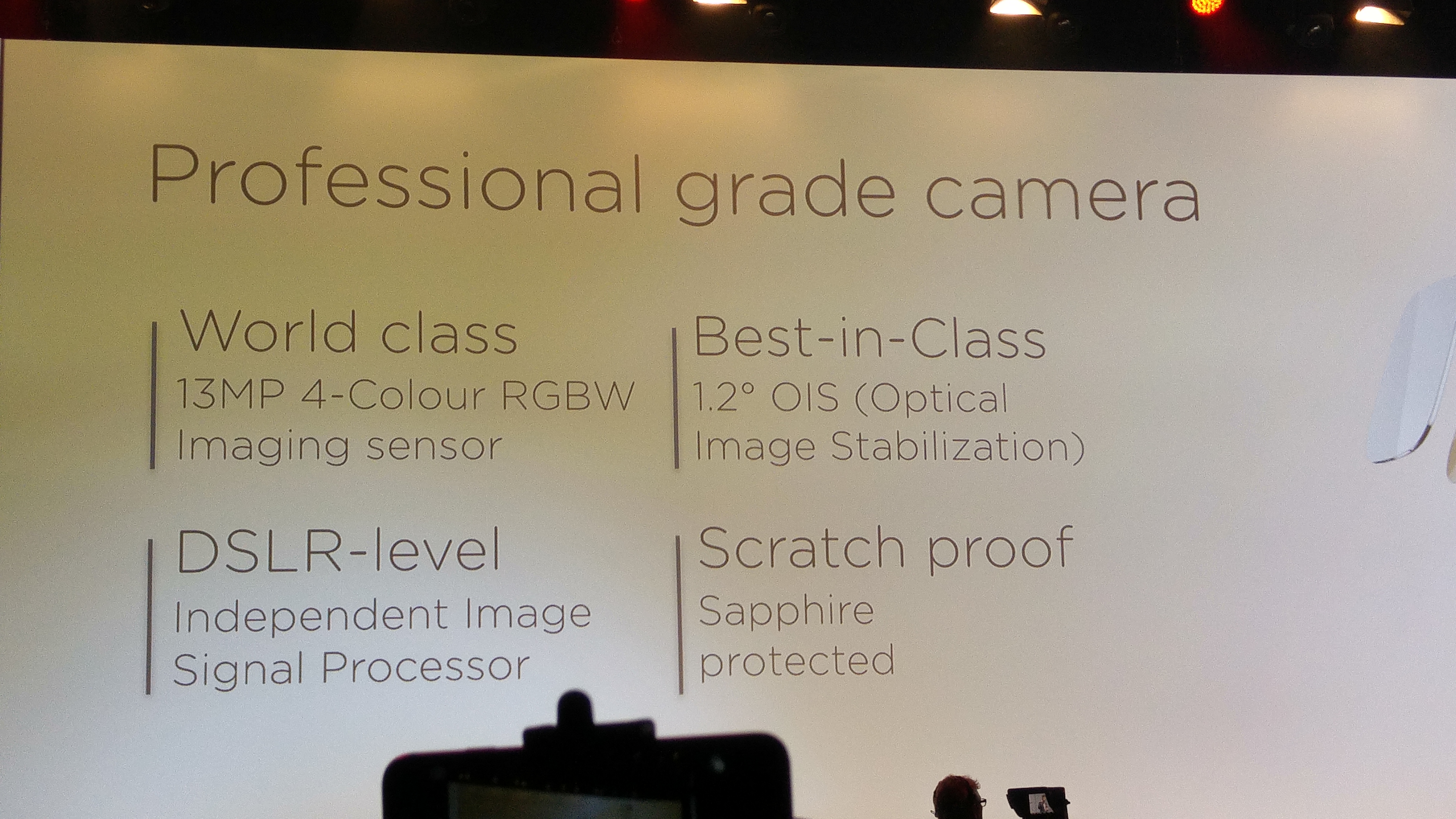
The 13mp camera is a 4 colour RGBW image sensor, with 1.2 degrees Optical Image Stabilisation, Sapphire Glass Protected but what really counts is the image quality. First let’s look at the camera app interface. As you can see a full range of modes from manual, auto, HDR, panorama, light painting modes, and more. The longest shutter speed is 8 seconds in manual mode. Supernightmode can take up to a minute. Colour reproduction was good. Panoramas were around 8mb in size and well stitched. The camera worked well except for low light shots. In a restaurant I photographed my friends opposite with the LG G4, iPhone 6 Plus and the Mate S. The best shot was by the G4, then iPhone 6 Plus and a really noisy shot by the Mate S. But if you can live with this weakness, the other shooting modes do make for a comprehensive camera app. The supernight mode is freaky good.
Below are screen shots from the camera app showing all the options. Click on a photo to open up the gallery.


I have uploaded around 20 shots to my dedicated Flickr album. Click here https://flic.kr/s/aHskj289sE

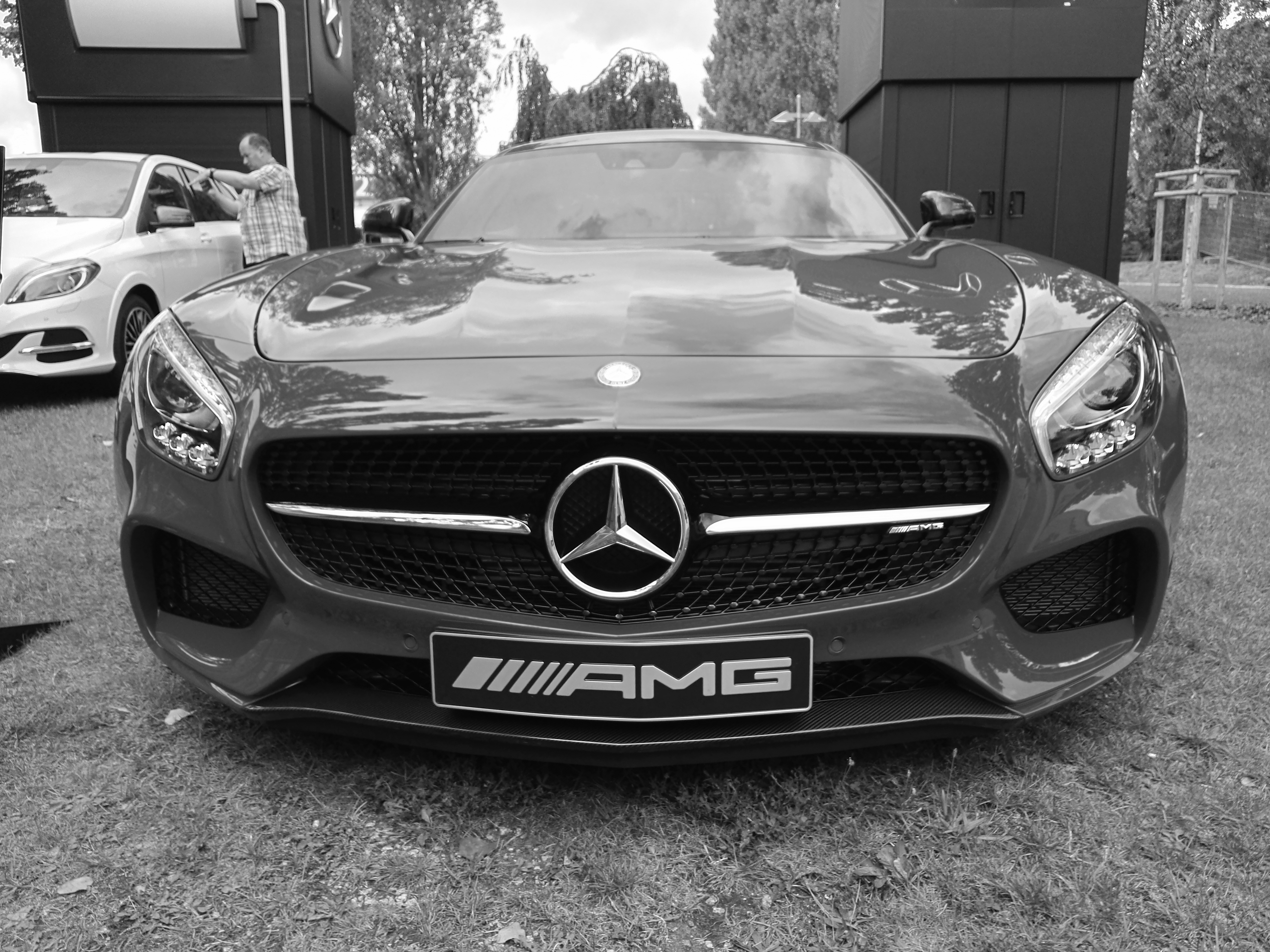
The colour reproduction is excellent. The Mercedes below was taken with the filter on prior to the shot.


The flower on the table is using the Supernight mode. Phone was on a mini tripod for this shot.

Another supernight mode shot.

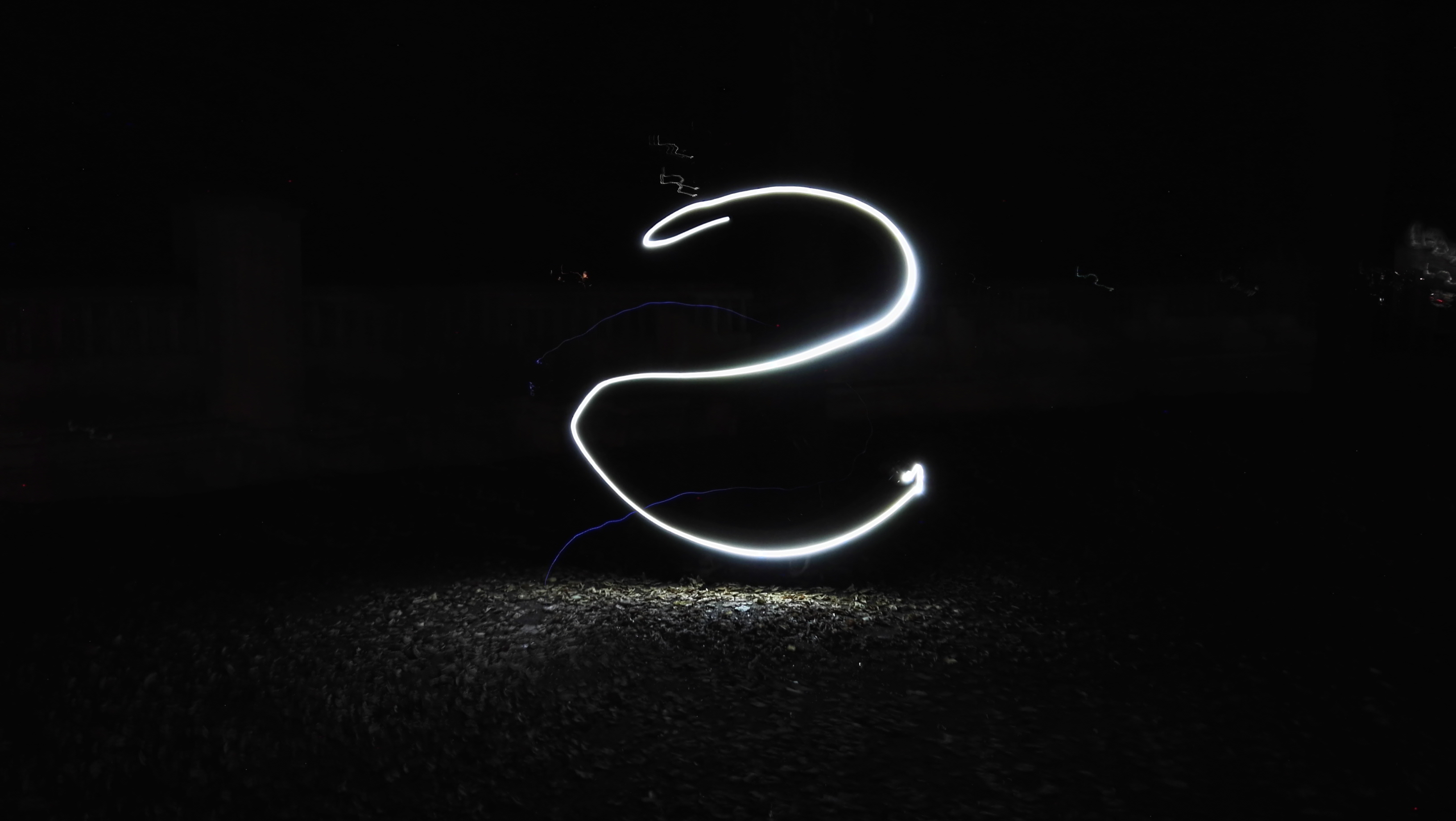
Using the light painting mode, you can have some fun.


Timelapse Mode
Part of the default camera app, below is a time lapse recording. Really good quality again.
Conclusion
The Huawei Mate S is the expensive flagship from Huawei. It is impeccably built. Gorgeous to look at. It does a lot really well but in my opinion is let down by the camera in lowish light. At flagship pricing it needs a flagship camera at the levels of the LG G4 or Samsung Galaxy S6. The camera modes like supernight mode and light painting make off for this deficit. At the end of the day, it really depends what YOU want from your phone.









 Gavin's Gadgets & Photography