All posts by Gavin Fabiani-Laymond

Unknown's avatar

About Gavin Fabiani-Laymond

President, CEO & Editor of https://gavinsgadgets.com Reviews & News of Technology

Reminder – Episode 11 – Gav & Dave’s Tech Podcast is live – Please RT

As you know, I co-host a weekly podcast with David from UKMobileTech called Gav & Dave’s Tech Podcast. It is a light hearted tech podcast broadcast bi-weekly. To subscribe click here for iTunes or copy and paste this link into your favourite podcast app.

Episode 11 is now live.

If you get a moment and have enjoyed the podcast, please leave some feedback in iTunes. Thanks.

Front Selfie Camera 5mp – Main Rear Camera 4mp – Hello HTC One 2014

For the first time in a long time, the front camera of a smartphone will be of a higher mega pixel than the main rear lens. Okay, there is a second rear camera for the depth of field affects and 3D but surely when Samsung, LG, Apple and others are touting 8 to 16mp, HTC cannot still be on the 4mp bandwagon.

Well according to the relentless leaks it looks like this is still the case. In some ways this worries me but in others it does not. Some people will ignore the HTC One 2014 thinking a 4mp rear camera is not enough pixels. But actually, if they do, then they are missing the point completely and potentially a great camera phone.

I owned the HTC One 2013 for quite sometime and wrote probably one of the longest reviews. Look above in the menu and you will see a whole tab just for this phone. The HTC One is all about being able to make sure you captured the moment, then worry about any editing after the shot, and finally leaving you with a video highlight instantly with no editing by yourself of the whole event, ready to share. And the video highlight was only around 15mb. Photos snapped were all under 2mb. So you had a phone with a camera that was fast enough to shoot and capture any moment without worrying too much about which mode to select from the menu, and then left you with a incredible video highlight. In fact, the memories this phone created have not been beaten by any other phone. However, its weakness was landscapes, and this is where a 4mp shot just lack any detail if zoomed in.

So last year’s HTC One set the benchmark. And from what I have seen by all the countless leaks the all new HTC One takes the Ultrapixel and Boomsound to the next level. Advances in processor power and software, a secondary rear camera all allow HTC to take Zoe and camera effects even further by offering post edits of depth of field, 3D and so much more. And even more video highlight creations.

And then there is the aluminium unibody design. It looks gorgeous. Is there a review coming? You bet!

But in the meantime, get ready for HTC’s live launch tonight from 3pm.

Sony Bluetooth NFC Headset SBH80 – review

As much as I like my phones, I also like headphones. I have reviewed several pairs already on here. Go to menu, reviews, accessories, headphones. I have owned far a fairly broad selection of headphones, so feel free to ask for a comparison to another make if necessary.
image

First up the official specifications –

– Bluetooth 3.0, NFC, Multipoint connectivity
– HD Voice, Noise cancellation
– AptX audio enhancement (must have)

Box Contents

– SBH80 unit
– Sony AI-1000 cicroUSB charging cable
– Earbuds (3 sizes)
– Documentation (useless)

Supported Bluetooth Profiles:

-Handsfree profile (HFP) v1.6 (HD ready)
-Advanced Audio Distribution Profile (A2DP) v1.2
-Audio Video Remote Control Profile (AVRCP) v1.4 – Control and Target role
Acoustic:

Speaker type: 5.8 mm dynamic
Ear coupling: In-ear canal
Nominal Impedance: 15 Ohm
Frequency response: 10Hz … 20000Hz, (diffuse field oriented mid-high range).
Max SPL: 100dBA (EN 50332-1)
Total harmonic distortion: <0.5% (100Hz .. 10000Hz @ 100dBSPL)
Microphone: Dual MEMS

Controls:

-Power key
-Answer/Call end
-Play/Pause music key
-Next/Previous track keys

Connectors: Micro USB charger connector

Battery Capacity:

Standby time: (up to) 400 hours
Talk time: (up to) 8 hours
Stream time: 8 hours
Battery: 115 mAh
image

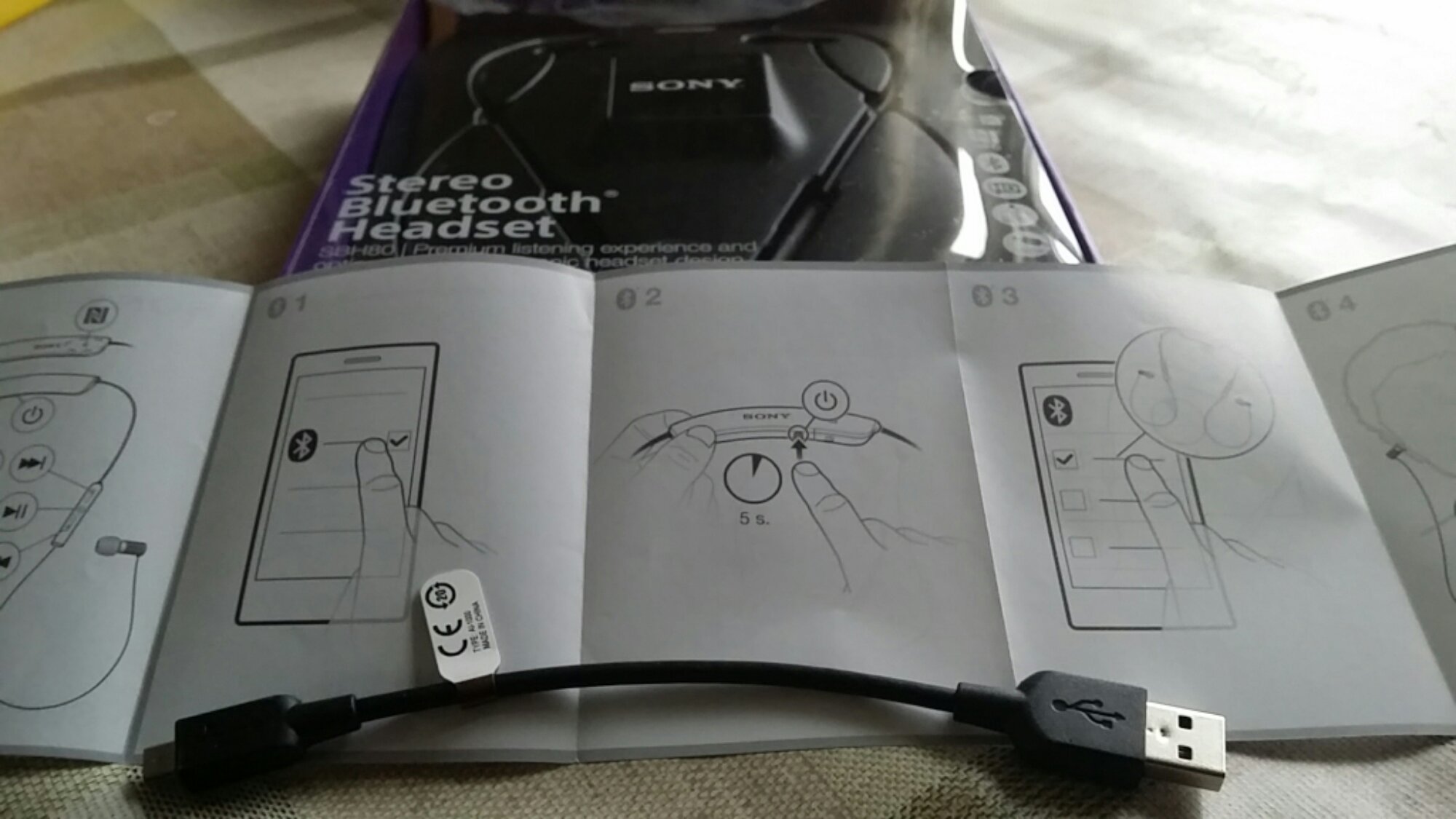
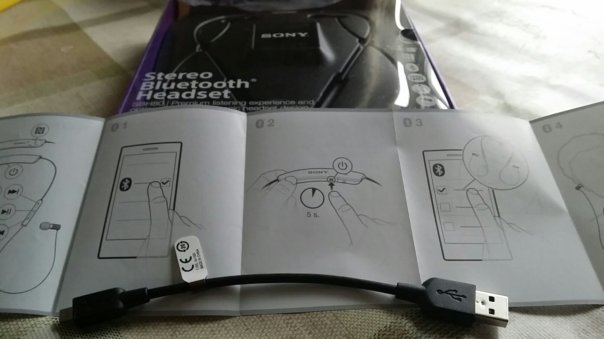
First up, the enclosed documentation is rubbish. The manual or quick start pamphlet is all full of meaningless pictures. So head over to the online user guide by Sony. Click here. There is also a link to the PDF manual.

Sony advertise the headset as splash proof, so if it rains there is nothing to worry about. However, there appears to be no official IP rating so I would be a little careful.

Pairing was simple. I fully charged the headset, and pressed the tiny button to switch on. It takes 2.5 hours to charge the band for 8 hours usage. Then using the NFC from the headset and the Note 3 paired the two together. The headset allows for 2 devices to be paired.
image

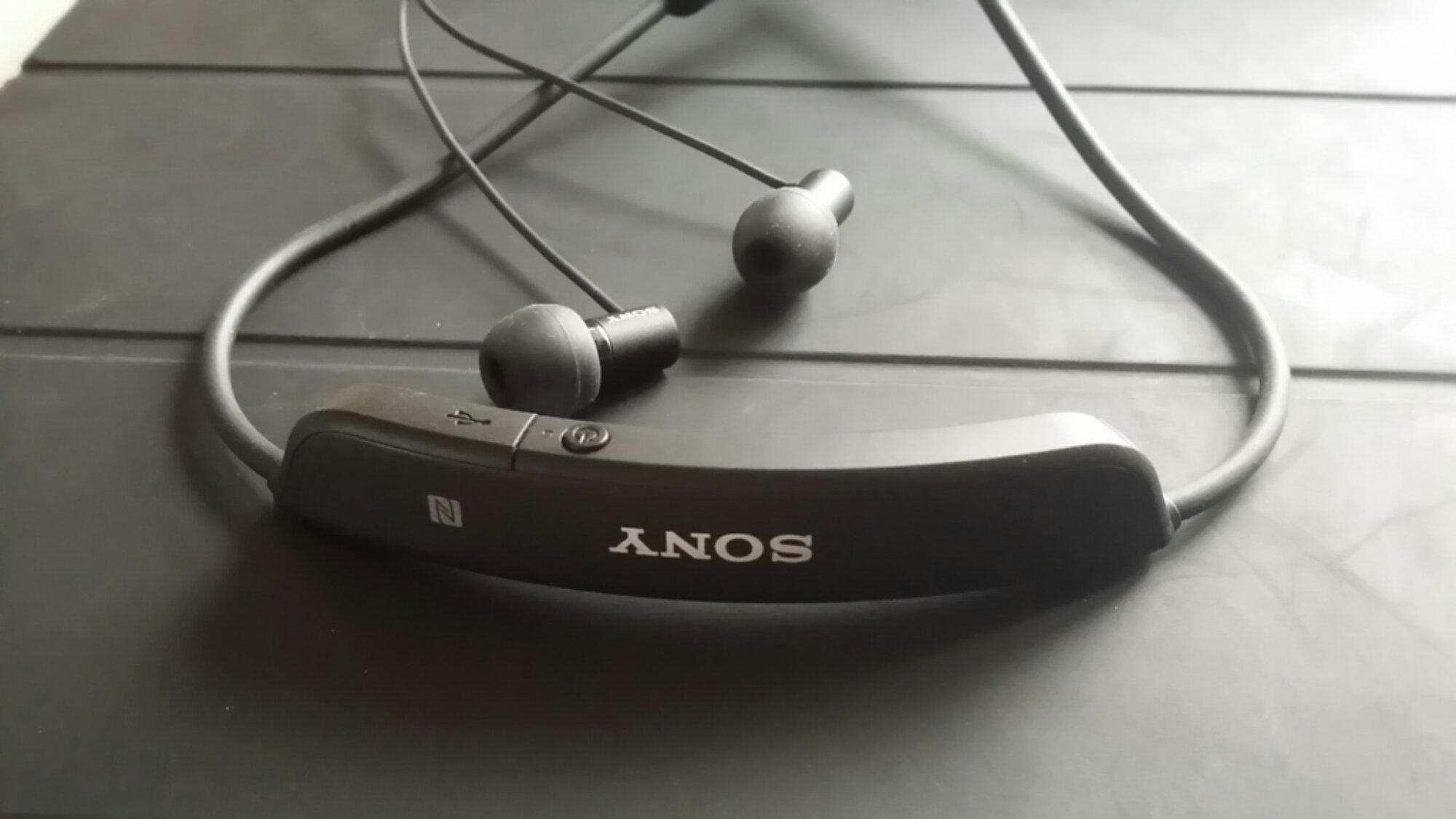
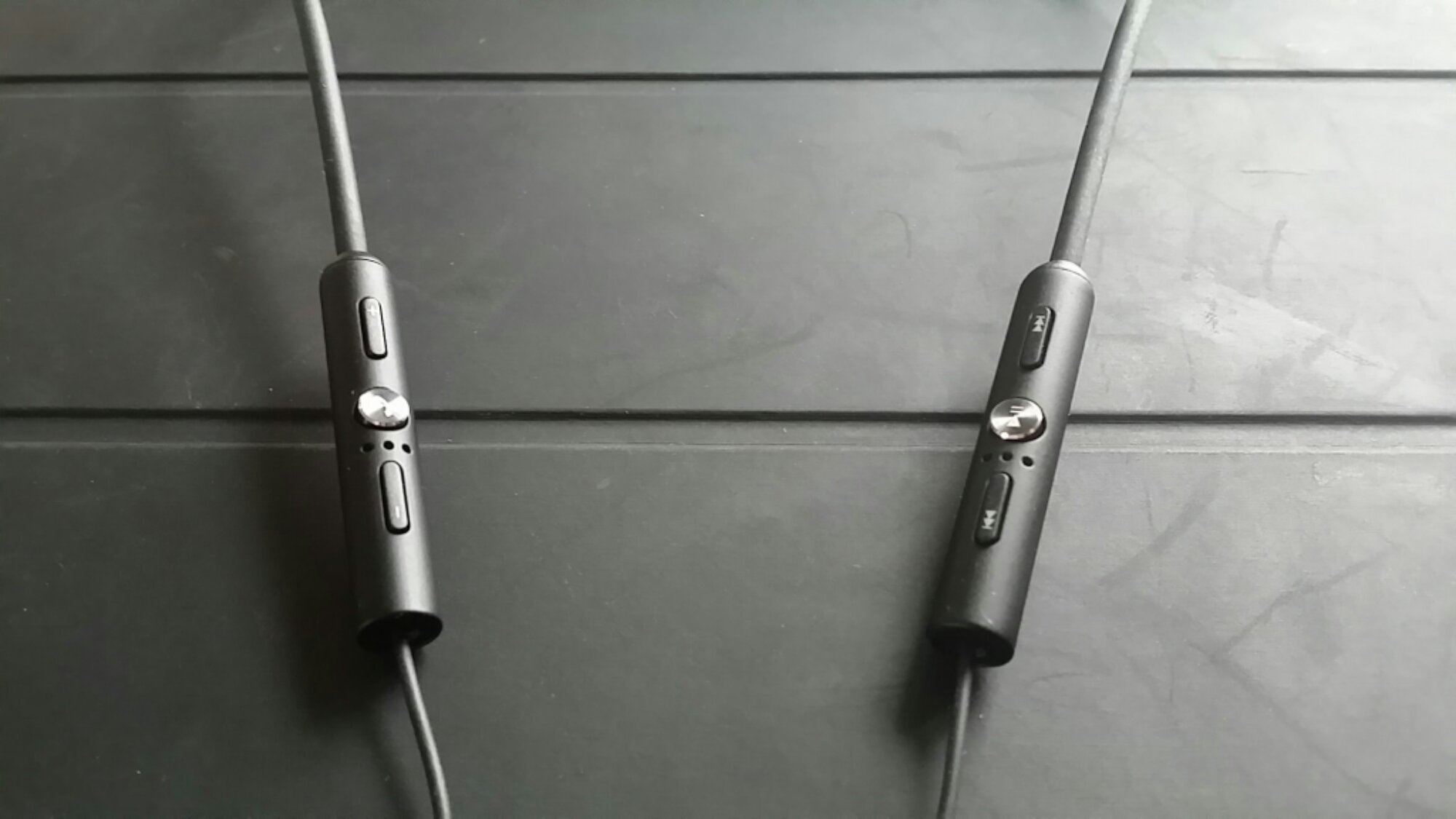
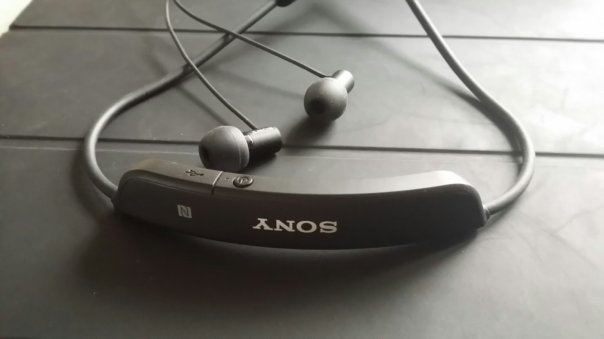
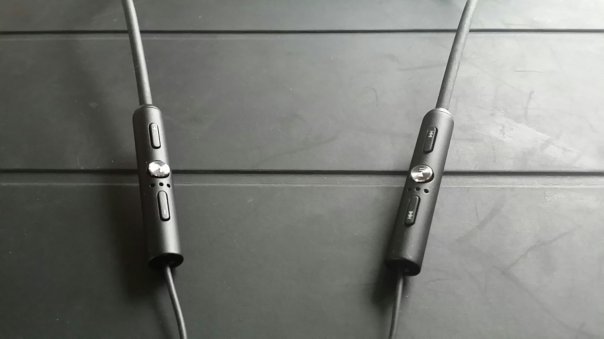
So the million dollar question. What are they like to use? And what do they sound like? The band sits on your neck, and once there you won’t know it’s still on your neck. It also takes the strain off the ear buds which is important since the cable from the band to the ear buds is rather thin. This in turn takes the weight off your ears. These in ear buds are so comfy. The band has the flap concealing the micro USB slot and the on / off switch. On the left hand side is the control for the volume up and down and phone. Press the phone button to accept the call. Press and hold to reject call. During the call, pressing the phone button mutes the mic, pressing and holding rejects a call whilst on a call. Whilst on a call, if another call comes in, you can switch back and forth between the calls. The right side has the music controls. Play/Pause. Track rewind and fast forward. Holding down the music controls scrolls forward or back along the track. The band also contains a tiny notification light -:

-Flashing red light: battery level is between 0% and 4%.
-Yellow light: battery level is between 5% and 29%.
-Green light: battery level is between 30% and 100%.
-Flashing cyan-coloured light: headset is in pairing mode.
-Flashing purple light: a call is coming in.

If you have a Sony smartphone like the Xperia Z1 or upcoming Z2 you can set to receive a notification when the headset battery is critically low. The main antenna for the device rests on the right cable, so it’s best to have your phone on the same side to ensure perfect sound without any drop outs in sound. In the time I’ve used the headset I’ve not suffered from this.

Sound and call quality. Making and receiving calls, peoples voices were crystal clear. The sound quality as a music player was very good but not as good as say the Sony XBA-H1 or anything more expensive. There is sub bass attack if the tracks include it, and at sometimes this might feel too much, but it’s a fairly neutral musical sound in the mid and treble. In fact, the overall presentation is fairly neutral with a slight hint of bass at times, although some bass driven tracks will explode with bass and muddle the midrange. It’s an odd experience at times. The soundstage is slightly closed in, but separation is reasonable. The presentation is trying to be too accurate at times, and the the treble is the weakness in this setup. But I am being super analytical. Overall it’s a great all round package. The sound is private so I didn’t get any complaints that the sound was leaking and in the same light I couldn’t hear anyone either. In terms of volume I’ve not had issue with the sound volume not being loud enough.

These are very popular headphones/headset and if you want to know more headover to Amazon’s Deal on the Sony SBH-80 Stereo Bluetooth Headset

If you have any questions, please leave a question in the comments section.

Episode 11 – Gav & Dave’s Tech Podcast is live – Please RT

As you know, I co-host a weekly podcast with David from UKMobileTech called Gav & Dave’s Tech Podcast. It is a light hearted tech podcast broadcast bi-weekly. To subscribe click here for iTunes or copy and paste this link into your favourite podcast app.

Episode 11 is now live.

If you get a moment and have enjoyed the podcast, please leave some feedback in iTunes. Thanks.

What’s the link between a hammer and Google Chromecast?

This was going to be impressions of the Chromecast which just went on sale officially in the UK.

So far all I want to do is take my heavy duty hammer and crush it into little pieces.

What’s involved. Opening the box, inserting the Chromecast dongle into your HDMI slot on your TV, connecting some power to the dongle via USB or a power socket. Then follow the link to install the app on your android phone, install and follow the simple setup instructions.

Chromecast is advertised to work with Google’s own apps including YouTube, Google Play Movies and Music, and then others like Netflix.

Google Play Music doesn’t work. The other apps work as advertised but the one I was most interested in was being able to cast my music. So I performed a hard reset Friday night on my Note 3. And it made no difference with a clean phone. Same problem. I then tried my wife’s iPhone 5S (I should have done this first) and Play Music wouldn’t cast.

So far Google Support are still investigating. If they can’t resolve the Chromecast will be castoff.

But … with a crew of tech gurus involving @jhoneyball , @Raktkat, @davidmarkrich and @gilroyneil and 2 hours later all is resolved. It turns out that my BT Homehub 4 router wasn’t playing nicely with the Chromecast. Now what’s annoying is Google support didn’t even mention they are aware of an issue with their BT Homehub 4 and 5 routers. Since resolving this issue I found the support knowledge article by Google Google Homehub and Chromecast.

Thanks to Dave, I actually had to temporarily disable the firewall and then re enable again as well as turning smart access off, which is a real pain in the arse if you change devices a lot.

What’s worse – performing a hard reset/restore on android phone or sleeping on a bed of nails?

As you may have read on my previous post, I performed a hard reset on my Samsung Note 3 on Friday night. I have had the Note 3 just over 3 months and this is the first time I have undertaken this exercise.

I did this to see if I could get my new Chromecast to work. I also thought after 3 months of installing and trying new apps and just recently updated to android kitkat, that a hard reset wouldn’t be a bad idea to flush out any crap.

The hard reset and formatting of the memory card takes only a few minutes, although the first attempt of erasing/formatting the memory card caused the Note 3 to soft reset by itself. The second attempt was fine. And then hard reset the Note 3, and was left with a baron phone. Mind you can you call a Samsung phone baron!

Anyway, that’s the easy part. Unlike restoring an Apple iPhone which is a totally seamless exercise, the process via Google was painfully slow. In fact, I left the phone downloading the apps and games overnight. I was up at 4.30am and it was still had more to download and install. Then by around 8.30am all 164 apps/games were installed with all logins and passwords and my custom layout back to its state from the night before. All in all, it took 12 hours.

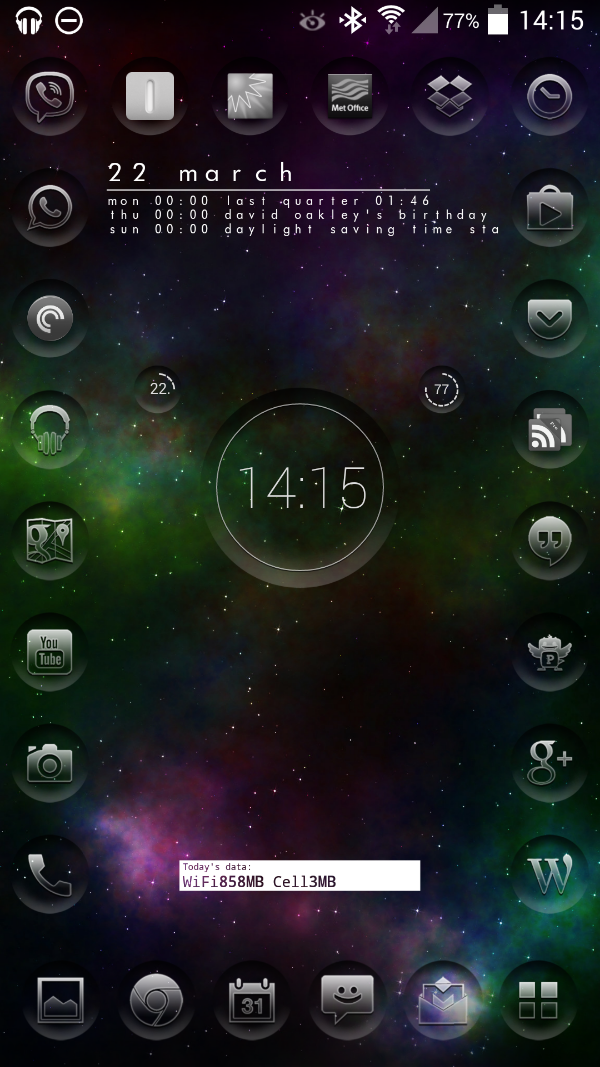
The good news I’m left with 2gb more internal storage. And my custom setup is back.
image