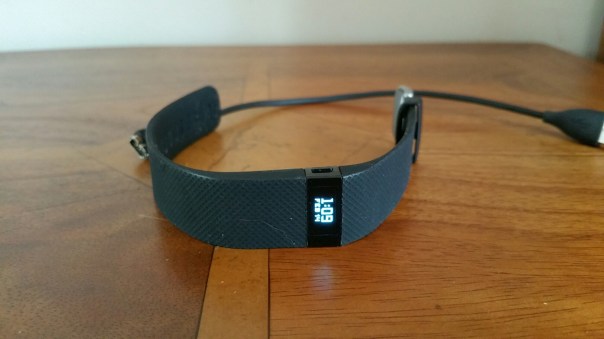
FitBit has just released a new firmware update to v18.84 for its Charge HR. So I updated my Charge HR yesterday and it has a new cool feature called Quick View.
With Quick View, you don’t need a free hand to check the time on your Charge HR. Instead of pressing the button, just turn your wrist towards you and the time will appear for a few seconds. You can enable Quick View under Settings.
Devices on your Fitbit.com dash.Immediately get summary data about your workouts instead of waiting to sync your tracker. Now when you turn exercise mode off, your workout’s elapsed time scrolls across the tracker’s screen for about four seconds. After the elapsed time, the following summary stats appear in turn:
– Average heart rate
– Calories burned
– Steps taken
– Distance covered
– Floors climbed
If you miss the summary, you can always check your web (Fitbit.com) or mobile dashboard after syncing to see all your historical data.
You can now tap your screen once to advance to the next screen.
When charging your tracker, you’ll now see the current battery level.
You no longer need to press the button to see your goal celebration. When you reach your fitness goal, your tracker will celebrate immediately.
This release resolves the following issues:-
– High floor counts have been fixed. Some customers reported artificially inflated floor counts.
– All exercise records now appear on the Activities page. Some customers reported being unable to find historical activities.
– Trackers no longer restart unexpectedly. Some customers reported trackers restarting during setup or while enabling call notifications.
I really like the raise to show time and or date. Makes it more like a watch now.
It is just a shame FitBit still have no plans to sync to Apple Health Kit or Google Sync.
Source – http://www.fitbit.com
 Gavin's Gadgets & Photography
My high floor counts have not been fixed, just as bad as before.
LikeLike