
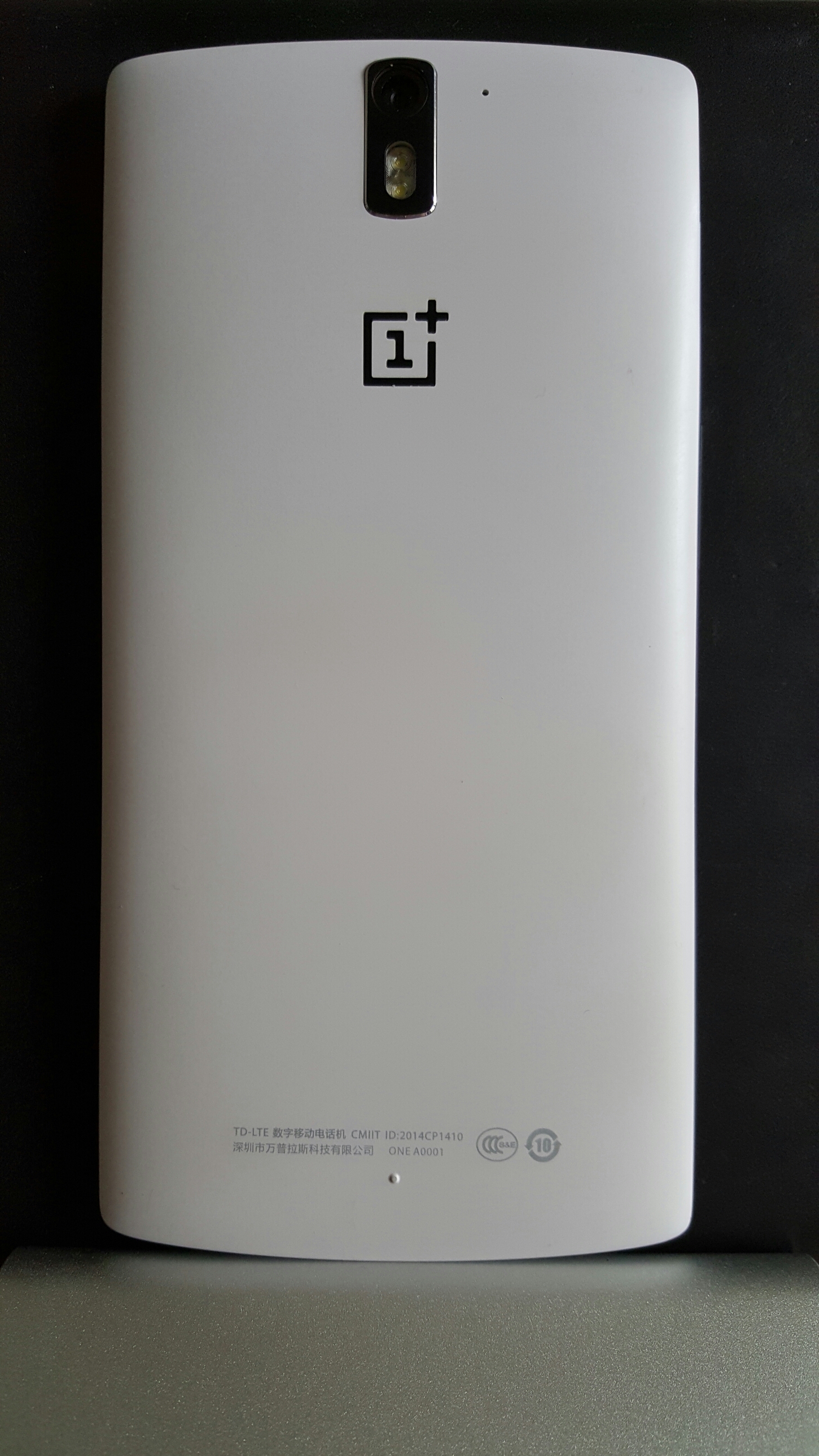
So it’s been just under a day with the Oneplus One. And it’s been a remarkable day. First up this is the 16gb version running CM12 (android 5.0.2) which provides a slick and speedy user experience. When I first powered up the One it was running CM11 based on android 4.4.4. So I quick download later, into the recovery menu and a flash of the new firmware and voila.
My thoughts are that the speed of the phone jumping between all the various screens is really smooth. Double tap to wake up works well. Themes are present and offer a nice touch. CM12 offers endless settings tweaks to really create the experience you desire eg Gestures to activate the camera, control music and operate the flashlight. The status bar is customisable too. See photo above and note the circular battery icon and time in the middle of the status bar. These are just two of the items that can be tweaked in terms of style and text options.
So what else have I noticed. The One comes with AudioFX which is an Equaliser powered by MaxxAudio. This is one monster of an EQ and means the phone can power a wide range of headphones really well and also produces excellent music over Bluetooth. Booming sound!
The screen is reasonable. Not a patch on the Samsung Galaxy S6 but then the pay off is crazy good battery life. After starting at 7am it’s only dropped 30% and has apparently 20 hours still left.
I haven’t tried using the camera properly, but I did notice the default camera app allowed shutter control up to 8 seconds. After installing Camera FV-5 this extended the shutter setting to 60 seconds and a quick as 1/5000. ISO control ranges from 100 to 3,200. It will be interesting to see how good the long shutter photos turn out. As a comparison the Samsung Galaxy S6 can only offer a longest shutter speed of 1/7s. Tonight I shall be filming midnight exposures.
I have also have had a brief look at various roms and there seems to be a few to choose from. Color OS for example apparently offers a superb camera experience and has better post processing software than that from Cyanogen CM12. There is also Oneplus’s own Oxygen OS to try out as well.
So this is not only a tweakers dream device, but also a durable, competent and surprising low priced reasonable phone based on my first day experiences.
To recap my first impressions click here – https://gavinsgadgets.com/2015/04/30/oneplus-one-first-impressions/
To be honest, I acquired the Oneplus One to review and then sell on. Not sure I want to sell it now😄
 Gavin's Gadgets & Photography
are these other roms ‘official’ and is the phone covered by a warranty if flashing goes wrong?
LikeLike
Oxygen OS and CM11 or CM12 are official firmwares . Color OS isn’t and comes from the Oppo Find 7. As to warranty , technically yes on official. But I’ve never tried returning a chinese phone! However it’s a fun challenge to use something different.
LikeLike
aha. I know so little about this phone, so your coverage will be very interesting 😀I used to enjoy swapping roms in the past, though it could be stressful!
LikeLike
It’s as easy as blowing your nose. I updated CM11 based on kit kat to cm12 in 5 mins. Just went to oneplus website. Download rom . Installed it following 2 simple steps . First step hold power button to bring up soft reset options. Press. Further reset options for recovery mode. Tap on download and voila. Or with cm12 could have waited a few more days for ota but wanted new rom for review.
LikeLike
I don’t like flashing roms either but this was so easy.
LikeLike
Great post..Thanks for visiting back!
LikeLike