Today I am going to look more in depth at the custom skin and explain the gestures. You will notice on the front there are 4 cameras in each of the corners.
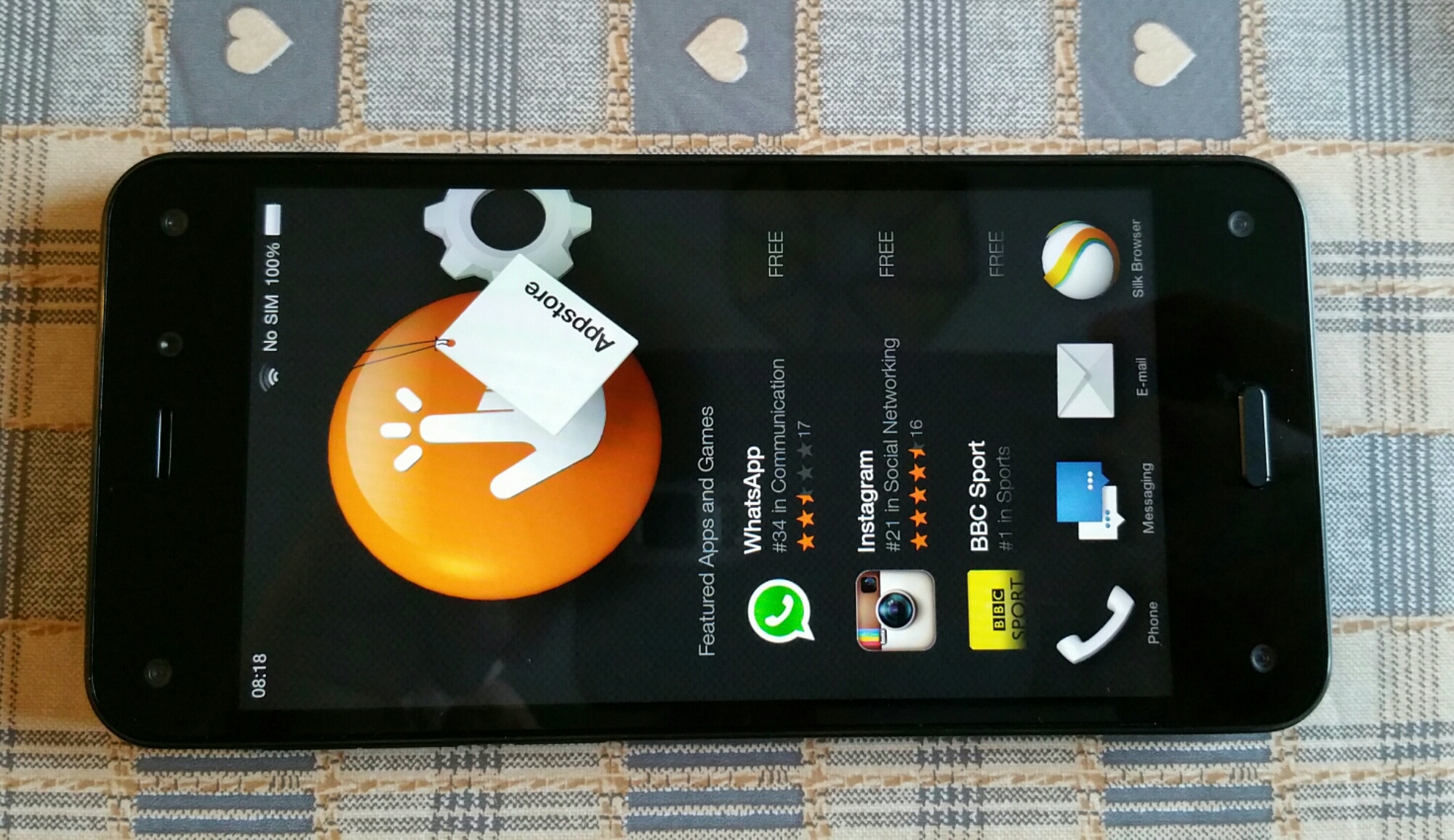
These track your head movement and allow for dynamic perspective. This is where the screen can move and you tilt the phone to reveal extras. On the home screen you have a carousel look. The big icon explains the app and underneath common actions. The carousel places new apps and recent.
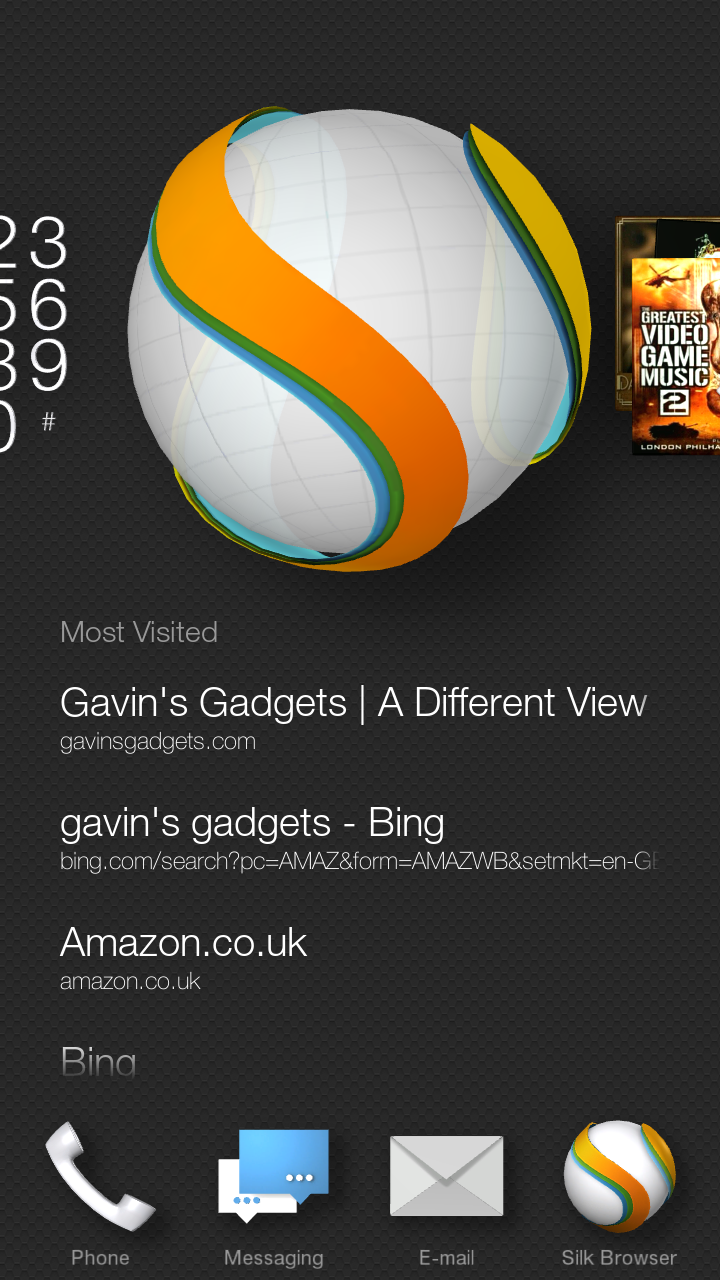
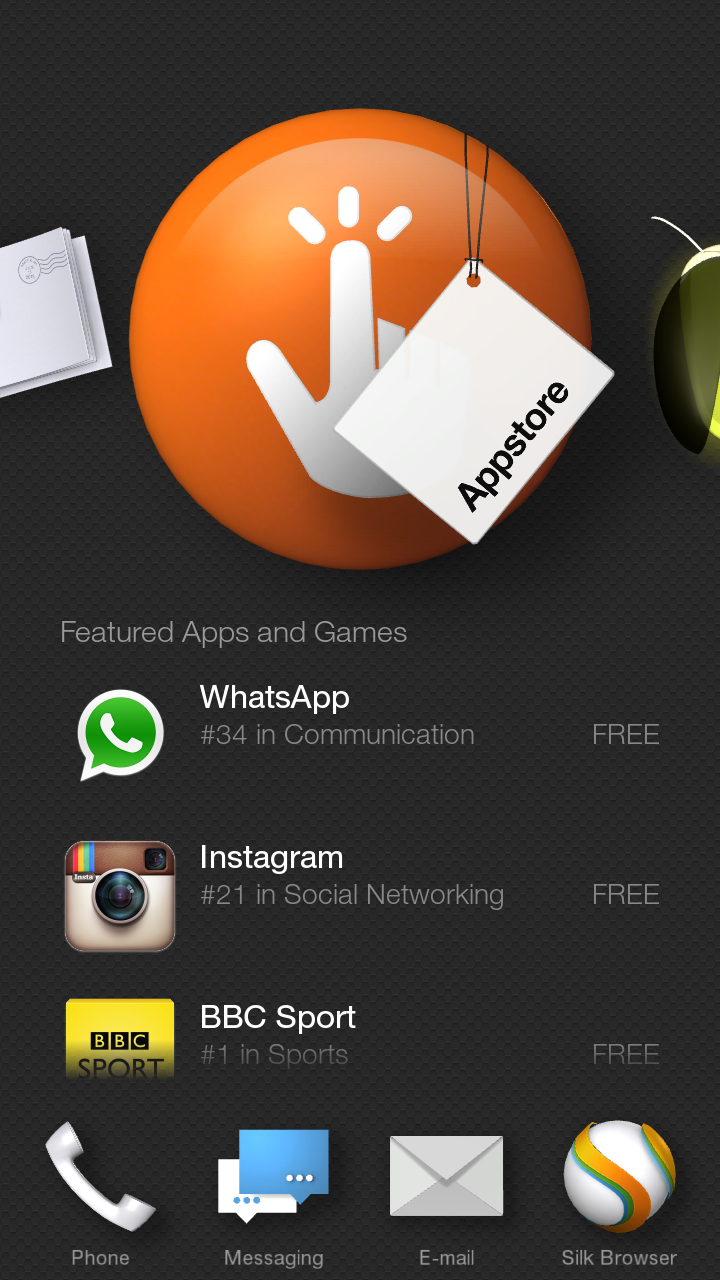
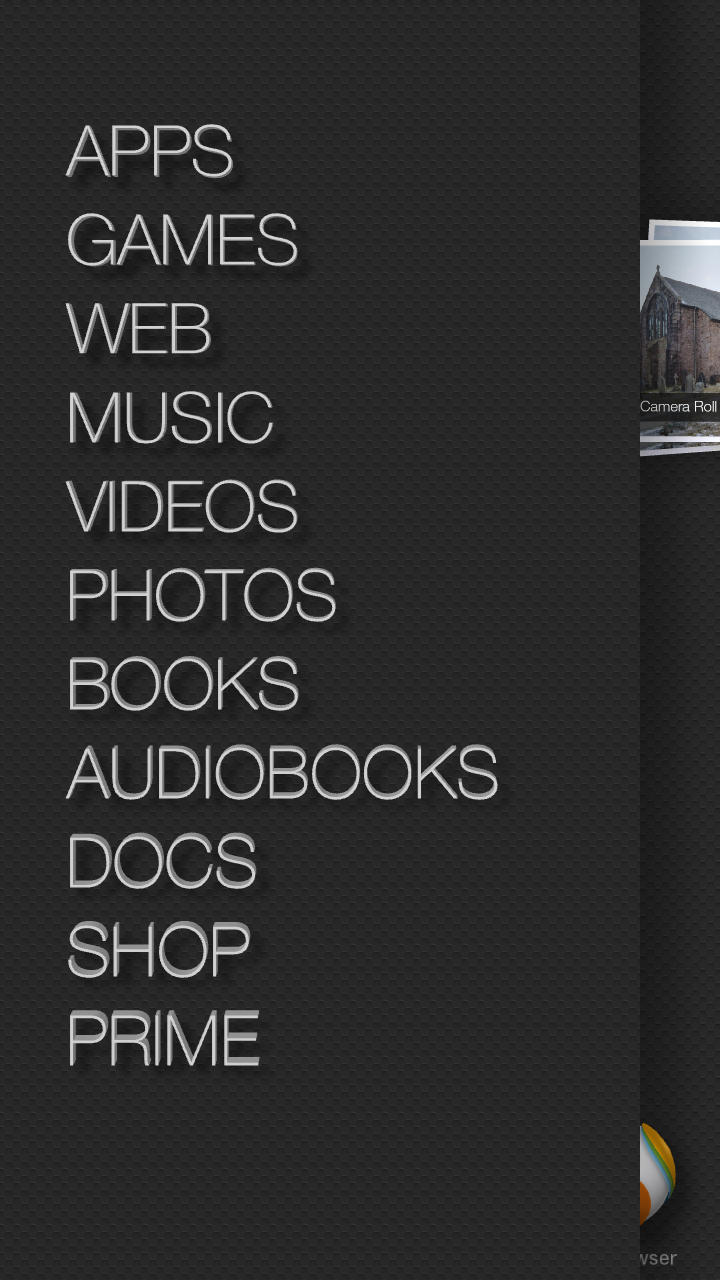
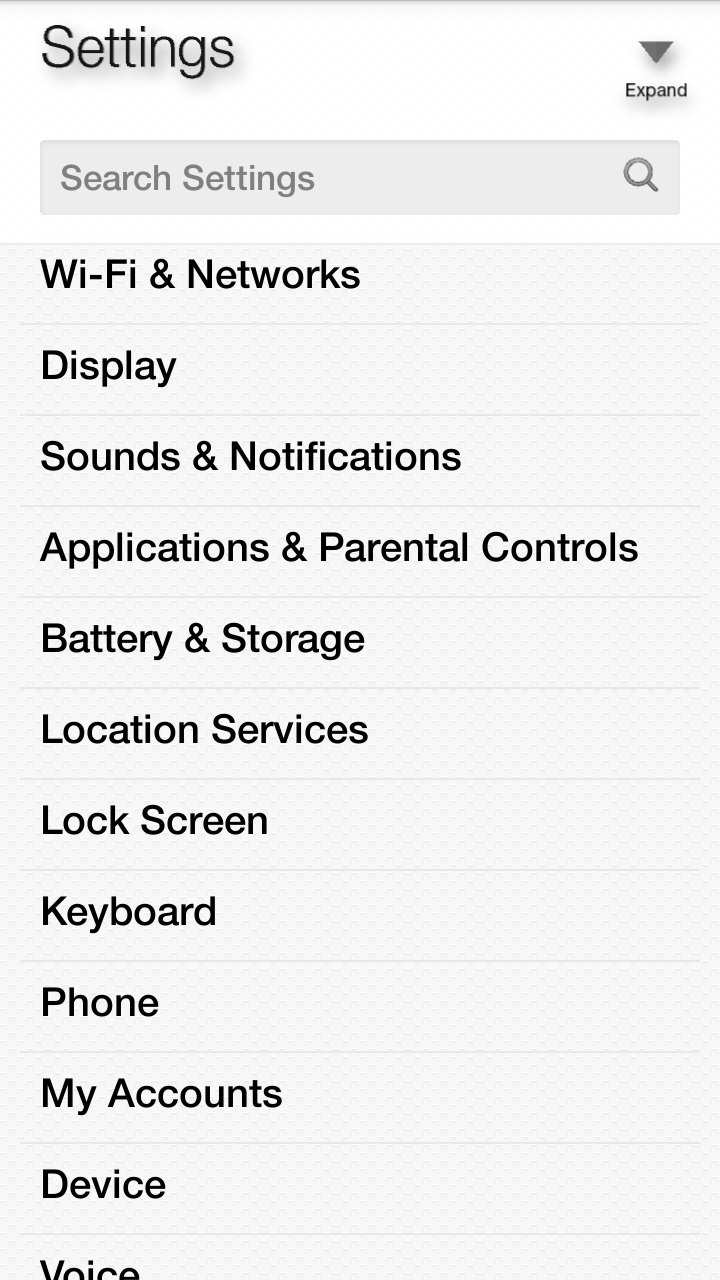
I’ve shown a couple of examples. By tilting phone left to right or right to left reveals the side panels. Left is always as shown in main screen, but in an app reveals additional options or settings.
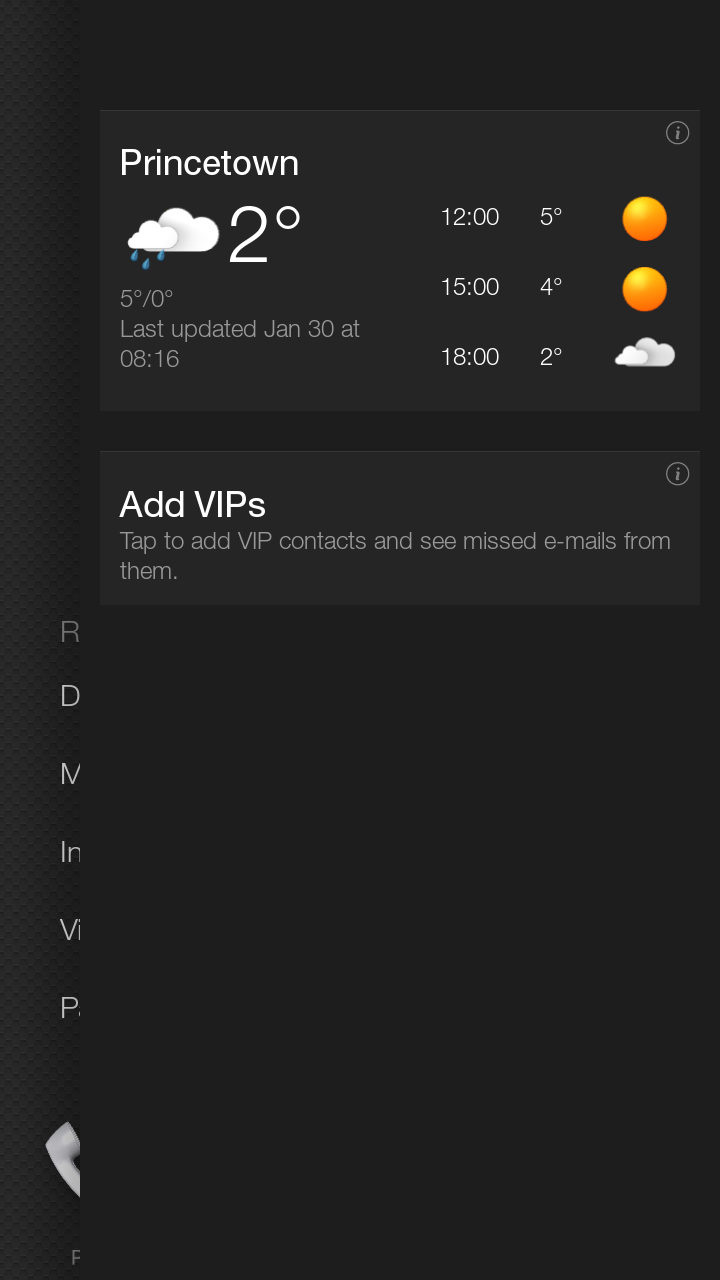
Now tilting to reveal right side gives me notifications and weather.
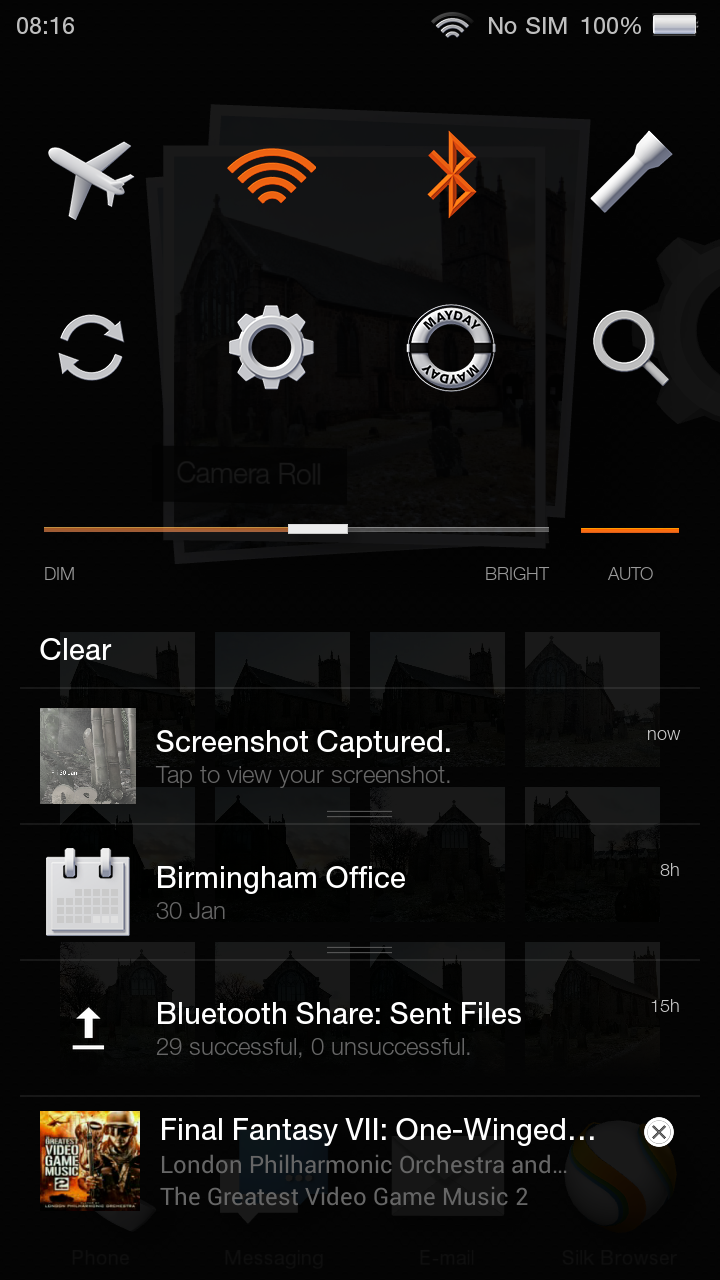
Swiping down reveals the quick settings and mayday button. Mayday connects via video to a person at Amazon support. You can discuss issue and they can show you on the screen. I tried using this and it is the best support experience I’ve ever received.
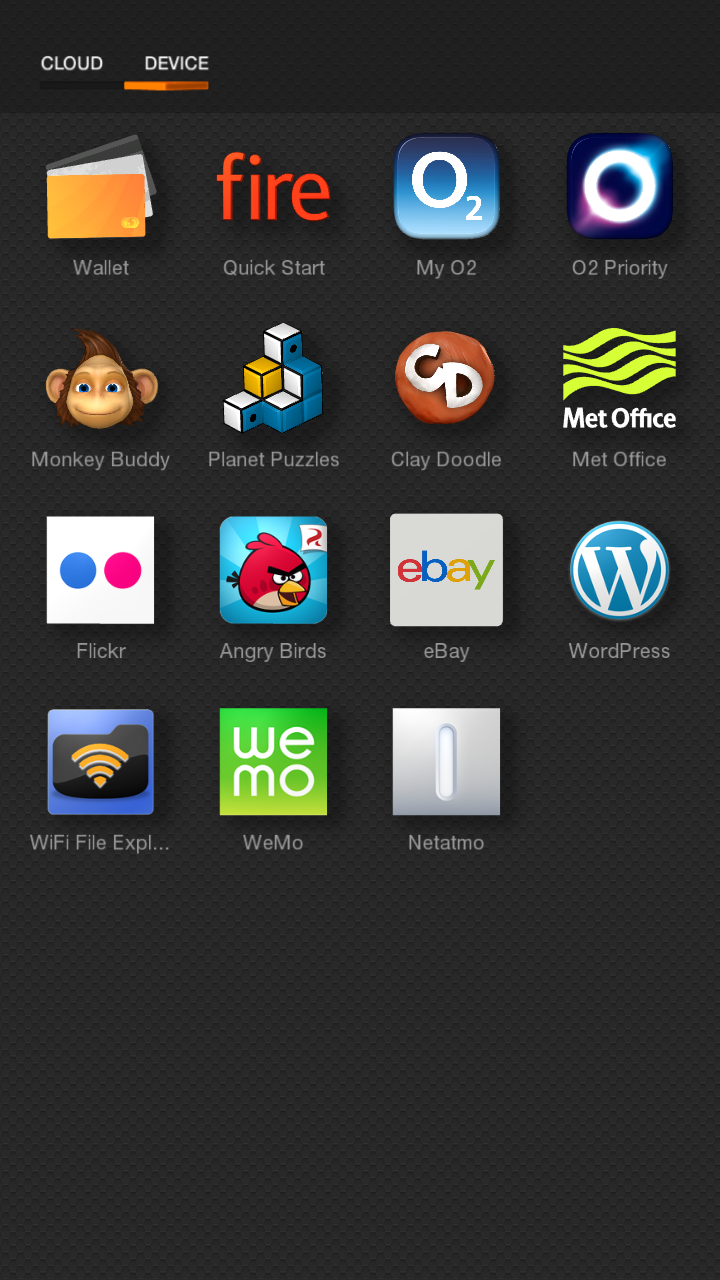
So what apps are included as standard. Below screen shot of app drawer. The apps from Met Office onwards are ones I’ve installed.

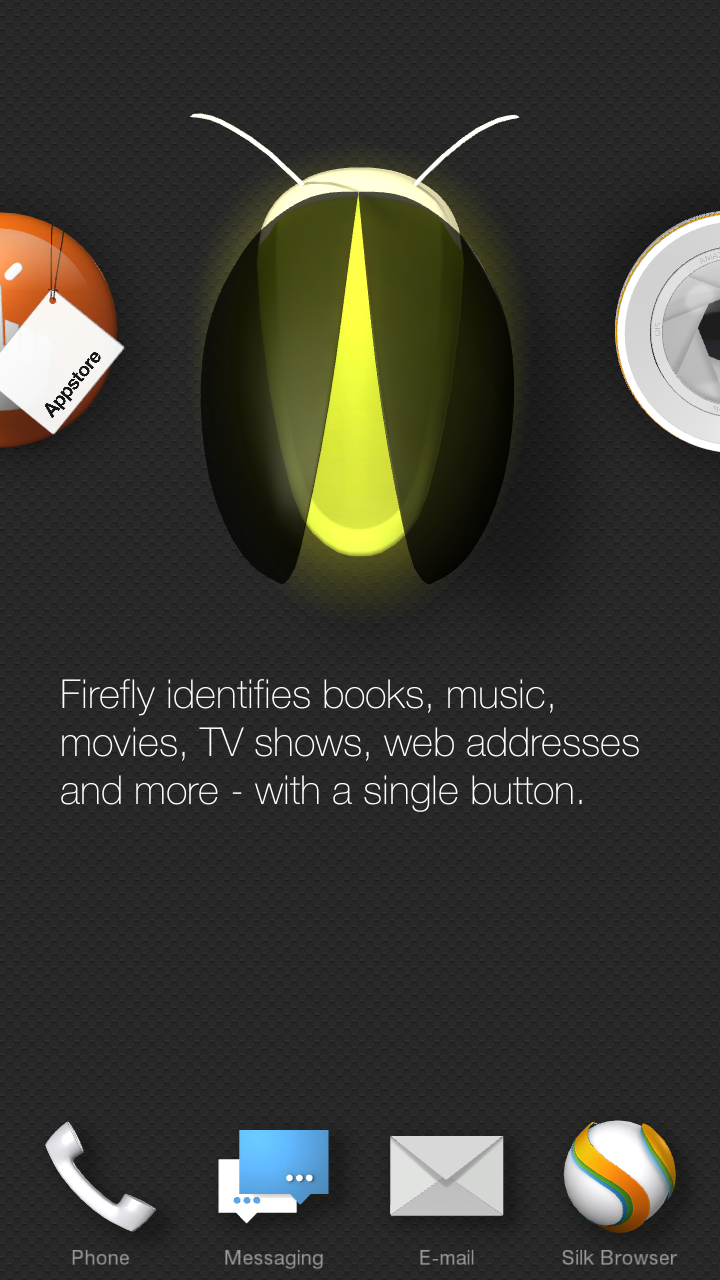
The phone has a button on the left side to launch the camera. Long press activates Firefly.
The camera has options for hdr, flash, best shot , lenticular and panorama modes. On screen the camera app tells you when it recommends hdr. Tap the on screen icon to turn on or off when it appears. Best shot takes 3 shots. One before you pressed the shutter , as you pressed the shutter and one after. You can then select the best photo. Neat.
In the maps application by tilting the phone you can reveal places of interest, restaurants and more.
As I mentioned yesterday, the headphone audio and Camera and strong aspects of this phone. I also like the hardware overall. Nimble and easy to hold. And at the price I paid of £99 a steal so long as you don’t mind using O2 for a year and aren’t tied into Google services too much.
 Gavin's Gadgets & Photography
1 thought on “Amazon Fire Phone – Review – Part 2”