Today I am going to have a look at the camera and also show you some samples. The rear camera is 13mp which also have optical image stabilisation, allowing for decent shots. The camera has a number of options as shown below. The rear camera has a f/2.0 for faster shots. The front camera is 2mp and can record video at 720p.
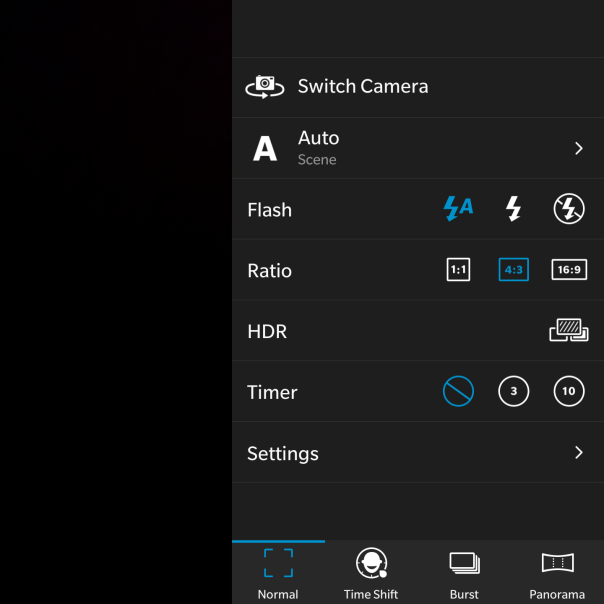
There are a wide range of options to cover most options.

Not shown is the GeoTag option, which is yes or no.
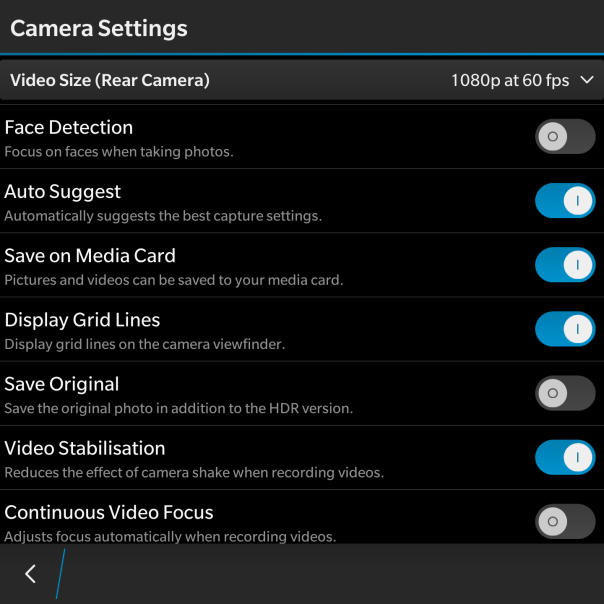
So that is all the settings, lets look at some shots from the BlackBerry camera. The first shot edited using the in built photo editor filters.
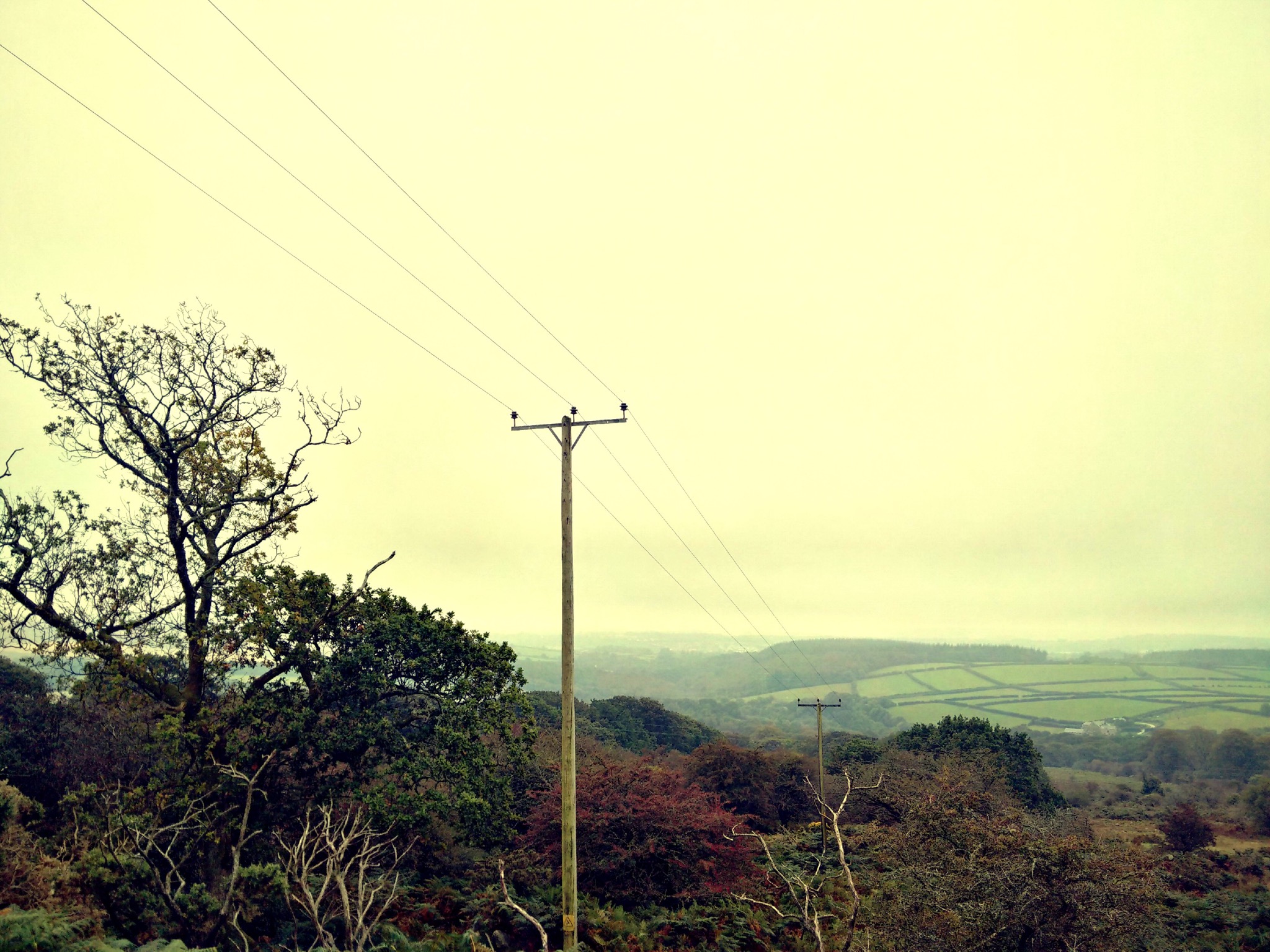
And the shot below was one of the first photos I took from the camera.
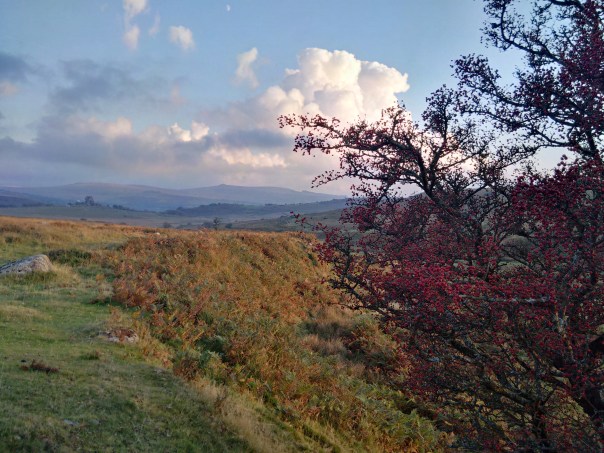
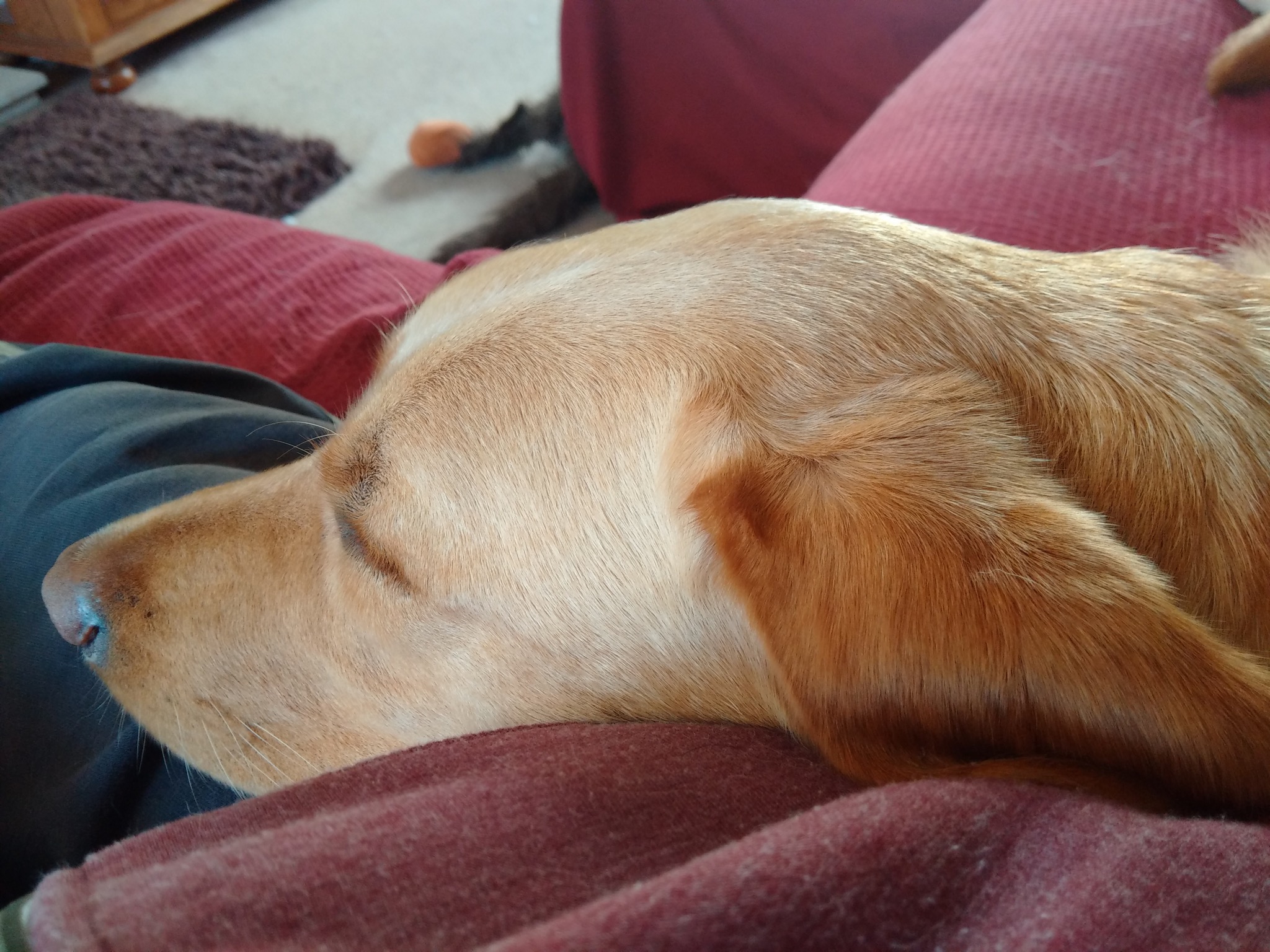
And now some other shots.

Square mode for those that like instagram.
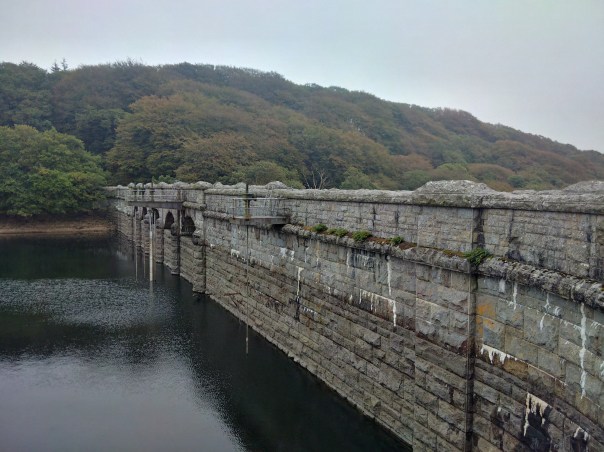
Some really difficult overcast lighting conditions, managed reasonably well by the Passport.
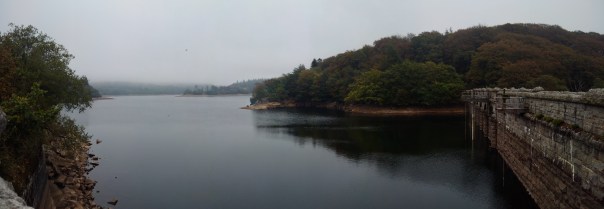
Panoramic shots were good too.
So what is the camera like to use. For a start as the phone is square, you do not need to rotate it horizontally. Weirdly, I enjoyed not having to rotate. I generally shoot is 4:3 ratio, so I had the on screen camera shutter button visible under my shot. The 4.5 inch screen was actually a benefit. With auto suggest left on in the camera settings, a screen banner appears at the top when it detects if you should switch HDR on or off. Tapping the banner changes the setting, but there is a second or so delay switching HDR on or off. Shooting in HDR is not instant. It takes a couple of seconds to complete each shot. So not ideal for anything moving. I also found it was vital to switch the HDR on or off based on the camera suggestions as otherwise the photo was not as good as it could have been. In addition, it takes about 1-2 seconds to start the camera initially, 1 second thereafter. Apart from that I always ended up with a good photo that I could use. And if you are the sort of person that like filters and other editing features the built in photo editor has a multitude of options. All the different shooting modes work well. The panoramic shot was rather good too. When shooting video, you can take a photo too. Now, I do have an iPhone 6 Plus and I know some of you will want to know how the Passport compares. Well firstly the 6 Plus is faster to take all the shots and process them and the 6 Plus took better shots every single time. However, the Passport photos are still good photos!

And finally, you can view all your photos in the Gallery app. As you can see I have quite a large number of photos on my micro sd card, but these are displayed in their respective folders as below.

I did found that when I inserted my micro sd card slot which had 15gb of music and 1,000s of photos it took a few minutes for the Passport to scan and prepare the memory card. This was a once only affair.
So overall, a decent camera app and photos with good editing options are present on the BlackBerry Passport.
 Gavin's Gadgets & Photography
1 thought on “BlackBerry Passport – Camera & Camera samples”