Over the years I have installed over a thousand android apps. Sometimes, I installed the free version and then bought the full app. Or I tried various free apps until I got what I needed. Or in the early days, I downloaded an app to fix or provide a function.
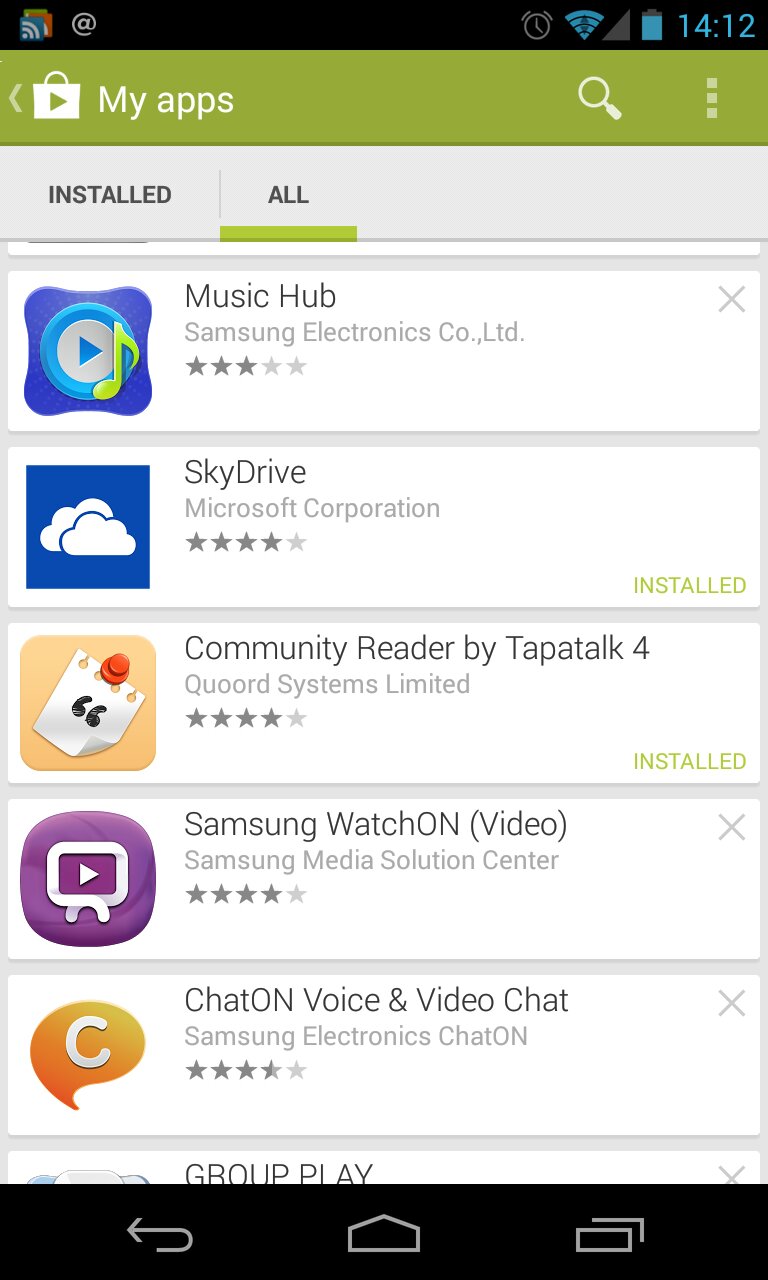
But I was getting up scrolling through unwanted apps and games. Well, in case you haven’t noticed, fire up Google Play on your phone or tablet. Select my apps, all. Now top right on each app listing is a cross. Carefully, tap the cross. A box will pop up and ask would you like to remove this from your list. Hit yes and its gone.
But what if you have a large number to remove. Push down on the app icon and hold for a second. It will highlight the line and on the top bar the selection dialogue appears.

Now tap on the app icons of all the apps and games you want to remove. Then on the top selection bar, tap delete and voila.
I removed about 650 unwanted apps or games.
 Gavin's Gadgets & Photography