Every week I am going to publish a few less known tricks with iOS 6.
First up is finding a word on a web page. For this example I have gone to the Apple store on safari. Then I go to the search box top right and search for iPad.
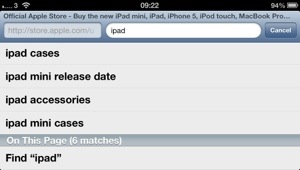
If you scroll down you will see find words on this page. Tap there and then all the safari will highlight one at a time your search word, and also let you known how many are left on the page, as shown below.
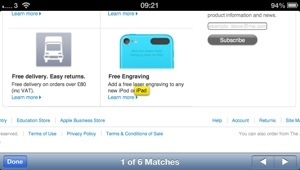
Fairly neat trick when you need to find a word on a huge web page.
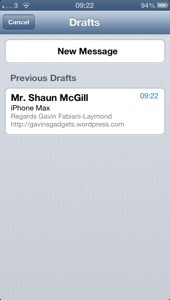
Now for my next trick, go to the mail app. If you press and hold the new mail icon, bottom right, instead of bringing up the new mail screen, you actually get a list of saved drafts. See screenshot below
Look out for more useful tips, and if you have any yourself, please let me know in the comments.

