Apple really has added some neat tricks with iOS 8. The Photos app has had a big overhaul and offers really advanced editing. But it also allows you to edit the photo with another app without ever leaving the Photos app.
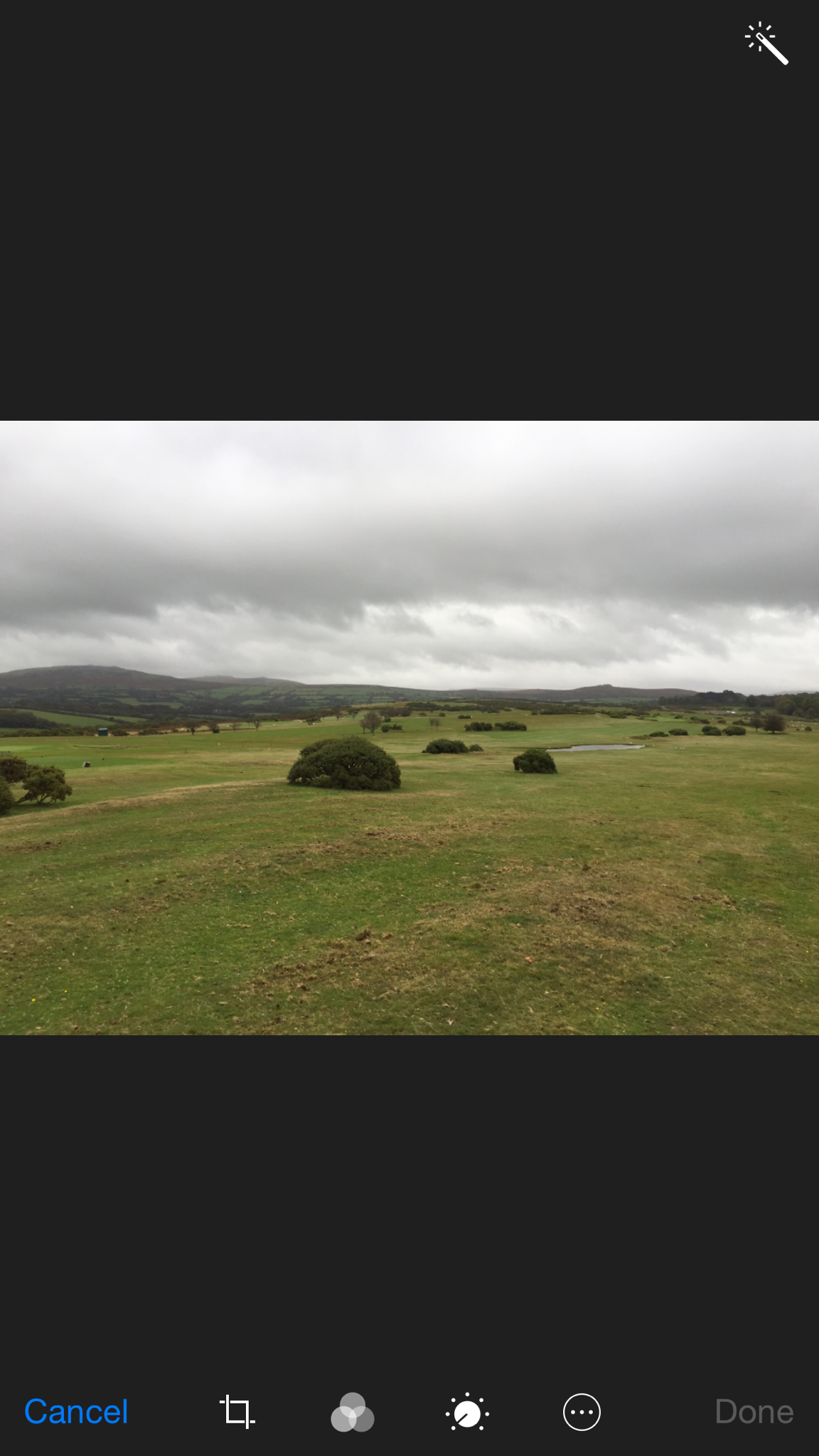
So first select your photo. Next tap edit. Then select the circle icon at the bottom with 3 dots in the middle. Depending on what apps you have installed and selected to show you could be presented with the following –
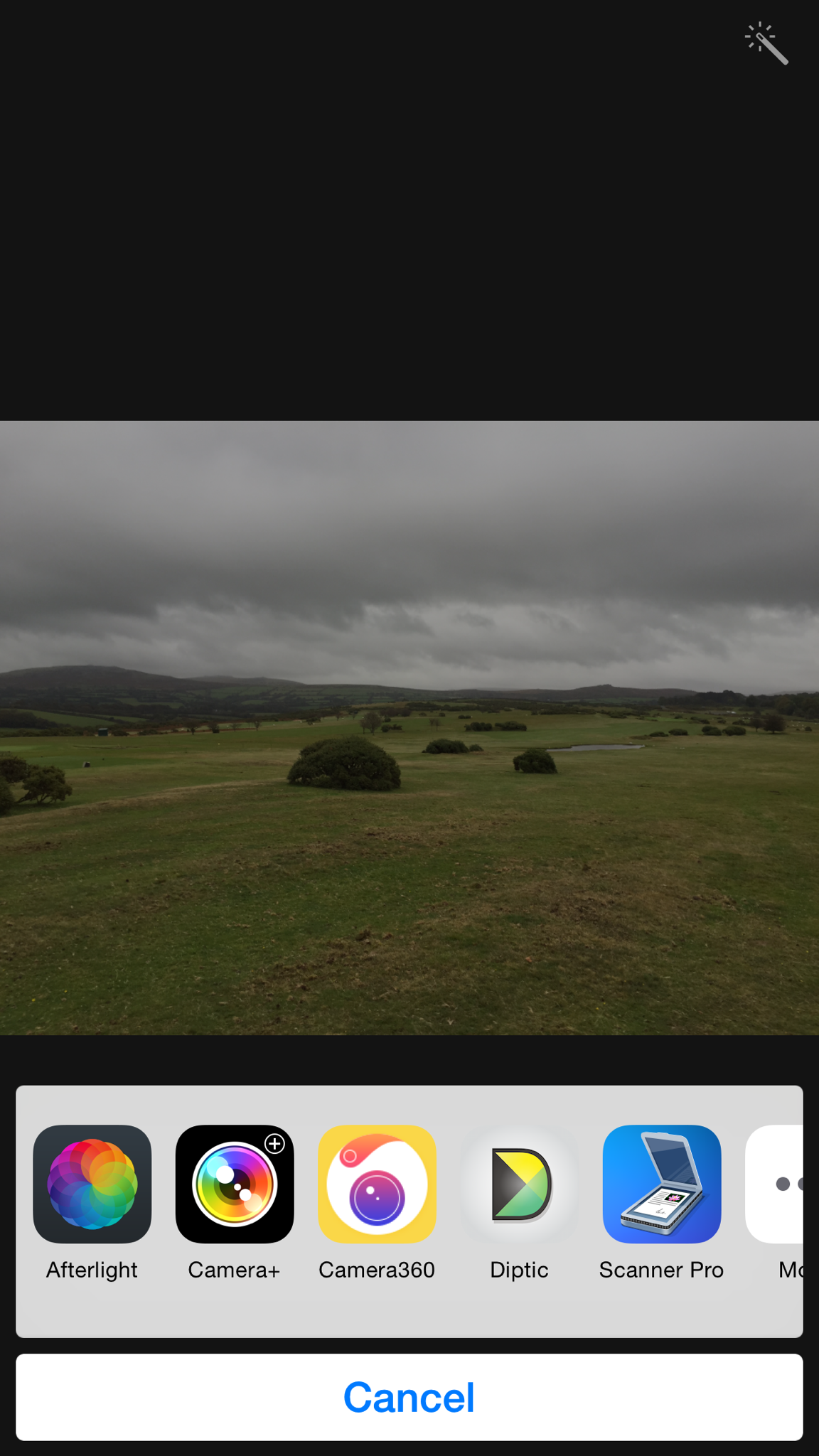
So let’s have a look at these apps. Tapping Diptic creates a two framed photo with the GPS data map. You can select to have the map above or below and a few other options. The end result is this.

Let’s look at another app Camera 360. Here you get access to all its features. Ideal for selecting an effect.

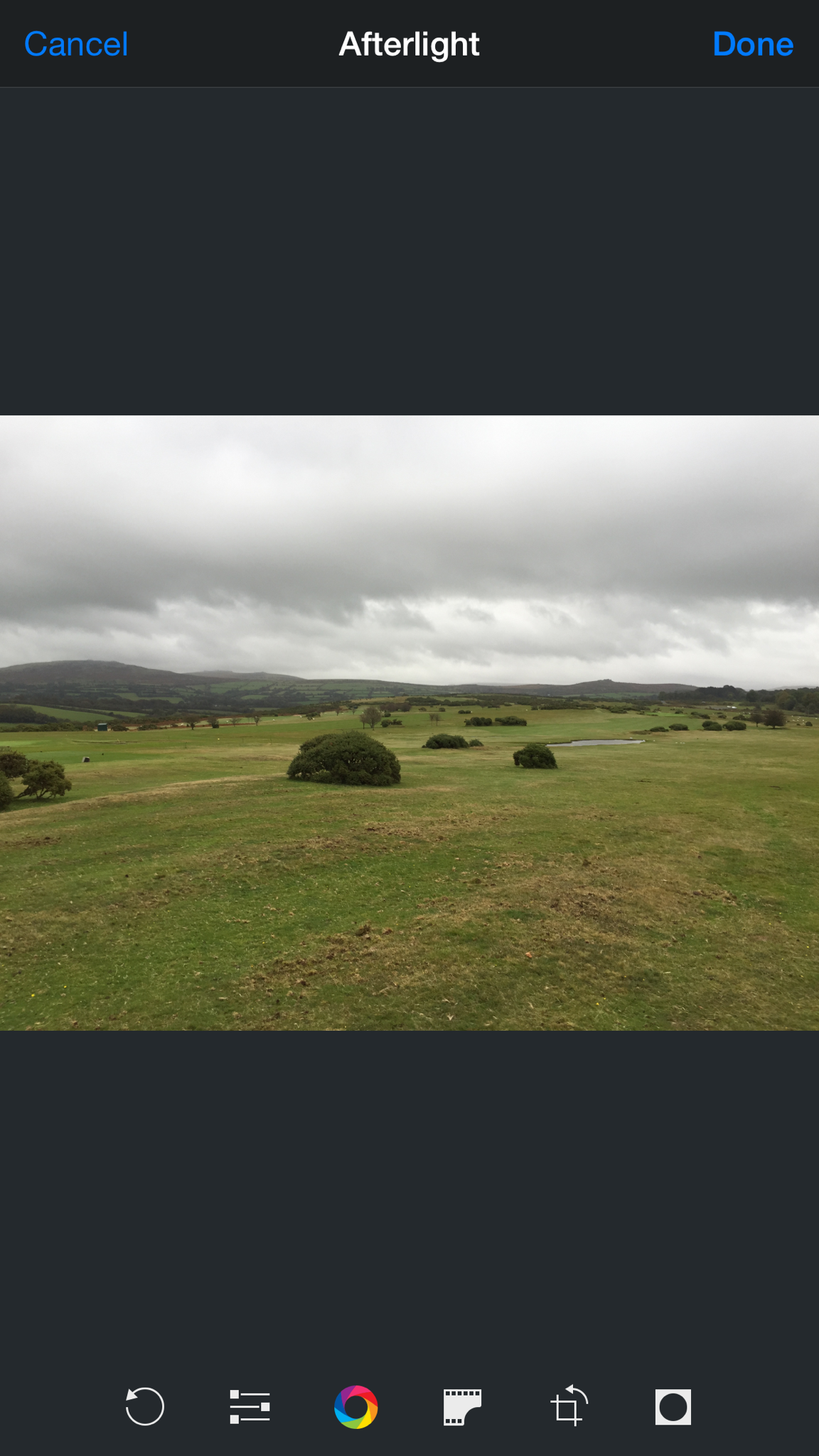
Another app Afterlight will give you access to the following options.
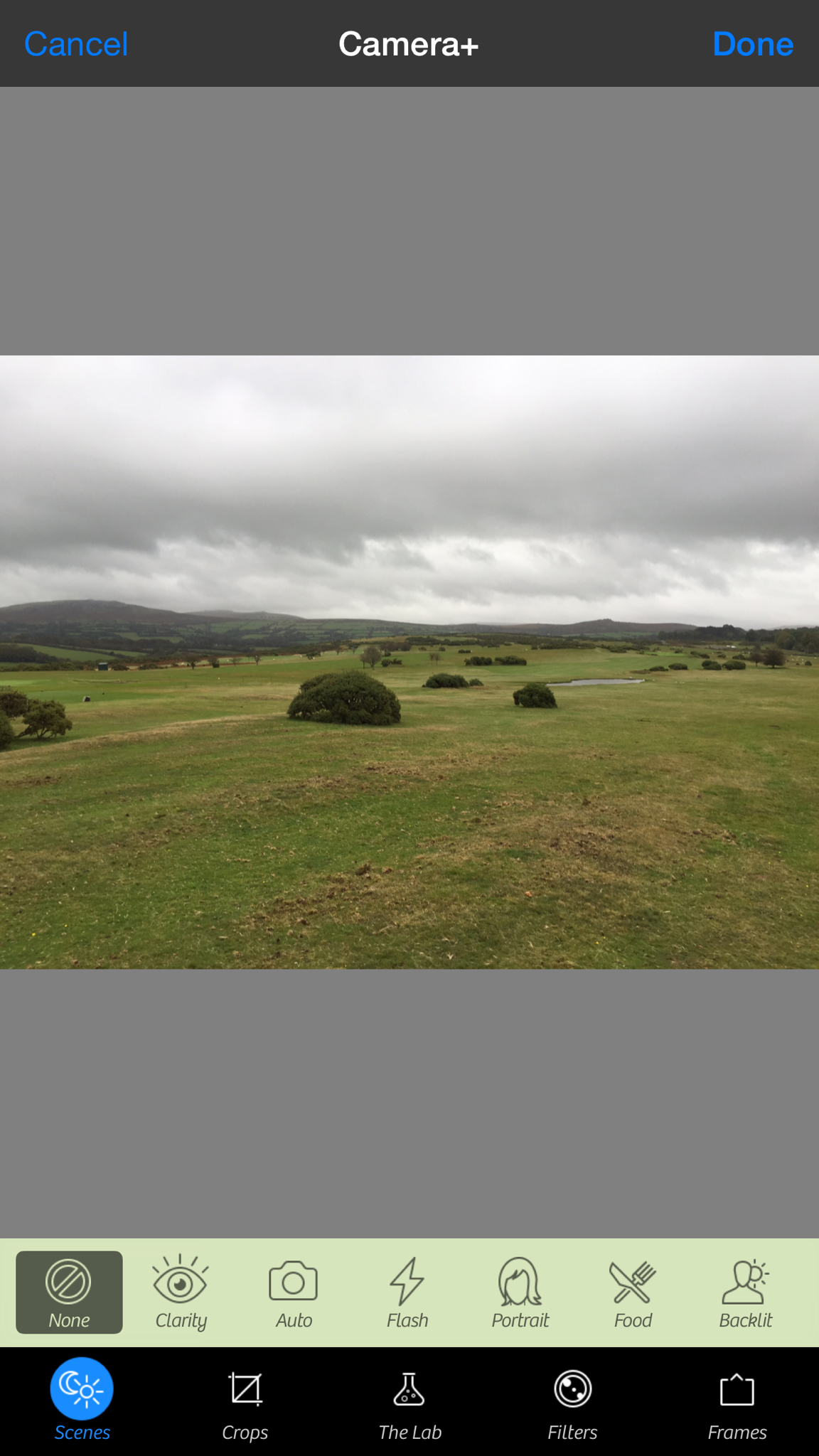
Above is the options for Camera+. The beauty is you can edit the photo and when finished you are still in the Photos app. Let’s hope all photo apps add compatibility with this iOS 8 feature. It makes for a great way to add a filter from a particular app without ever having to leave the main Photos app.
 Gavin's Gadgets & Photography