If you scroll back to yesterday, you will have read about the flexibility of the home screen live tiles on Windows Phone with my Nokia Lumia 925.
But how do you access all your applications.
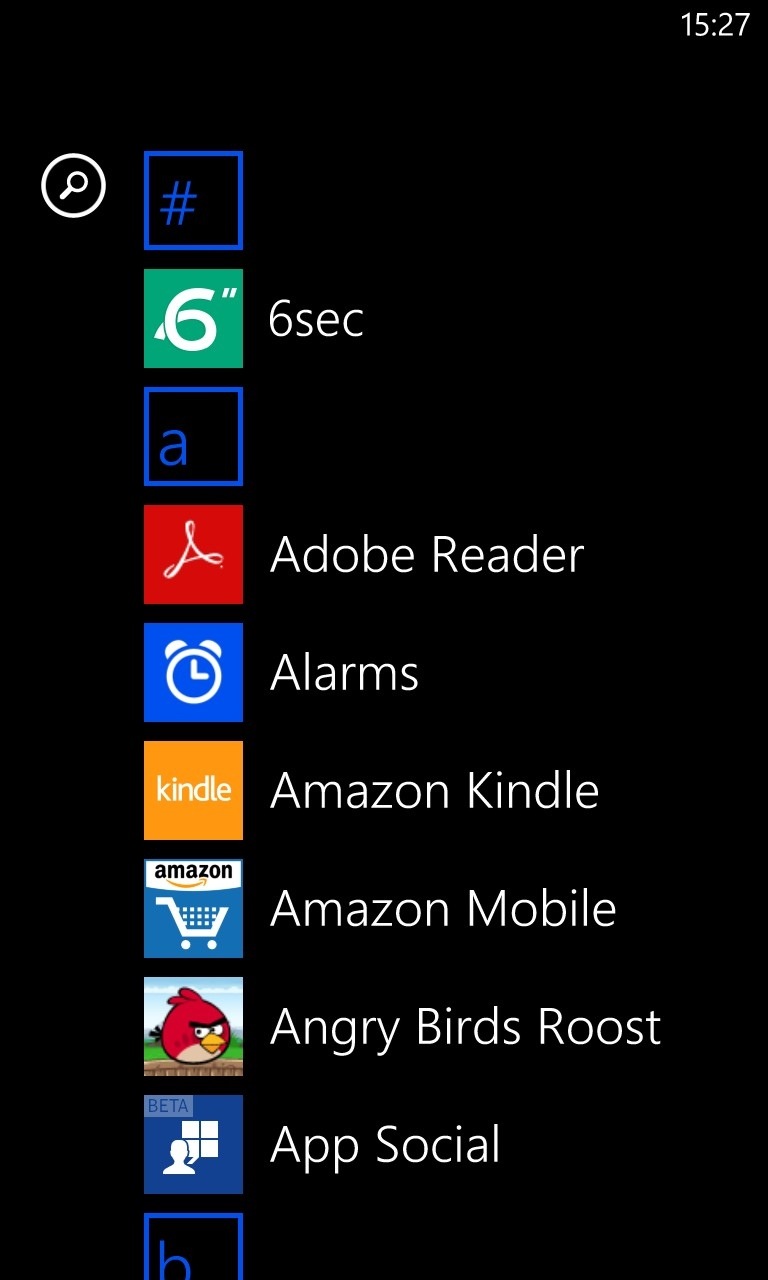
Well from the home screen you swipe right to left to bring up the app list as shown above. Now if you are like me and have installed many apps, scrolling down to TuneIn Radio would be a lot of scrolling. But if you tap any letter prefix you get this view.

Now tap on the letter required to accelerate you down to that part of the scroll list. Non coloured tiles indicate you have no apps using that letter of the alphabet.
 Gavin's Gadgets & Photography